




Keep reading
Rather we just did it for you?
Let's get your business seen.
Social media, websites, SEO and ads from a team you can actually meet.
If you rely on local customers, learning how to Advertise on Google Maps can be one of the most direct ways to turn nearby searches into calls, visits, and bookings. When someone searches for “plumber near me” or taps around the map looking for options, Google Maps ads can put your business in front of high intent customers at the exact moment they are choosing where to go.
This guide explains what ads look like, where they appear, how much they can cost, and how to set them up properly in the UK. It also covers the common mistakes that waste budget, plus practical steps to improve results.
Why Google Maps ads work for local intent
Maps users are usually closer to a decision than standard web searchers. They are often trying to:
- Find a business that is open now
- Compare ratings and reviews quickly
- Check distance, travel time, or parking
- Call to confirm availability or pricing
- Get directions and visit the same day
That is why an ad on Google Maps can perform well even with a modest budget, as long as your targeting and location setup are right.
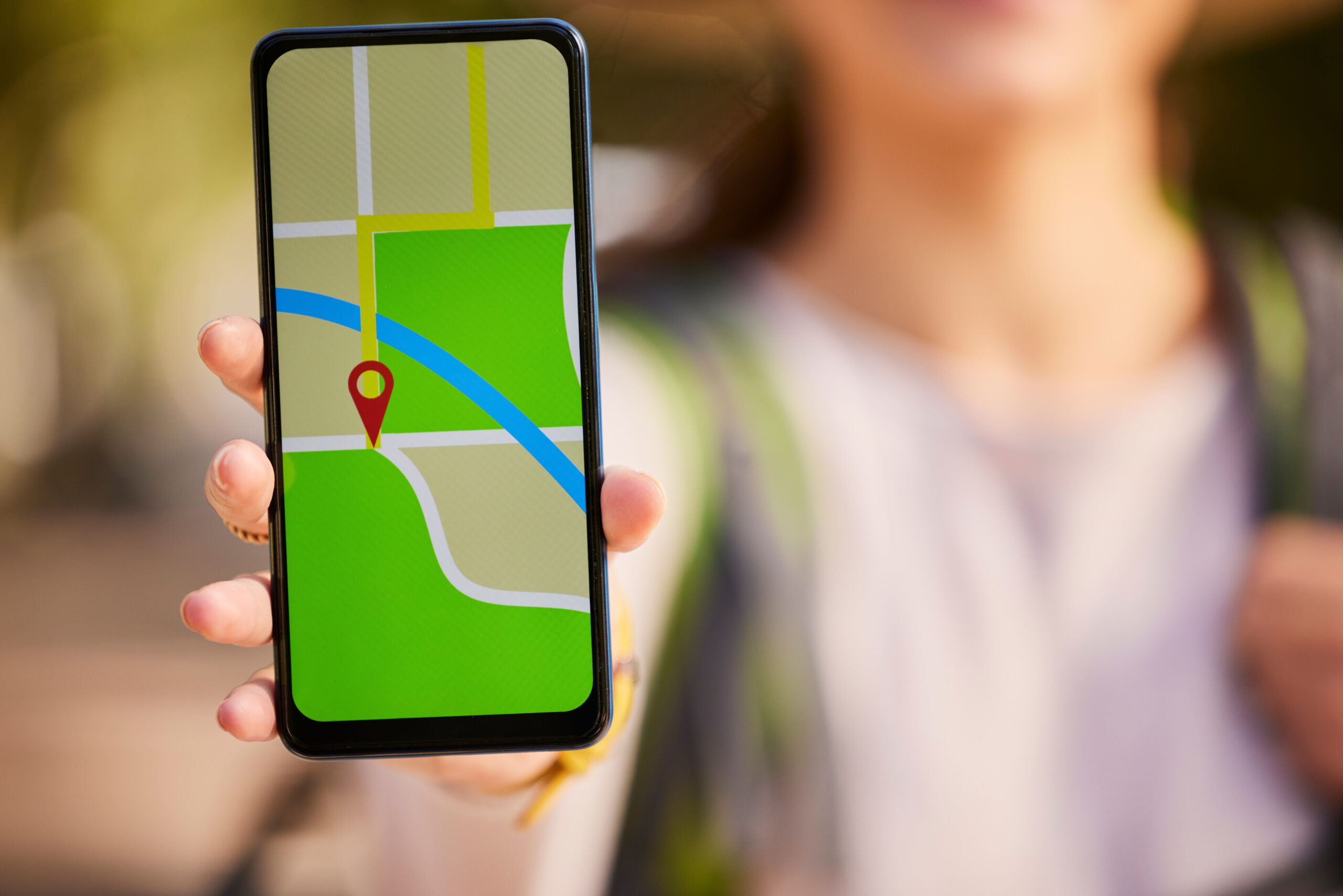
Where ads in Google Maps appear (and what they look like)
Ads in Google Maps can show in a few common placements. The exact layout changes over time, but the intent is consistent: help users choose a place to go.
1) Promoted pins on the map
These are branded pins that stand out on the map itself. They can help when users are browsing an area rather than searching a specific term.
2) Map search results
When someone searches within Maps, paid results can appear near the top of the list. These often include key details such as:
- Business name and category
- Star rating and review count
- Distance or area
- Call and directions actions
3) Suggested places while exploring
Google may surface sponsored suggestions as users pan the map or browse categories like “coffee” or “hairdresser”. This placement can work well for walk in trade and impulse visits.
4) Local placements across Google surfaces
Many “ads Google Maps” placements are powered through Google Ads and can also show across Search and other Google properties, depending on your campaign type and settings. The key is that the click or action is tied back to a location, such as a call, directions, or a visit.
Advertise on Google Maps: the main options for UK businesses
You do not buy a separate “Maps only” product in most cases. Instead, you run Google Ads campaigns that are eligible to show on Maps when your location signals and assets are set up correctly.
Performance Max for store goals (often the simplest route)
For many multi service local businesses, Performance Max with location goals can be a practical starting point. It uses your business location and signals to show ads across Google, including Maps where relevant.
Search campaigns with location assets
If you want more control over keywords, a Search campaign can be a strong choice. When you add location assets, your ads can become eligible for Maps related placements and location based interactions.
Local Services Ads (where available)
Some service categories can use Local Services Ads, which are separate from standard Google Ads. These can appear prominently and are often lead based. Availability varies by industry and area in the UK.
What you need before running an ad on Google Maps
Before you spend anything, get the foundations right. Most poor performance comes from missing or inconsistent basics.
A complete Google Business Profile
Your Google Business Profile is the listing that appears on Maps. Make sure it is verified and accurate, including:
- Correct business name and primary category
- Address or service area (choose the right model for your business)
- Phone number and website
- Opening hours, including bank holidays
- Photos that reflect what customers will actually see
Consistent details across the web
Inconsistent addresses, old phone numbers, or mismatched names across directories can reduce trust signals. Aim for the same format everywhere, especially on your website and key listings.
A landing page that matches the local intent
If your ad leads to your website, the page should make it easy to take action quickly. For example, a local service page should show:
- Clear service area and what you do
- Fast contact options (tap to call on mobile)
- Pricing guidance or how quotes work
- Proof such as reviews, accreditations, and case studies
How much does it cost to advertise on Google Maps?
Costs vary by industry, competition, and location. You are typically paying per click or per interaction, depending on campaign type and optimisation. In practical terms, budget tends to be driven by:
- Category competition (for example, emergency trades often cost more)
- City vs town (larger cities usually have higher costs)
- Opening hours (running ads overnight can waste spend if you cannot answer calls)
- Quality signals such as relevance, ad strength, and landing page experience
A sensible approach is to start with a test budget you can afford for 2 to 4 weeks, then scale based on real outcomes such as calls, bookings, and direction requests, not just clicks. You may also find our guide, How to Advertise on Google: A Practical Guide for Businesses Ready to Make It Work, useful.
What to track so you know if Maps ads are working
Maps focused advertising can drive actions that do not always look like a standard website conversion. Track a mix of:
- Calls from ads and from your Business Profile
- Direction requests and location interactions
- Website visits from local intent searches
- Bookings or enquiry forms (if you use them)
- Store visits reporting (where eligible and with sufficient data)
Also watch lead quality. Ten cheap clicks are not helpful if they are outside your service area or looking for a different service.
Common mistakes that waste budget on ads in Google Maps
Targeting too wide a radius
Large radii can pull in irrelevant traffic, especially near motorways or commuter routes. Start tighter, then expand based on performance by area.
Using the wrong location setting
In Google Ads, location options can include people “in or interested in” a location. For many local service businesses, you often want to focus on people physically in your target area, not those researching from elsewhere.
Not aligning ads with opening hours
If calls are your main conversion, schedule ads when someone can answer. If you offer 24 hour service, make sure you can genuinely respond.
Ignoring reviews and photos
Even with strong targeting, customers compare options fast. A weak rating, outdated photos, or missing information can reduce conversion rates. Advertising amplifies what is already there, good or bad.
Sending traffic to a generic homepage
Maps users want a quick answer. A dedicated local page or service page usually converts better than a broad homepage.
Step by step: how to set up Google Maps ads (UK)
This is a practical setup path that works for most UK businesses. The exact menus can change, but the steps remain broadly the same.
Step 1: Optimise and verify your Google Business Profile
- Confirm your address or service area is correct
- Choose the best primary category (do not guess, pick the closest match)
- Add services or menu items where relevant
- Upload recent photos of your exterior, interior, team, and work
- Check your pin location on the map is accurate
Step 2: Link your Business Profile to Google Ads
- In Google Ads, connect your Google Business Profile as a location asset
- Make sure the correct locations are selected if you have multiple branches
Step 3: Choose a campaign type based on your goal
- Calls and enquiries: Search campaign with call focused assets, or Performance Max with lead goals
- Footfall: Performance Max for store goals, with strong location signals
- Bookings: Use conversion tracking for booking completions and optimise towards them
Step 4: Set locations and exclusions carefully
- Target the areas you actually serve, not just where you want customers from
- Exclude areas that consistently produce poor leads
- Review performance by postcode or radius where possible
Step 5: Build ads that match local intent
Keep messaging specific and grounded. Good local ads often include:
- Service and area cues (for example, “Boiler Repair in Leeds”)
- Clear next step (call, get a quote, book online)
- Trust points (years trading, certifications, warranties)
- Realistic availability (same day where you can deliver it)
Step 6: Add the right assets
- Location assets (essential for Maps eligibility)
- Call assets (if calls matter)
- Sitelinks to key pages (pricing, services, contact)
- Structured snippets (services, brands, types)
Step 7: Set up conversion tracking properly
- Track form submissions and key button clicks
- Use call reporting where appropriate
- If you use a booking system, track completed bookings, not just visits
Step 8: Run a controlled test and review weekly
Give the campaign enough time to gather data, but do not “set and forget”. Each week, check:
- Search terms and relevance
- Areas producing leads
- Call volume and call quality
- Cost per lead and lead to sale rate
Practical tips to improve results from ads Google Maps placements
Use tighter targeting for emergency or high value services
If you offer urgent services, start with a smaller radius around your base or the areas you can reach quickly. This often improves lead quality and reduces wasted spend.
Make your Business Profile do more of the selling
Many customers will decide without visiting your website. Improve your listing by:
- Adding a short, clear business description
- Posting updates or offers when relevant
- Answering common questions in the Q and A section
- Keeping services and attributes up to date
Build a simple review process
Ratings influence click through and conversion. Ask for reviews consistently, not only when you remember. Reply to reviews professionally, including negative ones, and show how you resolved issues.
Match your landing page to the map search
If the user searched “kitchen fitter”, send them to your kitchen fitting page, not a general services list. Keep the contact options visible without scrolling.
Use exclusions to protect budget
Exclude areas you do not serve, and remove irrelevant search terms. This is one of the fastest ways to improve performance for an ad on Google Maps and related placements.
Measure outcomes, not vanity metrics
A high click through rate looks good, but it does not pay the bills. Focus on cost per qualified lead and cost per booked job, then adjust targeting and messaging around what converts.
FAQ
How do I advertise on Google Maps in the UK?
Create or claim your Google Business Profile, link it to Google Ads as a location asset, then run a campaign that is eligible to show on Maps, such as Search or Performance Max with location goals.
Can I run ads only on Google Maps?
Most businesses cannot choose Maps as the only placement in a simple way. Instead, you run Google Ads campaigns that can appear on Maps when relevant. You can still control targeting, locations, and messaging to keep it locally focused.
What is the difference between an ad on Google Maps and a normal Google Search ad?
Maps ads are tied closely to a physical location and often drive calls, directions, and visits. Search ads typically send users to a website, although they can also include location information when location assets are enabled.
Do I need a shopfront to use ads in Google Maps?
No. Service area businesses can appear on Maps without showing an address publicly, as long as you set your service area correctly and follow Google Business Profile guidelines.
How much should I budget to advertise on Google Maps?
There is no fixed minimum. Start with a budget you can run consistently for a few weeks, then scale based on cost per qualified lead. Competitive industries and large cities usually require higher budgets.
Why are my Google Maps ads not showing?
Common reasons include an unverified or unlinked Business Profile, location assets not enabled, targeting that is too narrow or too broad, low ad rank, limited budget, or ads scheduled outside key hours. Check eligibility, locations, and conversion tracking first.
What should I optimise first for better results?
Start with your Google Business Profile accuracy, reviews, and photos. Then tighten location targeting and exclusions. Finally, improve landing pages and conversion tracking so you can optimise towards real leads.
































