




Keep reading
Rather we just did it for you?
Let's get your business seen.
Social media, websites, SEO and ads from a team you can actually meet.
When you search for something on Google or Bing, the list of links and information that appears is called a Search Engine Results Page. If you’re new to online marketing or just curious about how search engines show results, it’s useful to understand what is a SERP and how it works. These pages don’t just display website links – they often include ads, maps, images, and quick answers. Knowing what shows up where can help you make better decisions whether you’re running a business, writing content, or simply trying to find accurate information faster. This guide breaks down the basics in plain terms.
Introduction to Search Engine Results Pages (SERPs)
When someone types a question or phrase into a search engine, the list of links and content that appears is called a Search Engine Results Page, or SERP. This page shows results that the search engine believes match what the person is looking for. It’s where users decide which link to click based on what they see.
Search engines like Google, Bing, and Yahoo use tools to scan websites. These tools sort pages by how useful they seem for different searches. When a person enters a term or query, the search engine uses this data to show relevant pages. The main goal is to give answers quickly and clearly.
A standard SERP often starts with paid ads at the top. These appear because businesses pay to show up first for certain terms. Below these paid spots come organic results, unpaid links that rank because they match the user’s intent well. Sometimes you’ll also see maps, images, videos, shopping items or short boxes with direct answers.
The layout can change depending on what someone types in. For example, searching for “weather” may bring up current conditions right away without needing to click anything else. A query about a product might show reviews and prices from online shops.
Understanding what is a serp helps people know how information gets shown online. It explains why some sites appear higher than others and how businesses try to reach more viewers through these rankings.
Every user interacts with SERPs daily when looking things up online, whether it’s checking news headlines or finding nearby services. Learning how results get there gives insight into how search engines function and why some content gains more attention than others across different topics or industries.

What is a SERP?
A SERP is short for Search Engine Results Page. It’s the page you see after typing something into Google, Bing, or another search engine. When someone asks, what is serp, they’re referring to that list of links and information shown in response to their question or search.
Every time a person enters words into a search bar, the engine scans its index and brings back results. These results appear on the SERP. They can include website links, short answers, videos, maps, images or even shopping listings. The goal of this page is to match what someone asked with content that fits that request.
The layout of a SERP depends on what was searched and how the engine interprets it. Some searches show only blue links to websites. Others may display extra elements like featured snippets or knowledge panels. A featured snippet gives an answer right at the top so users don’t need to click further. A knowledge panel shows facts about people, places or things on the side of the screen.
Paid adverts often appear at the top or bottom of these pages as well. These ads look similar to normal results but usually carry labels such as “Sponsored” or “Ad”. Businesses pay for these spots through programmes like Google Ads.
Search engines use many signals when deciding what appears on each SERP, these include keywords used in your query, location data and past browsing habits if signed in.
Understanding how this works helps users get better outcomes from their searches and allows businesses to create pages more likely to show up where people can find them easily.
The SERP acts as a connector between questions typed by users and web content made by site owners across different topics. Each result aims to satisfy intent behind those queries without needing extra steps from the user’s side.
Organic vs Paid Results
Search results fall into two main categories: organic and paid. Both types appear when someone enters a search term, but they arrive there in different ways.
Organic results show up because of how well a page matches the search query. Search engines use rules to decide which pages seem most useful for each word or phrase. This process is called SEO, or search engine optimisation. Pages that follow these rules can rank higher without paying money. These unpaid listings often appear below sponsored links on the page.
Paid results, also called ads, look similar to regular listings but have a small label like “Ad” next to them. Businesses pay to place these links at the top or bottom of the search page. The more they pay and the more relevant their ad is, the better chance it has of showing up first.
The key difference lies in how each result gets placed on the Search Engine Results Page (SERP). People asking what is a serp will learn that it includes both unpaid content and advertisements side by side.
SEO takes time and effort but does not require direct payment to Google or other platforms. Paid ads offer faster placement but cost money every time someone clicks on them.
Some users click only on natural listings because they trust them more than ads. Others go straight for promoted posts if they appear helpful or answer their question quickly.
Knowing which type of result you’re seeing helps you understand why certain pages show up first when you search online. Whether you’re running a website or just looking for answers, this knowledge can help you make better choices about where to click or how to get your own site noticed by others.
Key Features of Modern SERPs
Search Engine Results Pages have changed over time. They now show more than just a list of links. When someone types a question or phrase into a search box, the page that appears often includes several different types of results. These help people find answers faster and with less effort.
One common feature is the featured snippet. This usually appears at the top of the page. It pulls text from one website and shows it directly in the results. People can read this without clicking through to another site. Search engines choose these snippets based on what matches the query best.
Another element is the knowledge panel. This appears on the right side for some searches, especially for places, people, or topics with public data available online. It gathers facts like dates, names, or locations from trusted sources and displays them in one place.
Image packs also appear when search engines think pictures might help answer a question better than text alone. These image boxes show several photos related to what was searched for and link back to their source pages.
Local map results come up when someone looks for products or services near their area. These usually include a map showing nearby businesses along with details like opening hours, phone numbers, and reviews from other users.
These features aim to give quicker access to useful content without needing extra clicks or long searches across different sites.
Understanding what is a serp means more than knowing about blue links; it includes recognising how these elements change how people find information today.
Why SERPs Matter for SEO
Search Engine Results Pages (SERPs) play a direct role in how people find information online. When someone types a query into Google or another search engine, the list of results they see is the SERP. For businesses and websites, showing up on that first page can lead to more visits, better exposure, and higher trust from users.
Most people click on one of the top few results. Rarely do they scroll beyond the first page. That means if your website does not appear near the top, it may get ignored. Good SEO helps your site rank higher in these results by making sure your content matches what users want to find.
Getting onto page one can send more visitors to your site without paying for ads. This organic traffic can help lower marketing costs while still bringing in potential customers or readers. The higher you rank, the more likely people will see and click on your link over others.
Visibility is only part of it. Ranking well also builds trust with users. People often believe that websites listed at the top must be reliable or useful since search engines like Google place them there. So a strong position on SERPs can improve how others view your brand or service.
Understanding what is a serp helps explain why SEO efforts focus so much on rankings. It’s not just about being online, it’s about being seen where it counts.
A high placement also gives you an edge over competitors who might offer similar services but don’t show up as early in search results. More clicks usually mean more chances to convert those visits into action – whether it’s sales, sign-ups, or inquiries.
By focusing on how search engines display content and improving how pages appear in those listings, businesses can gain steady traffic without needing constant advertising spend.
Tips for Beginners to Optimise for SERPs
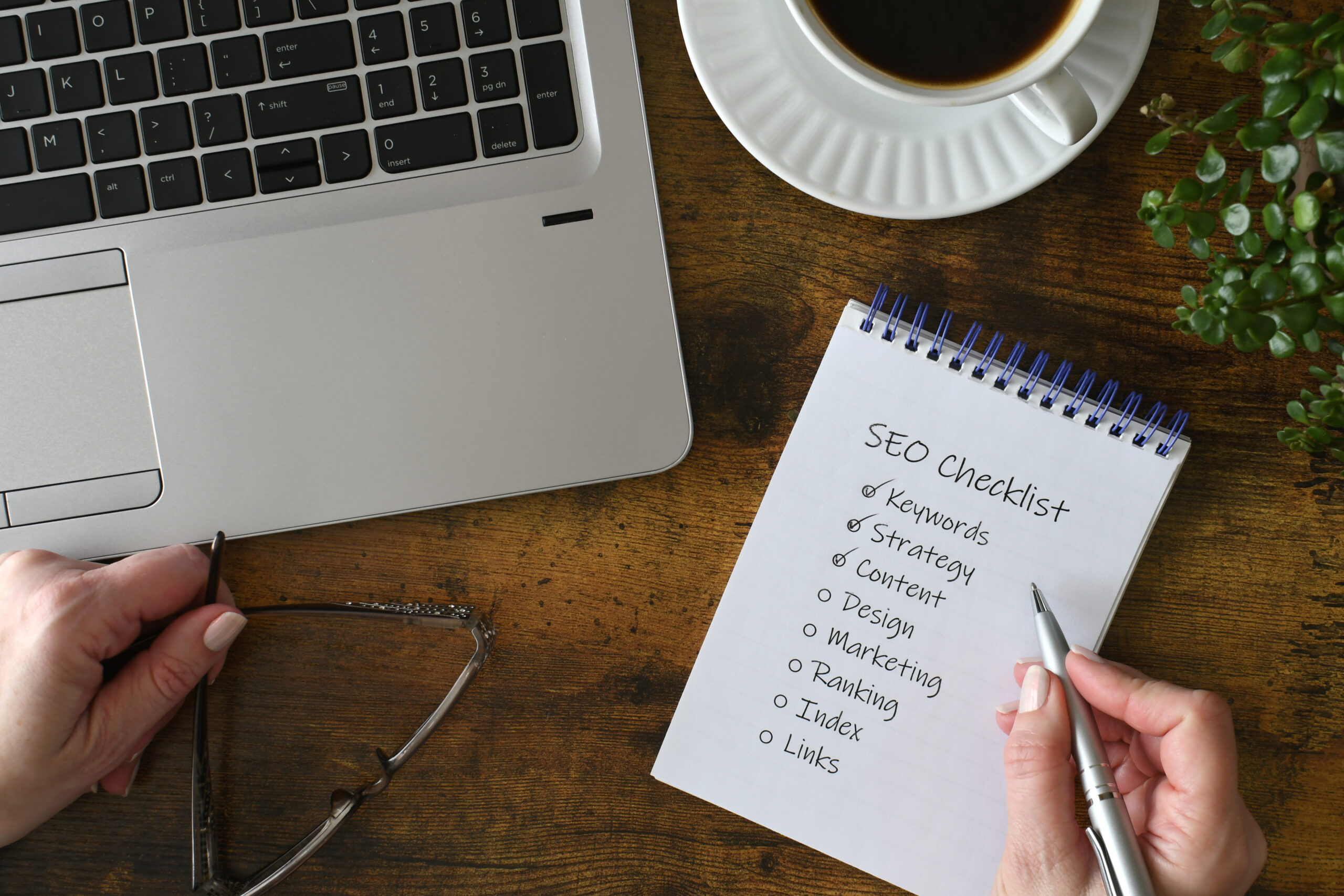
Start by learning how people search online. Use a keyword tool to find out what words they type into Google. Choose terms that match your topic and have enough search volume. Add these phrases naturally into your page titles, headings, and body text. Do not stuff your pages with keywords and this can harm your results.
Focus on writing useful content that answers real questions. Keep it clear and easy to read. Write short sentences and use headings to break up long sections. Make sure each page gives helpful information so users stay longer and trust the site.
Structure matters too. Use proper tags like H1 for main titles and H2 or H3 for subheadings. This helps both users and search engines understand the layout of the content.
Mobile access is key now. More people browse on phones than computers, so make sure your website loads fast on all devices. Use a simple design that adjusts well on different screen sizes.
Links also play a role in ranking higher in what is a serp listings. Try to get other websites to link back to yours; this shows Google that your content is trusted by others online.
Update old articles when needed so they stay current with new facts or changes in topics. Keep track of which pages bring traffic using tools like Google Analytics or Search Console.
Make URLs short but descriptive, include target keywords where possible, and avoid random strings of numbers or letters.
Use image names that explain what’s shown instead of default titles like “IMG_001.” Also add alt text so search engines know what each image represents.
These steps help beginners create stronger pages that appear more often when someone searches for related topics online.
Mastering the Basics of SERPs to Build Strong SEO Foundations
Understanding how search engine results pages function is essential for anyone starting their SEO journey. We’ve explored what is a SERP, the difference between organic and paid results, and the key features that shape modern search listings. Recognising how these elements impact visibility can help beginners make smarter optimisation choices. By focusing on relevant content, structured data, and user intent, you’ll be better positioned to improve your rankings. A solid grasp of SERPs isn’t just useful – it’s critical for long-term digital success. Keep testing, learning, and adapting to stay ahead in the ever-evolving search landscape.































