



Keep reading
Rather we just did it for you?
Let's get your business seen.
Social media, websites, SEO and ads from a team you can actually meet.
Picture the scene: you are working from a cafe, coffee in hand, and you hop onto the free wireless to fire off a couple of emails. It feels harmless, and most of the time it is. But public WiFi is one of those everyday conveniences that quietly carries a bit of risk, and for a small business owner that risk can land squarely on your client data, your logins and your bank details. We say this to clients all the time; you do not need to be paranoid, you just need to be a little bit switched on about what you are connecting to.
This guide walks through what public WiFi actually is, where the genuine dangers lie, and the simple habits that keep you safe without turning every coffee run into a security drill.
So what counts as public WiFi anyway
Public WiFi is any wireless network you can join without it being yours; think cafes, hotels, airports, trains, shopping centres and the waiting room at the garage. The defining feature is not that it is free, it is that you do not control it and you do not really know who else is on it. A network can be genuinely run by the coffee shop, or it can be a laptop in the corner pretending to be the coffee shop; from your phone screen the two look identical.
That is the heart of the issue. When the network is out of your hands, so is a slice of your security, and the only sensible assumption is that anything you send across it could be seen by someone else.
Why public WiFi is still worth using
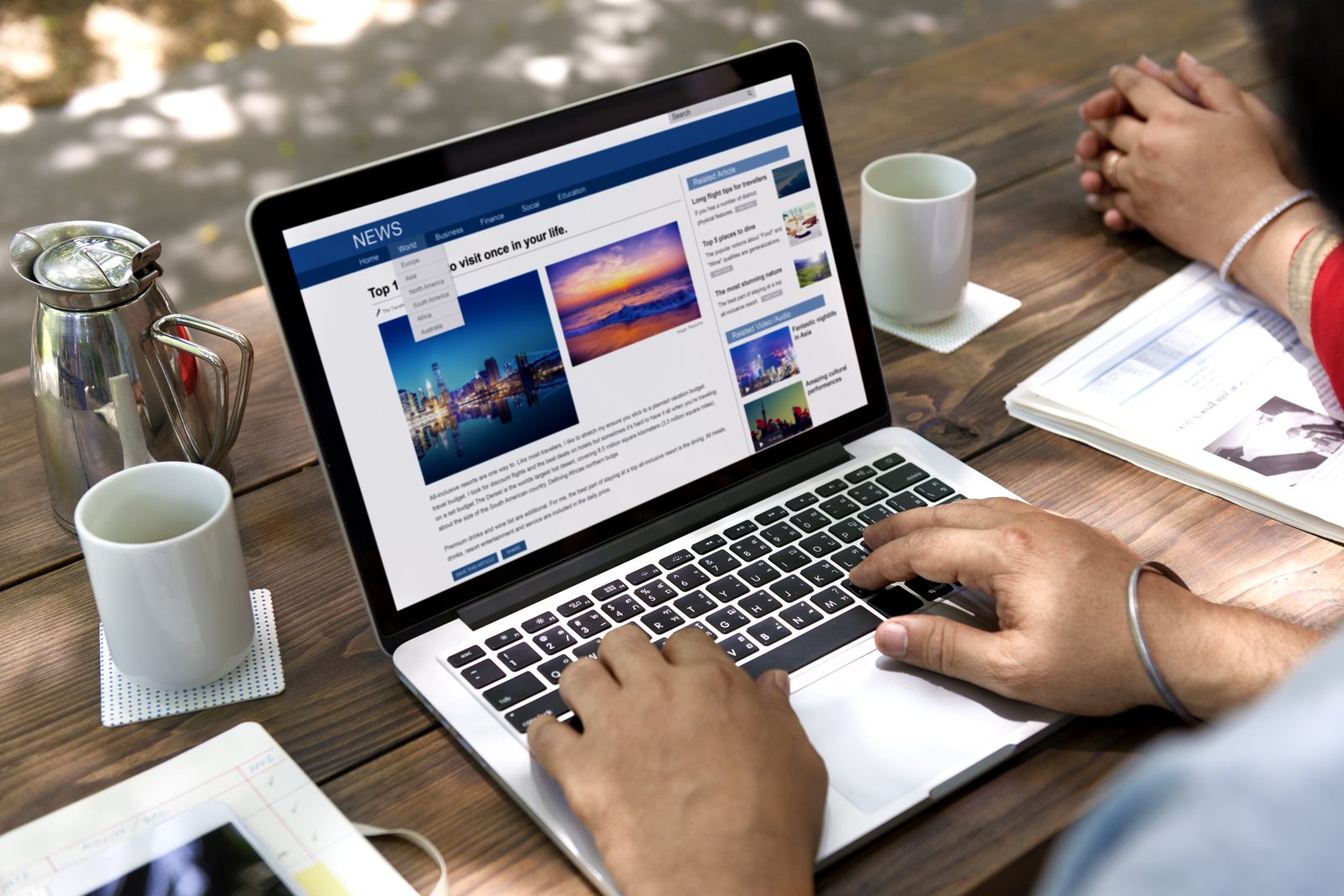
It would be easy to say never touch the stuff, but that is not realistic and it is not even necessary. Free wireless is genuinely useful; it saves your mobile data, it is often faster than a weak 4G signal in a basement bar, and it lets a small team work from anywhere without a fistful of dongles. For a business that runs lean and mobile, being able to answer a client from a hotel lobby is a real advantage, not a luxury.
So the goal here is not fear, it is confidence. Used with a few sensible precautions, public WiFi is a tool you can lean on; used carelessly, it is an open door. The rest of this article is about staying firmly on the useful side of that line.
The real dangers of public WiFi
Most of the threats fall into a handful of categories. None of them require the person opposite you to be a hooded genius; the tools are cheap, widely available and worryingly easy to use.
Man-in-the-middle attacks
This is the classic. Someone positions themselves between you and the website you think you are talking to, quietly reading or even altering what passes through. On an unsecured network it is far simpler than it should be, and you would never notice a thing; the page loads normally, the email sends, and a copy of it all sits with someone else.
Evil twin hotspots
An evil twin is a fake network named to look like the real one, so “Cafe_Free_WiFi” sits right next to “Cafe Free WiFi” and you pick whichever you tap first. Connect to the imposter and every scrap of traffic flows through equipment the attacker controls. It is the digital equivalent of a shop sign hung over the wrong door.
Packet sniffing and snooping
Plenty of data still travels in a form that can be plucked out of the air by anyone running free monitoring software. If a site is not properly encrypted, your login, your messages and your session can be read like a postcard. This is why that little padlock in the address bar matters so much more than people realise.
Malware and dodgy sign-in pages
Some hostile networks push you a fake login or a pop-up urging you to update a bit of software, and one hurried click later you have invited malware onto the device that holds your business. Others simply take advantage of file sharing being left switched on. The common thread is that the attack arrives disguised as something ordinary.
How to use public WiFi safely, step by step
Here is the routine we recommend, and once it becomes a habit it takes seconds rather than minutes.
- Confirm the real network name: ask a member of staff exactly what the WiFi is called before you connect, so an evil twin cannot catch you out.
- Switch on a VPN: a virtual private network wraps your traffic in encryption, so even if someone intercepts it they get scrambled nonsense rather than your inbox.
- Check for the padlock: only enter details on sites that show https and a padlock, and back out of anything that does not.
- Turn off auto-connect and file sharing: stop your device joining networks on its own and close down sharing settings while you are out and about.
- Save the sensitive stuff for later: online banking, payroll and anything with card details can usually wait until you are on a network you trust or on mobile data.
- Forget the network when you leave: tell your device to drop it so it does not silently reconnect the next time you walk past.
Public WiFi, mobile data and VPNs compared
People often ask which option they should reach for, so here is a quick comparison of the three you will juggle day to day:
- Public WiFi on its own: free and convenient, but the least private; fine for reading the news, risky for anything with a password.
- Public WiFi plus a VPN: still convenient, and now genuinely private because your traffic is encrypted end to end; our default recommendation for working on the move.
- Mobile data or a personal hotspot: more private than open WiFi by default and great for quick sensitive tasks, though it eats your allowance and can flag on a poor signal.
- Your own office or home network: the safest of the lot when it is set up properly, which is exactly why the truly important jobs are best saved for it.
Best practices we share with clients
Beyond the in-the-moment steps, a few standing habits make a real difference. Keep your devices and apps up-to-date, because those updates quietly patch the holes attackers rely on. Use a password manager so every account has its own strong, unguessable password and one leak cannot topple the rest. Turn on two-factor authentication wherever it is offered, so a stolen password alone is not enough to get in. And brief your team, because security is only as strong as the least careful person holding a company login. We say this to clients all the time; the cheapest security upgrade you can make is usually a five-minute conversation.
Common mistakes people make on public WiFi
The slip-ups we see most are rarely dramatic. People connect on autopilot without checking the network name, then log straight into email out of habit. They dismiss the browser warning about an insecure site because they are in a hurry. They leave file sharing switched on from the last time they moved files between devices. And a surprising number assume that because a network needs a password from the barista, it must be private, when in truth everyone in the cafe has that same password. Small, understandable habits, and every one of them is easy to break once you know to look for it.
Where public WiFi security is heading
The good news is that the ground is shifting in your favour. The move to https across the web means far more of your traffic is encrypted by default than it was a few years ago. Newer wireless security standards are steadily tightening how networks protect the devices on them. Phones increasingly rotate their hardware addresses to make you harder to track between hotspots, and built-in privacy features are becoming the norm rather than the exception. None of this makes carelessness safe, but it does mean the baseline is rising, and the sensible habits in this guide will keep paying off as the technology improves.
Is public WiFi safe for online banking?
As a rule, no, not without a VPN. Banking involves exactly the credentials an attacker wants most, so either wait until you are on a trusted network or use your mobile data, which is private by default. If you absolutely must, do it through a VPN and never through a link someone has sent you.
Does a password on the network make it secure?
Not in the way people hope. A shared password stops total strangers wandering on, but everyone who has it, which in a busy cafe is a lot of people, is on the same network as you. Treat any network you share with the public as public, password or not.
Do I really need a VPN for my small business?
If you or your team ever work away from the office, then yes, a reputable VPN is one of the best-value protections going. It turns risky open networks into something close to your own private line, and good business plans cost less than most people expect.
What a public WiFi slip-up can cost a small business
It is worth being honest about the stakes, because the risk is not really about the coffee-shop connection itself, it is about everything that connection touches. A single compromised login can hand someone your email, and from your email they can reset half your other accounts, message your clients as if they were you, or quietly read invoices and copy your bank details. For a small business, where one person often wears the finance, marketing and customer-service hats at once, that reach is enormous.
Then there is the reputational side, which is harder to measure but slower to heal. If a client learns their details leaked because you logged in over an open network, the trust you spent years building takes a knock in an afternoon. We are not saying this to frighten you; we are saying it because a two-minute habit protects something that took a very long time to earn. Good security is quiet, boring and utterly worth it.
Your quick public WiFi safety checklist
- Verify the network name with a member of staff before connecting.
- Switch your VPN on before you open anything else.
- Look for https and the padlock on every site where you type something.
- Disable auto-connect and file sharing while you are out.
- Delay banking and payroll until you are on a trusted connection.
- Forget the network when you are done.
Let us help you lock things down
Staying safe on public WiFi comes down to a few good habits rather than a big budget, and once they are second nature you can enjoy the convenience without the worry. If you would like a hand getting your business set up securely, from sensible online systems to the wider digital picture, that is exactly the sort of thing we love to help with. Get in touch with the friendly team at Delivered Social and we will talk it through over a cup of tea; no jargon, no hard sell, just practical advice you can actually use.
































