



Keep reading
Rather we just did it for you?
Let's get your business seen.
Social media, websites, SEO and ads from a team you can actually meet.
Creating a logo sounds simple… until you actually try to do it. You open a tool, stare at a blank screen (or worse, hundreds of random templates), and suddenly you’re stuck choosing between designs that don’t quite feel right.
That’s where the right tool makes a difference.
The best logo makers don’t just give you options, they help you move from idea to something you’d actually use.
In this guide, we focused on tools that make that process easier for beginners, so you can create a logo that looks clean, professional, and ready to use without overthinking every step.
Quick Verdict
- Best Overall: Design.com – fastest way to go from idea to full brand identity
- Best for Professional Templates: BrandCrowd – strongest for polished, ready-made designs
- Best for Simplicity: Adobe Express – clean, beginner-friendly editing experience
Here’s how we tested the tools
We spent time testing each platform the way a beginner would. That means starting from scratch, trying to create a usable logo, and seeing how much effort it actually takes to get something decent.
What we looked at
- How easy it is to get started
- How good the first logo results look
- How much editing is needed
- How flexible the customization is
- Whether the tool helps beyond just logo creation
Comparison Table
| # | Tool | Best For | Key Strengths | Rating |
| 1 | Design.com | Fast AI logo creation + full branding | AI generation, full brand ecosystem, strong customization | 9.8/10 |
| 2 | BrandCrowd | Professional template-based logos | High-quality templates, strong branding consistency | 9.6/10 |
| 3 | Adobe Express | Clean, simple logo design | Polished templates, flexible editing, easy workflow | 9.2/10 |
| 4 | Canva | Beginner-friendly design flexibility | Huge template library, easy editing, fast results | 9.5/10 |
| 5 | LogoMakr | Simple and flexible logo creation | Full control, simple editor, no learning curve | 8.9/10 |
1. Design.com
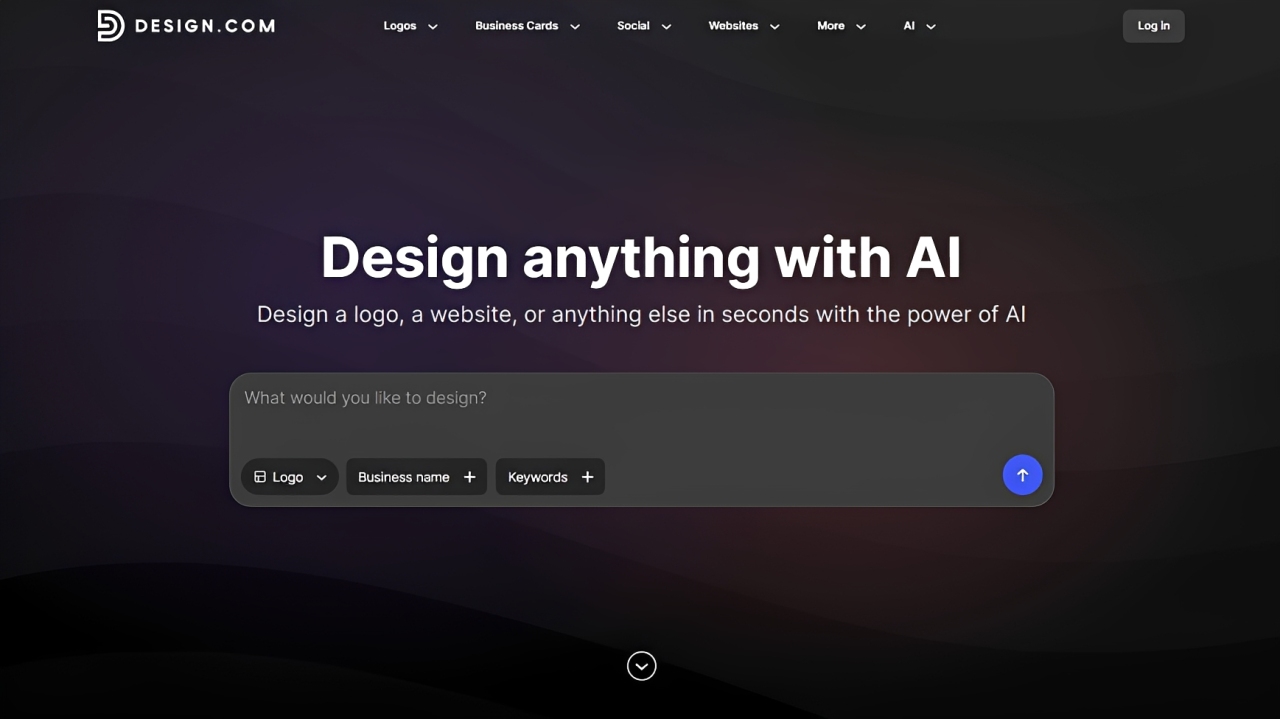
We tested Design.com’s logo maker tool by entering a business idea, and it consistently gave structured, usable logo options right away. Instead of random outputs, the results felt aligned with the input, which made the process faster.
One thing that stood out is how it doesn’t stop at just logo creation. After generating a logo, you can immediately extend it into other assets like business cards or social media posts, which makes it feel more like a full branding tool.
What stood out during testing
Generated multiple strong logo directions instantly
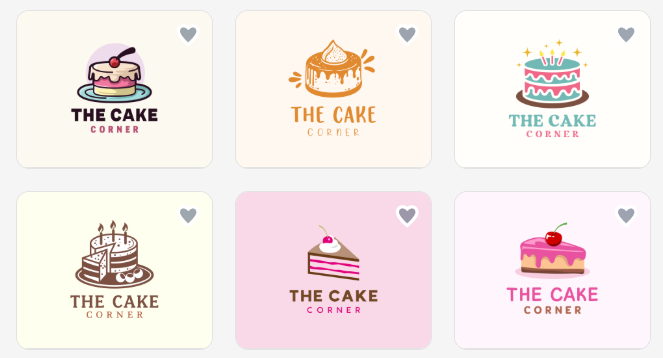
Right after entering a business name and a few keywords, Design.com produced a wide range of logo options that already felt relevant. Instead of generic outputs, the designs had structure and variety, which made it easier to compare styles and pick a direction without starting from scratch.
Results improved noticeably when adjusting keywords

Tweaking the input keywords had a clear impact on the results. When we changed or refined the prompt, the tool responded with more aligned logo styles, making it easier to steer the outcome without rebuilding everything.
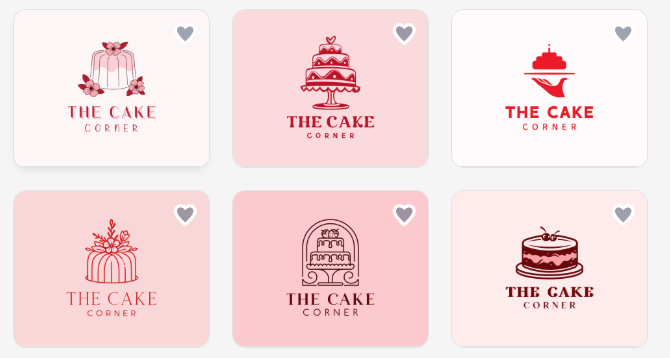
For instance, instead of just the keyword “cake,” we added specifically “red cakes”, and it instantly showed:
Editing felt straightforward without losing structure
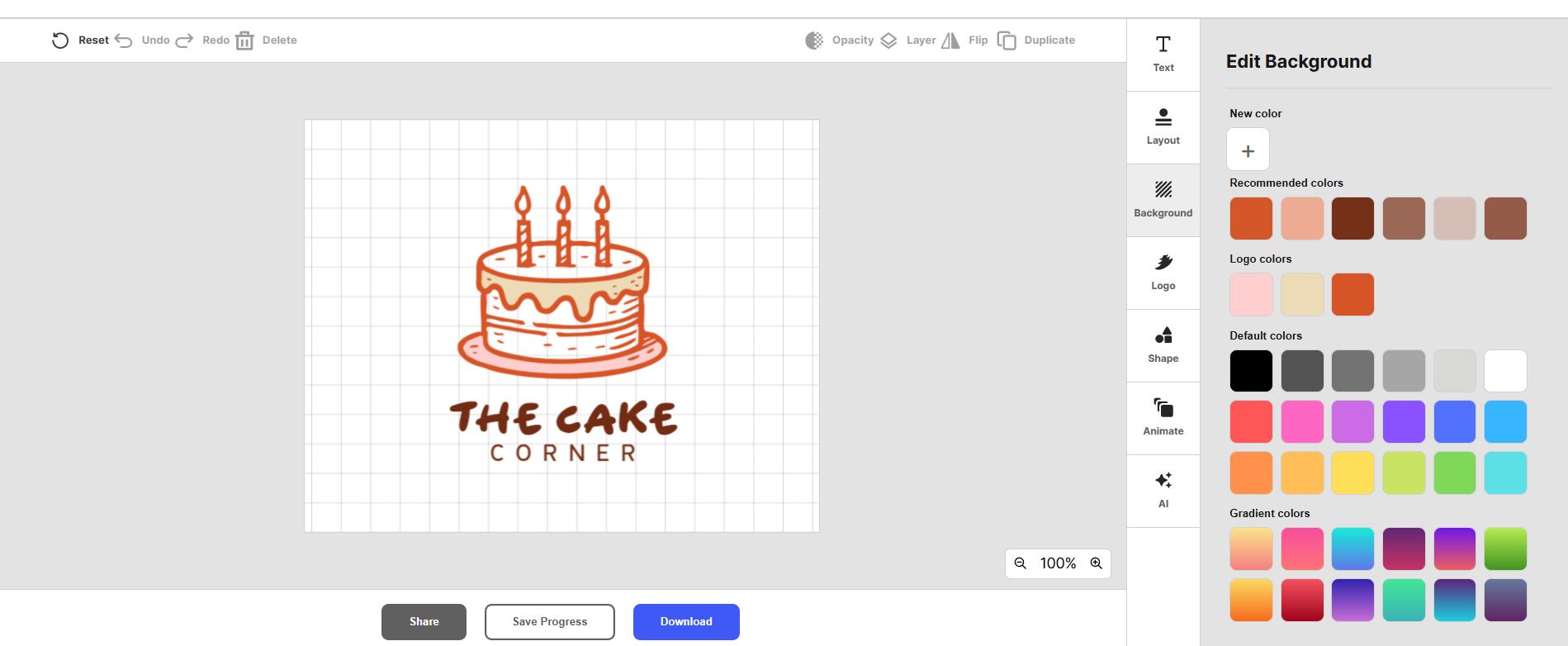
Once a logo was selected, making changes didn’t break the design. Adjusting fonts, colors, and layouts still kept everything visually balanced, which is important for beginners who might otherwise struggle with design consistency.
Seamless AI-powered logo editing and refinements
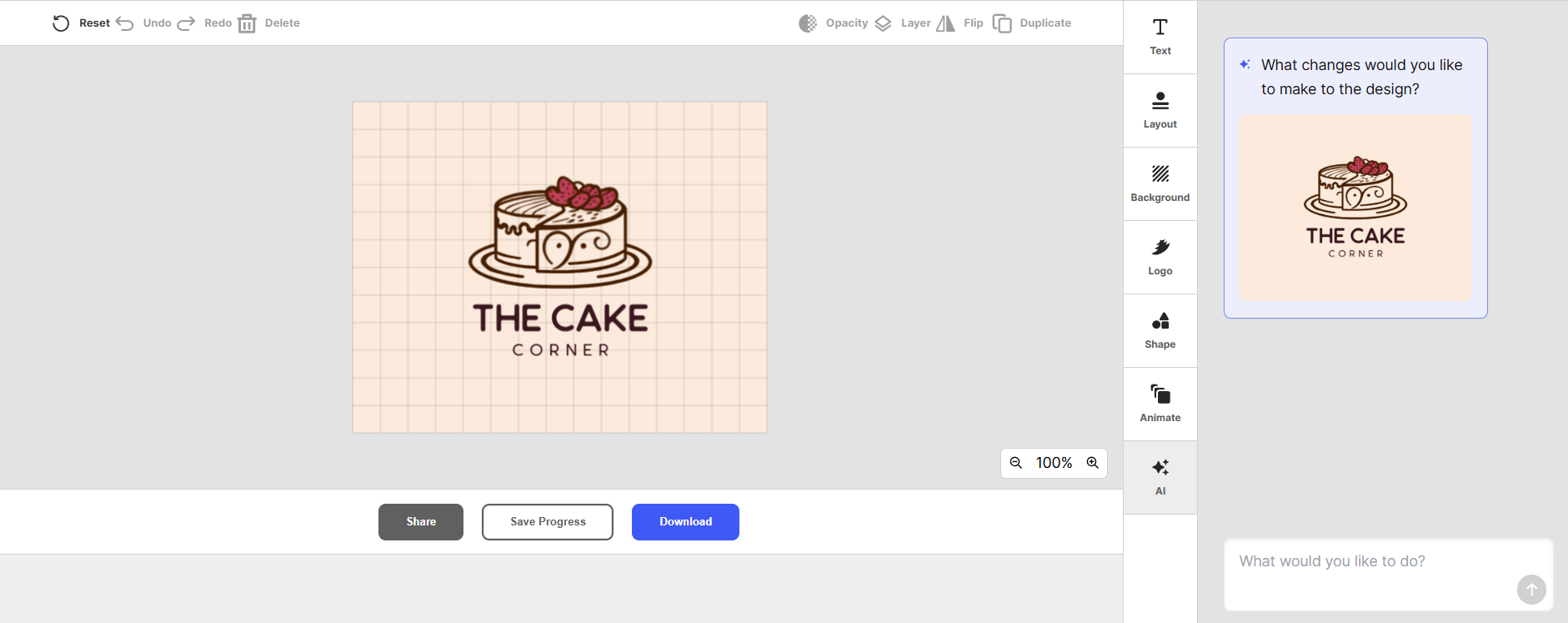
Instead of manually adjusting every detail, we could simply ask the AI to modify the logo for us.
For example, changing elements like turning an icon into a different object. In this case, we tried asking AI to change the image into a three-tiered cake:
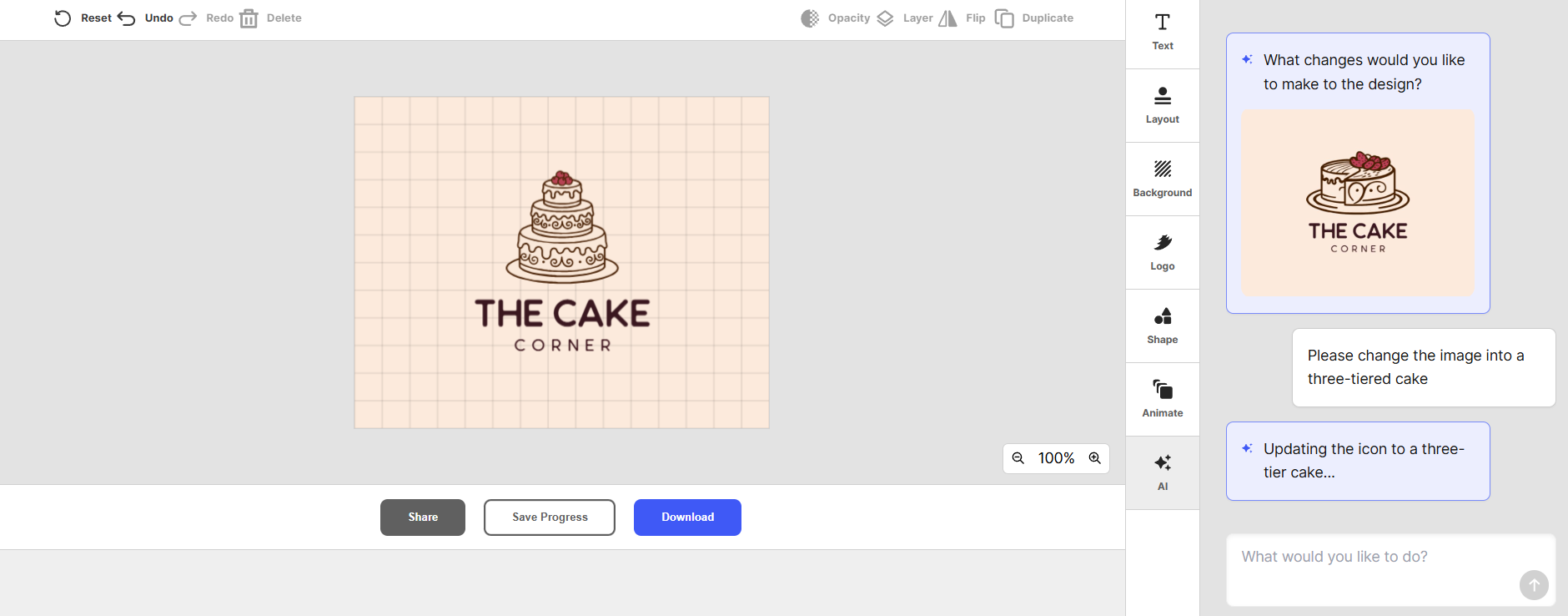
Or adjusting colors:
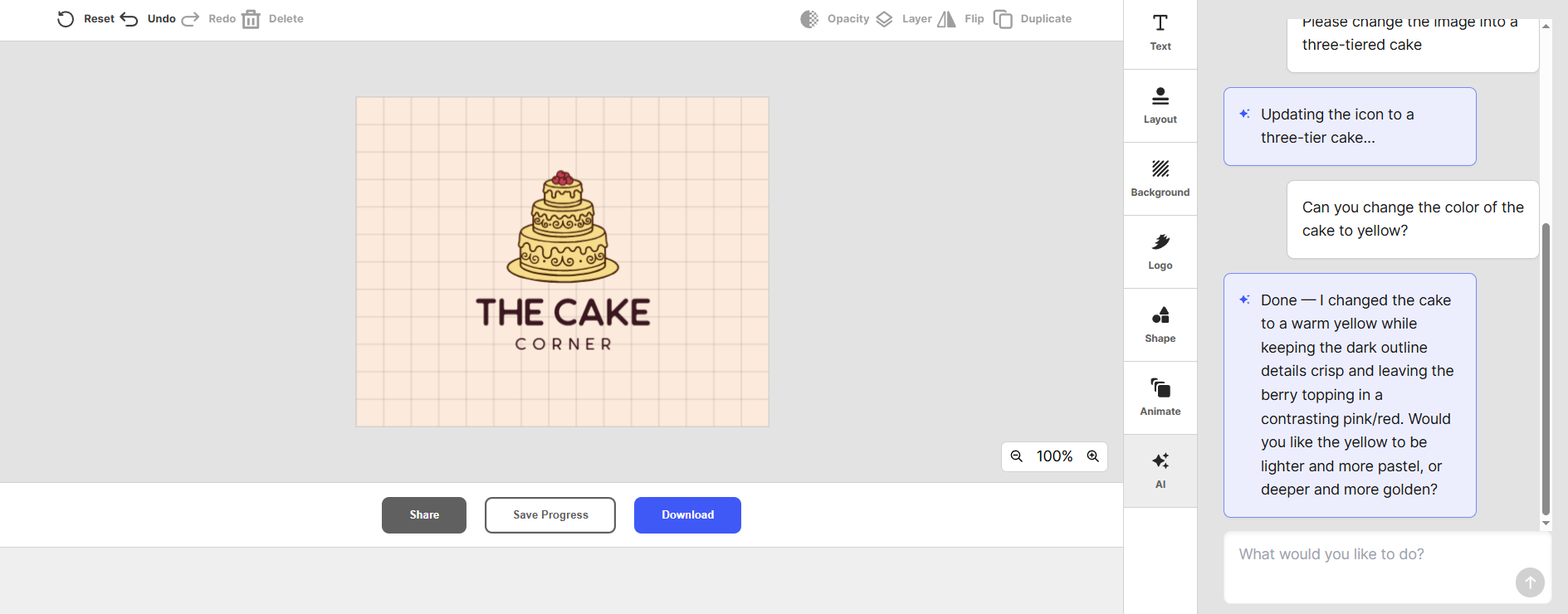
With its AI feature, refining the overall style could be done through simple prompts.
This made the editing process feel more like giving instructions than doing design work.
Large asset library adds real flexibility
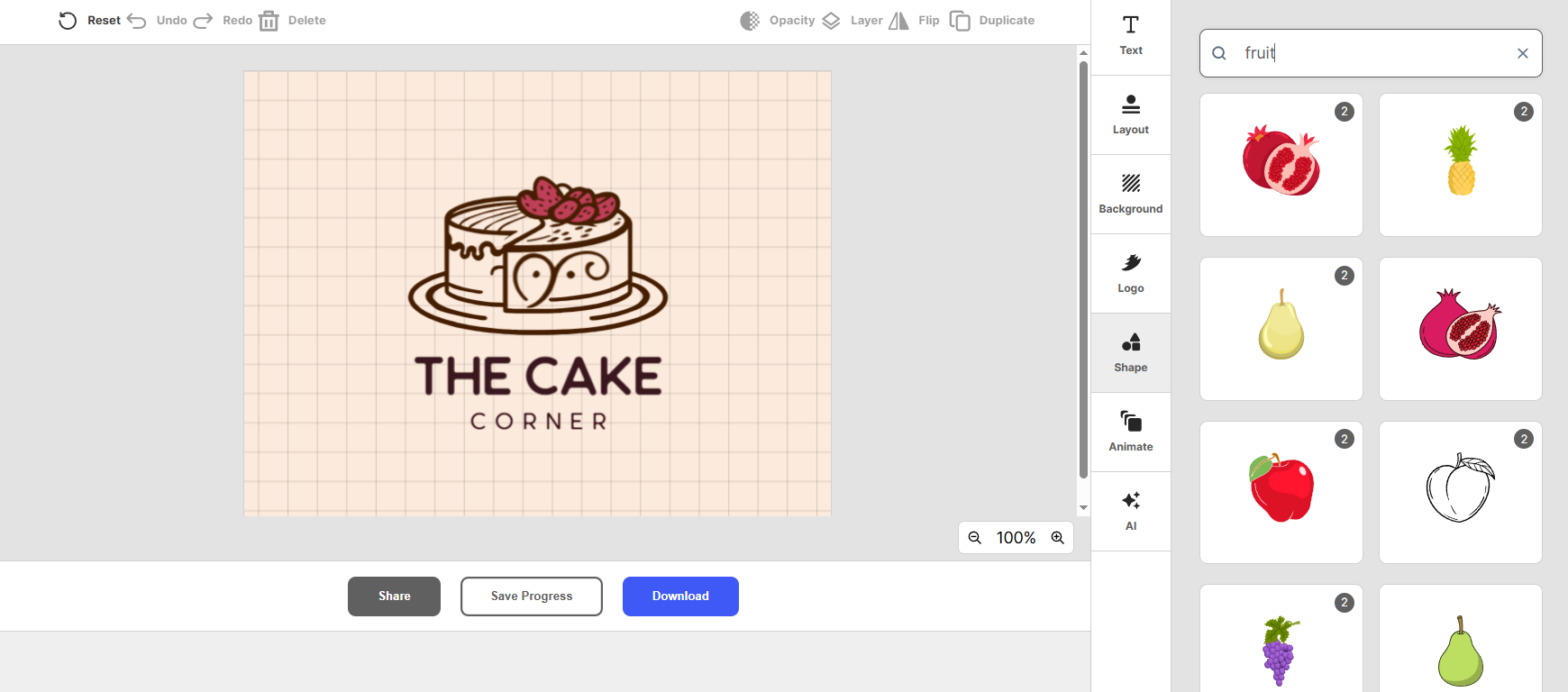
With access to a huge range of fonts, icons, and shapes, there was enough variety to create something that didn’t feel repetitive. This made it easier to fine-tune the design and avoid logos that look too similar to common templates.
Bottom line: Design.com is the easiest tool here if you want both speed and flexibility. It removes most of the friction beginners usually face.
2. BrandCrowd
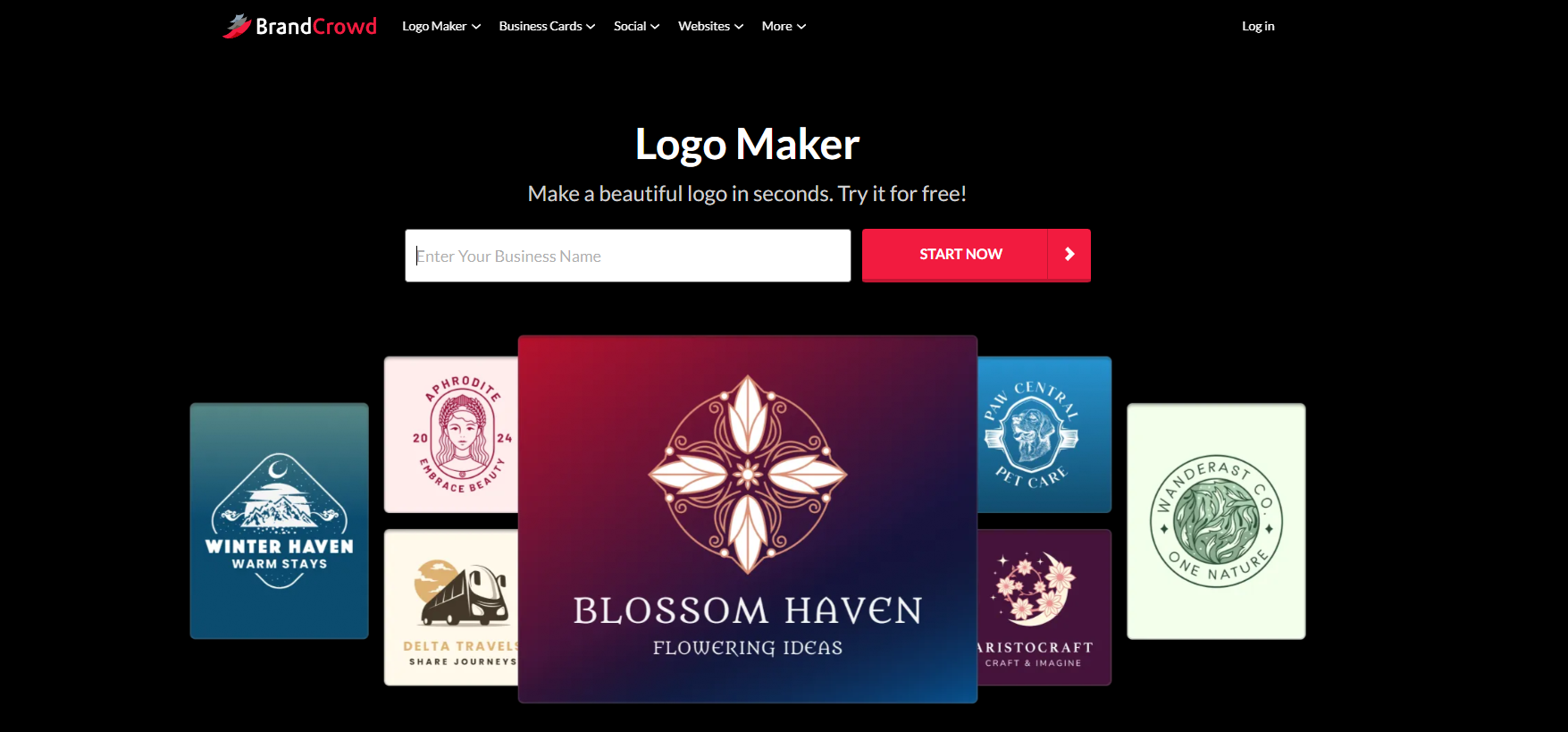
BrandCrowd takes a slightly different approach. Instead of generating everything from scratch, its logo generator tool gives you access to a large library of professionally designed logos that you can customize.
During testing, this made a big difference in quality. The logos already looked polished from the start, so the main task was refining rather than fixing.
What stood out during testing
Templates looked polished right from the start
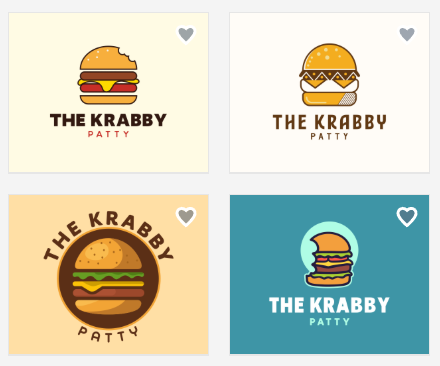
Most of the logos we saw already felt complete before any edits. The layouts, font pairings, and icon choices were well-balanced, so instead of fixing a rough design, we were mostly refining something that already worked.
Easy to match logos with a specific brand style

Searching by keywords or categories made it simple to find designs that fit a certain look, whether that’s corporate, modern, or more creative.
Plus, for a more specific result, you can adjust the filters to narrow your options quickly without scrolling through irrelevant styles.
Editing was simple without breaking the design
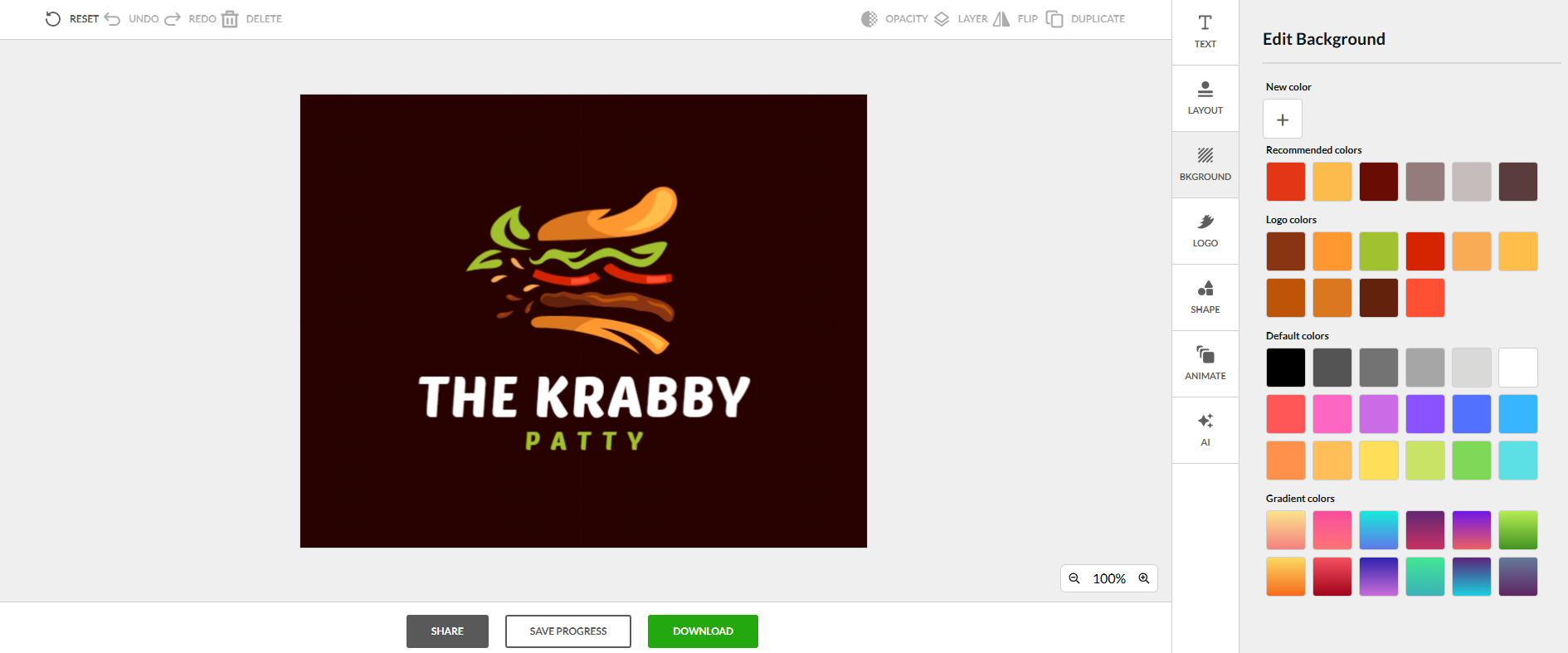
Making changes like adjusting colors, fonts, or layout didn’t disrupt the overall look. The designs stayed clean and structured, which is useful if you don’t have a design background.
Strong consistency across branding elements
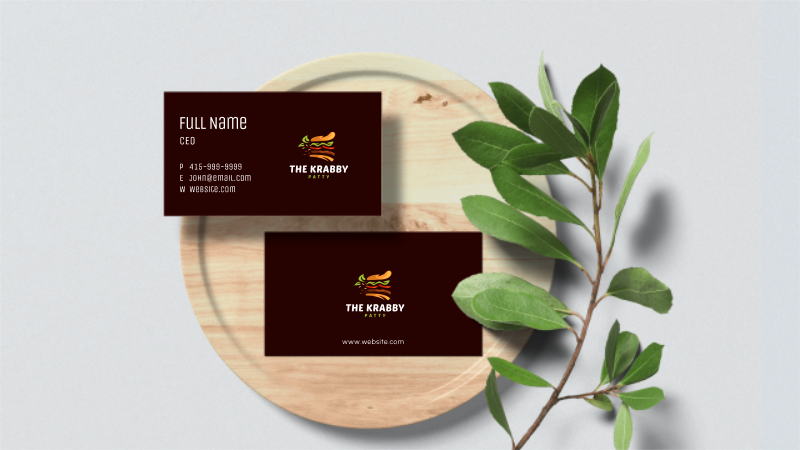
When testing how logos translate into other assets, the platform made it easy to keep everything visually aligned. Using the same styles across business cards or social graphics helped maintain a cohesive brand look.
Wide variety of styles without feeling overwhelming
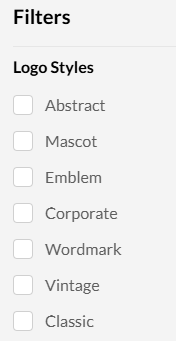
Even with a large template library, the browsing experience felt manageable. Filters and categories helped surface relevant designs faster, so you’re not stuck digging through options that don’t match your needs.
Bottom line: BrandCrowd is a strong option if you want something that already looks professional without spending time experimenting.
3. Adobe Express
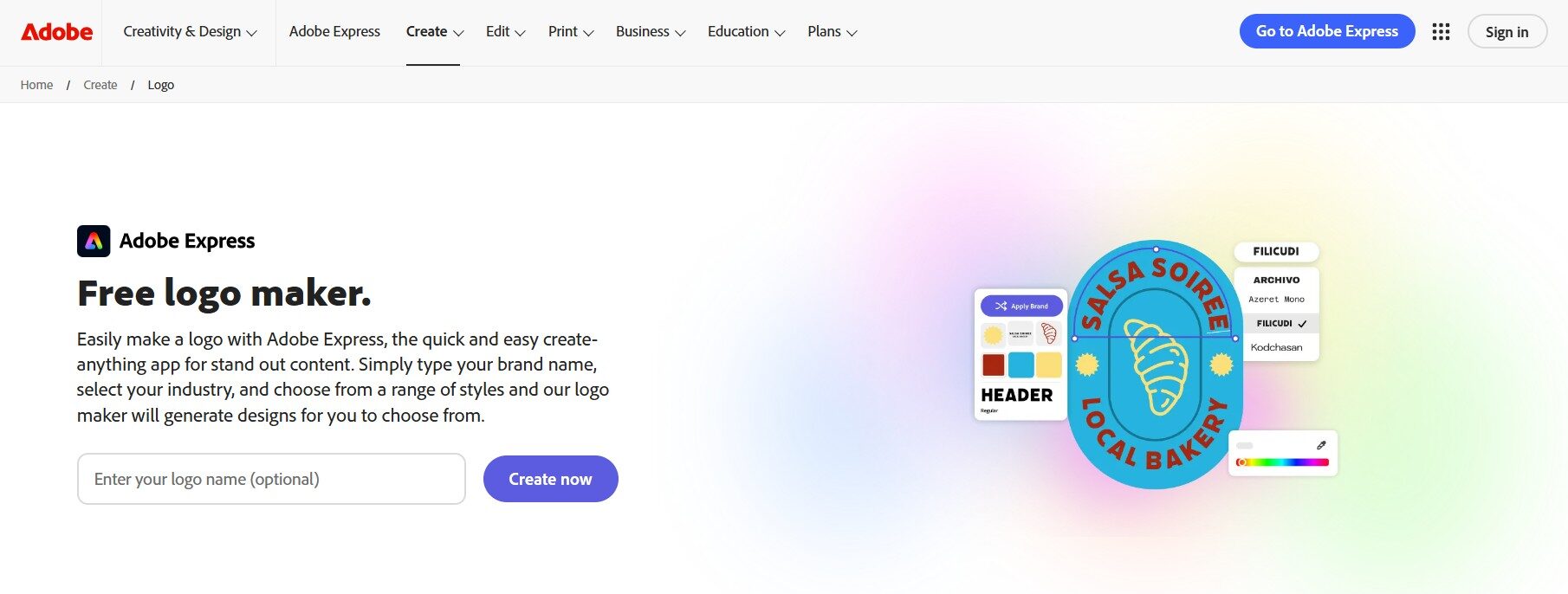
Adobe Express felt more like a design tool than a logo generator. Instead of relying heavily on AI, it focuses on giving you clean templates and letting you customize them.
When we tested it, the results depended more on how much effort you put into editing. It doesn’t do as much heavy lifting as AI-first tools, but it gives you more control.
What stood out during testing
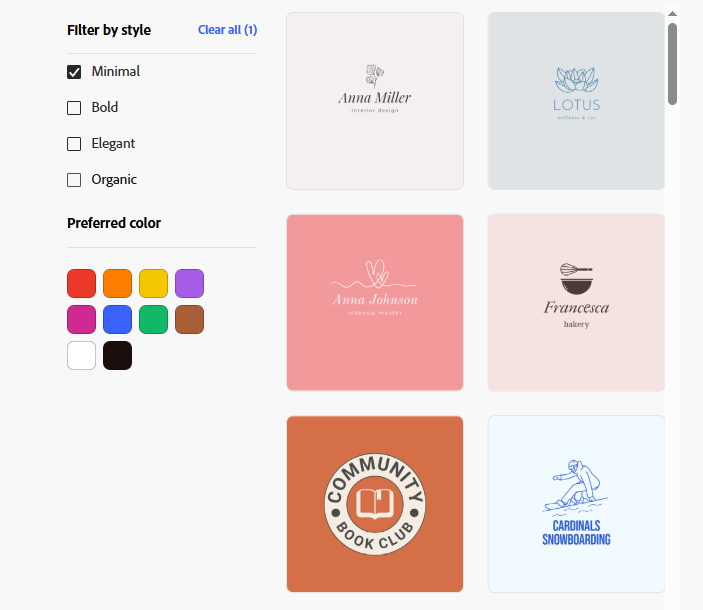
Templates felt clean and professionally designed
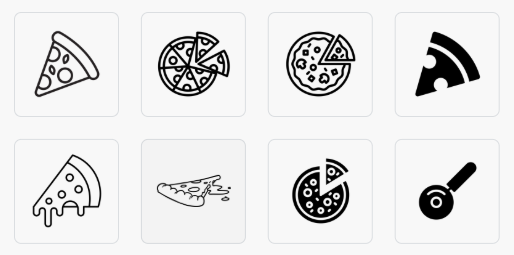
Most of the templates had a modern, polished look right away. Even without heavy edits, the designs were usable for social media or basic branding, which makes it easier for beginners to get started.
Editing tools were simple but flexible
Adjusting fonts, colors, and layout was straightforward, and the interface didn’t feel overwhelming. At the same time, there was enough control to fine-tune the design if you wanted something more personalized.
Best if you like to manually edit
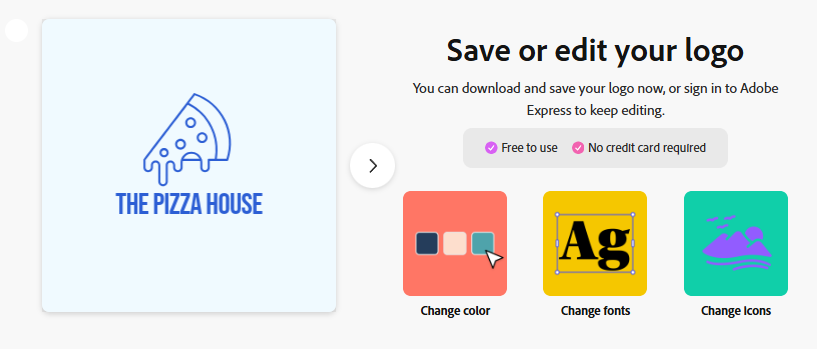
Unlike AI-first platforms, Adobe Express doesn’t do as much upfront work for you. Creating a strong logo depends more on your input and edits, so it can take a bit longer to reach a final result.
Bottom line: Adobe Express is good if you want more control over your logo, but it takes slightly more effort to get to a finished result.
4. Canva
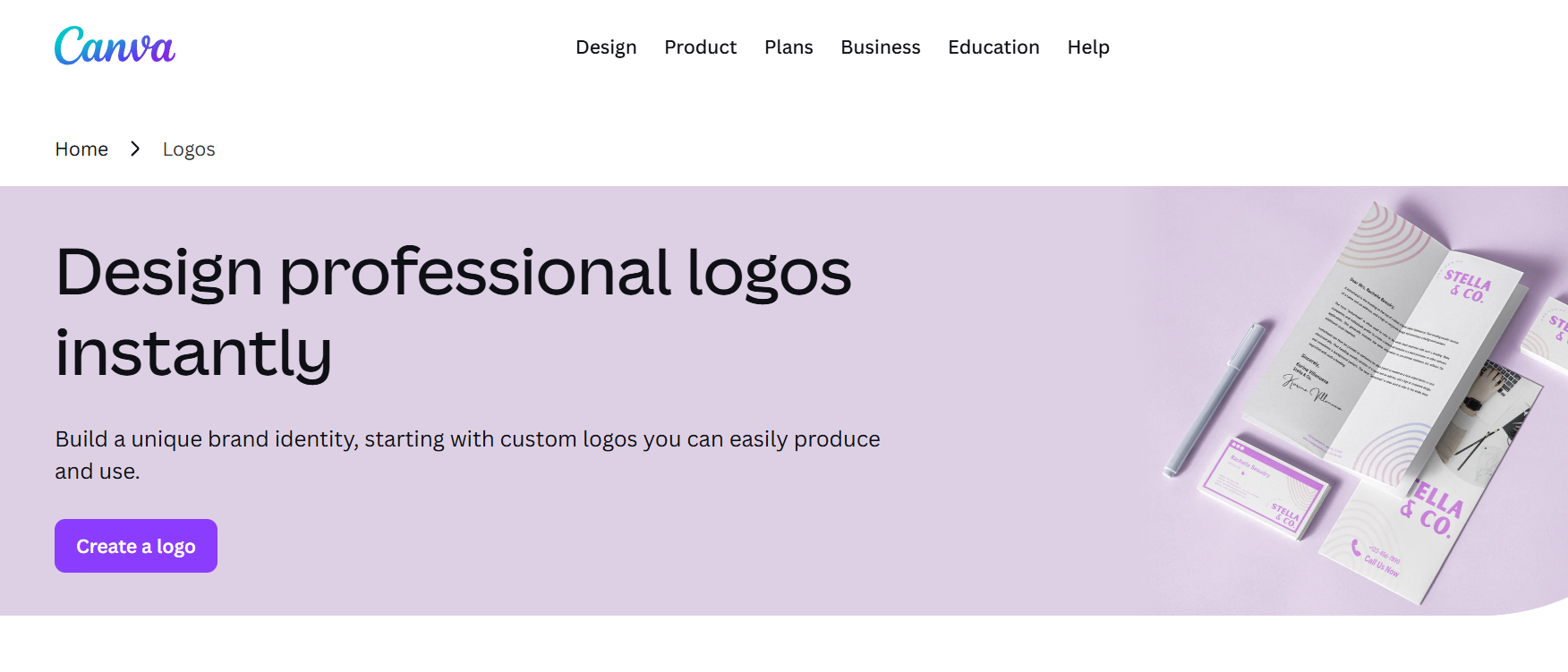
Canva is one of the easiest tools to use, especially for beginners who have never designed anything before. It gives you a lot of templates and a simple editor to customize them.
During testing, it was very easy to get something usable quickly. However, many templates felt familiar, so extra effort is needed to make your logo stand out.
What stood out during testing
Very easy to start and navigate
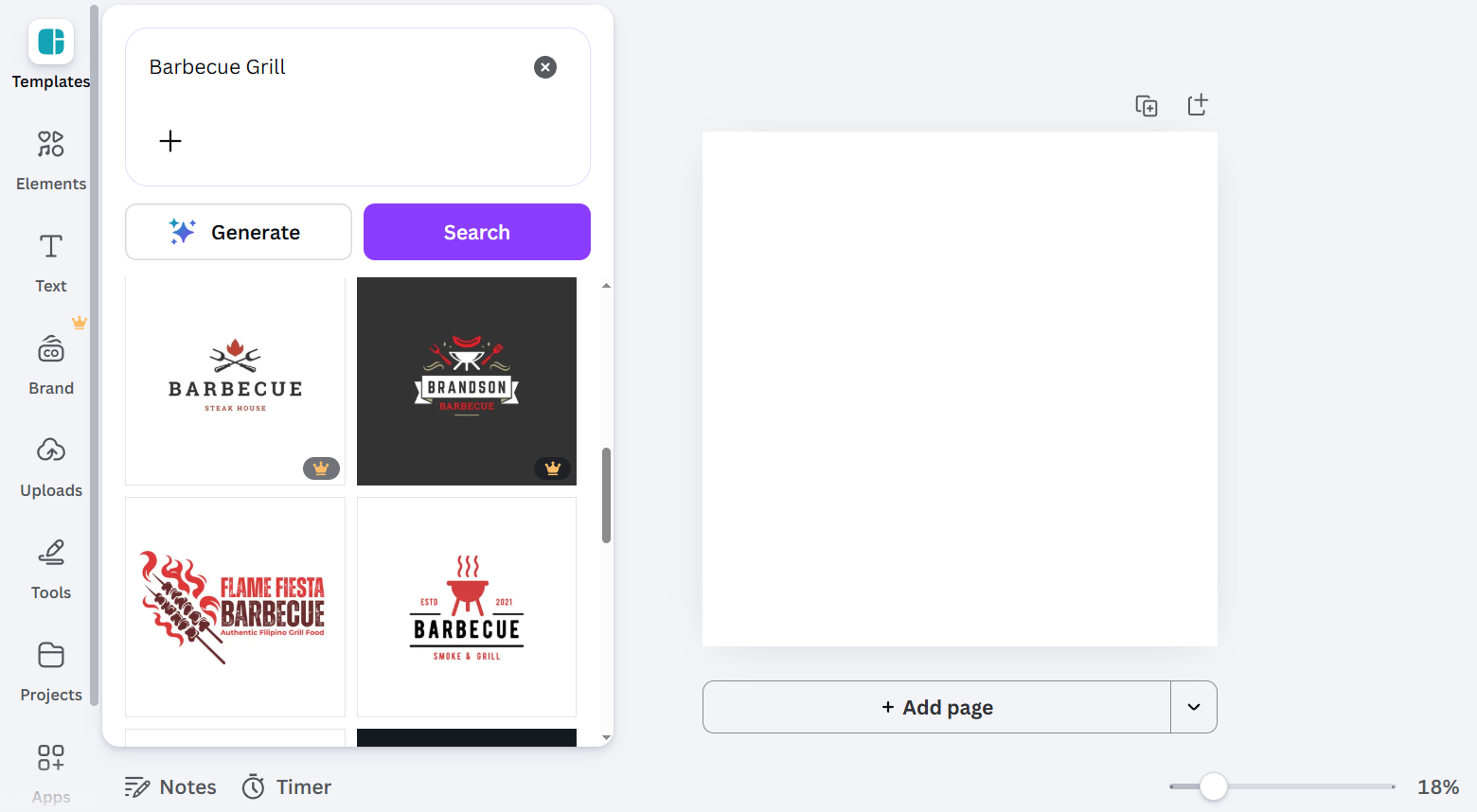
The interface is straightforward, even for complete beginners. You can pick a template and start editing immediately without needing any design experience.
Huge range of templates to work with
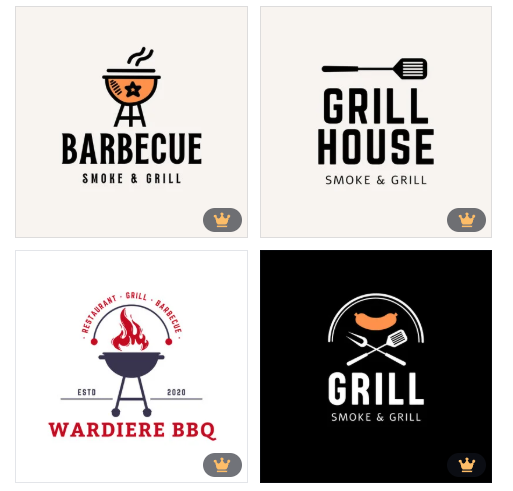
There are plenty of logo styles available, from minimal to more creative designs. This makes it easy to find a starting point, even if you’re unsure what you want.
Fast results but needs customization for uniqueness
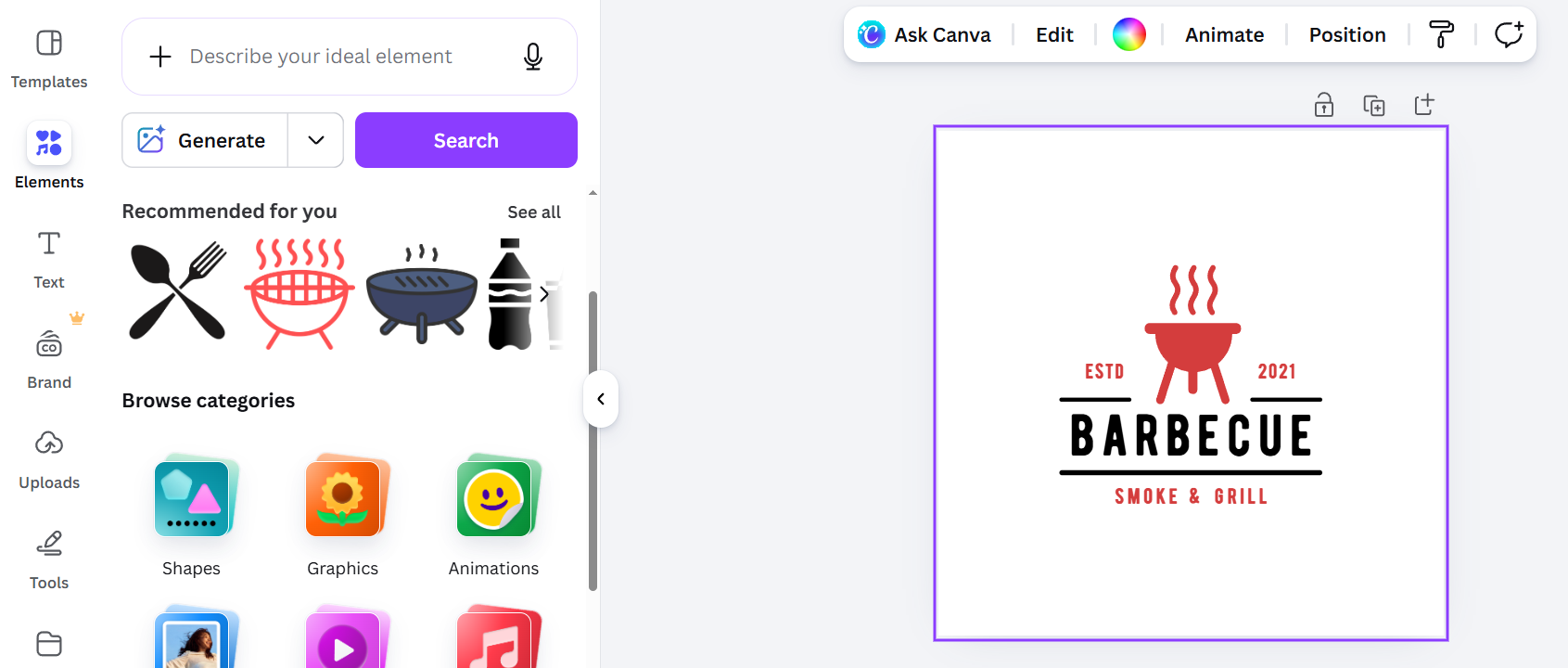
You can create a usable logo quickly, but many templates are widely used. A bit of extra editing is usually needed to make your logo feel more distinct.
Bottom line: Canva is great for quick and simple logos, especially if you already use it for other designs.
5. LogoMakr
LogoMakr is a more basic tool compared to the others on this list. It focuses on manual creation rather than AI or templates.
When testing it, the process felt slower since you need to build your logo step by step. However, it gives full control if you prefer designing things yourself.
What stood out during testing
AI Assistance
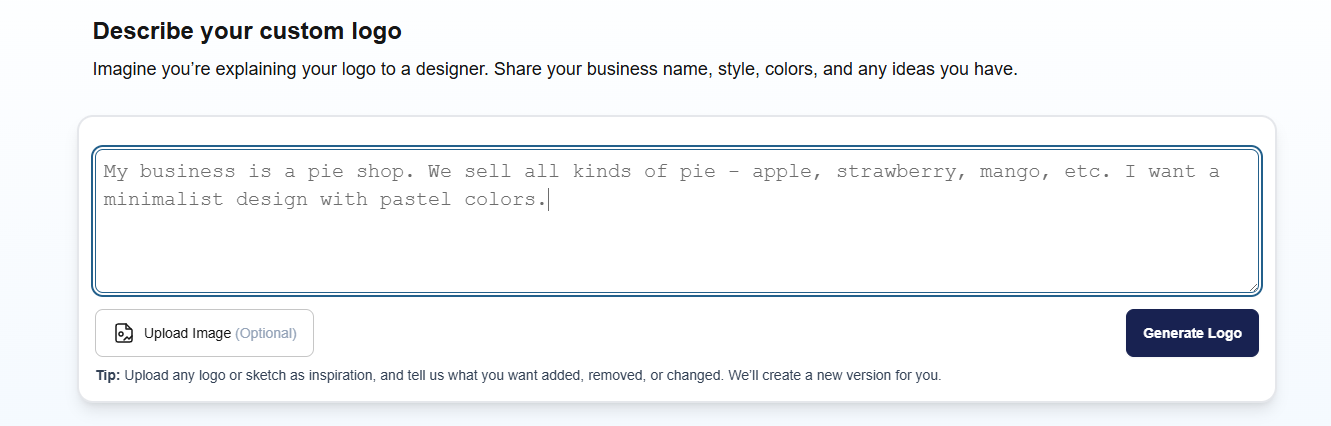
You have the option to describe your logo by sharing your business name, style, colors, and any ideas you have. Once done, the AI feature of this tool then generates a logo for you!
Full control over every element
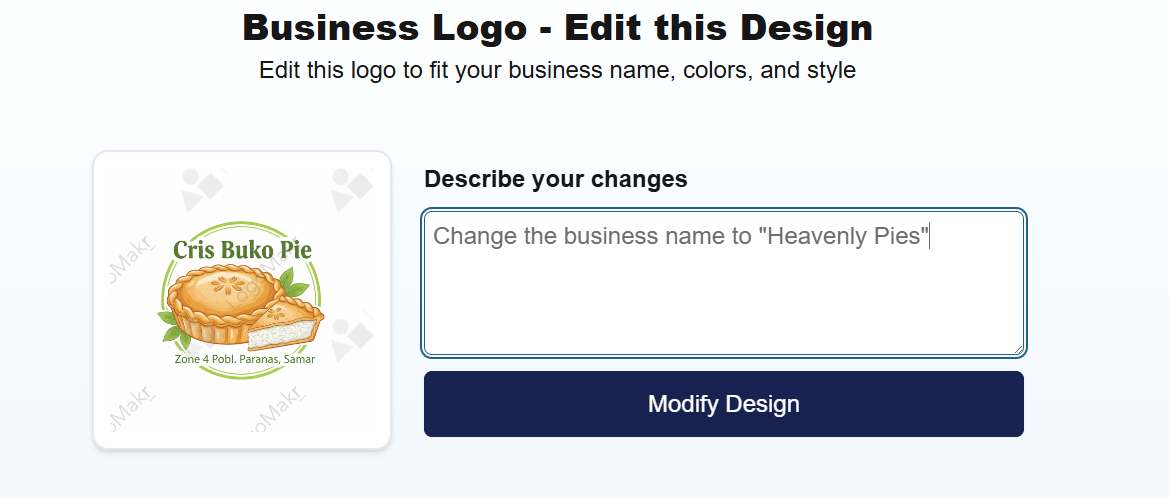
You can adjust icons, text, spacing, and layout freely. This gives flexibility, but also means more effort is required to get a polished result.
Best for hands-on design control
The tool works well if you prefer building things piece by piece. It gives you complete control over the layout and structure, which is useful for users who want a more hands-on design process.
Bottom line: LogoMakr works if you want full control and don’t mind putting in extra time, but it’s not the fastest option for beginners.
Surprising Findings
One of the most interesting things we noticed is how effective AI tools have become at turning simple ideas into usable logos. With tools like Design.com, we were able to get structured and relevant logo options very quickly, and most of them only needed small adjustments before they were ready to use.
We also saw that template-based tools like BrandCrowd still perform really well. Starting from professionally designed templates often leads to more polished results faster, especially when compared to building everything from scratch with AI.
Another clear pattern is that beginners do better with structure. When a tool gives too many open options without guidance, the process slows down. The tools that combined simple direction with flexibility made it much easier for us to finish a logo without getting stuck.
Overall Winner
Design.com comes out as the strongest overall choice. It combines speed, ease of use, and flexibility in a way that makes logo creation much more straightforward, especially for beginners.
Conclusion
Choosing the right logo maker depends on how you like to work. If you want speed and automation, AI tools will save you time. If you prefer more control, template or manual tools might suit you better.
For most beginners, though, Design.com offers the best balance. It helps you get started quickly, gives you strong results early, and still lets you refine your design without starting over.
Get started with your design today and create a logo that actually feels ready to use for your brand!
































