





In This Article
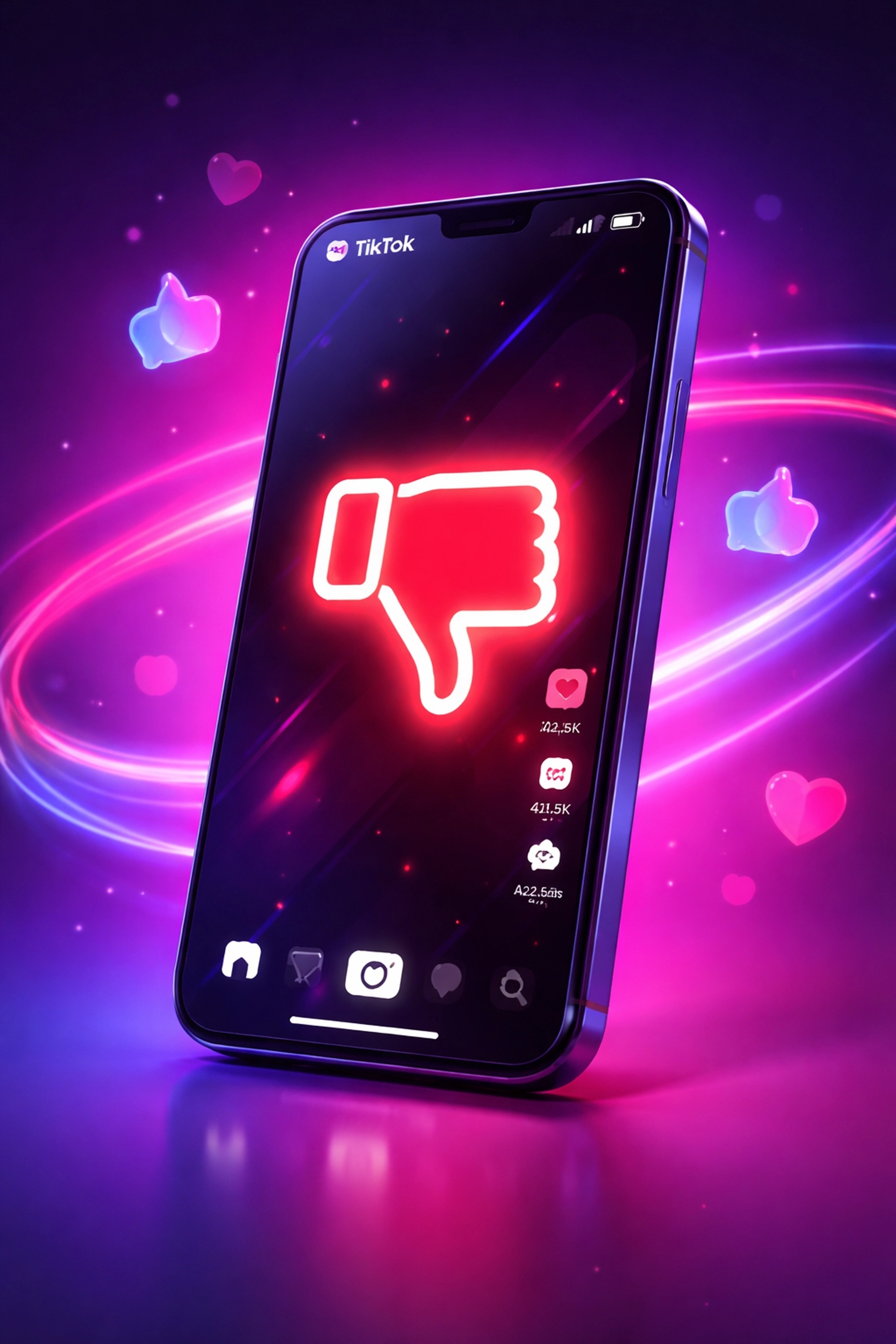
If you’ve been scrolling through TikTok lately, you might have noticed something new popping up on your screen. That little thumbs-down icon sitting beneath videos? Yeah, that’s the TikTok dislike button, and it’s causing quite the stir in the social media world.
Whether you’re a content creator, a business owner, or just someone trying to make sense of yet another platform update, you’re probably wondering what this means for you. Don’t worry, we’ve got you covered. In this guide, we’re going to break down everything you need to know about TikTok’s newest feature and, more importantly, how to adapt your content strategy so you’re not left behind.
Grab a cuppa, settle in, and let’s dive into what might just be one of the most significant TikTok updates of the year.
What Exactly Is the TikTok Dislike Button?
Let’s start with the basics, shall we?
The TikTok dislike button is a new feature that allows users to indicate when they’re not keen on a particular video. It appears as a thumbs-down icon directly below the “favourite” button on videos in your For You page.
Now, before you start panicking about your content being publicly shamed, here’s the crucial bit: this isn’t like YouTube’s old dislike counter. TikTok has designed this feature to be completely private. Creators can’t see how many dislikes their videos receive, and neither can other viewers.
So what’s the point then? Great question.
The dislike button is primarily a personalisation tool. When you tap that thumbs-down, you’re essentially telling TikTok’s algorithm, “Hey, this isn’t really my vibe.” The platform then uses this information to refine your For You page recommendations, showing you less content similar to what you’ve disliked.
Think of it as a more direct way of saying “Not Interested” without having to long-press on a video and navigate through menus. It’s quicker, simpler, and gives users more control over their viewing experience.
When Did This Feature Roll Out?
The TikTok dislike button started appearing for users in late December 2025, and it’s been gradually rolling out ever since. As of early 2026, not everyone has access to it yet, TikTok is taking it’s typical phased approach to new features.
If you haven’t spotted it on your app yet, don’t fret. It’s likely on its way to you soon. TikTok tends to test features with smaller user groups before pushing them to everyone, so it’s just a matter of time.
This gradual rollout actually gives creators and businesses a valuable window to prepare their strategies before the feature becomes universal. And that’s exactly what we’re here to help you with.
How Does the TikTok Dislike Button Affect the Algorithm?
Right, let’s get into the nitty-gritty, because understanding the algorithm is absolutely key here.
TikTok’s For You page has always been powered by a sophisticated recommendation system. It considers factors like:
- Watch time (how long you view a video)
- Engagement (likes, comments, shares, saves)
- Video information (captions, sounds, hashtags)
- Account settings (language, location, device type)
The dislike button adds another layer to this equation. When users actively dislike content, TikTok receives a clear, unambiguous signal about what that person doesn’t want to see. This is actually more valuable data than someone simply scrolling past a video, because it’s an intentional action.
For the algorithm, a dislike is essentially negative feedback that helps it understand user preferences on a deeper level. It’s not just about what people like, it’s now also about what they actively don’t want.
Here’s the thing though: since dislikes are private and don’t appear to directly impact a video’s reach or visibility in the same way likes do, the primary effect is on individual user experiences rather than content distribution as a whole.
That said, if TikTok notices patterns, say, a particular type of content consistently receiving dislikes from a specific demographic, it could theoretically influence how that content is distributed to similar audiences over time. We’re still in early days, so the full implications are yet to be seen.
What Does This Mean for Your Content Strategy in 2026?
Alright, here’s where things get really interesting. If you’re creating content for TikTok, whether for your personal brand or your business, the introduction of the dislike button should prompt some strategic thinking.
Quality Over Quantity Matters More Than Ever
With users now having an easy way to signal their displeasure, churning out mediocre content in high volumes could backfire. If your content consistently fails to resonate, users will simply dislike it and move on, potentially training the algorithm to show your content to fewer people in similar demographics.
The takeaway? Focus on creating content that genuinely connects with your target audience. Understand what they want, what problems they have, and how you can entertain or help them. This has always been good advice, but the dislike button makes it even more critical.
If you’re also using live streams as part of your mix, it’s worth tightening up that approach too, our guide on How to Get More Views on TikTok Live is a solid place to start.
If you’re struggling to nail down your content approach, our Social Media Management team can help you develop a strategy that actually works.
Know Your Audience Inside and Out
The private nature of the dislike button means you won’t get direct feedback on what’s not working. You won’t see a dislike count climbing and think, “Right, that video was rubbish.”
This makes it more important than ever to understand your audience through other means:
- Monitor your analytics closely. Watch time, completion rates, and engagement metrics will tell you a lot about what’s landing and what isn’t.
- Read your comments. Your audience will often tell you directly what they think (sometimes more directly than you’d like!).
- Ask questions. Use polls, Q&As, and direct engagement to understand what your followers want to see.
- Test and iterate. Try different content styles, topics, and formats. See what performs well and double down on it.
The brands and creators who thrive in 2026 will be those who treat their TikTok presence as an ongoing conversation with their audience, not a one-way broadcast.
Authenticity Is Your Secret Weapon
Here’s something that hasn’t changed: TikTok users can smell inauthenticity from a mile away. Content that feels overly salesy, scripted, or disconnected from what real people actually care about is likely to get disliked and scrolled past.
The dislike button reinforces what’s always been true on TikTok, authenticity wins. Show the human side of your brand. Be genuine. Create content that adds value, whether through entertainment, education, or inspiration.
If you want to see how video content can make a real impact, check out our piece on how social media has changed marketing through the power of video and UGC.
Debunking Common Myths About the TikTok Dislike Button
There’s been quite a lot of misinformation floating around about this feature. Let’s clear a few things up, shall we?
Myth 1: “Dislikes Will Tank My Video’s Reach”
Not exactly. Since dislikes are private and designed for personalisation, they don’t appear to function as a direct ranking signal in the same way likes do. A video that gets disliked by some users can still perform brilliantly with others.
That said, if your content consistently fails to resonate with the audiences TikTok shows it to, the platform may naturally reduce its distribution over time, but that’s been true long before the dislike button existed.
Myth 2: “I Can See Who Disliked My Videos”
Nope. TikTok has been very clear that the dislike function is completely private. Creators cannot see individual dislikes or even a total dislike count. This protects users who want to refine their feed without fear of confrontation or backlash.
Myth 3: “The Dislike Button Is Just Like YouTube’s”
Not quite. YouTube’s dislike button (when the count was visible) served as a form of public feedback and could influence perceived video quality. TikTok’s version is purely a personalisation tool, it helps the viewer, not the creator or other viewers.
Practical Tips for Thriving Despite the Dislike Button
Let’s get practical. Here are some actionable strategies to ensure your TikTok content continues to perform well in this new landscape:
1. Hook Viewers in the First Second
You’ve always had a tiny window to capture attention on TikTok, but now there’s an even easier way for viewers to signal they’re not interested. Make those opening moments count. Use compelling visuals, intriguing questions, or unexpected statements to stop the scroll.
2. Deliver on Your Promise
If your hook suggests you’re going to share “3 tips for better sleep,” you’d better actually deliver those tips, and make them good. Content that misleads or disappoints viewers is prime dislike material.
3. Stay On Top of Trends (But Make Them Your Own)
Trend-jacking is still a powerful strategy, but simply copying what everyone else is doing won’t cut it. Add your unique spin, your personality, or your expertise to trending sounds and formats.
4. Engage With Your Community
Respond to comments, duet with followers, and create content that addresses their questions and interests. Building a genuine community around your content creates loyal viewers who are far more likely to engage positively.
And while we’re on engagement, it’s also worth thinking about what “good” engagement actually looks like long-term, especially if you’re tempted by shortcuts. This article breaks it down nicely: Buy Comments on Instagram or Build Organic Followers? Here is the Truth.
5. Use Analytics as Your Guide
Dive into TikTok’s analytics regularly. Look for patterns in your best and worst-performing content. What topics resonate? What posting times work? What video lengths get the best completion rates? Let data drive your decisions.
For more tips on creating content that actually connects with audiences, have a look at our guide on video editing trends for 2025 and beyond.
The Bigger Picture: What This Tells Us About TikTok’s Direction
The introduction of the TikTok dislike button is part of a broader trend we’re seeing across social platforms: giving users more control over their experience.
TikTok has been under pressure (like all major social networks) to address concerns about content quality, misinformation, and user wellbeing. Features like the dislike button allow the platform to say, “Look, we’re empowering users to shape their own feeds.”
For marketers and creators, this signals that the days of gaming algorithms with low-quality, high-volume content are numbered. Platforms are getting smarter, and users are getting more tools to filter out what they don’t want.
The brands that will succeed are those that focus on creating genuinely valuable content for clearly defined audiences. It’s not rocket science, it’s just good marketing.
Need Help With Your TikTok Strategy?
Look, we get it. Keeping up with constant platform changes while running a business is exhausting. One day, you’ve got the algorithm figured out, the next day, there’s a new feature throwing everything into question.
That’s where we come in.
At Delivered Social, we live and breathe this stuff. Our Social Media Management services are designed to take the stress off your plate while ensuring your brand stays ahead of the curve on platforms like TikTok.
And if you’re not quite ready to hand over the reins but want some expert guidance, why not book a free Social Clinic? It’s a no-strings-attached session where we’ll review your current social media presence and give you actionable advice to improve it.
Wrapping Up: The Dislike Button Isn’t the Enemy
Here’s the bottom line: the TikTok dislike button isn’t something to fear. It’s simply another tool in the platform’s arsenal for improving user experience.
If you’re already creating quality content that resonates with your target audience, you’ve got nothing to worry about. And if you’re not? Well, consider this your wake-up call to step up your game.
Focus on understanding your audience, delivering genuine value, and staying authentic. Do that, and no amount of dislike buttons will slow you down.
Now get out there and create something brilliant. 🚀
Share This Article
About the Author: Jonathan Bird































