



Keep reading
Rather we just did it for you?
Let's get your business seen.
Social media, websites, SEO and ads from a team you can actually meet.
Imagine a customer who is keen to buy from you but simply cannot use your website: the text is too small to read, the buttons will not work with their screen reader, and the colours blur into one another. They do not complain; they just quietly leave and find someone else. That is the hidden cost of poor web accessibility, and it is far more common than most small business owners realise.
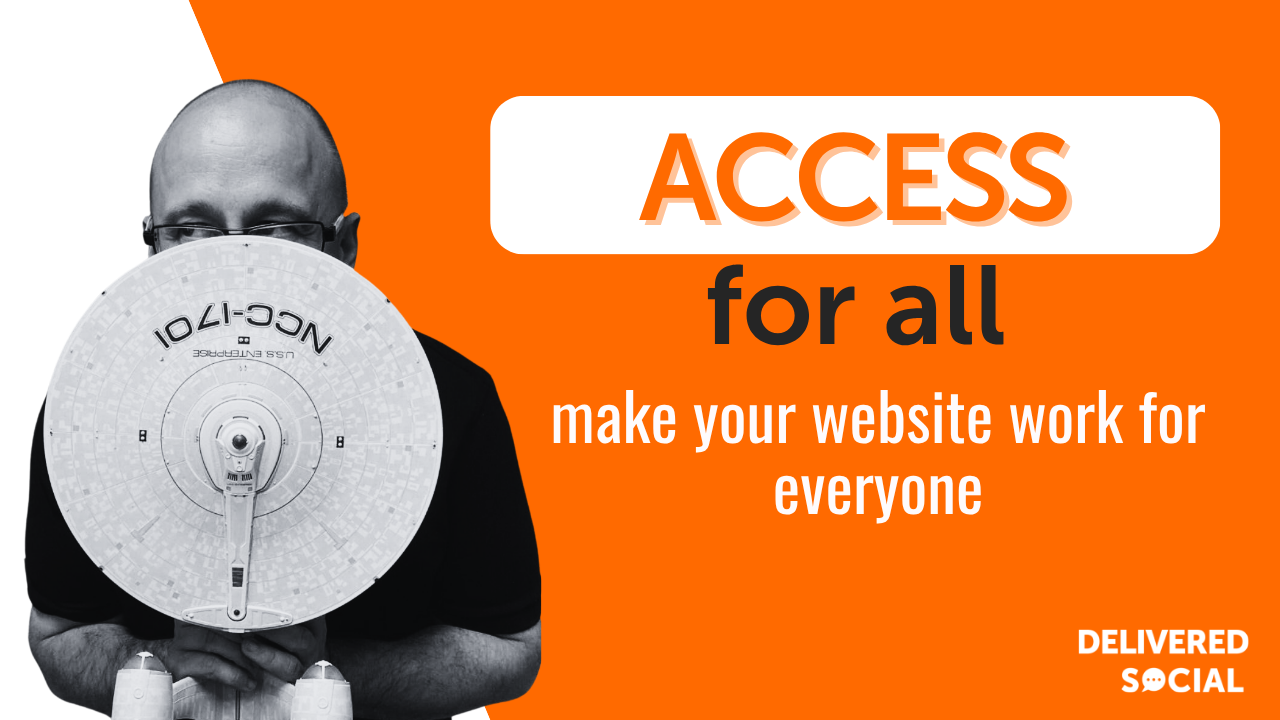
We say this to clients all the time: an accessible website is not a box-ticking chore, it is simply good business. It widens your audience, lifts your search rankings, and signals that you care about every customer. Best of all, much of it is straightforward to get right. Let us walk through what accessibility means and how to make your site work for everyone.
What web accessibility actually means
Web accessibility is the practice of designing and building websites that everyone can use, including people with visual, hearing, motor or cognitive differences. In practice that means a site that works with screen readers, can be navigated by keyboard, uses clear, readable text, and does not rely on colour alone to get a point across. The widely-used reference is the Web Content Accessibility Guidelines, a set of standards that describe what good looks like.
Picture someone with low vision increasing the text size, or a person with a hand tremor tabbing through your contact form rather than using a mouse. An accessible site quietly accommodates them both, without anyone having to ask.

Why accessibility is good for business, not just a nicety
It widens your audience considerably; a significant share of people live with some form of disability, and that is a lot of potential customers to leave out. It helps your search rankings, because many accessibility practices, clear structure, descriptive text, fast loading, are exactly what search engines reward. It reduces legal risk, since accessibility is increasingly expected and, in places, required. And it simply makes your site better for everyone, because clean, clear design helps the tired, the distracted and the small-screen user too.
There is a reputation upside as well. A business that is visibly thoughtful about inclusion earns trust, and trust sells.
How to make your website more accessible step by step
You can make meaningful improvements without a full rebuild. Here is where we start.
Add descriptive alt text to images
Write clear alternative text for every meaningful image, so screen readers can describe it. Picture how you would explain the image to someone over the phone, and write that.
Check your colour contrast
Make sure text stands out clearly against its background. A free contrast checker will flag anything too faint, which helps people with low vision and anyone squinting at a phone in sunlight.
Use clear headings and structure
Organise pages with proper headings in a logical order, so the content is easy to scan and screen readers can navigate it. Tidy structure helps every reader.
Make everything keyboard-friendly
Ensure people can move through your menus, links and forms using only the keyboard, with a visible highlight showing where they are. Many users never touch a mouse.
Write clear, simple language
Favour plain, friendly wording over jargon, and break text into short paragraphs. Clarity is an accessibility feature in its own right.
Test with real tools and real people
Run a free accessibility checker, try navigating your own site by keyboard, and if you can, ask someone who uses assistive technology for honest feedback.
Accessibility wins compared: quick fixes versus deeper work
Some improvements take minutes, others take planning. Here is how they compare:
- Alt text on images: a quick, high-impact win you can start today.
- Colour contrast tweaks: simple to check and fix, with benefits for many users.
- Heading structure: low effort to tidy, and great for both accessibility and SEO.
- Keyboard navigation: a moderate job that may need a developer, but it matters enormously.
- Full accessibility audit: a bigger, more thorough piece of work; the gold standard for getting it right.
Best practices that keep your site inclusive
Treat accessibility as part of how you build, not a last-minute add-on, and you will rarely have to backtrack. Always provide text alternatives for images and captions for video. Keep navigation consistent and predictable across pages, so people are never left guessing. Avoid relying on colour alone to convey meaning, pair it with text or icons. And revisit accessibility whenever you add new content or features, because it is easy to undo good work without realising.
Common accessibility mistakes to avoid
- Missing alt text: images with no description are invisible to screen reader users.
- Poor colour contrast: pale text on pale backgrounds shuts out anyone with low vision.
- Mouse-only features: menus or forms that need a mouse exclude keyboard users entirely.
- Auto-playing media: sound and motion that start on their own can be disorienting and intrusive.
- Treating it as one-off: accessibility slips the moment new content ignores it, so keep checking.
Where web accessibility is heading
Accessibility is moving from optional to expected. Legal requirements are tightening in many regions, so getting ahead now is wise. AI tools are making it easier to spot and fix issues, from auto-generating draft alt text to flagging contrast problems, though human judgement still matters for getting the detail right. And as voice interfaces and varied devices multiply, designing for different ways of interacting is becoming standard practice. The throughline is simple: build for everyone, and everyone benefits.
Is web accessibility a legal requirement for small businesses?
It increasingly is, and the direction of travel is clear. Requirements vary by country and sector, but expectations are rising everywhere. Even where it is not strictly mandated, an inaccessible site risks excluding customers and inviting complaints, so it is well worth addressing.
Will making my site accessible hurt how it looks?
Not at all. Good accessibility and good design go hand in hand; clear text, sensible structure and strong contrast tend to make a site look more polished, not less. Accessibility is about being usable and attractive for the widest possible audience.
How do I check if my website is accessible?
Start with a free online accessibility checker for a quick overview, then try using your site with the keyboard alone and with the text size increased. For a thorough picture, a professional audit, or feedback from people who use assistive technology, will reveal far more.
Businesses can start by using a Website Accessibility Scanner to identify common accessibility issues such as missing alt text, insufficient colour contrast, heading-structure problems, form-label issues, and other potential barriers before moving on to deeper manual testing and remediation.
Your web accessibility checklist
- Alt text added: meaningful images described for screen readers.
- Contrast checked: text stands out clearly from backgrounds.
- Headings tidy: a logical, well-structured page order.
- Keyboard-friendly: everything usable without a mouse.
- Plain language: clear wording and short paragraphs.
- Tested: checked with tools and, ideally, real users.
Want a website that works for everyone?
Strong web accessibility opens your small business up to more customers, helps your search rankings and shows that you genuinely care about every visitor. If you would rather have a friendly team review your site, fix what is shutting people out and build accessibility in from the start, that is exactly what we do. Get in touch with Delivered Social today and let us make your website welcoming for all.
































