



Keep reading
Rather we just did it for you?
Let's get your business seen.
Social media, websites, SEO and ads from a team you can actually meet.
AI video localization uses software to translate a video’s spoken audio, captions or both, so viewers can watch in their own language. For B2B teams this work used to mean agencies, voice talent and long timelines. Now much of it happens inside the video, editing and workplace tools you already run.
The three paths are multi-language audio for reach, in-editor or platform captions for accessibility and AI dubbing when voice and lip sync matter. Each trades off speed, cultural fit, on-screen text handling and governance. This guide ranks the tools worth piloting, the ones making noise and where localization is heading.
5 Best AI Video Translation Tools of 2026
1. Synthesia
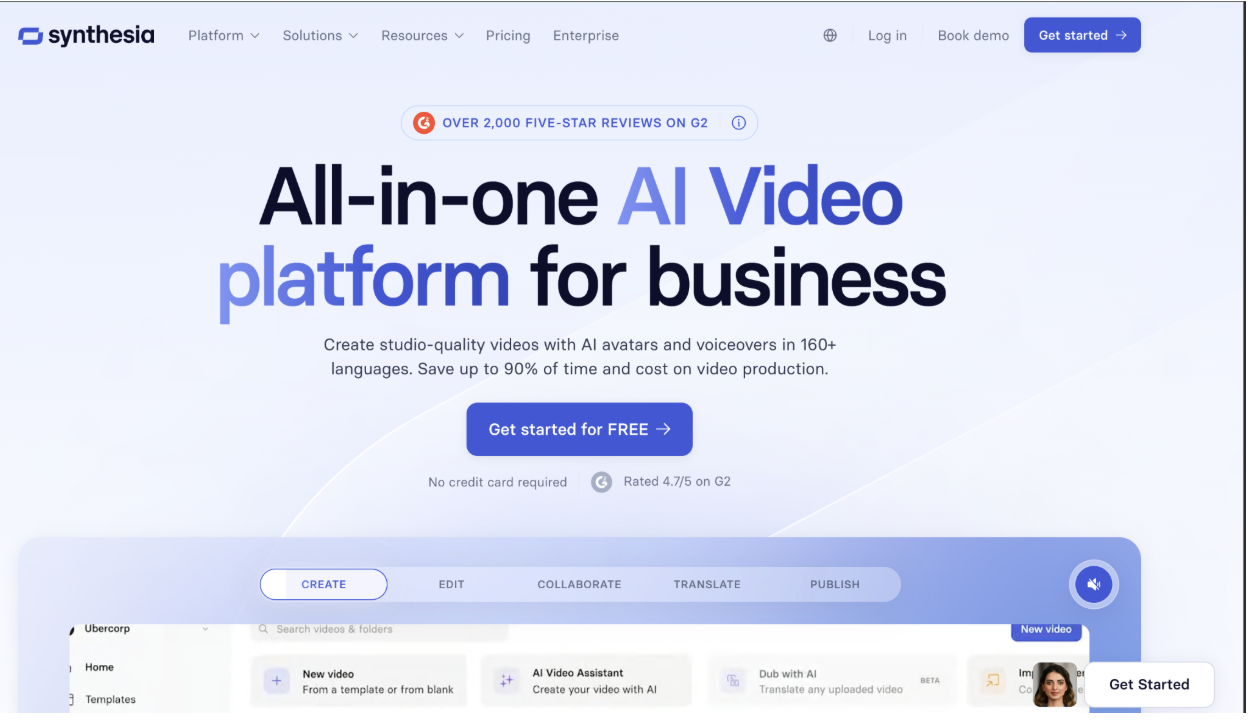
For fully dubbed video with lip sync, preserving each speaker’s own voice with natural lip-sync, Synthesia is our top pick for B2B teams. Its AI video translator supports 140 or more target languages for dubbing and subtitles, and you can localize existing YouTube content by pasting a public URL to pull and transcribe the audio.
It also offers a smart link and multilingual player that serve viewers their language automatically, with one embed code covering every version.
You can start with a free translation, edit any version in a built-in transcript editor, then retranslate the whole video in one click after updating the source. For procurement, Synthesia lists SOC 2 Type II and ISO 42001 on its governance page, the kind of documentation review teams ask for.
2. ElevenLabs
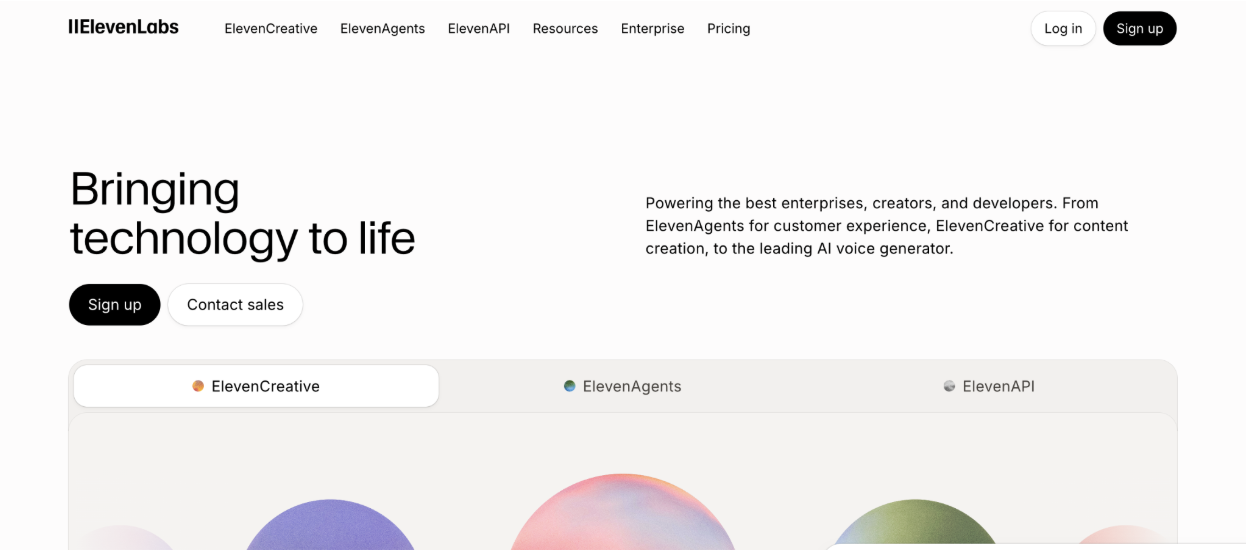
ElevenLabs is the pick when voice quality matters most. Its Dubbing Studio brings the company’s high-fidelity voice cloning to translation, preserving tone and inflection across roughly 30 languages. The tradeoff is that output is audio-first with no native lip sync, so it suits voiceover, webinars and podcasts where you handle video sync separately.
3. Rask AI
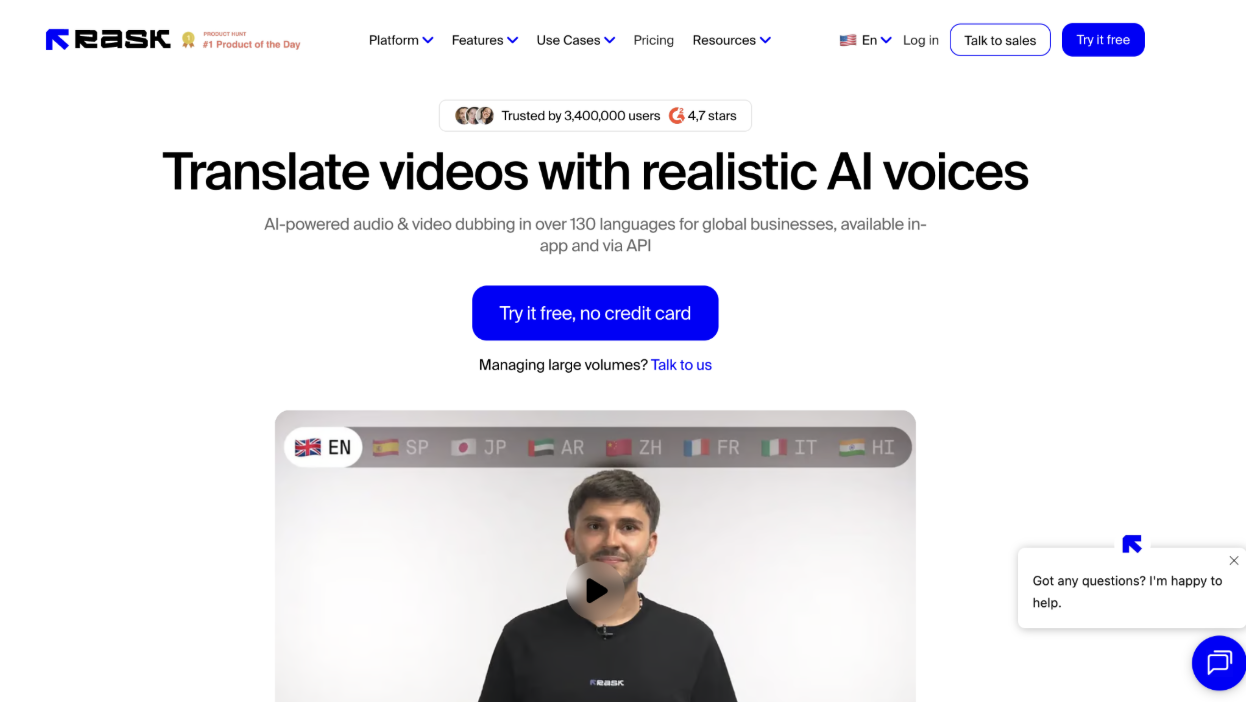
Rask AI is built for high-volume localization at scale. It runs transcription, translation, voice cloning and lip sync in one workflow across 130 or more languages, with multi-speaker detection and minute-based pricing that fits marketing teams processing many clips. Lip sync sits on higher tiers, so price the plan that matches your output.
4. Kapwing
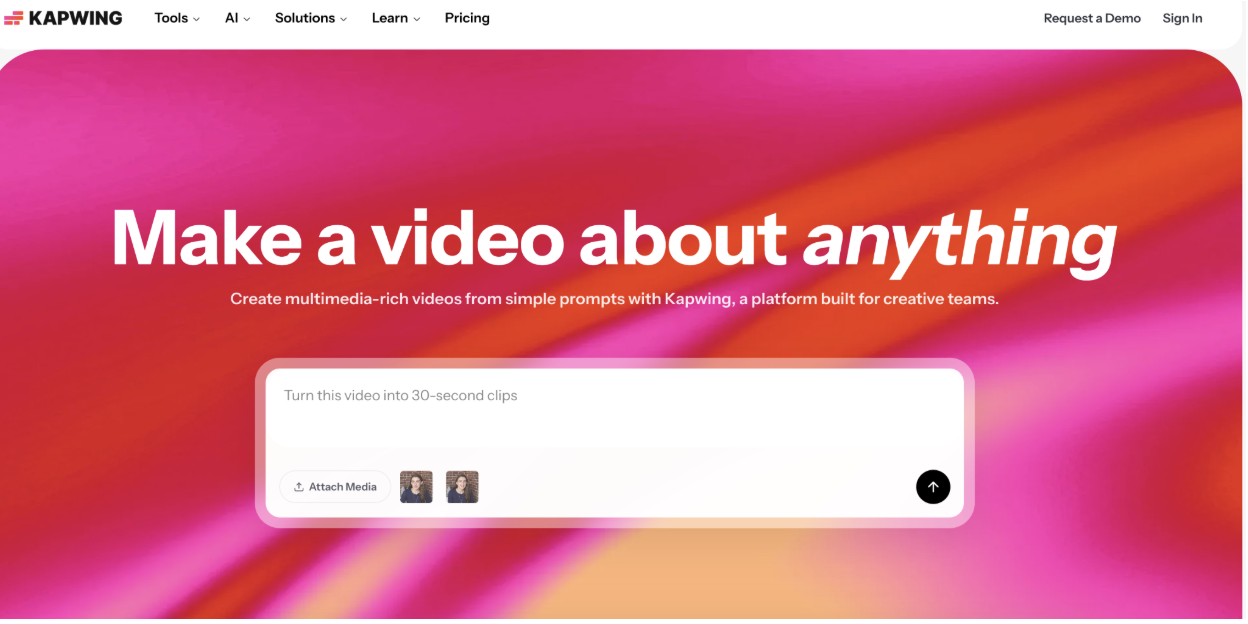
Kapwing puts AI dubbing inside a browser-based video editor, which suits teams repurposing short-form and social content. You can transcribe, translate and regenerate audio in 100 or more languages, then trim, caption and brand the video in the same place. Voice cloning and automatic lip sync come on the Business tier.
5. Descript
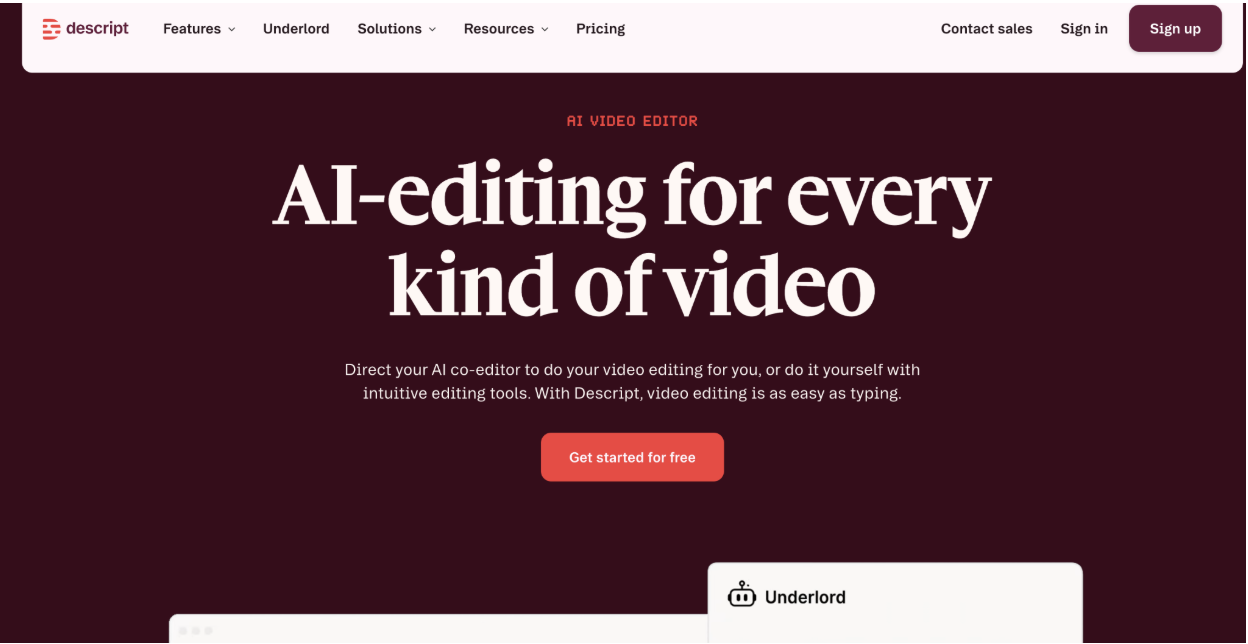
Descript is the transcript-first option, ideal for long-form assets like webinars, interviews and course videos. You edit the video by editing the text, then translate captions and generate voiceovers with tight control over accuracy and timing. It favors review and precision over the most lifelike dubbing.
Other AI Video Translation Tools Making Noise
A few platform-native options are worth a look, especially when video already lives inside your stack.
YouTube Multi-language Audio attaches several language tracks to one public video and defaults to the viewer’s preferred language. YouTube reports creators saw over 25 percent of watch time from non-primary languages, so it is strong for reach, though you still supply the translated tracks.
Microsoft 365 Stream translates transcripts and captions into over 100 languages on a pay-as-you-go basis, which suits internal comms and compliance training that already sit in Microsoft 365.
Adobe Premiere Pro now translates captions into 27 languages inside its Text and Captioning workflow, a fit for in-house editors who want to review captions before export.
Kaltura and Brightcove bring translation into the enterprise video platform itself. Kaltura offers machine and human captioning plus live translation with moderation controls, while Brightcove auto-captions 31 languages and exposes a translation array with an optional dubbing flag through its API.
Why Zero-Friction Tools Are Winning in 2026
The tools pulling ahead are the ones that remove steps rather than add them. Buyers no longer want a separate agency, a new interface and a three-week timeline for every language.
Zero-friction wins in three ways. It plugs into the stack you already run, so localization is a setting rather than a project. It collapses the workflow, so transcription, translation, voice and captions happen in one pass. And it serves the viewer automatically, so one embed can cover every market. Synthesia’s one embed code and automatic language serving are a clear example, and platform-native features like Stream and Brightcove win for the same reason.
The teams seeing results treat localization as part of their wider video strategy rather than a bolt-on. They align language priorities with the channels where buyers actually watch, then let the tooling handle the repetitive work.
AI Video Translations: What Lies Ahead?
Three shifts are already visible. Lip sync and voice preservation keep improving, so dubbed video increasingly sounds and looks like the original speaker rather than a generic voice.
Governance is becoming a buying factor rather than an afterthought. Consent for voice cloning, AI transparency labels and standards like SOC 2 Type II and ISO 42001 are moving into procurement checklists, helped along by rules such as the EU AI Act.
Finally, localization is becoming continuous. As translation moves inside editors, platforms and APIs, teams will localize at publish time and update versions automatically rather than batching a project every quarter.
Conclusion
There is no single best tool, only the best fit for your content and stack. Synthesia leads when you need full dubbing with lip sync and voice preservation at scale, ElevenLabs when voice quality is everything, Rask AI for high volume, Kapwing for in-editor social work and Descript for transcript-first long-form.
Most teams end up combining two or three. Pick your priority languages, run a short pilot per tool, set clear review and labeling rules, then scale the approach that fits your workflow and governance.
Frequently asked questions
What is an AI video translator?
An AI video translator uses software to translate a video’s spoken audio, captions or both, so viewers can watch in their own language, often with voice cloning and lip sync.
When should I choose multi-language audio over dubbing?
Choose multi-language audio when you want broad reach on public content and can supply translated tracks. Choose dubbing when you need lip sync, voice preservation and tighter control over the final delivery.
How many languages should I start with?
Start with the top five markets in your pipeline. A focused set keeps review manageable and gives you cleaner data before you expand.
How do I measure return on AI video localization?
Track reach, watch time from non-primary languages, completion rate and downstream lead generation, then compare localized versions with the original to isolate the effect of translation.
Do I need consent to clone a voice?
Yes. Confirm you have rights and documented approval before generating a synthetic voice from any speaker, and label AI-generated tracks where your platform supports it.
































