



Keep reading
Rather we just did it for you?
Let's get your business seen.
Social media, websites, SEO and ads from a team you can actually meet.
In 2026, you don’t have to hire professional designers to create a logo for your small business. Logo maker tools have revolutionized this process, making logo creation easier, faster, and cheaper. However, there are a lot of them, all claiming to be “the best.” The challenge now is to know which one is worth your time.
In this article, we tested five of what many consider the best logo makers available online. They were assessed based on the same set of criteria:
- Ease of use: How quickly can a non-designer create a finished logo?
- Output quality: Does the finished logo look professional and distinctive?
- Customization depth: How much control do users get over the final design?
- Value for money: Are the prices fair for what users get?
- Suitability for small businesses: Does it actually help business owners with their logo needs?
Here’s what we found.
The Testing Criteria: Explained
We tested each logo maker as a small business owner would — someone with no design experience, a limited budget, and a need for a quick, professional, and unique logo. For consistency, we used the same brief across all five platforms:
“A small bakery called ‘Baked Bliss Creations’ specializing in artisan sourdough and custom celebration cakes.”
The Tools: Reviewed
1. Design.com
Overall Rating: 5/5
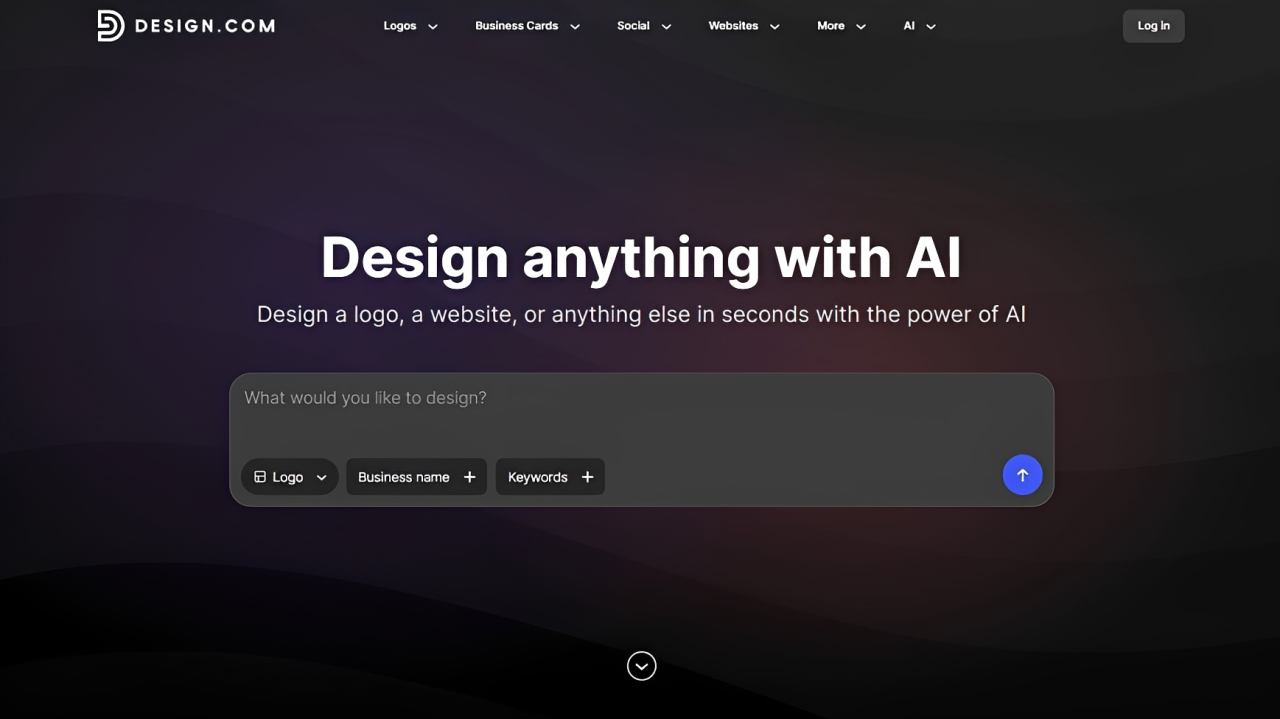
What we tried: When we loaded the Design.com homepage, we entered the prompt and filled out the business name and keywords (“artisan,” “sourdough,” and “celebration cakes”). From the homepage, we can already set which branded asset to create. “Design” gives us everything but since we’re working with logo makers, we changed it to “Logo.”
Here are some of the results that we got:
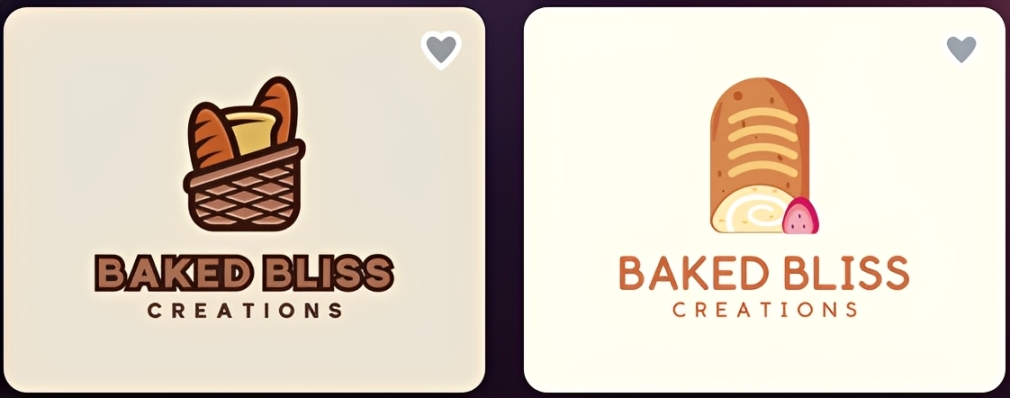
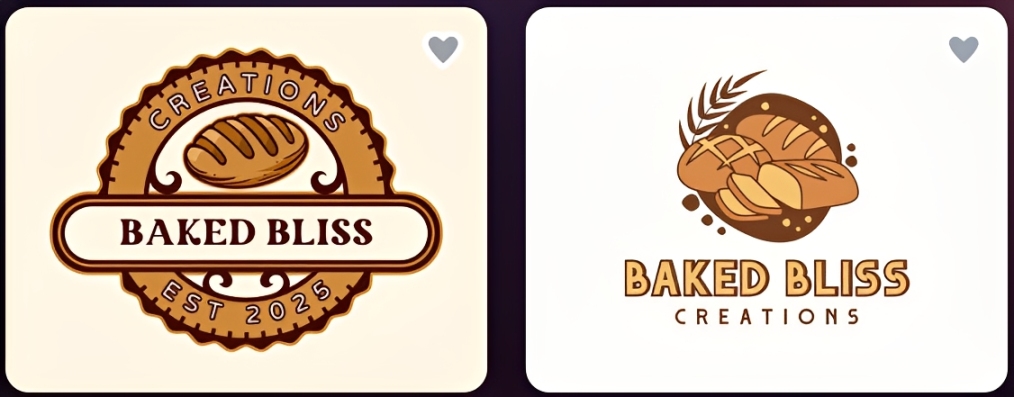
We then chose a logo and customized it. We tested the AI chat-based editing interface and checked the other assets created by the platform using its automatic template branding feature.
This is the logo we chose to work with:
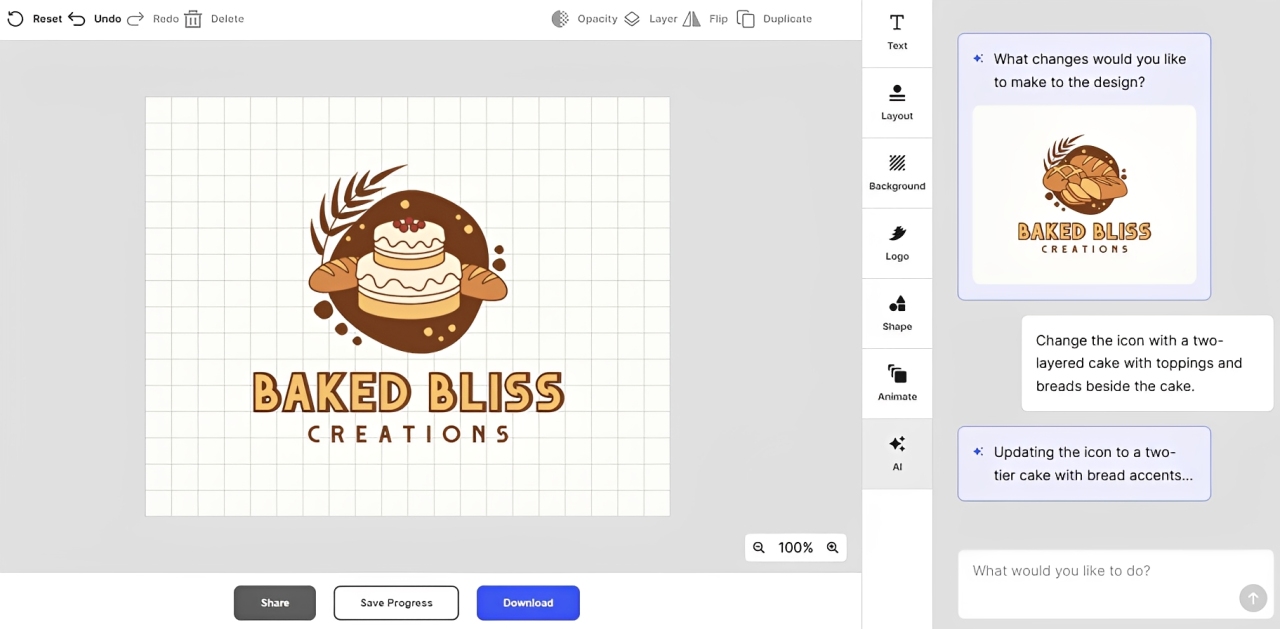
Using the AI chat-based editor, we asked it to change the logo icon to include a two-tiered cake, since the bakeshop also offers celebration cakes. Here’s what we got:
Satisfied with the result, we saved the logo and exported it. Design.com offers multiple file downloads — high-resolution files (PNG, JPG), vector files (SVG, EPS, PDF), transparent backgrounds, greyscale versions, and text- and icon-only options.
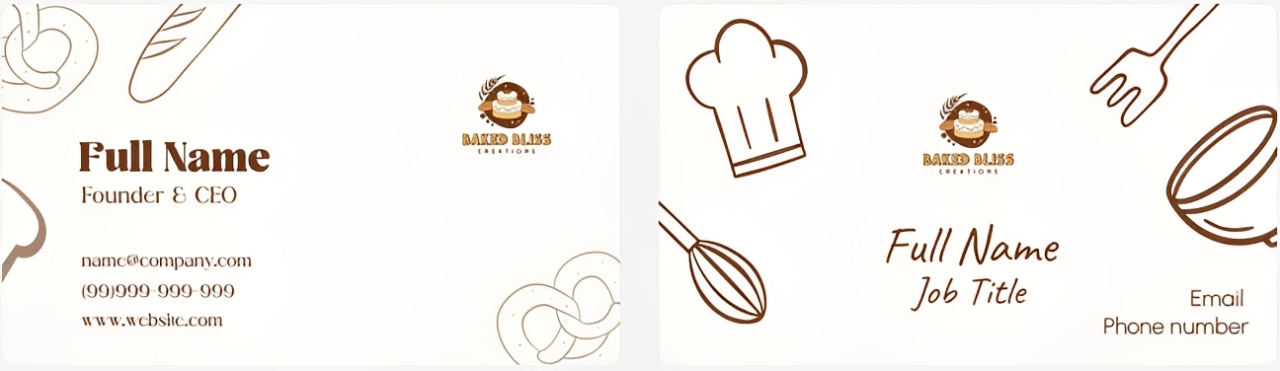
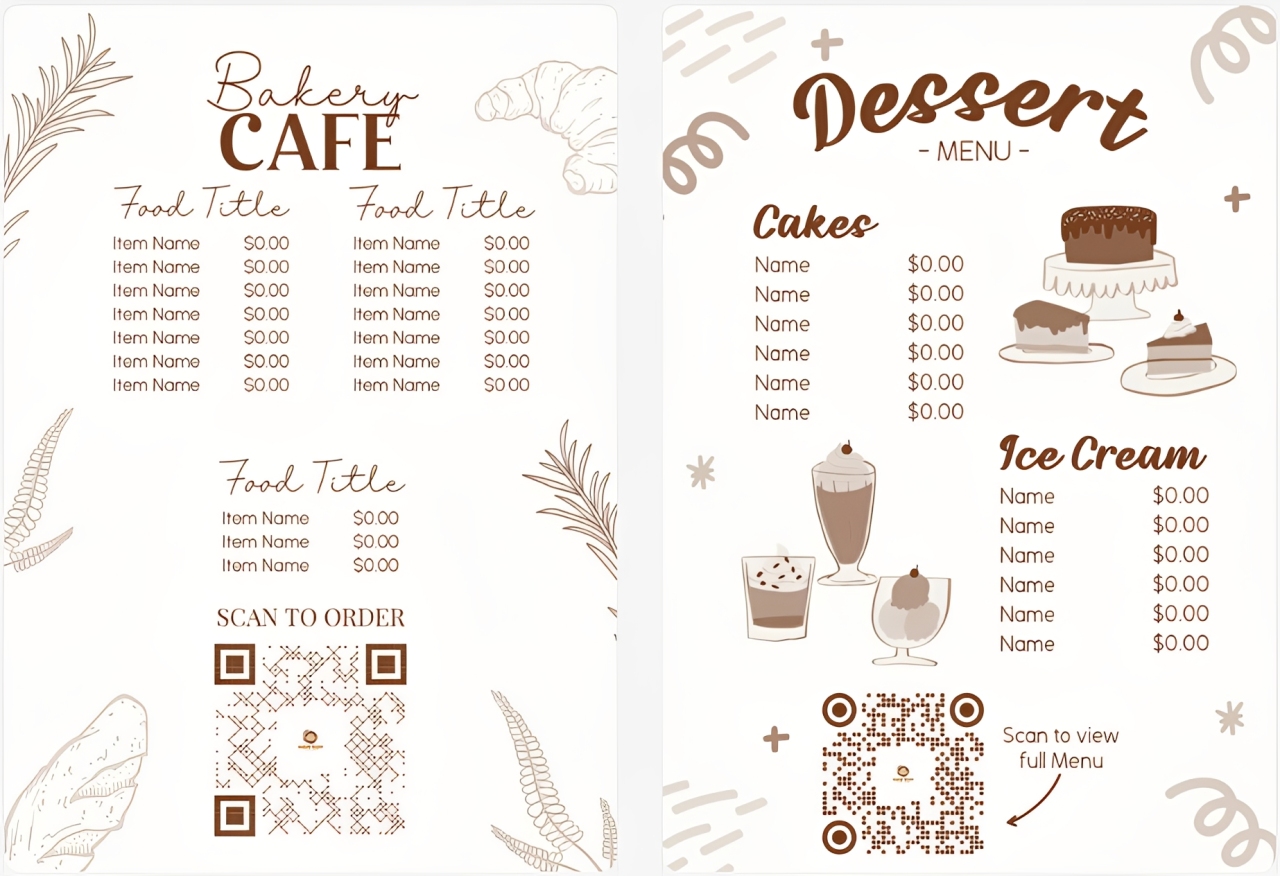
Design.com also automatically generated other branded assets with the same logo. Here are some of them:
Business cards:
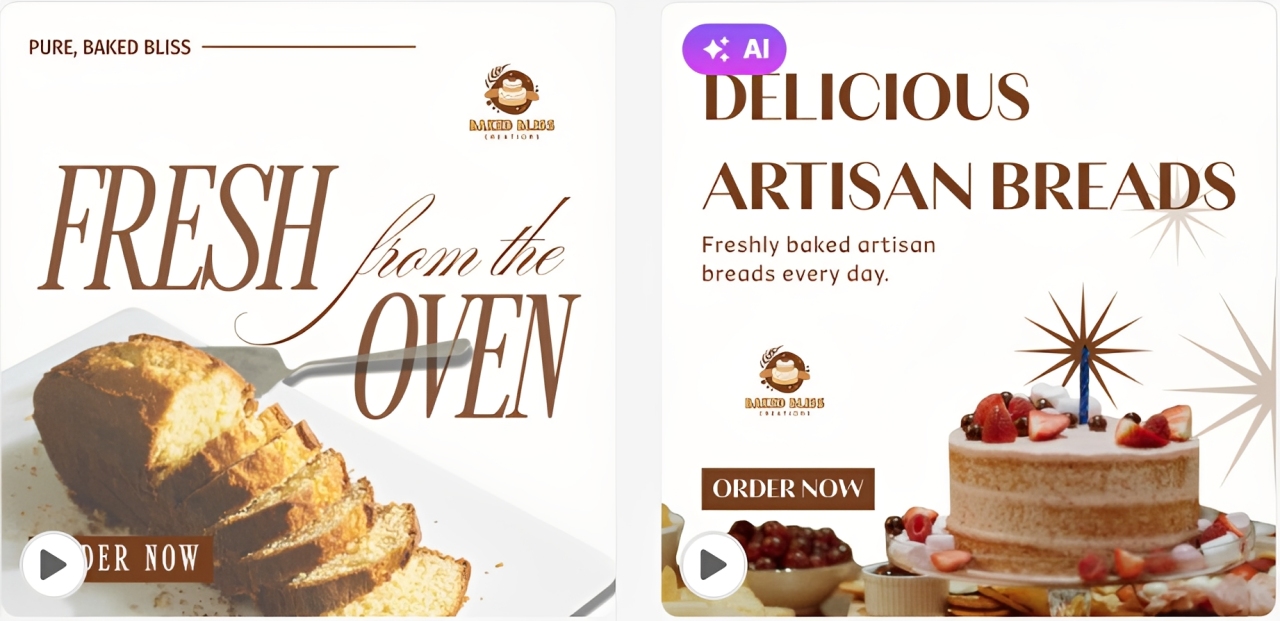
Menus:
What impressed us: Design.com has been ranked as the best logo maker by publications including Pixbundle and AIListingTool. With its massive library of 400,000+ professionally made and exclusive logo designs, the platform can generate polished, unique logos for a variety of industries, regardless of how niche they are.
But what sets it apart is the AI. Its AI can generate relevant logo designs based on your business name and keywords in seconds. The AI used in the chat editor is also custom-trained to ensure all the changes it makes are copyright-safe. Aside from the logo maker, Design.com also offers more AI-driven tools to help you create other branded assets.
The other thing that amazed us is the number of file export options. Usually, platforms will only offer PNG and/or JPG files while locking vector files and transparent background versions behind paywall. But Design.com provides everything in its free version. They also have animated files in GIF and MP4.
What fell short: If you’re a user with advanced design skills and looking for full creative control, you may find the customization features insufficient. However, since Design.com is built for small business owners with no design experience, the platform’s drag-and-drop editor and AI chat-based editing feature are more than perfect.
Pricing overview:
- Free: Free templates, full customization features, multiple file exports, no watermark
- Starter: $3/month (billed annually) or $9/month — Full access to premium assets and 50+ branding tools
- Value: $4/month (billed annually) or $14/month — Adds Website Builder
- Premium: $5/month (billed annually) or $19/month — Adds Link-in-bios and Digital Business Cards
2. BrandCrowd
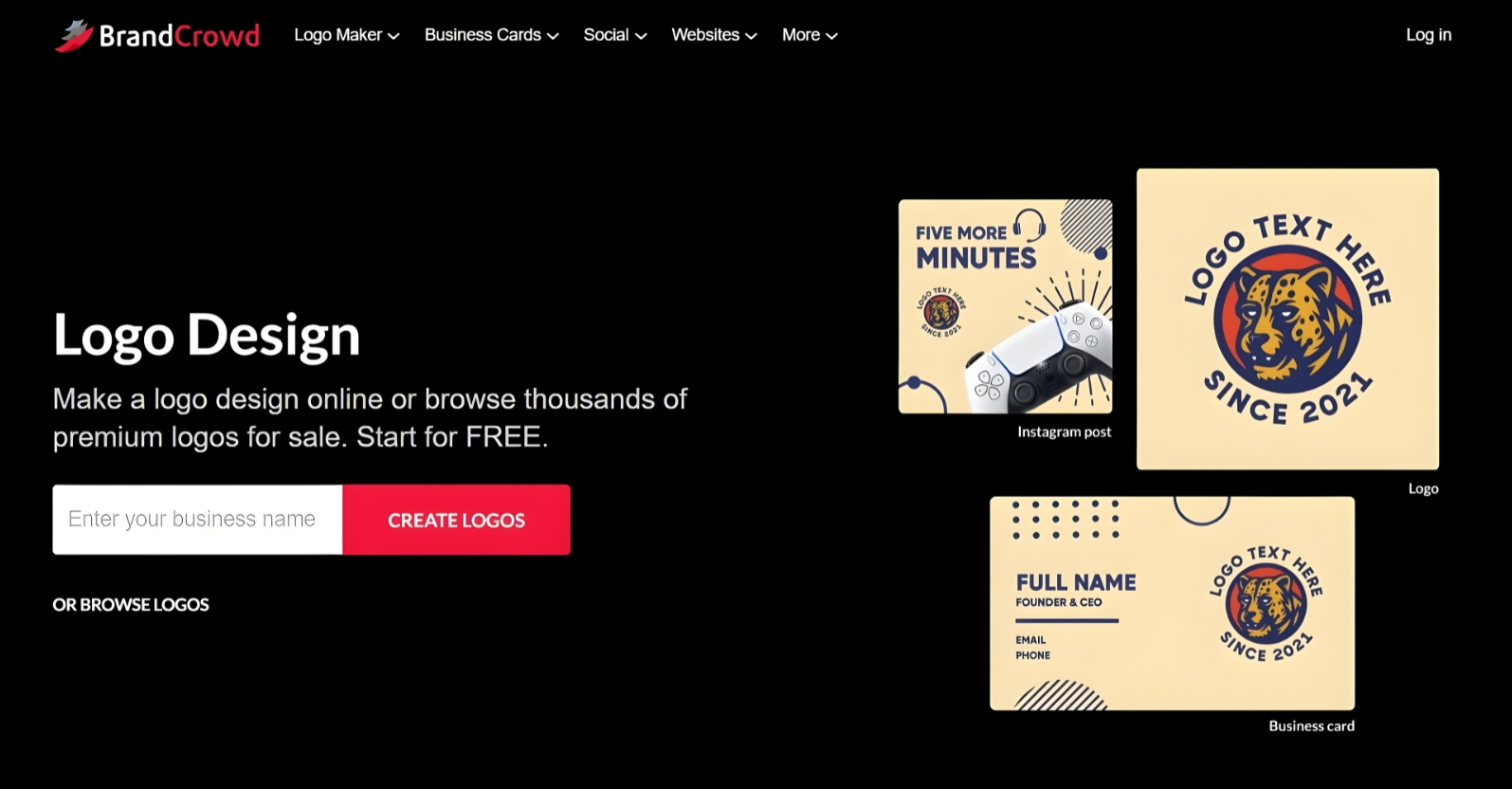
What we tried: Right off the homepage, we already saw the space where we need to put our business name. So, we entered “Baked Bliss Creations” and clicked “Create Logos.” Upon viewing the results, a prompt appeared asking for keywords, so we added “artisan,” “sourdough,” and “celebration cakes.”
The platform generated thousands of logo suggestions. Here are some of them:
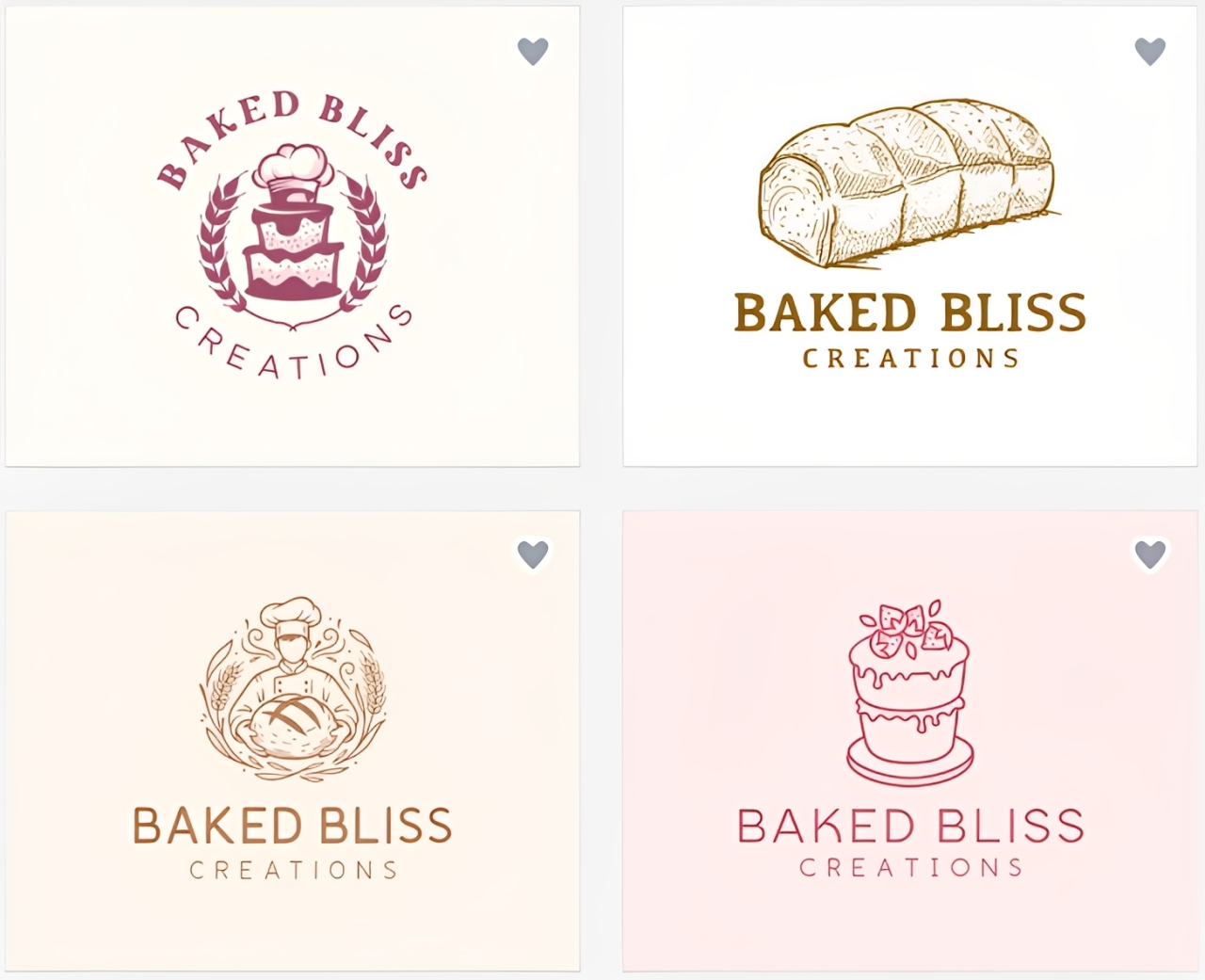
BrandCrowd also has an AI chat editor, so we tested it and the platform’s branding features using one of the logos. Here’s the logo we decided to work with:

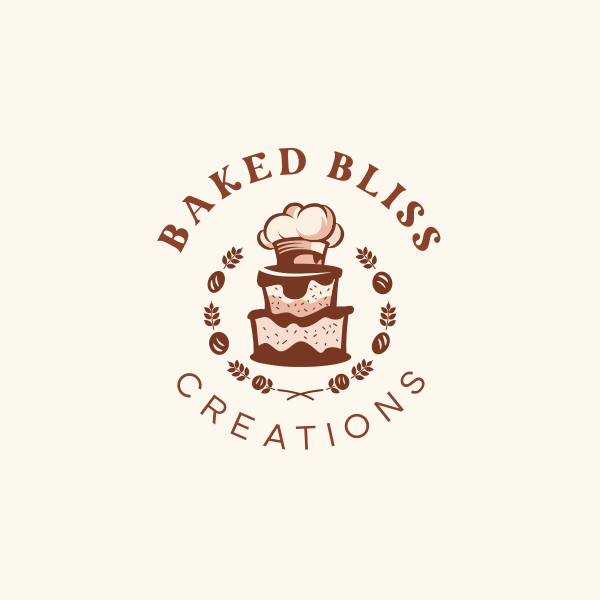
Using the AI chat editor, we asked it to add bread to the leaf wreaths and change the colors to warmer tones since these are shades associated with bakeries. This is the result:
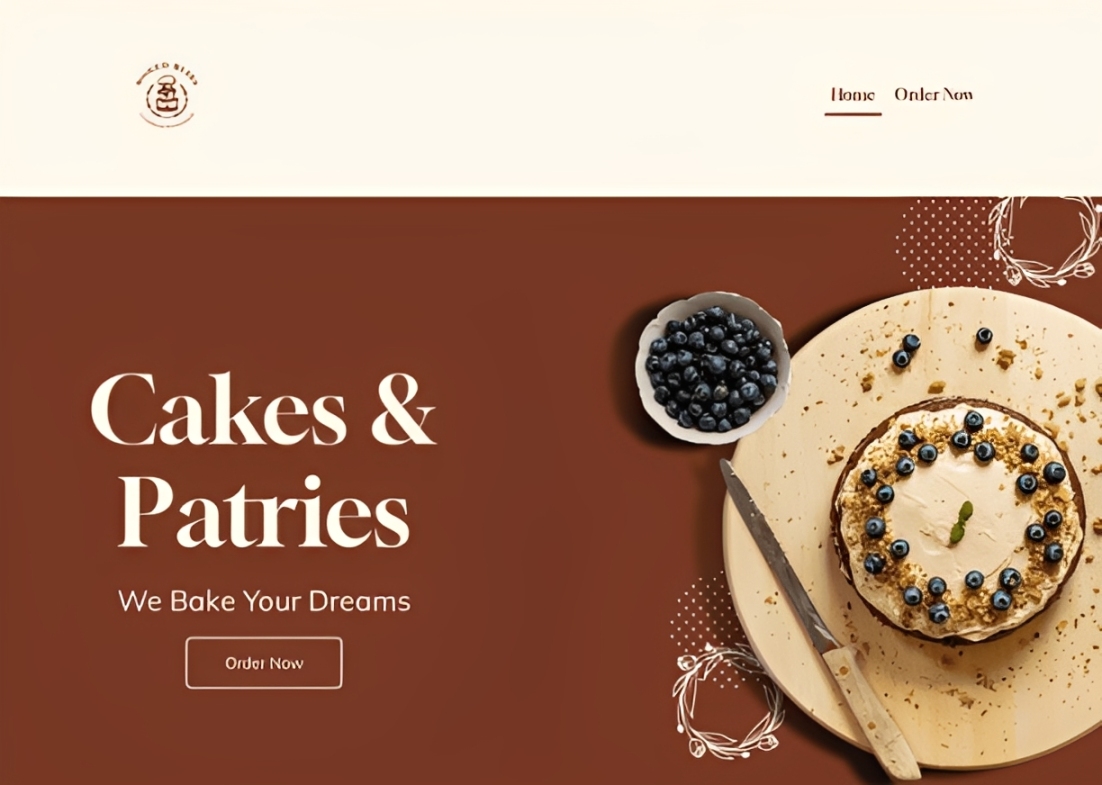
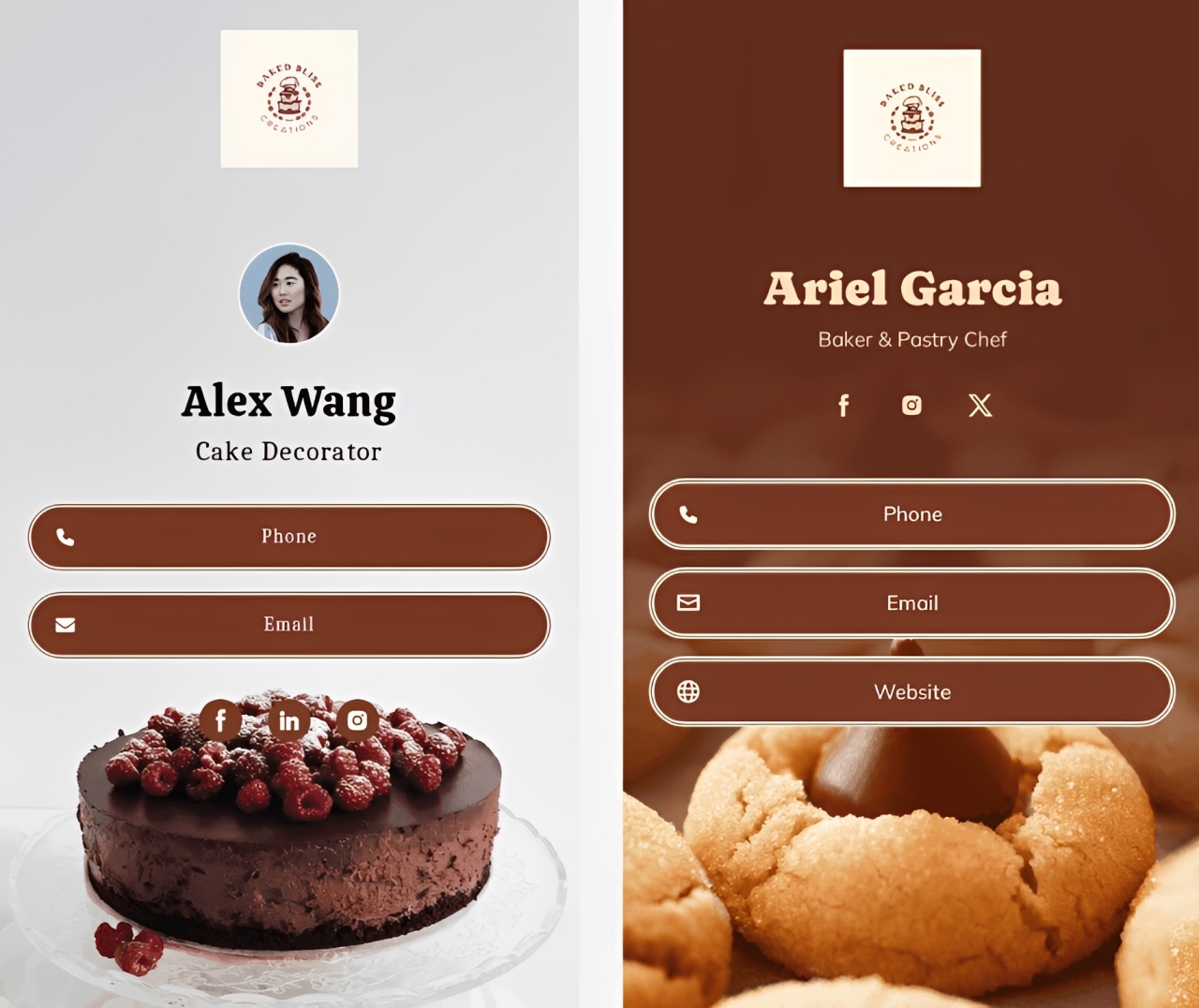
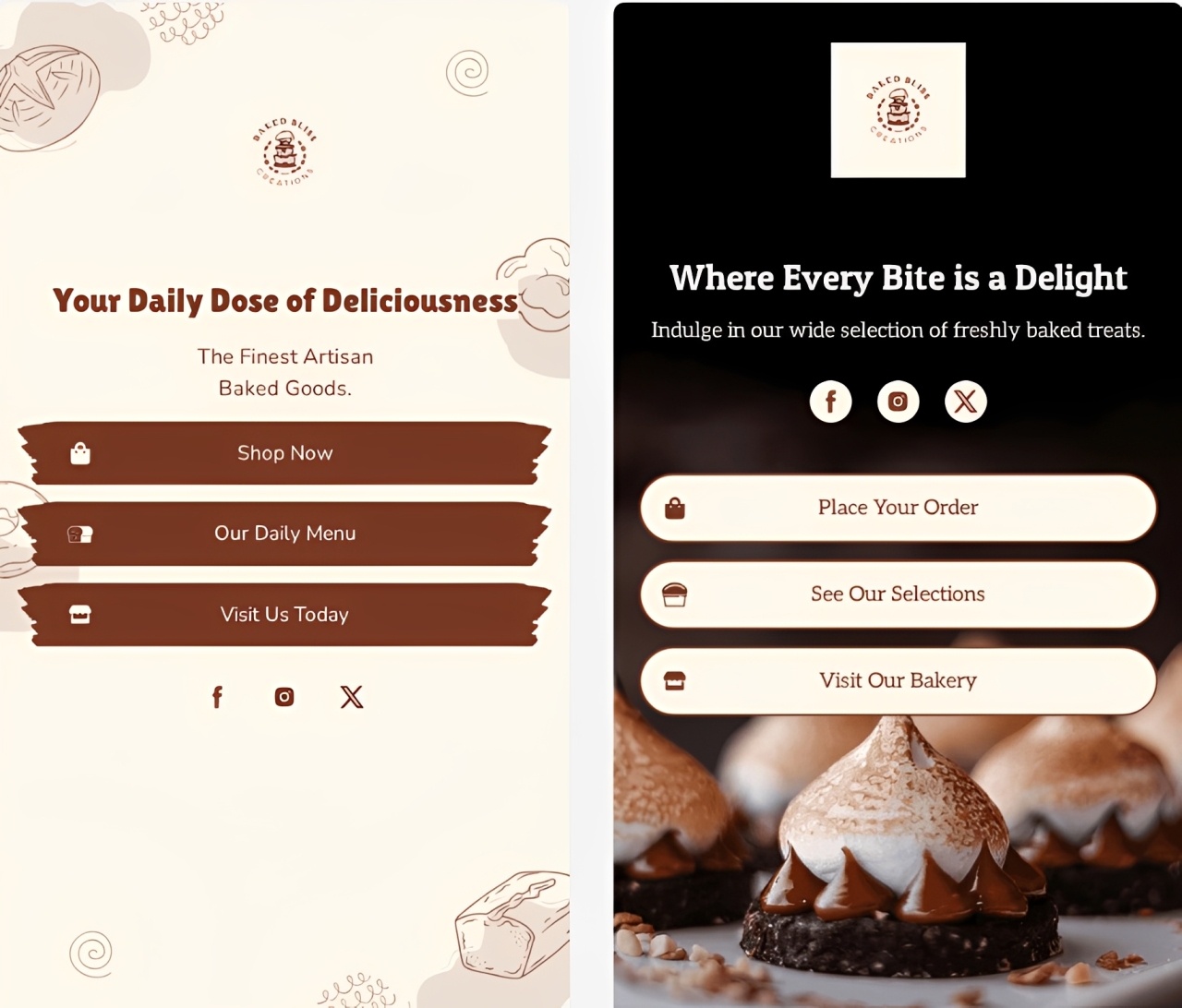
While exporting the logo, the platform already got its automatic branding feature to work. It immediately showed us other branded assets with our logo. This is some of what we got:
Website:
Digital Business Cards:
Link-in-bios:
What impressed us: Using BrandCrowd’s Logo generator is easy. There’s no need to read a tutorial. Guides are everywhere on the website to take the users through each step. The platform combines its AI capabilities with its library of 380,000+ logo templates, all of which are exclusive to the platform and professionally curated.
Customization is also beginner-friendly. Aside from the AI chat editor, you can also make edits manually with its drag-and-drop interface. It lets you change the size and position of the text and icons. The menus on the side are also easy to figure out, so you can edit the colors, fonts, layouts, and add icons or texts, even if you have no design background.
What fell short: Just with Design.com, you may find the customization features too basic if you’re an advanced user. But BrandCrowd also caters to beginners and non-designers, so this isn’t that much of a problem.
Pricing Overview:
- Free: Free logo templates, full editing features, multiple file options, no watermark
- Starter: $3/month (billed annually) or $9/month — premium templates, full access to 50+ branding tools
- Value: $4/month (billed annually) or $14/month — Website Builder
- Premium: $5/month (billed annually) or $19/month — Link in Bio and Digital Business Cards
3. Canva
Overall Rating: 4/5
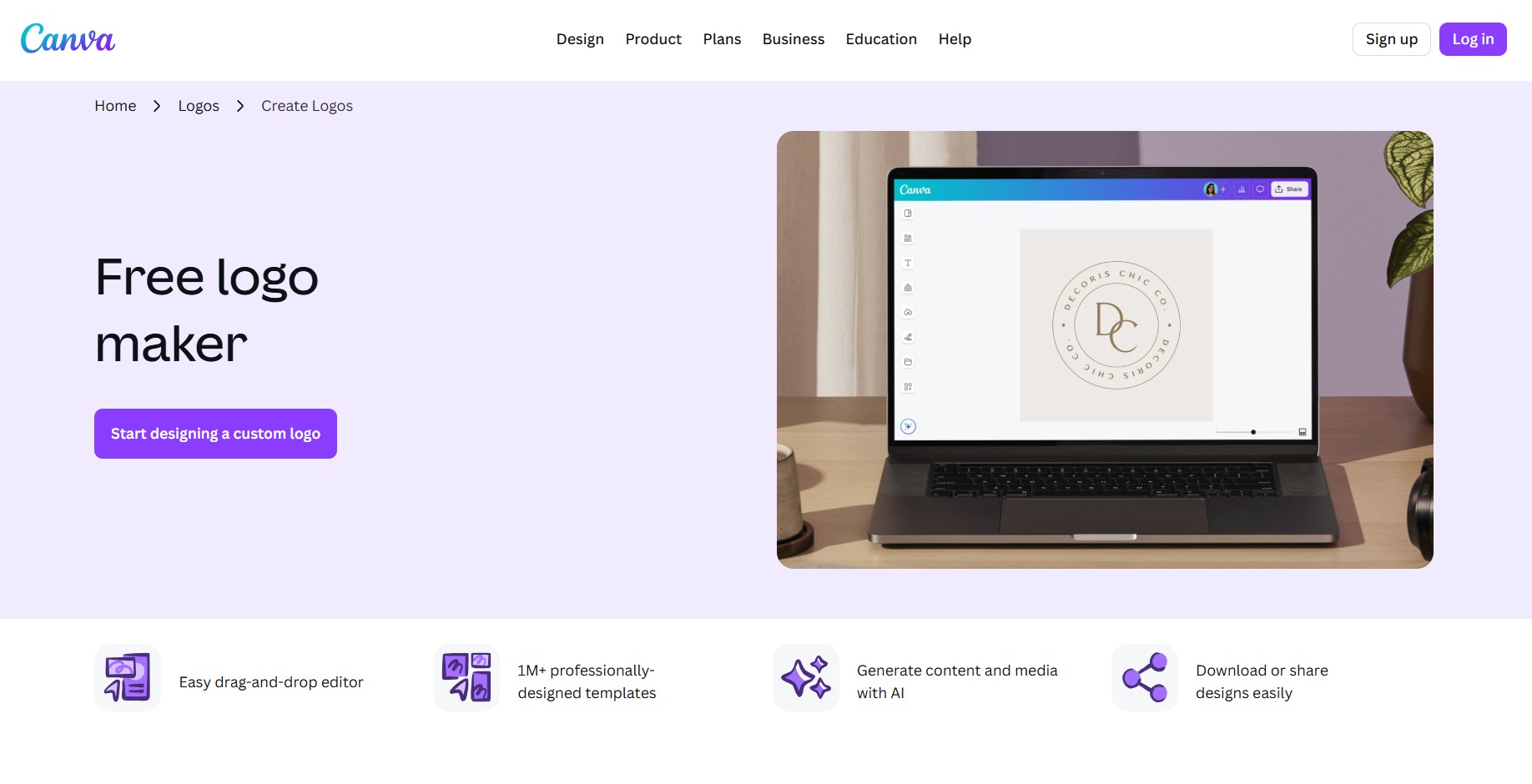
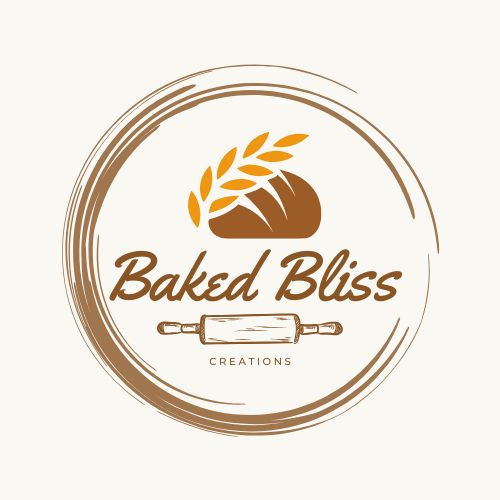
What we tried: For Canva, we tested two methods – the templates and the AI logo generator. For the templates, we searched for bakery logos and edited it to the put our business name “Baked Bliss Creations.” For the AI logo generator, we copy pasted our prompt and let it create logo suggestions — it gave us four logos.
Here are the results:
By Canva logo template:
By Canva AI:
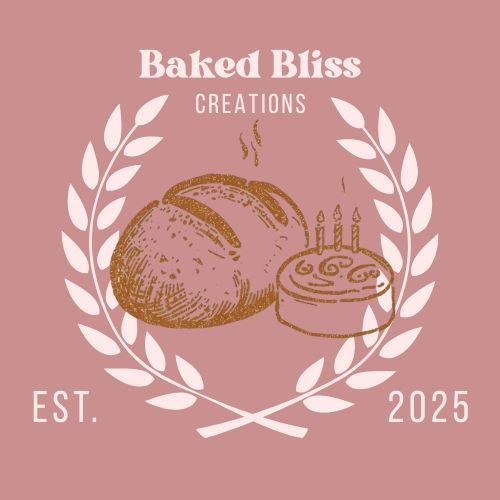
What impressed us: Canva is one of the most popular online design platform because of its accessibility and template selection. Its drag-and-drop interface is beginner-friendly, making template customization fast and easy. Meanwhile, Canva AI generates logos based off the prompt, noting all important details into the designs it provides.
What fell short: Logo creation is not Canva’s core focus. Compared to Design.com and BrandCrowd, the templates can feel less distinctive. Canva AI also doesn’t provide that much options. It can only give you four logos. In addition, Canva doesn’t offer vector files from the get go. You’ll need to upgrade to Canva Pro to access SVG files as well as the Brand Kit.
Pricing Overview:
- Free: Basic templates, JPG/PNG downloads, up to 20 AI logo generations/month
- Canva Pro: $120/year ($10/month) — SVG exports, Brand Kits, Background Remover, premium templates, and 1TB storage
- Canva Teams: $100/year per user (minimum 3 users) — Real-time collaboration and admin controls
4. Wixel (Wix Logo Maker)
What impressed us: Launched only last December 2025, Wixel seems to be running smoothly already. It’s AI, Aria, generates AI logos faster than its predecessor, Wix Logo Maker. It also breaks down your chosen design into segments (icon, text, colors, and layout) for a more precise editing and creates a full brand theme from the finished logo.
What fell short: Editing logos on Wixel may require a bit of a learning curve. Its interface is not designed like with Design.com, BrandCrowd, and Canva, so it may take a bit of time locating each function. It also doesn’t directly guide the users on how to create a brand theme. Aside from these complexities, another drawback probably is that Wixel runs on a credit-based system. It means you’re only limited to a specific number of AI logo generation every month.
Pricing Overview:
- Free: 120 AI credits/month (30/day) — Full editing functions, BrandSVG, PNG and JPG downloads at no cost
- Basic — $8/month — more monthly AI credits for additional generation and editing
- Pro / Max — Higher-tier plans with increased credit allowances for power users
5. Vistaprint AI Logomaker
Overall Rating: 3.6/5
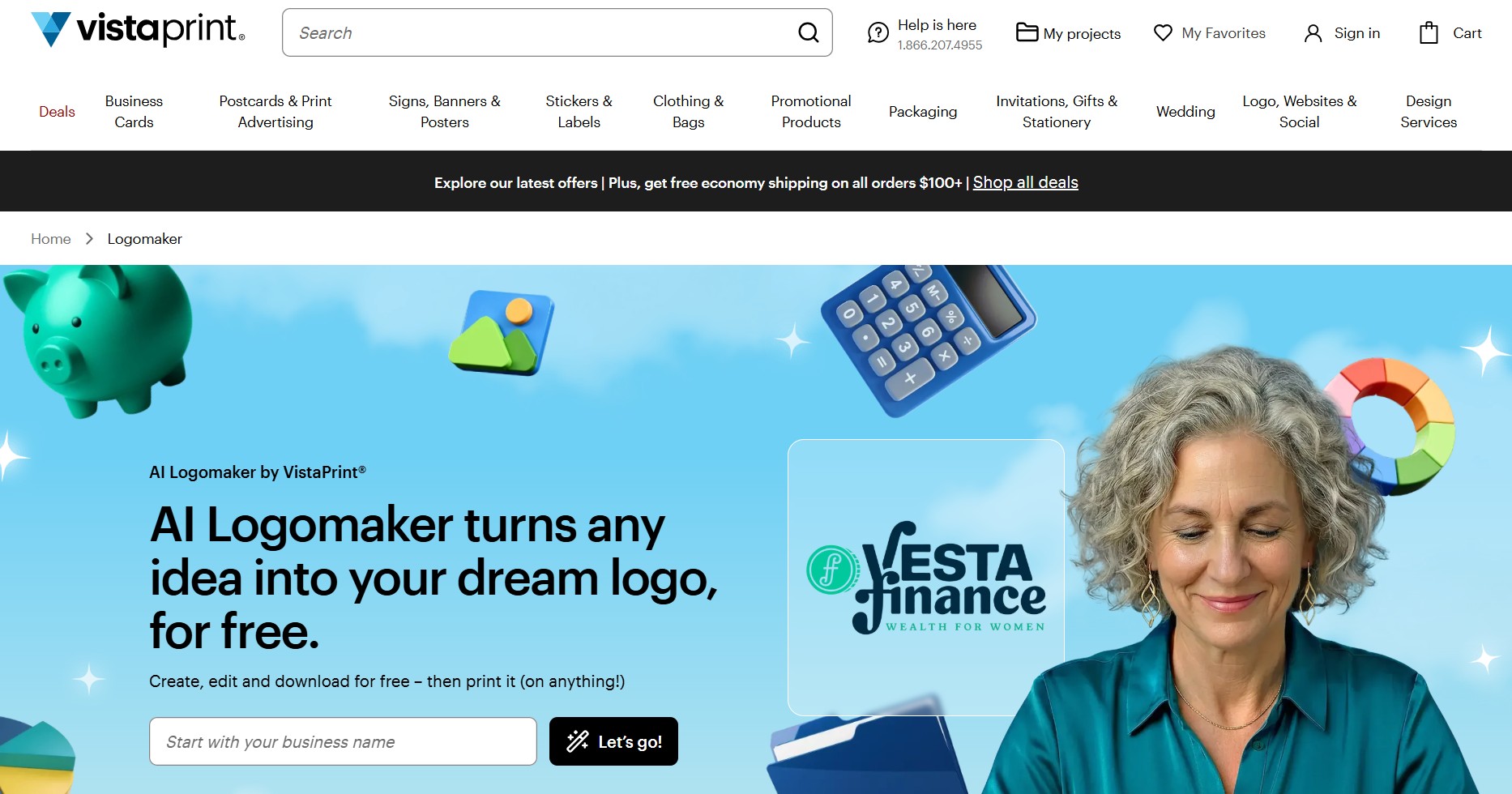
What we tried: Vistaprint AI Logomaker is another platform that’s purely AI, so we put our business name to start. It asked us to what the business is about, so we put the prompt to give the AI more information. Next, we chose up to four themes that we think will suit our Baked Bliss Creations — compact, organic, handwritten, and vintage.
The platform gave us four logos that really captured the prompt that we provided:
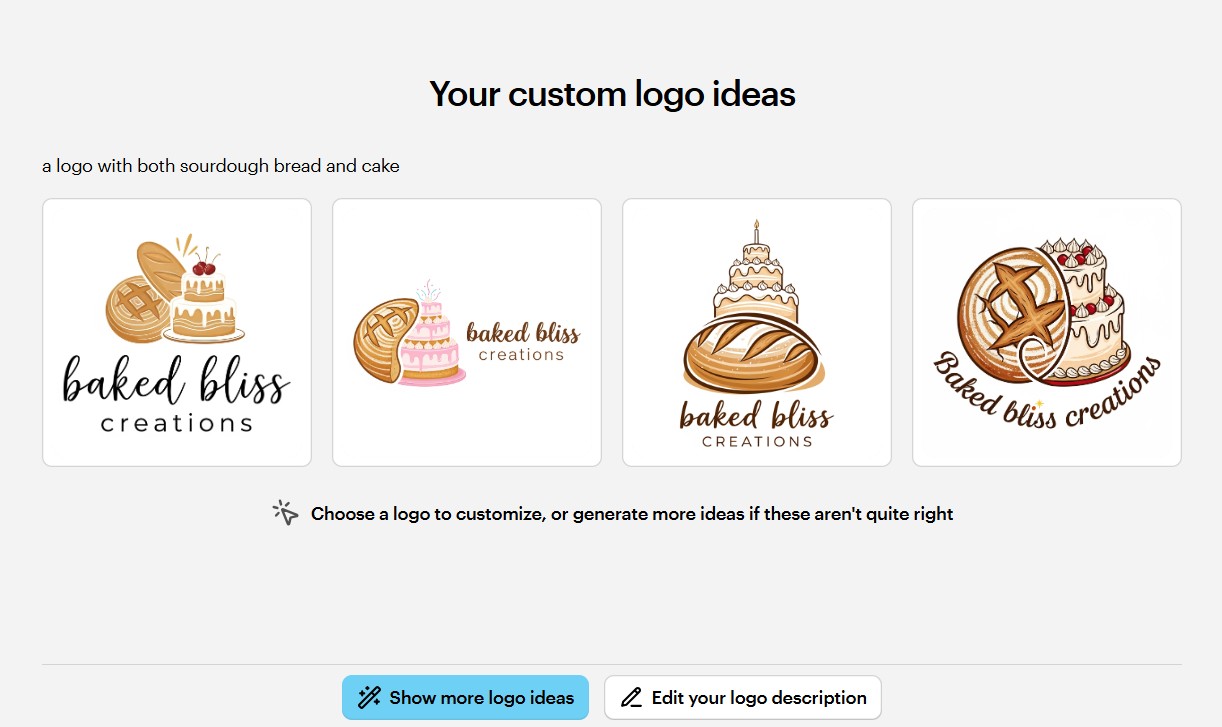
What impressed us: Vistaprint AI Logomaker was just launched early this year and it perfectly captures the basic needs of small businesses. We’re surprised by how well the AI captured the prompt we provided by giving us logos that are tailored to the our industry and style. We also got to download the logo as SVG, PDF, and PNG for free.
What fell short: Unlike the first four platforms, Vistaprint AI Logo Generator doesn’t have an editing interface where you can manually change things up. You can only give the AI a prompt, requesting the changes you want to make.
In addition, the platform centers on physical branded assets, which is perfect for small businesses that operate in the physical world. You can order printed business cards and other promotional merchandise through the website. To create a website and social media assets, you will have to go to Wix and Vistacreate.
Pricing Overview:
- Free: 4 logo generations without an account; 64 generations with a free account — All logo files (SVG, PDF, PNG) free to download
- VistaCreate subscription: $10/month — adds 100 monthly AI credits, unlimited storage, and access to design templates
- Print products: Priced separately — Business cards, merchandise, etc.
The Overall Winner
After testing all five tools, we can say that Design.com is the clear top pick for small businesses. It offers the world’s largest exclusive logo library, powerful AI functions, beginner-friendly editing features, complete branding ecosystem, seamless automatic branding feature, physical branded merchandise, and affordable paid plans. Whether you’re operating in the physical world or online, Design.com has what you need.
Side-by-Side Scorecard
| Tool | Ease of Use | Output Quality | Customisation Features | Value for Money | Suitability for Small Businesses | Overall Score |
|---|---|---|---|---|---|---|
| Design.com | 5/5 | 5/5 | 5/5 | 5/5 | 5/5 | 5/5 |
| BrandCrowd | 5/5 | 4/5 | 5/5 | 5/5 | 5/5 | 4.8/5 |
| Canva | 5/5 | 4/5 | 5/5 | 3/5 | 3/5 | 4/5 |
| Wixel | 4/5 | 3/5 | 4/5 | 4/5 | 3/5 | 3.6/5 |
| Vistaprint AI Logomaker | 5/5 | 4/5 | 2/5 | 3/5 | 4/5 | 3.6/5 |
The Bottom Line
A great logo is a crucial part of your branding, but it’s just the starting point. The businesses that gets ahead of their competitors aren’t always the ones with the best logos. They’re the ones that show up where their target customers are with the same look and feel regardless if it’s on a business card, social media platforms, or a product packaging.
This is where Design.com can help you. It doesn’t only focus and stop with a logo. Instead, it can build you a complete brand identity. The logo is just the beginning of your brand’s journey — not the start and end of it.































