



Keep reading
Rather we just did it for you?
Let's get your business seen.
Social media, websites, SEO and ads from a team you can actually meet.
To get more Google reviews, ask every happy customer, soon after the job is done, with a direct link or QR code to your review page and a short, friendly message. That is the whole secret. Businesses with hundreds of reviews are not luckier or better than you. They have a habit: they ask every time, they make it easy, and they reply to what comes back.
What you must not do is offer anything in return, pick only your happiest customers, or pay someone to write reviews for you. Google bans all three, and in the UK fake reviews are now against the law. This guide shows you the legal, lasting way to reach your first 100 reviews, with the exact wording to use.
Why reviews matter so much for local businesses
When someone searches for “plumber near me” or “dentist in Guildford”, they see a handful of businesses with star ratings before they see anything else. Most people pick from those. A business with 80 recent reviews and a 4.8 average looks established. One with three reviews from 2019 looks risky, even if it is excellent.
Reviews also help you in quieter ways. They give you the words your customers use to describe you, which are the same words they type into search. They show you what to fix. And they give your team something to be proud of.
I won’t claim an exact figure for how many reviews are “enough”, because it depends on your trade and area. A useful rule is to look at the top three competitors in your Google Maps results and aim to match or beat the best of them, while keeping the stream steady rather than bunched into one week.
What Google allows, and what it doesn’t
Before you ask for a single review, know the rules. Google’s own contribution policy on prohibited and restricted content is clear on the key points:
- No incentives. You can’t offer cash, discounts, free goods or services in exchange for a review, for changing a review, or for removing a negative one.
- No review gating. You can’t discourage negative feedback or only ask customers you know are satisfied.
- No quotas or scripts for staff. You can’t tell staff to collect a set number of reviews, or reviews with specific wording, including a staff member’s name.
- No pressure on the premises. Customers shouldn’t be pushed to review while they are still in your shop or office.
- No fake reviews. Reviews must reflect a real visit or purchase, and one person can’t post from several accounts or have others post for them.
What is allowed is asking customers in general to share their real experience, with no reward and no attempt to steer the rating or the content. That is the line to stay on.
Google’s help page on asking customers for reviews also explains how it works in practice: customers can use a review link or a QR code, and they need to be signed into a Google Account to leave a review, though it doesn’t have to be a Gmail address. You can read the details in Google’s guide to asking customers for reviews.
How to get more Google reviews: start with your link and QR code
Sign in to your Business Profile on Google (search for your business name while signed in, or use the Google Business Profile app). Look for the option to ask for reviews or share a review form. Copy the link it gives you.
Then shorten and save it somewhere you can reach quickly. A few options:
- Save it as a text snippet on your phone so you can paste it in seconds.
- Add it to your email signature with a line such as “Enjoyed working with us? A review helps other local people find us.”
- Turn it into a QR code and print it on receipts, invoices, appointment cards or a small sign at the counter.
- Add it to your website footer and to your automated confirmation emails.
Test the link on your own phone while signed out of your usual account, so you see what a customer will see. If it takes more than two taps to reach the star rating, simplify it. The simplest way to get more Google reviews is to ask every happy customer, in the same way, every time.
Step 2: Send your Google review request at the right moment
Timing matters more than wording. The best moment is when the customer is pleased and the experience is fresh, and you are not standing over them. Some examples by type of business:
- Tradespeople: within a few hours of finishing the job, once they have seen the result.
- Restaurants and cafes: in the follow-up email or receipt, not at the table.
- Clinics and salons: the same day or the next morning, by text.
- Professional services: when you deliver the final piece of work or a good result.
- Shops: a card in the bag, or a message after click-and-collect.
Notice that none of these involve pressuring someone in the moment. Google specifically says customers shouldn’t be pressured to review on the premises, so a message sent afterwards is both safer and more effective, because people can reply when it suits them.
Step 3: Write a request people actually respond to
A good request is short, personal, and honest about why you are asking. It should make it clear that you want their real opinion, whatever it is. Here are templates you can adapt.
Text message
“Hi Sarah, it was lovely to see you today. If you have a minute, we’d really value your honest feedback on Google. It helps other local people find us: [link]. Thank you, Tom at [Business].”
Subject: “How did we do, Sarah?”
“Hi Sarah, thanks for choosing us for your [service]. We’d love to hear how it went. If you’re happy to share your experience on Google, here’s the link: [link]. It only takes a minute, and it helps other people in [town] decide who to trust. If anything wasn’t right, please reply to this email and we’ll put it right. Thanks again, Tom.”
Face-to-face (after the transaction is complete)
“If you ever have a spare minute, a Google review really helps a small business like ours. There’s a QR code on the card if you’d like to.”
A word on that last line in the email template: inviting people to reply with concerns is fine, as long as you give every customer the same link and don’t steer unhappy people away from reviewing. Google calls selective asking “review gating”. The safest approach is to send the same request to everyone, then handle any complaints you get in the usual way.
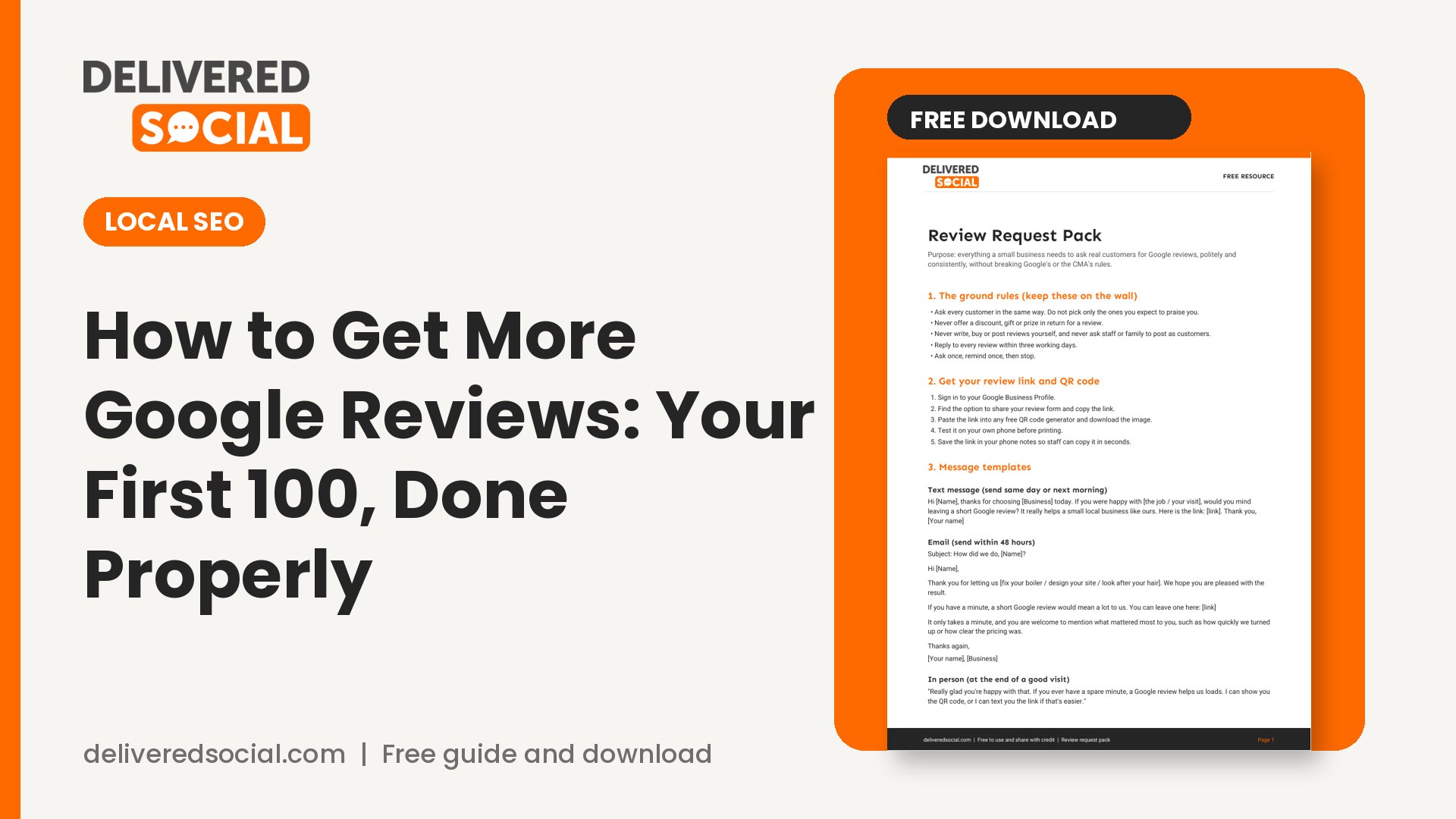
For the full set of ready-made messages, including templates for different trades, see the free pack at the end of this guide.
Step 4: Build it into your routine
You won’t reach 100 reviews by asking when you remember. You’ll reach it by making the request part of the job. Here is a simple system that works for most small teams:
- Pick one person to own it. Shared responsibility becomes nobody’s responsibility.
- Add “send Google review request” to the end of your job checklist, booking system or CRM.
- Set a weekly reminder to check new reviews and reply.
- Keep a simple tally. Write down how many requests you sent and how many reviews arrived.
As a rough guide, many businesses find that a fairly small share of the people they ask will leave a review. The exact share varies a lot, so measure your own and plan from it. If you serve 20 customers a week and a quarter of them respond, that’s five reviews a week and 100 in about five months. If you serve five a week, it takes longer, and that’s fine. A steady stream looks more natural, and more trustworthy, than a sudden burst. You can get more Google reviews without discounts or gifts, which are not allowed anyway.
Step 5: Reply to every review
Replying is free, and it’s one of the few parts of your profile you fully control. It shows future customers how you behave, and it thanks the people who took the time.
Replying to a positive review
Thank them by name, mention something specific they said, and keep it short. “Thanks, Sarah. We’re so glad the new boiler is working well. Don’t hesitate to call if you ever need anything.” Google’s guidance is that you shouldn’t use replies to offer deals or promotions, so keep it to thanks.
Replying to a negative review
Stay calm. Don’t argue, don’t share anything private about the customer, and don’t blame them. Apologise for the experience, say what you’ll do, and offer to talk offline.
“Hi David, we’re sorry the appointment ran late and that you were left waiting. That isn’t the standard we aim for. We’d like to hear more, so please call us on [number] and we’ll make it right.”
Most readers don’t judge you by the bad review. They judge you by how you responded. If a review breaks Google’s rules, for example if it’s from someone who never used your business, you can flag it, but a genuine complaint should be answered, not removed.
Common mistakes that cost you reviews (or get them removed)
- Offering a discount or prize. Google considers this fake and misleading content and the reviews can be removed.
- Asking friends and family to review. Google’s policy covers conflicts of interest, which include personal ties and family relationships.
- Staff leaving reviews. Current or former employees have a conflict of interest, so these can be taken down.
- Asking for reviews on a script. Telling people exactly what to write is a red flag, and it makes your reviews sound identical.
- Getting 30 reviews in a weekend. Unusual spikes in reviews can look like manipulation.
- Using one device or one account to leave several reviews. This is plainly against the rules.
Why you should never buy Google reviews
If you’ve ever been tempted to buy Google reviews, here is the real cost. In the UK, the ban on fake reviews came into force on 6 April 2025, as the government explained when it announced that fake reviews and hidden fees are now banned. The Competition and Markets Authority can enforce this directly, and its guidance for businesses and agencies states that breaches can lead to fines of up to 10% of global turnover and may be criminal offences. You can’t commission a third party to write fake reviews, and you may be responsible for what they do. The CMA sets this out in its reviews guidance for businesses and agencies.
Google has also made commitments to the CMA. Businesses found to have boosted their ratings with fake reviews will get a visible warning on their profile and have their review function switched off, and repeat offenders can have all their reviews deleted for at least six months. That’s from the CMA’s announcement on changes secured from Google.
So the realistic result of buying reviews is money spent, a warning shown to every searcher, and possibly a legal problem. We cover this in more depth in our guide to why fake Google reviews backfire, and if you’re being sold growth services of any kind, our 8 red flags for growth services will help you spot the bad ones. A written process helps you get more Google reviews even when the team is busy.
How to make your profile ready to turn reviews into customers
Reviews bring people to your profile. Make sure they find something useful when they get there:
- Check your opening hours, phone number and address are correct.
- Add recent, real photos of your premises, your team and your work.
- Choose the most accurate main category and list your services.
- Post updates now and then, so the profile doesn’t look abandoned.
These details also help with the rest of your online presence. If you are checking where else you need attention, our social media audit template covers your profiles in one go.
Frequently asked questions
How long does it take to get 100 Google reviews?
It depends on how many customers you serve and how many respond. Multiply your weekly customers by your own response rate to work it out. For many small businesses it takes between six months and two years, and that is perfectly healthy.
Can I ask customers to leave a five-star review?
No. Ask for an honest review. Asking for a particular rating is steering, and Google says merchants can’t try to steer the rating or content.
Do customers need a Gmail account?
They need a Google Account, but it can be created with any email address, according to Google’s help page.
What if I get a fake or unfair review?
Flag it in your Business Profile if it breaks Google’s content policies, and post a polite public reply in the meantime. Don’t retaliate.
Can I reward my team for good reviews?
Be careful. Google’s policy prohibits quotas for staff, and rewards linked to reviews risk steering behaviour. Celebrate good feedback in team meetings instead.
Get the free Review Request Pack
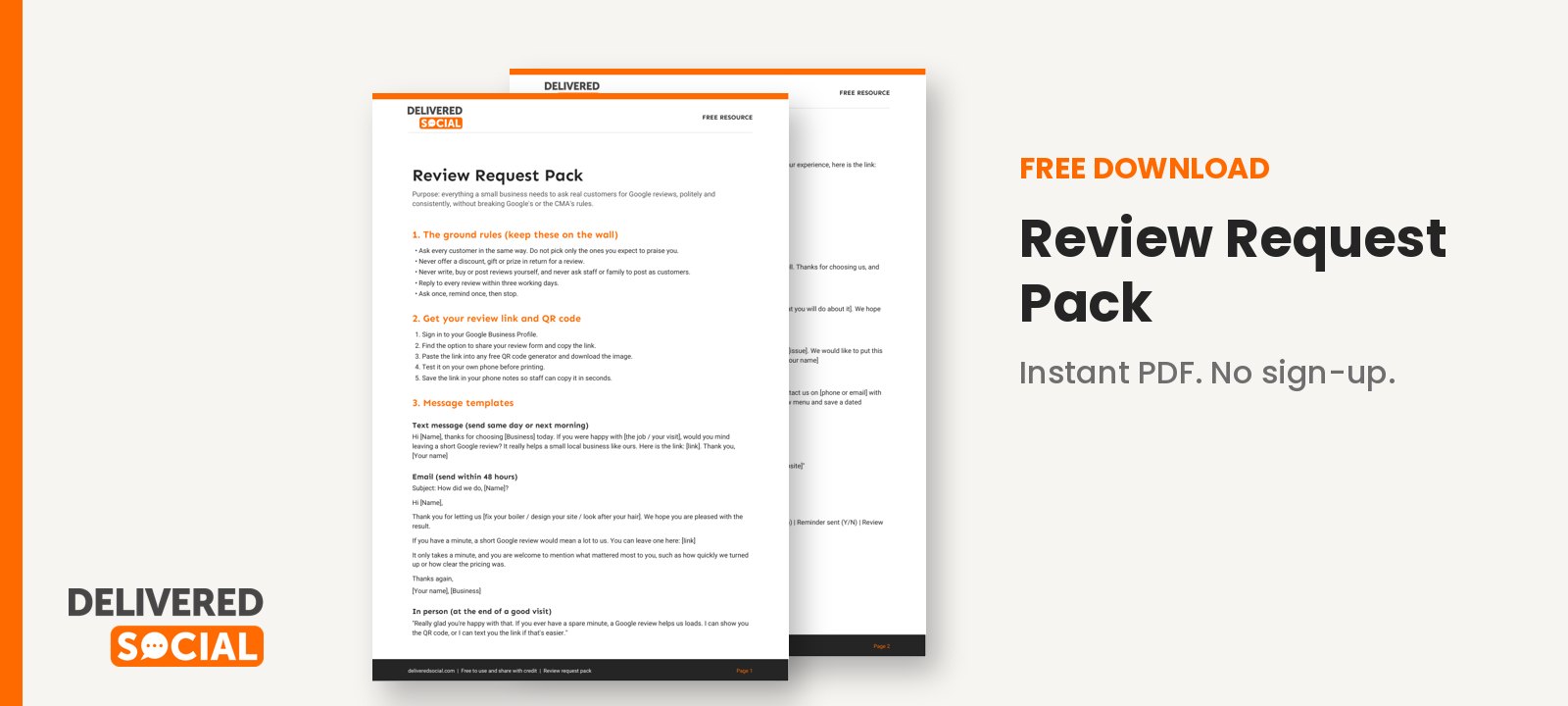
To make this easy to start today, we have created a pack of ready-to-use text, email and in-person scripts, reply templates for good and bad reviews, a weekly tracker and a staff briefing sheet that keeps you inside Google’s rules. Download the free Review Request Pack and use it this week.
If you’d like help turning reviews into new customers across your website and social channels, Delivered Social can help with social media management and local visibility, and you’re welcome to contact us for a no-pressure conversation.
































