



Keep reading
Rather we just did it for you?
Let's get your business seen.
Social media, websites, SEO and ads from a team you can actually meet.
You run Instagram ads from Facebook Ads Manager by creating a campaign, choosing an objective that supports Instagram placements, defining your audience and budget at the Ad Set level, and connecting a Facebook Page in the Identity section at the Ad level. Facebook Ads Manager is the central, all-in-one platform for creating, managing, and tracking ad campaigns that run across Facebook, Instagram, Messenger, and Audience Network, according to Meta for Business. You do not need an Instagram account to run ads on Instagram, but you do need a Facebook Page connected to your ad account to get started.
Table of Contents
- What do I need to set up before running Instagram ads?
- How do I create a new campaign in Ads Manager for Instagram?
- What is the difference between boosting a post and using Ads Manager?
- How do I choose where my Instagram ads appear?
- How do I manage my budget and schedule for Instagram ads?
- How do I track the performance of my Instagram ads?
- When should I consider professional help to run my Instagram ads?
- What are the most common mistakes to avoid when running Instagram ads?
- Key Takeaways
- References
What do I need to set up before running Instagram ads?
You need a Facebook Page to act as the advertiser identity for your Instagram ads. This Page is what Meta displays as the sender of your ad, and it is required even if you do not have an Instagram account, according to Meta Business Help.
You must have a Meta Ad Account, often called a Facebook Ad Account, set up with your payment information. This account is where your billing details live and where you manage your campaigns across Meta’s platforms.
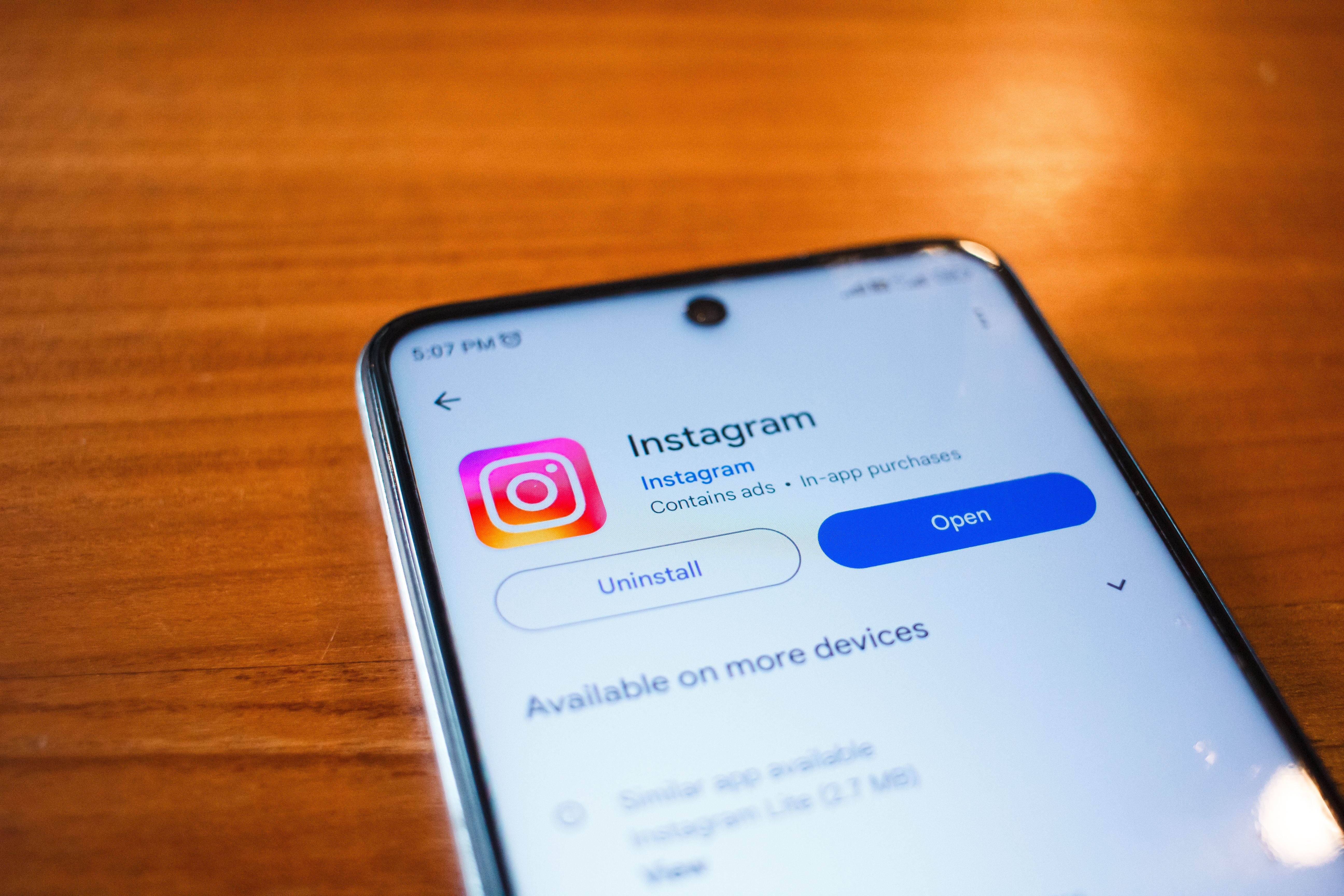
If you have an Instagram professional account, you can connect it to your Meta Ad Account for access to saved audiences and shared payment details. Meta recommends boosting with a Meta Ad Account, which requires logging in to Facebook, according to Instagram Help.
Boosting directly from the Instagram iOS app incurs a 30% Apple service fee, which is retained by Apple, not Instagram or Meta. Using Ads Manager or instagram.com on desktop is recommended to avoid this charge, according to Instagram Help.
How do I create a new campaign in Ads Manager for Instagram?
Navigate to Ads Manager and click the green “Create” button to start a new campaign. Ads Manager is the starting point for running ads on Facebook, Instagram, Messenger, or Audience Network, and it is an all-in-one tool for creating ads, managing where they run, and tracking performance, according to Meta Blueprint.
Choose a campaign objective, such as Traffic, Engagement, or Sales, that supports Instagram placements at the campaign level. The objective you select determines which placements are available for your ad set, according to Meta Business Help.

At the Ad Set level, you define your Audience, Budget, and Schedule, ensuring your targeting parameters are set. This is where you decide who sees your ad, how much you spend, and when your campaign runs.
At the Ad level, you upload your creative, write your copy, and connect your Facebook Page in the Identity section to enable Instagram delivery. Ads Manager allows you to review how your ads look on different devices before publishing, according to Meta for Business.
What is the difference between boosting a post and using Ads Manager?
Boosting a post is a quick, simple method from your Instagram or Facebook profile, but it offers limited targeting options and fewer objectives. Boosted posts typically optimise for video views, website traffic, or messages, according to YouTube.
Ads Manager provides full control over campaign objectives, audience targeting, ad placement, and budget scheduling. Meta Ads Manager offers more control over targeting, more objectives, easier scaling, and the ability to run A/B tests compared to boosting posts, according to YouTube.
Using Ads Manager allows for easier scaling of successful campaigns and the ability to run A/B tests to compare creatives. This level of testing helps you understand which ad variations perform best before increasing your spend.
Boosting directly from the iOS app incurs a 30% Apple fee, whereas Ads Manager via desktop does not. Instagram has published guidance on avoiding the Apple fee, which is to boost on instagram.com, according to YouTube.
How do I choose where my Instagram ads appear?
In Ads Manager, you can select “Automatic Placements” to allow Meta to show your ads across its family of apps and services, including Instagram. Automatic placements allow ads to extend across Facebook’s family of apps and services, according to Meta for Business.
Alternatively, you can use “Manual Placements” to specifically choose Instagram Feed, Stories, or Reels for your ads. Your choice of objective at the campaign level determines which placements are available for your ad set, according to Meta Business Help.
Reviewing how your ad looks on different devices is part of the Ads Manager creation flow to ensure it fits each placement. Ads Manager lets you preview your creative across devices before you publish, according to Meta for Business.
How do I manage my budget and schedule for Instagram ads?
Within the Ad Set level of Ads Manager, you set an overall budget for your campaign. You can choose between a daily budget, spending a set amount each day, or a lifetime budget, spending a total amount over the campaign’s entire duration, according to Meta for Business.
Related reading: Instagram Ads Cost in the UK: What to Budget in 2026
You can set start and end dates for your campaign schedule to control when your ads run. This gives you the flexibility to align your ad spend with specific promotions, seasons, or business hours.
The Ads Manager mobile app allows you to manage budgets and schedules on the go from your iOS or Android device. Ads Manager is available as a mobile app for iOS and Android, allowing users to create and edit ads, track performance, and manage ad budgets and schedules, according to Meta for Business.
How do I track the performance of my Instagram ads?
Ads Manager serves as the tracking hub, allowing you to monitor campaign performance across all placements, including Instagram. You can review key metrics within the Ads Manager dashboard to see how your ads are performing against your objective, according to Meta Blueprint.
The mobile app for Ads Manager lets you track performance and make edits to ads from anywhere. This is useful for business owners who need to check results or adjust budgets while away from their desk, according to Meta for Business.
Using a specific objective like Traffic or Sales helps align the performance data you see with your business goals. The objective you choose at the campaign level determines which metrics matter most for your reporting.
When should I consider professional help to run my Instagram ads?
Running ads effectively involves ongoing testing, creative production, and data analysis, which can be time-consuming for busy business owners. The technical setup is only the start; consistent optimisation is what turns ad spend into measurable results.
If you feel overwhelmed by the technical setup or lack the time to manage daily optimisation, a dedicated marketing partner can handle the process for you. Delivered Social offers Social Media Management and PPC services, alongside free Social Media Clinics, to help UK-based SMEs get measurable results from platforms like Instagram without the jargon.
A team like Delivered Social can manage your campaigns end-to-end, from creative video content to website design, ensuring your advertising drives real business growth. This means your landing pages, ad creative, and tracking all work together as one system.
What are the most common mistakes to avoid when running Instagram ads?
Avoid boosting posts directly from the Instagram iOS app to prevent the 30% Apple service fee from reducing your ad spend. The fee is retained by Apple, not Instagram or Meta, and it applies in most regions when adding funds to an ad account in the Instagram iOS app, according to Instagram Help.
Do not skip connecting a Meta Ad Account, as this limits your access to features like saved audiences and shared payment methods. Boosting without a Meta Ad Account means you do not have access to features such as saved audiences, according to Instagram Help.
Ensure you connect a Facebook Page in the Identity section, as this is required to run ads on Instagram without an Instagram account. The Identity section is where you link your Page to enable Instagram delivery, according to Meta Business Help.
Avoid using only automatic placements if you have a specific strategy for Instagram Feed or Stories, and review your ad previews on different devices. Manual placements give you control over exactly where your ads appear.
Key Takeaways
- Facebook Ads Manager is the all-in-one tool for creating and tracking ads across Facebook, Instagram, Messenger, and Audience Network.
- You can run Instagram ads without an Instagram account by connecting a Facebook Page in the Identity section of Ads Manager.
- Boosting posts from the Instagram iOS app incurs a 30% Apple service fee, which is retained by Apple, not Meta.
- Using a Meta Ad Account unlocks features like saved audiences and shared payment information for your Instagram ads.
- Ads Manager allows you to set either a daily budget or a lifetime budget for your entire campaign.
- Automatic placements allow your ads to extend across Meta’s family of apps and services, including Instagram.
- Delivered Social provides PPC management and free Social Media Clinics to help UK businesses navigate platforms like Instagram Ads Manager.
References
- Ads Manager – Meta for Business — Meta for Business
- About Meta Ad Account options for ads on Instagram — Instagram Help
- Run ads on Instagram with your Facebook Page — Meta Business Help
- How to Run Instagram Ads in 2026 (Step-By-Step for Beginners) — YouTube, published 2026-08-11
- Get started with Ads Manager — Meta Blueprint
































