



Keep reading
Rather we just did it for you?
Let's get your business seen.
Social media, websites, SEO and ads from a team you can actually meet.
No, it is not safe to buy Gmail accounts. Google’s own programme policy says accounts may not be sold, traded, resold or transferred, and may not be created by automated means. A bought account can be shut down without warning, and the person who sold it may still be able to get back in.
If you are thinking about whether to buy Gmail accounts, you probably have a practical problem to solve: you need more inboxes, a way round sign-up limits, or a quick way to get an email address for a tool or platform. This guide explains why bought accounts fail, what the real risks are for a business, and the safe ways to get what you actually need.
What Google’s rules say
Google publishes programme policies for Gmail. Three points matter here:
- Gmail accounts may not be created by automated means.
- You may not sell, trade or resell accounts, or transfer them to someone else.
- You may not create or use multiple accounts to abuse Google’s policies or get round Gmail’s account limits.
The policy also says that after a potential violation Google may review the account and act, including limiting or ending access to Google products. In plain terms, a seller offering you accounts is offering something the owner of the service says must not be traded. You are not buying an asset you can rely on. You are renting something that can be taken away.
What you are really buying
Listings for bought accounts usually fall into a few types. We are not naming sellers, because we do not recommend any, but it helps to know how they work.
- Bulk-created accounts. Made by software, often in large batches. Because automated creation is against the policy, these are the accounts most likely to be flagged and closed.
- Aged accounts. Older accounts offered as more trustworthy. They may have been created years ago and sold on, or taken from real people. Either way, you have no idea of their history.
- Accounts with extras. Packaged with a phone number, recovery email or other details, which is the very thing that gives the seller a route back in.
The common thread is that you do not know who made the account, how, or what they still hold. That is a problem for something as central as email.
Why Gmail account security makes this so risky
Your email address is not just an inbox. It is the key to resetting passwords for nearly everything else. If someone else can control an email account, they can often reset the logins for anything connected to it.
That is why the UK’s National Cyber Security Centre tells people to protect email first. Its guidance says to turn on 2-step verification for your email and explains that passwords can be stolen through data breaches or phishing. With a bought account, the risks are different but just as serious:
- The seller keeps access. They know the password, the recovery email and the recovery phone number. You can change those, but only if the account is not already locked or flagged.
- The account can be reclaimed. If the original owner or the seller uses account recovery, you may find yourself logged out for good.
- You inherit its history. If it was used for spam or flagged for abuse, that history goes with it.
- Anything you connect to it is exposed. A social media profile, ad account or payment tool tied to a compromised address can be lost along with it.
Good Gmail account security starts with knowing that you alone control the account. You cannot say that about one you bought. The simple advice to anyone tempted to buy Gmail accounts is not to, because the risks outweigh the time saved.
What can go wrong, in order of how often it happens
1. The account is suspended or disabled
Accounts that look automated or unusual are the ones most likely to be restricted. When that happens you may lose the account and anything attached to it, and there is no customer service to turn to, because you were never the registered user in a way Google recognises.
2. It will not verify properly
Many buyers want accounts to sign up for other services. Those services increasingly detect and block mass-created addresses and ask for extra checks. You pay, then find the account does not do the job.
3. Your own accounts get caught in the net
If you use a bought address to sign up for a business tool, advertising platform or social profile, and that address is flagged, the platform may restrict the whole account, including real work you have built. This is the most expensive outcome for a business.
4. You get scammed outright
Some sellers simply take the money and send nothing, or send something that never works. You are buying from people who are working outside the rules, so you have little practical protection if it goes wrong.
5. You mislead other people
If you use accounts to appear to be several different people, for example to boost a profile or post fake comments, you are creating false impressions. That can cross into territory covered by consumer protection law. Our article on fake Google reviews and why they backfire explains how regulators view it.
Warning signs in a listing
If you are weighing up an offer despite all this, these signs should make you stop:
- Prices far below what the work would cost. Bulk accounts are cheap because they are disposable.
- Promises that accounts are “unbannable” or “permanent”. Nobody outside Google can promise that, and Google’s policy says it can act on accounts it finds in breach.
- Payment only by routes that cannot be reversed. If it goes wrong, you have no way to get the money back.
- Logins sent in a spreadsheet or chat message. If the details travel that way, they have probably been shared with others too.
- No questions asked about what you will use them for. A seller who does not care is a seller who does not care what happens to you.
What it costs a business if it goes wrong
The cost is rarely the price of the account. Picture a small business that uses a bought address to open an advertising account. A few weeks later the address is closed. The business cannot receive the verification emails, cannot reset the password and cannot prove who owns the ad account. The campaign data, the billing history and the audience built up over months can all be stuck.
Now compare that with spending twenty minutes creating a proper business email, adding 2-step verification and saving the details in a shared password manager. The second route costs next to nothing and cannot be pulled from under you.
Why people want to buy Gmail accounts (and the safe alternative for each)
Most buyers have a legitimate need. Here is the better route for each.
“I need an email address for each client or project”
Create separate accounts yourself, one per genuine purpose, and record them in a password manager. If you manage many, a business email on your own domain is cleaner and looks more professional. Google Workspace and other business email services let you create addresses at your own domain name, such as [email protected], with an admin who controls all of them.
“I need one inbox that handles several addresses”
You usually do not need many accounts. One mailbox can receive mail from several addresses, and you can set up labels and filters to sort it. Gmail also supports delegation, so a colleague can read and send from an inbox without sharing a password.
“I want to run several social profiles”
Use one properly secured email for each brand’s main logins, with 2-step verification, and give team members access through the platform’s own roles or business tools rather than sharing passwords. This also protects you when staff leave.
“I need accounts to test something”
Create a small number of real test accounts yourself and keep them clearly labelled as test accounts. That keeps you within the rules and gives you a reliable record of what you used.
“I want accounts to grow a following or leave reviews”
This is the one to step away from. Fake accounts used to push up followers or reviews are not just a Google policy issue, they are against the rules of almost every platform, and the results rarely last. Our guide to the red flags in follower-growth services shows how to spot the pitch, and the better route is slower but sticks.
How to set up a safe Gmail account the right way
- Create it yourself on a device and network you trust, using your real details where the service asks for them.
- Use a strong, unique password. The NCSC recommends combining three random words to make a password that is long and memorable, and using a password manager to hold the rest. Avoid pet names, significant dates and anything someone could find on your social media.
- Turn on 2-step verification straight away. Choose a method your provider supports, such as an authenticator app or a security key, and keep backup codes somewhere safe.
- Add recovery options you control. A phone number and a backup email address that you own, not a colleague’s or a supplier’s.
- Review signed-in devices and connected apps every few months and remove anything you do not recognise.
- Write down who owns what. For a business, keep a simple register: which email belongs to which tool, who controls it, and what happens if that person leaves.
If you have already bought accounts
If you have done this and want to get safe, do the following:
- Stop using the bought accounts for anything important. Do not connect them to new tools.
- For any service already linked to one, change the login email to an address you created yourself.
- Change passwords on everything connected, using a password manager.
- Switch on 2-step verification on every account that supports it.
- Watch for password-reset emails you did not ask for. They can be a sign someone else is trying to get in.
You will have lost the money, but you can still protect the accounts that matter.
Frequently asked questions
Is it illegal to buy Gmail accounts?
Buying one is not in itself a crime for most people, but it breaks Google’s rules, and using accounts to deceive people can create legal problems under consumer protection law. The practical risk is the loss of the account, which is far more likely than any court case.
Can I buy a Gmail account that is already verified?
Sellers advertise this, but you cannot be sure how that verification was done or who still has access. Verification attached to someone else’s phone number is not verification you control.
How many Gmail accounts can one person have?
Google’s policy bars using multiple accounts to abuse its policies or avoid its limits, but does not ban owning more than one for genuine reasons. If you need several for real purposes, create them yourself and keep them tidy.
What is the best way to keep a Gmail account safe?
A unique password, 2-step verification and recovery details you control. Those three steps stop most common attacks.
Is it safer to buy older accounts?
No. Age does not tell you whether the account has been misused, and an older account may have been taken from a real person.
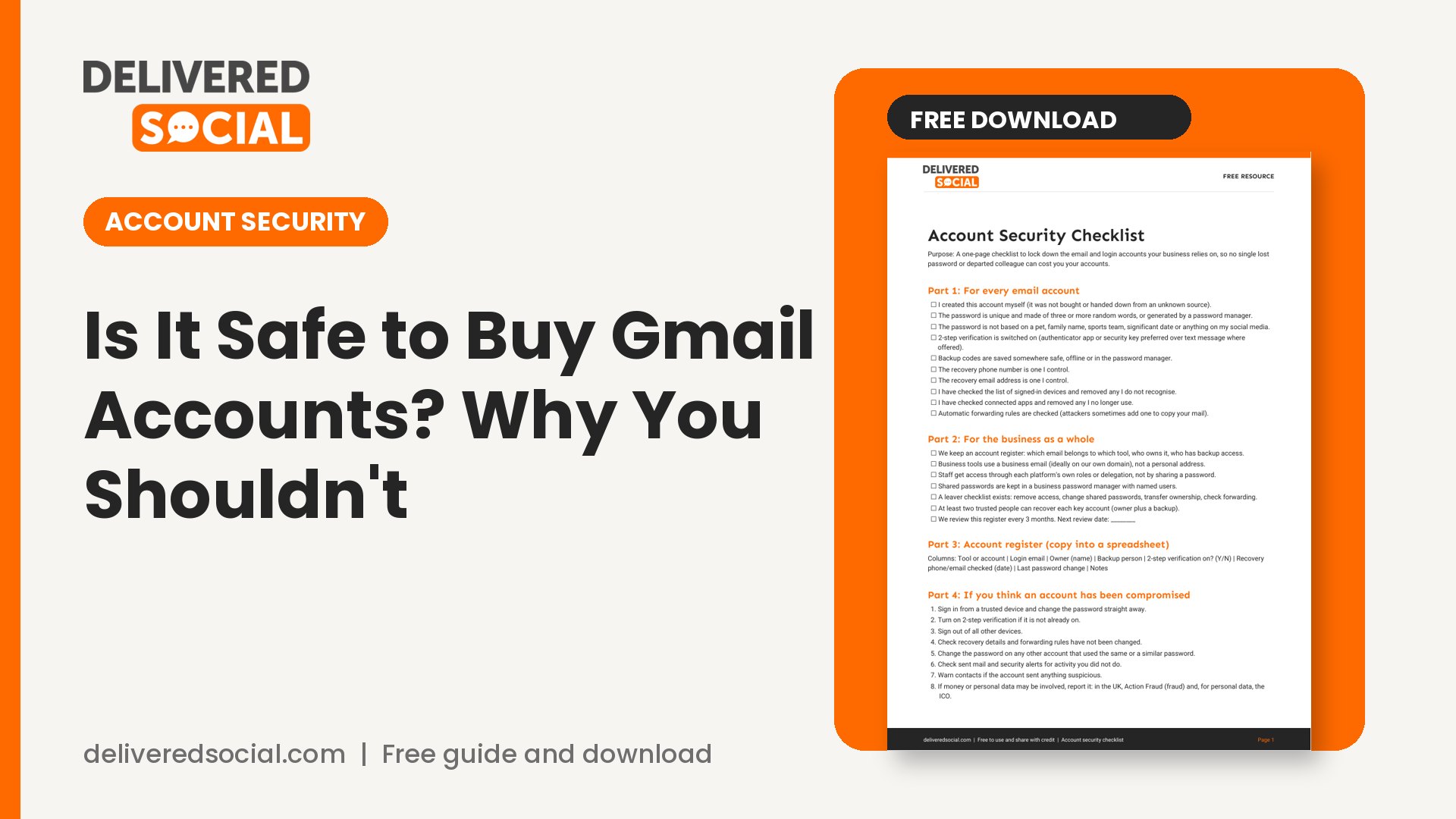
Get the free account security checklist
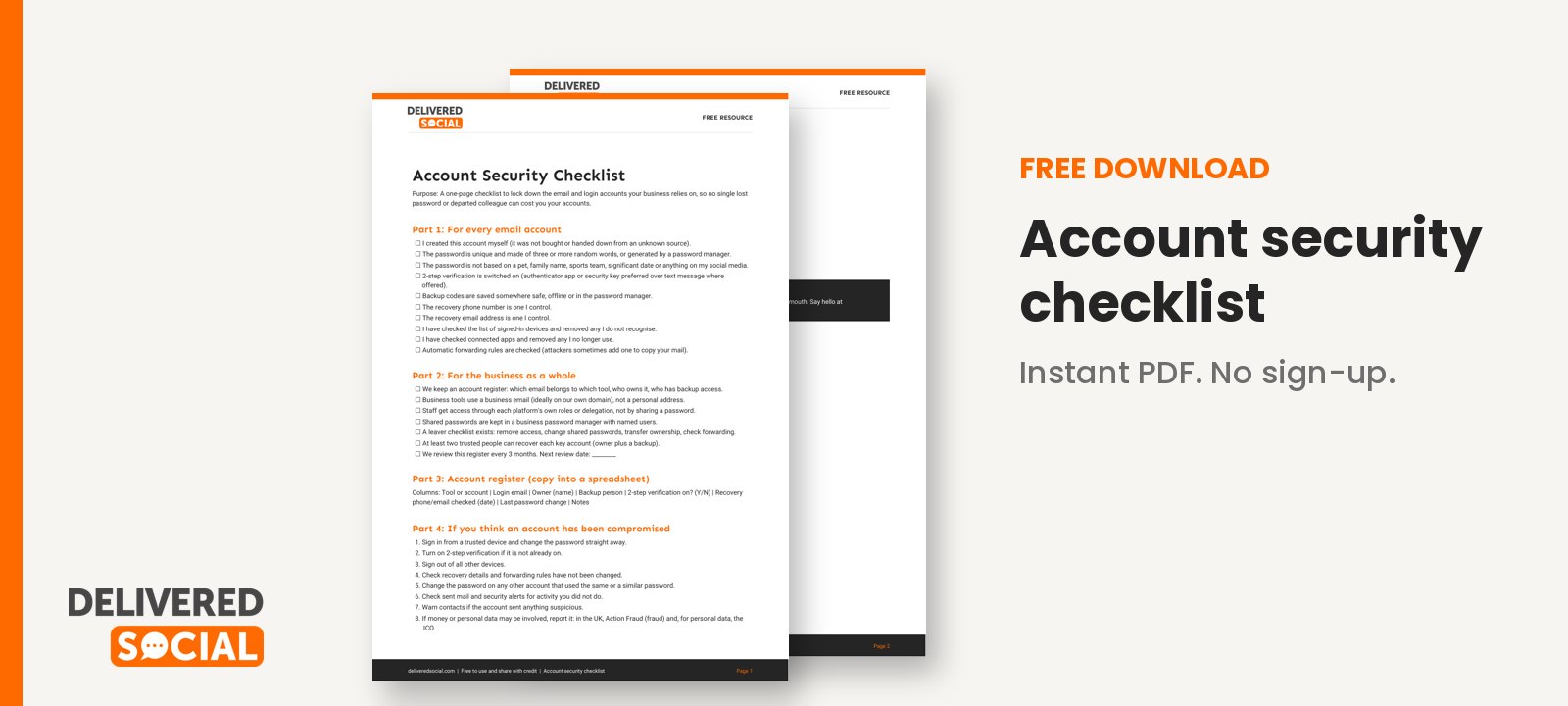
We have put the steps above into a one-page checklist covering passwords, 2-step verification, recovery options, access for staff and what to do if you think an account has been compromised. Download the account security checklist and run through it for each business account you rely on.
If managing logins, profiles and access across several platforms is eating your time, Delivered Social offers social media management where we handle it securely on your behalf. You can contact us any time to talk it through.
































