




Keep reading
Rather we just did it for you?
Let's get your business seen.
Social media, websites, SEO and ads from a team you can actually meet.
I used to hate conferences. My pockets would be full of paper cards by the end of the day. Half of them would get lost in the laundry. The other half would sit on my desk for months until I finally threw them away.
That is a terrible way to do business.
If you are a founder or a sales pro, you need a better way to connect. You need a solution that saves contact info directly to your phone. You need something that syncs with your CRM.
I spent the last few weeks testing the most popular tools on the market. I looked at everything from simple apps to enterprise platforms.
Here is my honest breakdown of the best digital business card solutions available right now.
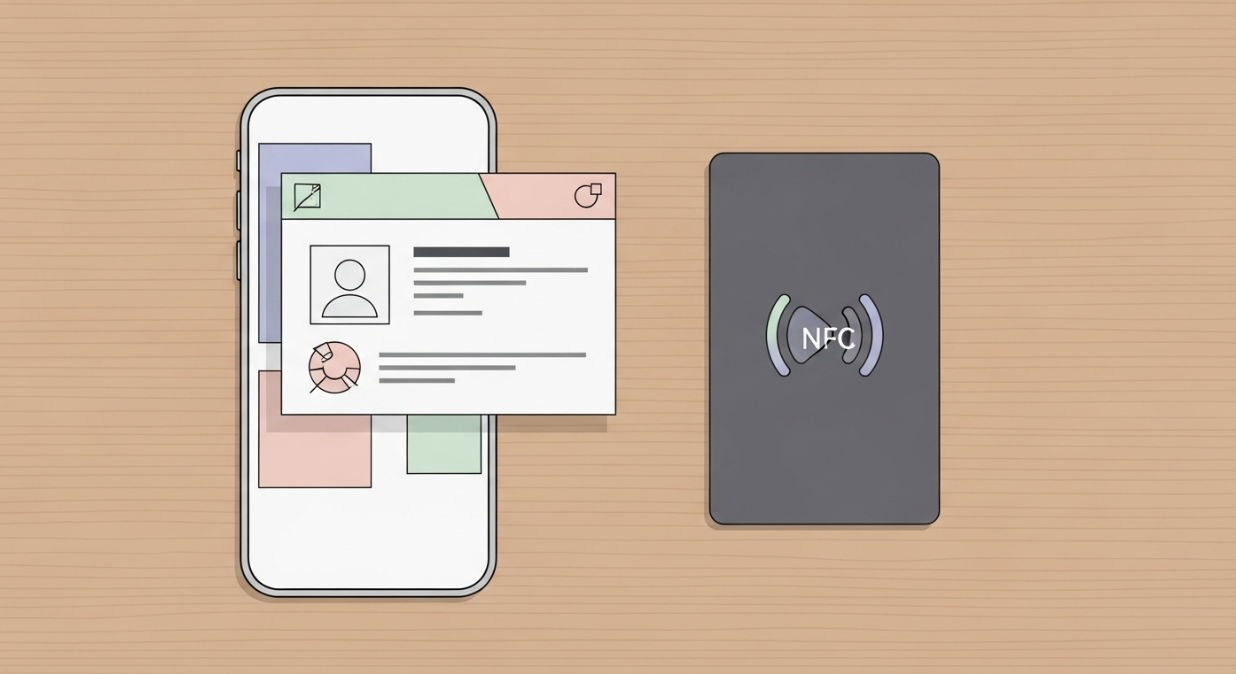
Professional digital business card on smartphone screen & premium matte black NFC card on wooden desk.
I used to hate conferences. My pockets would be full of paper cards by the end of the day. Half of them would get lost in the laundry. The other half would sit on my desk for months until I finally threw them away.
That is a terrible way to do business.
If you are a founder or a sales pro, you need a better way to connect. You need a solution that saves contact info directly to your phone. You need something that syncs with your CRM.
I spent the last few weeks testing the most popular tools on the market. I looked at everything from simple apps to enterprise platforms.
Here is my honest breakdown of the best digital business card solutions available right now.
The Top Digital Business Cards Reviewed
I compared these tools based on ease of use, features, and price. Here is what I found.
1. Wave Connect: The Best Overall for Networking
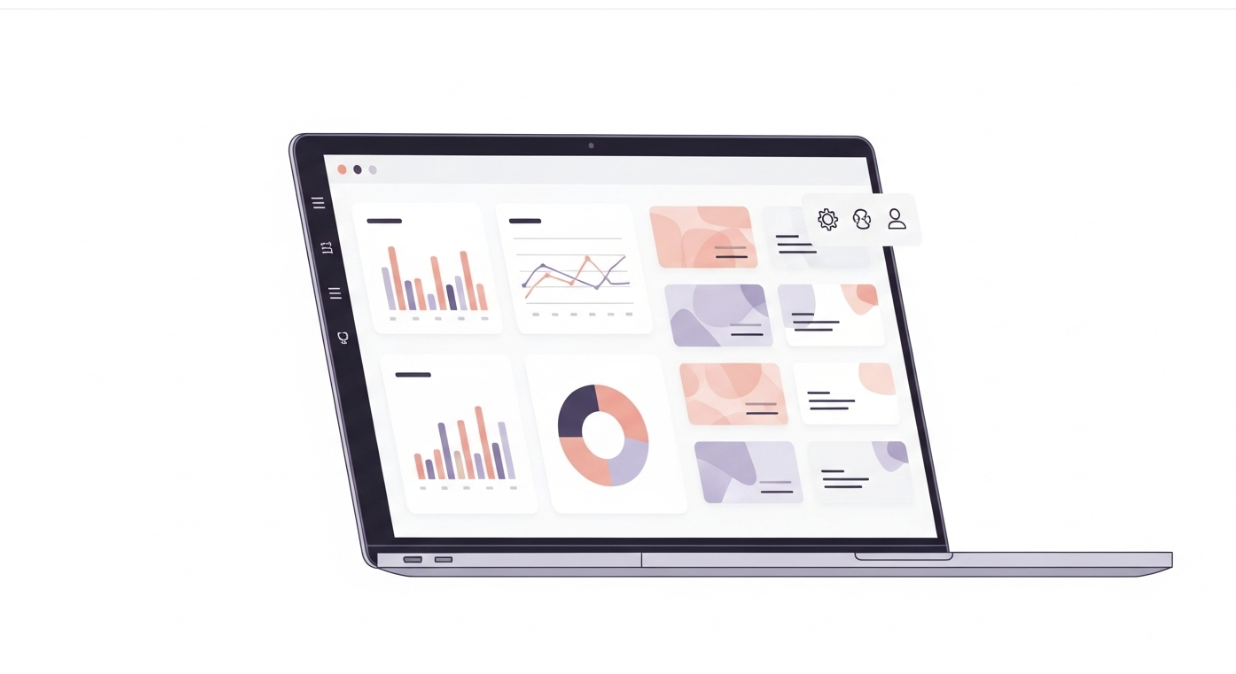
Wave Connect dashboard on laptop screen: profile analytics, card customization. Clean white background.
Wave Connect (often called Wave) is my top pick for most people. It strikes a perfect balance between a professional physical card and a powerful digital profile. It feels premium without being overly complicated.
✨ Key Features of Wave Connect
- NFC-enabled smart cards.
- Customizable digital profiles.
- No app required for the person receiving your card.
- Lead capture forms to collect info.
- Analytics to track your networking performance.
- The most comprehensive teams and enterprise plans.
- Bulk card creation for large teams.
- Integration with HR systems and Azure AD.
✅What I Like About Wave Connect
I love the design. The cards look sleek and professional. Setting up the profile was incredibly fast. I also really appreciate that they focus on sustainability. If you care about reducing waste but still want a physical item to hand to clients, this is it.
💭Things to Consider with Wave Connect
The NFC card is a big part of the experience with Wave Connect. You can use the software on its own, but most teams get the full value when they pair it with the physical card.
📝 My Take on Wave Connect
This is the best all-rounder. If you want to impress clients and streamline your follow-up process. it’s also hands down the easiest to use.
2. Lynkle: Best for Fully Digital, Hardware-Agnostic Cards
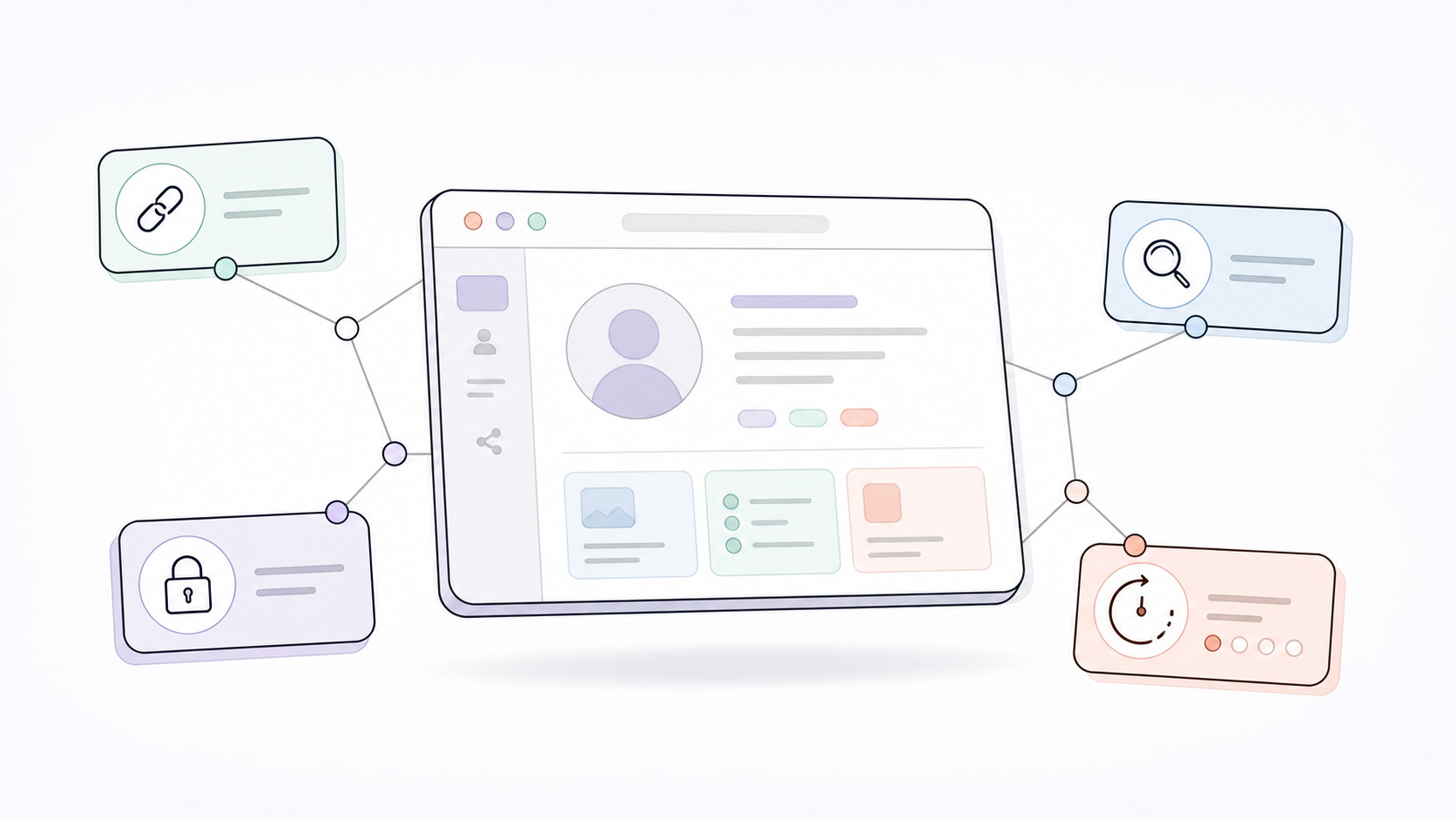
Lynkle is a digital business card built around what modern networking can do when it is not centred on paper, plastic, or proprietary accessories. Instead of making the experience depend on a physical product, it gives users personalised links, search-engine discoverable profiles, and private sharing with expiring links for moments when contact details should not stay public forever.
✨ Key Features of Lynkle
- Personalised digital card links.
- QR and Wallet sharing options.
- NFC Tap and Share via the Lynkle app.
- Works with any NFC tag or card.
- Private sharing with expiring links.
- Search-engine discoverable cards.
- Team templates with locked brand settings.
- Lead capture and contact syncing.
✅ What I Like About Lynkle
I like that Lynkle actually takes advantage of being fully digital. You can have a personalised link that is easy to share, make your card discoverable in search, or use private sharing when you do not want your details sitting online forever. It feels like a product built around what digital cards can do better than paper or plastic.
Things to Consider with Lynkle
Lynkle does not sell metal cards, wristbands, or accessories, so it is not the right pick if you want a premium physical card included. It is hardware agnostic, though, which means you can use it with any NFC tag or card, including one you already own. Tap and Share is available through the Lynkle app on Android. On iOS, Apple currently allows this in the European Economic Area.
My Take on Lynkle
Go with Lynkle if you want a fully digital, privacy-conscious card that works with the hardware you already have instead of locking you into a branded NFC ecosystem.
3. Uniqode (formerly Beaconstac): The Enterprise Choice
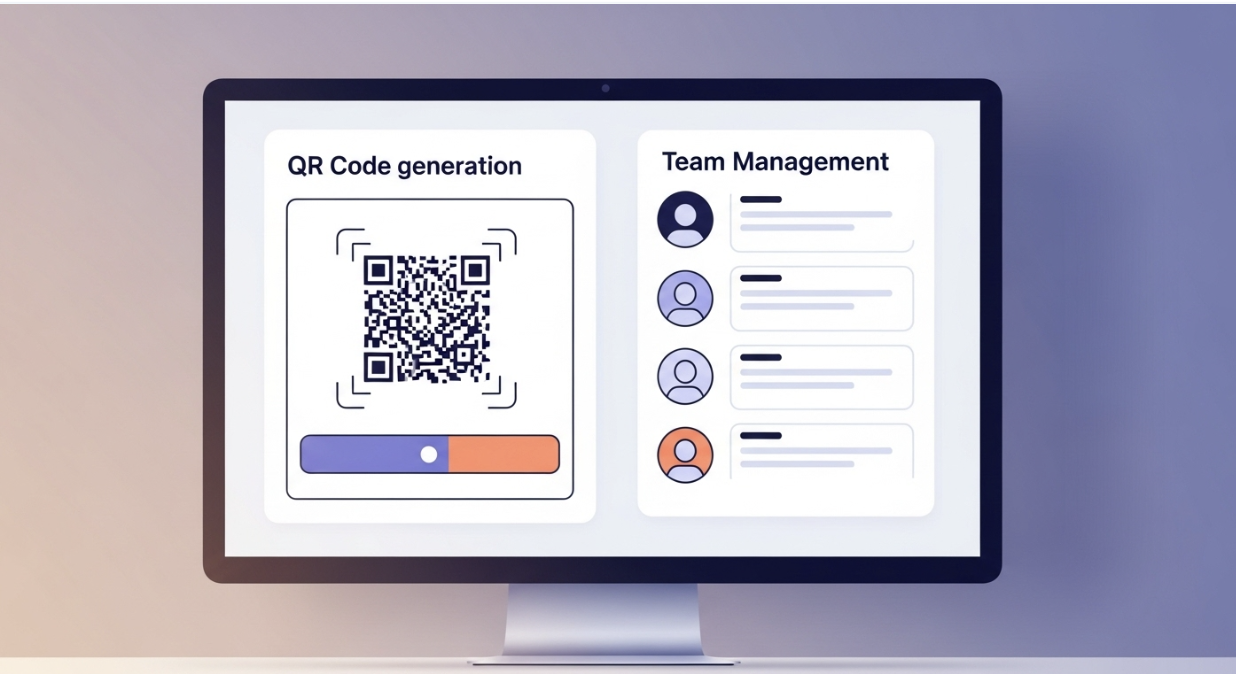
Uniqode dashboard (Beaconstac) with QR code generation & team management tools. Professional screen.
You might know this company as Beaconstac. They rebranded to Uniqode, but they are still a powerhouse. This platform is built for big teams and security-conscious businesses.
✨ Key Features of Uniqode
- Dynamic QR code generation.
- Add QR code to physical material
- QR code analytics
- All-in-one QR code platform
- Retargeting capabilities via QR scans.
✅ What I Like About Uniqode
The security features here are top-notch. If you are a CIO or an IT manager, this is the one you want. I also like their analytics. You can see exactly where and when your cards are being scanned.
💭 Things to Consider with Uniqode
It can feel a bit like “overkill” for a solo entrepreneur. The interface is packed with features that a single user might never touch. It is definitely geared towards advanced QR users.
📝 My Take on Uniqode
Go with Uniqode if you are company looking for QR codes that offer functionalities that differ from a digital business card. It handles QR codes well.
4. Linq: The Cool Factor
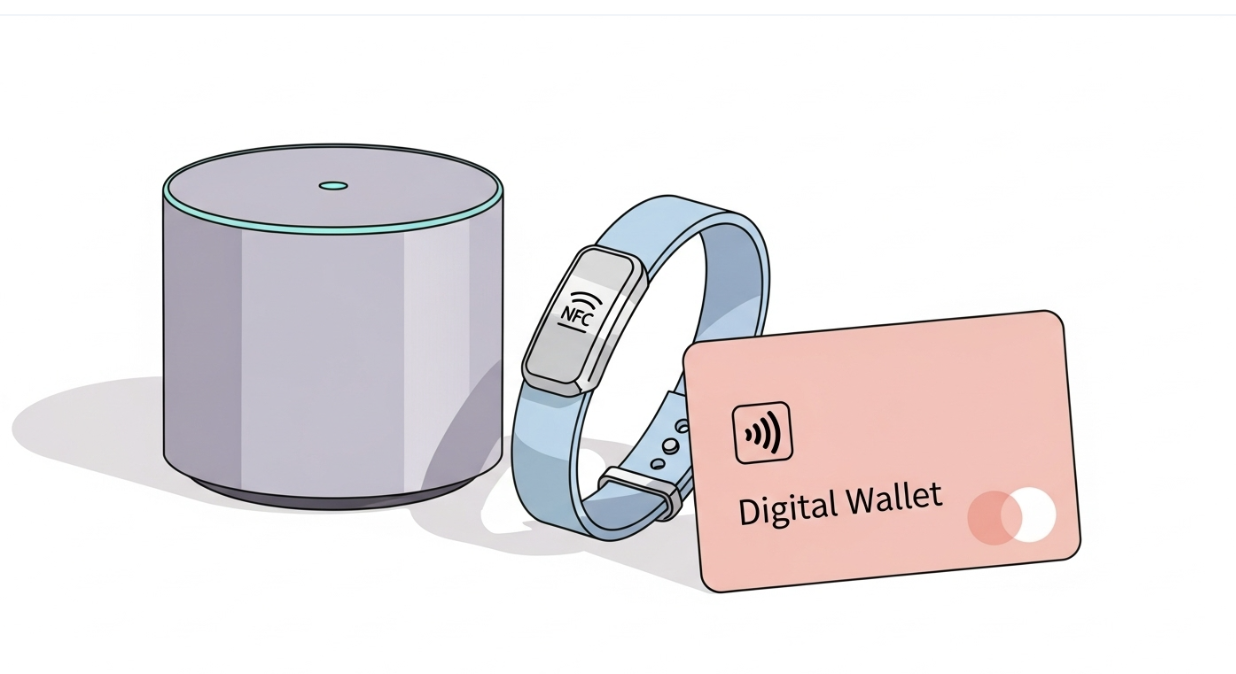
Linq smart hub, NFC bracelet, digital card. Smart home & personal connectivity products.
Linq is for the tech-forward crowd. They don’t just do cards; they have a whole ecosystem of smart products like bracelets and hubs. It is very popular at tech conferences.
✨ Key Features of Linq
- Wide variety of hardware (cards, hubs, bands).
- Customizable “Linq Pages” for your profile.
- Team management dashboard.
- CRM integrations in paid tiers.
- Generate phone numbers
✅What I Like About Linq
I really enjoy the variety. Sometimes you don’t want to carry a wallet, so having a smart bracelet is a cool alternative. Their page builder is also quite flexible, allowing you to add videos and music.
💭 Things to Consider with Linq
They push their hardware pretty hard. Also, a lot of the best features, like advanced analytics and CRM sync, are locked behind their Pro subscription. Also, what I started to realize is they’re straying away from digital business cards. It seems like that isn’t their business model anymore and they’re focused on sending blue text and becoming an API for SMS.
📝 My Take on Linq
If you love gadgets and want to stand out at a trade show, Linq is a fun and effective choice.
5. Spotio: The Field Sales Specialist
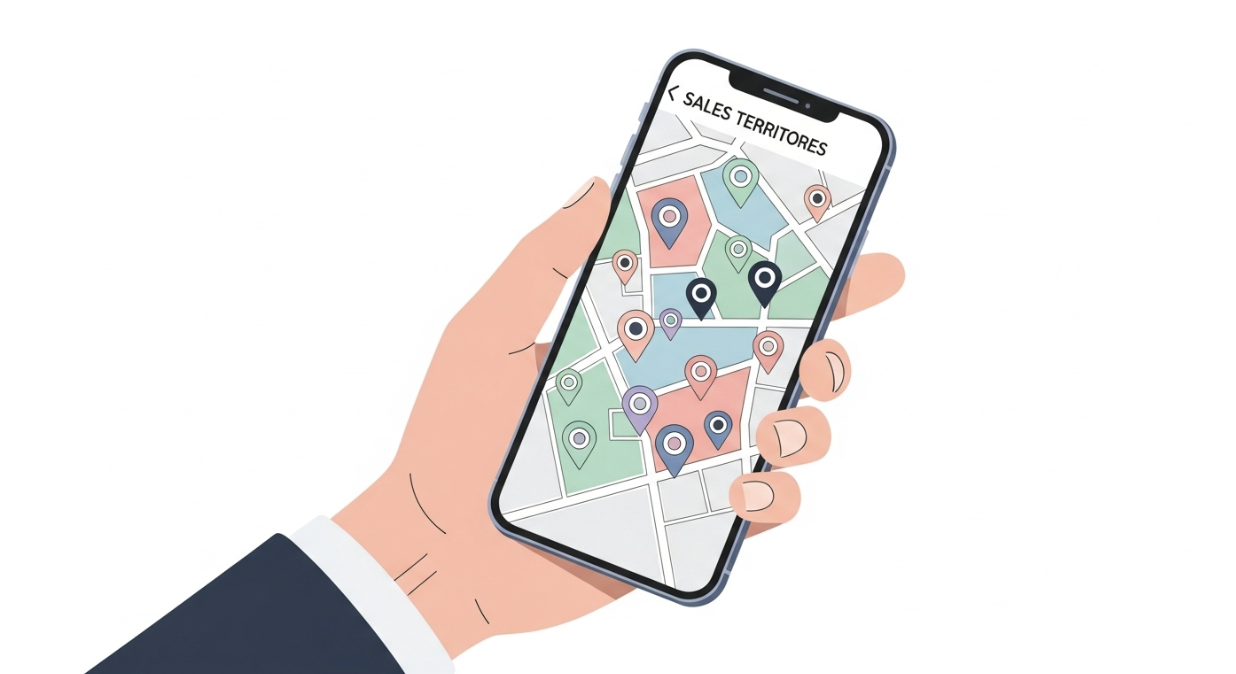
Spotio mobile app on handheld smartphone: sales territory map & client contact pins.
Spotio is not just a business card app. It is a full sales engagement platform designed for field teams. The digital card is just one part of a much bigger system.
✨ Key Features of Spotio
- Territory management and mapping.
- Digital business card with auto-capture.
- Activity tracking for sales reps.
- Leaderboards and gamification.
- Deep integration with major CRMs.
✅What I Like About Spotio
For door-to-door sales teams, this is a lifesaver. The card feature integrates perfectly with the territory map. You knock on a door, share your card, and the interaction is automatically logged.
💭Things to Consider with Spotio
This is expensive if you only want a digital business card. You are paying for a complete sales software suite. Do not buy this if you just want to share your phone number.
📝 My Take on Spotio
This is strictly for outside sales teams. If you manage a team of reps in the field, Spotio is essential.
6. Haystack: The Digital-Only Option
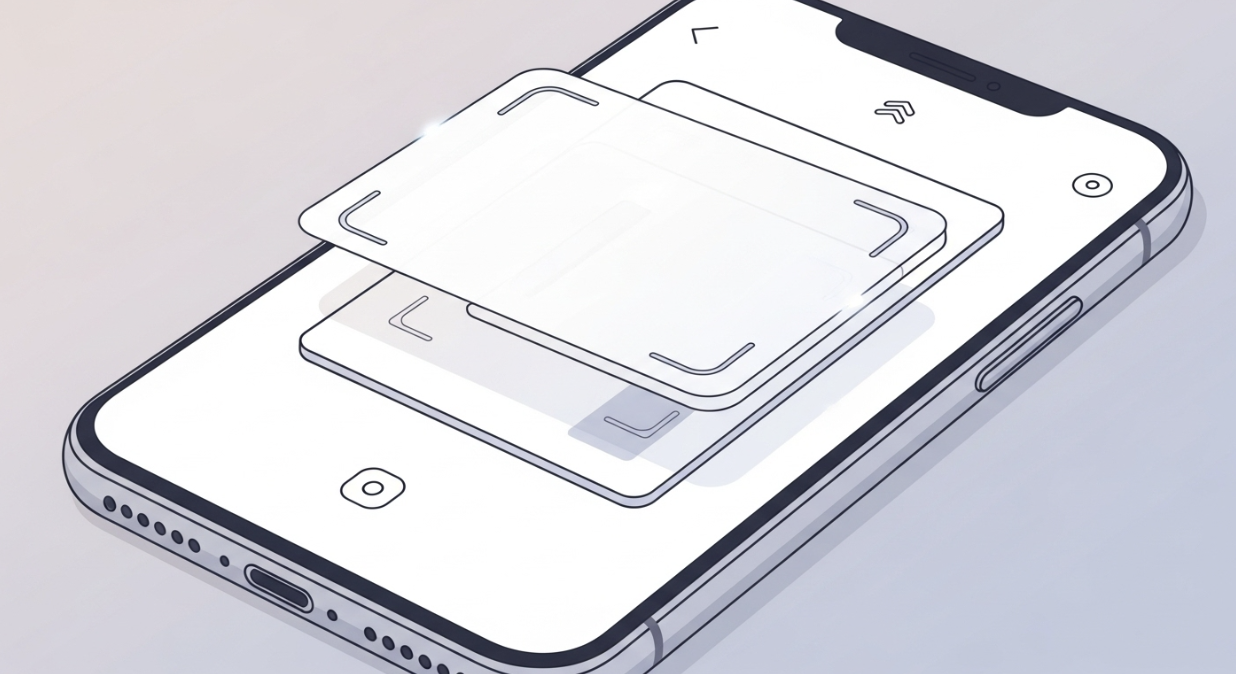
Haystack app scanning physical business card with phone camera to digitize contact info.
Haystack has been around for a long time. They focus on a “zero waste” approach. They are less about selling you plastic cards and more about the software experience.
✨Key Features of Haystack
- Focused on QR codes
- Consistent email signatures for teams.
- Analytics dashboard.
- Integrations with CRMs.
- Smart email features.
✅What I Like About Haystack
Their email signature feature is straightforward, making it easy for teams to share their details in every outgoing email without needing anything physical.
💭 Things to Consider with Haystack
It lacks the “cool factor” of having a smart NFC card to tap. You are mostly relying on QR codes or email sharing. It feels a bit more traditional than the others.
📝 My Take on Haystack
Great for budget-conscious teams who want a solid software solution without managing physical inventory.
7. QR CodeChimp: The Creative Builder
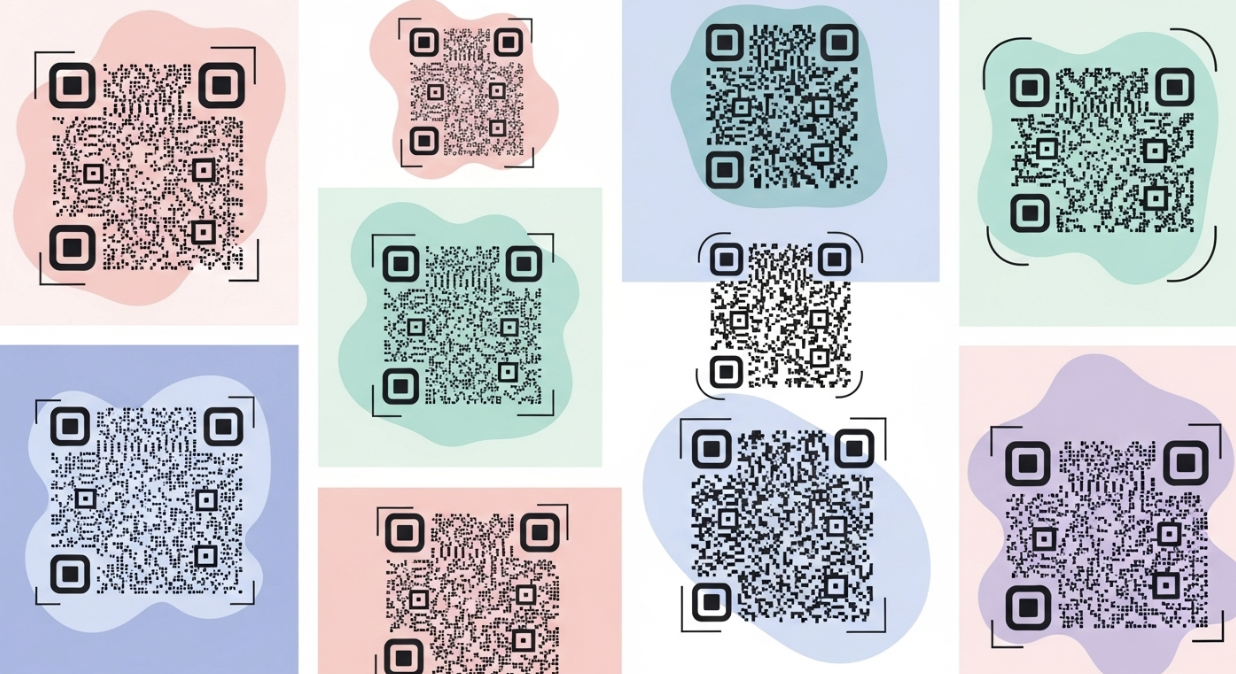
Digital collage: Artistic, custom-shaped, multicolored QR codes by QR CodeChimp.
If you want total creative control over your QR code, this is the tool. QR CodeChimp lets you turn a boring black-and-white square into a piece of art.
✨ Key Features of QR CodeChimp
- Highly customizable QR shapes and colors.
- Logo integration inside the QR code.
- Digital business card landing pages.
- Bulk uploading capabilities.
- Tracking and analytics.
✅What I Like About QR CodeChimp
I had a lot of fun designing codes with this. You can make the QR code look like a heart, a star, or even a guitar. It grabs attention. Their free tier is also quite generous.
💭 Things to Consider with QR CodeChimp
The interface can be a little overwhelming because there are so many options. Also, if you design a QR code that is too crazy, some older phones might struggle to scan it.
📝 My Take on QR CodeChimp
Best for creatives, designers, and marketers who want their branding to be unique.
How I Picked These Tools
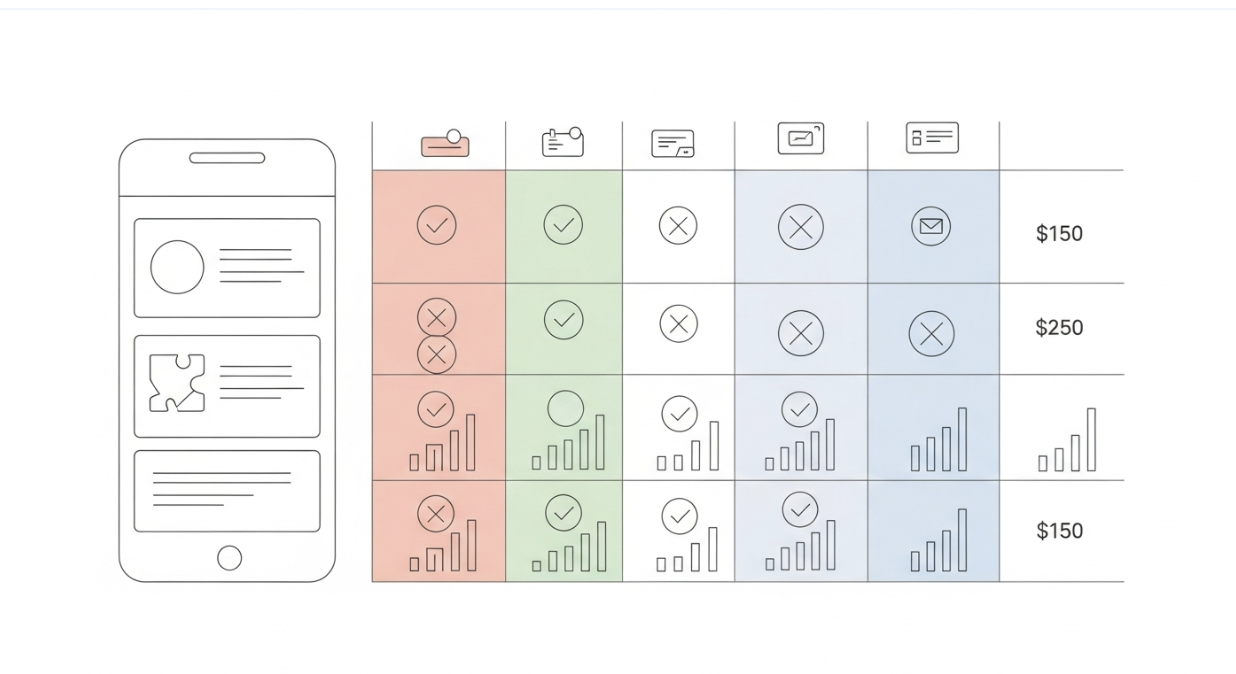
Infographic checklist comparing business card app features: NFC, CRM sync, price.
There are dozens of apps out there. To narrow it down to this list, I looked for four main things.
1️⃣ First was Ease of Use. If it takes me more than five minutes to set up a profile, I am out. It needs to be simple for me and, more importantly, simple for the person receiving my card.
2️⃣ Second was Integration. I run a business. I need these contacts to go into my CRM. If an app keeps my data trapped in a silo, it is useless to me.
3️⃣ Third was Design. Your business card is your first impression. If the digital profile looks cheap or clunky, it reflects poorly on your brand.
4️⃣ Finally, I looked at Value. Some of these tools charge high monthly fees. I wanted to make sure the features justified the price tag.
Why I Switched to Digital Business Cards
It wasn’t just about saving paper. For me, it was about speed.
When I meet a potential partner, I want to make sure they actually have my details. With a digital card, I can tap my phone to theirs, and my profile pops up instantly. They can save it with one click.
Plus, I can update my info anytime. If I change my title or phone number, I don’t have to throw away a box of 500 paper cards. It is smarter, cheaper, and looks much more professional.
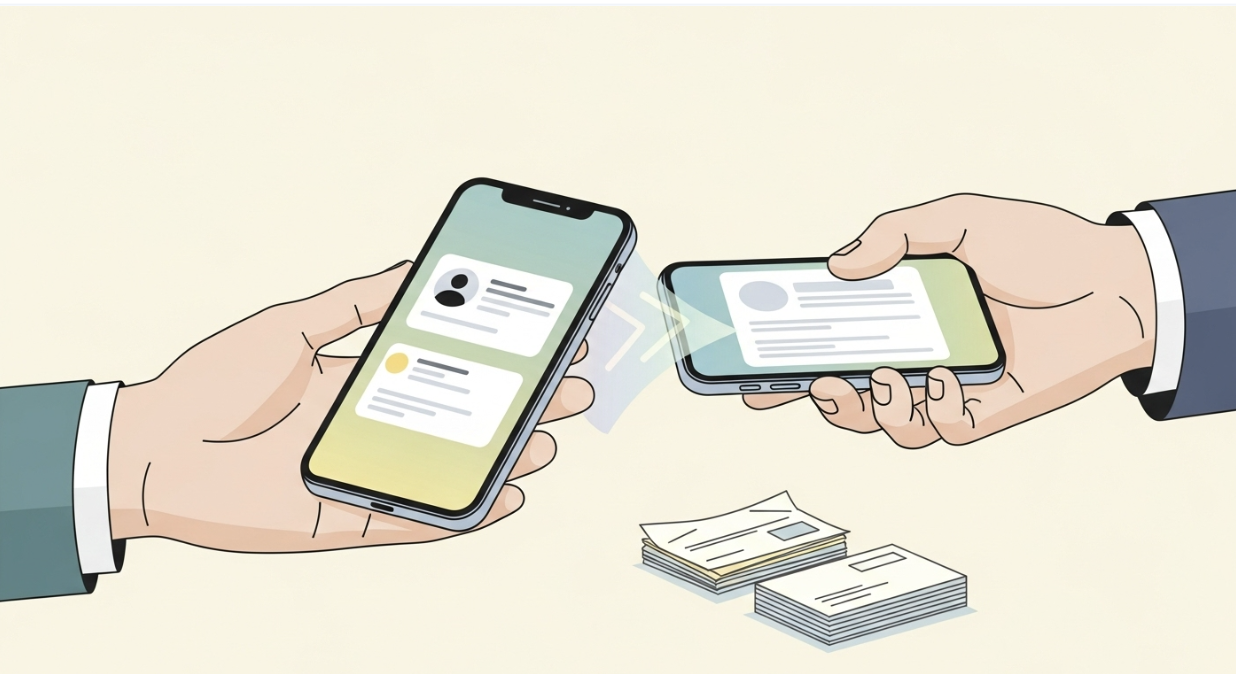
Tap to share professional digital business card instantly. Always updated contact info, smarter & cheaper.
My Final Thoughts
Networking has changed. The days of manual data entry and lost paper cards are over.
If you want a solid, all-around performer that looks great, I recommend Wave Connect. If you are managing a massive corporate team, look at Uniqode. And if you are in field sales, Spotio is the way to go.
Pick the one that fits your workflow and start making better connections today.
Common Questions About Digital Cards
Are digital business cards safe?
Generally, yes. Most reputable providers use encryption. However, always check if your data is being sold. Tools like Uniqode are built with enterprise security in mind.
Do I need an app to receive a card?
No. This is a common myth. When you tap your NFC card or show your QR code, the other person’s phone opens a browser link. They do not need to install anything.
Can I still use paper cards?
You can, but they are becoming obsolete. Many digital card apps actually let you scan paper cards you receive, so you can digitize your old stack.
































