The fastest way to get more Instagram comments is to stop asking “what do you think?” and start asking questions that are easy and fun to answer. Give people a clear choice, a low-effort reply and a reason to feel clever or understood. Then reply to every comment quickly, because the first hour sets the tone for the whole thread.
That is the short version. The rest of this guide explains why it works, shows you exact wording to copy, and covers what to avoid, including a few popular tricks that quietly make your account look desperate. Everything here comes from running social accounts for businesses since 2016, plus Instagram’s own help pages where they apply.
Why comments matter more than most people think
A like takes half a second. A comment takes effort, so it tells everyone, including Instagram, that your post actually made someone stop and respond. That is why comments are one of the most useful signs of instagram engagement that is real rather than passive.
I can’t give you a magic number for how much a comment is “worth” to the algorithm, because Instagram doesn’t publish one, and anyone quoting you an exact weighting is guessing. What we can say from experience is that posts which start conversations tend to get shown to more people, and conversations also help you in ways the algorithm can’t measure: you learn what your audience cares about, you find your future customers, and you build the kind of familiarity that makes people buy.
So treat comments as a conversation to host, not a number to hit. Hosts do three things: they set the topic, they make it easy to join in, and they respond. Most of the tactics below fall under one of those three.
How to get more Instagram comments: start with the post itself
Comments rarely appear by accident. They appear when a post leaves a gap that the viewer wants to fill. Here are the gaps that work best.
1. Ask a question with a small, specific answer
“What do you think?” is too big. People freeze. Compare these:
- Weak: “Thoughts on this new menu?”
- Better: “Which would you order first: the halloumi wrap or the spiced lamb flatbread?”
The second asks for a single word. A reply costs the reader almost nothing, and they get to say something about themselves while they do it.
2. Offer two options and make people pick a side
“This or that” posts work because everyone has an opinion and nobody needs to explain it. A florist could show two bouquets. A solicitor could ask “Will or lasting power of attorney first?” A gym could ask “Morning session or evening session?” Keep both options reasonable so no one feels judged for their choice.
3. Use a fill-in-the-blank
“The best thing about working from home is ____” is quicker to answer than anything else. It also gives you quotable replies you can reuse in future content, with permission.
4. Say something a little bit opinionated
Mild disagreement draws comments. You don’t need to be controversial for the sake of it. A statement like “A dentist’s waiting room should never have a TV” will get people replying with their own views. The line to avoid is anything that attacks a group of people or makes your brand look unkind. Opinionated and warm is the goal.
5. Ask for recommendations
People love being asked for their expert view. “We’re adding one new item to the shop in November. What should it be?” gets suggestions, and the people who suggest it feel invested when it launches. Local businesses do especially well here, because “Where’s your favourite place for a Sunday roast in Guildford?” invites a whole community to chat.
Make the question impossible to miss
Put the question in three places: the first line of the caption, the final line, and, for photos and carousels, on the image itself. Most people don’t read to the end of a caption, and plenty of people watching a Reel never open the caption at all. If the question is only in the caption, many will miss it.
For video, say the question out loud and show it as on-screen text in the last couple of seconds. A spoken “Tell me in the comments which one you’d pick” sounds more natural than it feels when you record it.
Keep the question to one. Two or three questions in a caption split the audience and make replying feel like homework. Many small businesses want to get more Instagram comments but only ever ask for likes.
Tell a story with an unfinished edge
Stories invite comments because readers want to share their own. A short, specific, slightly vulnerable story beats a polished marketing line. “We nearly cancelled our first ever market stall because it rained all morning. Then a stranger bought six candles” feels human, and it prompts people to tell you about their own near-misses.
A useful structure is: situation, small problem, what happened, then a question that connects the story to the reader. “What was your first customer like?” is a good ending to a story about your own first customer.
Carousels are good for this too. Put a cliffhanger or incomplete list on slide one, and finish the answer on the final slide with the question. People who reach the end are more likely to comment, because they have spent time with the content.
Reply fast, and reply well
This is the part most accounts skip, and it makes the biggest difference. Aim to reply to every comment in the first hour after posting if you can. That does two things. It tells commenters they were heard, which makes them more likely to come back. And it makes anyone reading the thread think “this account is alive,” which makes them more likely to join in.
How to reply so that the conversation continues
- Don’t stop at “Thanks!” Add a question: “Thanks, Priya. Did you try the oat latte or stick with a flat white?”
- Use the person’s name. It’s a small thing that feels personal.
- Refer to something they actually said, so they know you read it.
- If the comment is a question, answer it fully. Other people had the same question and they’ll thank you for it.
Treat the hour after posting like opening the shop door. Don’t post and disappear. Schedule the post for a time when you can be at your phone for 20 to 30 minutes afterwards. If you manage several accounts, the best time to post is the time you can be present, even if that is not the “peak” time a scheduling tool suggests.
There is a feature worth knowing: Instagram lets you reply to a comment on one of your Reels with a new Reel, which is explained on Instagram’s help page for replying to comments with a Reel. Check the exact steps inside the app, as they can change, but it’s a neat way to turn a good question into a new piece of content, and the person who asked is likely to be pleased and share it.
Build the habit before the post
Comments are a two-way street. Accounts that comment on other people’s posts, meaningfully and regularly, tend to get more comments back. This is not a trick. It is how people discover you and decide you are worth following.
Set aside ten minutes before each post to leave thoughtful comments on posts from:
- Your existing followers, especially the ones who have commented before.
- Local businesses and organisations you’d be happy to work with.
- Accounts in your niche that your ideal customers follow.
“Great post!” is wallpaper. A comment that adds something, like a short observation or a relevant question, gets noticed. If you need a place to start, our guide on how to get your first 1,000 Instagram followers covers this community-first approach in more detail. To get more Instagram comments, ask a question people can answer in one line.
Use giveaways carefully
“Comment to win” posts do bring in comments, but they bring in the wrong kind. You get hundreds of “me!” and “done” replies from people who want a prize and will unfollow the day it is over. They also make your engagement figures look better than they are, which can mislead you when you plan your next post.
If you run one, keep it for a time when it makes sense, such as a launch or an anniversary, and make the entry mean something. “Tell us the best thing about your Saturday and you’re in the draw” gives you useful content to learn from. Whatever you do, read Instagram’s current rules for promotions and check the UK advertising rules before you start. Our recommendation is to keep the prize relevant to your business so you attract people who might actually become customers.
Also consider the wider rules. If a post is an advert, it must be clear that it is one. The advertising regulator explains that brands promoting their own products from their own account are generally recognisable as advertising already, but influencers, affiliates and anyone paid or gifted need clear labels at the start of the post. The ASA sets this out in its guidance on brand-owned and paid social media.
What not to do
Some shortcuts feel clever and damage you over time.
- Engagement pods and comment swaps. Groups where members agree to comment on each other’s posts produce short, generic comments from people who are not your audience. They make it harder to read your real performance, and the comments rarely lead to sales.
- Bought or automated comments. Generic replies like “Love this!” from accounts with no real activity are easy to spot, and they put off real followers. Automation can also put your account at risk. We explain where the lines are in our guide to Instagram bots and what is safe to automate.
- Begging. “Please comment, it helps the algorithm” feels needy and works badly. Give people a reason to comment instead.
- Posting a question and ignoring the answers. It teaches your audience that you don’t read their replies.
Handling the awkward comments
More comments means more of the other kind too: spam, rude remarks, the occasional complaint. Plan for them so they don’t catch you out.
Instagram automatically filters out comments it thinks may be inappropriate or offensive on posts and live videos, as explained in the Instagram help page on hiding comments. You can also turn off commenting on a single post, which is useful for sensitive announcements. Check the settings inside your app because the options change from time to time.
For genuine complaints, respond in public with a calm, brief acknowledgement, then offer to move the conversation to direct messages or email. Don’t delete criticism unless it is abusive, because people notice when only good things appear. A polite, helpful reply to a complaint often earns more trust than ten compliments. You will get more Instagram comments when your replies are quick and warm.
How to measure whether it is working
Don’t judge Instagram engagement by a single post’s comment count. Look at patterns across a month:
- Note the number of comments on each of your last 12 posts, along with the type (question, story, opinion, tip).
- Work out which type got the most comments in proportion to the people it reached. A small post that reached 400 people and got 20 comments beat a post that reached 5,000 and got 25.
- Look at the quality of the comments. Are they sentences or emojis? Are any from potential customers?
- Repeat the formats that worked, and drop the ones that didn’t.
If your overall engagement has fallen and you can’t work out why, our 7-point check for an Instagram engagement drop is a good next step.
Frequently asked questions
How many comments should a post get?
There is no universal target, because it depends on your audience size, niche and how often you post. A better approach is to compare your own posts against each other over time. A post that gets more comments than your usual is working.
Do emojis count as comments?
They count as comments technically, but they are less useful. A sentence tells you more about what the person thinks. Questions that need a word or a phrase get better replies than ones that can be answered with a heart.
Should I pin comments?
Pinning is useful for highlighting a helpful answer or a good customer comment. Use it to show the conversation you want to have.
Is it OK to reply to my own post with a question?
Yes. Adding a follow-up comment from your own account, such as a second question or a prompt, can nudge a quiet thread. Do it once, naturally, not as a routine.
Will my small account get any comments at all?
Yes, though fewer. Comments from ten real people who care are worth more than a hundred from strangers. Focus on replying and commenting on others and the numbers grow.
Get the free Instagram comment prompt list
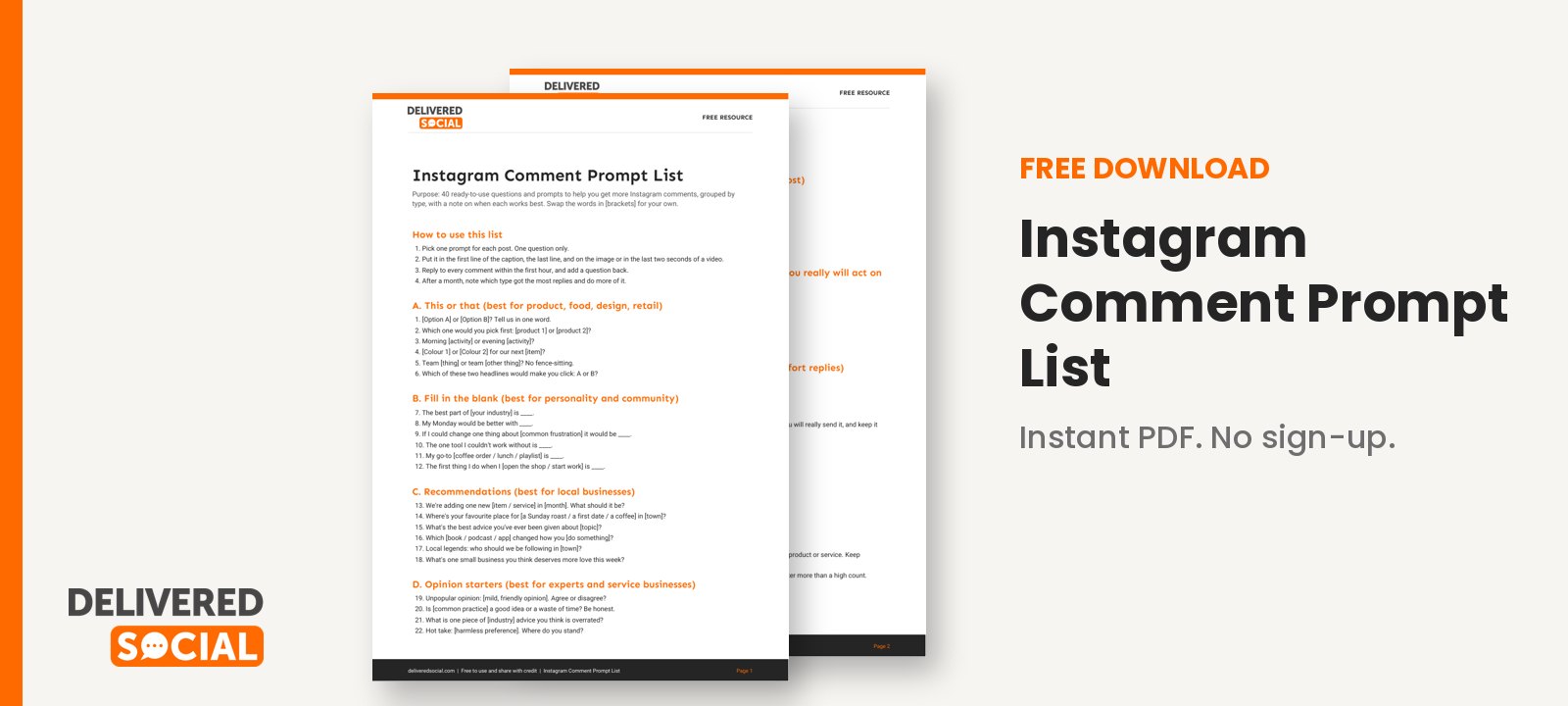
To save you thinking up questions every time you post, we have put together a list of 40 ready-to-use comment prompts, grouped by type, with notes on when each works best. Download the free Instagram comment prompt list and keep it next to your content calendar.
If you would rather have an expert team handle your posting, replies and community management, Delivered Social can help with social media management for businesses across the UK, and you can get in touch for a friendly chat about what would suit you.





































Loading article…
Keep reading
More on this.
Rather we just did it for you?
Let's get your business seen.
Social media, websites, SEO and ads from a team you can actually meet.
The fastest way to get more Instagram comments is to stop asking “what do you think?” and start asking questions that are easy and fun to answer. Give people a clear choice, a low-effort reply and a reason to feel clever or understood. Then reply to every comment quickly, because the first hour sets the tone for the whole thread.
That is the short version. The rest of this guide explains why it works, shows you exact wording to copy, and covers what to avoid, including a few popular tricks that quietly make your account look desperate. Everything here comes from running social accounts for businesses since 2016, plus Instagram’s own help pages where they apply.
Why comments matter more than most people think
A like takes half a second. A comment takes effort, so it tells everyone, including Instagram, that your post actually made someone stop and respond. That is why comments are one of the most useful signs of instagram engagement that is real rather than passive.
I can’t give you a magic number for how much a comment is “worth” to the algorithm, because Instagram doesn’t publish one, and anyone quoting you an exact weighting is guessing. What we can say from experience is that posts which start conversations tend to get shown to more people, and conversations also help you in ways the algorithm can’t measure: you learn what your audience cares about, you find your future customers, and you build the kind of familiarity that makes people buy.
So treat comments as a conversation to host, not a number to hit. Hosts do three things: they set the topic, they make it easy to join in, and they respond. Most of the tactics below fall under one of those three.
How to get more Instagram comments: start with the post itself
Comments rarely appear by accident. They appear when a post leaves a gap that the viewer wants to fill. Here are the gaps that work best.
1. Ask a question with a small, specific answer
“What do you think?” is too big. People freeze. Compare these:
The second asks for a single word. A reply costs the reader almost nothing, and they get to say something about themselves while they do it.
2. Offer two options and make people pick a side
“This or that” posts work because everyone has an opinion and nobody needs to explain it. A florist could show two bouquets. A solicitor could ask “Will or lasting power of attorney first?” A gym could ask “Morning session or evening session?” Keep both options reasonable so no one feels judged for their choice.
3. Use a fill-in-the-blank
“The best thing about working from home is ____” is quicker to answer than anything else. It also gives you quotable replies you can reuse in future content, with permission.
4. Say something a little bit opinionated
Mild disagreement draws comments. You don’t need to be controversial for the sake of it. A statement like “A dentist’s waiting room should never have a TV” will get people replying with their own views. The line to avoid is anything that attacks a group of people or makes your brand look unkind. Opinionated and warm is the goal.
5. Ask for recommendations
People love being asked for their expert view. “We’re adding one new item to the shop in November. What should it be?” gets suggestions, and the people who suggest it feel invested when it launches. Local businesses do especially well here, because “Where’s your favourite place for a Sunday roast in Guildford?” invites a whole community to chat.
Make the question impossible to miss
Put the question in three places: the first line of the caption, the final line, and, for photos and carousels, on the image itself. Most people don’t read to the end of a caption, and plenty of people watching a Reel never open the caption at all. If the question is only in the caption, many will miss it.
For video, say the question out loud and show it as on-screen text in the last couple of seconds. A spoken “Tell me in the comments which one you’d pick” sounds more natural than it feels when you record it.
Keep the question to one. Two or three questions in a caption split the audience and make replying feel like homework. Many small businesses want to get more Instagram comments but only ever ask for likes.
Tell a story with an unfinished edge
Stories invite comments because readers want to share their own. A short, specific, slightly vulnerable story beats a polished marketing line. “We nearly cancelled our first ever market stall because it rained all morning. Then a stranger bought six candles” feels human, and it prompts people to tell you about their own near-misses.
A useful structure is: situation, small problem, what happened, then a question that connects the story to the reader. “What was your first customer like?” is a good ending to a story about your own first customer.
Carousels are good for this too. Put a cliffhanger or incomplete list on slide one, and finish the answer on the final slide with the question. People who reach the end are more likely to comment, because they have spent time with the content.
Reply fast, and reply well
This is the part most accounts skip, and it makes the biggest difference. Aim to reply to every comment in the first hour after posting if you can. That does two things. It tells commenters they were heard, which makes them more likely to come back. And it makes anyone reading the thread think “this account is alive,” which makes them more likely to join in.
How to reply so that the conversation continues
Treat the hour after posting like opening the shop door. Don’t post and disappear. Schedule the post for a time when you can be at your phone for 20 to 30 minutes afterwards. If you manage several accounts, the best time to post is the time you can be present, even if that is not the “peak” time a scheduling tool suggests.
There is a feature worth knowing: Instagram lets you reply to a comment on one of your Reels with a new Reel, which is explained on Instagram’s help page for replying to comments with a Reel. Check the exact steps inside the app, as they can change, but it’s a neat way to turn a good question into a new piece of content, and the person who asked is likely to be pleased and share it.
Build the habit before the post
Comments are a two-way street. Accounts that comment on other people’s posts, meaningfully and regularly, tend to get more comments back. This is not a trick. It is how people discover you and decide you are worth following.
Set aside ten minutes before each post to leave thoughtful comments on posts from:
“Great post!” is wallpaper. A comment that adds something, like a short observation or a relevant question, gets noticed. If you need a place to start, our guide on how to get your first 1,000 Instagram followers covers this community-first approach in more detail. To get more Instagram comments, ask a question people can answer in one line.
Use giveaways carefully
“Comment to win” posts do bring in comments, but they bring in the wrong kind. You get hundreds of “me!” and “done” replies from people who want a prize and will unfollow the day it is over. They also make your engagement figures look better than they are, which can mislead you when you plan your next post.
If you run one, keep it for a time when it makes sense, such as a launch or an anniversary, and make the entry mean something. “Tell us the best thing about your Saturday and you’re in the draw” gives you useful content to learn from. Whatever you do, read Instagram’s current rules for promotions and check the UK advertising rules before you start. Our recommendation is to keep the prize relevant to your business so you attract people who might actually become customers.
Also consider the wider rules. If a post is an advert, it must be clear that it is one. The advertising regulator explains that brands promoting their own products from their own account are generally recognisable as advertising already, but influencers, affiliates and anyone paid or gifted need clear labels at the start of the post. The ASA sets this out in its guidance on brand-owned and paid social media.
What not to do
Some shortcuts feel clever and damage you over time.
Handling the awkward comments
More comments means more of the other kind too: spam, rude remarks, the occasional complaint. Plan for them so they don’t catch you out.
Instagram automatically filters out comments it thinks may be inappropriate or offensive on posts and live videos, as explained in the Instagram help page on hiding comments. You can also turn off commenting on a single post, which is useful for sensitive announcements. Check the settings inside your app because the options change from time to time.
For genuine complaints, respond in public with a calm, brief acknowledgement, then offer to move the conversation to direct messages or email. Don’t delete criticism unless it is abusive, because people notice when only good things appear. A polite, helpful reply to a complaint often earns more trust than ten compliments. You will get more Instagram comments when your replies are quick and warm.
How to measure whether it is working
Don’t judge Instagram engagement by a single post’s comment count. Look at patterns across a month:
If your overall engagement has fallen and you can’t work out why, our 7-point check for an Instagram engagement drop is a good next step.
Frequently asked questions
How many comments should a post get?
There is no universal target, because it depends on your audience size, niche and how often you post. A better approach is to compare your own posts against each other over time. A post that gets more comments than your usual is working.
Do emojis count as comments?
They count as comments technically, but they are less useful. A sentence tells you more about what the person thinks. Questions that need a word or a phrase get better replies than ones that can be answered with a heart.
Should I pin comments?
Pinning is useful for highlighting a helpful answer or a good customer comment. Use it to show the conversation you want to have.
Is it OK to reply to my own post with a question?
Yes. Adding a follow-up comment from your own account, such as a second question or a prompt, can nudge a quiet thread. Do it once, naturally, not as a routine.
Will my small account get any comments at all?
Yes, though fewer. Comments from ten real people who care are worth more than a hundred from strangers. Focus on replying and commenting on others and the numbers grow.
Get the free Instagram comment prompt list
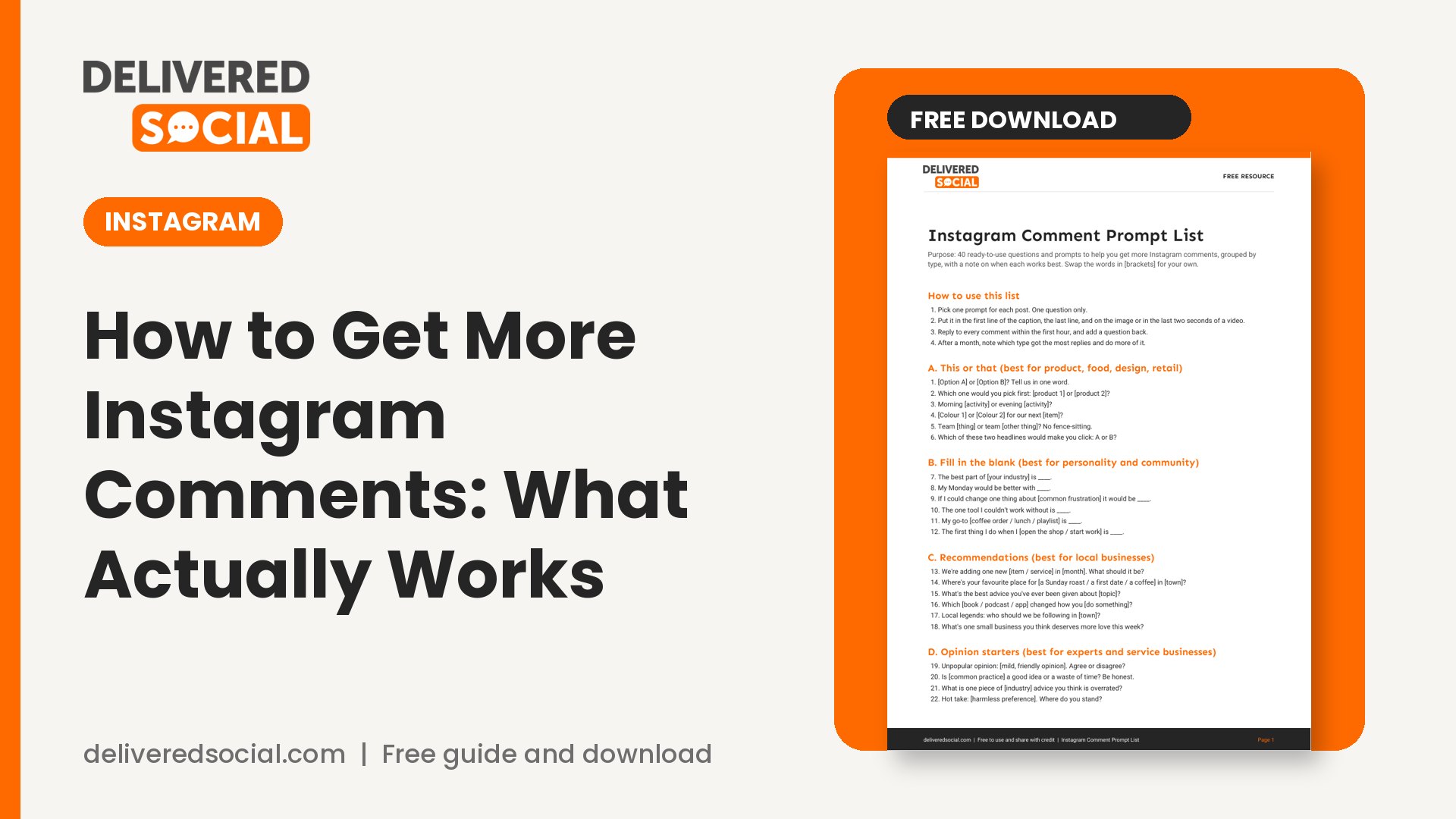
To save you thinking up questions every time you post, we have put together a list of 40 ready-to-use comment prompts, grouped by type, with notes on when each works best. Download the free Instagram comment prompt list and keep it next to your content calendar.
If you would rather have an expert team handle your posting, replies and community management, Delivered Social can help with social media management for businesses across the UK, and you can get in touch for a friendly chat about what would suit you.