



Keep reading
Rather we just did it for you?
Let's get your business seen.
Social media, websites, SEO and ads from a team you can actually meet.
The best social media content calendar template is the simplest one you will actually fill in. For most small teams that means a weekly planner with six columns: date, platform, format, idea, status and result. Everything else in this guide builds on that, and each of the 12 templates below adds only what a specific job needs.
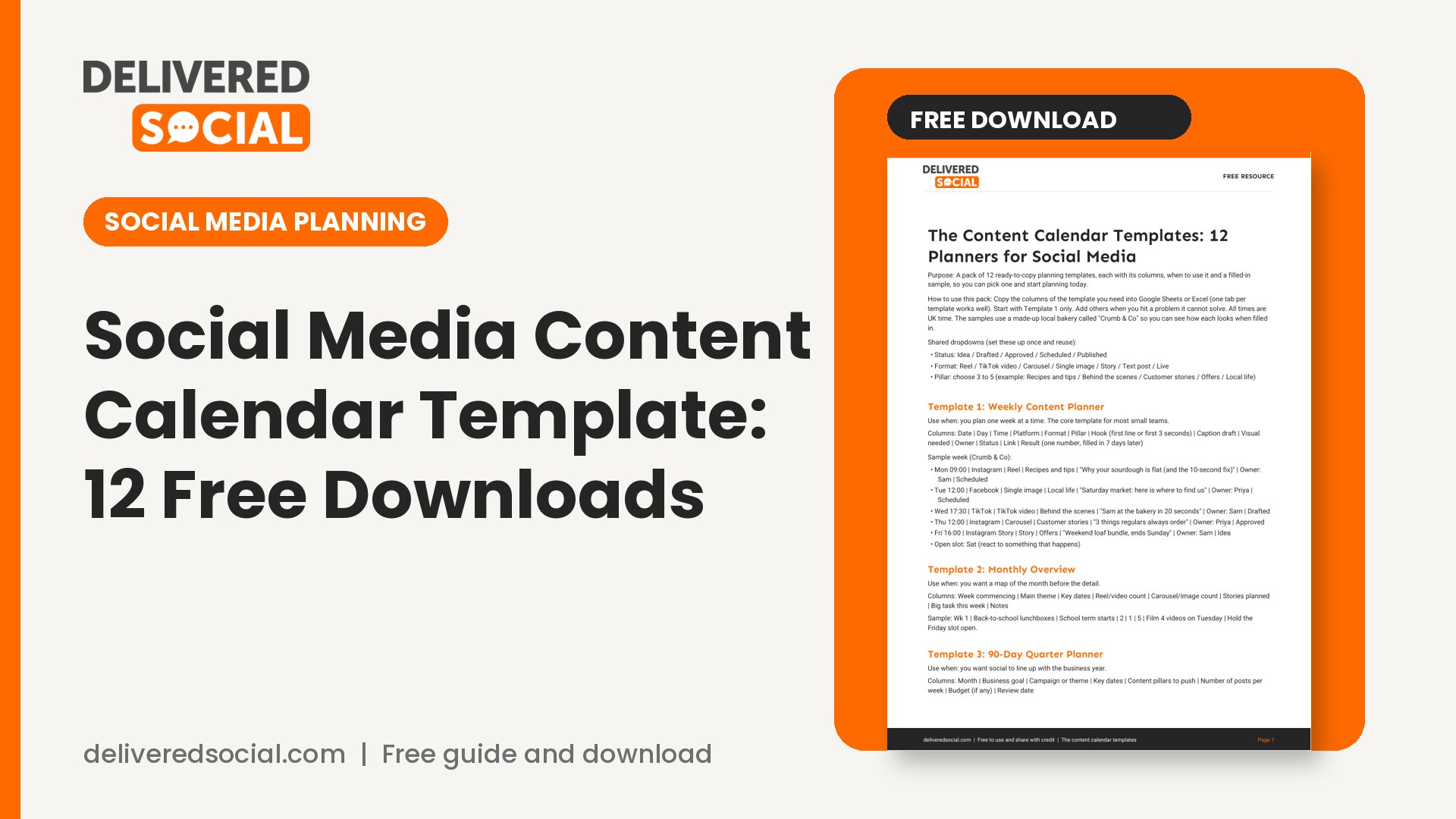
If you have been searching for a social media content calendar template that is not a locked-down sales page, you are in the right place. The free download at the end contains all 12, with the exact columns for each and a filled-in sample week, ready to copy into Google Sheets, Excel or Notion. Below, we explain what each one is for, when to use it and when to leave it alone.
What a content calendar does (and what it does not)
A content calendar is a plan for what you will post, where, and when. That is all. It does not make content good, and it does not replace having something worth saying. What it does is remove the daily “what on earth do we post today?” panic, which is the real reason most small business accounts go quiet after six weeks.
A useful calendar does four jobs:
- It spreads your effort. You can see at a glance if you have posted five product images in a row, or nothing for ten days.
- It connects posts to goals. Each post has a reason to exist: to teach, to build trust, to sell, to show the team.
- It makes approvals easy. A manager or client can see everything in one place instead of chasing screenshots.
- It gives you a record. Once results are logged next to each post, the calendar becomes your best source of evidence about what works for your audience.
What it cannot do is force you to be rigid. News breaks, a customer says something lovely, a competitor gets caught out. Leave one or two open slots each week for the unplanned.
Which social media content calendar template should you start with?
Use this quick guide before you open anything:
- Brand new to planning, or one person doing everything: start with Template 1, the weekly planner.
- Posting steadily and want to think ahead: add Template 2, the monthly overview.
- Launching something specific: Template 4 (product launch) or Template 6 (event).
- A local shop, salon, clinic or tradesperson: Template 5.
- More than one person involved, or a client who approves posts: Template 10.
Do not start with all 12. Pick one, use it for a month, and add a second only when you hit a problem the first cannot solve. A simple calendar used every week beats a beautiful one abandoned in March.
The columns every calendar needs
Whatever template you pick, these fields do the heavy lifting:
- Date and time: when it goes live, in UK time.
- Platform: Instagram, TikTok, Facebook, LinkedIn and so on.
- Format: Reel, carousel, single image, Story, short video, text post.
- Pillar: the theme it belongs to (more on this in a moment).
- Idea or hook: the first line or first three seconds, not a vague topic.
- Status: idea, drafted, approved, scheduled, published.
- Result: one number you care about, filled in a week later.
Notice that the format has its own column. That matters because platforms treat formats differently. Instagram says plainly that it has no single algorithm: Feed, Stories, Explore and Reels each rank content in their own way. A calendar that records the format lets you see what is working on each surface instead of lumping everything together. A good social media content calendar template should fit the way your team actually works.
Content pillars: the thing that makes a calendar work
A pillar is a recurring theme. Three to five is plenty. A physiotherapy clinic might use: exercises you can do at home, myths we hear, behind the scenes, patient stories (with permission) and local news. Each post on the calendar gets one pillar tag.
Pillars stop two problems. The first is sameness, where every post is a promotion. The second is drift, where posts have no link to what you actually sell. When you review your calendar at the end of the month, count posts per pillar. If one pillar has half the posts and the lowest results, you know what to change.
The 12 templates, one by one
1. Weekly content planner
Seven days across the top, one row per platform. This is the workhorse. Use it for the week ahead, filled in on the same day each week (Friday afternoon works well). It is best for sole traders and small teams who post three to seven times a week.
2. Monthly overview
A one-page view of the month showing only the theme of each day and the format. It is a map, not the detail. Fill it in first, then drop the detail into the weekly planner. It helps you spot gaps and clashes, such as three video-heavy days in a row when you only have one filming session.
3. 90-day quarter planner
Three months, three or four big themes, and the key dates and campaigns. This is for owners and managers who need to line social up with the business year: peak seasons, product launches, hiring drives. Keep it light. Nobody can plan individual posts three months out, and plans that detailed get ignored.
4. Product or service launch calendar
Built around a launch date, with phases: tease (two weeks out), reveal (launch day), prove (the following fortnight, with reviews, demos and answers to questions), and sustain. Each phase has its own goal and its own content types. Use it for anything with a date attached, from a new menu to a new software feature.
5. Small business and local shop calendar
Designed for businesses that serve one town or area. It builds in local hooks: markets, school holidays, local events, weather, and community news. It also has a fixed weekly rhythm, such as “Monday: tip, Wednesday: behind the scenes, Friday: offer”. Routine is a strength here, because customers learn what to expect from you.
6. Event promotion calendar
Counts down from the event: eight weeks, four weeks, one week, the day itself, and the follow-up. It includes speaker or exhibitor announcements, ticket nudges, reminders and a post-event thank-you with photos. The after-event row is the one people forget, and it is often the best performer because attendees tag themselves.
7. Sales and promotion calendar
For offers, discounts and seasonal pushes. The key fields are the offer, the end date, the landing page link and the exact wording of any terms. Keep the terms in one place so every post says the same thing. If you advertise a price or deal, make sure it is accurate and not misleading; the Advertising Standards Authority applies to social posts from businesses.
8. Content batching schedule
This one plans production, not publishing. It lists filming days, editing days and writing days, and which posts each session will produce. Filming ten short videos in one morning is far less painful than filming one every day. Use it alongside the weekly planner.
9. Evergreen content bank
A list of posts that stay useful, with a note of when each was last used and how it performed. When your week is thin, you pull one from the bank, refresh it, and reuse it. This is not copying yourself blindly. It is bringing back your best material for the people who missed it.
10. Team approval workflow calendar
Adds columns for writer, designer, approver, deadline and sign-off date, plus a notes column for changes requested. Use it when someone else has to say yes before anything goes live: a client, a compliance team, a boss. The status column is the star. Nothing is “approved” until a named person has said so.
11. Awareness days and seasonal dates calendar
A year view of dates worth considering: bank holidays, school terms, shopping peaks, and awareness days relevant to your field. The rule here is relevance. A date earns a slot only if you can say something real about it. Many dates move each year, so check them before you commit.
12. Performance review tracker
A monthly sheet where you log every post’s one key number, then spot patterns. It asks four questions: what were the top three posts, what were the bottom three, what did they share, and what will we do differently next month. Without this template, a calendar is only a diary. Pick one social media content calendar template and use it for a full month before you judge it.
How to fill in a calendar in under an hour a week
- Look back. Check last week’s top and bottom posts. Ten minutes.
- Check the dates. Anything coming up that needs support, such as an offer, an event or a holiday. Five minutes.
- Choose the pillars. Decide which pillars get a slot this week. Five minutes.
- Write the hooks. For each slot, write the opening line or first three seconds. This is the part that matters most. Twenty minutes.
- Assign and schedule. Decide who makes what and by when. Ten minutes.
On TikTok, remember that TikTok says follower count is not a direct factor in what it recommends. That is good news for small accounts, and it means the hook and the content matter more than how many people already follow you. Spend your planning time there.
Leave room to test
Add one “experiment” slot a week. Try a new format, a different opening line or a different posting time, and log the result. Instagram’s Trial Reels feature is one way to do this safely: trial reels are shown to non-followers first, so you can see how an idea lands before it appears on your main grid. Testing one thing at a time is what turns a calendar into a learning tool. If you want the bigger picture of where your accounts stand, our social media audit template pairs well with the review tracker.
Common mistakes with content calendars
- Planning too far ahead. Detailed plans beyond four weeks go stale. Keep the long view loose.
- Filling every slot with promotion. If every post asks for something, people stop listening.
- Not logging results. If you do not write the numbers down, you will not look at them. Our guide to social media benchmarks for the UK explains how to judge your numbers fairly.
- Scheduling and vanishing. Scheduled posts still need a human to reply to comments. Block fifteen minutes a day for that.
- Copying the same post to every platform. Reshape it for each one. A vertical video can travel, but the caption, length and opening should fit the place it is posted.
Replies are worth planning for too. If comments are quiet, our guide to getting more Instagram comments has prompts you can build into the calendar.
Frequently asked questions
How often should I post?
Often enough that you can keep the standard up. Three good posts a week, kept going for six months, beat daily posting that collapses after three weeks. Start with what you can sustain, then increase it only if results and capacity allow.
Should I use a spreadsheet or a paid tool?
Start with a spreadsheet. It is free, flexible and shows you what you actually need. Move to a scheduling tool when manual publishing becomes the bottleneck, not before.
How far ahead should I schedule posts?
One to two weeks for most businesses. Keep the freedom to pull a post if something in the news makes it tone-deaf.
Do I need a separate calendar for each platform?
No. One calendar with a platform column is easier to manage and shows you if you are repeating yourself.
What if I run out of ideas?
Go back to your pillars and ask the questions customers ask you most. Your inbox, your DMs and your sales calls are a better idea source than any trend list.
Get the free content calendar templates
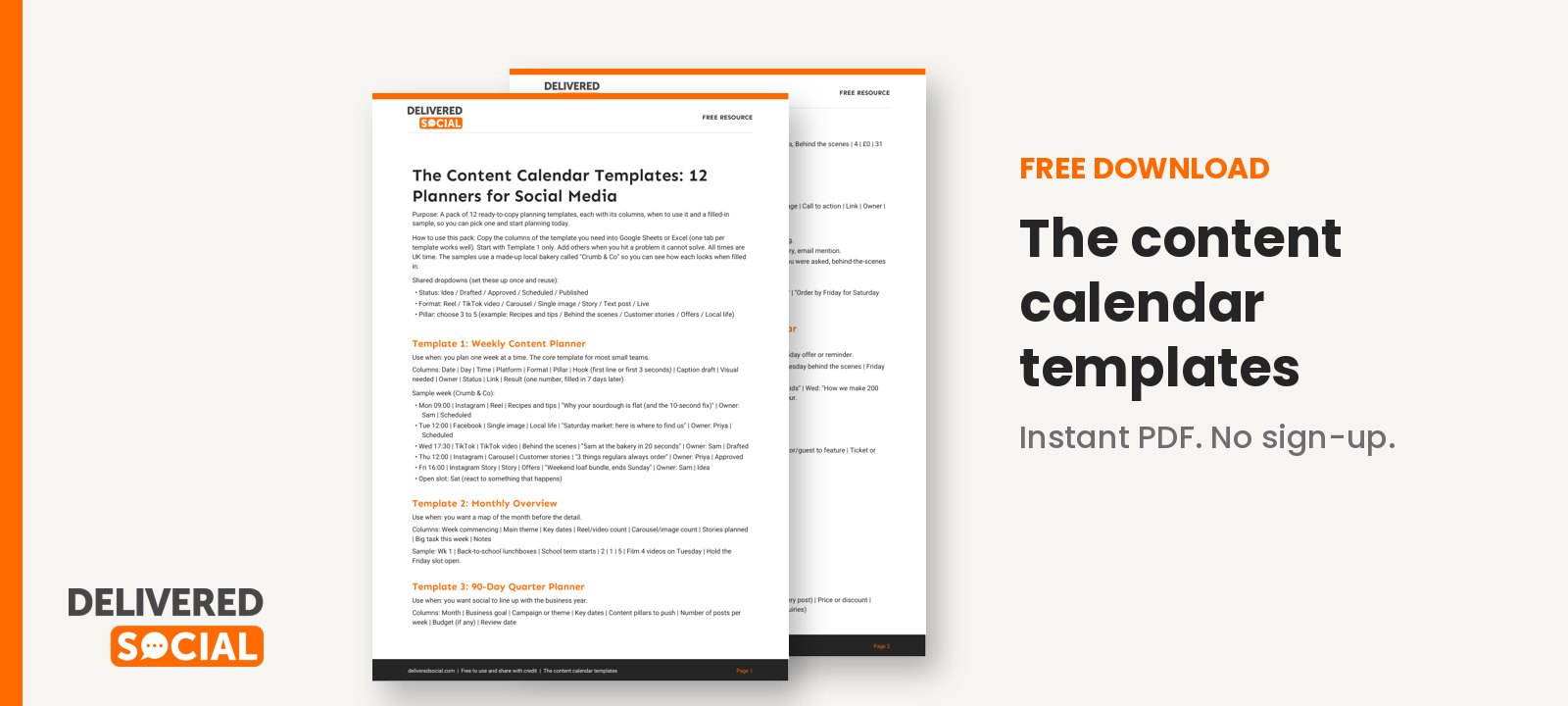
All 12 templates are in one download, each with its columns, guidance and a filled-in sample week so you can see how it works before you copy it. Download the content calendar templates and pick the one that matches your next job.
If you would rather have someone else build and run the calendar, Delivered Social can help with social media management for businesses across the south of England and beyond. You are welcome to get in touch for a friendly chat about what would suit you.
































