



Keep reading
Rather we just did it for you?
Let's get your business seen.
Social media, websites, SEO and ads from a team you can actually meet.
AI has transformed image editing from a slow, skill-heavy craft into something anyone can do in minutes. Tasks that once required hours in professional software, removing backgrounds, erasing distractions, generating clean product scenes, upscaling low-resolution shots, now happen with a click. For e-commerce sellers, social media creators, marketers, and small business owners, this shift has been a game changer, making studio-grade visuals accessible without a designer or an expensive software suite.
But with so many options available, choosing the right tool can be overwhelming. To help, we have rounded up the top AI image editors of 2026, comparing what each does best, how much it costs, and who it suits. Whether you need to churn out consistent product listings, polish social content, or handle professional-grade retouching, there is a tool here for you. Let us start with our top pick.
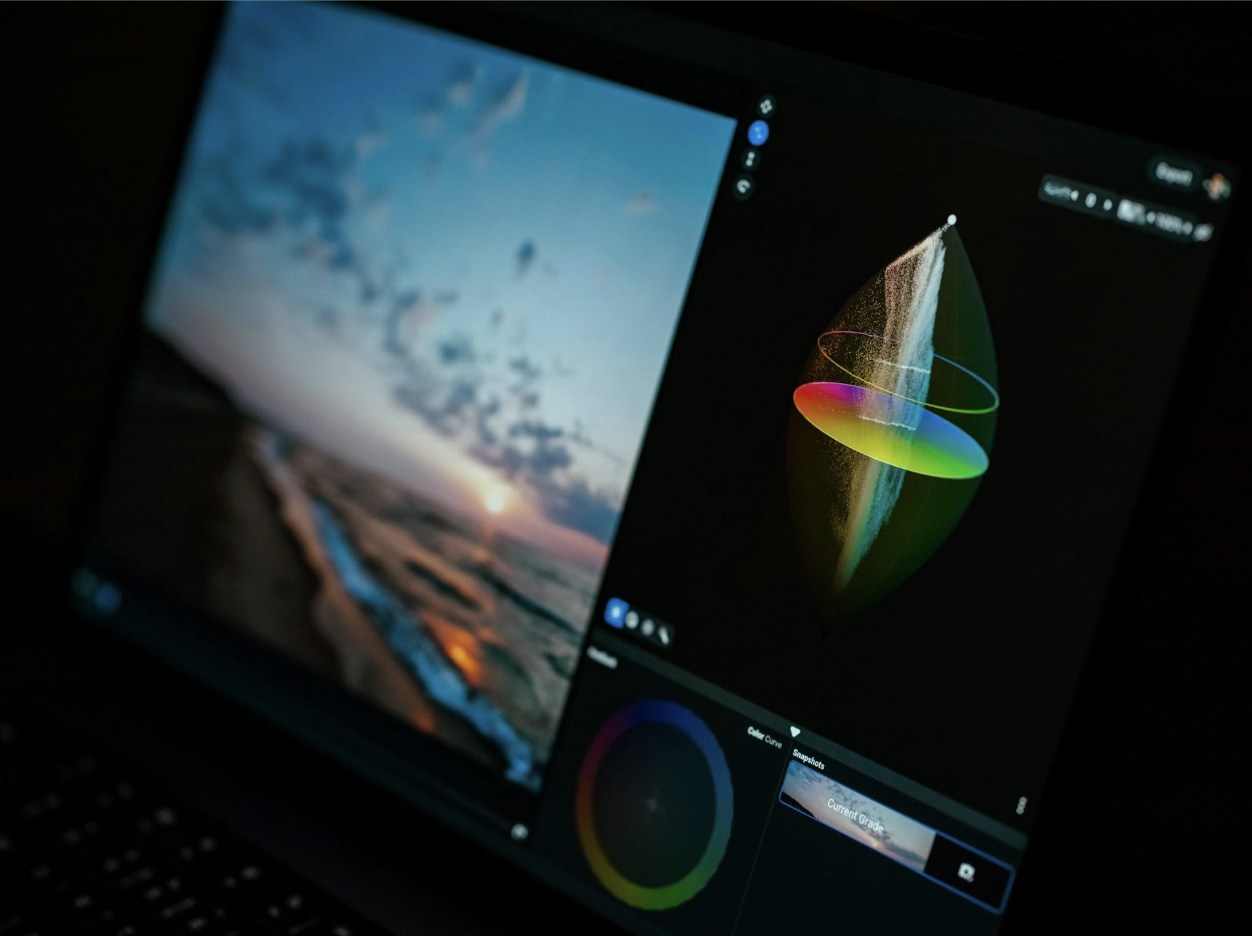
Photo by Egor Komarov on Unsplash
1. Pixelcut: Best Overall for Product Photos, Sellers, and Creators
Leading our list of the top AI image editors is Pixelcut, an AI photo editor used by e-commerce sellers, social media creators, and small businesses. Pixelcut earns the top spot by bundling the most-used product photo tools, including a proprietary Background Remover and Image Upscaler, the Pixelcut Product Studio, and a Bulk Image Editor that handles up to 10,000 images per batch, into a single, no-learning-curve interface that works in the browser and through dedicated iOS and Android apps. It is built for speed and simplicity, turning ordinary phone snapshots into professional, sales-ready product photos in minutes, which is exactly what most sellers and creators need.
What sets Pixelcut apart is that its core editing tools run on proprietary AI models, delivering cutout and upscaling quality that generic tools struggle to match, alongside generation features like the AI Image & Video Generator and AI Ads. It hits the sweet spot between the simplicity casual users want and the quality professional listings demand, all at a price aimed at individuals and small teams rather than enterprise budgets.
Key Features:
- Proprietary Background Remover delivers ultra-high-quality cutouts for both images and video
- Image Upscaler enlarges photos up to 16x resolution without losing quality
- Pixelcut Product Studio generates realistic lifestyle scenes for product photos, turning images taken on a phone into a studio-quality product photos
- Bulk Image Editor applies the same treatment to up to 10,000 images per batch
- AI Image & Video Generator creates any visual using simple text prompts powered by the industry’s top models
- AI Ads generates AI UGC-style ad videos for products
- AI Expand reframes images beyond their original edges, turning landscape to portrait and portrait to landscape
- Magic Eraser removes unwanted objects from images and uses generative fill to add new objects
- Templates sized for major marketplaces and social platforms
Pricing: Pixelcut keeps pricing simple with three tiers aimed at individual sellers and small teams:
- Free ($0/month): Single image edits including Background Removal and Upscale, plus watermark-free HD exports.
- Pro ($10/month, or $8/month billed yearly, save 20%): 600 AI credits monthly, all AI models, unlimited Background Removal and Upscale, 1,000 batch exports monthly, a 3-person team, and a commercial license.
- Business ($30/month, or $24/month billed yearly): up to 3,600 AI credits monthly, unlimited Background Removal and Upscale, a 10-person team, and a commercial license.
Best for: E-commerce sellers, social media creators, and small business owners who want professional product visuals without design skills or expensive software. As one small business owner writes in a five-star review: “Great app, easy to use. Helps our small business save time and money to create different marketing materials professionally.” Its browser and mobile access make it especially handy for sellers working on the go.
2. Adobe Photoshop with Firefly: Best for Professionals
The industry standard for a reason, Adobe Photoshop remains the most powerful image editor available, and its integration with Adobe’s Firefly generative AI has kept it at the cutting edge. Features like Generative Fill, Generative Expand, and a deep set of neural filters sit alongside the layer-based, pixel-perfect control that professionals rely on. Firefly’s models are also trained on licensed content, which makes Photoshop a safer choice for commercial work where usage rights matter.
The trade-off is complexity and cost. Photoshop has a steep learning curve and requires a Creative Cloud subscription, which makes it more tool than most casual users need. But for designers, photographers, and creative professionals who want maximum control, nothing else quite matches it.
Key Features:
- Generative Fill and Generative Expand powered by Adobe Firefly
- Layer-based editing with precise, non-destructive control
- Neural filters and advanced masking and selection tools
- Commercially safer AI trained on licensed content
Pricing: Available through Adobe Creative Cloud subscriptions, with photography-focused plans commonly starting around $9.99 per month and full Photoshop plans priced higher.
Best for: Design and photography professionals who need the deepest toolset and the finest manual control.
3. Canva: Best Free Option
Canva has grown from a simple design tool into a full creative platform, and its Magic Studio suite of AI features has made it a genuinely capable image editor. Magic Eraser, background removal, and generative editing sit inside an interface that is famously easy to use, and much of it is available on a generous free tier. With one of the largest user communities of any tool here, Canva is often the first stop for people who want design and editing in one accessible place.
Canva is best thought of as a design-first platform with strong AI editing built in, rather than a specialist photo editor. For social content, marketing graphics, and quick edits, it is hard to beat on accessibility and value.
Key Features:
- Magic Eraser and AI background removal
- Generative AI editing within a broader design suite
- Huge template library for social and marketing content
- Generous free tier
Pricing: Free tier with substantial AI features; paid plans add higher limits and advanced tools.
Best for: Creators and small businesses who want easy design and editing together, at little or no cost.
4. Picsart: Best for Mobile
Picsart is a mobile-first powerhouse with a full suite of AI editing tools, trendy effects, and templates. It is built for creating and editing social content on a phone, and it excels at fast, expressive edits with a large library of creative options. For creators who work primarily on mobile and want a playful, feature-rich editor, Picsart is a standout.
While it is available on the web too, Picsart’s strength is its mobile experience, where its speed and variety of effects shine. It is less suited to precise professional retouching but excellent for social-ready creativity.
Key Features:
- Full AI editing suite optimized for mobile
- Object removal, background editing, and AI effects
- Large library of filters, stickers, and templates
- Strong tools for social content creation
Pricing: Free tier available; Picsart Gold subscription unlocks the full toolkit, commonly around $5 to $15 per month depending on plan.
Best for: Mobile creators making social content who want speed and creative variety.
5. Luminar Neo: Best for Photographers
Luminar Neo takes a different approach, offering a desktop photo editor with powerful, one-click creative AI tools and local processing. It is popular with photographers who want striking results without a subscription, since it is available as a one-time purchase. Features for relighting, sky replacement, and creative enhancement make it a favorite for photographic work rather than product listings or social graphics.
Because it processes images locally on your machine, Luminar Neo also appeals to privacy-conscious users who prefer not to upload their photos to the cloud. It is a specialist’s tool, aimed at photography rather than e-commerce.
Key Features:
- One-click creative AI enhancements
- Relighting, sky replacement, and portrait tools
- Local, on-device processing for privacy
- One-time purchase option
Pricing: Available as a one-time purchase, commonly in the range of $119 to $179, with some add-ons.
Best for: Photographers who want creative AI results, a one-time purchase, and local processing.
6. Fotor: Best for Beginners
Fotor is a beginner-friendly web editor known for one-click enhancements and an approachable AI toolkit. It covers the essentials, background removal, enhancement, AI effects, and more, with a generous free tier and no aggressive sign-up walls. For people who want quick, easy improvements without a learning curve, Fotor is a comfortable entry point into AI editing.
It is not aimed at professionals or high-volume catalogs, but for casual users and newcomers, its simplicity and free access make it genuinely useful. Fotor is the kind of tool you can pick up and use immediately.
Key Features:
- One-click photo enhancement
- Background removal and AI effects
- Simple, beginner-friendly interface
- Generous free tier
Pricing: Free tier covers many features with daily limits; paid plans remove limits and add tools.
Best for: Beginners and casual users who want easy, one-click edits.
7. Pixlr: Best Browser-Based Editor
Pixlr is a longstanding browser-based editor that has embraced AI while keeping the familiar, Photoshop-style layout that many users appreciate. It offers AI layers, generative tools, and a capable editing environment entirely in the browser, with a free tier that makes it easy to try. For those who want a more traditional editing experience without installing software, Pixlr is a strong choice.
It sits between the simple one-click tools and the heavyweight professional editors, offering more control than the former without the cost and complexity of the latter. Pixlr is a versatile, accessible option for browser-based work.
Key Features:
- Browser-based editing with a familiar layout
- AI-powered layers and generative tools
- Background removal and enhancement
- Free tier with paid upgrades
Pricing: Free browser editing with daily caps; affordable paid plans unlock more.
Best for: Users who want a capable, Photoshop-style editor that runs entirely in the browser.
How to Choose the Right AI Image Editor
With so many capable tools among the top AI image editors, the best choice comes down to your specific needs. If you are an e-commerce seller or creator who wants professional product visuals fast, without design skills, Pixelcut is the strongest all-around pick, combining ease of use, powerful AI, and pricing built for individuals and small teams. If you need the deepest professional control, Adobe Photoshop with Firefly remains the gold standard.
For those prioritizing cost, Canva, Fotor, and Pixlr all offer genuinely useful free tiers. Mobile creators will feel at home in Picsart, and photographers who want local processing and a one-time purchase should look at Luminar Neo. The good news is that AI image editing has never been more accessible, and whatever your workflow, there is a tool here to help you create professional visuals quickly.
Final Thoughts
The rise of AI image editing has democratized professional-quality visuals, putting capabilities that once required expertise and expensive software into everyone’s hands. The top AI image editors of 2026 each bring something valuable, from the professional depth of Photoshop to the accessibility of Canva to the mobile creativity of Picsart. For most sellers and creators, though, the ideal tool is one that combines power with simplicity and delivers publish-ready results in minutes.
That is why Pixelcut leads our list. By bundling background removal, object erasing, AI backgrounds, upscaling, batch editing, and an AI Creative Agent into one intuitive platform, and pricing it for individuals and small teams, it delivers exactly what most people need from an AI image editor. Whichever tool you choose, the era of slow, complicated image editing is over, and creating professional visuals has never been easier.
































