




Keep reading
Rather we just did it for you?
Let's get your business seen.
Social media, websites, SEO and ads from a team you can actually meet.
Creating videos that stand out on Instagram takes more than just good lighting and a steady hand. To grab attention and keep viewers watching, using the right video effects for Instagram can make a real difference. Whether you’re promoting a product, sharing a behind-the-scenes clip, or posting for fun, effects help shape the mood and highlight key moments. From smooth transitions to eye-catching filters, these tools can boost engagement and give your content a polished look. This guide covers practical options you can use today to improve your videos and connect better with your audience.
Slow Motion for Dramatic Impact
Slow motion is a simple way to make content more noticeable. It helps highlight actions that might be missed at regular speed. A short clip of someone walking, turning, or reacting can become more effective when slowed down. This approach works well for creators who want to focus on movement or expressions.
Using slow motion with fashion clips can show how fabric moves or how accessories catch the light. For fitness posts, it lets followers see every detail of a workout move. Food creators often use it to capture pouring drinks, stretching cheese, or slicing items with precision.
This technique also fits reaction shots. Slowing down facial changes makes emotions clearer to viewers. It gives the audience time to connect with what’s happening in the frame.
When selecting video effects for Instagram, slow motion stands out as one of the most flexible tools available. Many smartphone apps and editing platforms include this feature. Timing matters here – slowing down too much may lose viewer interest, while using it briefly can add focus without dragging on.
Sound plays a role too. Some users mute audio during slow clips and use music instead. Others keep natural sound and let moments speak for themselves at reduced pace.
To apply this effect correctly, choose scenes where movement plays a key part such as hair flipping, outfit reveals or fast gestures that deserve attention. Avoid overusing slow motion across all posts; save it for moments that benefit from extra clarity.
Trying different speeds helps find what works best per scene, some might look better at half speed while others need just a slight delay to feel complete without being too long.
Testing multiple clips before posting lets you compare impact and engagement levels between normal-speed and slowed-down versions of your content.
Looping Effects for Catchy Replays
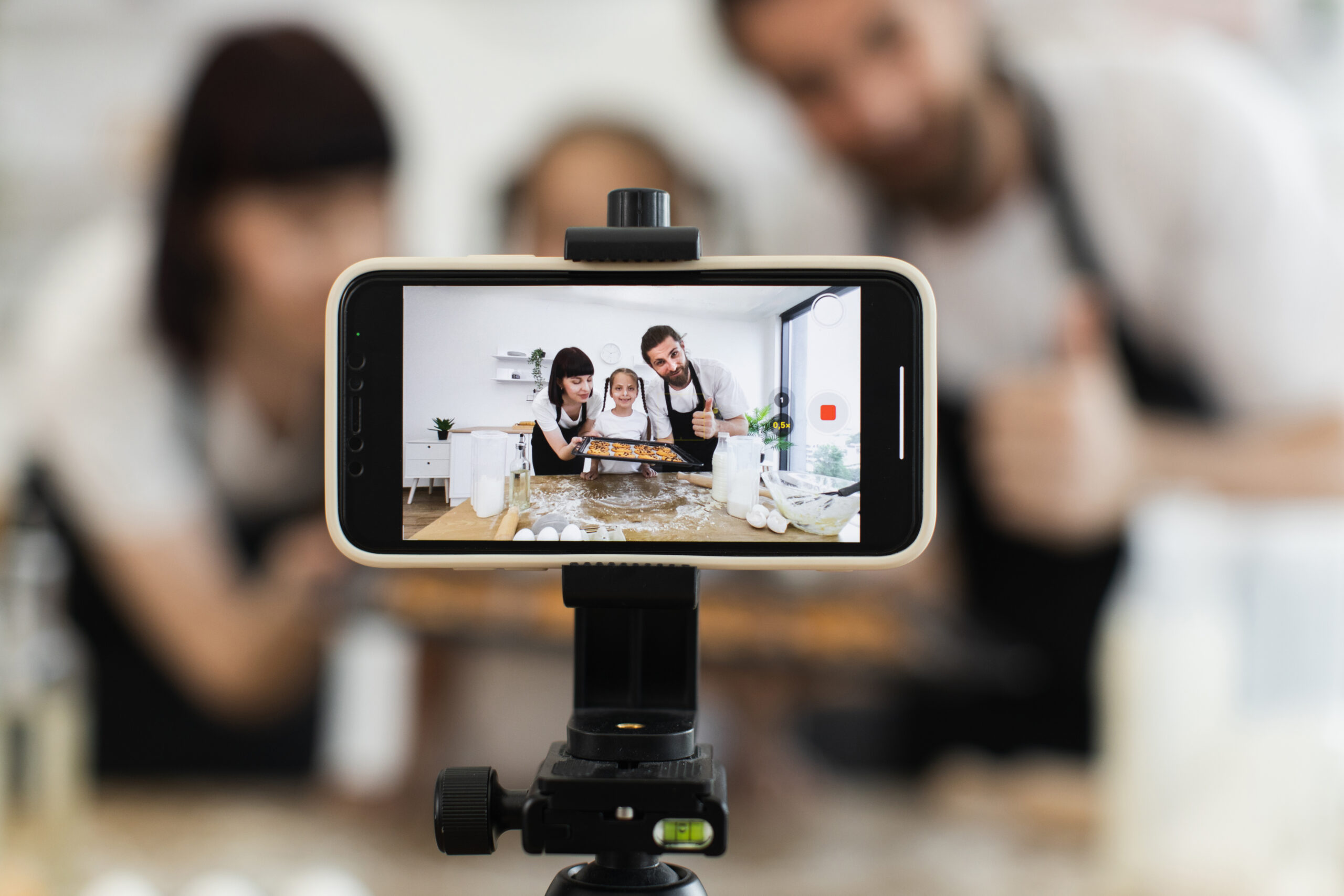
Looping effects help your videos play over and over without a pause. This type of repeat keeps people watching longer. On Instagram, more views often mean better reach. When a short video loops smoothly, it can grab attention quickly and hold it for more time.
Using looping also works well with certain types of content. For example, quick tutorials, product demos or visual tricks benefit from repetition. Viewers may watch the same few seconds many times to understand what they saw. Every replay counts as extra engagement.
You can create loops using basic editing tools in apps like InShot, CapCut or Instagram’s own features. For quick edits like trimming clips before applying effects, tools such as the video trimmer from Adobe Express help you cut precise segments so each moment fits perfectly into your Instagram content flow. Trim your clip so that the start and end match closely. This makes the switch between them harder to notice. A strong loop looks like one long action, not two clips stuck together.
Another method is using reverse playback at the end of a clip. This creates a back-and-forth motion that feels smooth and natural to watch again and again. Slow-motion sections near the loop point can also make transitions easier on the eye.
Adding music helps too, choose tracks with repeating beats or rhythms that line up with your visuals. Keep audio levels even throughout so nothing feels jarring when it restarts.
When done right, looping effects increase viewing time per post without asking users to do anything extra. They stay longer because they want to catch all parts of the motion or message you shared.
Creators who use video effects for instagram like loops see better interaction rates than those who don’t use them at all. These tools give followers more chances to engage by keeping their focus on one piece of content longer than normal scrolling would allow.
Test different styles of loops across reels or stories to see which ones perform best with your audience habits and response patterns. You may also find our guide, Must-Have Instagram Tools for Small Brands to Quickly Boost Engagement, useful.
Glitch Transitions for a Trendy Look
Glitch transitions use fast shifts, digital noise, and frame skips to create movement between clips. These tools give your videos a broken signal appearance that grabs attention. When used between scenes, they add pace and energy. This style fits well with music reels, product teasers, or behind-the-scenes clips.
Many creators use glitch effects to hold viewer interest during quick cuts. The sudden change forces the eye to stay on the screen. It also helps smooth over scene switches without using basic fades or slides. This makes your content look more dynamic while still being easy to follow.
To apply glitch transitions properly, timing is key. Match them with sound changes or beat drops in your audio track for better impact. This keeps the visuals and audio working together instead of competing for attention.
Glitch transitions also help build a theme across multiple posts. If you’re sharing a series of stories or reels, keeping one type of transition can give your content flow and structure. Brands often use this method when promoting new product lines or events.
These types of video edits are available in most editing apps now. Tools like CapCut, InShot, and VN offer built-in options that require only a few taps to apply. You don’t need advanced skills to include them in your workflow.
Using video effects for Instagram like glitch transitions can separate casual uploads from more deliberate content strategies. They suit fast-paced platforms where users scroll quickly through their feeds.
Try applying these effects during scene changes rather than over full clips for better results. Overusing them may cause viewers to lose focus or feel distracted by too much visual noise.
Test different strengths of the effect depending on the mood you want to set, light distortion works well for subtle edits while stronger glitches create urgency or tension within shorter videos meant to grab fast attention from viewers scrolling past posts quickly on mobile devices.
Top-Rated Video Effects for Instagram Creators
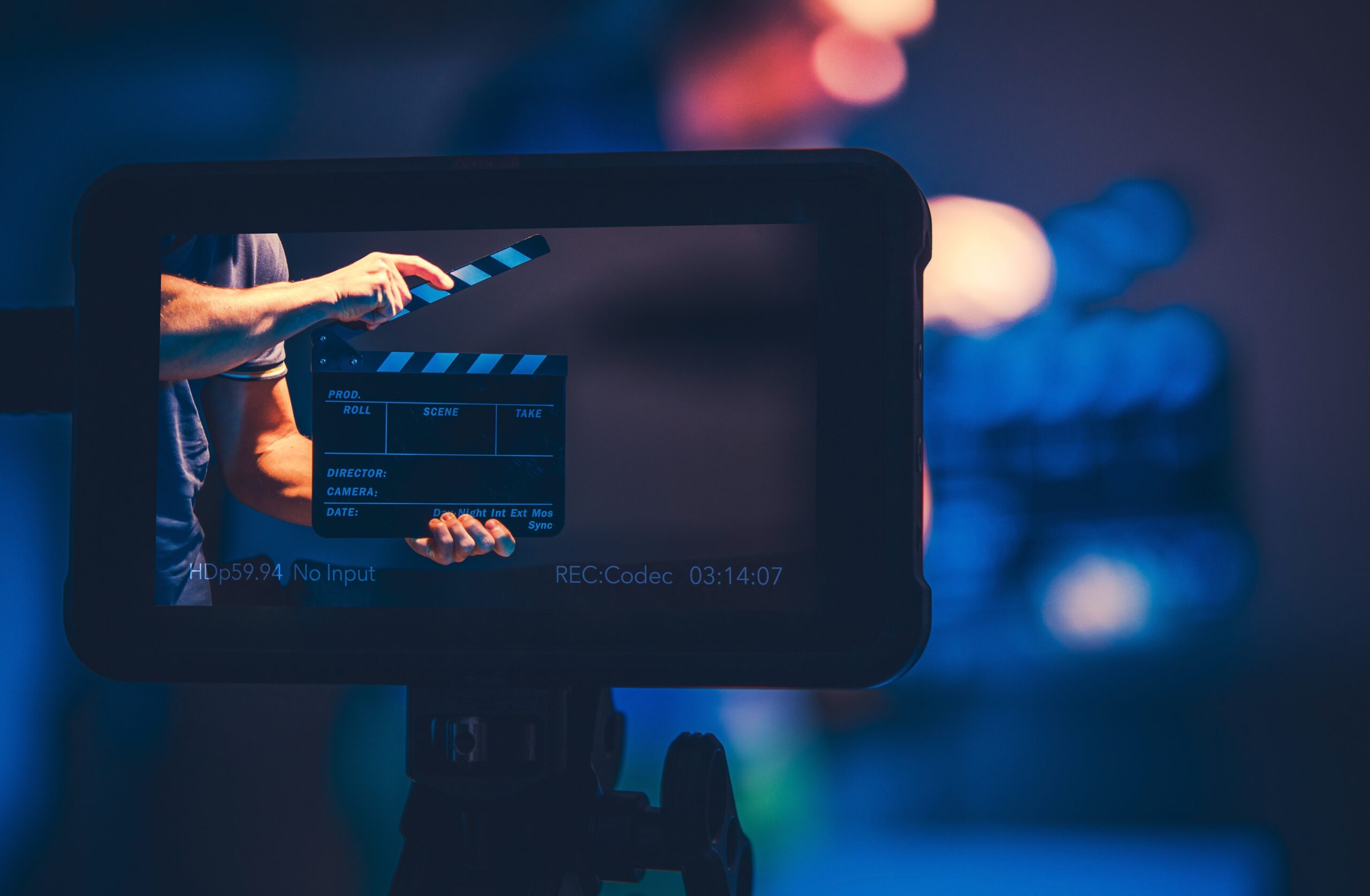
Instagram creators often turn to tools that help make their content more appealing. One way to do this is by using effects for Instagram videos that grab attention and increase views. These effects can change how a video looks, add movement, or include extra elements like text or shapes.
Retro filters remain a common choice. They give videos an old-style look that many viewers recognise and enjoy. Some creators use grainy textures or faded colours to capture this feel. It works well for lifestyle clips, fashion reels and behind-the-scenes moments.
Animated overlays also play a big part in improving short-form content. These might be sparkles, floating icons or moving shapes layered over the footage. When used correctly, they guide the viewer’s eye without distracting too much from the main message.
Looping transitions help keep users watching longer. Smooth cuts between scenes can make a reel feel complete rather than rushed. Many apps offer simple tools to apply these kinds of transitions with little effort.
Text animations bring value when sharing tips, quotes or announcements. Instead of static captions, moving text draws more focus and keeps people engaged throughout the clip.
Colour grading presets can shift the mood of a video quickly. Warmer tones may create comfort while cooler shades suggest calmness or distance. Matching your colour scheme across posts helps build consistency on your profile.
Some creators add motion blur during fast movements to give clips more flow and reduce sharp cuts between frames. This effect makes action look less choppy and easier to follow on mobile screens.
Using trending audio-reactive visualisers is another way to boost interest on music-based posts or dance videos. These respond directly to beats in the track and encourage repeat views because they sync with familiar sounds.
Testing different combinations of these tools allows creators to understand what works best for their followers while keeping content fresh each time they post.
Elevate Your Instagram Presence with the Right Visual Tools
As we’ve explored, using the right video effects for Instagram can significantly enhance both the visual appeal and engagement of your content. From slow motion for emotional depth to looping effects that boost replay value, each technique serves a unique purpose in capturing audience attention. Glitch transitions add a modern flair, while top-rated effects ensure your posts stay relevant in a competitive space. By strategically incorporating these tools, creators can elevate their storytelling and stand out on the platform. Mastering these video effects for Instagram is key to building a strong, results-driven digital presence.
































