



Keep reading
Rather we just did it for you?
Let's get your business seen.
Social media, websites, SEO and ads from a team you can actually meet.
A logo is often the first thing people notice about your brand, especially online. On social media, where attention spans are short and competition is high, your logo needs to be clear, memorable, and instantly recognizable even at a small size.
The good news is you don’t need to hire a designer or spend weeks going back and forth on revisions anymore. Modern logo makers can generate professional-looking logos in minutes, often using AI, templates, and simple customization tools that anyone can use.
We tested and reviewed a range of popular logo makers to see which ones actually help you create logos that work well across social platforms, from profile pictures to banners and branding kits.
In this guide, we’ll check out our top five picks!
Quick Verdict
- Best Overall: Design.com – Best all-in-one option for fast AI logo creation, deep customization, and full branding tools that scale with your business
- Best for Professional Templates & Brand Consistency: BrandCrowd – Ideal if you want polished, designer-made logos with strong brand cohesion across all assets.
- Best for Simple & Flexible Design Use: Canva – Great for beginners who want an easy, versatile tool for logos plus other design needs like social media and marketing content.
Our Evaluation Criteria
To fairly compare each logo maker, we looked at how well they perform in real-world use cases, not just how they look on the surface. We tested these tools based on:
- Logo quality and first impressions: Does the logo look professional and usable right away, especially for social media and branding?
- Ease of use: How quickly can a user go from idea to finished logo without needing design experience?
- Customization flexibility: How much control do users have over fonts, colors, layouts, icons, and overall branding?
- AI capabilities: How well does the platform use AI to generate, edit, or refine logo designs?
- Consistency and scalability: Does the tool support long-term brand building, not just one-off logo creation?
Comparison Table
For a quick overview of how these tools stack up against each other, check out the comparison table below.
| # | Tool | Best For | Key Strengths | Rating |
| 1 | Design.com | Full AI branding system | Huge library, strong AI, full branding tools | 10/10 |
| 2 | BrandCrowd | Professional templates | Designer-made logos, strong consistency, easy edits | 9.8/10 |
| 3 | Canva | All-in-one design | Simple editor, many templates, flexible use | 9.5/10 |
| 4 | Adobe Express | Clean professional designs | Quality templates, Adobe AI tools, polished output | 9.2/10 |
| 5 | Wix Logo Maker | Logo + website users | Fast AI setup, website integration, simple edits | 9.0/10 |
5 Best Tools to Craft a Logo
Below is our comprehensive review of the five best tools you should try when creating a logo:
1. Design.com
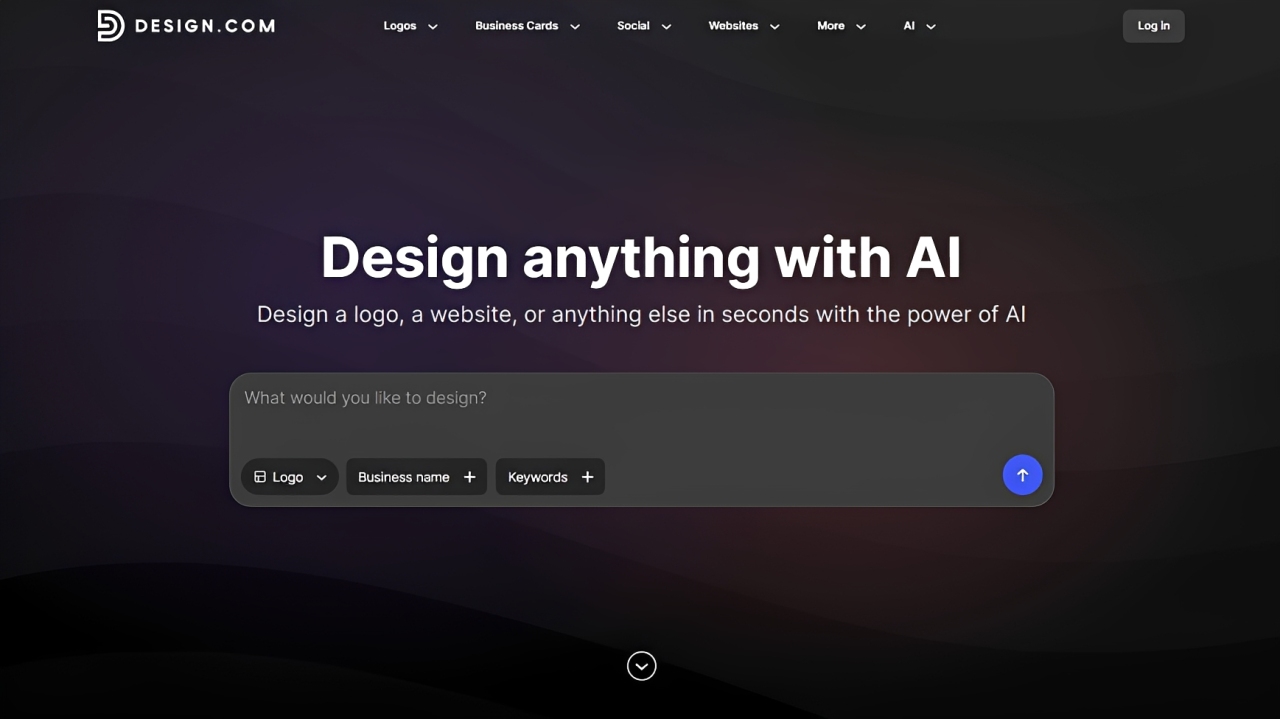
Best for: Users who want fast AI-generated logos with deep customization and full branding tools
Rating: 10/10
Design.com is built for people who want more than just a logo. The logo maker combines AI generation with a full branding system, so you can create a logo and instantly extend it into business cards, websites, social posts, and more. Instead of stopping at design, it helps you build a complete visual identity in one place.
This makes it a strong fit for startups and business owners who need something professional fast, but still want full control to fine-tune details until everything feels right.
AI Logo Generation at Scale

Design.com uses AI to generate logo ideas based on your business name, keywords, or industry. With a massive library of over 400,000+ logo templates, it gives you a wide range of starting points.
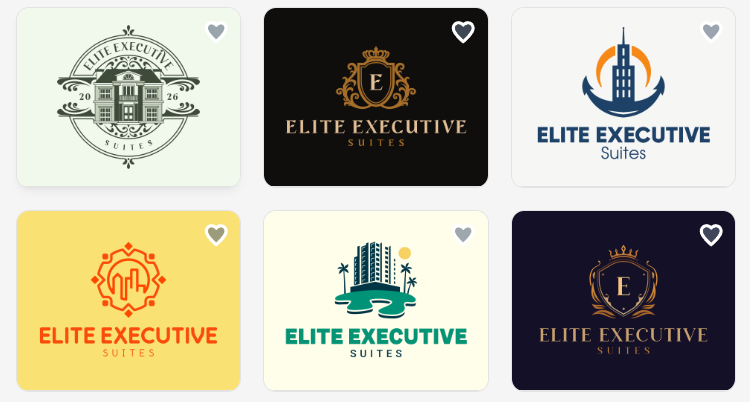
You’re not limited to generic results. The system pulls from a large design ecosystem to create industry-relevant and visually strong concepts.
Advanced AI Editing Tools
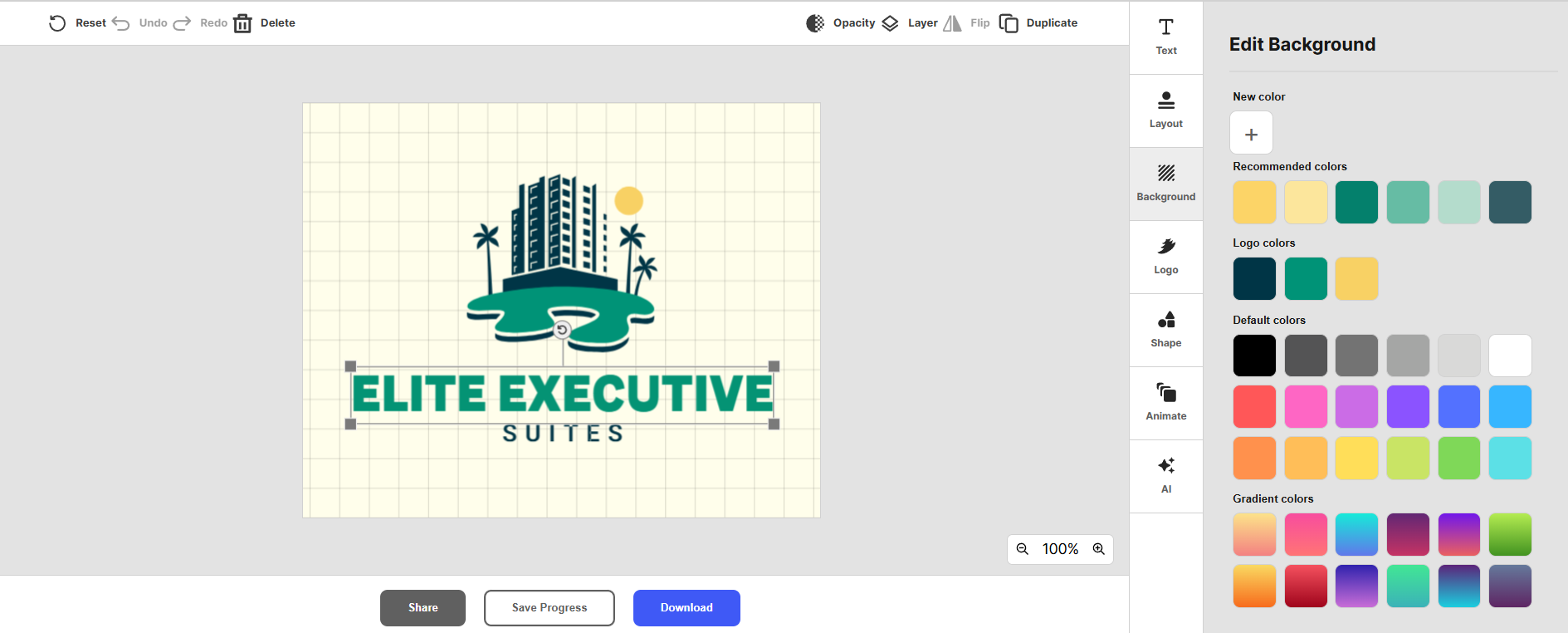
Beyond generation, you can actively edit your logo using AI tools. This includes adjusting text, modifying icons, or requesting changes through a simple chat-style interface.
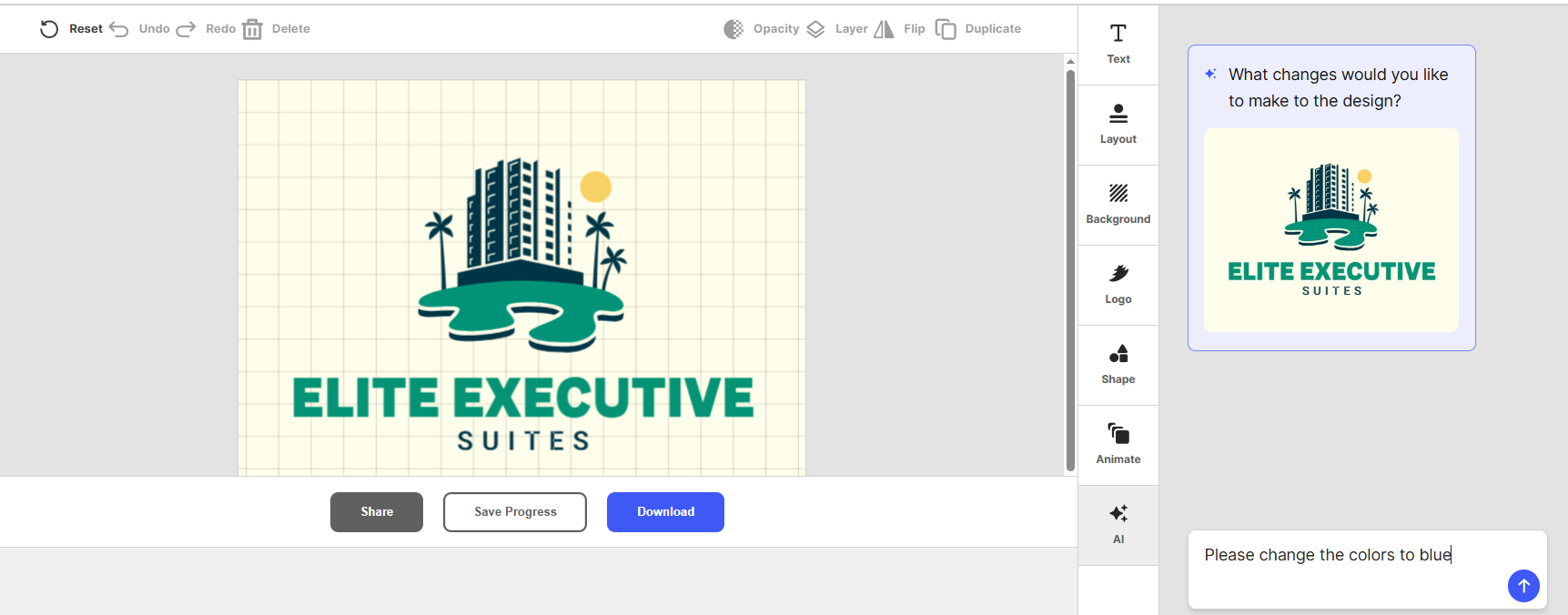
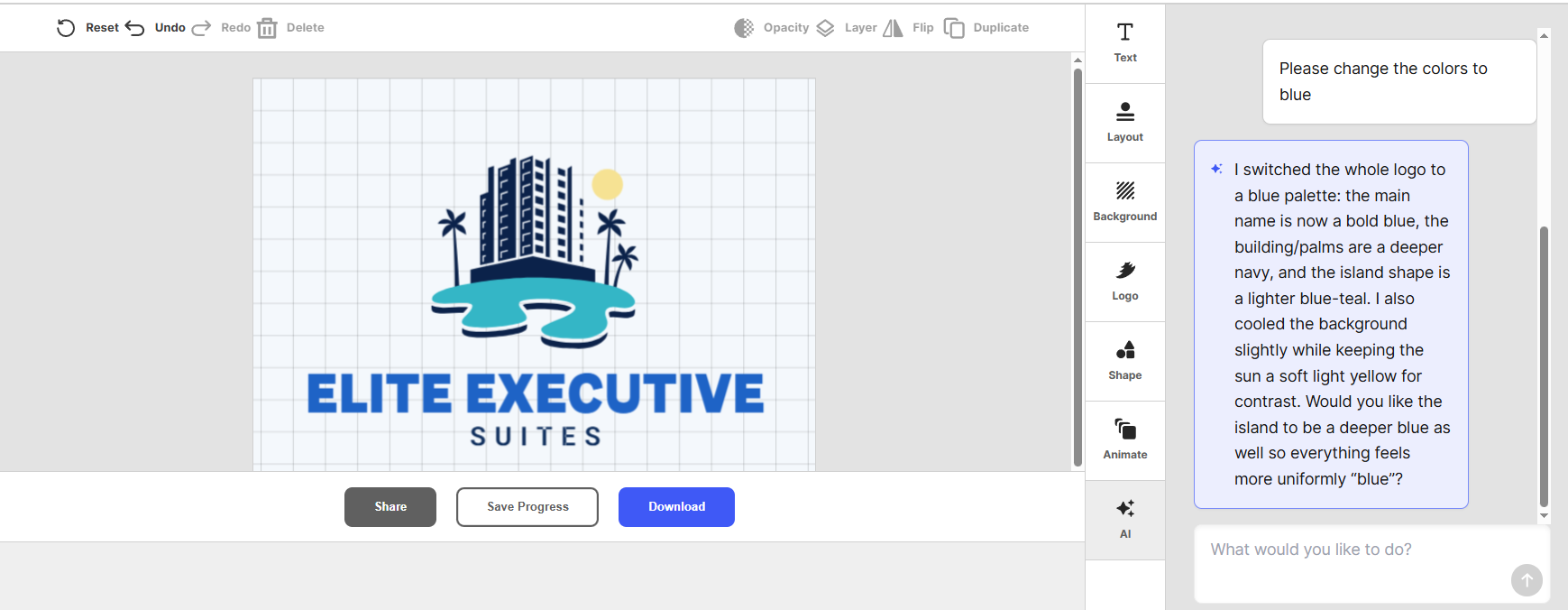
If you don’t want to change manually, you can ask the AI to do the work for you. For example, you can ask AI to change the color, and it will show:
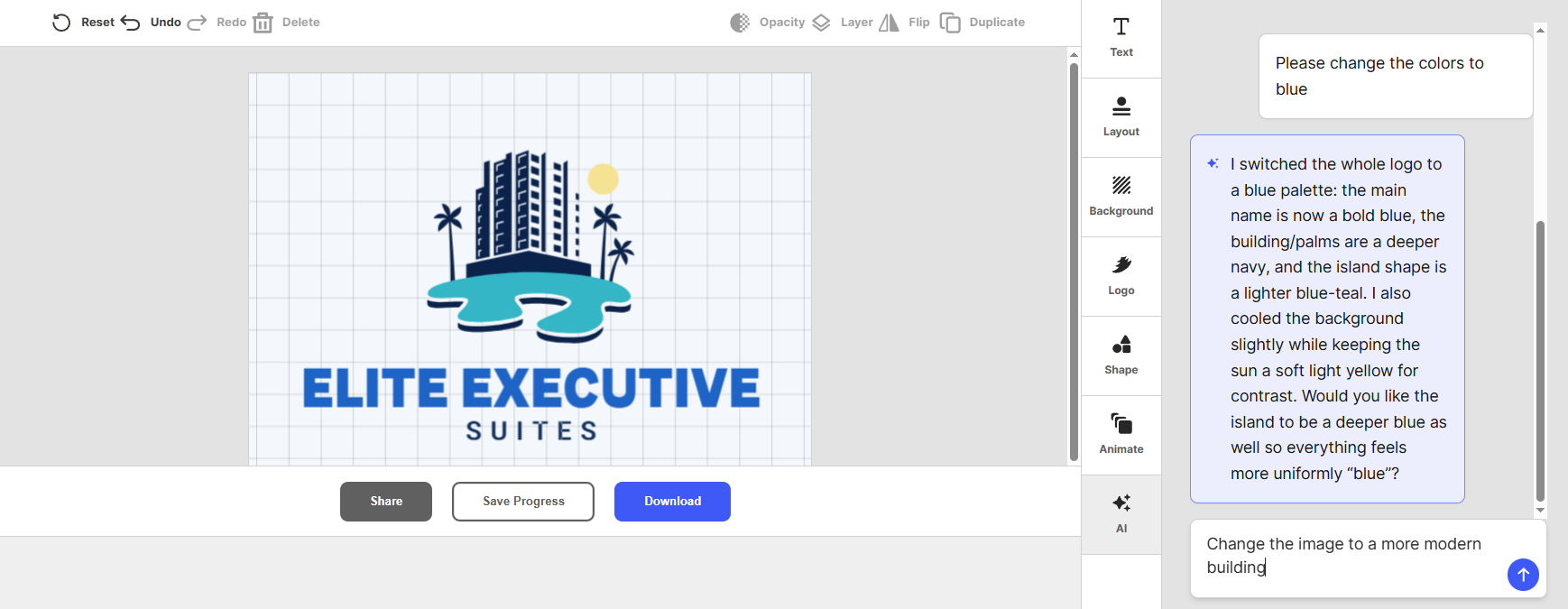
Or you can ask AI to change the image. For example, in this case, you can ask it to change it to a more modern building:
And the results will change:
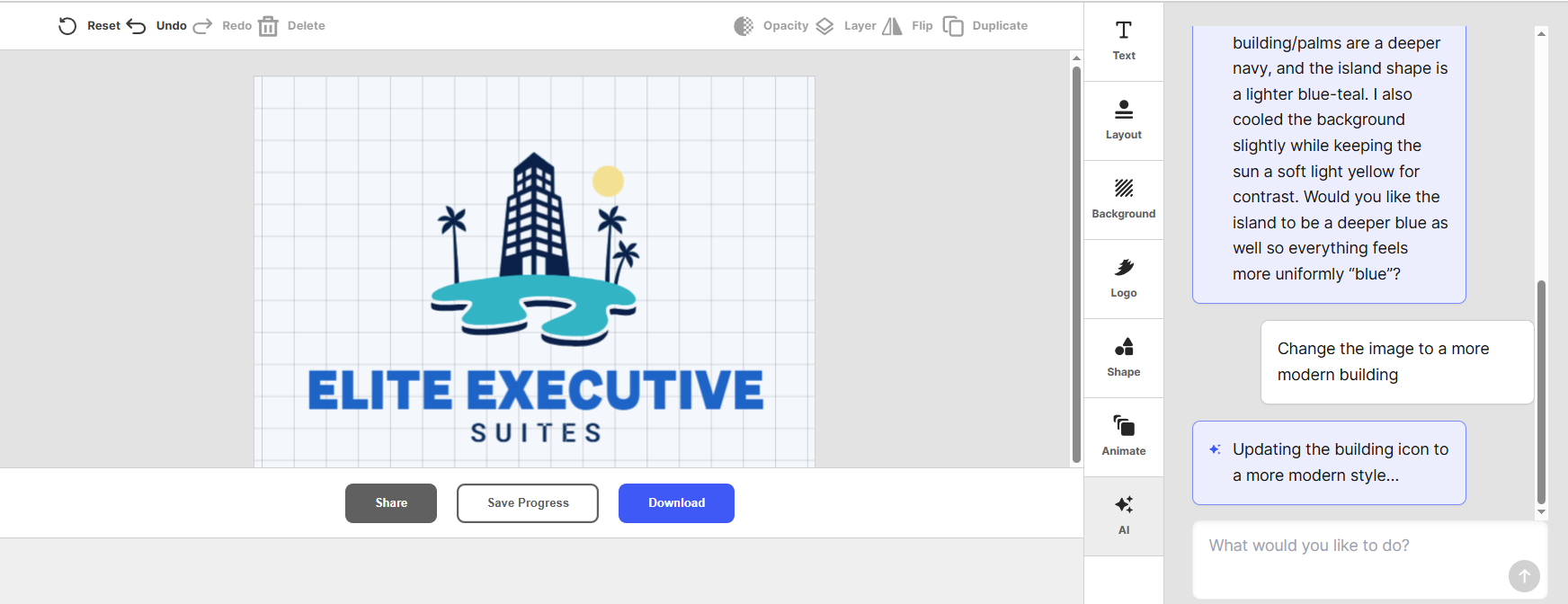
The AI is trained to maintain design quality and consistency while making updates, so you don’t need manual design skills. So play around with it and ask the tool to revise your design in whatever way you want.
Massive Design Library and Assets
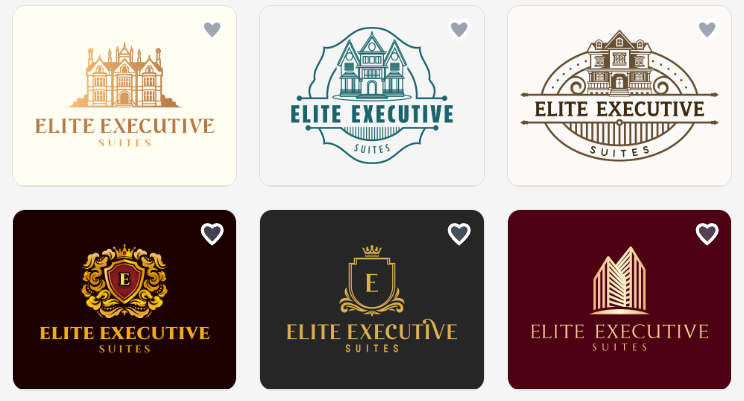
Design.com includes a large creative library that supports full branding needs:
- 1M+ total design templates
- 750+ fonts (including 525+ exclusive fonts)
- 62K+ custom vector shapes
- Exclusive icons and logo elements
This makes it easier to build a unique logo instead of recycling common design assets.
Full Branding Ecosystem
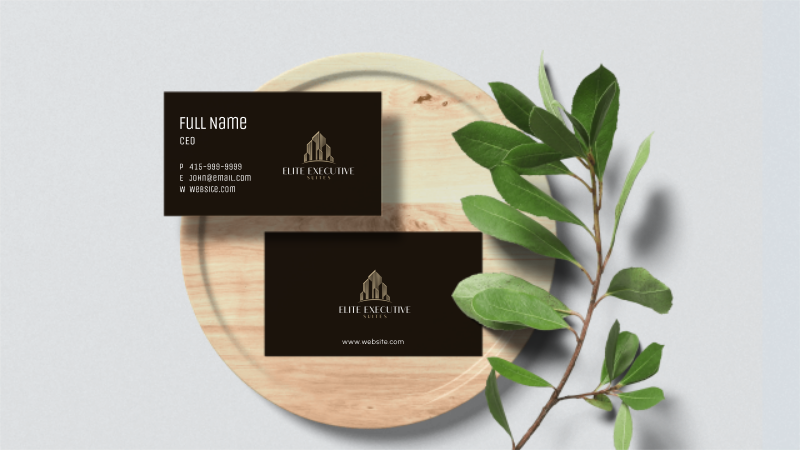
A key advantage is that your logo isn’t isolated. It automatically connects to other branding tools, including:
- Business cards
- Social media posts
- Presentations
- Websites
- QR codes and link-in-bio pages
Brand colors and styles are carried across all assets automatically.
Flexible File Formats and Usage
Design.com supports multiple export options depending on your needs:
- Vector files (SVG, EPS, PDF)
- Raster files (PNG, JPG)
- Transparent backgrounds
- Animated formats (GIF, MP4)
This ensures your logo works across digital, print, and marketing use cases.
Extended Licensing and Commercial Use
All logos are commercially safe, with extended licenses available for users who want exclusive ownership and removal of designs from the public library.
This is important for businesses that want long-term brand protection.
Multi-Platform Branding Automation
Once your logo is created, Design.com can automatically apply your branding across templates for social media, print materials, and web assets.
This helps maintain a consistent visual identity without manual adjustments.
Reasons to Choose
- Very fast AI logo creation process
- Huge library of templates and design assets
- Strong customization options
- Works across full branding needs (not just logos)
- Easy for beginners to use
- Supports both print and digital formats
- Helps maintain brand consistency automatically
- Includes additional tools like websites and business cards
- Good for startups building a full brand identity
Reasons to Avoid
- We found no major drawbacks for Design.com. The platform is designed to be an all-in-one branding tool.
Pricing
- Free to use
- Starter: $3/month (annual) or $9/month (monthly)
- Value: $4/month (annual) or $14/month (monthly)
- Premium: $5/month (annual) or $19/month (monthly)
Includes access to logo files, unlimited edits, 591,000+ templates, and additional branding tools depending on plan.
Verdict: Design.com stands out as a complete logo and branding system rather than just a logo maker. It combines AI generation, deep customization, and a full suite of branding tools, making it ideal for users who want both speed and control in building a professional identity across all platforms.
2. BrandCrowd
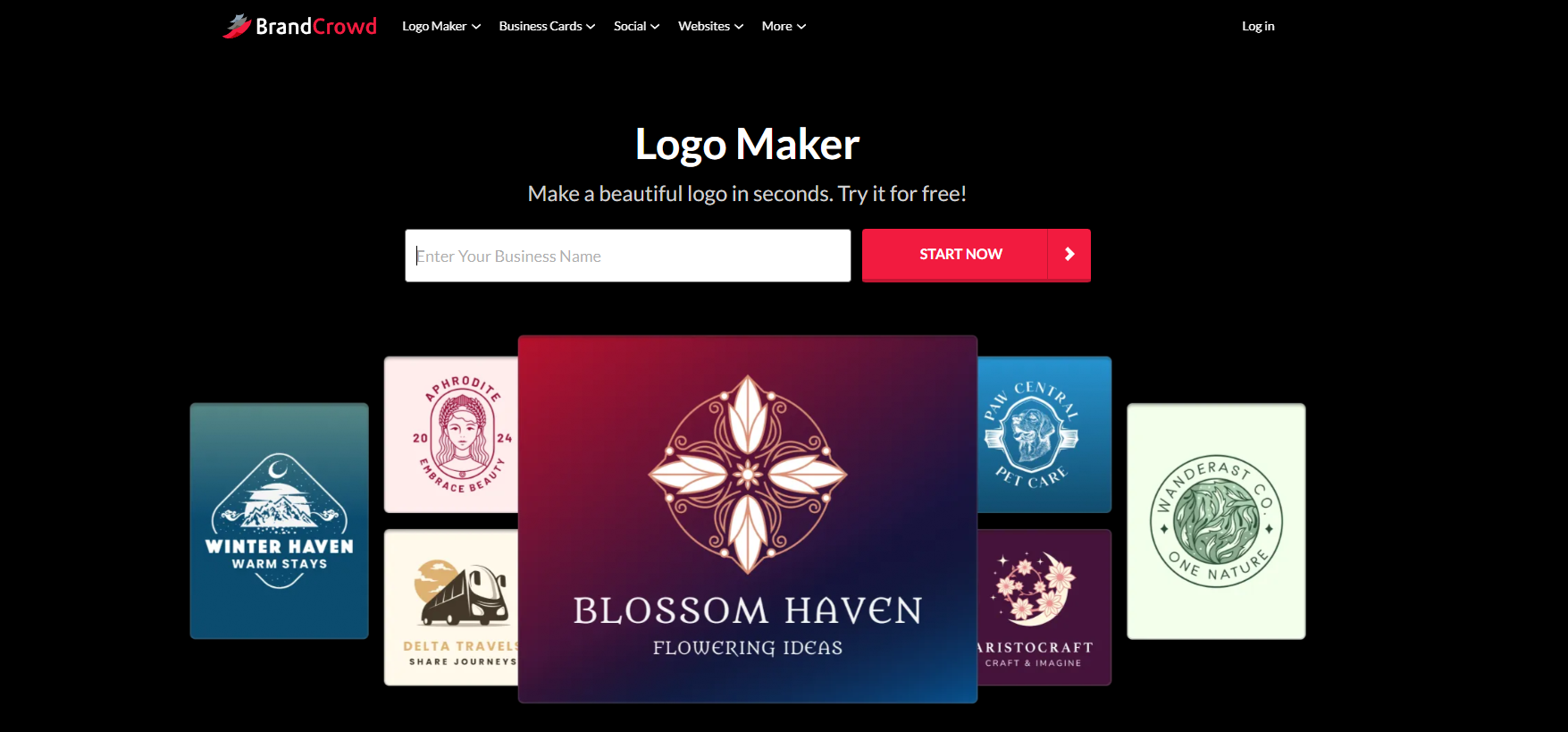
Best for: Users who want professionally designed logos with strong branding tools and easy customization
Rating: 9.8/10
BrandCrowd’s logo generator is focused on helping users create logos that already look professionally designed from the start. Instead of building from scratch, you choose from a large library of templates and refine them to match your brand style.
The platform is especially useful if you want your logo to feel cohesive across everything you create, from business cards to social media assets.
Large Library of Professional Logo Templates
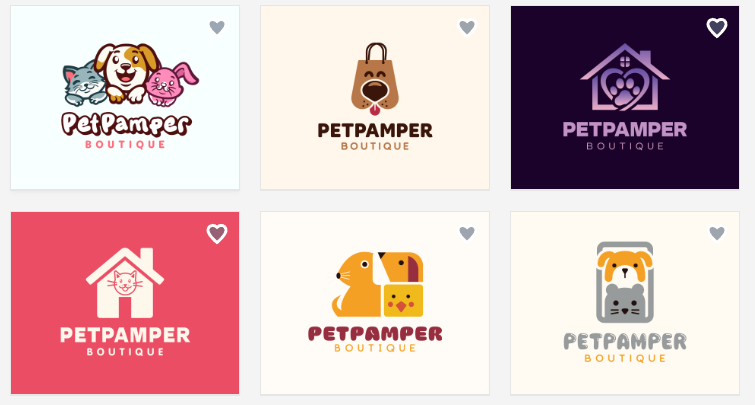
BrandCrowd offers over 380,000+ logo templates and more than 1 million total design assets. These are designed by professionals and organized across industries, making it easy to find something relevant to your business.
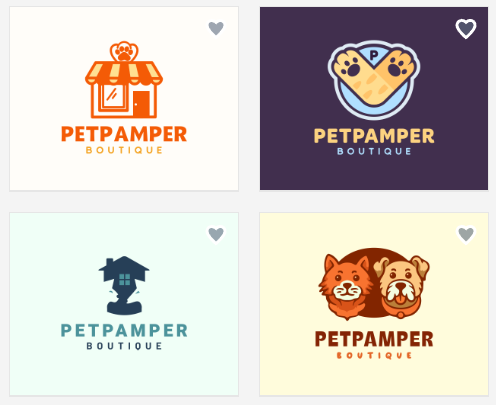
You can quickly explore different styles, from modern and minimal to bold and illustrative, without starting from a blank page.
Simple and Intuitive Editing
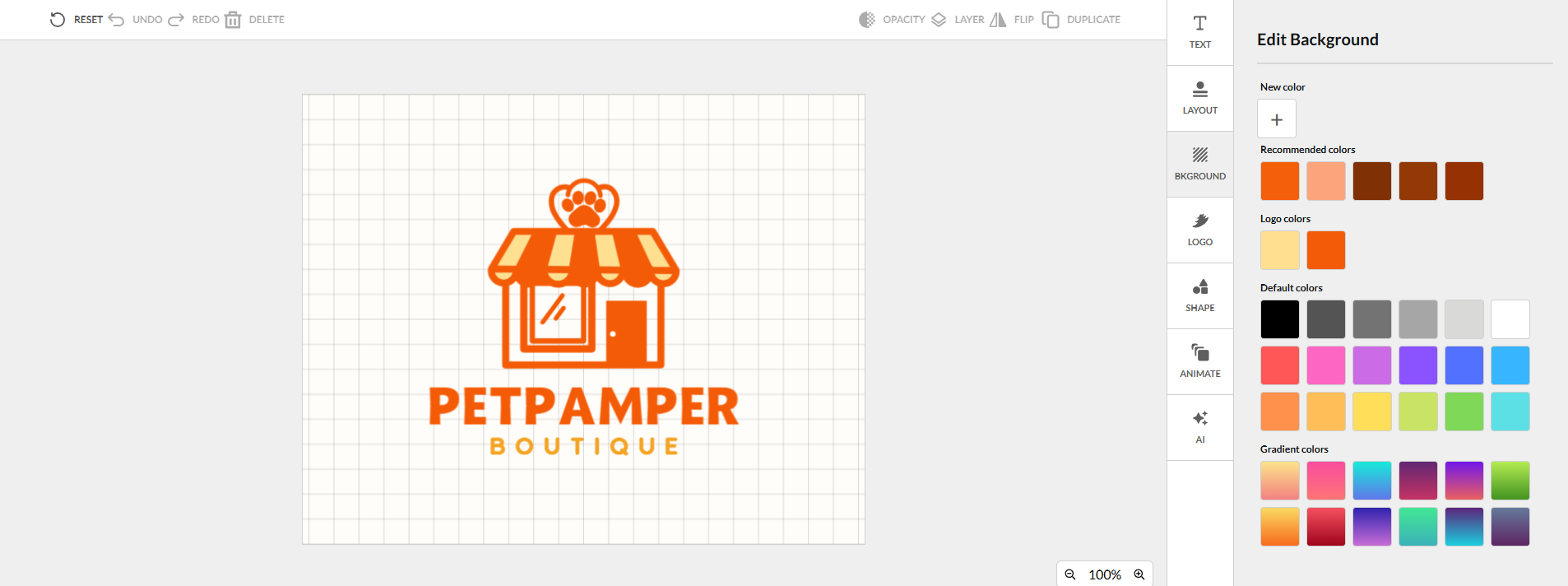
Once you select a logo, the editor allows you to quickly adjust key elements like fonts, colors, icons, and layout.
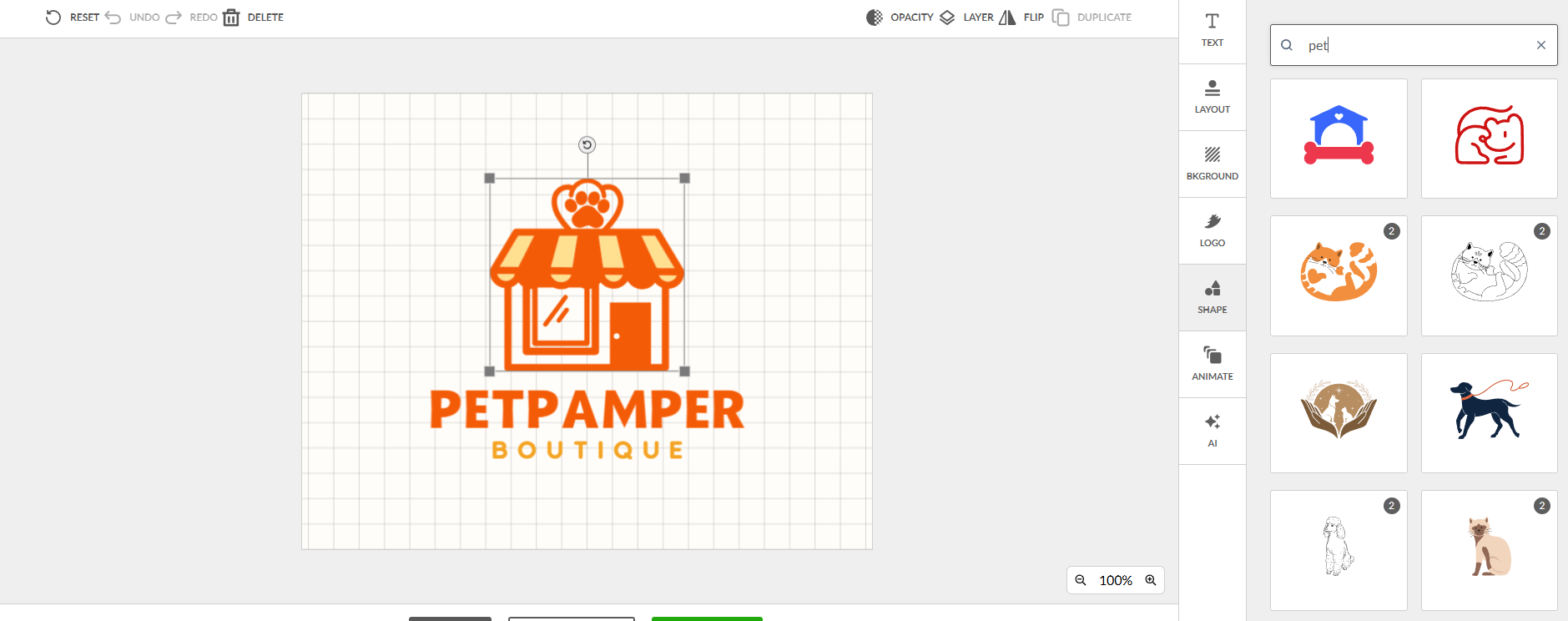
The process is straightforward, which makes it accessible even for users without design experience. You can refine your logo without dealing with complex tools or settings.
Strong Branding System Integration
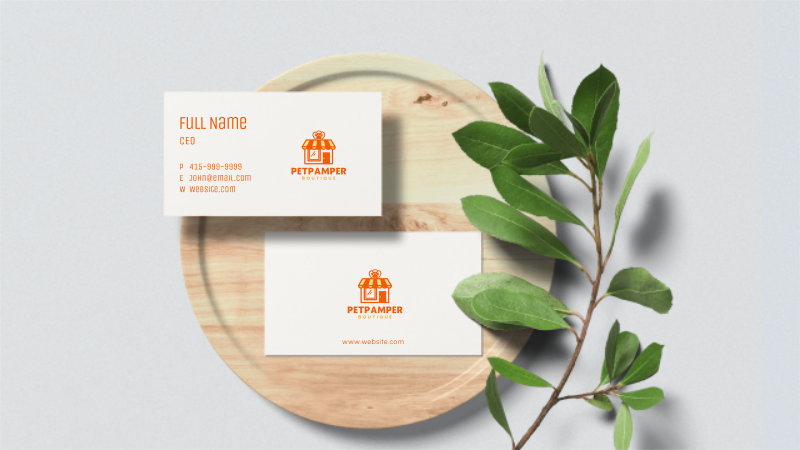
BrandCrowd is not just a logo maker. It’s part of a wider branding ecosystem. Your logo can be used across:
- Business cards
- Social media graphics
- Marketing materials
- Website assets
This helps maintain a consistent brand identity across different platforms.
Easy Export and Download Options
After finalizing your design, you can download your logo in multiple formats depending on your needs.
This includes high-resolution files and formats suitable for both digital and print use, making it flexible for different applications.
Reasons to Choose
- High-quality professional logo templates
- Strong focus on brand consistency
- Easy customization tools
- Large variety of design styles
- Good for business branding systems
- Includes AI-powered tools
- Supports multiple file formats
- Works well for marketing materials
- Trusted platform with strong reputation
Reasons to Avoid
- Web-based only
Pricing
- Free to browse and customize
- Premium Plan: $9/month (monthly billing available)
- Premium + Website Plan: $14/month
Verdict: BrandCrowd is a strong choice if you want a logo that already looks professionally designed without starting from scratch. Its biggest strength is consistency, making it ideal for users who want their branding to look cohesive across multiple platforms.
3. Canva
Best for: Beginners and creators who want quick logo design with full creative flexibility
Rating: 9.5/10
Canva is one of the most widely used design tools because it keeps logo creation simple without limiting creativity. You can start with a template or build from scratch using drag-and-drop tools, making it easy to experiment with different styles.
It works well for individuals, small businesses, and content creators who want a fast way to design logos that still look polished and usable across social media.
Huge Library of Logo Templates
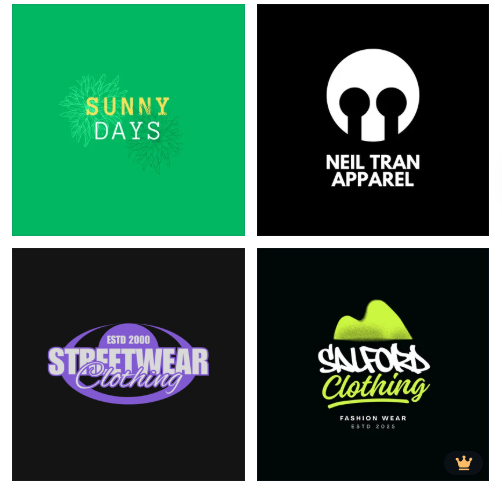
Canva offers thousands of logo templates across different styles like minimal, modern, playful, and corporate. These templates help you get started quickly instead of designing everything from a blank canvas.
You can also search by industry or aesthetic to narrow down your options.
Simple Drag-and-Drop Editing
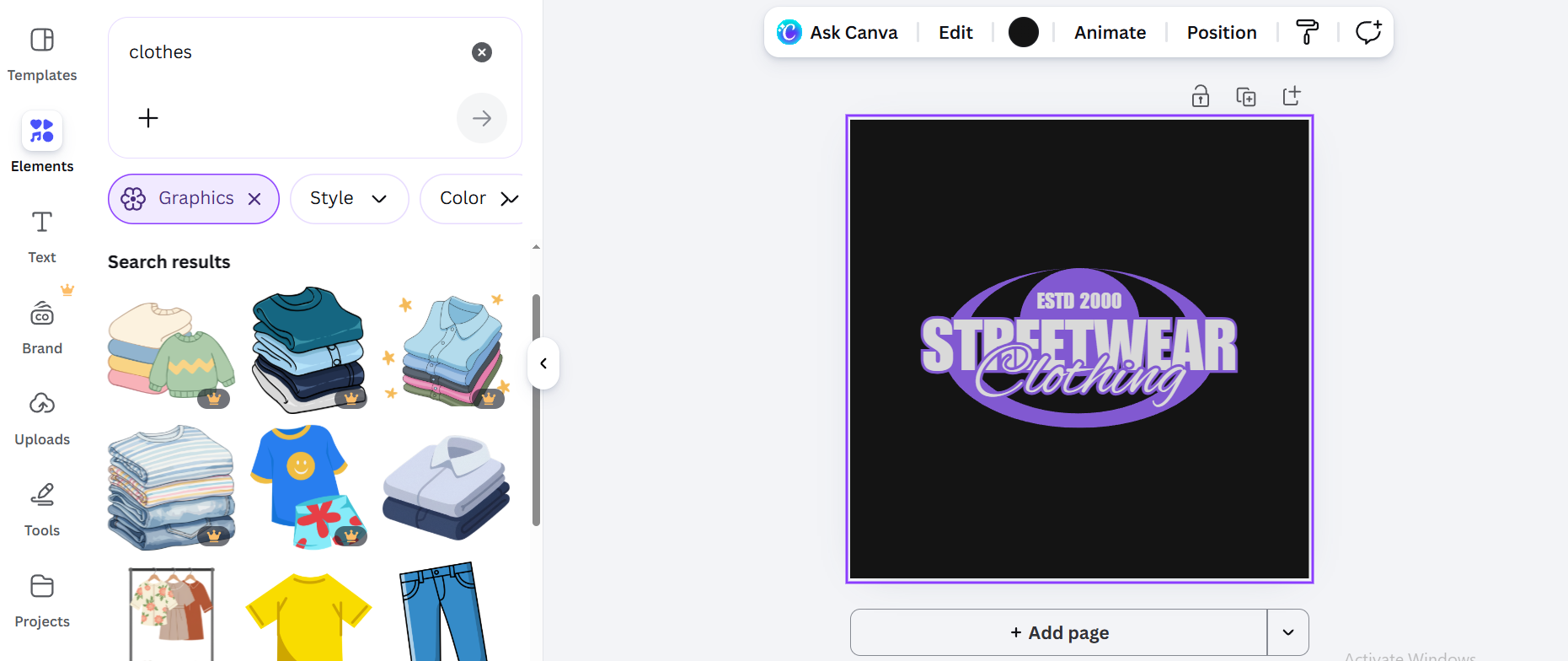
The editor is built for ease of use. You can move elements around, resize icons, adjust text, and change colors in seconds.
No design experience is needed, which makes it accessible for anyone.
Strong Branding and Customization Tools
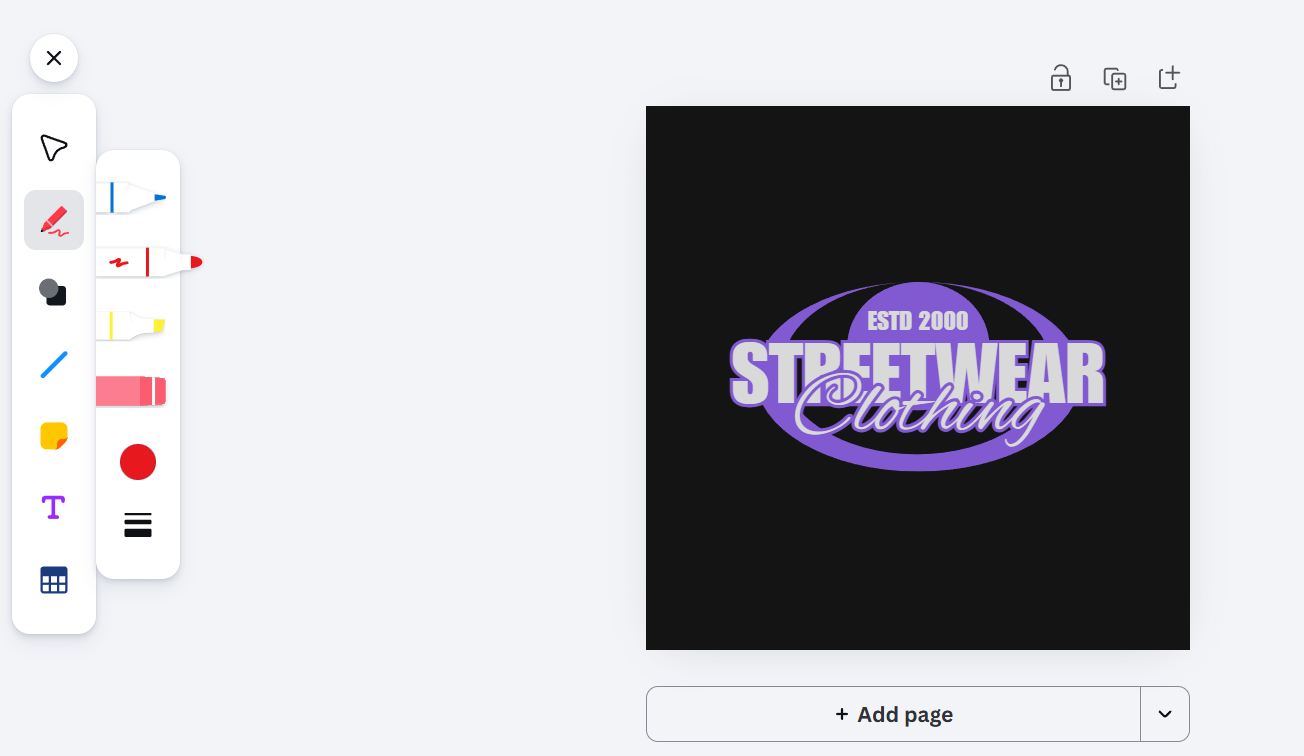
Canva allows you to fully customize your logo and align it with your brand identity.
This includes:
- Font and color adjustments
- Icon and layout changes
- Uploading your own logo elements
- Saving brand kits for consistency
Reasons to Choose
- Very easy to use for beginners
- Huge selection of templates
- Fast logo creation process
- Flexible editing and customization
- Good for social media branding
Reasons to Avoid
- Limited advanced AI logo generation
- Some premium templates require Canva Pro
- Designs can feel less unique if not heavily customized
- Not focused purely on logo creation
Pricing
- Free plan available
- Canva Pro: $15/month
Verdict: Canva is ideal if you want a simple and flexible way to create a logo without learning design tools. While it doesn’t specialize in AI logo generation, its strength lies in accessibility and versatility, making it a reliable option for quick, good-looking results.
4. Adobe Express
Best for: Users who want polished, design-quality logos with strong editing flexibility
Rating: 9.2/10
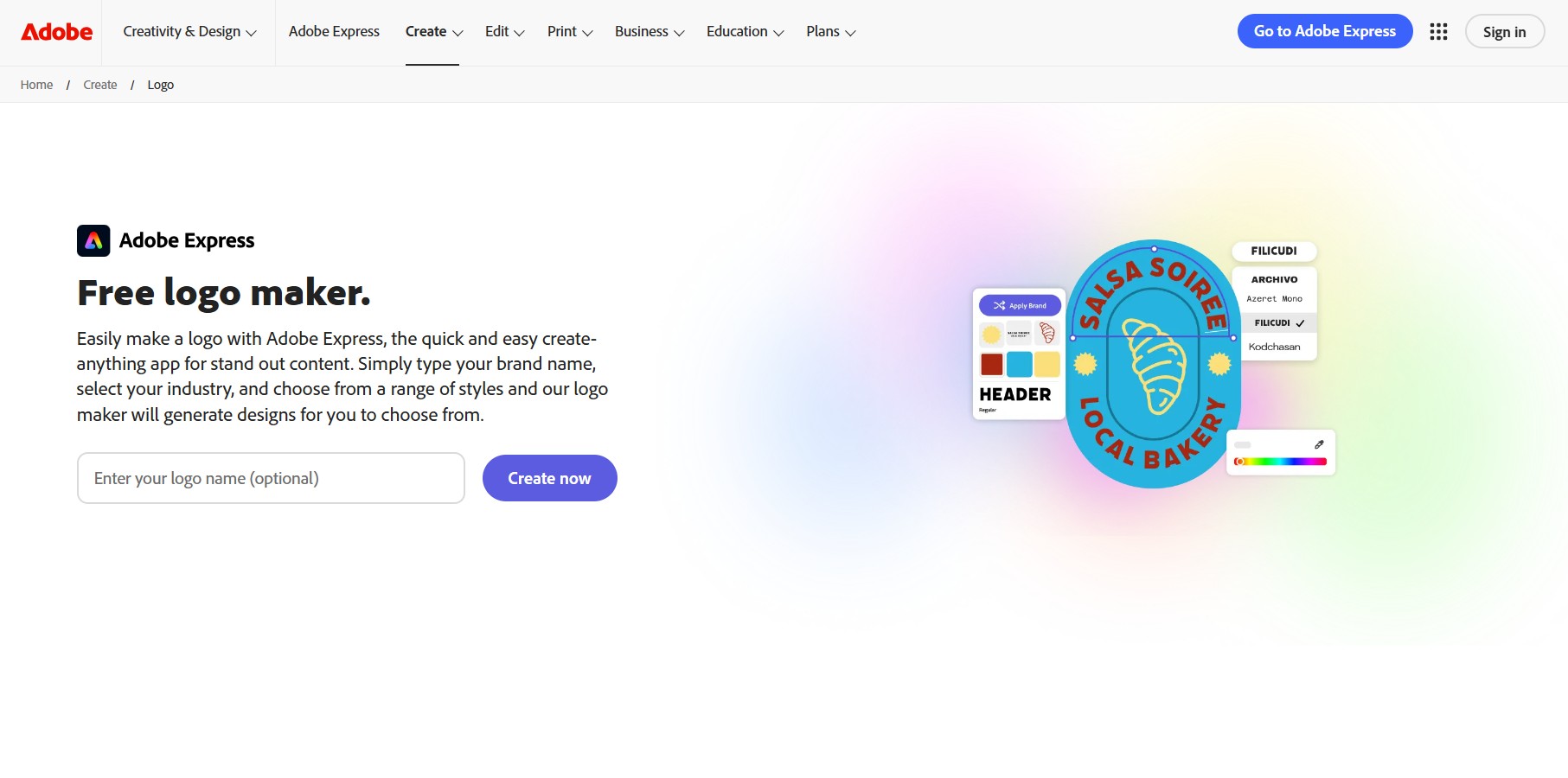
Adobe Express is a solid option if you want a logo that looks professional without needing advanced design skills. It sits between simplicity and full creative control, giving you templates to start with and enough tools to refine your design properly.
The tool is best for individuals and businesses that want a more “design-led” result, especially if they already use Adobe tools.
Professionally Designed Logo Templates
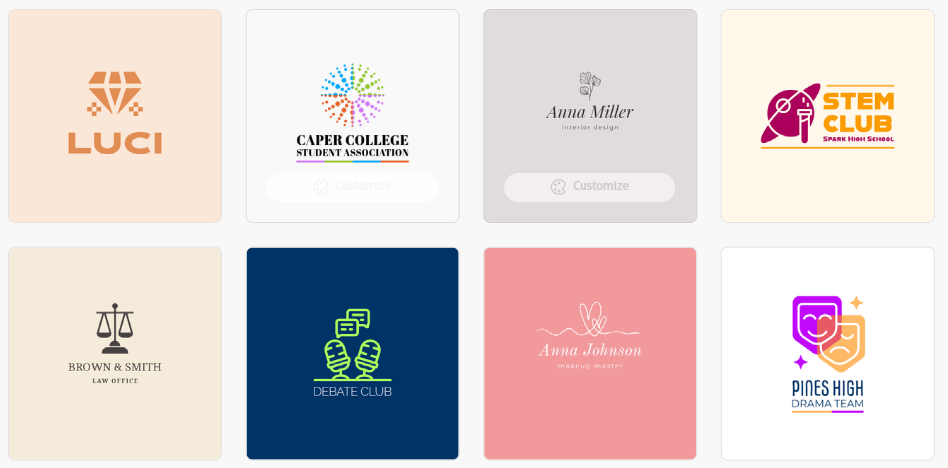
Adobe Express provides a wide range of modern, high-quality logo templates. These are designed to look clean and usable across digital platforms like social media, websites, and presentations.
You can quickly browse styles and pick a layout that fits your brand direction.
Easy Customization Tools
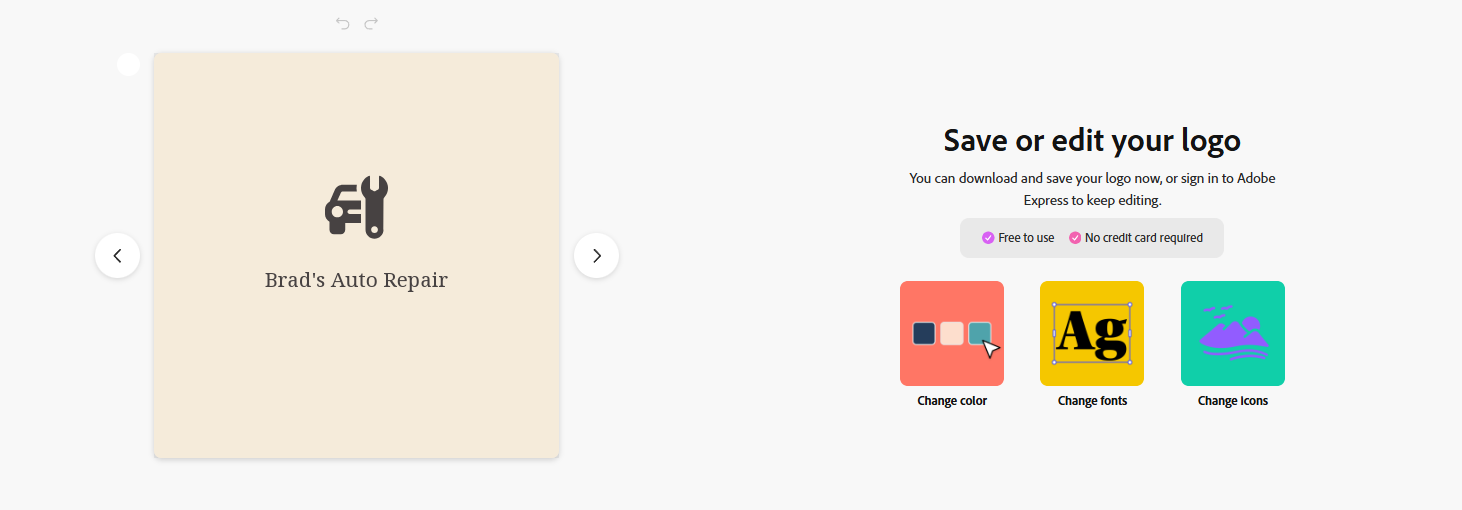
Once you select a template, you can edit key elements like text, fonts, colors, and layout.
The editor is simple enough for beginners but still gives you enough control to fine-tune your logo without feeling limited.
Brand-Ready Visual Output
Logos created in Adobe Express are designed to work well across different formats and platforms.
You can easily adapt them for:
- Social media profiles
- Business websites
- Marketing materials
- Presentations
Reasons to Choose
- High-quality, professional-looking templates
- Strong creative control for customization
- Clean and modern design output
Reasons to Avoid
- Smaller template library compared to competitors
- Fewer AI-driven logo generation features
- Limited advanced branding automation
- Some features require Adobe Premium
- Not as fast as AI-first logo tools
Pricing
- Free plan available
- Premium Plan: $9.99/month
Verdict: Adobe Express is a strong choice if you want a clean, professional logo with more creative control than basic logo generators. It’s especially useful for users who care about design quality and want something that feels polished across all platforms.
5. Wix
Best for: Users who want a logo quickly and plan to build a website at the same time
Rating: 9.0/10
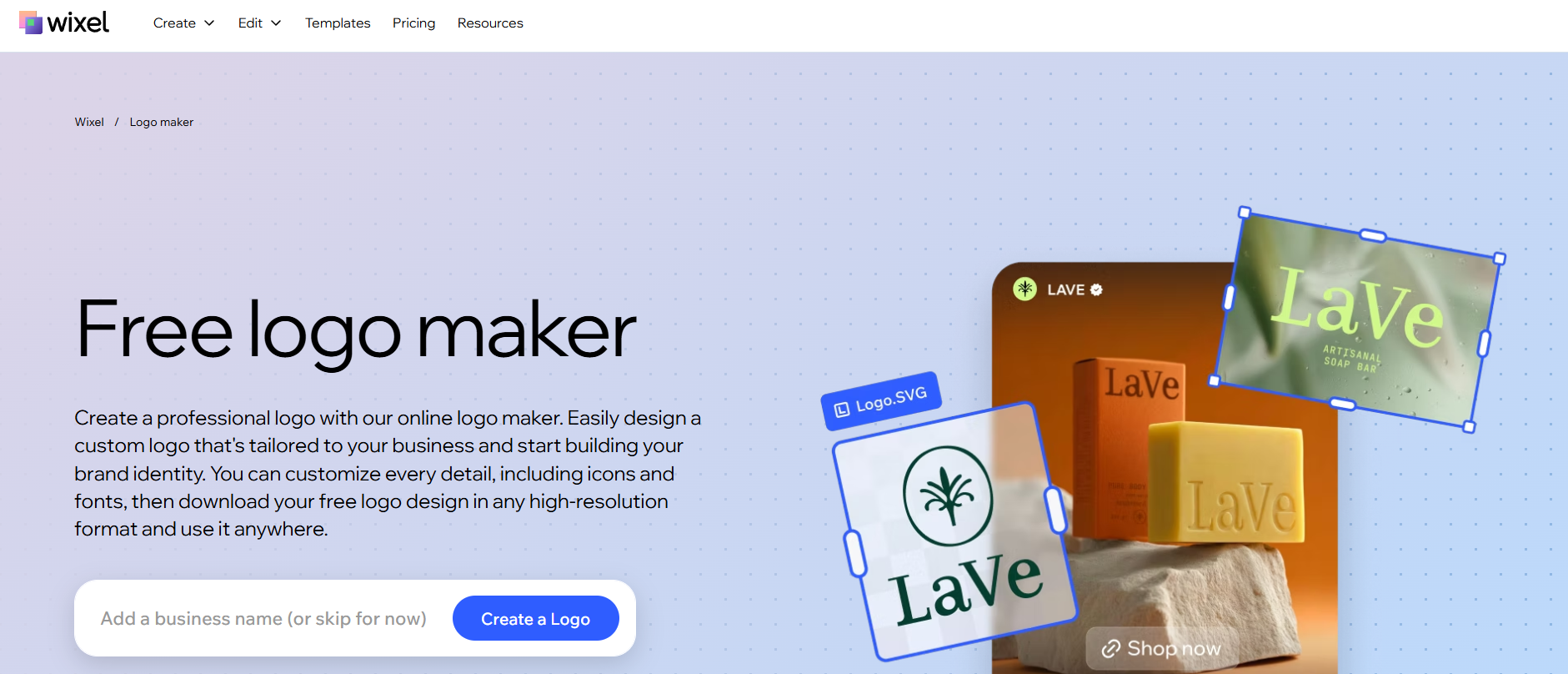
Wix Logo Maker is built for speed and ease of use. You enter your business name and a few style preferences, and it quickly generates logo options you can start from. From there, you can make simple edits like changing fonts, colors, and icons until it fits your brand.
This tool works especially well for small businesses and entrepreneurs who also plan to build a website on Wix. Since everything is connected, it’s easy to use the same logo across your website and other branding materials without extra steps.
AI-Guided Logo Creation
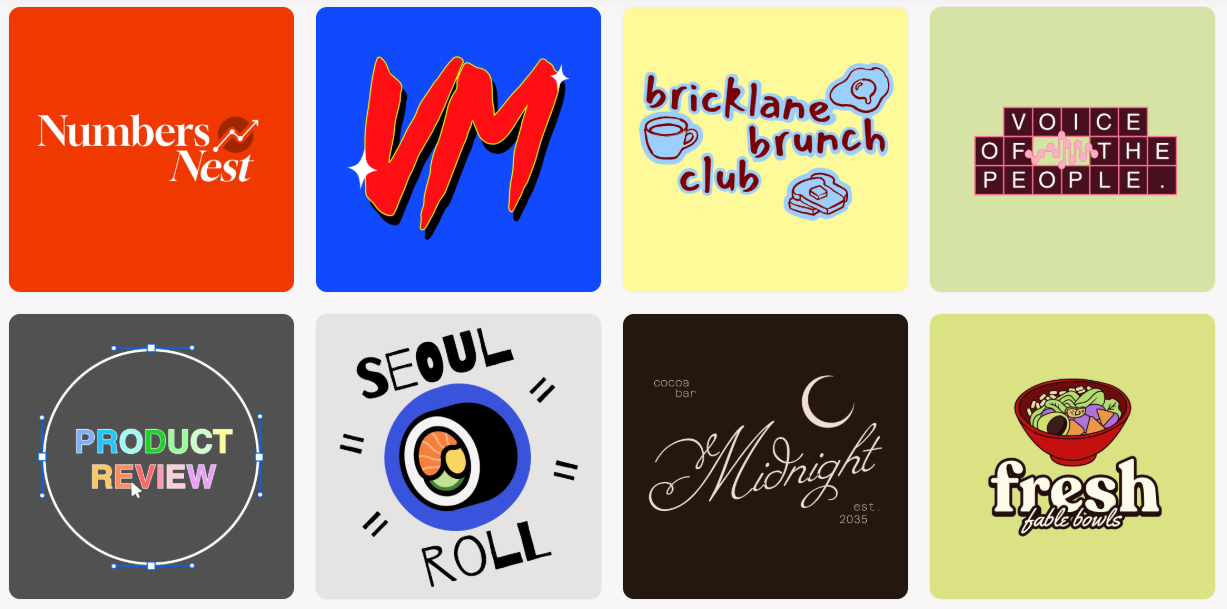
Wix uses a guided process where you answer a few questions about your brand, style, and preferences. It then generates logo options based on your input.
This helps you get to a usable design quickly without starting from scratch.
Simple Customization Options
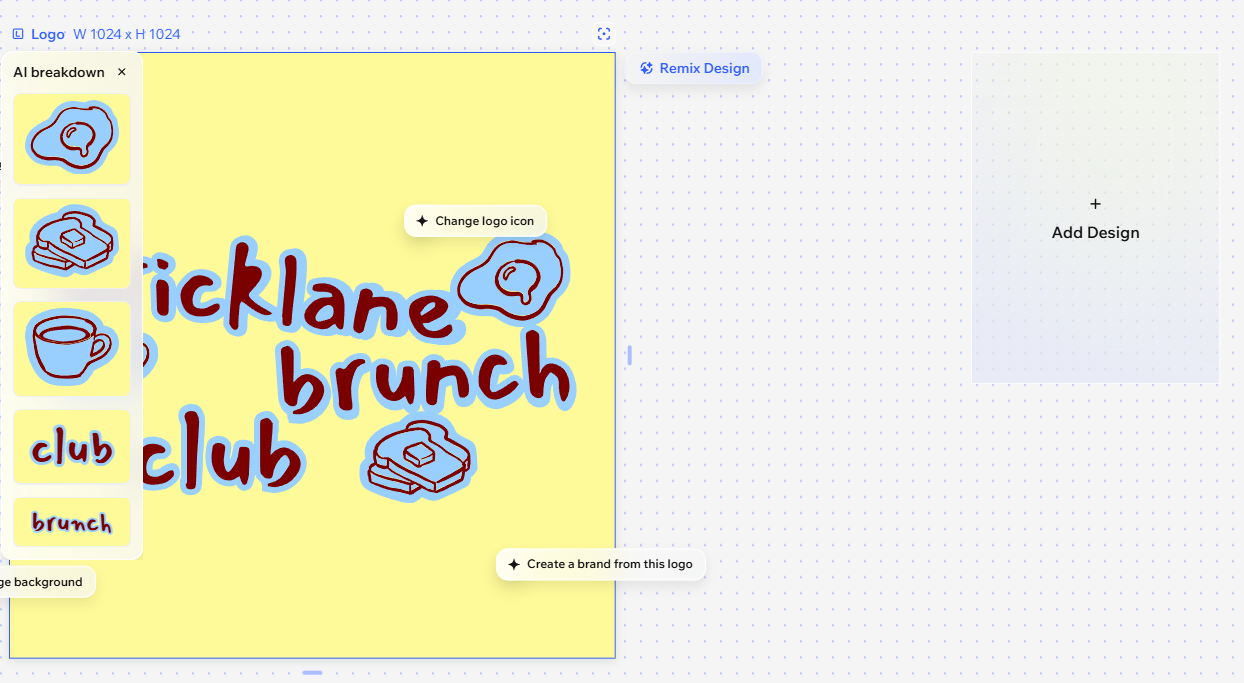
Once your logo is generated, you can adjust fonts, colors, icons, and layout.
The editor is lightweight and easy to understand, making it suitable for beginners.
Website and Brand Integration
One of Wix’s strongest advantages is integration. Your logo can be directly used across:
- Wix websites
- Domain branding
- Business pages
- Marketing assets
This helps create a consistent brand presence online.
Reasons to Choose
- Very fast logo creation process
- Easy for beginners
- Integrated with Wix website builder
- Simple editing interface
Reasons to Avoid
- Limited design flexibility
- Less advanced customization tools
- Not ideal for complex branding systems
- One-time paid download required for files
Pricing
- Logo Maker: Free to create
- Paid logo download: typically $20–$50 (one-time purchase depending on package)
- Website plans: separate Wix subscriptions (starting around $17/month+)
Verdict: Wix Logo Maker is ideal if you want a fast and simple way to create a logo and immediately use it for a website. While it’s not as flexible as dedicated design platforms, it’s very practical for users who want an all-in-one branding and web setup.
Conclusion
There’s no shortage of logo makers today, but the real difference comes down to how much control, speed, and branding support you actually need. Some tools are built for quick, simple logos, while others are designed to help you build a full brand identity across different platforms.
If you want the most complete option, Design.com stands out as the strongest overall choice. It combines fast AI logo generation with deep customization and a full set of branding tools, making it useful well beyond just logo creation.
Other tools like BrandCrowd, Canva, Adobe Express, and Wix each have their strengths, but they tend to focus on either templates, simplicity, or ecosystem lock-in. Design.com brings the most balance between speed, flexibility, and scalability for growing brands.
































