



Keep reading
Rather we just did it for you?
Let's get your business seen.
Social media, websites, SEO and ads from a team you can actually meet.
Logos are the most crucial part of your brand. It’s how the public will know it’s you. You’re going to have to put it everywhere — on your website, social media platforms, posters, banners, business cards, etc. So, you can’t just have any logo. You need a logo that represents your brand perfectly and resonates with your target audience.
You can hire professional designers to create a logo for you, but it will cost time and money. Now, there’s another option available for you — logo design tools. They’re faster, easier, and more affordable. You can use them on your own, even if you don’t have any design experience. All you have to do is pick the right platform for you.
In this article, we have rounded up five logo design tools that can help you create the perfect logo. The list consists of AI-powered logo generators backed by rich design libraries and complete branding suites, perfect for any new business or an expanding brand.
Quick Comparison
Before we dive into each platform, here’s a quick comparison of all five tools:
| Platform | Logo Quality | Free Plan | Starting Price | Best For |
| Design.com | 5/5 | Yes | $3/month (billed annually) | All-in-one brand identity |
| BrandCrowd | 5/5 | Yes | $3/month (billed annually) | Large library + customisation |
| Canva | 4/5 | Yes | $15/month | Teams already using Canva |
| Adobe Express | 4/5 | Yes | $9.99/month | Creative/professional industries |
| Wixel | 3/5 | Yes | $90/year | New businesses + website building |
What Are The Five Essential Logo Tools?
1. Design.com
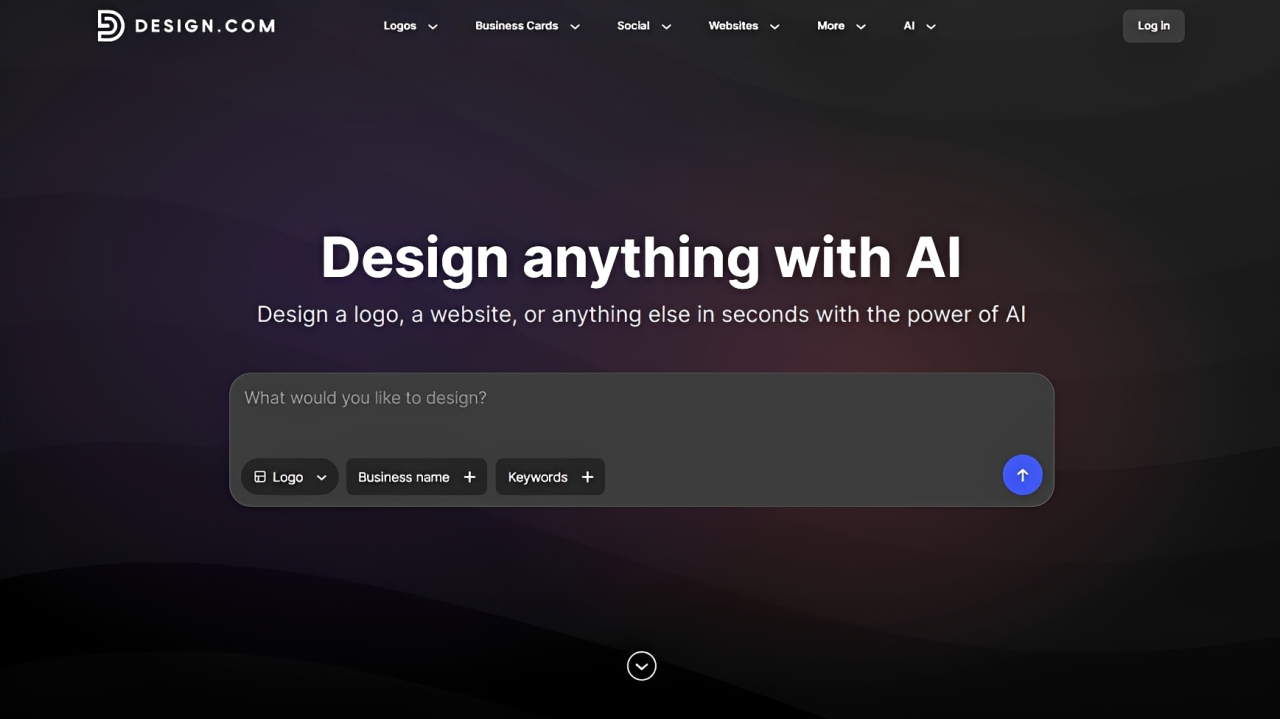
When it comes to logo creations and brand building, Design.com is in a league of its own. Its Logo Maker has been ranked as the best by a variety of publications, like LegalZoom. It combines the world’s largest library with 400K+ professionally made designs with an advanced suite of AI tools to generate unique, polished, commercial-safe logos.
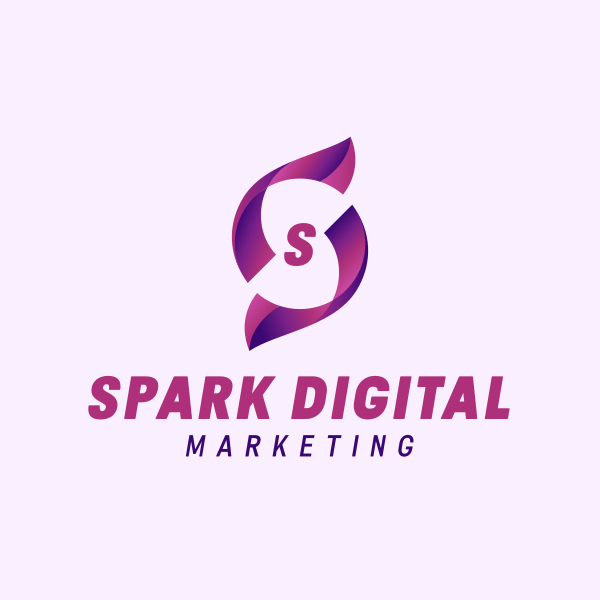
To start generating logos, just provide your business name and keywords. The AI will pull up designs from the library and assemble multiple logo suggestions relevant to your business, brand style, and industry. For instance, we generated logos for a fictional digital marketing agency called Spark Digital Marketing. Here are some of the samples Design.com provided:
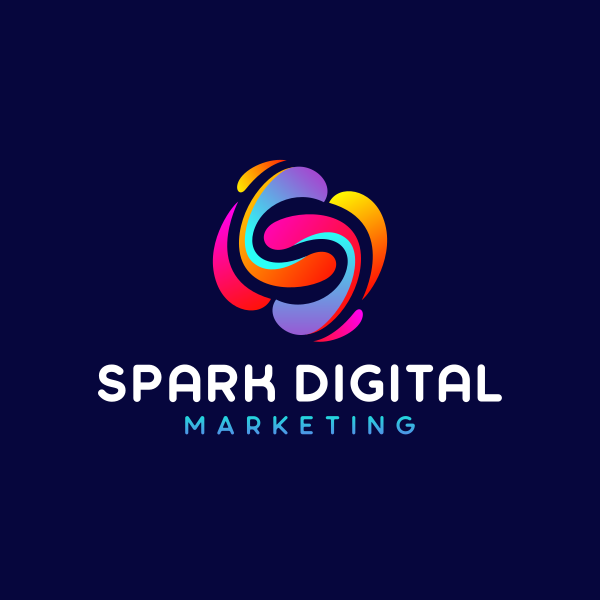
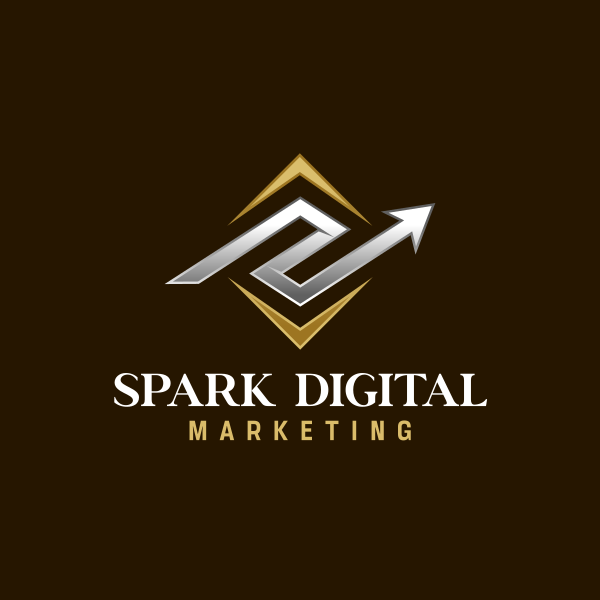
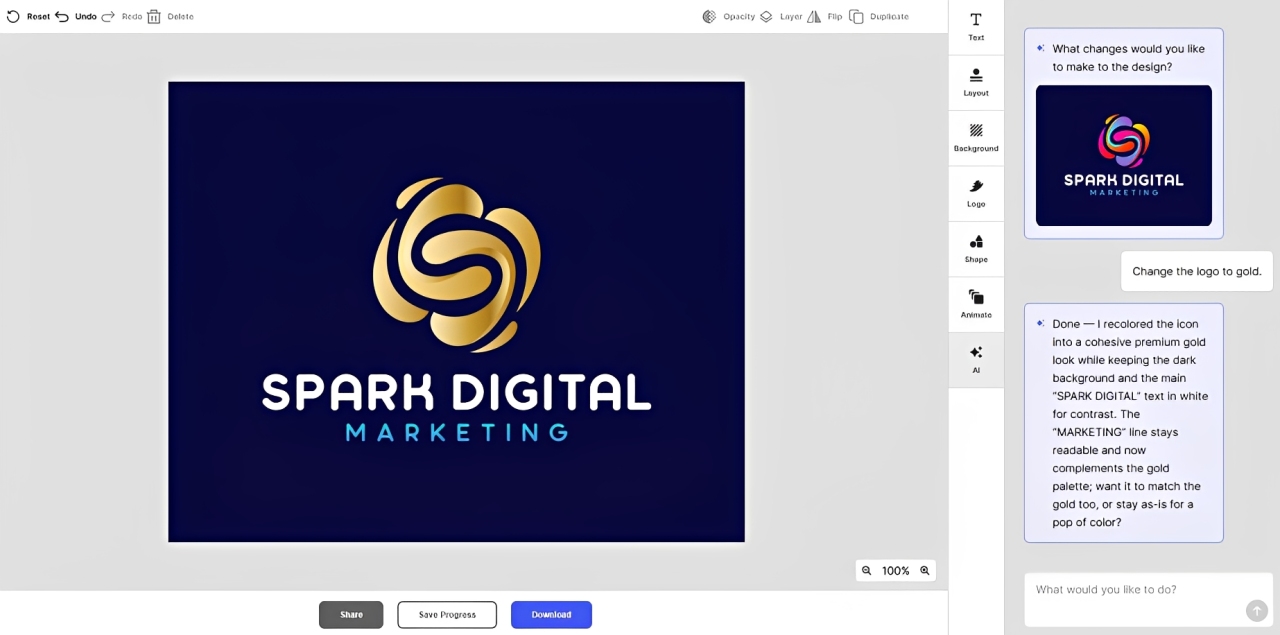
After selecting your preferred logo design, you can customize it using 62K+ custom vector shapes and 750+ fonts (525+ are exclusive to the platform). You can make your changes manually using the drag-and-drop editor or with the AI chat editor. For instance, using one of the logo samples above, we asked the AI editor to change the logo’s colors to gold:
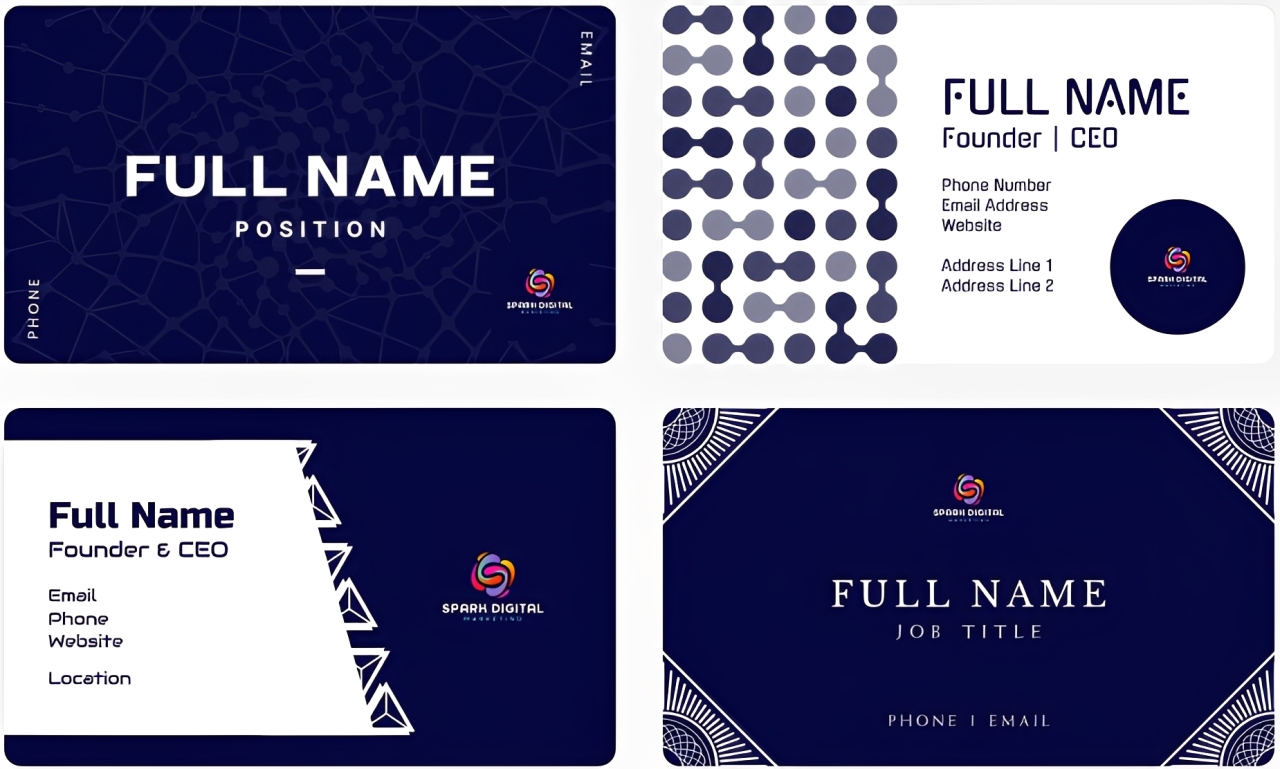
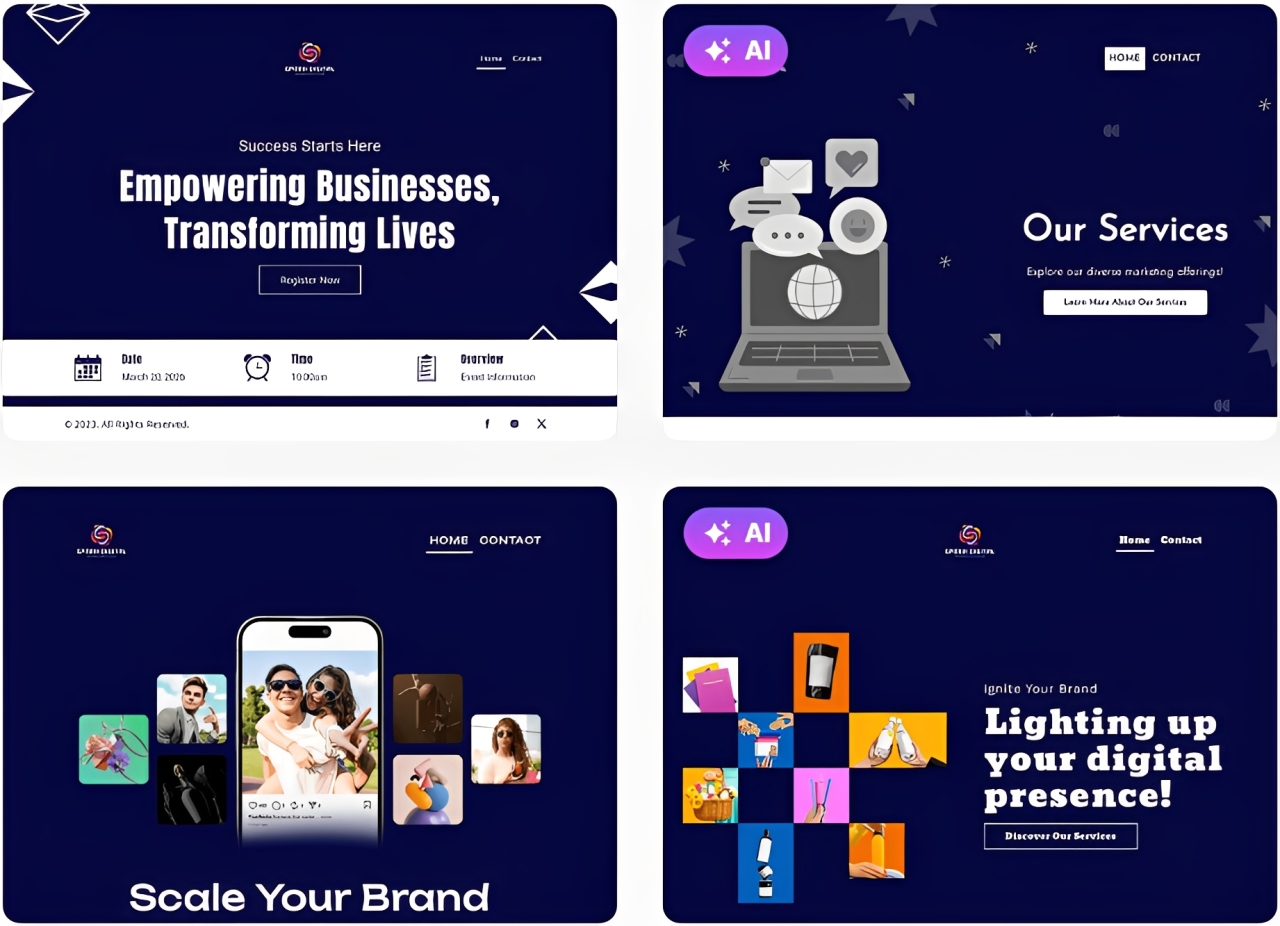
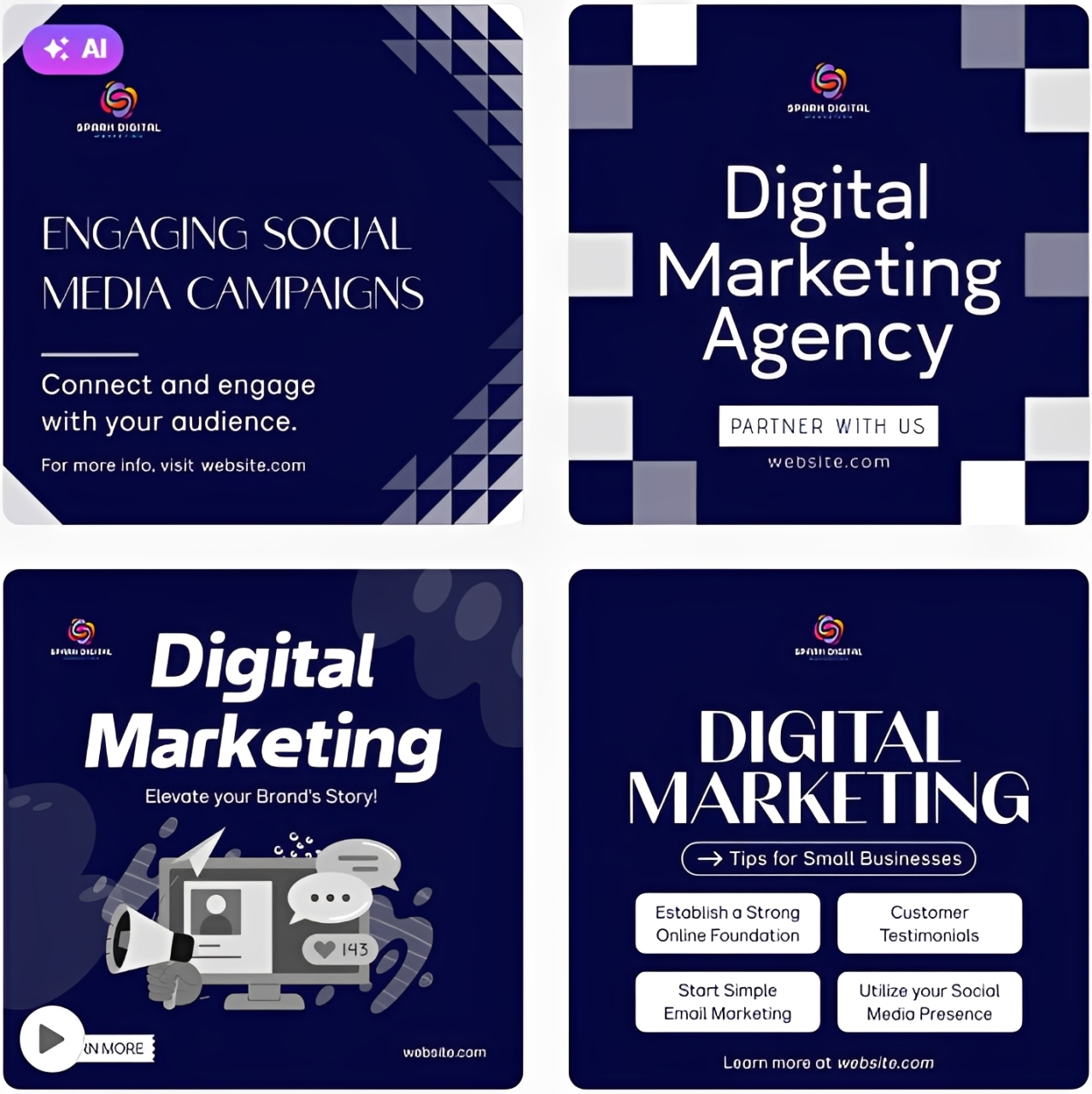
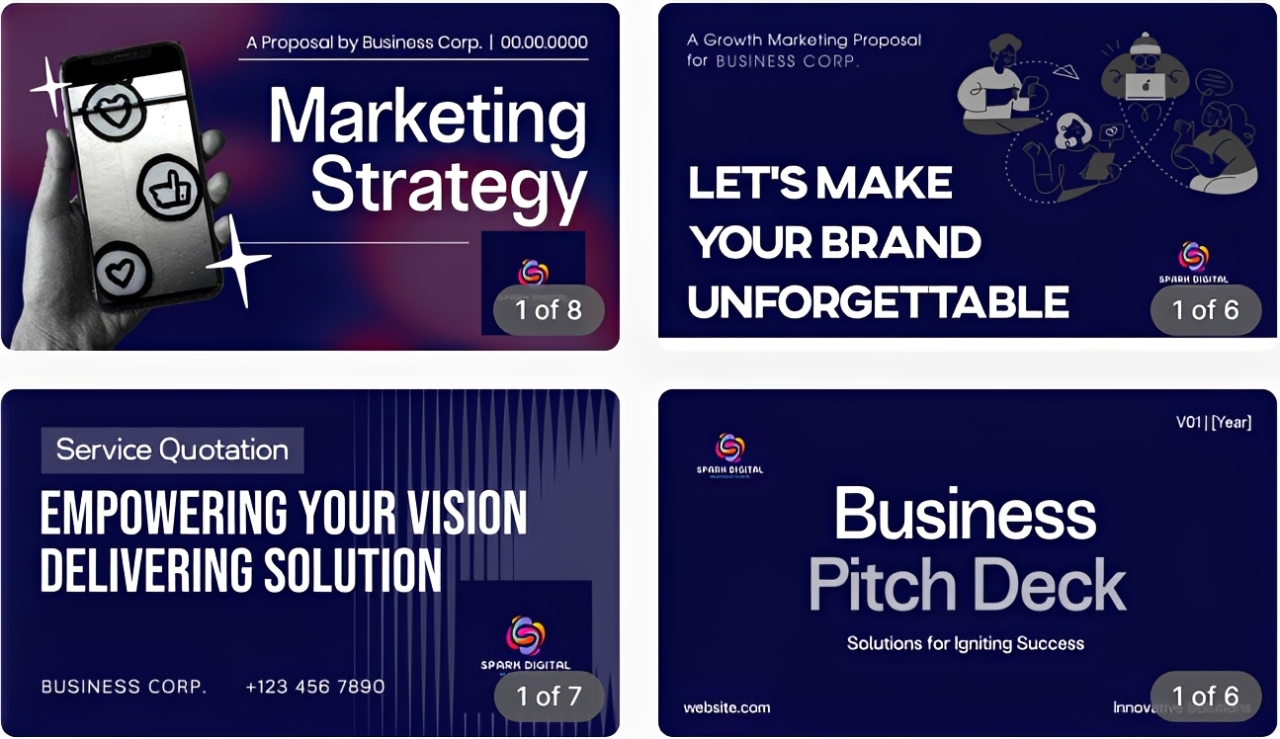
But what truly elevates Design.com is the depth of its branding ecosystem. Aside from the logo maker, there are also tools for websites, social media posts, business cards, posters, presentations, etc. Then, the automatic template branding feature applies your finished logo to all brand templates, so you don’t have to do it manually just to achieve brand consistency.
Here are some sample branded assets that Design.com generated using the same logo:
Business Cards
Websites
Instagram posts
Presentations
What Makes Design.com Logos Stand Out:
Design.com aims to provide exclusive and high-quality logos. Every design is made by professional designers and vetted for originality. The platform ensures that all of its logos are 100% commercially safe. Even the AI chat editor was custom-trained to make changes that are copyright-safe.
Key Features:
- 400K+ logo designs — the world’s largest library
- Instant AI logo generation based on business name and relevant keywords
- Beginner-friendly drag-and-drop editor with advanced AI logo editing capabilities
- 62K+ custom vector shapes and 750+ fonts (525+ exclusive)
- Full file format suite: high-resolution files (PNG, JPG), vector files (SVG, EPS, PFD), animated files (GIF, MP4), transparent background, and icon- and text-only options
- Automatic template branding to ensure brand consistency
- 50+ branding tools: business cards, social media posts, websites, flyers, posters, etc.
- Advanced AI tools: AI logo generator, AI background remover, AI business name generator, AI domain name generator, AI website builder, etc.
- Extended license option for exclusive logo ownership
Pricing:
- Free – Access to free logos, full editing features, all file formats, automatic template branding, no watermark
- Starter – $3/monthly (billed annually) or $9/month (monthly) – Access to all premium designs and to 50+ design tools
- Value – $4/month (billed annually) or $14/month – Everything in Starter plus Website Builder
- Premium – $5/month (billed annually) or $19/month – Everything in Value plus Link in Bios and Digital Business Cards
Best For: Any businesses that want a complete professional brand identity that can be done on one platform.
2. BrandCrowd
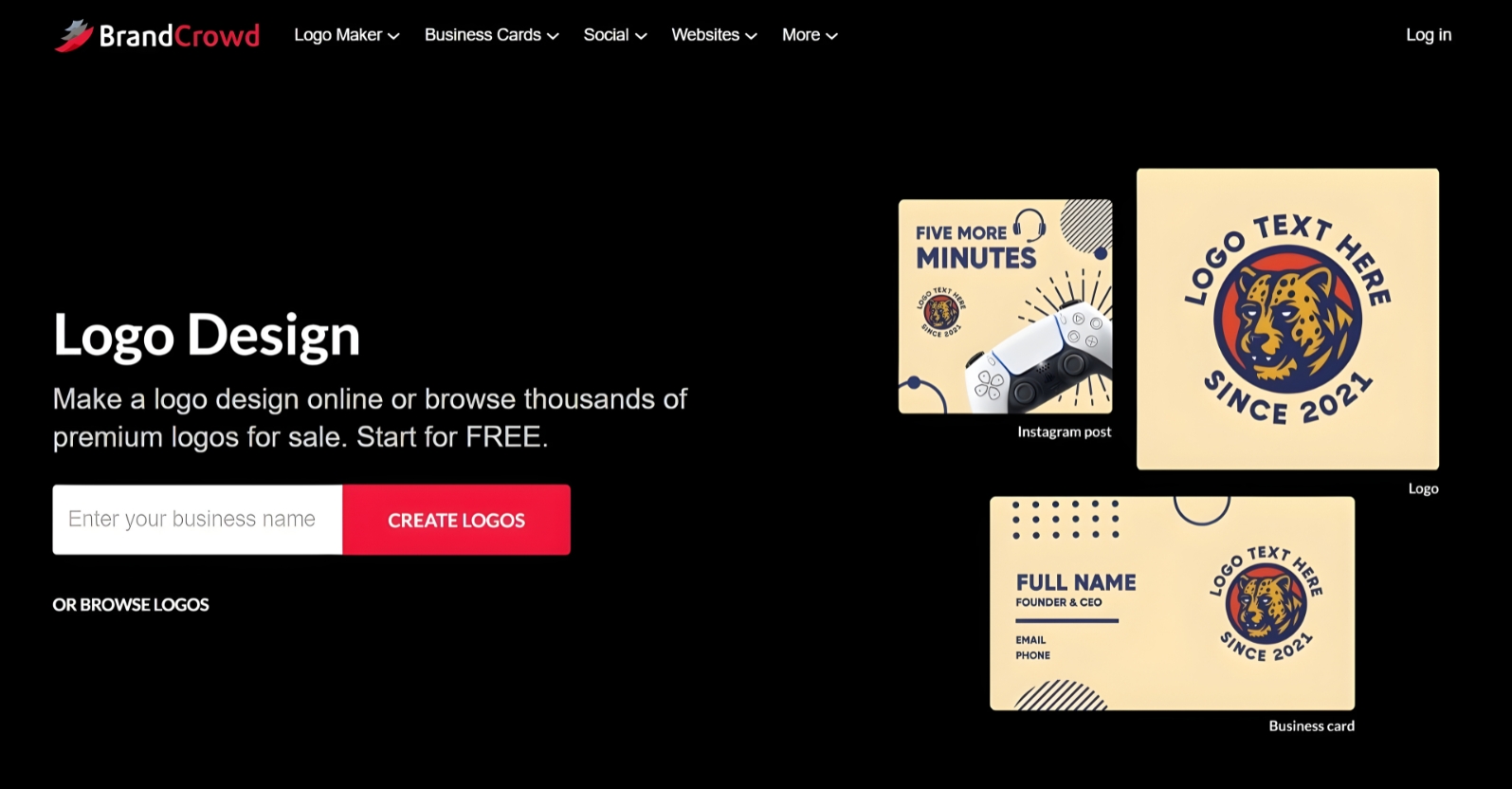
If you’re looking for a platform that can give you a cohesive visual identity, BrandCrowd is a compelling choice. It combines AI technology with its 380K+ logo templates and 50+ branding tools for business cards, social media graphics, websites, presentations, and print ads. It also has automatic template branding, so you can maintain brand uniformity.
Using the same business name, we generated logos using BrandCrowd’s Logo generator:
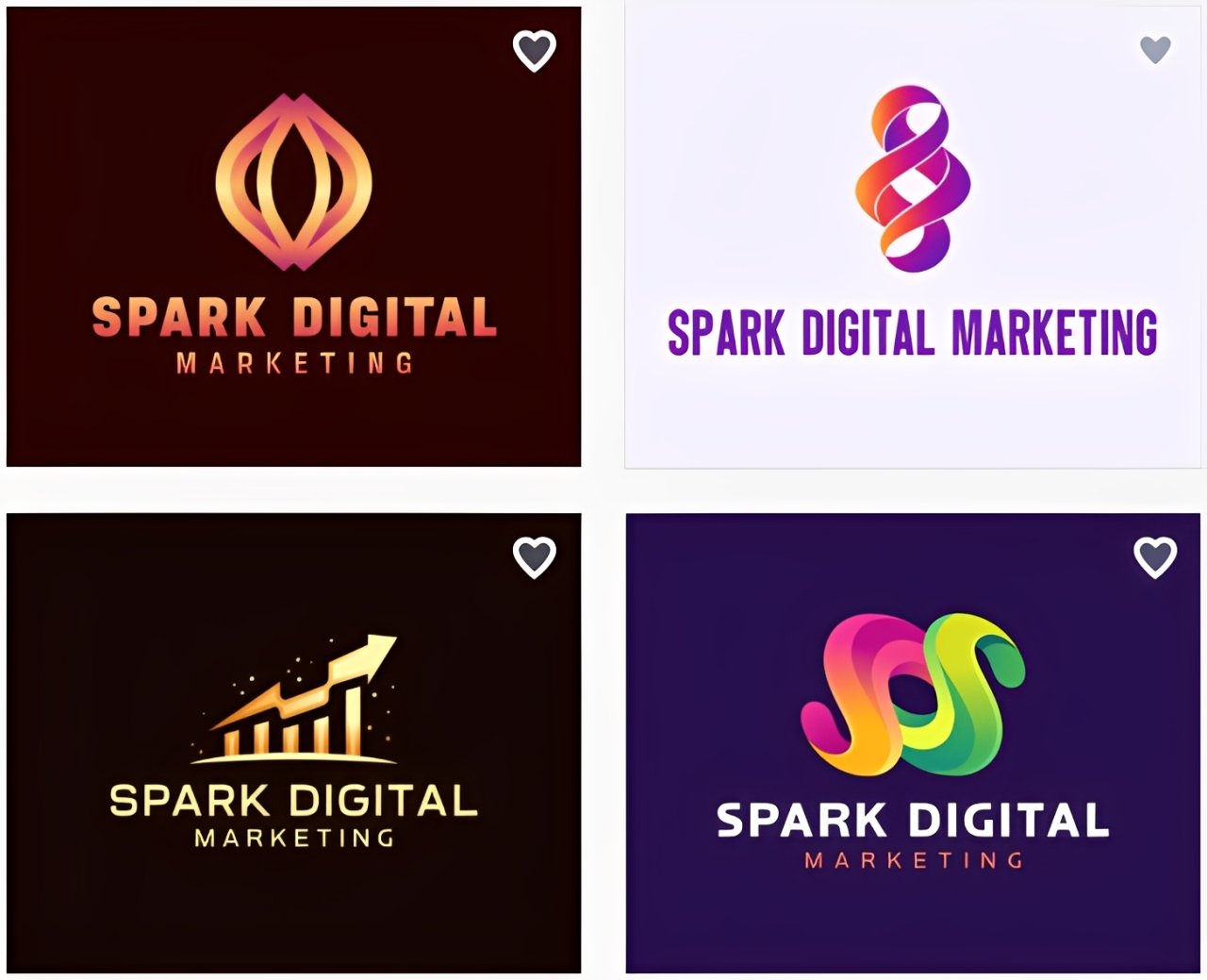
What Makes BrandCrowd Logos Stand Out:
Like Design.com, BrandCrowd logos are all crafted by professional designers and exclusive to the platform. Hence, you can expect every template to get logos with a distinctive look and feel you won’t find from other generic design platforms. The collection is also very diverse, so you’ll find one regardless of your industry.
Key Features:
- 380K+ professionally designed and exclusive logo templates
- Easy-to-use drag-and-drop editor
- Chat-based AI editing interface
- Automatic template branding
- Multiple file export options: SVG, EPS, PDF, PNG, JPG, GIF, MP4, transparent background, icon- and text-only options
- 50+ branding tools: website, business cards, social media graphics, print ads, etc.
- Extended license option for exclusive logo ownership
Pricing:
- Free – Access to free logos, full editing features, all file formats, automatic template branding, no watermark
- Paid plans – Starts at $3/monthly (billed annually) or $9/month (monthly) – Full access to all premium designs and to 50+ design tools
Best For: Businesses that want a large, high-quality template library with full customization features.
3. Canva Logo Maker
Probably the most popular platform in this list, Canva features the most intuitive drag-and-drop interface and a template library that makes it easy for users to create a logo. However, unlike Design.com and BrandCrowd, Canva’s Brand Kit feature, which allows you to store your logo, color palettes, and fonts, is locked behind the platform’s Pro plan.
Here’s a sample logo using one of Canva’s templates:
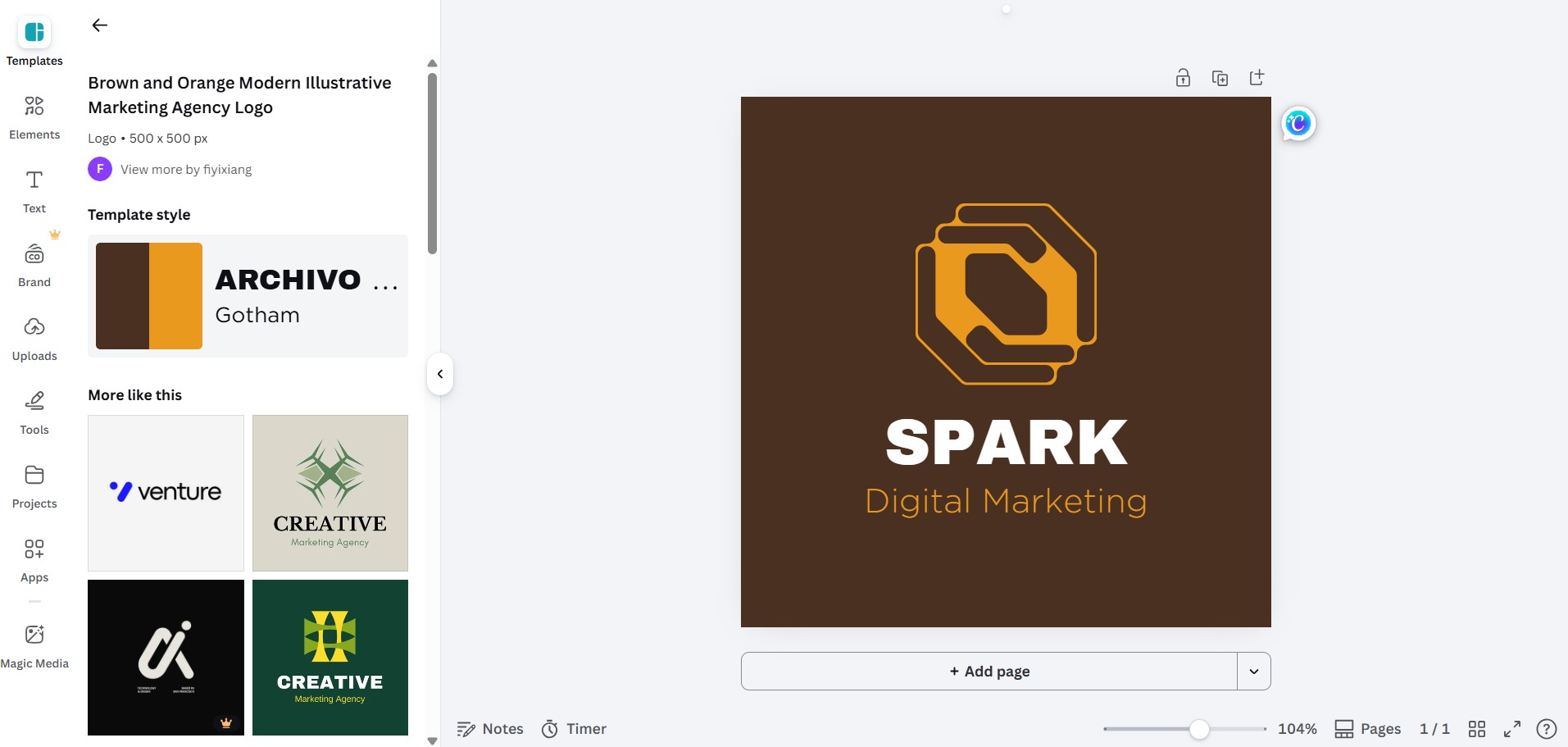
What Makes Canva Logos Stand Out:
Canva’s logo templates are clean, modern, and easy to customize, making it ideal for businesses that want quick logos regardless of originality. However, it’s worth noting that Canva isn’t a dedicated logo tool like Design.com and BrandCrowd. Instead, it’s a general design platform with logo-making functionalities.
Key Features:
- Large library of customizable logo templates, icons, illustrations, and photos
- Intuitive drag-and-drop editing
- Brand Kit (Canva Pro) for storing logos, fonts, and colors
- SVG downloads require Canva Pro subscription
- Team collaboration tools
Pricing:
- Free – Access to basic templates and design tools
- Canva Pro – From $15/month or $12/year – Full access to Brand Kit, premium templates, and asset library
Best For: Businesses and teams that are already using Canva for their marketing needs and want to keep their whole visual identity in one place.
4. Adobe Express Logo Maker
Adobe Express is for brands that want a distinctly professional logo without the issue of investing a bit more. Built on Adobe’s world-class infrastructure, it provides high-quality logo templates, Adobe fonts, and direct integration with Photoshop and Illustrator. While the learning curve is steeper compared to other platforms, the results are worth it.
Here’s a sample logo using one of Adobe Express’ templates:
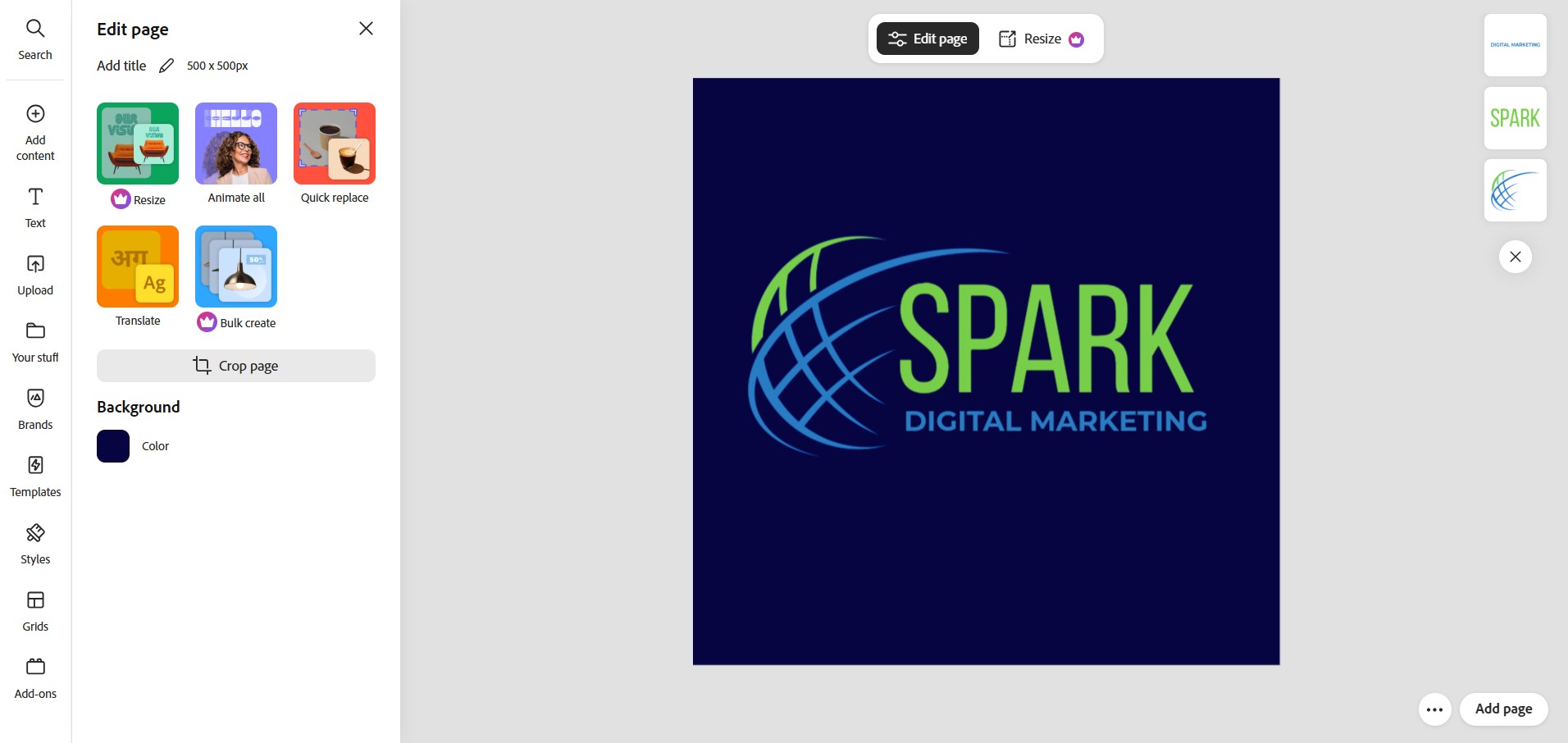
What Makes Adobe Express Logos Stand Out:
Adobe Express logos give off a premium, aesthetic look that stands out from other template-first platforms. The platform is known for its collection of typography tools, which stand out among others. It makes it ideal for brands where wordmarks and text-driven identity are central to the design.
Key Features:
- Premium logo templates
- Deeper image editing features and high-quality typography tools
- Integration with Adobe Creative Cloud (Photoshop and Illustrator)
- Brand Kit (Premium) for storing logos, colors, and fonts
Pricing:
- Free – Access to basic templates and limited assets
- Premium – $9.99/month (or included with Creative Cloud plans) – Full access to premium assets and all editing tools
Best For: Quality-conscious brands in creative or professional industries already working with the Adobe ecosystem that want premium-quality logos inside the same platform.
5. Wixel (Wix Logo Maker)
Wixel is Wix’s AI-powered logo design platform built for entrepreneurs and growing businesses. Using its AI credits system, you can generate logos by providing your business name and answering some questions. The free version offers you 120 credits per month and allows you to customize any of the generated logos and download the finished version as SVG, PNG, and JPG.
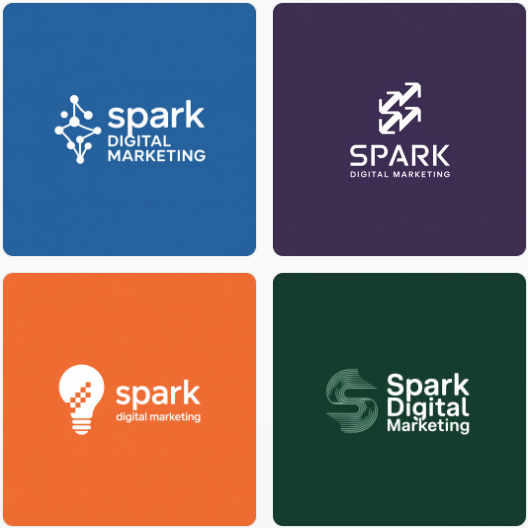
Here are some logos generated by Wixel:
What Makes Wixel Logos Stand Out:
Wixel generates logos using an AI that pulls from its professionally designed logo templates, adding your brand preferences to create results tailored to you. Since Wixel is integrated with Wix’s ecosystem, the platform can save your logo settings to ensure brand consistency across all the assets you create within the platform.
Key Features:
- Instant logo generation powered by professionally designed templates
- AI credits system – flexible usage from logos to videos, documents, and more
- Saved brand settings for brand consistency
- Download in SVG, PNG, and JPG under the free plan
Pricing:
- Free – 120 AI credits/month (30 AI credits/day) – Generate up to 20 logos
- Paid plans – Starts at $90/year (350 AI credits/month) – Generate up to 50 logos/month
Best For: New businesses that want an AI-first platform that can create logos, websites, and other brand assets in one place.
How To Choose The Right Logo Design Tool?
Choosing the right logo design platform for you and your business isn’t just about going for the most templates or the cheapest options. You have to know if the tool will fit your needs, workflow, and plans. To help you decide, here are the key factors you need to think about when choosing which logo maker to use:
- Know your budget: Most logo design platforms offer a free plan, but there are certain restrictions. Some will let you create, customize, and download logos using free templates, while others will require you to sign up for their paid plans to access the vector files. So, if you need to use your logos on physical merchandise and huge signage, you need to go for the platform that offers the vector files as part of its standard package.
- Think beyond the logo: While a logo is an important part of your brand, there are other things you need to build a complete brand identity. You’ll need other marketing materials like business cards, email signatures, letterheads, print ads, social media posts, websites, presentations, etc. It’ll be very convenient if your chosen platform can also cover all these things aside from your logo, so you won’t have to look for other design tools.
- Be honest about your design skills: While most logo design platforms are built to make the process more accessible to beginners, some tools may still require a bit of a learning curve. This is especially true for the platforms that offer more creative control. If you have the time and patience, they can work for you. However, if you need a high-quality logo quickly, it can be frustrating.
Final Verdict: Which Is The Clear Winner?
Each logo design tool in this list has its own strengths that are worth acknowledging. However, when you weigh in every factor that actually matters to a new brand or an expanding business, there’s only one platform that stands in a category of its own.
Design.com is the logo design tool that every business should go for if they’re serious about their brand. It has a massive logo design library, smooth AI capabilities, seamless automatic brand synchronization, a complete branding ecosystem, multiple file formats, affordable paid plans, and guaranteed exclusivity. Design.com is more than just a logo maker. It’s an all-in-one platform for all your branding needs.
If you’re a business that’s just not looking for a high-quality, unique, and commercial-safe logo but also a full branding identity, head to Design.com. You can have everything you need to launch your business in just one sitting.
































