



Keep reading
Rather we just did it for you?
Let's get your business seen.
Social media, websites, SEO and ads from a team you can actually meet.
To increase followers on Instagram in 2026, make content that people outside your audience want to watch, save and share, then turn the visitors it brings into followers with a clear profile and a steady posting rhythm. Reach comes from Reels and Explore, trust comes from carousels, Stories and replies, and follows come when the profile tells a new visitor why you are worth it.
This guide shows how to increase followers on Instagram step by step, using what Instagram itself says about how ranking works, with examples for small businesses and creators. It covers what to post, how to use each format, what to avoid, and how to measure progress, with no bots, no follow-unfollow games and no bought numbers.
What Instagram says about how it shows content
A lot of advice treats “the algorithm” as one mysterious thing. Instagram says otherwise. In its explainer on ranking, the company states that it does not have a single algorithm that decides what everyone sees. Feed, Stories, Explore, Reels and Search each have their own ranking, built around how people use that part of the app.
The points that matter most for growth:
- Feed looks at a person’s own activity (likes, shares, saves, comments), information about the post, information about the poster, and the person’s history with that poster. It predicts things like commenting, liking, sharing and tapping your profile photo.
- Explore draws on posts from accounts a person does not follow, and Instagram says popularity signals matter much more there than in Feed or Stories. Likes, saves and shares are the key predicted actions.
- Reels also draws mostly from accounts a person does not follow. Instagram asks people whether a reel is “worth their time or fun”, and looks at predicted reshares, watching through to the end, likes and visits to the audio page.
It also says reels may be shown less if they are low resolution, watermarked, muted, bordered, mostly text, or already posted on Instagram. So the practical aim is simple: make original, clear, watchable content in each format, and give people reasons to share and save it.
How to increase followers on Instagram, step by step
These ten steps follow the order a new account grows: get the profile ready, decide what you stand for, reach new people, build relationships, then measure and improve.
Step 1: Make your profile ready for new visitors
Every bit of reach is wasted if a visitor lands on a profile that does not tell them why to follow. Fix this first.
- Name field: include what you do in words people would search (“Sarah | Guildford Dog Trainer”).
- Bio: who you help, what you offer, and one reason to follow. Skip vague slogans.
- Photo: a clear face or logo that is recognisable when tiny.
- Link: one clear destination, such as a booking page or a sign-up.
- Highlights and pinned posts: pin three posts that show your best work and your voice. Many visitors decide on those alone.
Test it by showing the profile to someone for five seconds. Can they say what you do and who for? If not, change it.
Step 2: Choose a clear niche and a few content pillars
Accounts grow when people can predict what they will get. Choose three to five recurring themes. A garden designer might use: before and afters, plant of the week, common mistakes, and behind the scenes. Everything you post fits one of them.
This also makes content easier to produce. You are no longer asking “what should I post?” but “what is this week’s before and after?” If you need a planning structure, our guide to your first 1,000 Instagram followers walks through how small accounts build early momentum.
Step 3: Use Reels to reach people who do not follow you
Because Reels are mainly shown to people who are not yet following you, they are your best route to new audiences. To make them work:
- Start strong. The first line or first image should show the viewer what they will get.
- Keep it original and clean. Film in good light, upload without watermarks from other apps, and avoid borders and heavy text-only layouts.
- Add sound that makes sense. Muted reels are marked down, so use clear audio, a voice-over or a fitting track.
- Add on-screen captions so it works for people watching with the sound off in public.
- End with a reason to share or save. “Send this to someone who…” or “Save this for your next shop” gives a natural next step.
A useful way to experiment is Trial Reels. Instagram explains that trial reels are shown to non-followers first, and you can later choose to share the reel with everyone or set it to share automatically if it performs well in its first 72 hours. That lets you test hooks and ideas without putting every experiment on your main grid.
Step 4: Use carousels to earn saves and shares
Carousels (swipeable multi-image posts) are strong for teaching, because people save them to come back to. Saves and shares are exactly the kind of action Instagram says it predicts and rewards in Feed and Explore.
A good carousel has:
- A cover slide with one clear promise (“5 mistakes that cost you sales”).
- One idea per slide, in large readable text.
- A final slide with a prompt: “Save this” or “Share with a friend who needs it”.
Topics that work for small businesses include checklists, step-by-step guides, myth-busting, comparisons and “what to ask before you buy”.
Step 5: Build relationships in Stories, comments and DMs
Reels bring strangers. Relationships turn them into followers. Instagram says that for Feed and Stories, your history with an account matters, so the people who interact with you regularly are the ones who keep seeing you.
- Stories: show the process, run polls, answer questions, share customer messages (with permission). They are an easy daily habit.
- Replies: answer every comment on your posts, ideally within the first hour, with more than “thanks”.
- Your own comments elsewhere: leave useful, specific comments on accounts your ideal customers follow. Not “great post”, but a real point.
- DMs: reply warmly and quickly. A helpful answer to a question is the best advert you will write.
For ideas on getting people talking, see our guide to getting more comments on Instagram.
Step 6: Make your posts easy to find through search
Search is one of the surfaces Instagram ranks separately. People type what they want to know or find. So write captions and profile text with the words your customers use: the service, the place and the problem. A physio who writes “lower back pain exercises for desk workers” gives Instagram and searchers something to match.
Keep hashtags relevant and few. Their job is to describe your post, not to shout. Add the location where it matters, particularly for local businesses.
Step 7: Collaborate with people your audience already trusts
A joint post or a guest appearance puts you in front of someone else’s audience. Look for local businesses, complementary services, customers with their own following, and community groups. Aim for an exchange that benefits both, such as a joint giveaway of a prize you both provide, a shared tips post, or a swap of expert answers.
Check that the other account is real, has an engaged audience and fits your brand. Look at who follows them, who comments and whether the comments are real conversations.
Step 8: Post at a rhythm you can keep
For Instagram growth over months, consistency beats bursts. Three reels or carousels a week, plus Stories most days, is a realistic target for many small teams. If that is too much, do less but do it every week. Batch your filming, keep a bank of ideas, and plan a week ahead.
Whatever you choose, protect the quality. One strong post is worth more than four rushed ones.
Step 9: Promote the account where your customers already are
- Add your handle to your website, email signature, receipts, packaging and shopfront.
- Tell customers why to follow: offers, tips, behind the scenes.
- Share a post to other channels with a note on what they will find on Instagram.
- Show your handle at events and in videos.
The people nearest to you are the easiest first followers, and early engagement helps new posts get going.
Step 10: Check your numbers weekly and improve one thing
In Instagram’s insights, look at each post’s reach, how many came from non-followers, saves, shares and profile visits. Ask:
- Which posts brought the most new followers?
- Which got saves and shares, not just likes?
- What did the best ones have in common?
Then change one thing next week. If reach has suddenly fallen, check your recent posts against the usual causes before you panic: format changes, posting gaps, muted or watermarked reels and a drop in replies. Here is how to increase followers on Instagram without paying for anything.
What not to do
Several popular methods hurt more than they help: Once you understand how to increase followers on Instagram, the work becomes a routine.
- Buying followers. They do not watch, save or buy. They also dilute your engagement rate, so you cannot tell what is working. We cover this in detail in whether buying Instagram followers is worth it.
- Follow and unfollow. It irritates people and attracts followers who do not care.
- Engagement pods and automated comments. They give you comments from people who are not your audience.
- Reposting content with another app’s watermark. Instagram says watermarked and previously posted reels may be shown less.
- Giveaways that attract only prize hunters. If you run one, make the prize relevant to your customers and follow the rules for promotions.
A realistic expectation
Here is how a local bakery might apply this over twelve weeks. In weeks one and two, they tidy the profile and plan three pillars: recipes and tips, behind the scenes, and local life. In weeks three to eight, they post two reels and one carousel a week, and put a Story up most days. In weeks nine to twelve, they look at which posts brought non-followers and profile visits, drop the weakest pillar and double the format that worked. Nothing there is clever. It is steady, and it teaches them what their audience wants.
The same slow, evidence-led approach is what lasting Instagram growth looks like for almost every account that gets there.
Growth on Instagram is rarely smooth. Some months are flat; then one post travels. That is why consistency and testing matter: they give you more chances to be the one that travels. Judge success by whether the right people are finding you, not just the headline number. Ten followers who become customers beat a thousand who never look at you again. Anyone asking how to increase followers on Instagram quickly should be told that steady beats fast.
Frequently asked questions
How long does it take to grow on Instagram?
There is no fixed timetable. Most accounts need several months of steady work before patterns appear. Focus on improving each week.
How often should I post?
As often as you can keep up with at good quality. Three to five feed posts a week plus Stories is a common target for small teams.
Are Reels better than photos?
For reaching people who do not follow you, Reels are the main route because Instagram draws them largely from accounts people do not follow. Photos and carousels still do important work for saves and for people who already know you.
Do hashtags still matter?
They help describe a post but do not guarantee reach. A few specific ones work better than many general ones.
Should I switch to a business or creator account?
Both give access to insights, which you need for step 10. Choose whichever fits how you use the account.
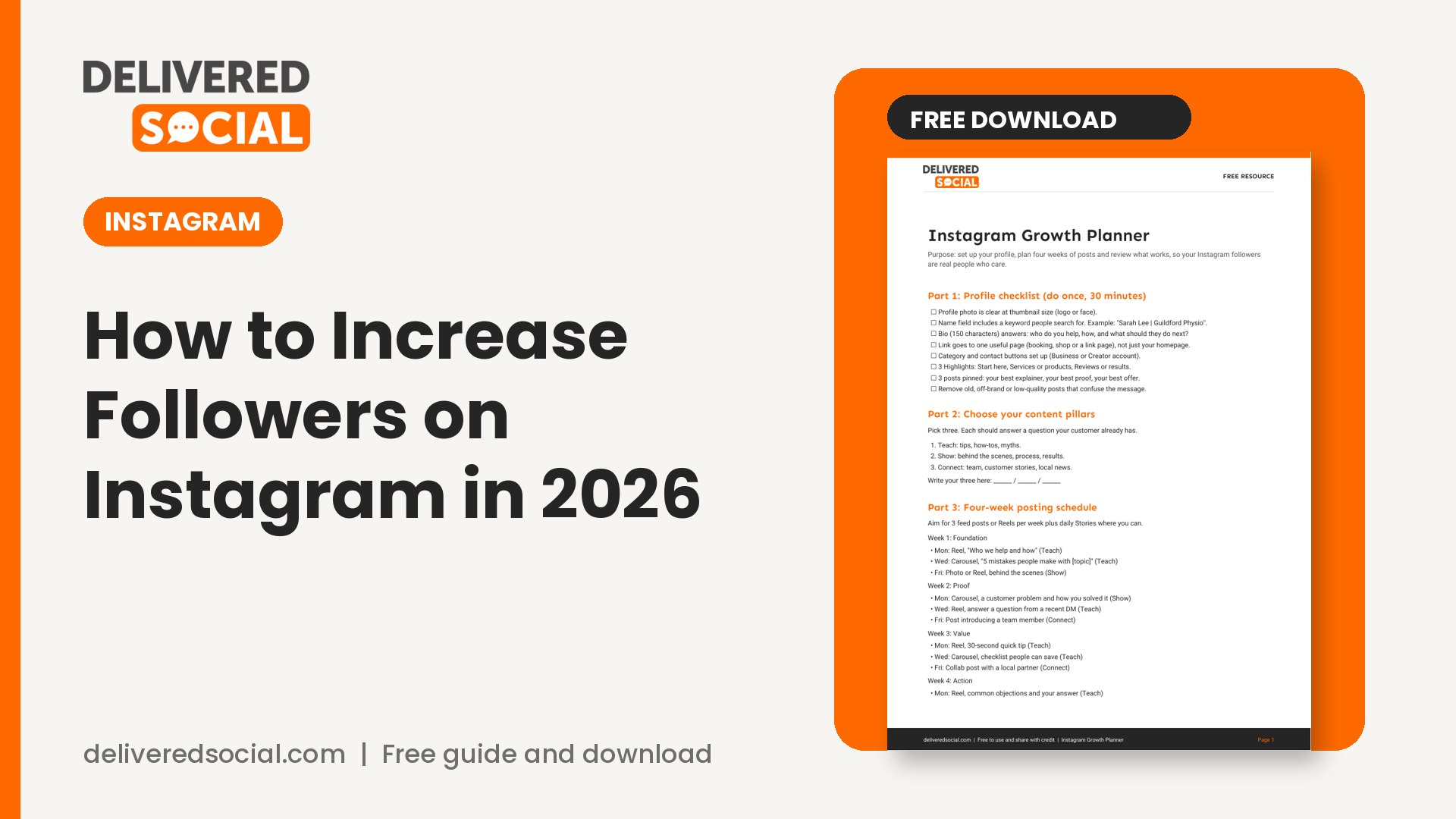
Get the free Instagram growth planner
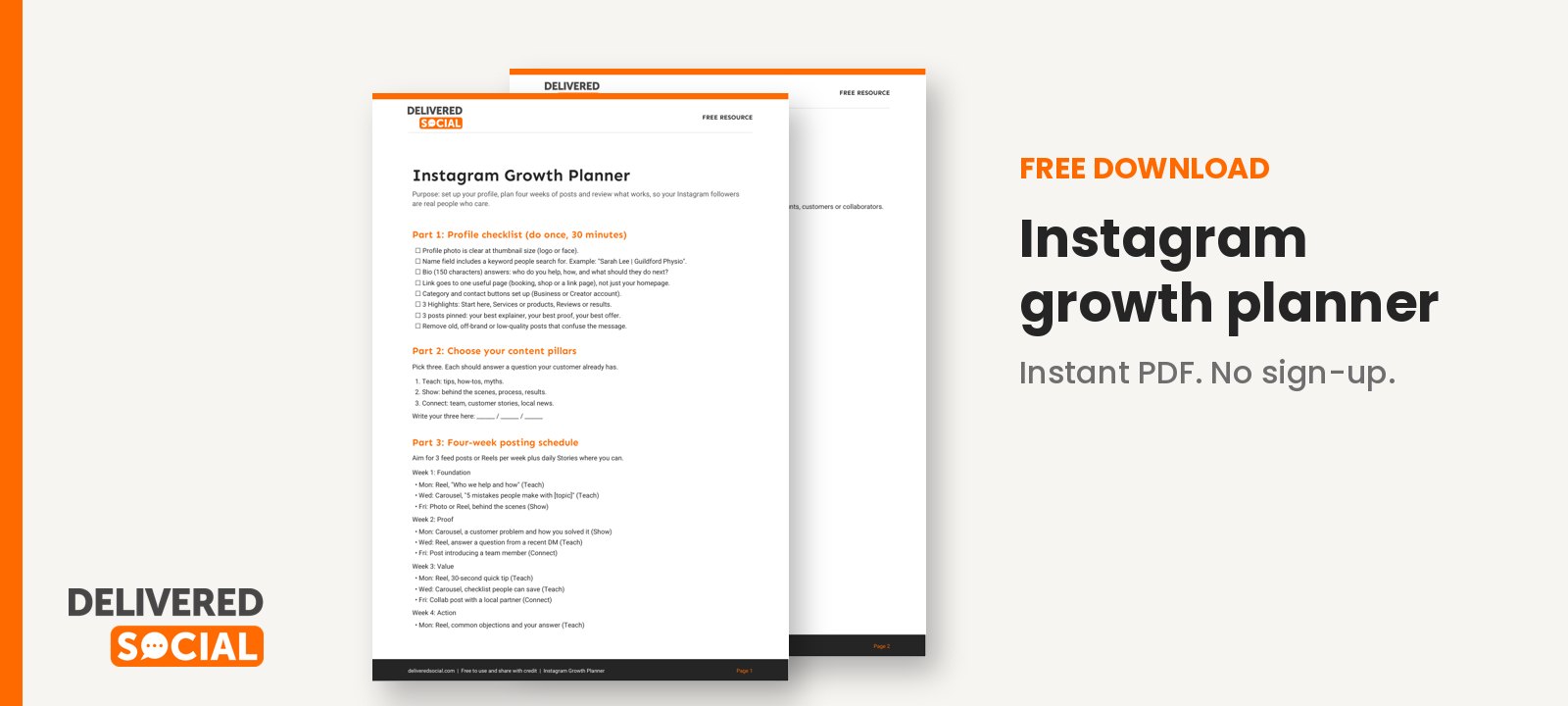
We have built the steps above into a planner with a profile checklist, content pillar worksheet, weekly posting plan and a simple tracker for your key numbers. Download the Instagram growth planner and fill in your first week today.
If you want expert hands on your Instagram, Delivered Social provides social media management for businesses who would rather spend their time running the business. You can get in touch for a friendly conversation about what would help.
































