



Keep reading
Rather we just did it for you?
Let's get your business seen.
Social media, websites, SEO and ads from a team you can actually meet.
A good social media audit template has five parts: a list of every account you own, a check that each profile is accurate and secure, a review of your last three months of results, a look at your content and audience, and a short action plan. You can finish a small business audit in two to three hours, and it will show you what to stop, what to keep and what to do next.
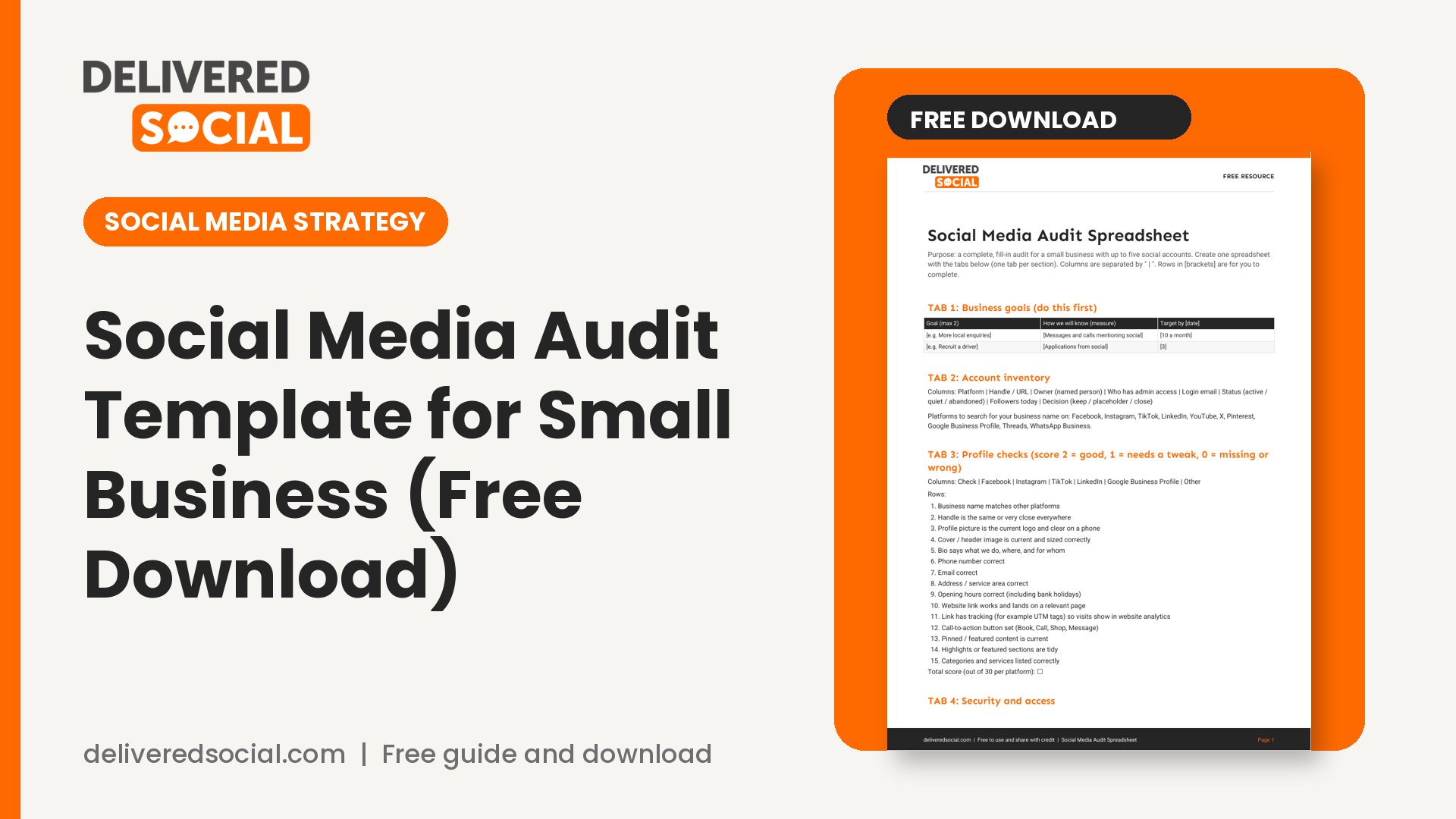
Below is the exact process we use, explained step by step, with the questions to ask at each stage. The free spreadsheet at the end of this article has every section laid out ready to fill in, so you don’t have to build anything from scratch.
What a social media audit is (and why small businesses skip it)
A social media audit is a structured review of where you are online and how well it is working. You gather the facts, compare them with your goals, and decide what to change.
Most small businesses never do one because it sounds like a corporate exercise. In practice, it is closer to a tidy-up. Over the years, businesses open accounts they forget about, change phone numbers without updating profiles, hand over passwords to ex-staff and post at random. An audit catches all that, usually in an afternoon.
Do one when you are starting out, once a year after that, and any time something big changes: a rebrand, a new service, a staff member leaving, or results that suddenly drop.
Before you use a social media audit template: set your goal and gather access
An audit without a goal is just a list. Write down one or two things social media should do for your business in the next six months. Examples:
- Bring in more enquiries from local customers.
- Help recruit staff.
- Keep existing customers informed and loyal.
- Support sales in your online shop.
Then collect what you need: logins for every platform, access to your analytics, your website analytics if you have them, and a spreadsheet to record what you find. If you don’t know who has admin access to your pages, that is already your first finding, and our guide on how to add an admin to a Facebook Page explains how to check and fix it.
Step 1: List every account you own
Search your business name on each platform, not just the ones you use. You may find an old Facebook Page, an unclaimed TikTok handle, a Twitter or X account from 2013 or a profile created by a former employee.
For each account, record:
- The platform and the exact handle or URL.
- Who owns it (a named person, the business, or nobody knows).
- Who has admin access.
- Whether it is active, quiet or abandoned.
- The follower count today, for a baseline.
Decide for each one: keep and improve, keep as a placeholder, or close. A tidy set of three active accounts is better than eight half-used ones. A social media audit template saves time because the questions are already written for you.
Step 2: Check every profile for accuracy and security
This is the quick-win stage. Visit each profile as if you were a new customer and tick off the basics:
- Name and handle: consistent across platforms, and easy to find.
- Profile picture and cover image: your current logo, correctly sized and clear on a phone.
- Bio or About section: says what you do, where, and for whom, in plain English.
- Contact details: phone number, email, address and opening hours are right.
- Website link: works, goes to a sensible page and ideally has tracking so you can see visits.
- Call-to-action button: “Book”, “Call”, “Shop” or similar, if the platform offers one.
- Pinned or featured content: still current.
Next, security. This is the part many audits forget, and it matters most:
- Is two-step verification on for every account? The National Cyber Security Centre recommends it for high-value accounts and your email in particular, and explains the options in its guide to setting up 2-step verification.
- Does anyone who has left the business still have access?
- Is the email address linked to each account one you control?
- Are passwords unique and kept in a password manager rather than a shared note?
Remove old access straight away. It takes minutes and prevents the sort of problem that takes weeks to resolve.
Step 3: Review your results for the last three months
Now the numbers. Open the built-in analytics on each platform. Instagram, for example, provides account and content insights, as outlined in the Instagram help page on viewing insights. The names of metrics and their exact definitions change from time to time, so check how each platform defines reach, views and interactions before comparing them.
For each account, record these for the last 90 days:
- Audience size and growth: followers at the start and end of the period.
- Reach or views: how many people saw your content.
- Engagement: likes, comments, shares and saves, and how you calculate the rate.
- Profile visits and link clicks: people showing interest in you.
- Enquiries and sales: messages, calls, bookings or purchases you can trace to social media.
The last one is the most important, and the hardest to find. Ask new customers where they heard about you, check your website analytics for visits from social platforms, and note down any message that mentions a post.
Avoid the trap of judging yourself only by follower count. A smaller, local, engaged audience that sends enquiries is worth more than a large, silent one. If you want to know how your engagement compares with others, read our guide to UK social media benchmarks first, because benchmarks are easy to misread.
Step 4: Audit your content
List your last 20 to 30 posts per platform in your spreadsheet. For each one, note the date, format (photo, video, carousel, story, text), topic, and the results. Then look for patterns:
- Which three posts did best, and what do they have in common?
- Which three did worst? Was it timing, topic, format or quality?
- How often did you post, and were there gaps?
- What share of content was about you, and what share was useful or entertaining to your audience?
- Did posts include a clear next step, such as a question or a link?
A simple way to sort topics is into four groups: educate, show your work, show your people, and ask or sell. Many small businesses find they post almost entirely in one group. A better balance usually helps.
Check your advertising compliance at this point too. If you promote your own products from your own account, the ASA says that is generally recognisable as advertising already, but paid, gifted or affiliate content from other people needs a clear label at the start. Review the ASA’s guidance on brand-owned and paid social media and note any posts that need fixing. Whichever social media audit template you choose, fill it in with real numbers, not impressions.
Step 5: Look at your audience and your competitors
Look at who follows you and who engages. Are they customers, potential customers, staff, suppliers, or people with no link to your business? Read the comments and messages for patterns: common questions, complaints and praise. These are free market research.
If your audience looks odd, for example a sudden jump in followers from unrelated places, check it before drawing conclusions. Our guide to spotting fake followers on any account shows how.
Then look at three competitors or similar businesses. Record how often they post, what formats they use, which of their posts get the most response, and what they do that you don’t. The point isn’t to copy them. It is to spot gaps you can fill, such as a question they never answer or a format they ignore.
Step 6: Check your consistency and brand
Put screenshots of your profiles side by side. Do they look like the same business? Check the logo, colours, tone of voice and the way you describe your service. Customers often move between platforms and your website, and a mismatch makes you look less established.
Also check:
- Do your replies sound like the same person or team?
- Are hashtags relevant and used sparingly?
- Do images have descriptive alt text, where the platform allows it, for accessibility?
- How quickly do you reply to comments and messages? Note the average.
Step 7: Turn findings into a short action plan
An audit is only useful if it leads to action. Go through your notes and sort them into three lists:
- Fix now (this week): wrong contact details, old admins, missing two-step verification, broken links.
- Improve (this month): bio rewrites, better profile images, a consistent posting rhythm, reply times.
- Rethink (this quarter): platforms to drop, new formats to test, content topics to expand, budget decisions.
Limit yourself to five priorities. A long list stays a list. For each, write who is responsible, a deadline, and how you’ll know it worked. Then put your new priorities into a calendar. If you need one, our roundup of free social media content calendar templates will save you time.
Set a date three months ahead to repeat a lighter version of the audit, covering just the numbers and the action list. Run the social media audit template twice a year and compare the results.
Common mistakes in a social media audit
- Counting vanity numbers only. Followers are the easiest figure to find and the least connected to income.
- Skipping access and security. The most serious problems, such as a former employee holding the keys, hide here.
- Comparing different measures. Reach on one platform isn’t defined the same way as views on another. Compare each account with its own past results.
- Auditing too many platforms. Review the ones you use or plan to use, and ignore the rest.
- Making no decisions. If the audit doesn’t end with stop, start and continue lists, it was just reading.
Frequently asked questions
How often should a small business run a social media audit?
A full audit once a year is enough for most. Add a quick quarterly check of numbers and access. Run an extra one whenever you rebrand, change staff or see an unexplained fall in results.
How long does a social media audit take?
Two to three hours for a business with two or three active accounts. The first one takes longest because you are creating the spreadsheet and finding forgotten accounts.
Do I need paid tools?
No. The built-in analytics on each platform and a spreadsheet are enough for a small business. Paid tools save time later, but they are not required.
What should I do if my results have dropped?
Run the audit, then work through the causes one by one. Our guide to why your Instagram engagement may have dropped gives a 7-point check.
Should I delete old accounts?
If nobody uses an account and it could confuse customers, close it or turn it into a signpost to your active account. Before you close anything, download any content you want to keep, and make sure you aren’t giving up a handle you might want back.
Get the free Social Media Audit Spreadsheet
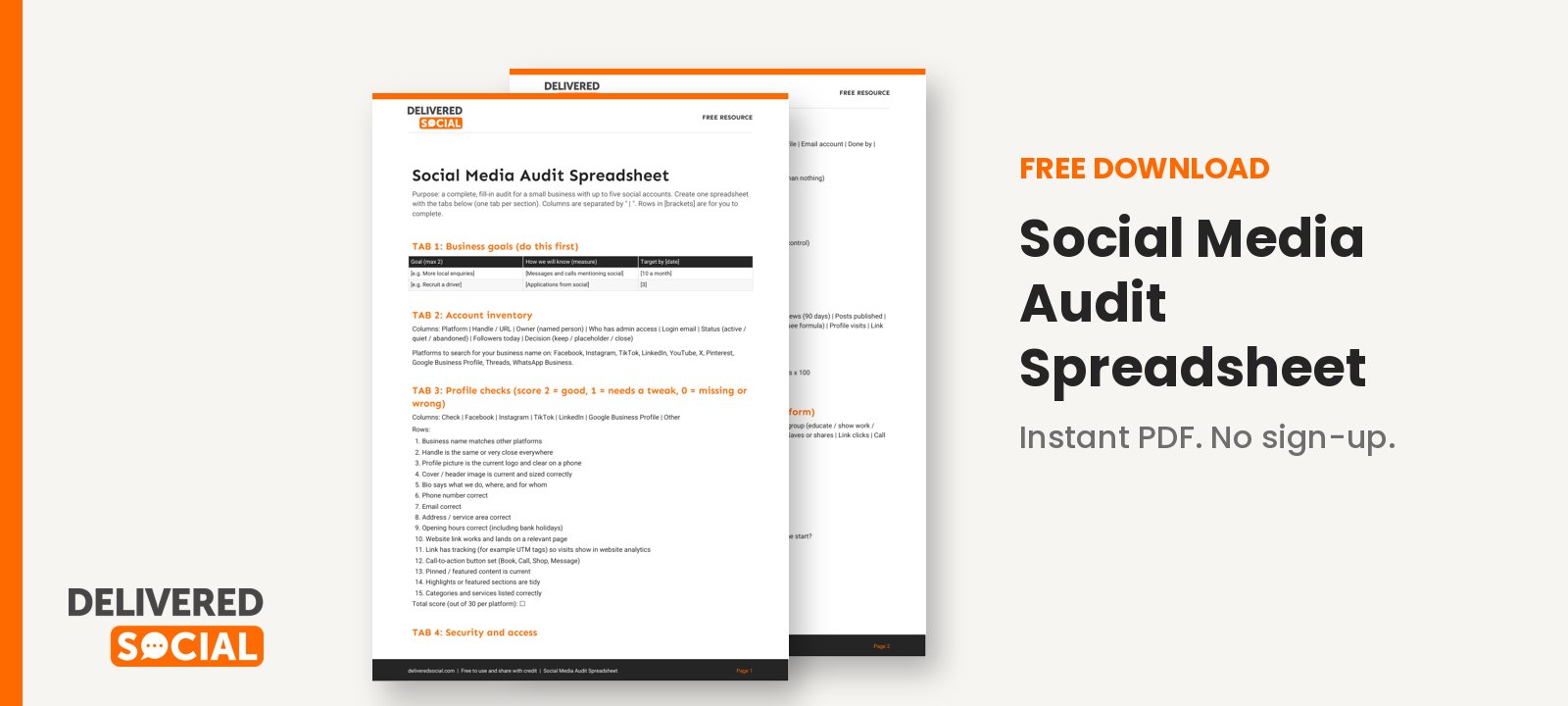
We have turned this whole process into a ready-to-use spreadsheet, with tabs for your account list, profile checks, security checks, 90-day results, content review, competitor notes and your action plan. Download the free Social Media Audit Spreadsheet, fill it in over an afternoon, and you will know exactly where to focus.
If you’d like experienced help running the audit and acting on it, Delivered Social can help with social media management for small and growing businesses, and you are welcome to contact us to talk it through.
































