



Keep reading
Rather we just did it for you?
Let's get your business seen.
Social media, websites, SEO and ads from a team you can actually meet.
Meta ads are the adverts you see on Facebook, Instagram, Messenger, Threads and WhatsApp. With billions of people using Meta’s apps every month, they are one of the most effective ways for small businesses to reach new customers, as long as they’re set up properly. This guide explains what Meta ads are, where they appear, what they cost, how to set up your first campaign and how to avoid wasting money.
What are Meta ads?
Meta ads are paid adverts created in Meta Ads Manager, the tool that used to be called Facebook Ads Manager. One campaign can show your adverts across all of Meta’s apps, so you don’t need separate accounts for Facebook and Instagram. You choose who you want to reach, what you want them to do and how much you want to spend, and Meta’s system shows your ads to the people most likely to respond.
Where do Meta ads appear?
| App | Placements |
|---|---|
| Feed, Stories, Reels, Marketplace, video feeds, search results, right column on desktop | |
| Feed, Stories, Reels, Explore, profile feed | |
| Messenger | Inbox and Stories, plus click-to-message ads that start a chat |
| Threads | Between posts in the Threads feed |
| The Updates tab (Status), and click-to-WhatsApp ads from Facebook and Instagram | |
| Audience Network | Other apps and websites that partner with Meta |
For most small businesses, the default “Advantage+ placements” setting works well, because Meta moves your budget to wherever your ads perform best.
Meta ad campaign objectives
Every campaign starts with an objective. Choose the one that matches what you actually want:
- Awareness: show your ad to as many relevant people as possible.
- Traffic: send people to your website or app.
- Engagement: get likes, comments, video views or messages.
- Leads: collect enquiries through an instant form, messages or calls.
- App promotion: get people to install or use your app.
- Sales: get people to buy or book on your website.
Our guide to how Facebook ads are charged explains which objective to pick and how each one is billed.
How much do Meta ads cost?
You set the budget, and there’s no minimum contract. You can start from a few pounds a day, although most small businesses see clearer results from around £10 to £30 a day per campaign. What you actually pay per click or lead depends on your industry, location, competition, time of year and, above all, how good your adverts are.
- Daily or lifetime budget: spend a set amount per day, or a total over the campaign.
- You pay for results or impressions: usually per 1,000 impressions, with Meta aiming for the result you chose.
- Costs rise in busy seasons: Black Friday and Christmas are the most expensive weeks of the year.
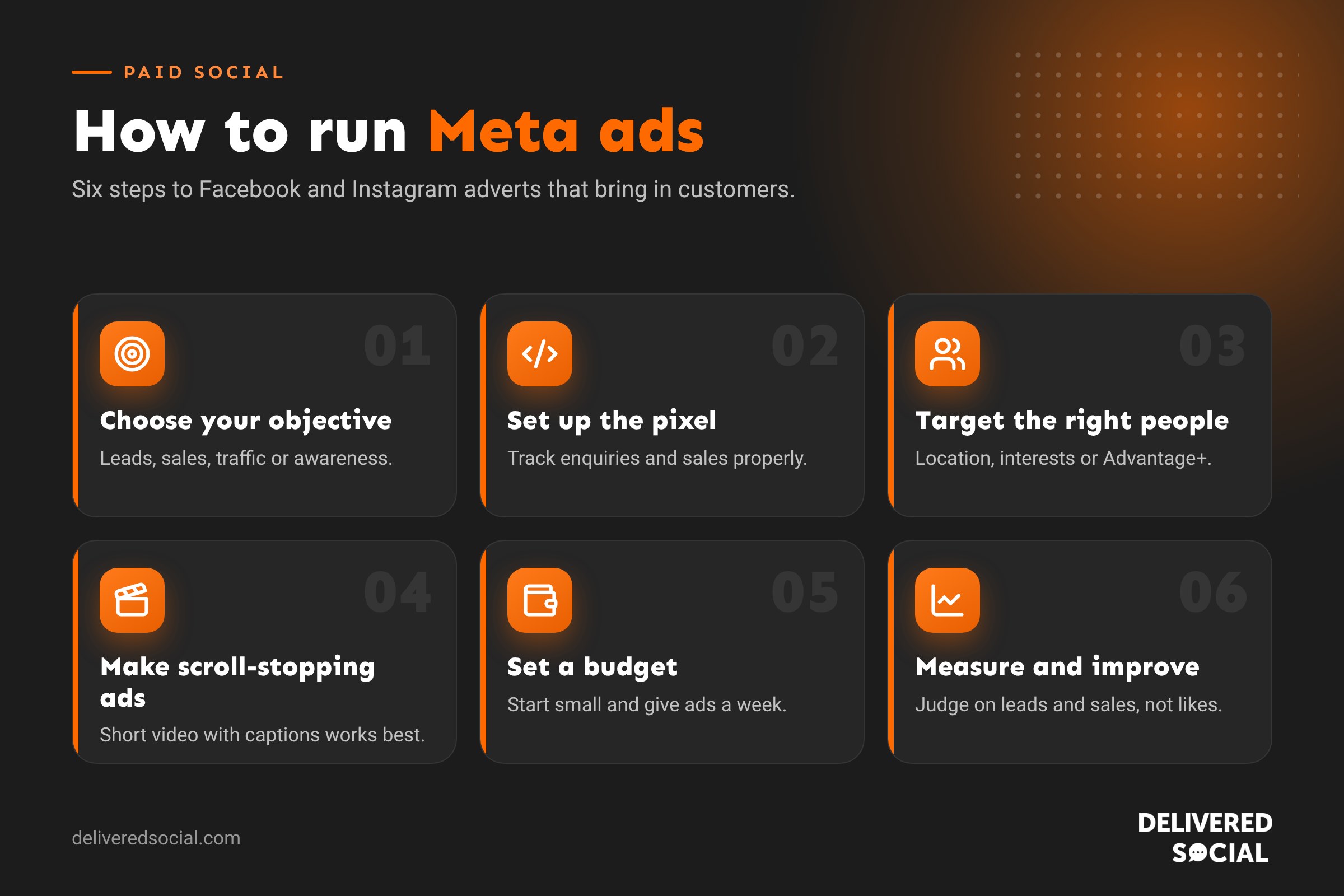
How to set up Meta ads, step by step
- Create a Meta Business account (Meta Business Suite) and connect your Facebook Page and Instagram account.
- Add a payment method in Ads Manager.
- Install the Meta Pixel and Conversions API on your website so Meta can track enquiries and sales. Without this, it can’t optimise properly.
- Choose your objective, such as Leads or Sales.
- Set your audience: location, age and interests, or let Meta’s Advantage+ audience find people for you. Upload your customer list to create a lookalike audience.
- Set your budget and schedule.
- Create your adverts: upload images or videos, write your text and headline, and add a clear button such as Book now or Get quote.
- Publish and wait: give new ads about a week to learn before making big changes.
Meta ad formats
- Single image: simple and quick to make.
- Video and Reels: usually the best performers, especially short vertical videos of 15 to 30 seconds.
- Carousel: up to ten images or videos people can swipe through, ideal for products or before-and-after.
- Collection: a cover image or video with products underneath, for online shops.
- Lead ads: an instant form people fill in without leaving Facebook or Instagram.
Tips for better Meta ads
- Hook people in the first two seconds with movement, a face or a bold statement.
- Design for sound off: add captions to every video.
- Test several creatives: three to five different ads per campaign lets Meta find the winner.
- Use real photos and people rather than polished stock images.
- Make the landing page match the ad, with the same offer and a clear next step.
- Refresh ads every few weeks before people get tired of seeing them.
Common Meta ads mistakes
- Boosting posts instead of building proper campaigns in Ads Manager.
- No pixel, so Meta can’t see which ads bring enquiries.
- Targeting too narrowly, which pushes costs up.
- Changing campaigns every day before they’ve had time to learn.
- Judging success on likes instead of leads and sales.
Meta ads vs Google Ads
Google Ads reach people who are already searching for what you sell. Meta ads reach people before they search, based on who they are and what they’re interested in. Many businesses use both: Meta to create demand and Google to capture it. Our guide to Meta ads vs Google Ads compares them in detail, and you can see what competitors are running in the Facebook Ads Library.
Frequently asked questions
What is the difference between Facebook ads and Meta ads?
They’re the same thing. Meta ads is the newer name, because the same campaigns can now run across Facebook, Instagram, Messenger, Threads and WhatsApp.
Is Meta Ads Manager free?
Yes. Ads Manager is free to use; you only pay for the adverts you run.
How long before Meta ads work?
Most campaigns need around a week, or about 50 results, to finish the learning phase. Judge them over two to four weeks, not a day or two.
Should I boost posts or use Ads Manager?
Boosting is fine for extra reach on a popular post. For leads and sales, Ads Manager gives you far more control over objectives, audiences and tracking.
Want Meta ads that bring in customers?
We plan, build and manage Facebook and Instagram advertising for small businesses across Surrey, Hampshire and the UK, with clear reporting on what you’re getting for your money. See our Meta ads management services or call us on 01483 608 303 for a friendly chat.































