



Keep reading
Rather we just did it for you?
Let's get your business seen.
Social media, websites, SEO and ads from a team you can actually meet.
Boomerangs are short looping videos that play forwards and backwards, turning everyday moments into eye-catching clips: a coffee being poured, a toast with friends, a product being unboxed. This guide explains how to do a Boomerang on Instagram, how to edit and post one to your Story, Feed or Reels, how to make a Boomerang from an existing video, and how businesses can use them to add movement and personality to their content.
What is a Boomerang?
A Boomerang is a burst of photos stitched together into a mini video that loops back and forth. It lasts just a few seconds but repeats, so viewers see the motion again and again. Instagram first launched Boomerang as a separate app in 2015, then built it into the Instagram camera, which is where most people use it today.
Boomerangs work because they’re simple, playful and catch the eye in a feed full of still images.
How to do a Boomerang on Instagram Stories
- Open Instagram and swipe right from your feed, or tap + and choose Story.
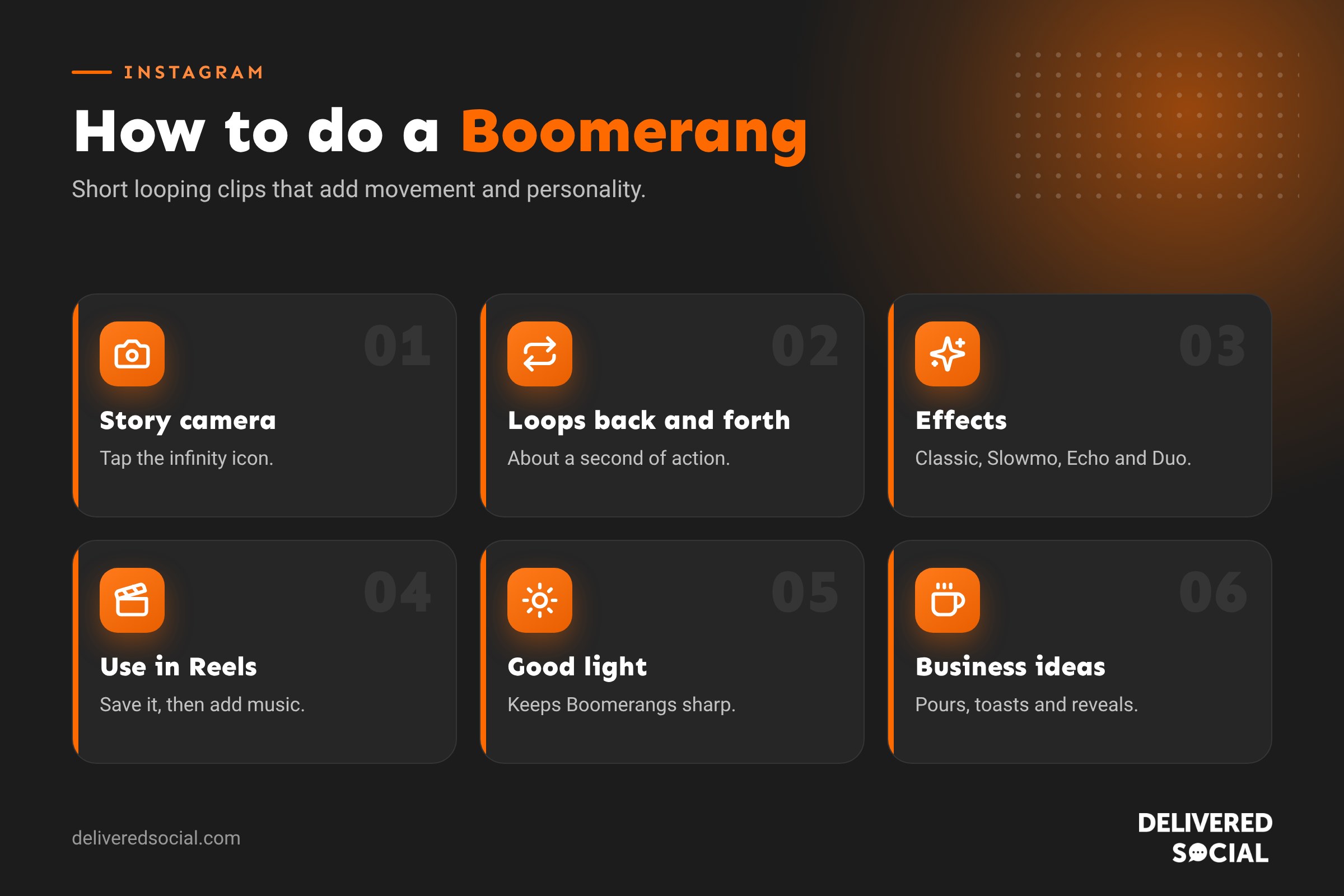
- Look at the tools down the left side of the camera and tap the Boomerang icon (an infinity symbol). You may need to tap the arrow to see more tools.
- Point your camera at something moving and tap the capture button. Instagram records a short burst automatically.
- Preview your Boomerang. Tap the Boomerang icon at the top to choose an effect such as Classic, Slowmo, Echo or Duo.
- Add text, stickers, music or a GIF if you like.
- Tap Your story or Close Friends to share.
How to make a Boomerang for Reels
- Tap + and choose Reel.
- Look for the Boomerang option among the camera tools, or record a short clip.
- If Boomerang isn’t available in the Reels camera on your version of the app, create it in Stories first, save it to your phone and then upload it to a Reel.
- Add music, text and effects, then share.
Because Boomerangs are so short, they work best in Reels when combined with other clips, or looped a few times with music.
Boomerang effects explained
| Effect | What it does | Good for |
|---|---|---|
| Classic | Plays forwards and backwards at normal speed | Toasts, waves, jumps |
| Slowmo | Slows the motion down | Pouring drinks, hair flicks, splashes |
| Echo | Adds a motion blur trail | Dance moves, sport, spinning products |
| Duo | Speeds up and rewinds with a glitchy effect | Fun reveals and transitions |
You can also trim the start and end of your Boomerang to tighten the loop.
How to make a Boomerang from an existing video
Instagram’s Boomerang mode records live, but you can create a similar effect from a video already on your phone:
- In an editing app such as Edits or CapCut, trim a one to two second clip, duplicate it, reverse the copy and place it after the original. Loop the pair a few times.
- On iPhone, Live Photos can be turned into a Bounce effect in the Photos app, which looks like a Boomerang. Save it as a video and upload it.
- On Android, some camera and gallery apps include a similar loop or “bounce” effect.
How to save a Boomerang to your phone
Before sharing, tap the download or three dots, then Save option on the editing screen. Once shared to your Story, open it, tap the three dots and choose Save. Boomerangs save as short videos you can reuse elsewhere.
Boomerang ideas for businesses
- Cafés and bars: clinking glasses, latte art being poured, a slice of cake being lifted.
- Retail: a bag being opened, a product spinning, a scarf being thrown.
- Salons: a hair flip after a blow-dry, nails being shown off.
- Trades: a door swinging open on a new fitting, a tap being turned on.
- Gyms: a kettlebell swing, a box jump, a high five.
- Events: confetti, a ribbon cutting, a team cheer.
- Offices: a celebratory toast for a client win or a new starter.
Tips for great Boomerangs
- Keep it simple. One clear action looks best.
- Use good light. Boomerangs are a burst of photos, so dim light makes them blurry.
- Hold the phone steady and let the subject move, not the camera.
- Choose motion that looks good in reverse, such as pouring, jumping or throwing.
- Add a short text caption to explain the moment or add a call to action.
- Combine with stickers such as polls and questions to encourage replies.
Boomerangs vs Reels vs photos
| Boomerang | Reel | Photo | |
|---|---|---|---|
| Length | About 1 to 3 seconds, looping | Up to 3 minutes | Still |
| Effort | Very low | Medium to high | Low |
| Best for | Quick, playful moments | Reach, tips and stories | Showing detail and quality |
| Where | Stories, Reels, posts | Reels tab, feed, profile | Feed, carousels, Stories |
Is the Boomerang app still available?
Instagram’s original standalone Boomerang app is no longer the main way to make Boomerangs. The feature lives inside the Instagram camera, mainly in Stories. If you can’t find it, update the Instagram app, as Instagram moves camera tools around from time to time.
Common Boomerang problems
- Can’t find the Boomerang option: update the app and look in the Story camera tools on the left side.
- Boomerang looks blurry: use more light and keep the phone still.
- Boomerang too short for Reels: loop it in an editor or combine it with other clips.
- No sound: Boomerangs don’t record audio. Add music or a voiceover when editing.
Making Boomerangs part of your content plan
Boomerangs work best as a quick, regular extra rather than your main content. Some easy ways to build them in:
- Daily opener: a Boomerang of the door opening or the coffee machine starting up.
- New arrivals: a quick spin or lift of each new product.
- Celebrations: birthdays, anniversaries, new starters and client wins.
- Events: a few Boomerangs dotted through your event Stories add energy.
- Before and after: a Boomerang reveal at the end of a transformation sequence.
Boomerang vs Layout vs Hands-free
The Instagram camera has several other quick-capture tools that pair well with Boomerangs:
| Tool | What it does |
|---|---|
| Boomerang | Short looping clip that plays forwards and backwards |
| Layout | Several photos in one frame, like a collage |
| Hands-free | Records without holding the button |
| Dual | Records with the front and back cameras at the same time |
| Timer | Countdown before recording starts |
Turning Boomerangs into Reels
A single Boomerang is short, but several can make a lively Reel. Capture four to six Boomerangs of different moments, save them to your phone, then combine them in the Reels editor or Edits with an upbeat track. Time each clip to the beat of the music for a polished result. Add a text hook at the start, such as “A day at our bakery in 10 seconds”, and a call to action at the end.
Lighting and setup for sharper Boomerangs
- Shoot in daylight or under bright, even light.
- Rest your phone on a surface or use a small tripod.
- Keep the background simple so the movement stands out.
- Practise the action once or twice so the timing is right.
- Take several and keep the best one.
Accessibility
Rapid looping motion can be uncomfortable for some viewers. Avoid very fast, flashing Boomerangs, and add a short text description to your Story so everyone knows what’s happening.
Boomerang ideas by season
- Spring: flowers being arranged, windows being opened, new seasonal stock.
- Summer: ice cream scoops, drinks being clinked outside, beach or garden moments.
- Autumn: leaves thrown in the air, warm drinks being poured, cosy displays.
- Winter: Christmas crackers being pulled, gifts being wrapped, snow or frost scenes.
Seasonal Boomerangs are quick to make and help your Stories feel current and fun. Pair them with a poll sticker, such as “Hot chocolate or mulled wine?”, to turn a two-second clip into a conversation with your followers.
Measuring whether Boomerangs work for you
Check your Story insights for frames that include Boomerangs. Compare replies, sticker taps, back taps and exits with your other Story frames. If Boomerangs keep people watching longer or lead to more replies, add them more often. If they don’t make a difference, keep them for special moments. Every audience is different, and a little testing tells you what your followers enjoy.
Whatever you decide, take a few minutes to review the settings mentioned in this guide every few months. Social platforms change their menus and features regularly, and a quick check keeps your account working the way you want it to.
Frequently asked questions
How long is an Instagram Boomerang?
Each Boomerang captures about a second of action and loops it, typically playing for a few seconds in total.
Can I post a Boomerang to my feed?
Yes. Save it from your Story, then upload it as a post or Reel.
Do Boomerangs have sound?
No. You can add music or audio when posting.
Can I make a Boomerang on a computer?
Not in Instagram on the web. Create it on your phone, or use a video editor to make a similar loop.
Want more eye-catching content?
We help small businesses across Surrey, Hampshire and the UK create Instagram content that stops the scroll. See our social media services or call us on 01483 608 303.































