




Keep reading
Rather we just did it for you?
Let's get your business seen.
Social media, websites, SEO and ads from a team you can actually meet.
Facebook Marketplace is one of the busiest places in the UK to buy and sell locally, from furniture and cars to handmade goods and services. It’s built into the Facebook app, which means millions of people already have it in their pocket. This guide explains how to use the Facebook Marketplace app to buy and sell, how to create a good listing, how to stay safe, and how small businesses can use Marketplace alongside their other marketing.
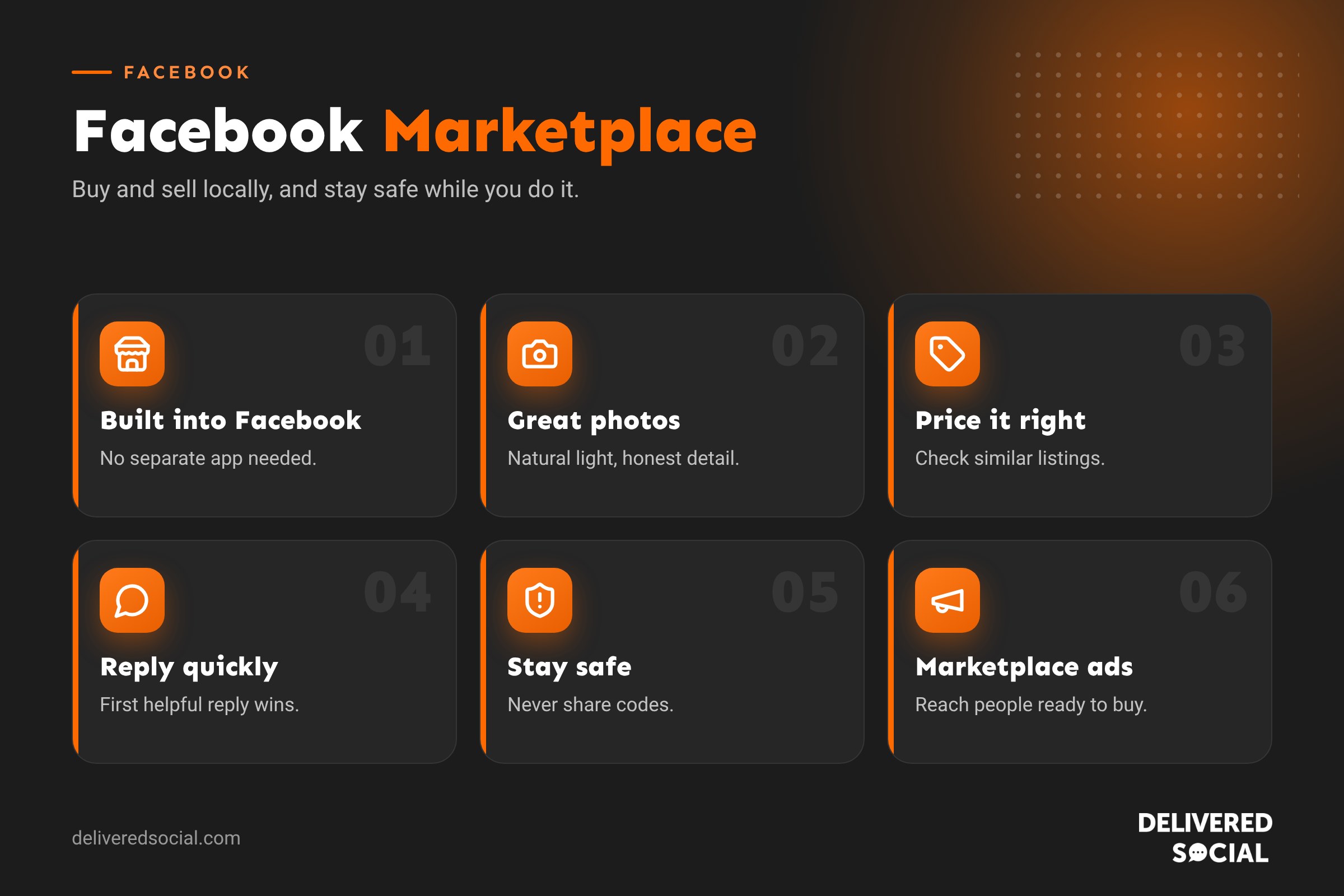
What is Facebook Marketplace?
Facebook Marketplace is a free buying and selling area inside Facebook. People list items with photos, a price and a location, and buyers message them through Messenger to arrange collection, delivery or payment. Listings are shown to people nearby, which makes it ideal for local sales.
Where to find Marketplace in the app
- On mobile: tap the Marketplace icon (a shopfront) in the menu bar, or tap the menu and choose Marketplace.
- On a computer: go to facebook.com/marketplace or click Marketplace in the left menu.
There isn’t a separate Marketplace app; it’s part of the main Facebook app. If you don’t see it, update the app, check your age (you must be at least 18) and make sure your account is in good standing.
How to sell on Facebook Marketplace
- Open Marketplace and tap Sell or Create new listing.
- Choose the listing type: Item for sale, Vehicle or Property for sale or rent.
- Add clear photos (up to 10 for items), taken in good light from several angles.
- Write a title, set a price and choose a category and condition.
- Add a detailed description, including size, brand, model, any flaws and collection details.
- Set your location and choose whether to offer delivery or collection.
- Tap Publish.
Writing a listing that sells
| Part of the listing | Tip |
|---|---|
| Photos | Natural light, clean background, show any wear honestly |
| Title | Brand, item, key detail: “Ikea Kallax 4×4 shelf unit, white” |
| Price | Check similar listings and price competitively |
| Description | Measurements, age, condition, reason for selling, collection area |
| Response time | Reply quickly, as buyers often message several sellers |
How to buy on Facebook Marketplace
- Browse categories or search for what you want.
- Use filters for location, distance, price and condition.
- Tap a listing to see details and the seller’s profile.
- Tap Message to ask questions or arrange to buy.
- Agree on payment and collection, or use delivery and checkout if offered.
Staying safe on Marketplace
- Meet in public places for collections, or have someone with you at home.
- Inspect items before paying, especially electronics and vehicles.
- Be wary of deals that seem too good to be true.
- Don’t share codes. Scammers may ask you to read out a verification code; this is a trick to take over your accounts.
- Avoid unusual payment requests, such as gift cards or paying a “delivery agent”.
- Check the seller’s profile and Marketplace ratings.
- Use Facebook’s checkout where available for added protection.
- Report suspicious listings and messages to Facebook.
Can businesses use Facebook Marketplace?
Yes, in several ways, though the rules have changed over time:
- Selling stock: small businesses can list items for sale, especially one-off or local items. Facebook has rules on what can be sold and how, so check the Commerce Policies.
- Shops: businesses with a Facebook or Instagram shop may have products shown in Marketplace in some regions.
- Vehicles and property: dealers and agents can list through partner tools in some markets.
- Marketplace adverts: Meta Ads Manager includes Marketplace as an advert placement, so your adverts can appear while people browse.
Services are generally best promoted through your Facebook Page, local groups and adverts rather than Marketplace listings.
Advertising on Marketplace
Marketplace is a high-intent place: people are actively looking to buy. In Meta Ads Manager, the Marketplace placement is included when you use Advantage+ placements, or you can select it manually. Adverts appear among listings and look similar to them, so use clear product photos and a straightforward message. Our guide to Meta ads explains how campaigns work.
What you can’t sell
Facebook doesn’t allow some items on Marketplace, including animals, medicines and health products, weapons and ammunition, alcohol and tobacco, adult products, digital products and subscriptions, and items that aren’t physically available. Listings that break the rules are removed, and repeated breaches can lead to your access being restricted.
Marketplace tips for regular sellers
- Renew listings to bump them back up in search.
- Mark items as sold promptly to avoid repeated messages.
- Use saved replies for common questions about availability and collection.
- Keep a consistent profile with a clear photo, so buyers trust you.
- Collect good ratings by being reliable and honest.
- Cross-promote in local Facebook groups where allowed.
Marketplace and tax
Selling your own unwanted items occasionally is usually not taxable. If you’re buying to resell, making items to sell or selling regularly, HMRC may treat it as trading income. Platforms are now required to report some sellers’ information to HMRC. If you’re unsure, speak to an accountant.
Common problems
- Marketplace not showing: update the app, check you’re over 18 and that your account is in good standing.
- Listing rejected: it may break the Commerce Policies; read the reason and edit or request a review.
- No messages: improve the photos, title and price, and renew the listing.
- Access restricted: follow the steps in Facebook’s Support inbox to request a review.
Marketplace categories at a glance
| Category | Popular items |
|---|---|
| Home and garden | Furniture, appliances, tools, garden furniture |
| Vehicles | Cars, vans, motorbikes, bikes |
| Electronics | Phones, laptops, consoles, TVs |
| Family | Baby equipment, toys, children’s clothes |
| Clothing and accessories | Designer clothing, shoes, bags |
| Hobbies | Musical instruments, sports gear, collectables |
| Property | Rooms and homes to rent or buy |
Pricing tips
- Search for the same or similar items to see what they’ve sold for.
- Price slightly above your minimum to leave room for offers.
- Include “price is firm” or “open to offers” so buyers know where they stand.
- For bulky items, a quick sale at a lower price often beats weeks of waiting.
- Bundle smaller items together to make them more appealing.
Replying to buyers
Buyers often message several sellers at once, so the first helpful reply usually wins. Turn on notifications, answer questions clearly and agree collection details in writing. If you receive lots of “Is this still available?” messages, reply with the key details and a time for collection. Mark items as pending or sold as soon as a sale is agreed.
Using Marketplace alongside your Page
If you’re a small business, link your Marketplace activity to your wider Facebook presence. Make sure your profile or Page looks trustworthy, with a clear photo, a description of what you sell and good reviews. Share new stock on your Page and in your Stories too. Buyers who like what they see on Marketplace often check your Page before buying, and may follow you for future items.
Spotting common Marketplace scams
- Buyers offering to pay more than the asking price.
- Requests to move the conversation to another app or email.
- Fake payment confirmation emails or screenshots.
- Sellers insisting on a deposit before you’ve seen the item.
- Requests for verification codes sent to your phone.
If something feels wrong, stop, don’t send money and report the listing or profile.
Delivery and shipping
Many Marketplace sales are collection only, which keeps things simple for bulky or fragile items. Some sellers offer local delivery for a fee, and in certain categories Facebook has offered shipping with checkout, where the buyer pays through Facebook and the seller posts the item. If you offer delivery, be clear about the cost and timescale in your listing, and keep proof of postage. For high-value items, use a tracked service and ask the buyer to confirm receipt.
Building a reputation as a seller
Buyers can rate sellers after a sale, and good ratings make future sales easier. Describe items honestly, turn up on time, reply politely and be flexible where you can. A seller with a strong history of positive ratings is far more likely to be trusted, especially for higher-priced items.
Once you’ve sold a few items, ask happy buyers to leave a rating. It only takes them a moment and makes your next sale easier.
Whatever you decide, take a few minutes to review the settings mentioned in this guide every few months. Social platforms change their menus and features regularly, and a quick check keeps your account working the way you want it to.
Frequently asked questions
Is Facebook Marketplace free?
Listing items is free. Fees may apply if you use checkout and shipping features.
Is there a separate Facebook Marketplace app?
No. Marketplace is part of the main Facebook app and website.
Can I sell on Marketplace as a business?
Businesses can list some items and advertise on Marketplace, but must follow Facebook’s Commerce Policies.
How do I get paid on Marketplace?
Most local sales are paid on collection. Some listings support checkout through Facebook, which processes the payment.
Want more local customers from Facebook?
We help small businesses across Surrey, Hampshire and the UK use Facebook Pages, groups and adverts to reach local customers. See our social media services or call us on 01483 608 303.































