



Keep reading
Rather we just did it for you?
Let's get your business seen.
Social media, websites, SEO and ads from a team you can actually meet.
Tagging people on Instagram links your posts to their accounts, notifies them and can show your content to their followers. Used well, it’s one of the simplest ways for a business to build relationships and reach new people. This guide explains how to tag people on Instagram in posts, Reels, Stories and comments, how to tag after posting, how to control who can tag you, and the etiquette of tagging for businesses.
Tags vs mentions: what’s the difference?
| Tag | Mention | |
|---|---|---|
| What it is | A label on the photo or video itself | An @username written in a caption, comment or Story |
| Where it shows | On the image and in the person’s Tagged tab | As a clickable link in the text |
| Notification | Yes | Yes |
| Best for | People or brands in the photo | Credit, shout-outs and conversations |
Most people use “tag” for both, and you’ll often use them together.
How to tag people in a new post
- Tap + and choose Post, then select your photo or carousel.
- Edit it and tap Next until you reach the caption screen.
- Tap Tag people.
- Tap the photo where you want the tag to appear and search for the username.
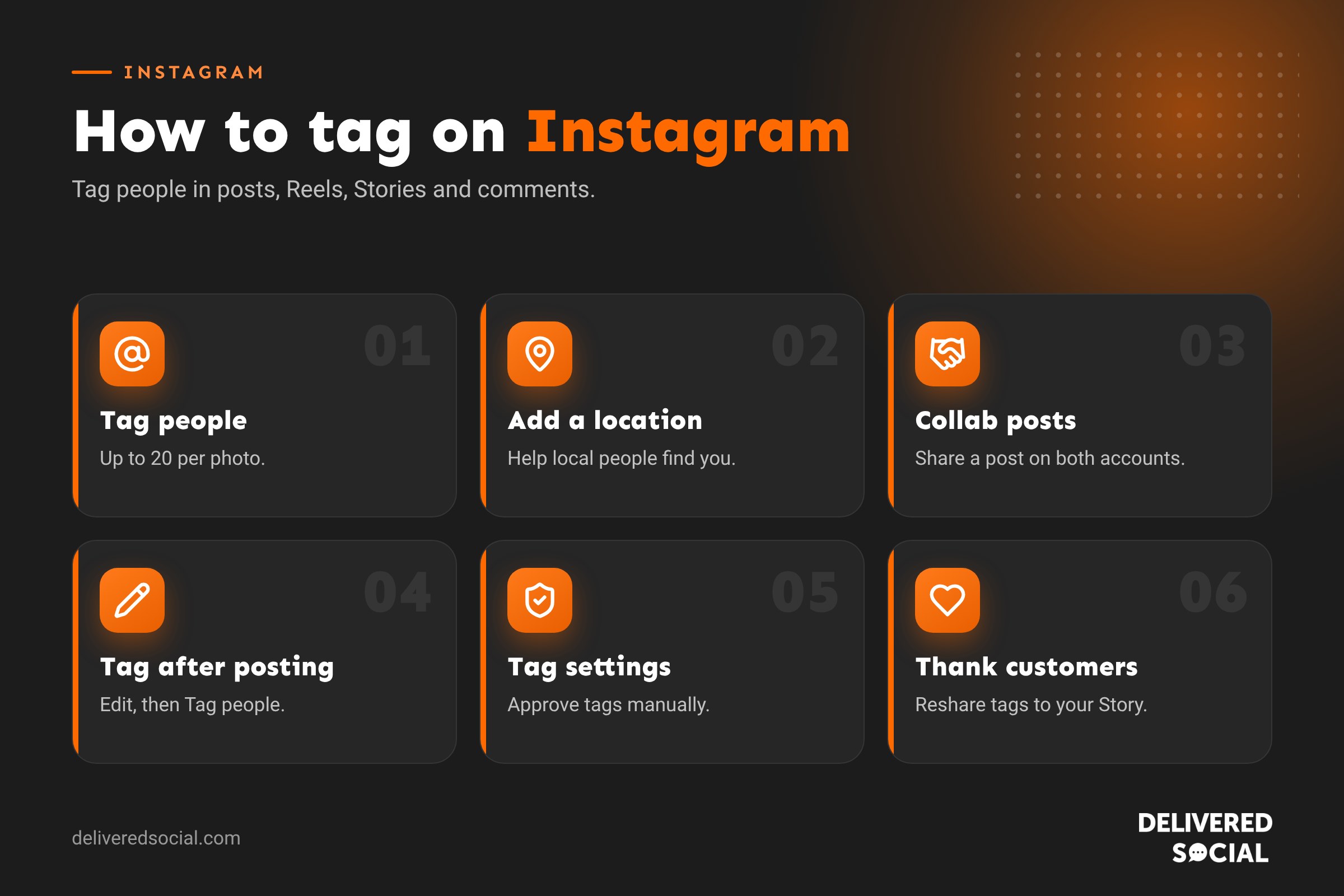
- Select the account. Repeat for others, up to 20 tags per photo.
- Tap Done, then Share.
How to tag people in a Reel
- Create your Reel and tap Next.
- On the sharing screen, tap Tag people.
- Search for and select the accounts.
- Share your Reel.
You can also mention people in the Reel’s caption or with a text overlay.
How to tag someone in a Story
- Create your Story.
- Tap the sticker icon and choose @Mention, or tap the text tool and type @ followed by their username.
- Select the account from the list.
- Share your Story.
The person gets a notification and can reshare your Story to their own, which is a great way to reach their followers.
How to tag someone in a comment
Type @ followed by their username in a comment, then choose them from the list. They’ll get a notification. This is how people share posts with friends, and how businesses reply to specific customers.
How to tag people after posting
- Open your post and tap the three dots.
- Tap Edit.
- Tap Tag people (bottom left of the photo).
- Tap the photo, add the tags and tap Done.
You can also edit the caption to add @mentions.
How to tag a location or product
- Location: on the caption screen, tap Add location and search for the place. Location tags help local people find your posts.
- Products: if you have an Instagram Shop, tap Tag products to link items from your catalogue.
Collab posts: going one step further
A collab post appears on both accounts’ profiles and feeds, sharing likes, comments and views. It’s ideal for partnerships, joint events and customer features. On the sharing screen, tap Tag people, then Invite collaborator, and choose the account. They’ll need to accept the invitation before the post appears on their profile.
Controlling who can tag you
- Go to Settings, then Tags and mentions.
- Choose who can tag you: everyone, people you follow, or no one.
- Turn on Manually approve tags to review tags before they appear on your profile.
- Choose who can @mention you in the same way.
Businesses usually allow everyone to tag them, because customer tags are free promotion, but manual approval helps keep your Tagged tab tidy.
How to remove a tag
If someone has tagged you and you’d rather they hadn’t, open the post, tap your name on the photo and choose Remove me from post. You can also hide tagged posts from your profile without removing the tag.
Tagging etiquette for businesses
- Tag people who are in the photo or who created it, such as a photographer.
- Ask permission before tagging customers, especially in photos of their homes or children.
- Don’t tag big brands or celebrities who aren’t in the content, just to get attention. It looks spammy.
- Tag suppliers and partners when you feature their products. It builds relationships and they may reshare.
- Credit original creators when you share their content.
- Don’t over-tag. A few relevant tags are better than twenty random ones.
How tagging helps your reach
Tagged people are notified and often engage with, comment on or reshare the post, especially in Stories. Their followers may then discover you. Collab posts go further by putting your post directly in the collaborator’s audience’s feeds. Location tags help people browsing a place find you. Together, these make tagging one of the most effective free tools on Instagram.
Common problems
- Can’t find someone to tag: they may have limited who can tag them, blocked you or changed their username.
- Tag not showing on their profile: they may manually approve tags or hide tagged posts.
- Too many tags: you can tag up to 20 accounts per photo.
Where your tags appear
| Where you tag | Where it shows |
|---|---|
| Photo or video in a post | On the image when tapped, and in the person’s Tagged tab |
| Reel | In the Reel’s details, and in the person’s Tagged tab |
| Story | As a clickable mention on the Story for 24 hours |
| Caption | As a clickable @username |
| Comment | As a clickable @username in the conversation |
| Bio | As a link to another account, such as a sister brand |
Tagging in your bio
You can mention other accounts in your Instagram bio by typing @ and their username. Businesses use this to link a main brand and its branches, a founder’s personal account, or a sister business. Keep it to one or two tags so your bio stays clear.
Getting customers to tag you
Customer tags are free advertising and social proof. To encourage more:
- Put your Instagram handle on receipts, packaging, menus, signs and your website.
- Ask happy customers in person: “Tag us if you post it!”
- Create a photo-worthy spot or display in your premises.
- Reshare customer Stories that tag you, and thank people publicly.
- Run occasional features such as “Customer of the month” for people who tag you.
Tagging and privacy
When you tag someone in a post, people who can see your post can see the tag, and if your account is public, that might include strangers. Be thoughtful about tagging people in photos at their homes, at private events or with children. If in doubt, ask first. Customers can also remove themselves from tags at any time, so respect it if they do.
Tagging for partnerships and paid content
If you work with a creator or another brand on paid content, use Instagram’s Paid partnership label as well as tagging them, and make sure the post is clearly marked as an advert, for example with “#ad” at the start of the caption. UK advertising rules require paid and gifted content to be obvious to viewers.
A quick tagging checklist before you post
- Have you tagged everyone who appears in or helped create the content?
- Do you have permission to tag customers?
- Have you added your location?
- Would a collab post reach more people?
- Is any paid partnership clearly labelled?
Tagging ideas for local businesses
- Tag suppliers when you feature their products, such as the farm your eggs come from.
- Tag the venue, photographer and florist when you post about an event.
- Tag other local businesses you collaborate with on offers or events.
- Tag your local area account or community page if they share local content.
- Tag team members who appear in posts, if they’re happy to be tagged.
Each tag is a small connection, and over time those connections build a network of local businesses and customers who share and support each other’s content.
Responding when someone tags you
When a customer tags your business, respond quickly. Like the post, leave a thank-you comment and, if it’s a Story, reshare it to your own Story with a short message. This shows you appreciate them, encourages others to tag you too and gives you authentic content to share. Saving the best customer tags to a “Reviews” or “Happy customers” Highlight keeps them visible to new visitors on your profile.
Whatever you decide, take a few minutes to review the settings mentioned in this guide every few months. Social platforms change their menus and features regularly, and a quick check keeps your account working the way you want it to.
Frequently asked questions
How many people can I tag on Instagram?
Up to 20 accounts per photo or video in a post.
Do people get notified when I tag them?
Yes, unless their settings prevent you from tagging them.
Can I tag someone who doesn’t follow me?
Usually yes, unless they’ve limited tags to people they follow.
Can I tag people in a Reel after posting?
Yes. Edit the Reel and add tags or mentions.
Want help building your Instagram community?
We help small businesses across Surrey, Hampshire and the UK grow engaged Instagram communities through partnerships, collabs and great content. See our social media services or call us on 01483 608 303.































