



Keep reading
Rather we just did it for you?
Let's get your business seen.
Social media, websites, SEO and ads from a team you can actually meet.
AI tools can now draft page copy, suggest layouts, generate images, write code snippets and even build a first version of a WordPress site in minutes. It’s an exciting shortcut, but there’s a big difference between a site that looks finished and one that actually brings in customers. This guide explains how to build a WordPress website with AI: which AI tools help at each stage, a step-by-step process, where human judgement still matters, and the pitfalls that can leave you with a generic, slow or unoptimised site.
What AI can help with
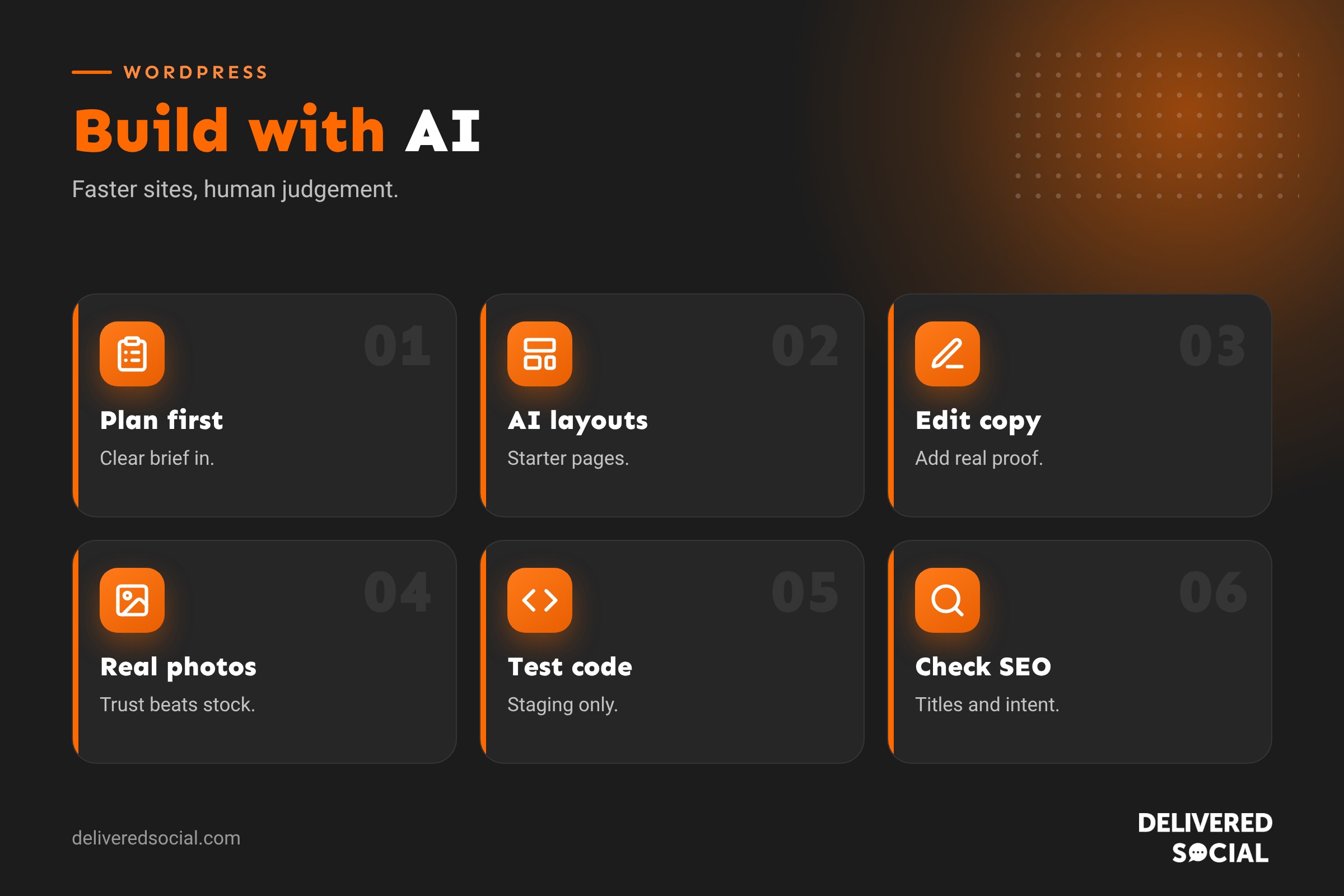
| Task | How AI helps | What still needs a human |
|---|---|---|
| Planning | Suggests sitemaps, page structures and user journeys | Knowing your customers and goals |
| Layout | AI site builders generate starter pages from a prompt | Brand fit, clarity and conversion |
| Copywriting | Drafts headlines, page copy and FAQs | Accuracy, voice, real proof and local detail |
| Images | Generates illustrations and graphics | Real photos of your team and work build more trust |
| Code | Writes CSS tweaks, small snippets and custom blocks | Testing, security and maintenance |
| SEO | Suggests keywords, titles and meta descriptions | Strategy, intent and checking facts |
| Accessibility | Drafts alt text and spots contrast issues | Final review and real testing |
Step 1: Plan before you prompt
AI works best with a clear brief. Before opening any tool, write down:
- What your business does and who it serves.
- The main action you want visitors to take (call, book, buy, enquire).
- The pages you need, such as Home, Services, About, Reviews and Contact.
- Your brand colours, fonts and tone of voice.
- Competitors and websites you like.
Feed this into an AI assistant and ask it to suggest a sitemap and page-by-page outline. Then edit it to match reality.
Step 2: Set up WordPress and hosting
Choose reliable WordPress hosting and register your domain. Many hosts install WordPress in one click and some include AI site builders. See our guide to WordPress hosting costs. Make sure SSL, backups and a staging site are available.
Step 3: Choose your AI building approach
- Host or platform AI builders: answer a few questions and get a starter site with pages, layout and placeholder copy.
- AI in page builders and themes: many page builders now include AI for generating sections, text and images inside the editor.
- AI in the block editor: plugins add AI writing and image tools to the WordPress editor.
- General AI assistants: use chat tools to draft content, then paste into WordPress.
Whichever you use, treat the output as a first draft.
Step 4: Design and layout
Use AI to generate layout ideas, then refine them using design basics: clear hierarchy, plenty of white space, consistent colours and fonts, and strong calls to action. Make sure every page has one clear goal. Our guide to web design for beginners covers the principles.
Step 5: Write content with AI, then make it yours
AI-written copy tends to be generic. To make it work:
- Give the AI specific details: your services, prices, areas covered, process and what makes you different.
- Rewrite in your own voice and remove clichés.
- Add real proof: reviews, case studies, accreditations, photos and numbers.
- Check every fact, especially prices, legal claims and statistics.
- Use UK English if your customers are in the UK.
Search engines reward helpful, original content that shows real experience. Pages that read like everyone else’s rarely stand out.
Step 6: Images
AI-generated images are useful for illustrations, backgrounds and concept graphics. But for people, premises, products and work examples, real photos are far more trustworthy. Never use AI images in a way that misleads customers, such as fake “team” photos or invented project results. Compress and resize all images before uploading.
Step 7: Use AI for small code tasks
AI assistants can write CSS to adjust styling, simple PHP snippets or custom block code. Always:
- Test code on a staging site first.
- Use a code snippets plugin or child theme, rather than editing theme files directly.
- Ask the AI to explain what the code does.
- Avoid pasting code you don’t understand into a live site.
- Never share passwords or private data with AI tools.
Step 8: SEO with AI
- Use AI to brainstorm keywords, then check demand with tools like Google Keyword Planner.
- Draft SEO titles and meta descriptions, then refine them.
- Generate FAQ ideas based on real customer questions.
- Make sure every page has a unique purpose and keyword focus.
Our WordPress SEO checklist covers the essentials.
Step 9: Test before launch
Check every page on mobile and desktop, test forms, check speed, review accessibility and proofread everything. AI tools can help spot issues, but test with real people too. Use our WordPress website launch checklist.
The pitfalls of AI-built websites
- Generic copy that doesn’t differentiate you.
- Inaccurate facts or invented claims.
- Bloated pages with too many sections and effects.
- Heavy plugins that slow the site down.
- Accessibility gaps such as poor contrast or missing alt text.
- Weak calls to action and no clear journey.
- Security risks from untested code.
Is an AI website builder better than WordPress?
Standalone AI website builders can produce a site very quickly, but you’re often locked into their platform with limited flexibility and SEO control. WordPress with AI tools gives you the speed boost while keeping ownership and room to grow. Our comparison of WordPress vs AI website builders goes into detail.
Can AI replace a web designer?
AI can replace some tasks, but not the thinking. A good designer or agency brings strategy, brand understanding, conversion experience, technical quality and accountability. Many agencies now use AI to work faster, passing the time saved on to better strategy and content. The best results often come from combining both.
A realistic timeline
With a clear brief and content ready, a simple brochure site built with AI help might take a few days rather than a few weeks. But don’t rush the parts that win customers: your message, proof, photos and calls to action deserve as much attention as ever.
Example: a dog groomer’s site in a weekend
A dog groomer uses an AI assistant to plan a five-page site and draft copy, then a host’s AI builder to generate a starter design in her brand colours. She replaces generic text with her own story, prices and areas covered, swaps AI images for real photos of dogs she’s groomed (with owners’ permission), adds Google reviews and a simple booking form, and asks a friend to test it on their phone. By Monday she has a site that looks professional and sounds like her, not like a template.
Prompts that work better
Vague prompts get vague results. Instead of “write a home page for a plumber”, try something like: “Write a home page for a family-run plumbing business in Woking, covering emergency repairs, boiler servicing and bathroom installs, for homeowners who want a reliable local firm. Use UK English, a friendly but professional tone, short paragraphs and a clear call to action to book a visit.” Then add real details such as years trading, guarantees and areas covered. The more specific your input, the less editing you’ll need.
Quick glossary
- Prompt: the instruction you give an AI tool.
- AI site builder: a tool that generates a website from your answers or a prompt.
- Staging site: a private copy for testing changes.
- Child theme: a safe way to customise a theme.
- Hallucination: when AI confidently states something false.
Key takeaways
- AI speeds up planning, layout, copy, images and small code tasks.
- Start with a clear brief; AI is only as good as your input.
- Rewrite AI copy with real details, proof and your own voice.
- Use real photos for people, premises and work.
- Test everything, especially code, speed and accessibility.
Frequently asked questions
Can AI build a WordPress website?
Yes, AI tools can create a starter site, but it needs human editing and testing.
Is AI-written content bad for SEO?
Not by itself, but generic, unhelpful or inaccurate content performs poorly. Edit and add real value.
What’s the best AI tool for WordPress?
It depends on your needs: AI builders for speed, editor plugins for content, assistants for planning and code.
Can I use AI images on my website?
Yes for illustrations, but use real photos for your team, products and work.
Is it safe to use AI-generated code?
Only after testing on a staging site and understanding what it does.
How long does it take to build a site with AI?
A simple site can take days, but quality content and testing still take time.
Will AI replace web designers?
It changes how they work, but strategy and quality still need people.
Do I still need hosting?
Yes, self-hosted WordPress needs hosting and a domain.
Can AI write my privacy policy?
It can draft one, but have it checked against how your business actually uses data.
Want a website that’s fast, human and built to convert?
We design and build WordPress websites for businesses across Surrey, Hampshire and the UK, using AI where it helps and people where it matters. Call us on 01483 608 303.































