



Keep reading
Rather we just did it for you?
Let's get your business seen.
Social media, websites, SEO and ads from a team you can actually meet.
Duets are one of the features that made TikTok different. Instead of just commenting on a video, you can appear right alongside it, reacting, singing along, answering a question or adding your own twist. For businesses, Duets are a quick way to join trends, respond to customers and borrow attention from popular videos without starting from scratch. This guide explains how to make a Duet on TikTok, the layouts available, how to control who can Duet your videos, and how businesses can use Duets well.
What is a TikTok Duet?
A Duet lets you record your own video alongside someone else’s TikTok, so both play at the same time. By default they appear side by side, but you can choose other layouts. The original creator is credited automatically, and viewers can tap through to their video.
How to make a Duet on TikTok
- Find the video you want to Duet.
- Tap the Share arrow on the right of the screen.
- Tap Duet. If you do not see it, the creator has turned Duets off.
- Choose a layout from the Layout option.
- Add effects, filters or a timer if you want them.
- Tap the record button and film your part while the original plays.
- Tap the tick, add a caption and hashtags, and post.
Duet layouts
- Left and right: the classic side by side split.
- Top and bottom: one video above the other.
- React: your video plays in a small, movable window over the original, ideal for reactions.
- Green screen: the original video becomes your background.
Layout options can change as TikTok updates the app, so explore the Layout menu when you start a Duet.
Duet vs Stitch
Both features let you build on someone else’s video, but they work differently.
- Duet: your video plays at the same time as the original, on the same screen.
- Stitch: you clip up to five seconds of the original video and then your video plays after it.
Use a Duet for reactions, sing alongs and side by side comparisons. Use a Stitch to answer a question or respond to a statement in the original.
How to Duet with a video from your camera roll
TikTok’s Duet tool records live alongside the original. If you want to use pre recorded footage, you can usually upload a clip in the Duet recording screen, or use the green screen effect. Options vary by app version, so check the upload button on the right side of the camera screen.
How to turn Duets on or off for your videos
For all videos
- Go to your profile and open Settings and privacy.
- Tap Privacy, then Duet.
- Choose who can Duet with your videos: everyone, followers you follow back, or only you.
For a single video
Before posting, tap More options on the post screen and switch Duets on or off. For a video already posted, tap the three dots, then Privacy settings, and change the Duet setting.
Note that public accounts can allow Duets, while private accounts and accounts of younger users have more restrictions.
Why can I not Duet a video?
- The creator has switched off Duets for that video or account.
- The video uses music or content that cannot be reused.
- The account is private.
- Your app needs updating.
- Age related restrictions apply to your account or theirs.
Why businesses should use Duets
- Join trends quickly: respond to viral videos while they are hot.
- Borrow reach: Duets can appear to people interested in the original video.
- Show personality: reactions and humour make your brand feel human.
- Respond to customers: Duet a review or unboxing to say thank you.
- Easy content: half the video is already made.
Duet ideas for businesses
- Customer reviews and unboxings: react with genuine delight and say thanks.
- Expert reactions: respond to myths or bad advice in your industry with the right answer.
- Before and after: show your version next to a popular “fail” video.
- Tutorials: follow along with a recipe or tutorial using your products.
- Trends and challenges: join a dance or challenge with your team.
- Collaborations: Duet partner businesses or local creators to cross promote.
- Your own videos: Duet your older videos to give updates or answer comments.
Tips for better Duets
- Add something new: a Duet should add value, humour or insight, not just copy.
- Keep it short: react quickly and get to the point.
- Use captions: explain the context for people watching on mute.
- Credit generously: mention the original creator in your caption.
- Stay positive: avoid mocking other creators or customers.
- Check the original: make sure it fits your brand values before you Duet.
- Post at the right time: see our guide to the best time to post on TikTok in the UK.
Duet etiquette and copyright
When someone allows Duets, they agree that others can use their video in this way. Even so, be respectful. Do not use Duets to criticise or embarrass people, and be careful with videos featuring children or sensitive topics. If someone asks you to remove a Duet, it is good practice to do so. Music in the original is reused under TikTok’s licences, but avoid adding commercial music that business accounts may not be able to use.
Measuring Duet performance
Check views, watch time, comments and new followers for your Duets in your TikTok analytics. Compare them with your other videos to see whether reactions and trend content work for your audience. Our guide to TikTok analytics explains what to look at.
Getting other people to Duet your videos
When other people Duet your content, your video reaches their followers too. Encourage it by making videos that invite a response: ask a question, start a challenge, leave a gap for people to sing or answer, or share a “Duet this with your version” prompt. Make sure Duets are switched on for those videos. Reply to or share the best Duets you receive, which encourages more people to join in and builds a sense of community around your brand.
Duets for local businesses
Duets are not just for dancers and comedians. Local businesses can use them in practical ways. A hairdresser can Duet a viral hair fail with a calm explanation of how they would fix it. A café can Duet a recipe trend with their own version made behind the counter. A plumber can Duet a DIY disaster video and explain what should have happened. A gym can Duet a popular workout with a beginner friendly version. In each case the business borrows the attention of a popular video and adds genuine expertise, which builds trust with local viewers who might become customers.
Filming tips for Duets
- Use headphones so you can hear the original without the sound bleeding into your recording.
- Watch the original a few times first so you can time your reactions.
- Film in good light, facing a window if possible.
- Keep your camera at eye level using a stand.
- Use the React layout if your reaction is the main point, and side by side if you are copying or comparing.
- Record a few takes and choose the best before posting.
Finally, keep an eye on which original videos your audience responds to. If reactions to industry myths perform well, make a regular series of them so followers know what to expect.
Key takeaways
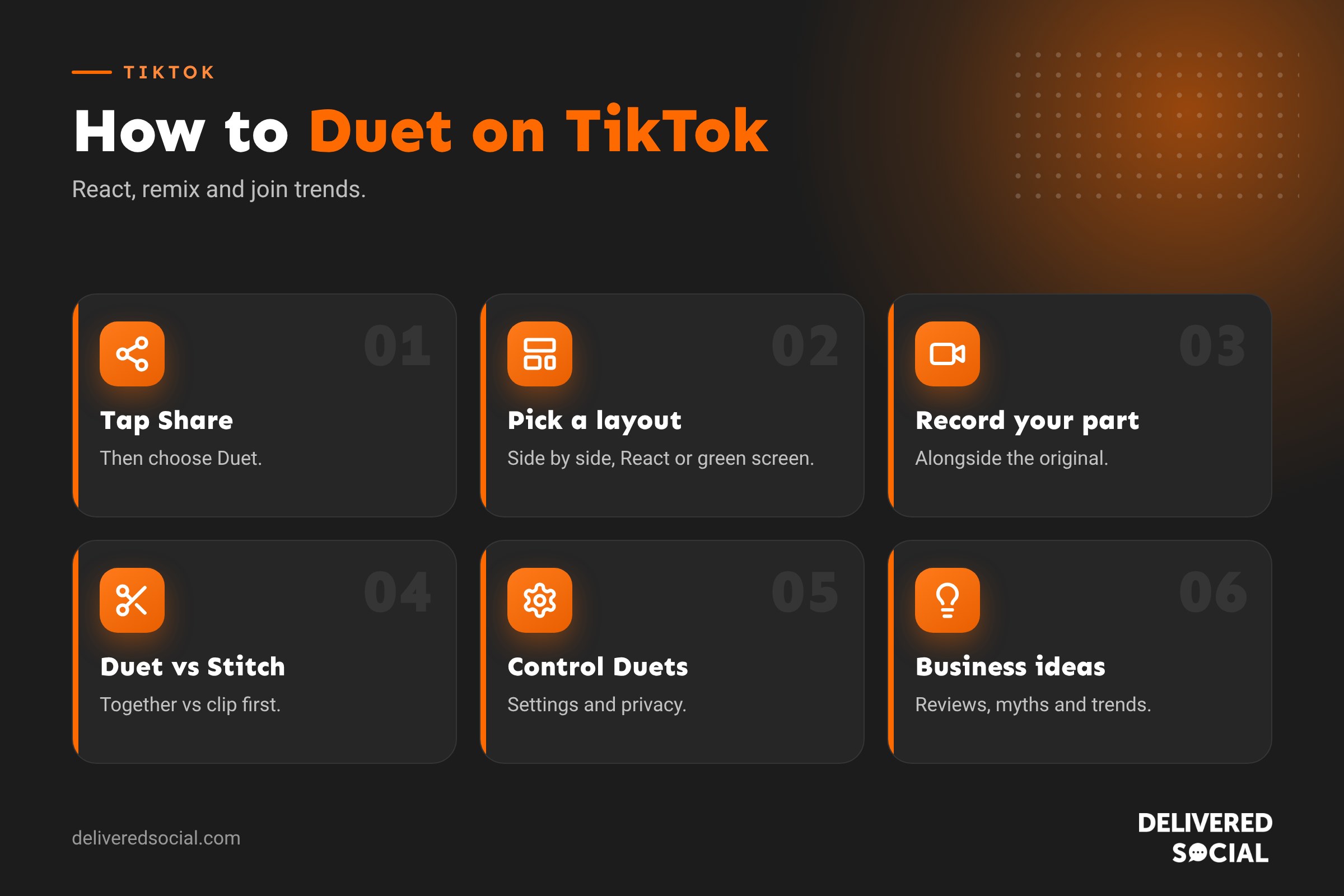
- Tap Share, then Duet, choose a layout and record alongside the original.
- Layouts include side by side, top and bottom, React and green screen.
- A Stitch plays a short clip first; a Duet plays both videos together.
- Control who can Duet your videos in Settings and privacy.
- Businesses can use Duets for reviews, expert reactions, trends and collaborations.
Frequently asked questions
How do you Duet on TikTok?
Tap Share on a video, choose Duet, pick a layout, record your part and post.
Why is there no Duet option?
The creator may have turned Duets off, or the account is private.
Can I Duet my own video?
Yes. Duet your own videos to give updates or answer comments.
What is the difference between Duet and Stitch?
Duets play side by side; Stitches play a short clip of the original, then your video.
How do I stop people Dueting my videos?
Go to Settings and privacy, Privacy, Duet, and choose Only me.
Can I use a pre recorded video in a Duet?
Often yes, using the upload option in the Duet camera, depending on your app version.
Do Duets help reach?
They can, as they connect your video to popular content and trends.
Can I Duet a LIVE video?
No, Duets work with posted videos.
Will the original creator be notified?
Yes, creators are usually notified when someone Duets their video.
Can I add a sound to a Duet?
The original sound plays; you can add voiceover or text.
Can businesses Duet customer videos?
Yes, if Duets are allowed, but it is polite to ask first.
Want TikTok content that gets noticed?
We film and manage TikTok for businesses across Surrey, Hampshire and the UK. Find out more about our TikTok marketing services. Call us on 01483 608 303.
































