




Keep reading
Rather we just did it for you?
Let's get your business seen.
Social media, websites, SEO and ads from a team you can actually meet.
YouTube is no longer just somewhere people research products before buying elsewhere. With YouTube Shopping, viewers can browse and buy products directly from videos, Shorts and live streams. Brands can show their own products on their channels, and creators can earn commission promoting other companies’ products. In 2026, YouTube launched its Shopping affiliate programme in the UK, with major retailers taking part. This guide explains how YouTube Shopping works, the options for brands and creators, how to set it up and how UK businesses can use it.
What is YouTube Shopping?
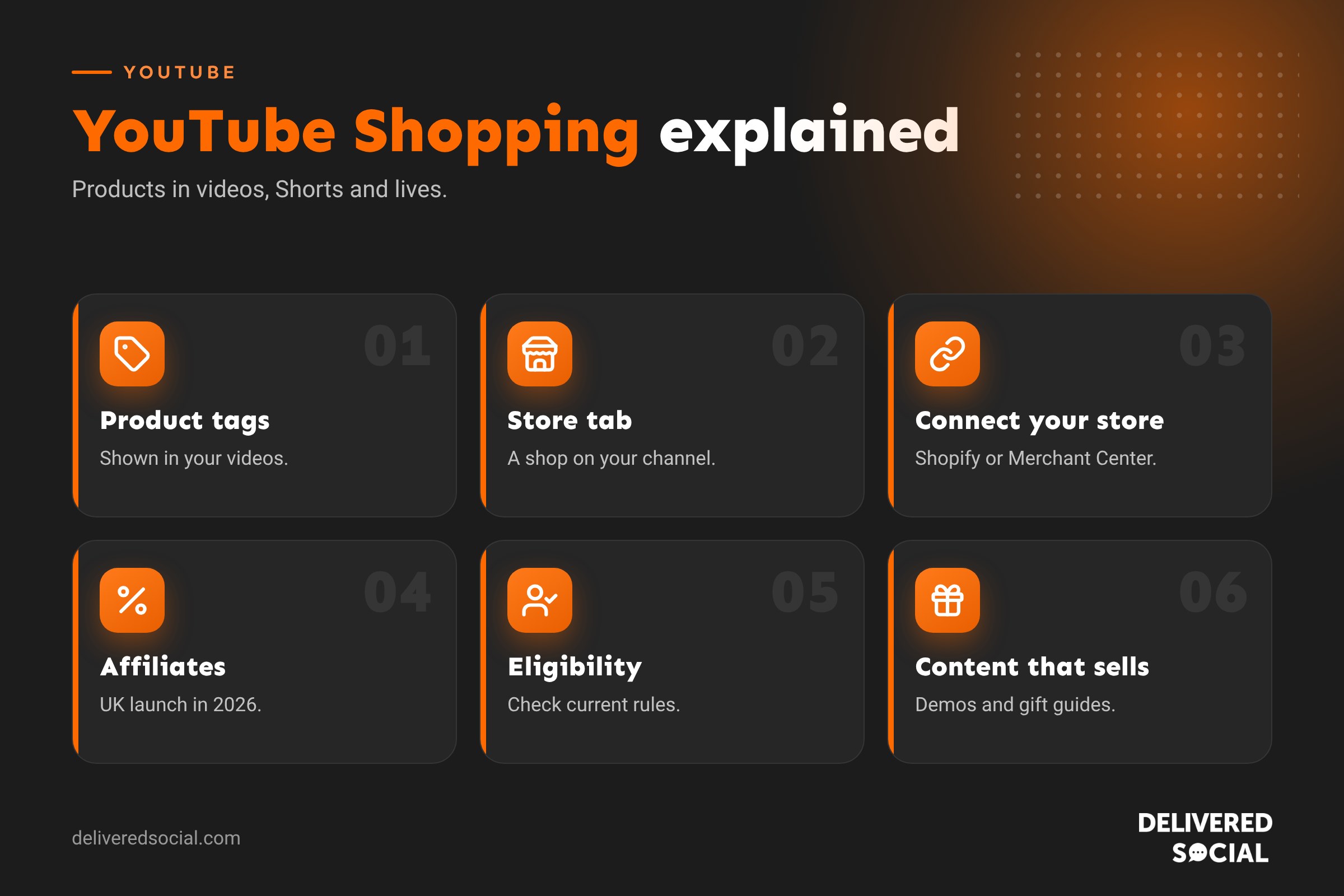
YouTube Shopping is a set of features that let channels show products alongside their content. Viewers see product tags in videos, Shorts and live streams, a product shelf below videos and a store tab on the channel. Tapping a product shows details and a link to buy, usually on the retailer’s website.
Two ways to use YouTube Shopping
1. Sell your own products
Brands and retailers connect their online store, such as Shopify or Google Merchant Center, to their YouTube channel. Their products can then be tagged in their own videos and shown in a store on their channel.
2. Promote other brands as an affiliate
Creators in the YouTube Shopping affiliate programme can tag products from participating brands and retailers and earn commission on sales. YouTube launched the affiliate programme in the UK in 2026, working with retailers including well known high street names, alongside affiliate networks.
Where products can appear
- Product tags in videos: products appear at relevant moments.
- Product shelf: a row of products below the video.
- Shorts: tagged products appear as a button on the Short.
- Live streams: pin products during live shopping events.
- Store tab: a dedicated shop on your channel.
Eligibility
YouTube sets eligibility rules for each part of Shopping, and they vary by country. Typically channels need to be in good standing, meet minimum subscriber requirements and, for some features, be in the YouTube Partner Programme. Music channels, channels made for kids and channels with certain content may not be eligible. YouTube has lowered thresholds in some markets over time, so check YouTube’s Shopping help pages for current UK requirements before you plan.
How brands set up YouTube Shopping
- Make sure your channel meets the eligibility requirements.
- Open YouTube Studio and go to Earn, then Shopping.
- Connect your store through a supported platform such as Shopify or Google Merchant Center.
- Wait for product review and approval.
- Tag products in your videos, Shorts and live streams.
- Choose which products appear in your store tab.
If you already advertise on Google Shopping, your Merchant Center product feed can power YouTube Shopping too. Our guide to Google Shopping ads explains product feeds.
How creators join the affiliate programme
- Check eligibility in YouTube Studio under Earn.
- Accept the Shopping affiliate terms.
- Browse eligible products from participating brands.
- Tag products in relevant videos and Shorts.
- Track clicks and earnings in YouTube Studio.
Why YouTube Shopping matters for businesses
- Shorter path to purchase: viewers can buy at the moment they are interested.
- Trusted content: reviews and demos are powerful buying influences.
- Long lasting: videos keep driving sales through search for months or years.
- Creator reach: affiliates can introduce your products to new audiences.
- Measurable: track product clicks and sales.
Video ideas that sell
- Product demos and how to use guides.
- Comparisons between products in your range.
- “What I use every day” style videos.
- Gift guides for seasonal shopping.
- Live shopping events with questions answered in real time.
- Shorts showing a quick before and after.
Our social media video ideas list has more inspiration.
Tips for YouTube Shopping success
- Tag products at the right moment: when you are showing or talking about them.
- Keep your product feed accurate: prices, stock and images must match your website.
- Write searchable titles and descriptions: YouTube is a search engine.
- Use Shorts for discovery and long videos for detail.
- Disclose affiliate links: make commercial relationships clear, in line with UK advertising rules.
- Work with creators: brands can reach new audiences through affiliate partnerships.
YouTube Shopping vs TikTok Shop
TikTok Shop lets people buy inside the TikTok app and is built for impulse purchases. YouTube Shopping usually sends buyers to the retailer’s website and suits considered purchases, where people watch reviews and tutorials before buying. Many brands use both. Our guide to the TikTok affiliate programme explains TikTok’s side.
Measuring results
In YouTube Studio, check product clicks, views of videos with tagged products and estimated sales or commission. In your store analytics, track traffic and sales from YouTube. Compare videos to see which formats drive the most purchases, then make more of them. Our guide to turning YouTube into a revenue generator has more ideas.
Is YouTube Shopping right for your business?
It is ideal for ecommerce brands with products that benefit from demonstration, such as beauty, fashion, home, tech, hobbies and food. Service businesses will get more from YouTube by using videos to build trust and drive enquiries. Start with a handful of products and videos, measure what sells and grow from there.
Getting your product feed ready
Whichever route you take, accurate product data is essential. Each product needs a clear title, description, high quality images, a correct price, stock status and a working link. If your feed comes from Shopify or WooCommerce through Google Merchant Center, check for disapproved products and fix errors before connecting YouTube. Products with missing information or mismatched prices may not appear, and inaccurate details lead to frustrated buyers.
Planning a YouTube Shopping content calendar
Map your videos to the shopping calendar. Gift guides perform well from November, garden and outdoor products in spring, back to school in late summer and party products before the festive season. Plan longer tutorials and reviews a few weeks before peak demand so they have time to be found in search, and use Shorts to promote them as the peak approaches. Live shopping events work well around launches and big sale days.
Working with creators as a brand
If your products are part of YouTube’s affiliate programme through a network or retail partner, creators can feature them without a formal deal. To get the best results, reach out to relevant creators directly, send samples, share key product points and offer higher commission or fixed fees for dedicated videos. Always agree how content will be disclosed and whether you can use it in your own ads.
Common mistakes with YouTube Shopping
- Tagging products that are not shown or mentioned in the video.
- Letting the product feed fall out of date, so prices or stock are wrong.
- Making videos that feel like adverts rather than helpful content.
- Forgetting to disclose affiliate relationships.
- Only posting long videos and ignoring Shorts for discovery.
Combining YouTube Shopping with ads
Brands can boost shoppable videos with YouTube ads and Demand Gen campaigns linked to their Merchant Center feed, showing products to people interested in similar items. Start with your best performing organic videos, as proven content usually makes the most effective ads, and track sales in Google Ads and your store analytics.
Start small, learn what sells and scale steadily.
Review product performance monthly, remove items that never get clicks and feature your bestsellers in new videos, so your YouTube store keeps improving over time and earns its place in your sales channels.
Key takeaways
- YouTube Shopping lets viewers browse and buy products from videos, Shorts and lives.
- Brands connect their store; creators can earn commission as affiliates.
- The Shopping affiliate programme launched in the UK in 2026.
- Eligibility varies, so check YouTube’s current requirements.
- Demos, comparisons and gift guides are great shopping content.
Frequently asked questions
What is YouTube Shopping?
Features that let channels tag and sell products in videos, Shorts and live streams.
Is YouTube Shopping available in the UK?
Yes, and the affiliate programme launched for UK creators in 2026.
How do I connect my store to YouTube?
In YouTube Studio, go to Earn, then Shopping, and connect a supported platform such as Shopify or Merchant Center.
Do I need the YouTube Partner Programme?
Some features require it; check current eligibility for your channel.
Can I tag products in Shorts?
Yes, eligible channels can tag products in Shorts.
Do buyers check out on YouTube?
Usually they are taken to the retailer’s website to complete the purchase.
Can small businesses use YouTube Shopping?
Yes, if their channel meets the eligibility requirements.
Does YouTube take a cut of sales?
Brands selling their own products through store integrations typically keep sales on their own site; affiliate commission is set by the programme.
Can I use YouTube Shopping without a big channel?
Requirements vary by market; YouTube has lowered thresholds in some countries.
Which store platforms work with YouTube?
Shopify and Google Merchant Center are among the supported options.
Want video that sells?
We plan, film and edit video content for brands across Surrey, Hampshire and the UK. Find out more about our video production services. Call us on 01483 608 303.
































