




In This Article
Independent musicians now have access to AI tools that can cover much more than one part of the creative process. A Song Generator can help turn a rough idea into a complete track, while a Lip Sync AI Free workflow can turn that finished audio into a performance-style video without booking a studio, camera crew, or actor.
The most useful setup is often not five tools that do the same job. For an independent artist, the better workflow is to combine tools that handle songwriting, song generation, visual performance, lip sync, and final editing. That way, one person can move from an idea to a publishable music video with far fewer production steps.
Here are five AI tools worth considering in 2026 for musicians who want to create both songs and visual content.
1. MakeSong
Overview
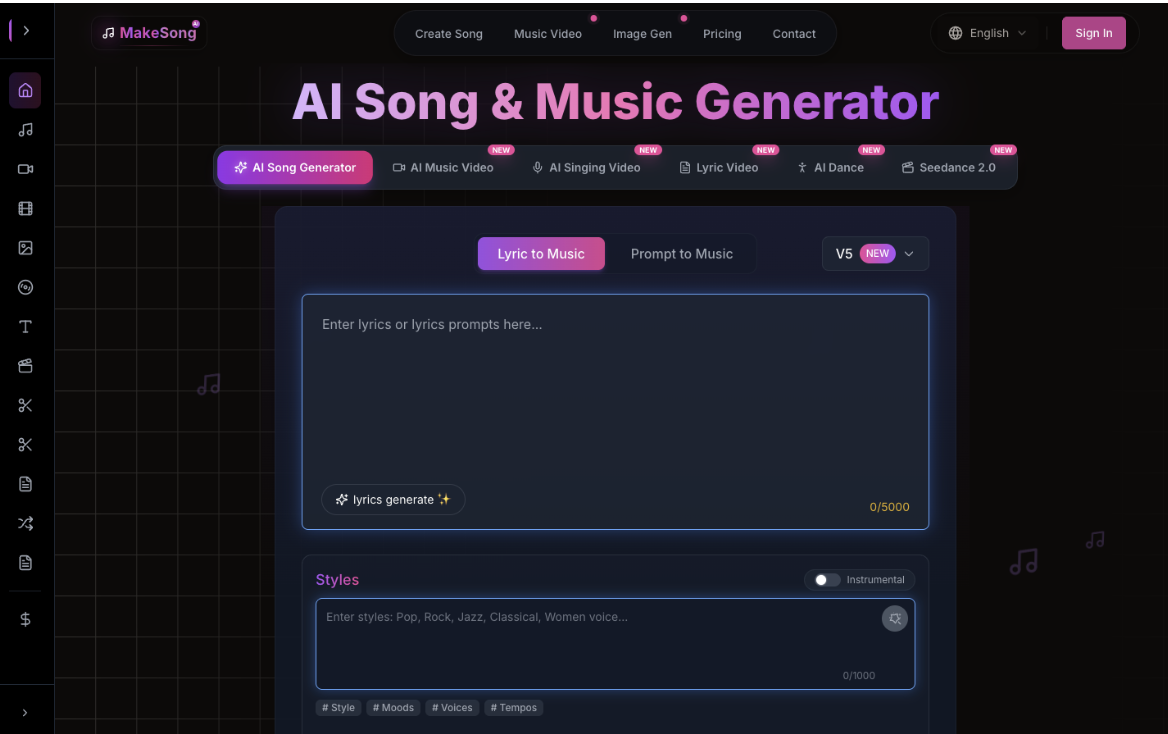
MakeSong is a strong fit for musicians who already have a finished song and need a fast way to turn it into a visual performance. Its music-focused lip-sync workflow lets users upload audio together with a singer image and generate a video in which the performer appears to sing along with the track.
For artists searching for a Lip Sync AI Free option, MakeSong is particularly relevant because the product is built around music videos rather than only short talking-avatar clips. It supports MP3 and WAV uploads of up to 10 minutes, offers single-shot and automatic multi-shot modes, and can automatically generate lyric subtitles for the finished video.
Best For
MakeSong is especially useful for independent singers, bands, AI-music creators, virtual artists, and musicians who release music regularly but do not want to organize a full video shoot for every track. A solo artist can animate a portrait, while a band can use the masking feature to indicate which person should sing in a group image.
The platform also suits creators who need several visual formats from the same song. In addition to lip-sync music videos, MakeSong includes related tools for singing videos, lyric videos, audio-to-video creation, music visualizers, and AI dance content. This gives musicians more ways to promote one release across YouTube, TikTok, Reels, and Shorts.
How to Use
Begin with the song you want to promote. Upload the audio file, then add a clear photo of the singer, character, or virtual performer. Choose between the single-shot and multi-shot video options, and add an optional prompt describing the visual mood or performance style.
If the image contains more than one person, use the singer-selection or masking control so the AI focuses on the correct performer. Generate the video, preview the result, and then decide whether you want to publish the performance directly or continue editing it in another video tool. For independent musicians trying to move quickly from audio to visual promotion, Make Song can remove a large part of the filming and manual lip-sync process.
2. AISong.io
Overview
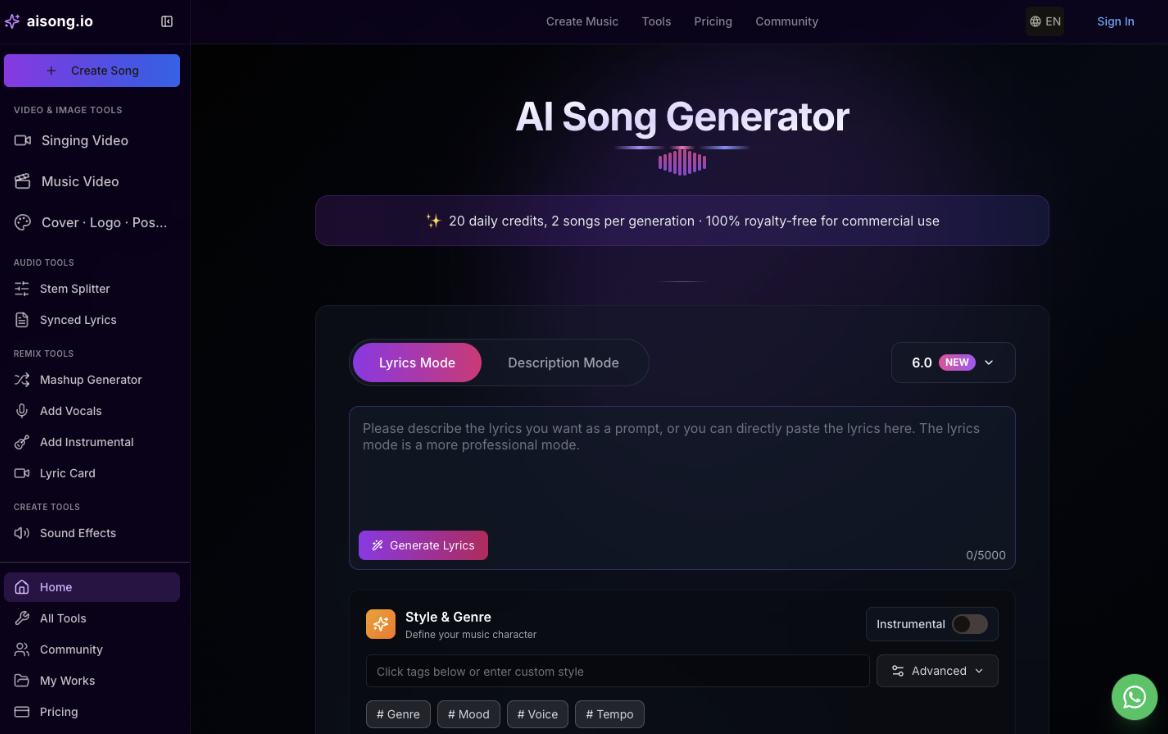
AISong.io handles the music-creation side of the workflow. Its core Song Generator lets users start from either a description or finished lyrics and create a complete song with vocals, melody, arrangement, and production. Instead of building a track instrument by instrument, independent musicians can describe the genre, mood, voice, and tempo they want and use the Song Generator to create a first version quickly.
The platform supports both Lyrics Mode and Description Mode. Lyrics Mode is useful for musicians who already write their own words, while Description Mode works better when the starting point is only a concept such as “melancholic indie pop about leaving a hometown” or “high-energy electronic track for a live performance teaser.”
AISong.io also includes an AI lyrics generator, vocal remover, stem splitter, MIDI generator, song editor, text-to-song tool, and AI rap generator. These utilities make the platform more useful for musicians who want to refine or reuse generated material instead of treating each song as a one-click result.
Best For
AISong.io is best for independent musicians who want to create complete songs from prompts or lyrics without beginning in a complex DAW. It is especially useful for demos, songwriting experiments, social releases, and artists who need original music before moving into a video-production workflow.
Users who need writing help can generate lyrics first and then move those lyrics into the Song Generator. The platform currently produces two songs per generation, so musicians can compare different interpretations before choosing which version to continue with. Once the audio is ready, it can be taken into a music-video or lip-sync tool for visual production.
How to Use
Start by choosing how much creative material you already have. If the lyrics are ready, paste them into Lyrics Mode. If not, describe the song you want and select optional controls such as genre, mood, voice, tempo, and instrumental settings. Generate the track, compare the available versions, and move the finished audio into a music-video or lip-sync tool.
For creators who want one browser-based place to begin a music project, the Song Generator workflow is particularly convenient because song generation and supporting production tools are available within the same ecosystem. The site’s AI Music Generator is the main linked generation interface, but the focus of this workflow is creating complete songs from prompts or lyrics.
3. Udio
Overview
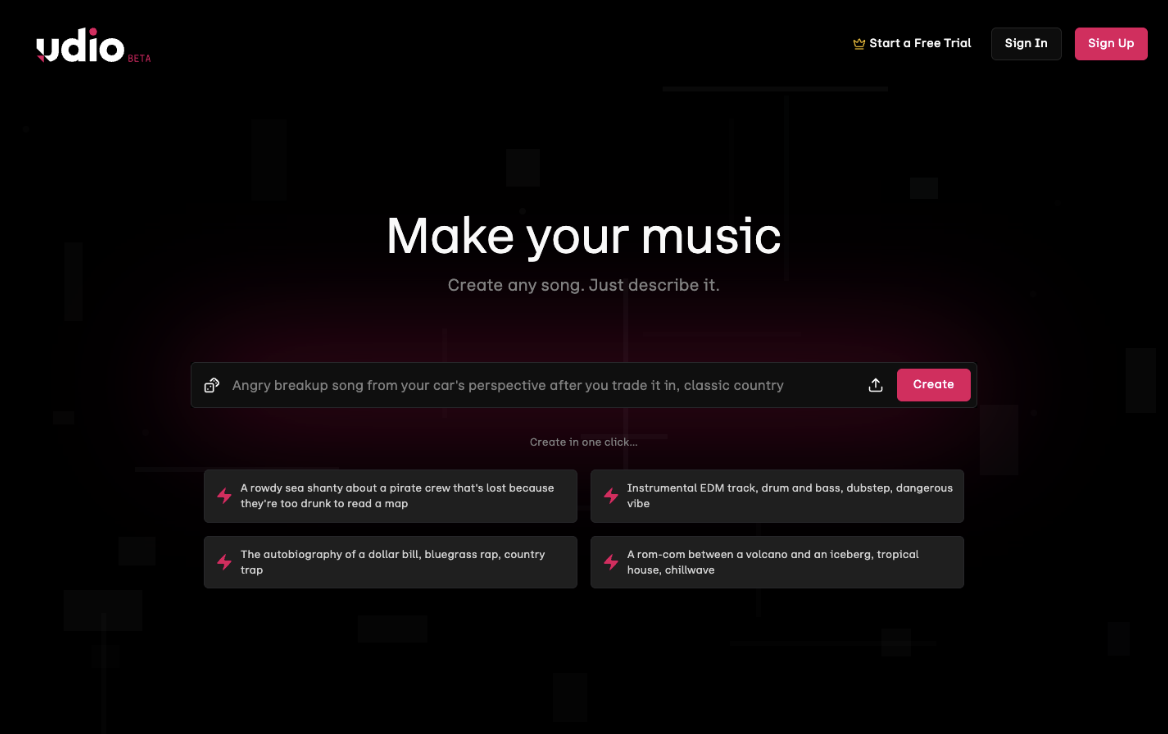
Udio is another AI music platform designed for creating and experimenting with songs. It is particularly useful for musicians who like to iterate on an idea rather than accept the first generated result. Users can create new tracks and continue shaping them with tools such as extend, remix, and Styles.
Udio has also continued developing its platform through partnerships with major music companies, while keeping core creation tools available during its transition to a newer service. That makes it an interesting option for artists who want to experiment with AI-assisted music creation in a platform that is increasingly connected to the broader music industry.
Best For
Udio works well for musicians who enjoy exploring variations. If a chorus feels promising but the arrangement is not right, an artist can try extending or remixing the material rather than starting from zero. It is also useful for testing different creative directions before deciding which track deserves further production or visual promotion.
For independent musicians, this kind of iterative workflow can be valuable during early-stage songwriting, especially when several ideas need to be compared quickly.
How to Use
Begin with a song idea and generate an initial version, then use tools such as extend, remix, and Styles to explore alternatives. Keep iterating on the most promising section instead of rebuilding the whole track from scratch. When the arrangement is ready, share the draft with collaborators or move the finished audio into the visual stage.
4. Hedra
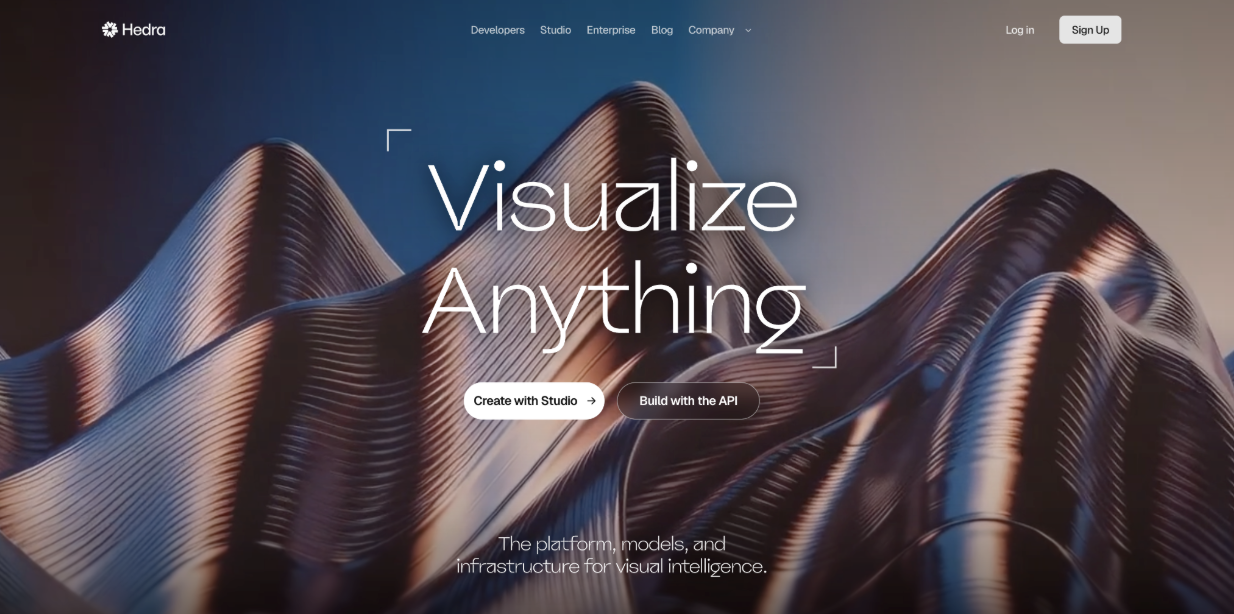
Overview
Hedra is a visual creation platform with strong audio-driven character tools. Its lip-sync workflows can animate a still image or character using uploaded audio, a recorded voice, or generated speech. For musicians, its Character 3 model is especially relevant because it is designed for talking and singing video and can support long-form audio-driven performances.
Hedra also provides access to multiple visual and video models inside one environment. This gives artists more freedom to experiment with character styles, image generation, motion, and performance without limiting the workflow to one type of avatar.
Best For
Hedra is best for virtual musicians, animated artists, branded music projects, and creators who want a character-driven performance rather than a conventional filmed singer. It is particularly useful when the visual identity of the artist or mascot is as important as the audio itself.
For music promotion, this means a musician can use a real portrait, illustration, mascot, or virtual artist and turn it into a singing character. The result can then become a social clip, teaser, lyric-video insert, or part of a larger music video.
How to Use
Upload or create the image that will become the performer, then add the song or vocal audio that should drive the performance. Choose the visual direction, generate the character video, and review the mouth movement and expression. The finished clip can then be used as a teaser, social post, lyric-video insert, or part of a larger music video.
5. VEED
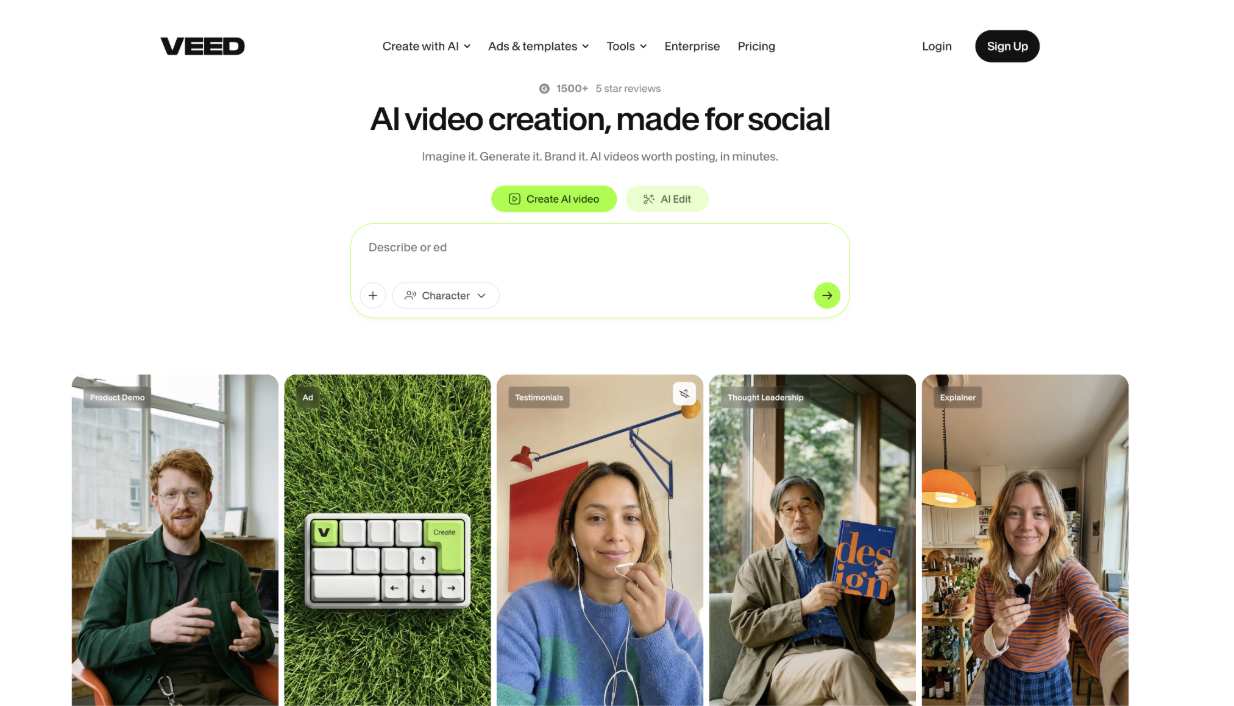
Overview
VEED is useful at the final stage of the workflow, when music and generated video assets need to be turned into a polished piece of content. Its browser-based editor can combine clips, music, text, captions, transitions, effects, and branding into a finished video.
For independent artists who use more than one AI platform, this role is important. A track might come from a Song Generator, while a performance clip might come from a lip-sync tool. VEED can bring those assets together and prepare them for social platforms or YouTube.
Best For
VEED is best for independent musicians who already have the main creative assets and need to assemble, caption, brand, and export the final video. Its browser-based workflow is particularly practical for release teasers, lyric videos, vertical clips, and social posts that combine generated music with performance footage. Artists can upload multiple music tracks, add karaoke-style text, create captions, and resize content for vertical platforms such as TikTok and Reels.
The platform also includes AI video generation and lip-sync capabilities, so musicians can experiment with generated visuals as well as conventional editing. Its browser-based workflow is useful for artists who want to avoid installing heavier editing software.
How to Use
Import the finished song together with the performance, lip-sync, or avatar clips created earlier in the workflow. Arrange the strongest sections, add captions or lyric text, apply transitions and branding, resize the project for the target platform, and export the final version once the edit is ready.
Final Thoughts
Independent musicians no longer need a separate production team for every stage of a small release. A Song Generator can help create the track, a Lip Sync AI Free workflow can turn the finished audio into a visual performance, and a browser-based editor can prepare the result for distribution.
Among these five tools, each serves a different point in the process. Udio offers an iterative environment for song experimentation, Hedra is strong for character-based performance, and VEED is useful for final editing. AISong.io is particularly convenient when the project begins with a song idea and needs to become complete music, while MakeSong stands out when the audio is already finished and the next challenge is turning it into a convincing visual performance.
For independent artists working with limited time or budget, the combination is especially practical: use a Song Generator to create the music first, then use a Lip Sync AI Free tool to transform the finished track into a music video without building a traditional studio-and-shoot workflow from scratch.
Share This Article
About the Author: Penelope Klein































