



Keep reading
Rather we just did it for you?
Let's get your business seen.
Social media, websites, SEO and ads from a team you can actually meet.
A UGC ad can work well and still look too blurry for a new campaign. Creator videos are often recorded on phones, compressed by social platforms, or saved in a lower resolution. If the content is good, replacing it is not always necessary.
An AI video upscaler can increase the resolution of existing footage and make details easier to see. For e-commerce brands, this is useful when a product demo, testimonial, or unboxing video is worth reusing but needs a cleaner look. Pollo AI’s Video Upscaler supports higher-resolution output, including 1080p and 4K.
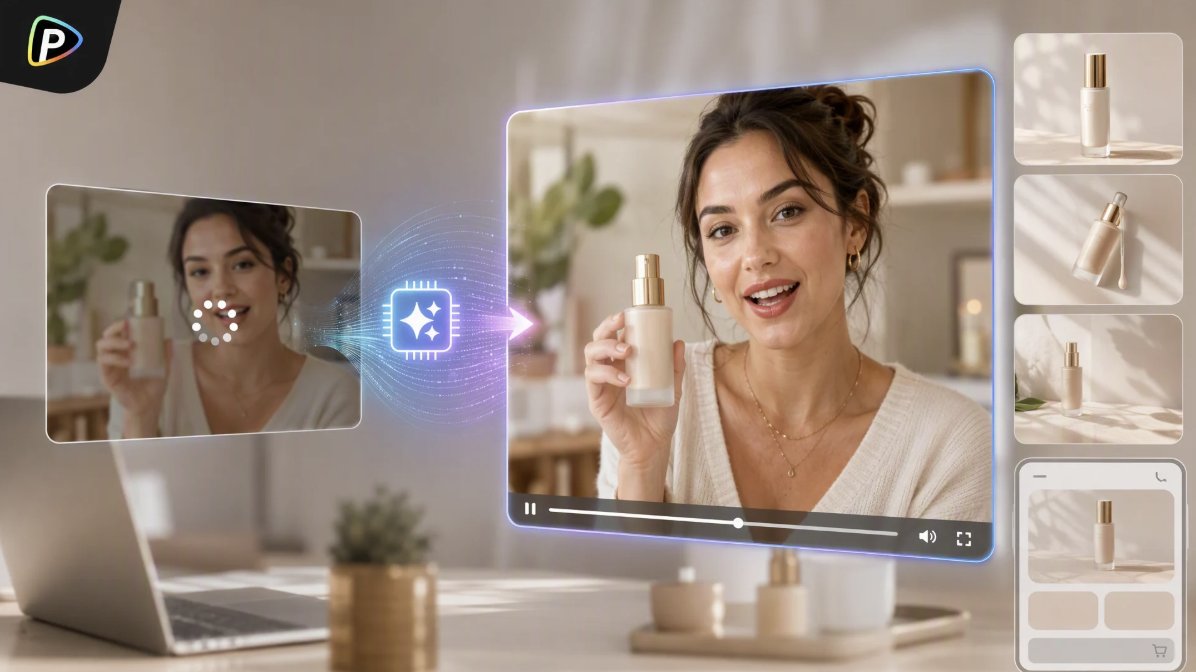
Why Use Pollo AI Video Upscaler for UGC Ads?
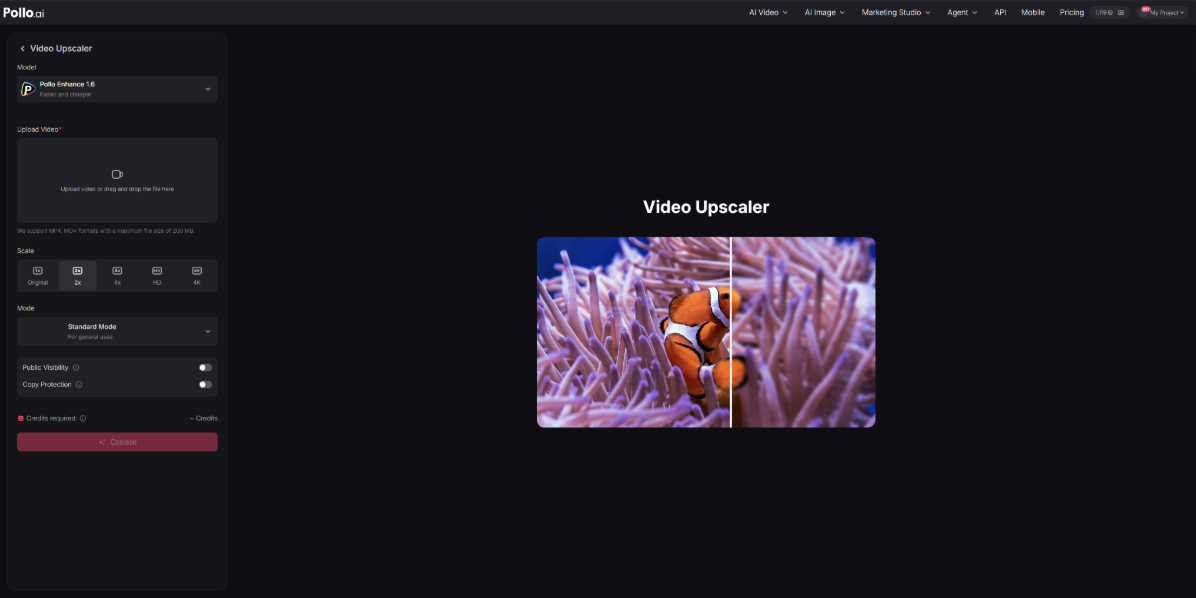
Pollo AI is designed to improve existing videos rather than change what happens in them. Its Video Upscaler can enhance detail, reduce noise and blur, and increase resolution while keeping the original footage.
That makes it a practical fit for UGC. A creator may have already captured the right product demonstration or customer reaction. If the main issue is video quality, the brand can try improving the existing clip instead of arranging another shoot.
How to Upscale UGC Ads with Pollo AI
1. Start with the Original Video
Always use the best source available. A creator’s original file is better than a video downloaded from TikTok or Instagram because social platforms usually compress uploads. If the footage needs basic trimming or formatting first, a CapCut AI video editor can also be used before the file is uploaded to the upscaler.
Also check the footage before uploading. If the product is already out of focus or badly overexposed, upscaling will not fix it.
2. Upload the UGC Ad to Pollo AI
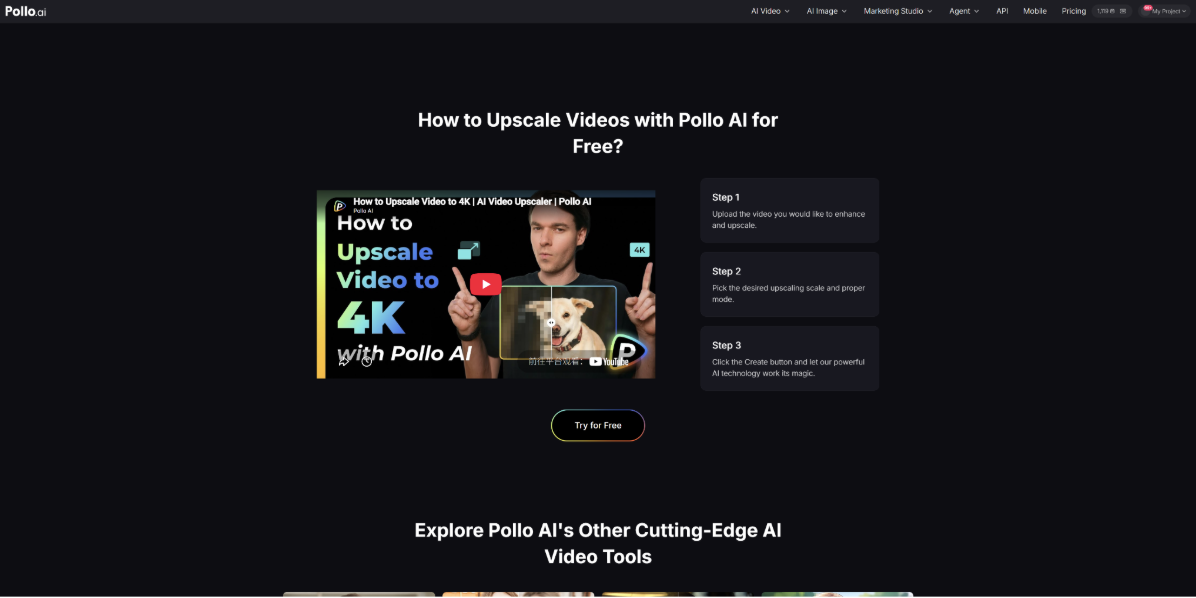
Open Pollo AI’s Video Upscaler and upload the video. The basic workflow is to upload the source, choose the settings, and generate the enhanced version.
Keep the original file. It gives the team something to compare against if the enhanced version does not look right.
3. Choose a Suitable Resolution
Pollo AI supports higher-resolution outputs such as 1080p and 4K.
Related reading: UGC Creator Guide: What It Is, UGC Ads, Campaigns and Jobs
The highest setting is not always the best choice. A low-quality source may not gain much from being pushed to 4K. The better option is to choose a resolution that fits the final ad placement.
4. Generate the Video and Check Product Details
Generate the enhanced version in Pollo AI, then check more than just the first few seconds. Look closely at product packaging, small text, hands, hair, and fast movements. These areas can show artifacts that are easy to miss at first.
For example, a product label may look sharper but become slightly distorted. If that happens, the source footage may simply lack enough detail to support further enhancement.
5. Compare It with the Original
Watch both versions at the size customers will actually see. The goal is not to produce the biggest file possible. It is to make the product and creator easier to see without making the UGC look unnatural.
If the difference is useful, the enhanced video can move into the normal editing and ad workflow.
Common Mistakes to Avoid
An AI video upscaler cannot fix every problem. Severe blur, poor lighting, or an out-of-focus product usually requires better source footage.
It is also better to upscale the cleanest version once rather than repeatedly processing compressed files. Each extra export can reduce quality.
Most importantly, judge the result as an advertisement. If customers can see the product more clearly on their phones, the enhancement is doing what it needs to do.
When Should Brands Upscale UGC?
Upscaling makes sense when the content is good but the image quality is getting in the way. A useful testimonial, product demo, or unboxing clip may still have plenty of value even if it was recorded at a lower resolution.
Pollo AI’s Video Upscaler supports common formats such as MP4, MPG, FLV, AVI, and MOV.
For e-commerce teams, the decision is simple: before discarding a useful UGC ad because it looks soft, try improving it with an AI video upscaler. If the product becomes clearer without losing the natural feel of the original, the footage may be ready for another campaign.
































