



Keep reading
Rather we just did it for you?
Let's get your business seen.
Social media, websites, SEO and ads from a team you can actually meet.
No, a private TikTok viewer does not work. TikTok only serves the videos on a private account to followers the account owner has approved, and a third-party website has no way to get round that. Sites that claim otherwise are usually trying to collect your details, send you through endless surveys, or get you to install something you should not.
That is the short answer to the question behind every search for a private TikTok viewer. The rest of this guide explains how private accounts actually work, what those tools are really doing, how to spot the risks, and the legitimate ways to see someone’s content or to protect your own. We have not tested any viewer tool and we do not recommend or link to any.
How a private TikTok account works
TikTok explains what changes when an account is set to private on its account privacy help page. In summary:
- The owner approves who can follow them, so every follow is a request that needs a yes.
- Approved followers can watch the account’s videos and LIVE videos, see its bio and likes, and view its followers and following lists.
- Other people cannot Duet, Stitch, download or turn the videos into stickers, or add them to their Stories.
- The name, username and profile photo stay visible to anyone, and the account can still be found in search.
So what a stranger sees on a private TikTok account is a name, a picture and a lock. That is by design. The restriction is applied by TikTok’s own servers, which decide who is allowed to receive the video. A website that is not logged in as an approved follower is simply not on the list.
So how do private TikTok viewers claim to work?
The pitch is always similar: paste in a username, click a button, and see the hidden videos. Some say they use a secret loophole. Some say they borrow access from other users. Some just show a progress bar and a fake loading screen. None of these is a believable way to get past a lock the platform controls.
What they usually do instead falls into a few patterns:
- The survey loop. After a fake “searching” animation you are told to complete a survey or “human verification”. Each step pays the site owner, not you. At the end there is no video.
- The login grab. The site asks you to sign in with TikTok, Instagram or an email address to “unlock” the result. This is a standard way to harvest passwords.
- The download. You are asked to install an app, extension or “verifier”. These are a common way to deliver unwanted software.
- The payment. A small fee, a subscription you cannot easily cancel, or a request for card details to “confirm your age”.
- The recycled video. Some sites show a clip that is already public, or a made-up screen, so the tool looks like it worked.
Because the owner of a private account never sees you, you also get no way of knowing whether anything real happened. Whichever pattern it is, you end up giving more than you get.
The real risks of using a private TikTok viewer
Losing your own account
If a site asks for your TikTok or Instagram login, you are handing over the keys. That is phishing: a fake page designed to look legitimate so you type in your password. The National Cyber Security Centre notes that phishing sites may download a virus or steal personal information, and that criminals use details found online to make their messages more convincing. If you have already typed a password into a viewer, change it now and switch on 2-step verification.
Malware and unwanted software
Anything you are told to install to “make the viewer work” is a risk. If you did install something, remove it, run a security scan, and change the passwords you use on that device from a different, clean device.
Wasted money and hidden subscriptions
Small charges that renew every week or month are a common trap. Check your bank statements for any payments you do not recognise, and ask your bank about stopping them.
Account action from TikTok
Using third-party tools that ask for your login can put your TikTok account at risk if the tool performs actions in your name. If your account has been restricted and you are unsure why, see our guide on what to do when your TikTok account is banned.
Privacy and ethical problems
Someone who sets their account to private has made a choice. That could be a teenager, a person escaping a bad situation, or simply someone who wants a quieter life. Trying to get around that choice is a privacy intrusion, even when the motive feels harmless. If the aim is to watch, track or contact someone who has said no, that can stray into harassment.
Why these tools keep appearing
Private viewer sites are common because the search is common. Plenty of people type the phrase into Google every day, and each visitor is worth money to the site owner through adverts, survey payments, harvested logins or sales of software. The tool does not have to work for that to pay. It only has to look convincing for a minute or two.
That also explains why they pop up under new names, with new designs, again and again. When one is reported and taken down, another takes its place. The pattern is the same as in other “free” shortcuts on social media, such as follower generators. If you have come across those too, our piece on why free follower generators do not work covers the same trap from another angle.
A good rule of thumb: if a website claims it can do something the platform has deliberately blocked, ask who benefits. Almost always, the answer is the site and not you.
What to do instead if you want to see a private account
- Send a follow request. It is the only route TikTok offers. The owner decides.
- Ask them directly. If you know the person, a message saying who you are and why you would like to follow works better than a blank request.
- Check whether they post publicly elsewhere. Many people keep a private TikTok but share the same material on a public Instagram, YouTube or business page.
- Accept the answer. If a request is ignored or declined, the answer is no. Do not set up extra accounts to try again.
If you are a business trying to look at a competitor, you do not need their private posts. Their public content, ads, website and customer reviews tell you far more about their strategy, and you can use them freely.
If you are a parent or carer worried about a child
It is natural to want to know what a young person is seeing or sharing. A private viewer will not give you that, and the risk to your own devices is real. The better routes are conversation, agreeing house rules together, and using the privacy and safety controls that sit inside the app itself, plus any family tools the platform offers. Sit down with them, go through the settings together, and explain why you are asking. A relationship built on trust protects more than a workaround ever will.
How to lock down your own private TikTok account
If you are here because you want to make sure no one can get at your own content, these steps help. A private TikTok account is a good start, but it works best with a few extras:
- Switch the account to private in Settings and privacy. Remember the name, photo and username remain visible and the profile stays searchable.
- Review your followers. Remove anyone you do not know or trust. Followers can see your videos, likes and lists.
- Control comments and messages. TikTok lets you set who can comment and who can send direct messages.
- Check what your bio gives away. Do not put your school, address or phone number in it.
- Turn on 2-step verification and use a unique password. The NCSC explains how in its guidance on activating 2-step verification, which applies to your email account as well as your socials.
- Think before you share. A follower can screen-record or describe what they see. Private limits who can watch, but it cannot control what a watcher does afterwards.
If you simply want to attract a bigger audience, a private profile works against you, because only approved followers can see your videos. That is a good fit for personal use and a poor fit for a business or creator account.
Business accounts: public by design
If you run TikTok for a brand, the account needs to be public so that people who do not follow you can find and watch your videos. TikTok’s own explanation of its For You feed says that follower count is not a direct factor in recommendations, which means a public account with a strong video can reach people who have never heard of you. Private accounts cannot do that. Our guide to getting followers on TikTok sets out what to do once you are public.
How to spot a scam viewer or similar tool
- It promises to show something the platform itself says is restricted.
- It asks you to sign in with a social account or enter a password.
- It sends you through surveys, offers or “human checks” before any result.
- It asks you to install an app or browser extension.
- It uses countdown timers, “only 2 left” or “3 people are using this now” pressure.
- The site has no real company details, address or contact route.
If you see one of these, close the page. If you have been caught out by a scam site, you can report it to the NCSC, which says reporting is free and helps get scam websites taken down.
Frequently asked questions
Can anyone see a private TikTok account’s videos without following?
No. Only approved followers can watch the videos. Strangers can see the name, username and profile photo.
Does a private TikTok viewer ever work?
We know of no evidence that any can get at restricted videos, and TikTok’s description of private accounts offers no such route. Treat every claim as a trap.
Will the person know if I try?
A follow request is something the owner will see and decide on. A viewer site cannot get you in, so the main thing that gets noticed is a request you send yourself.
Can I be punished for using a viewer?
The bigger danger is to you: stolen logins, malware and charges. If you gave a tool access to your account, it could also act in your name.
How do I make my account private?
Open Settings and privacy, go to Privacy, and switch on the private account option. Then check the extra controls for comments, messages and suggestions.
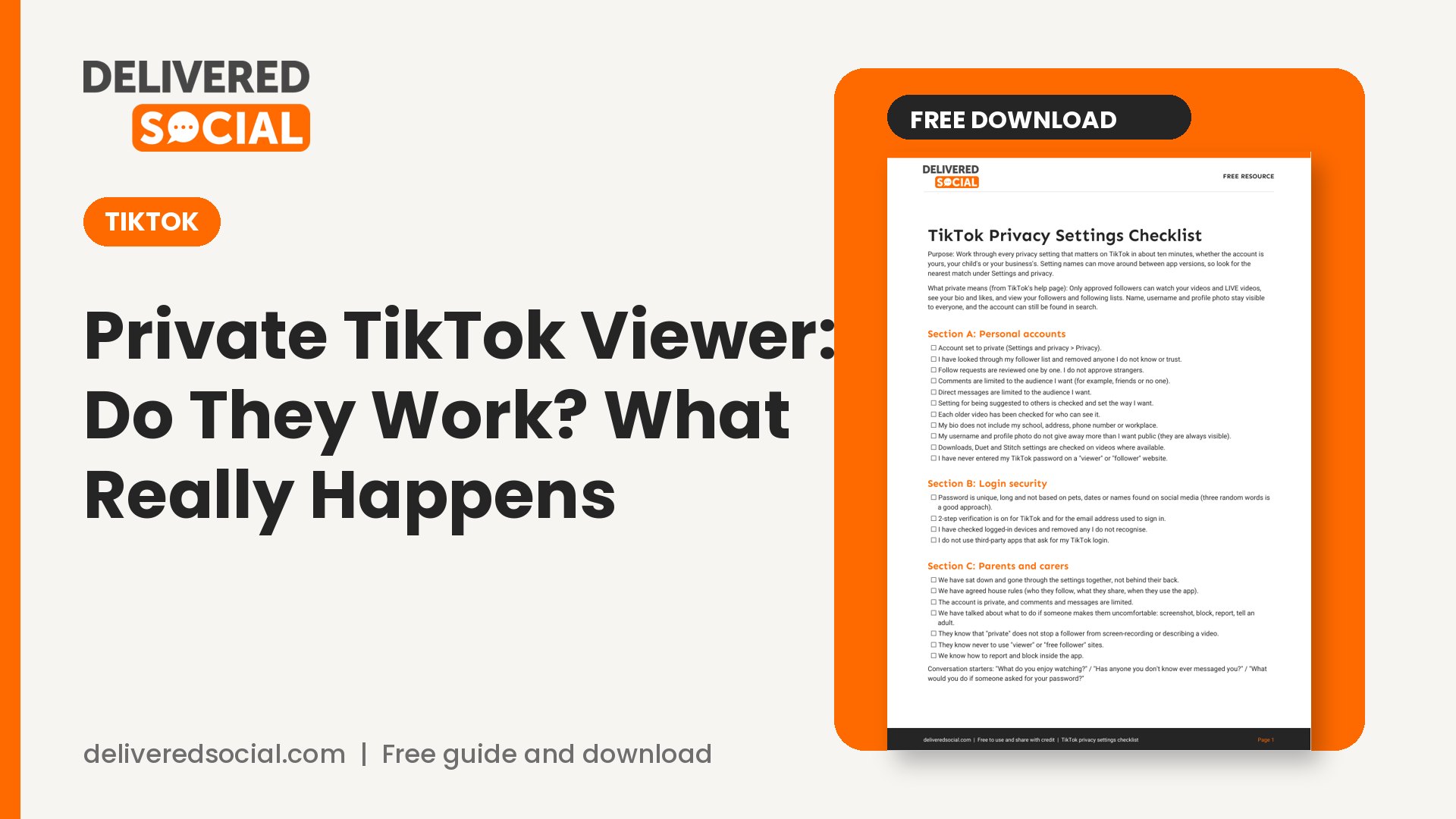
Get the free TikTok privacy settings checklist
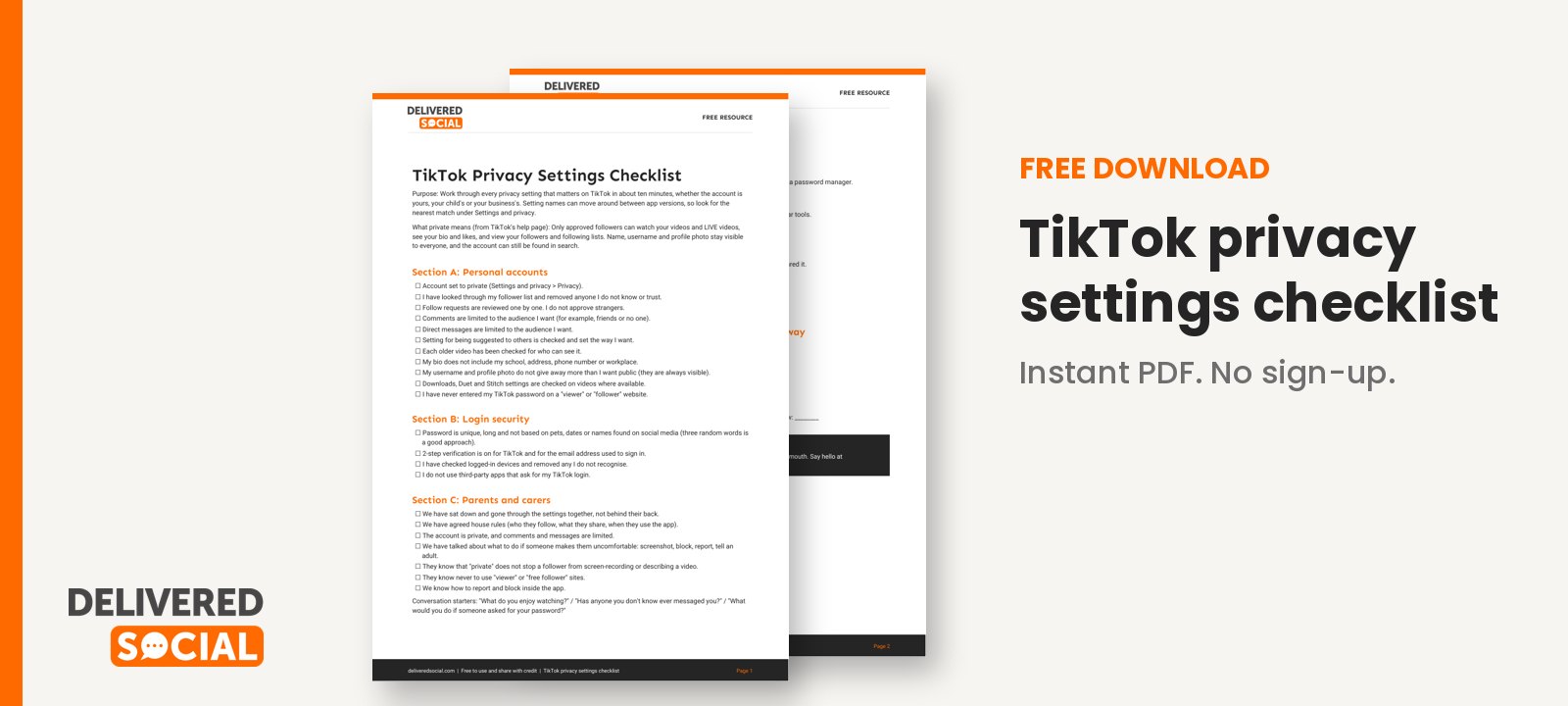
We have turned the steps above into a short checklist you can work through in ten minutes, with sections for personal accounts, parents and carers, and business accounts. Download the TikTok privacy settings checklist and tick off each setting.
If you run TikTok for a business and would like help doing it well, Delivered Social offers social media management across TikTok, Instagram and more. Feel free to get in touch and we will talk through what would suit you.
































