



Keep reading
Rather we just did it for you?
Let's get your business seen.
Social media, websites, SEO and ads from a team you can actually meet.
If your TikTok account banned message has just appeared, here is the short version: open the app, read the notice to see which rule TikTok says you broke, then submit an appeal from the notification or the Safety Center, with a calm, specific explanation. Then wait, and do not create a flurry of new accounts or repeat the appeal over and over.
That is the process in a nutshell. The rest of this guide explains why accounts get banned, how to tell what kind of ban you have, how to write an appeal that gives a reviewer something to work with, and what to do while you wait. We will also be clear about what nobody outside TikTok can promise, because there are a lot of confident claims online that are not backed by anything official.
What TikTok says happens when your account is banned
TikTok’s enforcement page explains that content first goes through automated review. Potential violations are removed automatically or passed to human moderators, and content gets further review if it becomes popular or is reported. When content breaks the rules, TikTok says it will notify you and share the reason. If an account is banned, a banner notification appears the next time you open the app. The page also says you can appeal if you believe a ban, removal or restriction was a mistake, and that the status of appeals is shown in the in-app Safety Center.
That gives you three practical starting points:
- Open the app and look for the banner or notice. It should name the reason.
- Check your Safety Center or account status for the details.
- Use the appeal option attached to the notice.
Menus and wording in apps change, so we are not giving you exact tap-by-tap steps that may be out of date by the time you read this. If your screen looks different, look for words like “Account status”, “Safety Center”, “Appeal” or “Support”.
Why accounts get banned, and what is not the same as a ban
Not every problem is a ban. It is worth working out which one you have, because the fix is different.
A single video removed
This is the most common kind. One video broke a guideline, for example because of music rights, a sensitive topic or something a moderator misread. The video is removed. You can usually still post.
A restriction
Some features may be limited for a period. Commenting, going LIVE or posting can be paused. These are usually temporary.
Content ineligible for the For You feed
TikTok says content that does not meet its recommendation standards can be ineligible for the For You feed while staying on the platform. You might be tempted to call this a “shadowban”, but it is not the same as a ban. It shows up as a reach problem rather than a locked account. TikTok says restrictions appear in the analytics tool.
A suspended or permanently banned account
You cannot use the account. This is the case this article focuses on.
TikTok account banned: the usual reasons
TikTok does not publish a precise formula, so the following list is based on its public guidelines rather than inside knowledge. A TikTok account banned for the first time is often recoverable, so try not to panic.
- Fake engagement or artificial growth. TikTok’s integrity and authenticity guidelines state that it does not allow the trade of services that attempt to artificially increase engagement, and they prohibit accounts operated in bulk or through unauthorised automation. If you used a follower service or a bot, that is a likely suspect. Our guide to free TikTok followers and generators explains why those are risky.
- Spam behaviour. Mass following, copy and paste comments, high volumes of commercial posts, or networks of near-identical accounts.
- Repeated violations. Several removed videos on the same theme can lead to wider action. The enforcement page does not publish a numeric threshold, so we cannot give you one.
- Content that breaks other community rules. Harassment, dangerous activity, misleading content or copyrighted material.
- A hacked account. If someone else took over your login and posted rule-breaking content, the ban may have nothing to do with you.
- Mistakes. Automated review is not perfect. That is exactly why appeals exist.
Step-by-step: how to appeal a TikTok ban
Here is the sequence we recommend. The aim is to give a reviewer a reason to look again.
- Read the notice carefully. Take a screenshot of the notice and any video it mentions. Write down the date and the exact reason given.
- Stop and breathe. Do not post rants on other platforms or tag TikTok in public. It rarely helps and can look bad if someone reviews your case.
- Check what happened. Look back over your last ten videos, your comments and any recent tools or apps that connect to your account. Be realistic about whether you broke a rule.
- Secure your account. Change your password, turn on 2-step verification and remove unknown apps. If you suspect a hack, the NCSC’s guide to recovering a hacked account lists the steps in order.
- Submit your appeal in the app. Use the appeal option linked to the notice, not a third-party site. Keep your message short and factual.
- Keep a record. Note when you sent it, and screenshot any confirmation or status in the Safety Center.
- Wait. TikTok has not given a guaranteed timeframe that we could verify, so be wary of anyone who gives you an exact number of days. Check your notifications and email, including spam.
- If the answer is no, consider a measured second step. Check whether the notice offers any further review. If not, you may need to start again with a new account, following the rules from day one.
What to gather before you send anything
A TikTok appeal is stronger when you arrive prepared. Spend ten minutes collecting the following in one folder or note, so you are not hunting for it later.
- A screenshot of the ban notice, including the date and any reason shown.
- Your username, the email address and phone number linked to the account, and the device you normally use.
- The text or a screenshot of any video named in the notice, plus proof you own it, such as original raw footage.
- Proof of licensed music or images, if copyright might be the issue. Business accounts should check that any music they use is cleared for commercial content.
- A list of any third-party tools connected to the account: schedulers, analytics apps, anything you logged into with your TikTok details.
- If you were hacked, the date and time of the first odd activity and a note of what you changed.
Having this to hand also helps you think clearly about what really happened. Sometimes writing the timeline down shows you the cause: an app you tried last week, a burst of posting, or a comment you reused too many times. Knowing the cause lets you give an honest, specific answer and avoid repeating it on a new account. Many people with a TikTok account banned by mistake succeed on appeal because they explain calmly what happened.
How to write an appeal that gives a reviewer something to work with
A reviewer may read many appeals a day. Short, polite and specific is best. Here is a structure to use.
- Who you are: your username and what the account is for.
- What happened: quote the notice and the date.
- Why you believe it was a mistake: explain in one or two sentences, or acknowledge a genuine misunderstanding and what you have changed.
- Evidence: if the video used licensed music or your own footage, say so. If your account was hacked, say when you noticed.
- The ask: a polite request for review and reinstatement.
Here is an example for a small business that was banned after a suspected-spam flag:
Hello. My account @yourhandle is a small business account for [business]. On [date] I received a notice that my account was banned for [reason quoted]. I post original videos about [topic] and have not knowingly used any services that increase followers or likes. I believe this may be a mistake in automated review. I have changed my password and turned on 2-step verification. I would be grateful if you could review the decision. Thank you.
Do not say anything you cannot back up. If you did use a growth service, do not claim otherwise. A short, truthful note that you have stopped is better than a denial that falls apart.
What not to do while you wait
- Do not send the appeal repeatedly. Duplicates do not speed things up and may make your case look messy.
- Do not make a string of new accounts. If the original ban relates to your device or behaviour, new accounts that behave the same way may be caught too, and TikTok’s rules on bulk accounts apply.
- Do not pay “unban” services. Anyone who claims to have a secret route to reinstating accounts for a fee is not working for TikTok. Many are scams, and some want your login. TikTok’s own Support Centre is the proper route.
- Do not delete the account in frustration unless you are sure you do not want it back.
Protect your business while you wait
A ban is painful for a business that relies on TikTok. These steps limit the damage. However your TikTok account banned notice arrived, keep every screenshot and message in one folder.
- Back up your content. Save your best videos and captions to your phone or cloud storage. If you can still access your original footage, keep it.
- Tell your audience elsewhere. Post on Instagram, email your list or update your website so customers know where to find you.
- Use other channels. If you are not already, repurpose short videos to Instagram Reels or YouTube Shorts so you do not depend on a single platform.
- Review any apps you use. Scheduling and automation tools should connect through official routes. If you are unsure what is safe, read our guide to Instagram bots and what is safe to automate, as the same principles apply on TikTok.
- Audit your recent activity. Check whether anything on your account looks like bulk behaviour: heavy follow-unfollow sessions, repeated identical comments or lots of posts in a short time.
Common questions
How long does a TikTok appeal take?
We could not find an official, guaranteed timeframe, so we will not invent one. Check the status in the Safety Center and your notifications.
Can a permanently banned TikTok account come back?
It can, if the appeal shows the decision was a mistake. Whether any specific case succeeds is down to TikTok’s review, and no outside party can promise it.
Is a private account harder to get banned?
Not in a way that matters. The rules apply to every account. If you are curious about how privacy settings work, see our checklist on the private TikTok account options.
Can I appeal a single removed video?
The enforcement page says you can appeal if you believe a removal or restriction was a mistake. Use the in-app notice for that video.
What if my account was hacked and then banned?
Say so clearly in your appeal, give the date you noticed, and describe the steps you took to secure the account.
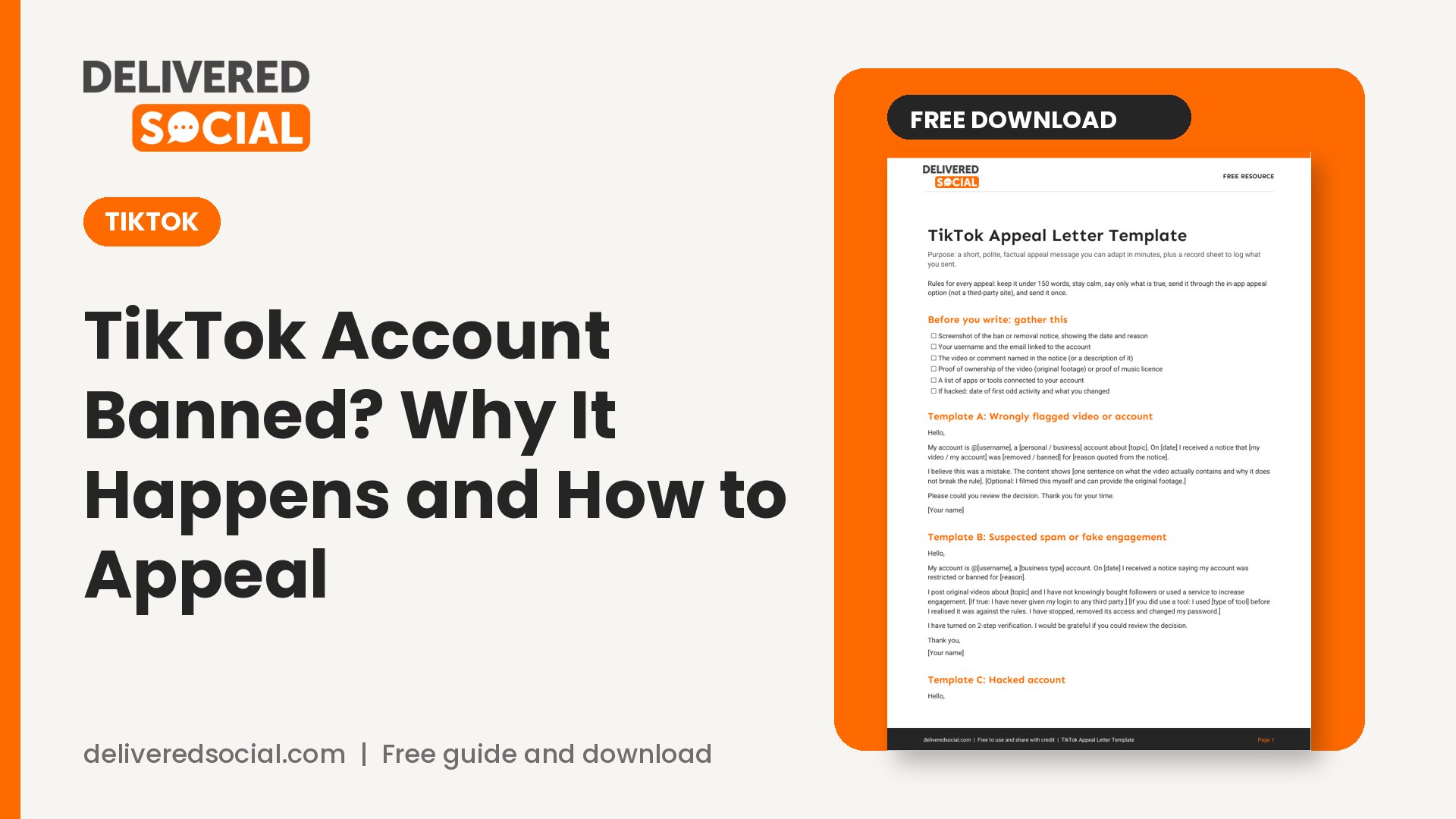
Get the free TikTok appeal letter template
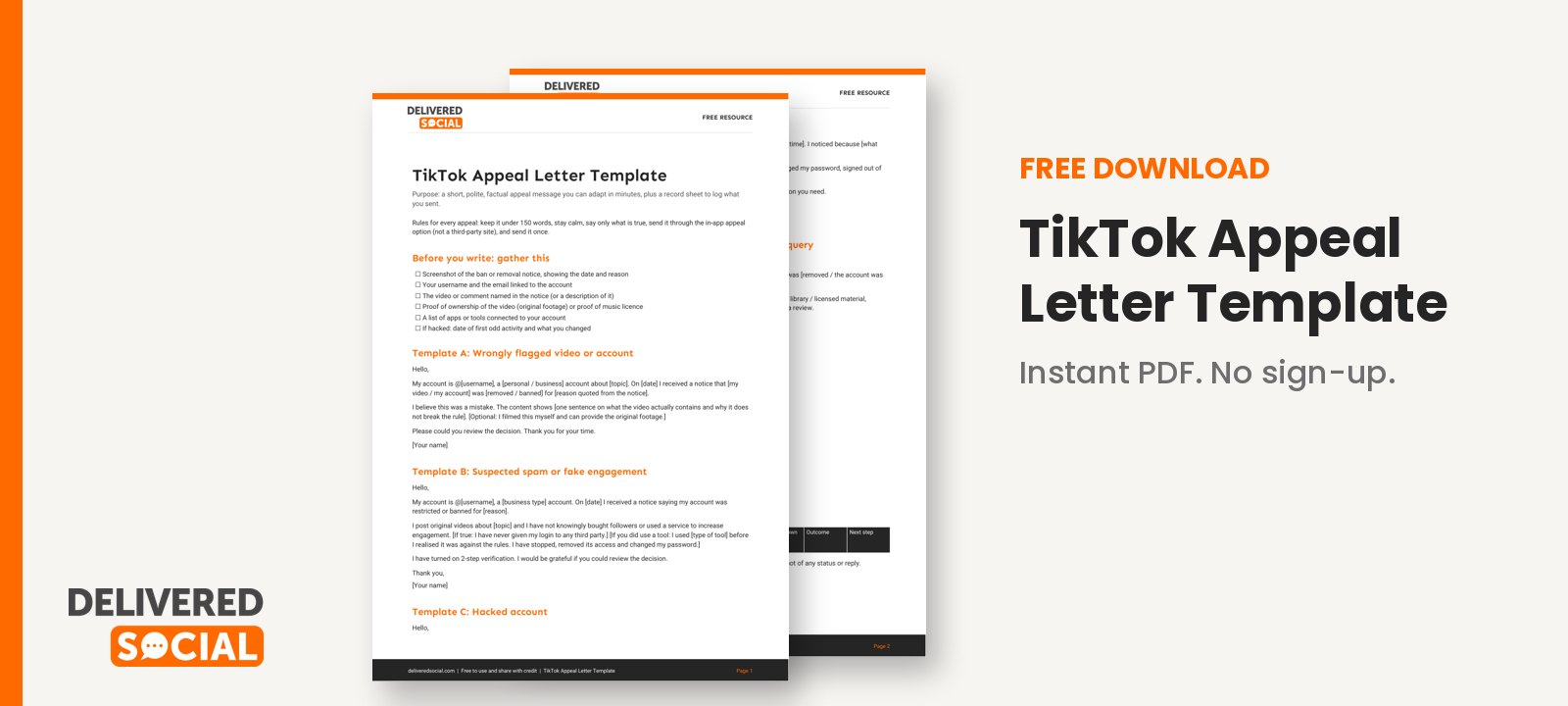
We have written a ready-to-use appeal template, with variations for common situations (wrongly flagged video, suspected spam, hacked account, business account) plus a record sheet to log what you sent and when. Download the free TikTok appeal letter template.
If TikTok is part of how your business finds customers and you would like help running it safely, Delivered Social offers social media management, and you can contact us to talk it through.
































