



Keep reading
Rather we just did it for you?
Let's get your business seen.
Social media, websites, SEO and ads from a team you can actually meet.
Marketing budgets flatlined at 7.7% of overall company revenue in 2025, down from a 2023 peak, per the Gartner 2025 CMO Spend Survey (n=402 CMOs). In the same window, 88% of organizations reported regular AI use in at least one business function, up from 78% a year earlier, per McKinsey’s 2025 State of AI survey. Flat spending against rising AI adoption changes how teams should evaluate digital marketing tools: the deciding question is not which platform is popular, but which capabilities move 2026 outcomes and what each costs to run.
This roundup scores eight tools on measurable capabilities (search and AI-search visibility, measurement depth, automation, and reporting) rather than brand recognition or sticker price. The trade-offs sit in the matrix below; the cards that follow are the deep-dives.
Six capability signals decided the ranking, each a verifiable property of the marketing software rather than a claim from its homepage:
- Measurement depth – does the tool report outcomes (conversions, attribution, AI citations), or only surface-level activity?
- AI-search visibility coverage – does it track brand presence across ChatGPT, Perplexity, Gemini, AI Overviews, and AI Mode?
- Automation – how much recurring work (sequences, workflows, alerts) runs without manual triggering?
- Reporting and exports – can data leave the tool via scheduled reports, API, or native connectors?
- Data freshness – how often the underlying dataset or metrics refresh.
- Integration breadth – how many other stack tools it connects to natively.
Each tool was scored across these six capability axes, weighted for mid-market and agency stacks that already run two to three platforms. Scores draw on live product data verified in August 2026 (pricing pages, feature documentation, and public plan limits), not vendor marketing copy. This digital marketing tools list ranks on capability fit, not popularity.
The 8 Tools at a Glance
| Rank | Tool | Primary category | Best for | Standout capability | Data/reporting depth | Starting price |
| 1 | SE Ranking | All-in-one SEO + AI-search visibility | Agencies and in-house SEO teams consolidating search and AI-search visibility | AI Results Tracker across ChatGPT, Perplexity, Gemini, AI Overviews, and AI Mode, plus its own AI Overviews research | High | $129/mo (Core) |
| 2 | Google Analytics 4 | Web/marketing analytics | Teams needing free cross-platform measurement | Event-based tracking across web and app | High | Free (GA4 360 custom) |
| 3 | HubSpot | Marketing automation + CRM | Mid-market teams unifying automation and CRM | Multi-touch revenue attribution on unified customer data | High | $7/mo per seat (Starter) |
| 4 | Mailchimp | Email marketing | Email-led lifecycle marketing | Automation flows with generative email content | Medium | Free; $13/mo (Essentials) |
| 5 | Sprout Social | Social media management | Enterprise social teams needing listening and analytics | Sentiment analysis with cross-network reporting | High | $199/mo per seat (Standard) |
| 6 | Semrush | Competitive/SEO research | Keyword and competitor research at scale | Large keyword and competitive database | High | ~$139/mo |
| 7 | Canva | Visual content/design | In-house teams producing visuals without a design function | Template library with Magic Studio AI design | Basic | Free; ~$15/mo (Pro) |
| 8 | Surfer SEO | Content optimization | Content teams optimizing drafts against SERP competitors | Real-time, competition-based content scoring | Medium | $99/mo (Standard) |
The matrix ranks eight platforms by capability fit for mid-market and agency stacks. SE Ranking leads on combined search and AI-search visibility; Google Analytics 4 and HubSpot anchor measurement and automation; Sprout Social, Mailchimp, Semrush, Canva, and Surfer SEO cover social, email, research, design, and content optimization. Starting prices run from free to $199 per month.
How to read this table
Five columns carry the analysis. Primary category names each tool’s core job; Best for maps it to a team profile. Standout capability isolates the one function it does most distinctly. Data/reporting depth rates how much measurable output you can extract: High means native dashboards plus exports or API, Medium means campaign-level reporting, Basic means minimal analytics. Starting price is the monthly entry rate. Read across a row to weigh what each of these digital marketing platforms trades for its price.
1. SE Ranking
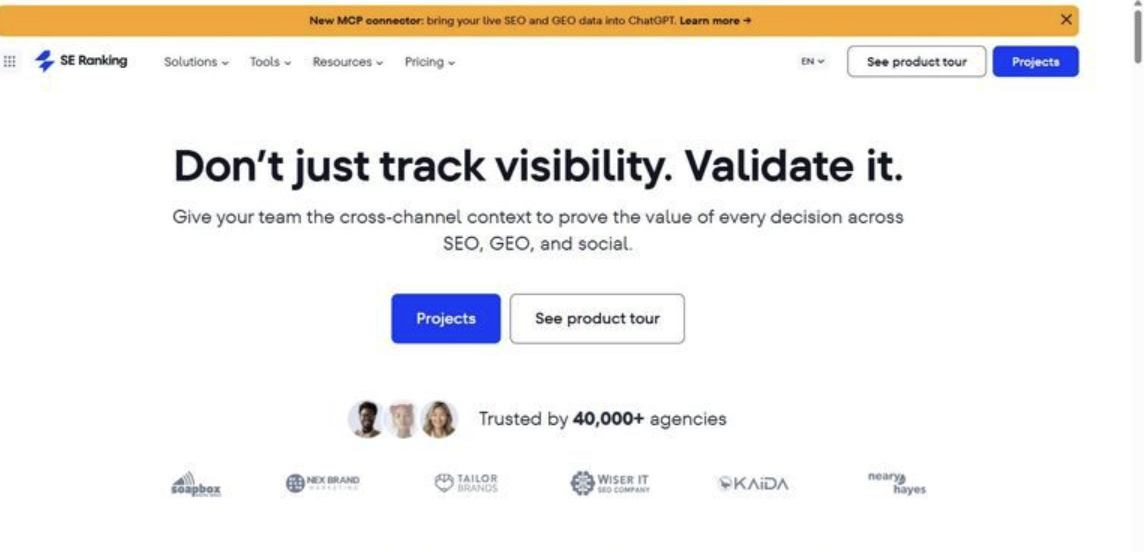
SE Ranking is an all-in-one SEO and AI-search visibility platform that tracks rankings, keywords, backlinks, and brand presence across five generative engines in one workspace.
Best for: mid-market in-house SEO teams and agencies consolidating traditional search and AI-search measurement into one reporting layer.
Standout capability: The differentiator is coverage of both traditional and AI search. Its AI Results Tracker records brand mentions, website citations, and share-of-voice across ChatGPT, Perplexity, Gemini, Google AI Overviews, and AI Mode. SE Ranking’s own study sets a prevalence baseline: 8.71% of 100,013 tracked keywords returned an AI Overview (SE Ranking, 2024).
Pros:
- Tracks five AI surfaces – ChatGPT, Perplexity, Gemini, AI Overviews, and AI Mode – in one dashboard
- Consolidates 30+ SEO tools (rank tracking, keyword research, site audit, backlinks, competitive research) into one subscription
- Includes API and MCP access on every plan tier, not as a paid add-on
- Runs daily rank checks with top-100 depth on desktop and mobile separately
Cons:
- Covers the search and AI-visibility layer only; email, social, and design stay on separate tools
- Offers no free plan – evaluation runs on a 14-day trial
- Caps AI competitive-research domains at 5 on Core (15 on Growth)
Pricing: Core $129/mo ($103.20/mo billed annually), Growth $279/mo; API and MCP included on every plan.
The data says: Hypothesis: teams adopt AI-search tracking as a separate tool. SE Ranking tests otherwise by folding five generative surfaces into the same workspace as rank tracking and audits. For teams whose measurement gap is AI visibility rather than email or social, it consolidates the most surfaces per subscription in this list. It doesn’t, however, measure on-site conversion the way an analytics platform does.
2. Google Analytics 4
Google Analytics 4 is Google’s free, event-based measurement platform for web and app traffic, funnels, and cross-platform user journeys.
Best for: in-house teams needing free, granular behavioral data that feeds a wider stack.
Standout capability: GA4’s event model logs every interaction as an event, making it one of the more flexible digital marketing analytics tools for custom funnels. The 360 tier raises limits sharply: data retention runs 50 months versus 14 on the free tier, plus unsampled explorations.
Pros:
- Costs nothing at the standard tier
- Integrates natively with Google Ads and Search Console
- Exports raw event data to BigQuery for custom modeling
Cons:
- Steepens the learning curve; the event schema is harder than session-based tools
- Samples data in large explorations, and publishes no public 360 price
Pricing: Free (standard); GA4 360 is enterprise, contract-based pricing (not publicly listed).
The data says: GA4 is the measurement backbone, not the whole stack. Reporting depth is high and cost is zero, but sampling and schema complexity cost analyst time. For teams already on BigQuery, the free tier covers most mid-market needs long before 360 enters the conversation.
3. HubSpot
HubSpot pairs a free CRM with Marketing Hub, covering email, landing pages, forms, workflow automation, and multi-touch reporting in one system.
Best for: mid-market and enterprise teams that want CRM, automation, and revenue attribution under one vendor.
Standout capability: HubSpot’s strength is automation tied to CRM data. Professional supports up to 300 workflows and Enterprise up to 1,000, with multi-touch revenue attribution reserved for Enterprise. Because campaigns, contacts, and reporting share one database, attribution runs without the export-and-reconcile step separate tools require.
Pros:
- Unifies CRM, email, and automation on one contact database
- Scales workflow automation from 300 (Pro) to 1,000 (Enterprise)
- Adds multi-touch revenue attribution at the Enterprise tier
Cons:
- Jumps steeply from Starter to Professional in list price
- Gates the reporting and attribution depth behind Professional and Enterprise
Pricing: Starter from $7/seat/mo; Professional $800/mo; Enterprise $3,600/mo (annual).
The data says: The data points to consolidation value: one database removes the reconciliation overhead of separate CRM and email tools. The trade-off is the steep Starter-to-Professional jump in list price. For teams whose bottleneck is automation and attribution rather than search, HubSpot earns the reporting-depth premium.
4. Mailchimp
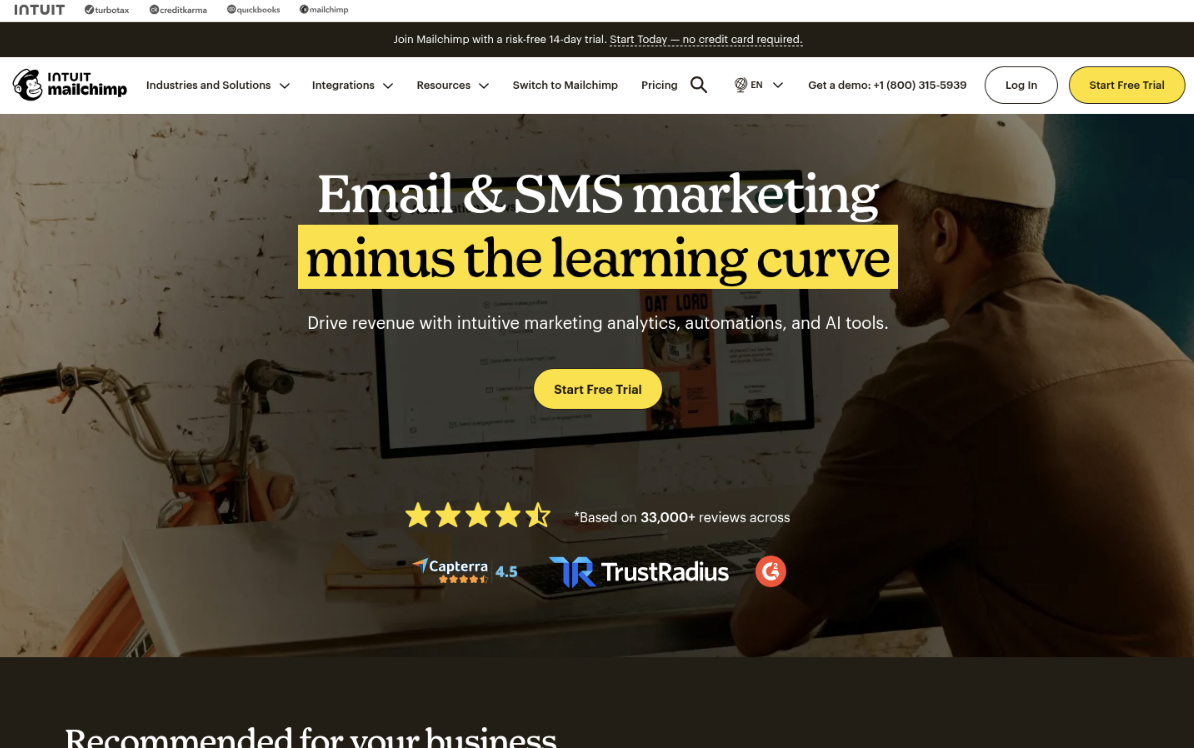
Mailchimp remains the default email marketing platform for teams wanting automation, segmentation, and templates without managing raw sending infrastructure.
Best for: mid-market teams running email as a measurable revenue channel inside a wider stack.
Standout capability: Email posts the highest return of any channel measured: $36 for every $1 spent (Litmus, 2025). Mailchimp’s automation flows (up to 200 on Standard) and behavior-based segmentation let teams operationalize that return through triggered sequences and A/B tests rather than one-off broadcasts.
Pros
- Automates behavior-triggered flows with branching logic (up to 200 on Standard)
- Reports opens, clicks, and revenue per audience segment
- Generates and A/B-tests content at no extra cost on Standard
Cons
- Pricing scales with contact count, climbing as lists grow past entry bands
- Deliverability and CRM depth trail dedicated enterprise platforms
Pricing: Free under 250 contacts; Essentials $13/mo, Standard $20/mo, Premium $350/mo (rates rise with list size).
The data says: Email’s $36-per-$1 return (Litmus, 2025) justifies a dedicated sender for teams treating email as a channel, not an afterthought. Teams needing enterprise deliverability or tight CRM attribution should test Mailchimp against heavier platforms before scaling.
5. Sprout Social
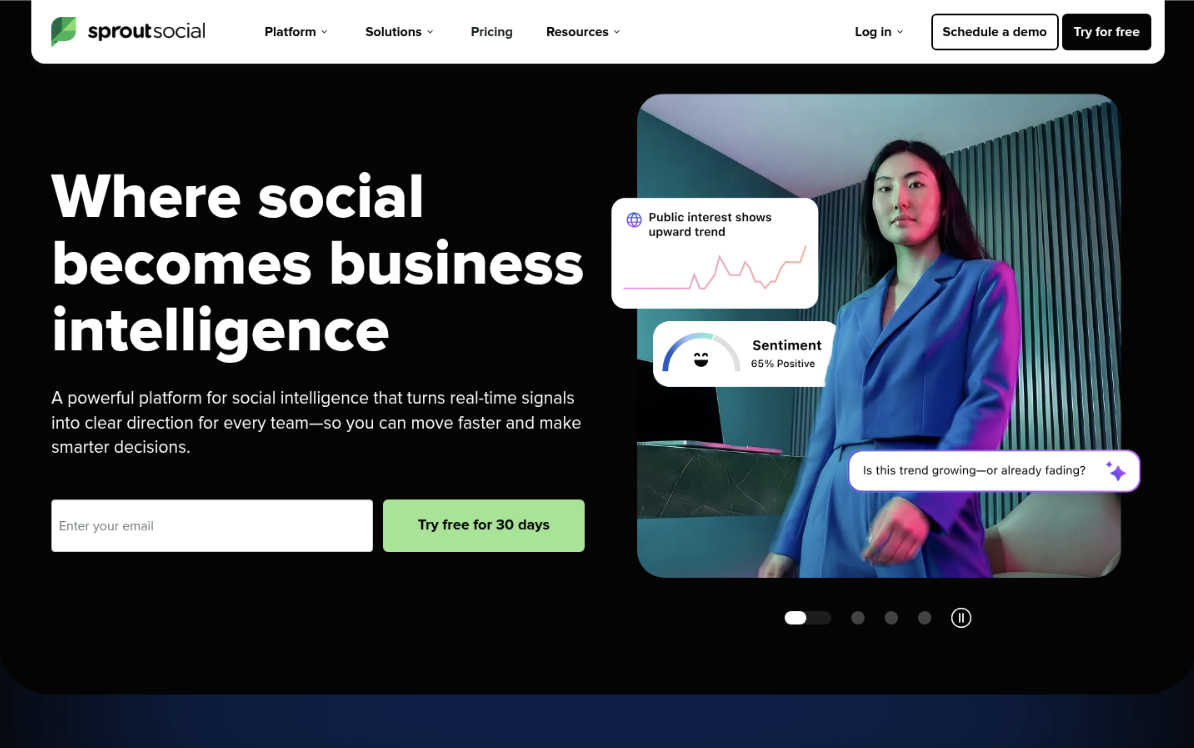
Built around publishing, listening, and analytics, Sprout Social targets multi-brand teams running many accounts at once.
Best for: enterprise and agency social teams needing sentiment analysis and cross-network reporting in one workspace.
Standout capability: Reporting is Sprout’s measurable differentiator. It consolidates paid and organic performance across networks into presentation-ready reports and layers sentiment analysis over inbound messages. That analytics depth is what justifies the per-seat premium for teams reporting social outcomes to leadership.
Pros
- Consolidates cross-network analytics into shareable reports
- Analyzes sentiment and routes inbound through a unified inbox
- Scales to unlimited profiles on Professional and Advanced tiers
Cons
- Per-seat pricing makes larger teams expensive fast
- Standard caps profiles at 5, forcing upgrades for multi-brand work
- Listening and advanced reporting sit behind higher tiers
Pricing: Essentials $79/mo, Standard $199/mo per seat, Professional $299/mo, Advanced $399/mo, Enterprise custom (30-day trial, no card).
The data says: At $199 per seat on Standard, Sprout carries the highest seat cost among mainstream social tools here. The math works when reporting depth and sentiment data justify it, usually at mid-market scale and up. Teams needing only scheduling will overpay.
6. Semrush
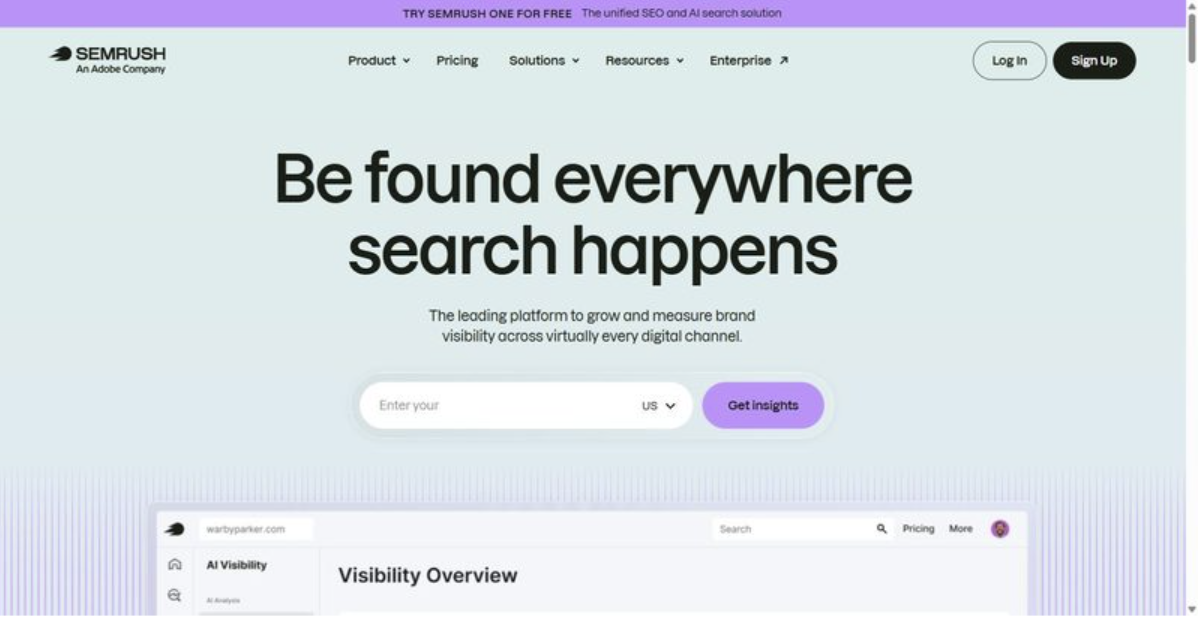
Semrush leans on large keyword and backlink databases spanning organic, paid, and AI search, which positions it as a competitive-research platform first.
Best for: research-led teams prioritizing competitive intelligence and keyword discovery over an integrated marketing stack.
Standout capability: Dataset breadth is where Semrush measurably pulls ahead: large keyword and domain databases, position tracking that now includes AI search, and site auditing across multiple properties by tier. The dataset scale supports competitor-mapping workflows directly, which is the job it does well.
Pros
- Covers competitive keyword, backlink, and paid research in one interface
- Tracks positions daily, including AI-search surfaces
- Provides a large historical dataset for trend analysis
Cons
- Entry pricing rises quickly once add-ons and extra seats stack
- Depth carries a steep learning curve for new analysts
Pricing: Entry from ~$139/mo, with higher tiers for more seats and site limits (annual billing lowers the per-month rate).
The data says: Semrush is defensible when competitive research is the core requirement and budget accommodates its tiering. It sits at sixth here because tools ranked above pair comparable research with AI-visibility tracking and reporting in one subscription. Match the plan to research volume you can verify you’ll use.
7. Canva
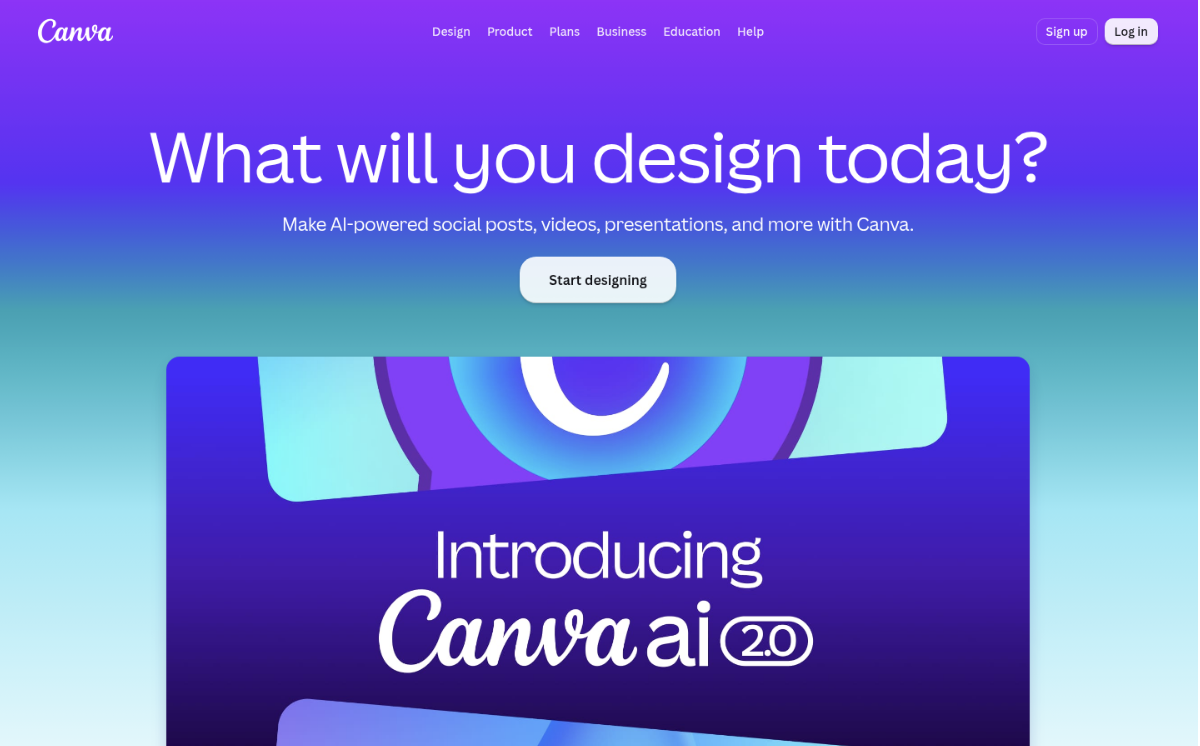
Drag-and-drop by design, Canva lets non-designers produce on-brand graphics, presentations, and social content at volume.
Best for: in-house marketing teams and agencies producing high-volume visual content without a dedicated design function.
Standout capability: Magic Studio combines AI generation, background removal, and bulk resizing with a Brand Kit that locks fonts, colors, and logos across a team, alongside 3.6M-plus templates. For teams shipping dozens of assets weekly, the binding constraint is throughput, and Canva’s model is built for it.
Pros:
- Standardizes brand assets through Brand Kit and locked templates
- Generates and edits images inside Magic Studio, no separate AI tool
- Scales team collaboration on the Business tier
- Exports directly to social schedulers and common formats
Cons:
- Reports no marketing performance data; its reporting depth is Basic, producing assets rather than measurement
- Design ceiling sits below dedicated tools for complex production
Pricing: Free tier; Pro about $15/mo ($180/yr, billed annually); Business about $20.83/mo per user; Enterprise custom.
The data says: Canva owns one axis, visual output, and nothing here matches its cost-per-asset at scale. It contributes nothing to search, AI-search, or analytics. Treat it as a production layer inside a stack, not a platform decision.
8. Surfer SEO
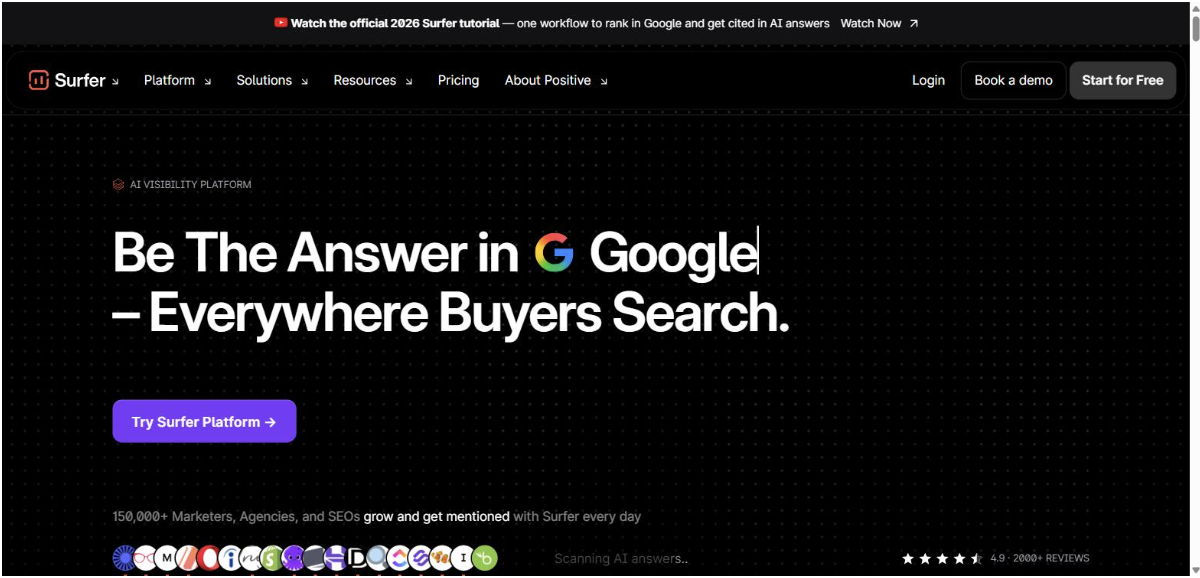
Surfer SEO is a content optimization tool that scores drafts against the pages currently ranking for a target query.
Best for: content and SEO teams that need on-page optimization guidance before publishing at scale.
Standout capability: Surfer’s content editor produces a real-time score as you write, benchmarking word count, heading structure, and term coverage against the current top-ranking results for a query. It narrows the distance between a draft and what the SERP rewards, shortening editing cycles for teams on a fixed cadence.
Pros:
- Scores drafts in real time against live SERP competitors
- Audits existing pages and flags on-page gaps
- Integrates with Google Docs, WordPress, and Zapier
- Structures briefs so writers work from one shared target
Cons:
- Scope is narrow: on-page content only, with no rank tracking, backlinks, or cross-channel reporting
- No free plan; entry is a 7-day money-back window
Pricing: Discovery $49/mo; Standard $99/mo; Pro $182/mo (annual billing).
The data says: Content optimization is the whole of what Surfer does, and it does it well, but this is a specialist, not a platform. For teams whose bottleneck is what to write, it earns a slot. For teams measuring search and AI-search visibility, it sits downstream of a broader tool.
The Decision Guide
The useful question isn’t which of these digital marketing tools ranks highest overall; it’s which axis your stack is weakest on. If your priority is measurement, choose Google Analytics 4; if automation and CRM, HubSpot; if email, Mailchimp; if social publishing, Sprout Social; if visual production, Canva; if on-page content optimization, Surfer SEO; if competitive research, Semrush.
If your bottleneck is search plus AI-search visibility, choose SE Ranking. It tracks rankings and brand presence across ChatGPT, Perplexity, Gemini, and Google AI Overviews in a single dashboard, which matters given that 88% of organizations now report regular AI use in at least one business function (McKinsey, 2025). Its all-in-one SEO and AI-search platform consolidates that tracking without exports.
Skip if: don’t shortlist Canva or Surfer SEO when the gap is cross-channel reporting, because neither produces it. No single tool on this top digital marketing tools list wins every axis, so build for your constraint.
Frequently Asked Questions
What are the best marketing tools?
There is no single winner; the best digital marketing tools depend on the capability you are solving for. Across the eight tools scored here, SE Ranking leads on search and AI-search visibility, Google Analytics 4 on measurement, HubSpot on automation, and Sprout Social on social. Match the tool to your weakest axis, not to a popularity ranking.
What are the different types of digital marketing tools?
Digital marketing tools cluster into a few categories: analytics and measurement (Google Analytics 4), search and AI-search visibility (SE Ranking), automation and CRM (HubSpot), email (Mailchimp), social media management (Sprout Social), content optimization (Surfer SEO), and design (Canva). Most teams run two to three tools across these categories rather than one platform.
What are digital marketing analytics tools?
Digital marketing analytics tools measure and report on campaign and channel performance. Google Analytics 4 is the free standard for web and app behavior, tracking events across platforms. Others add specialized layers: SE Ranking reports search and AI-search visibility, while platforms such as Sprout Social measure social engagement. Analytics depth, not feature count, separates them.
Are free digital marketing tools worth it?
Free tiers cover real work at the entry level. Google Analytics 4 is fully free and near-universal, Canva’s free plan handles basic design, and Mailchimp is free under 250 contacts. The limits appear at scale: data retention, seats, automation volume, and reporting depth. For teams past that threshold, paid tiers become the practical floor.
































