



Keep reading
Rather we just did it for you?
Let's get your business seen.
Social media, websites, SEO and ads from a team you can actually meet.
Most WordPress websites use an SEO plugin to manage page titles, meta descriptions, sitemaps and structured data. The two biggest names are Yoast SEO and Rank Math, and both are used on millions of sites. They do many of the same jobs, but they differ in their free features, interface, approach to guidance and pricing. This guide compares Yoast SEO vs Rank Math in plain English, so you can choose the right plugin for your website, and explains what matters far more than which one you pick.
What does a WordPress SEO plugin actually do?
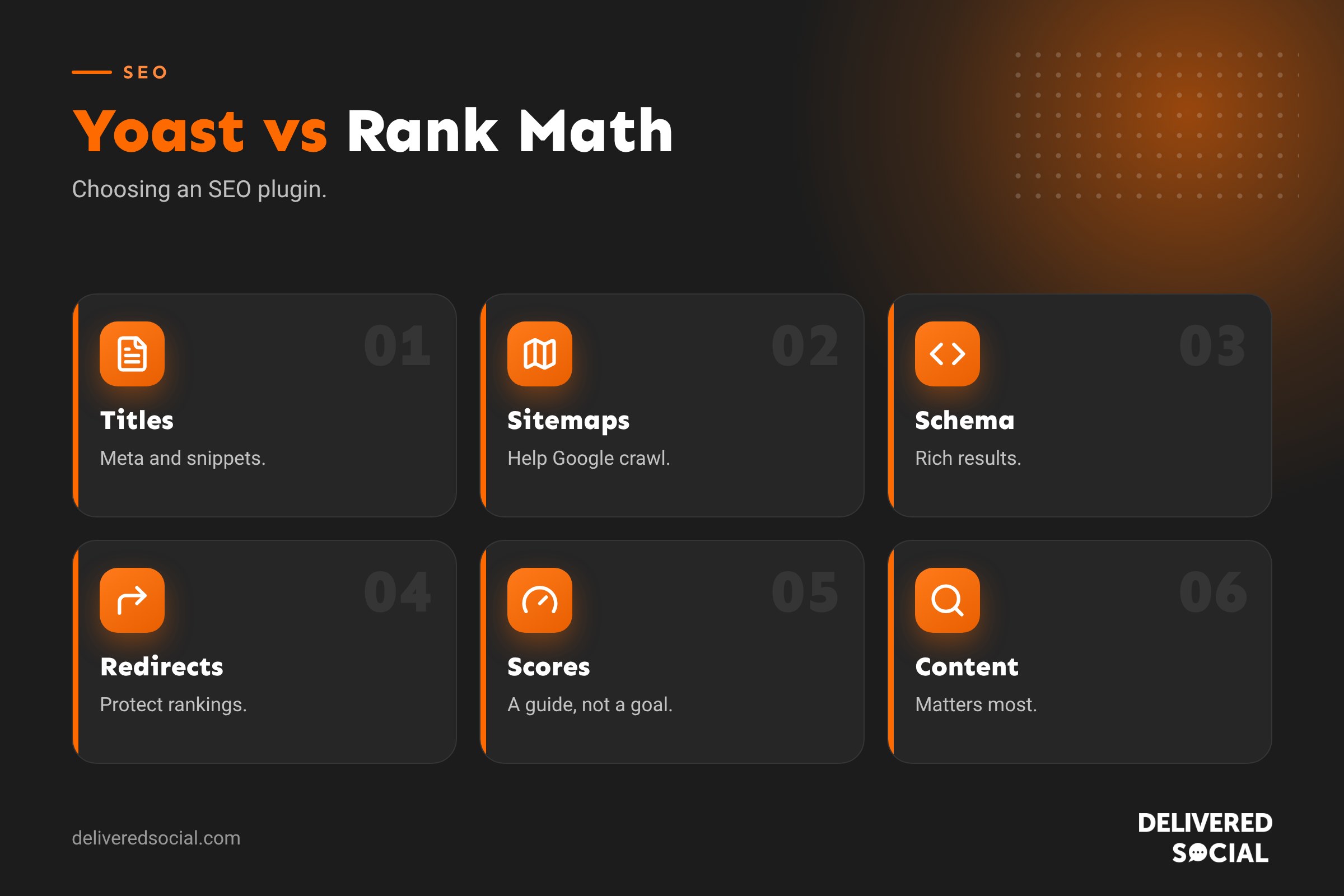
An SEO plugin doesn’t magically rank your site. It gives you the controls to get the technical and on-page basics right:
- Custom SEO titles and meta descriptions for each page and post.
- XML sitemaps that help search engines find your content.
- Canonical URLs to avoid duplicate content problems.
- Structured data (schema) to describe your business, articles and products.
- Control over which pages are indexed.
- Social sharing previews for Facebook, LinkedIn and X.
- Content analysis that nudges you to use your target keyword and write readable copy.
Both Yoast and Rank Math handle these essentials well.
Yoast SEO in brief
Yoast is one of the oldest and most widely used WordPress SEO plugins. It’s known for its traffic-light content and readability analysis, clear defaults and conservative, stable approach. The free version covers the essentials, while Yoast SEO Premium adds features such as a redirect manager, multiple focus keyphrases, internal linking suggestions and AI-assisted titles and descriptions. Our guide on how to use Yoast SEO walks through the set-up.
Rank Math in brief
Rank Math arrived later and gained popularity by packing many features into its free version, including a redirect manager, multiple focus keywords, more schema types and a built-in 404 monitor. It uses a modular approach, so you switch on only the features you need. Paid plans add more advanced schema, rank tracking, AI content tools and features for agencies and larger sites.
Yoast vs Rank Math at a glance
| Yoast SEO | Rank Math | |
|---|---|---|
| Free version | Solid essentials | Very feature-rich |
| Interface | Simple, familiar | Modern, more settings |
| Focus keywords (free) | One | Several |
| Redirect manager | Premium | Included free |
| Schema | Good defaults | More types and controls |
| Content analysis | Traffic lights for SEO and readability | Score out of 100 |
| Best for | Beginners and teams wanting simplicity | Users wanting more free features and control |
Features and pricing change regularly, so check the current versions before you buy.
Ease of use
Yoast’s interface is calm and focused. Its configuration workout guides you through the basics, and the editor panel shows clear suggestions. It’s a good choice when several people edit the site and you want fewer settings to get wrong.
Rank Math’s set-up wizard is also friendly, but there are more options. Power users love the control; beginners can feel overwhelmed. Its modular design helps, as you can switch off what you don’t need.
Content analysis and scores
Both plugins check your content against a target keyword: is it in the title, URL, opening paragraph, headings and description? Is the content long enough and readable? These checks are useful prompts, but don’t chase a perfect score. A green light or 100/100 doesn’t mean a page will rank, and following the checklist too rigidly can make writing sound unnatural. Write for people first, cover the topic properly, and use the analysis as a sense check.
Schema and rich results
Structured data helps search engines understand your business, articles, products, FAQs and more. Yoast builds a well-structured schema graph automatically with sensible defaults. Rank Math offers more schema types and lets you customise them in detail, even in the free version. For most small business sites, either is fine; for sites needing specific schema types such as courses, events or recipes, Rank Math’s extra control can help.
Redirects and 404s
When you change a page URL or remove content, redirects protect your rankings and stop visitors hitting dead ends. Rank Math includes a redirect manager and 404 monitor for free. With Yoast, the redirect manager is a Premium feature, though you can use a separate free redirection plugin instead.
Performance
Both plugins are reasonably lightweight on the front end of your site. Rank Math’s modular design means you can switch off unused features. In practice, your theme, page builder, images and hosting have far more impact on speed than your SEO plugin choice. See why is my WordPress site slow?
Pricing
Both offer free versions that are enough for many small business websites. Paid plans are typically billed yearly and priced per site or per bundle of sites. Yoast Premium focuses on time-saving features like redirects, internal linking suggestions and AI tools. Rank Math’s paid tiers focus on advanced schema, keyword rank tracking, more AI credits and agency features. Compare what you’ll actually use, rather than the length of the feature list.
Switching between them
Switching is straightforward. Rank Math includes an import tool that brings across titles, descriptions, focus keywords and settings from Yoast, and Yoast can import from other plugins too. Before switching:
- Take a full backup of your site.
- Note your key pages and current rankings.
- Run the importer and check titles and descriptions on important pages.
- Check your sitemap and robots settings.
- Deactivate the old plugin; never run two SEO plugins at once.
What matters more than the plugin
We see sites with perfect plugin scores that don’t rank, and sites with basic set-ups that do. The difference is almost always:
- Helpful content that answers what people search for.
- Clear site structure and internal links.
- Fast, mobile-friendly pages.
- Trust signals such as reviews, case studies and expert authors.
- Local SEO through Google Business Profile for local businesses.
- Quality links from relevant websites.
Our SEO for beginners guide covers these in more detail.
Which should you choose?
| If you… | Choose |
|---|---|
| Want simplicity and fewer settings | Yoast SEO |
| Want redirects and multiple keywords for free | Rank Math |
| Need detailed schema control | Rank Math |
| Already use Yoast and it works | Stay with Yoast |
| Have many editors of varying experience | Yoast SEO |
What about other SEO plugins?
All in One SEO (AIOSEO), SEOPress and The SEO Framework are also popular and capable. Some agencies use their own preferred tools. The principle is the same: choose one well-supported plugin, set it up properly and focus your energy on content and user experience.
Quick set-up checklist for either plugin
- Set your site name, logo and organisation details.
- Check your XML sitemap is working and submit it in Google Search Console.
- Write unique titles and descriptions for key pages.
- Set tag, author and media attachment pages to noindex if they add no value.
- Add social sharing images.
- Connect Search Console where the plugin supports it.
- Set up redirects for any changed URLs.
Our recommendation
If your site already uses one of these plugins and it’s set up properly, there’s rarely a reason to switch. Spend the time improving your content and internal links instead. For new sites, pick the one your team finds easiest to use and stick with it.
Quick glossary
- Meta description: the summary that can appear under your page in search results.
- XML sitemap: a file listing your pages for search engines.
- Schema: structured data that describes your content to search engines.
- Canonical URL: the preferred version of a page.
- Redirect: automatically sends visitors from one URL to another.
Key takeaways
- Yoast and Rank Math both handle the SEO essentials well.
- Rank Math offers more in its free version; Yoast is simpler and very stable.
- Never run two SEO plugins at once.
- Don’t chase perfect scores; write for people.
- Content, speed and trust matter far more than plugin choice.
Frequently asked questions
Is Rank Math better than Yoast?
It offers more free features, but Yoast is simpler. Neither will rank a site on its own.
Is Yoast SEO free?
Yes, with a paid Premium version for extra features.
Can I switch from Yoast to Rank Math?
Yes, using Rank Math’s import tool. Back up first.
Will switching plugins affect rankings?
Not if titles, descriptions, sitemaps and redirects are carried over correctly.
Can I use Yoast and Rank Math together?
No. Running two SEO plugins causes conflicts and duplicate tags.
Does a green light mean my page will rank?
No, it’s only a checklist of on-page basics.
Which is better for local SEO?
Both support local business schema; Google Business Profile matters more.
Do I need the premium version?
Many small sites don’t; buy it when a feature genuinely saves you time.
Which is lighter?
Both are reasonably light; your theme and hosting matter more.
Do SEO plugins help with AI search?
They help with structure and schema, but helpful content and authority matter most.
Do these plugins slow down my editor?
Slightly, because they analyse content as you write, but rarely enough to matter.
Can I hide SEO settings from editors?
Both offer role-based controls so only certain users see advanced settings.
Want your WordPress SEO set up properly?
We set up, audit and manage SEO for WordPress websites across Surrey, Hampshire and the UK. Call us on 01483 608 303.
































