



Keep reading
Rather we just did it for you?
Let's get your business seen.
Social media, websites, SEO and ads from a team you can actually meet.
You find a profile you want to look at, it is locked, and a quick search brings up sites promising a private instagram account viewer: paste in a username, see everything. It sounds easy. It also does not work, and the sites behind it are a better source of trouble than of photos. This guide explains why, what is really possible, and how to look after your own account or a child’s.
It is a companion to our article on the private TikTok viewer, which covers the same trick on a different app. The pattern is the same on both: a promise you cannot check, followed by a survey, a download or a request for your login.
We are a UK social media agency, so we spend our days on Instagram on behalf of businesses. Nothing here needs technical skill, and none of it involves breaking into anything. We have also kept to what Instagram’s own help pages say, and where we could not confirm something, we tell you.
How private Instagram accounts work
An Instagram account is either public or private. According to Instagram’s Help Centre, on a public account anyone can see the profile and its photos and videos, while on a private account only approved followers can see what is shared. You can read the platform’s own explanation of the differences between public and private accounts.
When you want to see a private account, you send a follow request. The owner gets it in their activity and can approve or deny it, as Instagram explains in its guide to approving or denying follower requests. Until that happens, you only see whatever the owner leaves open, typically a profile photo, a name and a short bio. The UK Safer Internet Centre has also noted that a private account’s posts stop appearing in search, Explore, hashtag and location pages, though Instagram changes these details over time.
The key point is where the posts live. They are on Instagram’s own servers, and Instagram decides who is allowed to ask for them. A third-party website has no special door into that system. If it could see what Instagram will not show, then no private account would be private, and Instagram would be fixing it that same day.
Why a private instagram account viewer does not work
Every viewer site makes the same claim: enter a username, wait a few seconds, and the hidden photos appear. Here is what actually happens instead.
- A fake progress bar. The site shows “scanning” and “bypassing security” screens. These are animations. Nothing is being scanned.
- A “preview”. You may see a few blurred or stock images, or even a real public profile photo, which looks like proof. It is not. Anyone can see a public profile photo.
- The catch. To “unlock” the result, you are asked to complete a survey, install an app, enter your phone number, or log in with Instagram. This is the real purpose of the site.
- No result. After you have done what they ask, you are either sent to another offer or told it failed and to try again.
We cannot test every site that exists, and we are not naming any, but we have never seen a credible demonstration of one that works, and there is no technical route that fits how the platform is built.
It helps to think about who profits. A private instagram account viewer costs the people running it very little to put up, and each visitor who completes a survey or hands over a login earns them something. That is the business model, and it is why the same sites keep reappearing under new names after they are reported.
What these sites really want from you
Your Instagram login
Some sites ask you to sign in with Instagram “to verify you are human”. That hands your username and password to a stranger. Once they have it, they can lock you out, message your followers pretending to be you, or sell the account. If this has already happened, change your password from a device you trust, turn on two-factor authentication, and check which devices are logged in under Security in your settings.
Surveys and personal details
Surveys that “unlock” content usually exist to collect your email, phone number or name, which may then be sold or used for spam and phishing. In the worst cases they sign you up to a paid subscription with small print.
Malware and fake apps
Others push a download: an app, a browser extension or a file. These can carry malware or adverts, and some want broad permissions on your phone. Never install anything from a site that promises to show you hidden accounts.
Payment traps
Some charge a small “membership” fee. You pay, nothing arrives, and the site vanishes or ignores your messages. If you paid by card, you could ask your bank about a chargeback, but it is far simpler not to pay at all.
Account trouble
Instagram does not like unofficial tools that log in on your behalf. If you gave a site your details, it may use your account to like, follow or message people, which can get the account limited. Our guide to Instagram bots and what is safe to automate goes into how Instagram treats that kind of activity.
What is actually possible if you want to view private Instagram
If you genuinely want to view private instagram content, there are only a few honest routes, and they all go through the account owner.
- Send a follow request. Tap Follow. The owner decides. If they accept, you see their posts, exactly as Instagram intends.
- Ask them directly. If you know the person, message them or ask in real life. A short, friendly note works best: who you are and why you would like to follow.
- Use a mutual contact. A friend or colleague who already follows the account can ask on your behalf. Do not ask them to share screenshots without the owner’s knowledge, as that breaks the owner’s trust and may not be fair to them.
- Use their public presence. Many people have a public website, a LinkedIn profile, a business page or other accounts you can look at instead.
- Accept the answer. If a request is ignored or declined, that is the owner’s choice. Sending repeated requests from new accounts is pushy and may count as harassment.
If you run a business and want to see what a private competitor is doing, remember that anything useful they do for customers is usually shown elsewhere: their website, ads, reviews and public posts. You can learn a lot without needing the private account at all.
It is also worth being honest about why you want to look. Curiosity about a stranger, an old friend or a possible employee are all common, and in most cases a public search of their name, or a polite follow request, answers the question. People set an account to private for reasons that are often good ones, from safety to simply wanting a quieter online life, and those reasons deserve respect even when you cannot see them.
A word about checking up on someone
If your reason is suspicion about a partner, an ex or a colleague, trying to get into a locked account is likely to make things worse. It can breach someone’s privacy and, depending on what you do, could cross legal lines. We are not lawyers and this is not legal advice, but a conversation, or a conversation with a professional, will help more than any viewer.
How to protect your own private Instagram account
If your account is private, these steps keep it that way.
- Check the setting. Go to Settings and privacy, then Account privacy, and make sure private is on. On a public account, anyone can see your posts.
- Review your followers. The UK Safer Internet Centre notes that people who followed you before you went private can still see your posts unless you remove or block them, so clear out anyone you do not recognise.
- Check follow requests properly. Look at the profile first. New accounts with no posts, odd names or thousands of followings are warning signs. Our guide on spotting fake followers shows what to look for.
- Remember the public bits. Your profile picture, name and bio are generally visible, so keep your address, workplace details and phone number out of them.
- Control tagging and sharing. Review who can tag and mention you, and be careful about posting the same photos to a public account elsewhere.
- Secure the login. Use a unique password, turn on two-factor authentication and ignore any message offering to “verify” your account.
- Remember that followers can screenshot. A private account only controls who can see, not what they do next. Only approve people you trust.
If you are a business, a private account usually works against you, because people cannot see your work. Our piece on how to increase followers on Instagram assumes a public profile, and explains how to grow one safely.
If you are worried about a child’s account
Parents sometimes type private instagram account viewer into a search engine because they cannot see what their child is doing. That worry is fair, but a viewer site is not the answer: it exposes your own details and still will not show you anything. These steps help far more.
- Talk first. Ask them to show you their account and how it is set up. Keep it calm, so they keep coming to you.
- Check it is private. Look through the settings together.
- Use Teen Accounts and supervision. Instagram says teens automatically get more protective Teen Account settings, and it has guidance on managing Teen Account settings. Settings and age rules change, so read the current page.
- Follow them yourself if they agree. That gives you a view that is honest and above board.
- Teach the warning signs. Strangers asking for photos, requests to move to another app, and anything that makes them uneasy should be shown to an adult.
- Know where to report. Use Instagram’s report tools on a post or profile, and if a child is at risk, contact the police. The NSPCC and the UK Safer Internet Centre offer advice for families.
None of this means you have to watch every move. The aim is a child who knows the risks and feels able to tell you when something goes wrong, which protects them better than secret snooping ever can.
Frequently asked questions
Can anyone see a private Instagram account without following it?
Not posts. Others can usually see only the profile photo, name and bio. To see more, you need the owner to approve a follow request.
Do private Instagram viewer apps ever work?
We have never seen credible evidence that one does. They rely on surveys, downloads and logins, and the most likely outcome is that you give away data or money.
Is there a free private instagram account viewer that is safe?
No. If a tool claims to bypass Instagram’s privacy, either it does not work or it is not safe. The only safe route is the owner’s approval.
Will the person know if I send a follow request?
Yes. They get a request in their activity and can approve or deny it.
I entered my password on one of these sites. What now?
Change your password straight away, turn on two-factor authentication, log out of unknown devices and warn your contacts if anything odd was sent.
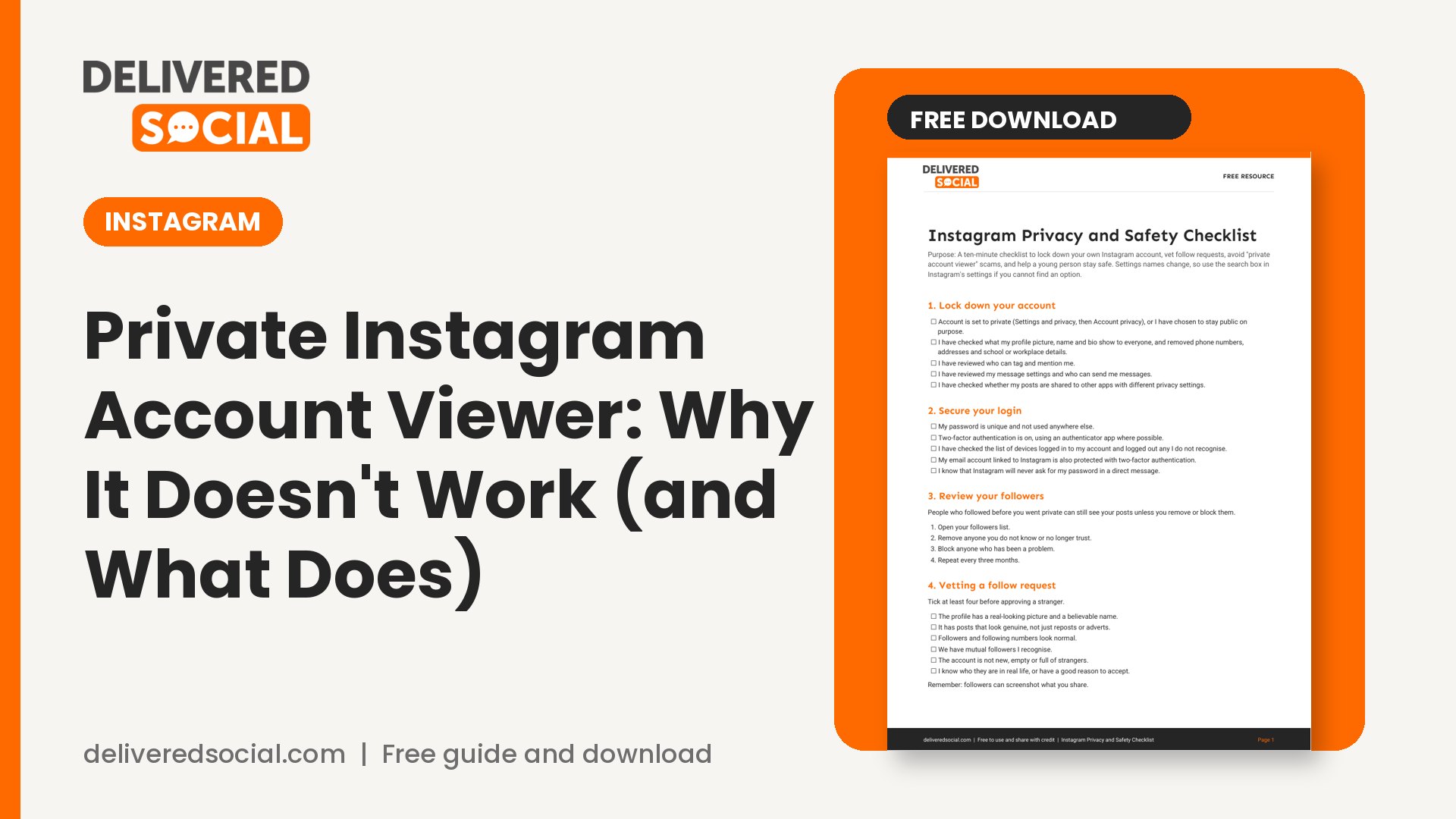
Get the free Instagram Privacy and Safety Checklist
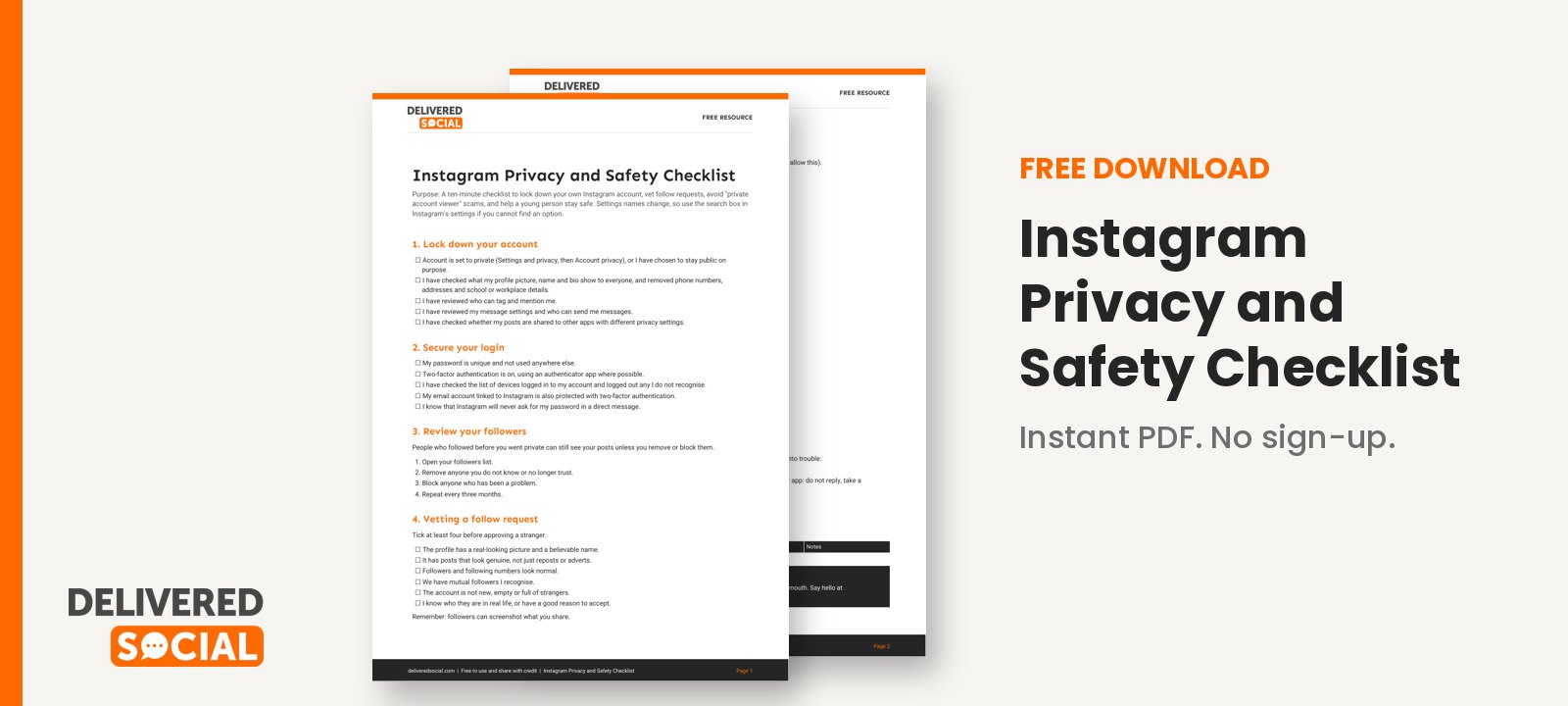
Our printable checklist walks you through locking down your own account, vetting follow requests, spotting scam sites, and helping a young person stay safe. Download the free Instagram Privacy and Safety Checklist and work through it in ten minutes.
The simple summary on any private instagram account viewer is this: if it sounds too good to be true, it is, and the safe route is always the owner’s say-so. If you would like help running a safe, successful Instagram presence for your business, speak to the team at Delivered Social or contact us.
































