



Keep reading
Rather we just did it for you?
Let's get your business seen.
Social media, websites, SEO and ads from a team you can actually meet.
DMs are where a lot of business happens on Instagram. Customers ask questions, book appointments, send photos and share your posts with friends, all in private messages. This guide explains what a DM on Instagram is, how to send and manage messages, the features worth knowing, and how businesses can use DMs to win more customers.
What does DM mean on Instagram?
DM stands for direct message. It’s a private message between you and one person, or a small group, that doesn’t appear on your profile or in anyone’s feed. Instagram’s messaging area is often called your inbox, and you’ll find it by tapping the paper plane or speech bubble icon on the home screen.
In a DM you can send text, photos, videos, voice notes, posts, Reels, Stories, links, stickers and GIFs, and make voice and video calls.
How to send a DM on Instagram
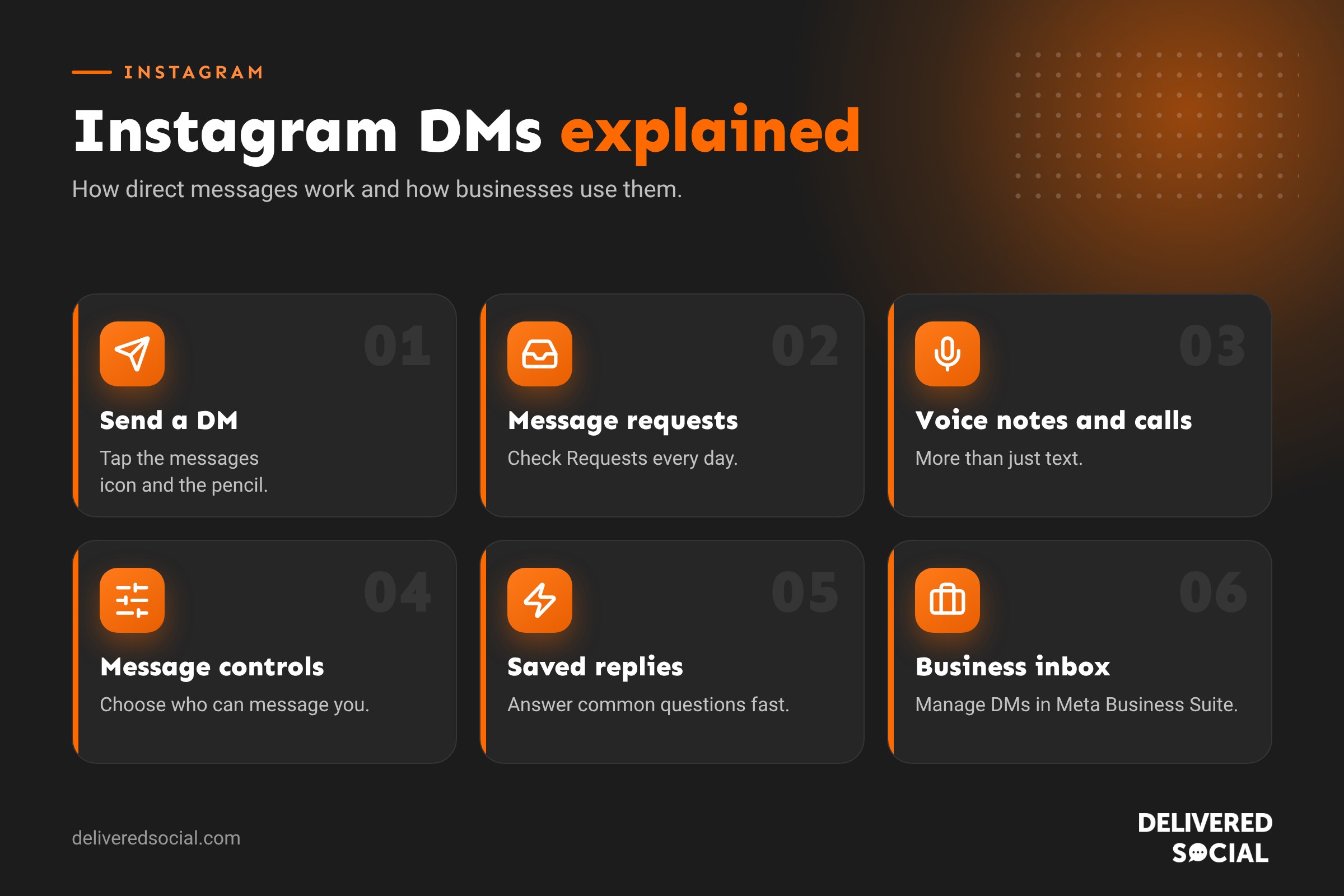
- Tap the messages icon at the top right of your home feed (or in the navigation bar, depending on your version of the app).
- Tap the pencil icon to start a new message.
- Search for the person’s username and select them. Choose several people to start a group chat.
- Type your message and tap Send.
You can also message someone from their profile by tapping Message, or reply to someone’s Story by typing in the “Send message” box at the bottom of it. On a computer, click the messages icon on instagram.com.
Message requests: why some DMs go missing
When someone you don’t follow messages you, their message usually goes to Requests rather than your main inbox. You won’t always get a notification. To find them, open your messages and tap Requests at the top. Messages Instagram thinks might be spam or offensive go into a separate Hidden requests folder.
Businesses should check requests every day. That’s often where new customers’ first questions land.
When you message someone who doesn’t follow you, they see your message as a request too. Instagram limits how many messages you can send before they accept, so make the first one count.
Useful Instagram DM features
| Feature | What it does |
|---|---|
| Voice notes | Hold the microphone button to record a quick audio message |
| Voice and video calls | Tap the phone or camera icon at the top of a chat |
| Reactions | Double-tap or press and hold a message to react with an emoji |
| Reply to a message | Swipe right on a message to reply to it directly |
| Edit a message | Press and hold a sent message and tap Edit, within a short time after sending |
| Unsend | Press and hold a message and tap Unsend to remove it for everyone |
| Pin chats | Keep important conversations at the top of your inbox |
| Disappearing messages | Turn on vanish mode so messages disappear after they’re seen |
| Read receipts | Choose whether people can see when you’ve read their message |
| Scheduled messages | Press and hold the send button to send a message later |
How to control who can DM you
- Go to your profile, tap the three lines and open Messages and story replies.
- Tap Message controls.
- Choose who can message you and where their messages go: your chats, requests, or not at all.
You can also turn on Hidden words to filter messages containing offensive words or phrases, and restrict or block anyone who’s bothering you. Restricting someone moves their messages to requests without them knowing.
Are Instagram DMs private?
DMs aren’t shown publicly, but they’re not completely secret. The person you message can screenshot or forward what you send, and Instagram doesn’t notify you about screenshots of normal chats. Meta has been rolling out end-to-end encryption for Instagram chats, which means only the people in the conversation can read the messages. Even so, never share passwords, bank details or login codes in a DM, and be wary of anyone asking for them.
How businesses can use Instagram DMs
- Answer questions fast. People who message a business usually want a quick reply. Aim to respond within a few hours during opening times.
- Take bookings and enquiries. Add a clear “DM us to book” call to action to posts and your bio.
- Use saved replies for common questions about prices, opening hours and delivery. In business accounts, you’ll find them under Business tools.
- Set up FAQs so new chats show suggested questions people can tap.
- Use labels and folders in Meta Business Suite to keep track of new leads, orders and follow-ups.
- Reply to Story mentions and thank customers who tag you.
- Use comment-to-DM automation carefully: tools can send a link to anyone who comments a keyword on your post, which is handy for sharing guides or offers.
Managing Instagram DMs on a computer
For businesses with lots of messages, managing DMs from a computer is much easier. You can reply on instagram.com, or use the inbox in Meta Business Suite, which brings Instagram DMs, Facebook Messenger and comments together in one place. You can assign chats to team members, add notes and set up automatic replies. Scheduling tools such as Metricool also include a combined social inbox.
Instagram DM etiquette for businesses
- Don’t send unsolicited sales messages to strangers. It annoys people and can get your account flagged as spam.
- Keep replies friendly, short and helpful, and use the person’s name.
- Move complex conversations to email or the phone when you need personal details.
- Never ask for card details in a DM. Send a secure payment link instead.
- Follow up if someone asked a question and went quiet, but only once.
Common Instagram DM problems
- Can’t find a message: check Requests and Hidden requests.
- Can’t message someone: they may have limited who can message them, blocked you, or you may have reached the limit for message requests.
- Messages not sending: check your connection, update the app and try again. New accounts sending lots of messages can be temporarily limited.
- Lost chat history: messages may have been unsent by the other person, or deleted if a chat used vanish mode.
Group chats on Instagram
Group chats let you message several people at once. They’re handy for friends and family, but businesses use them too: for a team planning content, a group of loyal customers, or partners working on an event. To start one, tap the pencil icon in your messages and choose more than one person. You can name the group, add a photo, add or remove members, and make people admins who can approve new members.
Instagram also has broadcast channels. These are one-to-many chats where creators and businesses send updates to followers who join, and followers can react and vote in polls but can’t reply in the main chat. They’re a good way to share news, offers and behind-the-scenes updates with your most engaged followers.
How to write a great first DM to a customer or partner
- Use their name and mention something specific, such as a post of theirs you liked.
- Say who you are in one line.
- Explain why you’re messaging and what’s in it for them.
- Ask one clear question that’s easy to answer.
- Keep it short. A few lines is plenty for a first message.
For example: “Hi Sam, loved your post about Guildford’s best brunch spots! We’re a new café on the high street. Would you like to come in for a free coffee and try our menu?”
Response times and the Messaging badge
People expect businesses to reply quickly on Instagram. A fast response makes it more likely they’ll book or buy, and a slow one can send them to a competitor. Some tips:
- Turn on message notifications for your business account and keep them on during opening hours.
- Set an away message in Meta Business Suite for evenings and weekends, saying when you’ll reply.
- Share responsibility: give a team member access through Meta Business Suite so messages are covered when you’re busy.
- Check your Requests folder at least once a day.
Spotting scam DMs
Businesses are often targeted by fake messages. Be wary of DMs that claim your account will be deleted for copyright breaches, offers of a blue tick for a fee, “collaboration” requests that ask you to pay upfront, or links asking you to log in. Instagram will only contact you about your account in the app’s notifications or Account Status page, never by asking for your password in a DM. Report and delete anything suspicious.
Frequently asked questions
Can someone see if I’ve read their DM?
Yes, by default it shows “Seen”. You can turn read receipts off in your message settings.
Can I DM someone who doesn’t follow me?
Yes, unless they’ve limited who can message them. Your message will go to their requests.
Does unsending a message notify the other person?
No, but they may have already seen it, and the chat may show that a message was unsent.
Can I send DMs from a computer?
Yes, on instagram.com or through Meta Business Suite for business accounts.
Want help managing your Instagram inbox?
We help small businesses across Surrey, Hampshire and the UK manage social media, including replies, comments and messages, so no enquiry slips through the net. See our social media services or call us on 01483 608 303.
































