



Keep reading
Rather we just did it for you?
Let's get your business seen.
Social media, websites, SEO and ads from a team you can actually meet.
Not every logo maker works the same way, and that’s where most people get stuck. Some tools are built for speed, some for customization, and others for full brand building. If you pick the wrong one, you usually end up spending more time fixing your logo than actually using it.
In this guide, we tested eight tools based on how they perform in real scenarios like starting a business, freelancing, running an online store, or building a full brand system.
Let’s get started!
Quick Verdict
- Best overall – Design.com: A complete AI branding system, not just a logo maker. Fast generation, strong customization, and the ability to expand into full brand assets make it the most well-rounded choice for entrepreneurs in 2026.
- Best for professional template quality – BrandCrowd: A strong option if you want polished, ready-made designs with minimal effort. The templates already feel production-ready, which makes it ideal for fast, client-ready branding work.
- Best for simple and quick logo creation – Canva: A lightweight AI logo maker built for speed. Best suited for users who just need a clean, usable logo fast without going deep into customization or branding systems.
Here’s a simple comparison table you can check:
| # | Tool | Best For | Key Strengths | Rating |
| 1 | Design.com | Small businesses | AI branding system, logo + full assets, strong customization | 10/10 |
| 2 | BrandCrowd | Freelancers | High-quality templates, fast AI-assisted editing | 9.8/10 |
| 3 | LogoMakr | Hands-on creators | Simple editing tools, flexible manual design control | 8.5/10 |
| 4 | Adobe Express | Agencies | Clean templates, balanced AI + editing tools | 9.2/10 |
| 5 | Canva | Beginners / free users | Huge templates, easy drag-and-drop editing | 9.5/10 |
| 6 | Logo AI | Early-stage startups | Fast logo idea generation, multiple variations | 8.8/10 |
| 7 | VistaPrint | E-commerce businesses | Logo + print integration, branding for physical products | 9.0/10 |
| 8 | Logo.com | Quick logo creation | Fast AI generation, simple workflow | 8.7/10 |
1. Design.com -> Best for Small Businesses
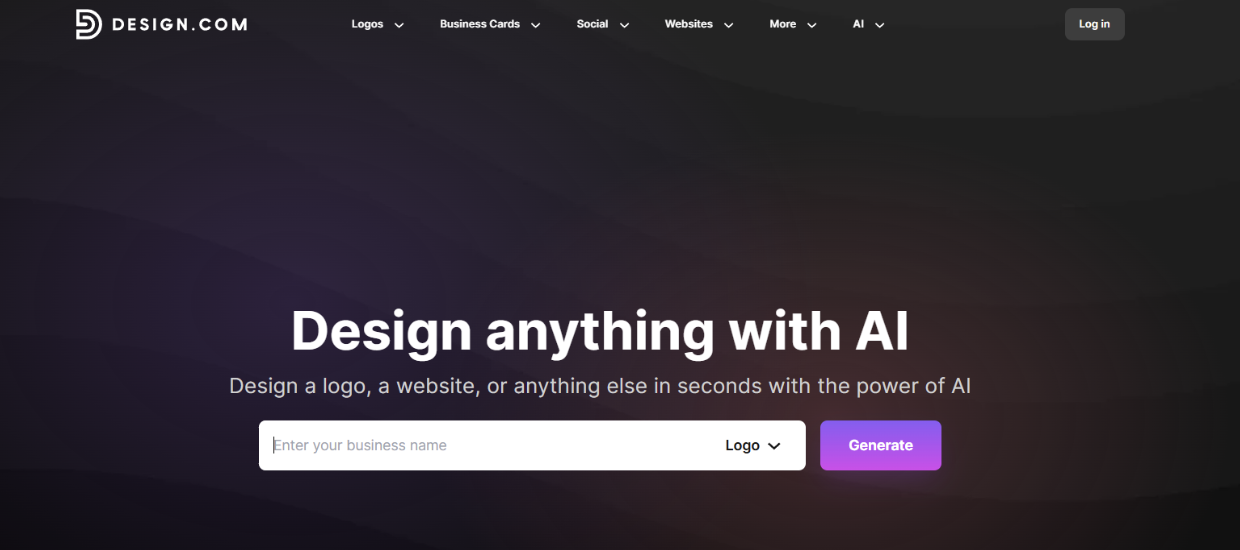
Design.com is built for entrepreneurs who want a fast way to go from idea to a complete brand identity. Its AI logo maker creates multiple logo directions instantly based on simple prompts or keywords, then refines them into more polished variations.
What makes it stand out is how the AI doesn’t stop at generation. You can edit logos using prompts, adjust icons and text intelligently, and extend the same design into business cards, websites, and social media assets without starting over.
This makes it especially useful for small businesses that need something professional quickly but still want room to refine and evolve their branding.
Key features
- AI logo generation from prompts and keywords
- Large template library with 400K+ logos
- Full branding system (business cards, websites, social media assets)
- AI editing for logos, text, icons, and layouts
- Extensive font and shape libraries
- Commercial-use safe designs
- Multiple export formats (PNG, SVG, PDF, etc.)
How the AI works
Once you enter a business name or prompt, the AI generates multiple logo concepts based on your input and industry context.
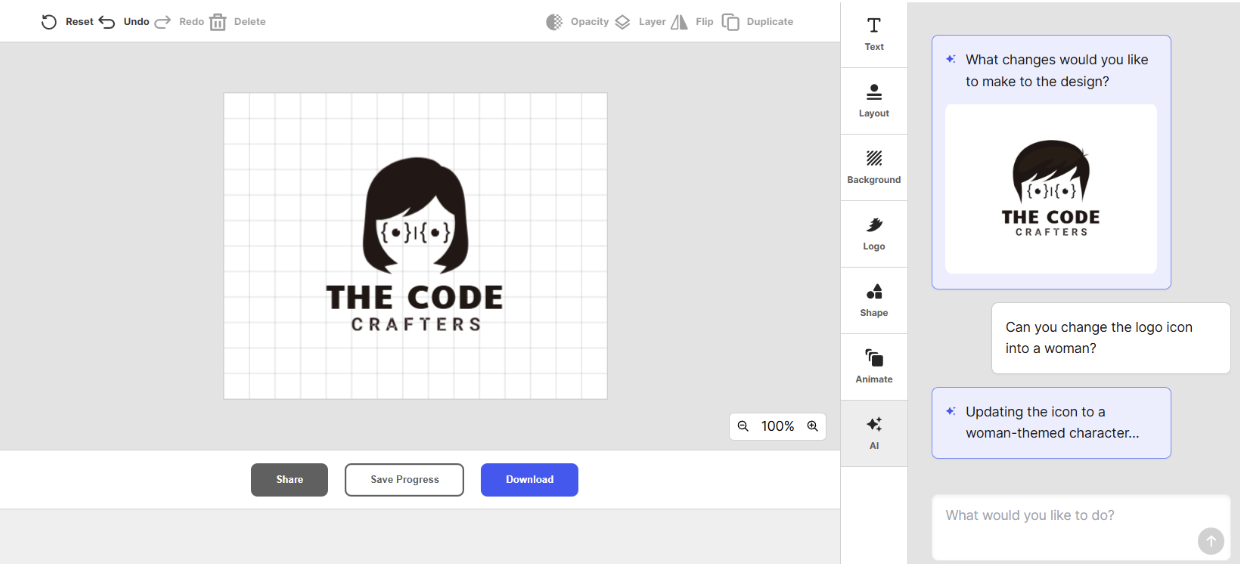
After selecting a design, you can refine it further using AI commands. In this case, we asked its AI to change the logo icon into a woman:
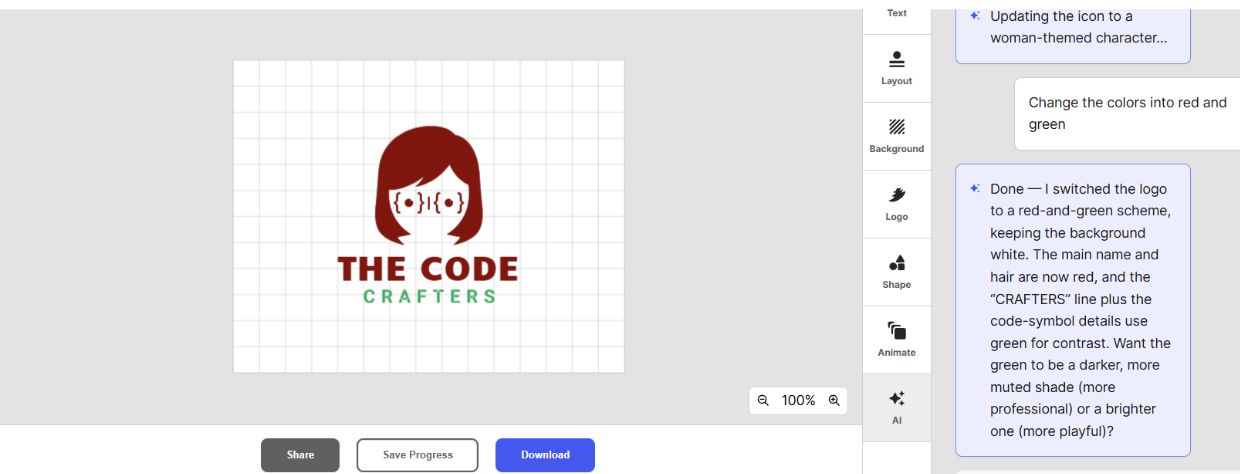
Adjust the colors into a programming color palette:
Modify the text styles:
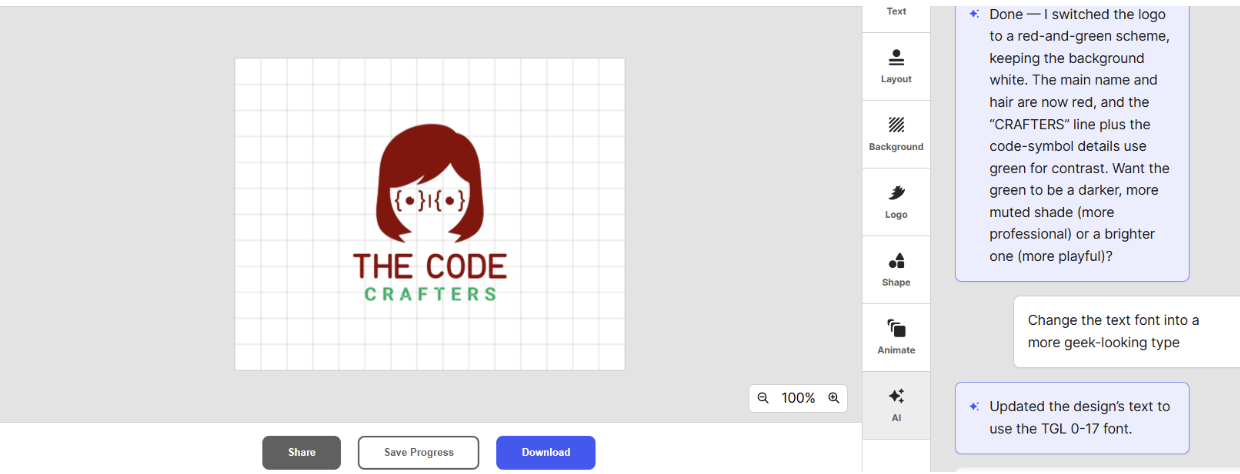
or even adding new visual element like a terminal prompt:
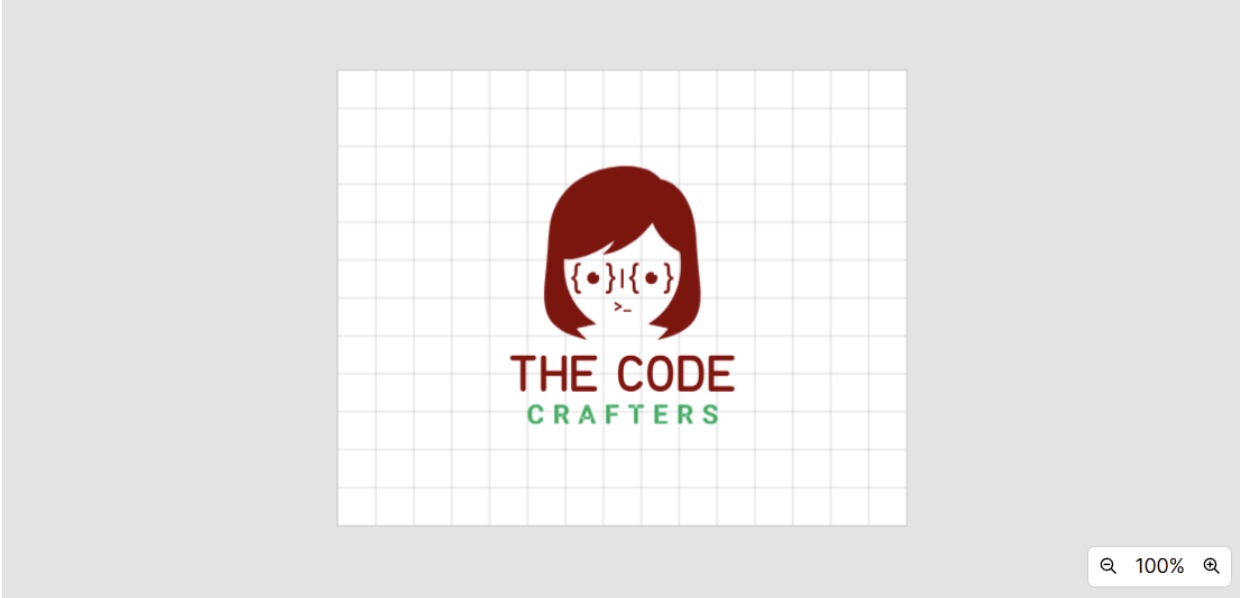
The system updates the design in real time while keeping the overall structure consistent.
Why choose this tool
- Fast end-to-end logo creation
- Strong AI editing control after generation
- Easy to build a full brand identity from one logo
- Beginner-friendly interface
- Large asset library for customization
- Works well for startups and small businesses
- Supports scalable branding beyond logos
- Saves time compared to manual design tools
Why avoid this tool
- Web-based only
Pricing
- Free to use
- Starter: $3/month (billed annually)
- Value: $4/month (billed annually)
- Premium: $5/month (billed annually)
See it in action
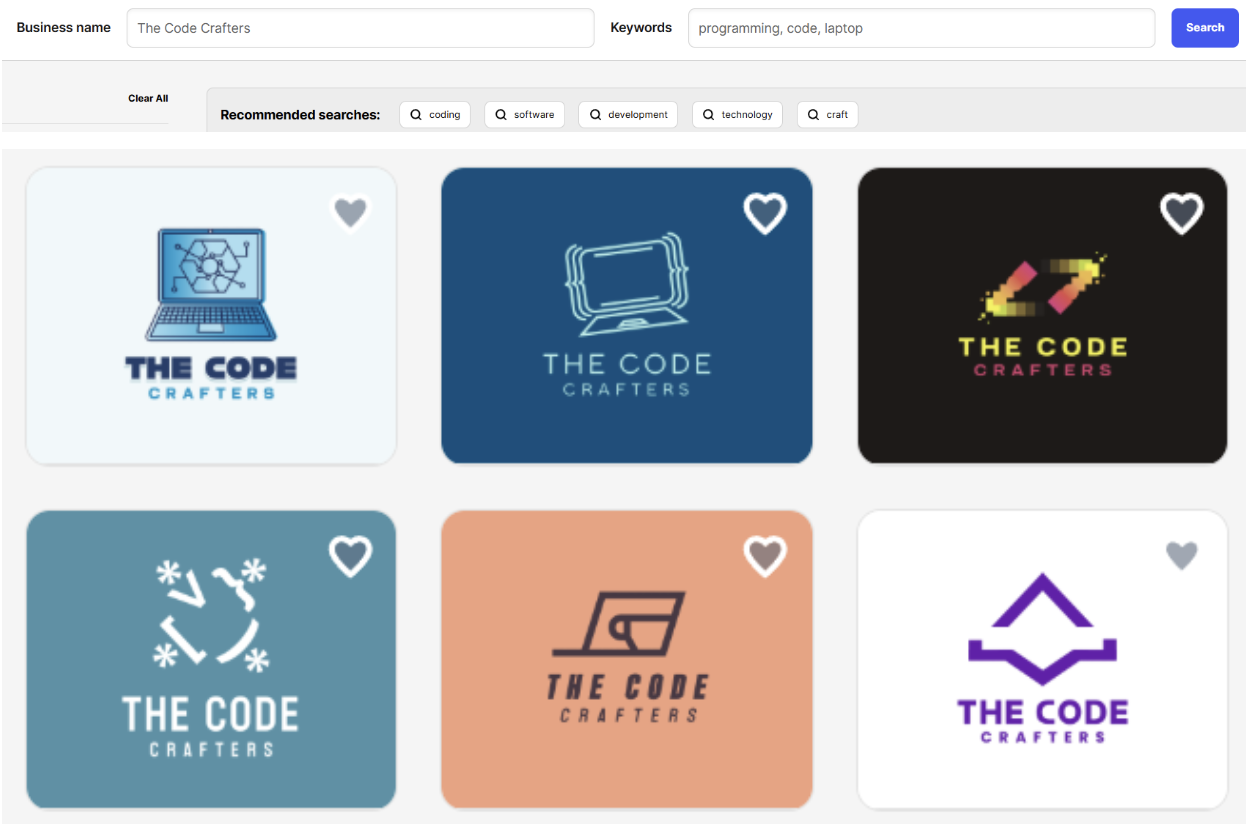
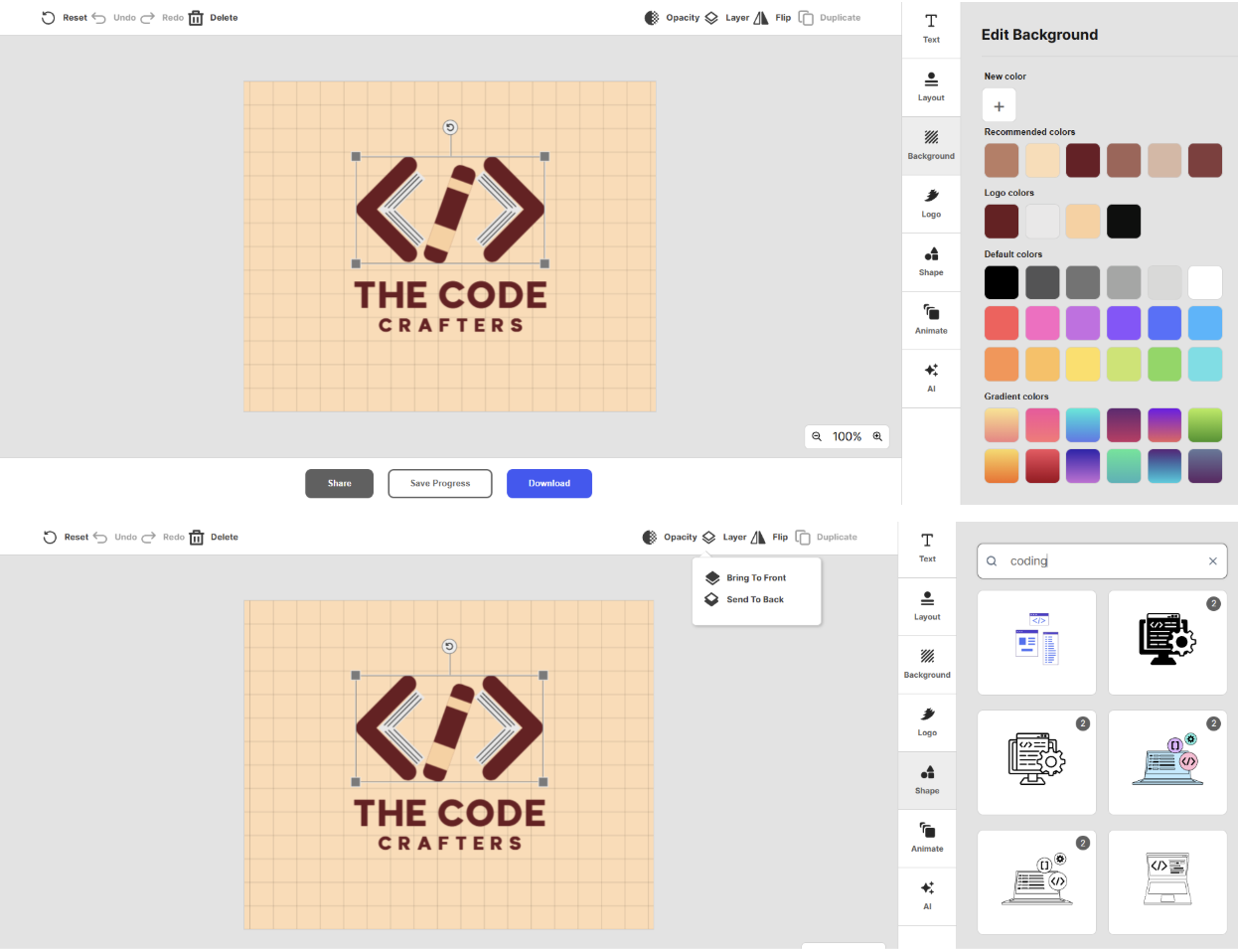
Verdict: Design.com is one of the strongest all-in-one AI branding tools for entrepreneurs. It works best when you want speed, flexibility, and the ability to refine your logo using AI instead of starting over repeatedly.
2. BrandCrowd -> Best for Freelancers
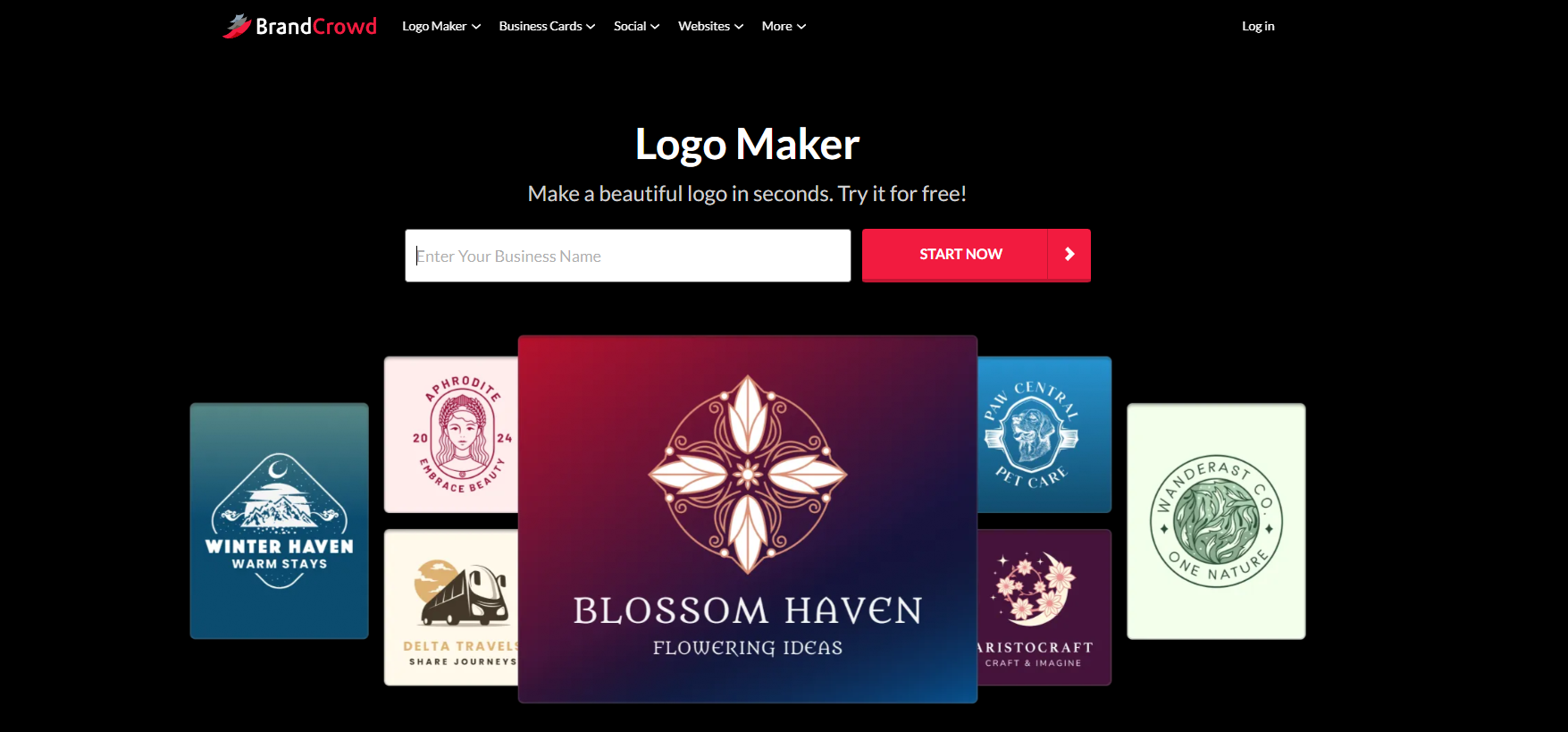
BrandCrowd focuses on turning professionally designed templates into editable logos using AI-assisted customization. Instead of generating logos from scratch, it matches your input with high-quality design templates and lets you refine them into a final brand-ready identity.
The AI logo generator helps streamline the selection and editing process, making it easier to find a strong starting point and adjust it without losing design quality. It is especially useful for freelancers who need polished results quickly for clients.
Key features
- AI-powered logo generation from business name and keywords
- Large library of professionally designed templates
- Advanced customization for fonts, colors, and layout
- Brand consistency across multiple assets
- Commercial-use safe designs
- Multiple export formats including vector files
- Integrated branding tools (business cards, social assets, etc.)
How the AI works
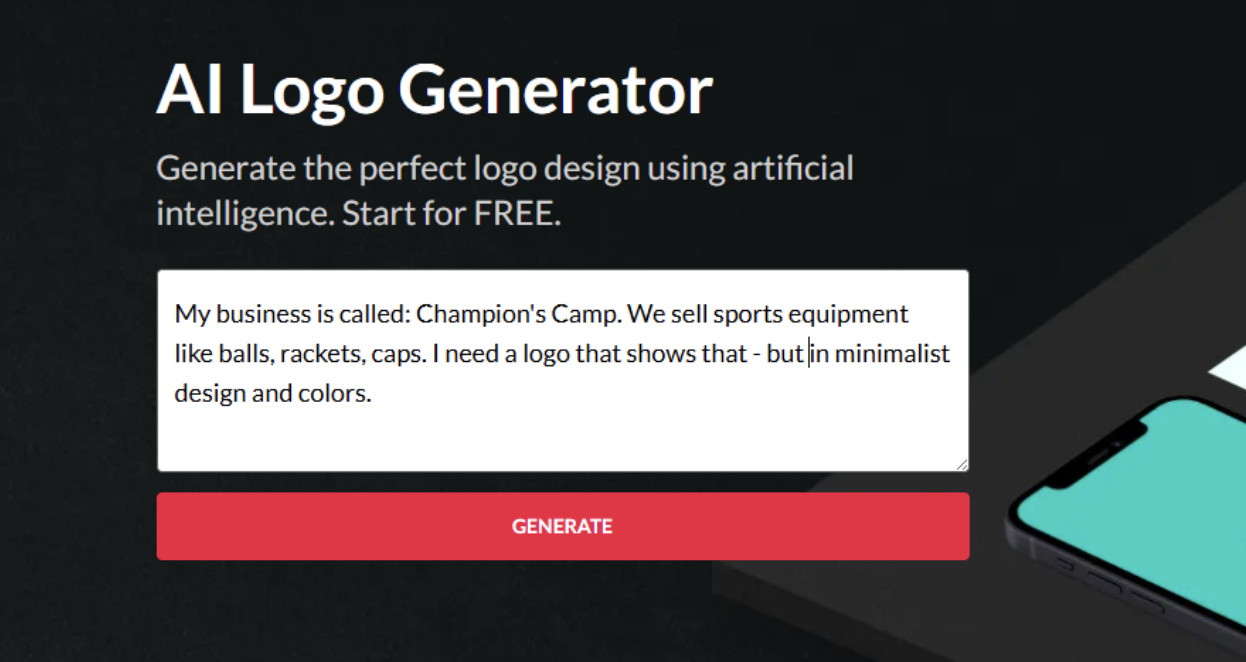
BrandCrowd’s AI matches your input with relevant logo templates based on style, industry, and keyword context.
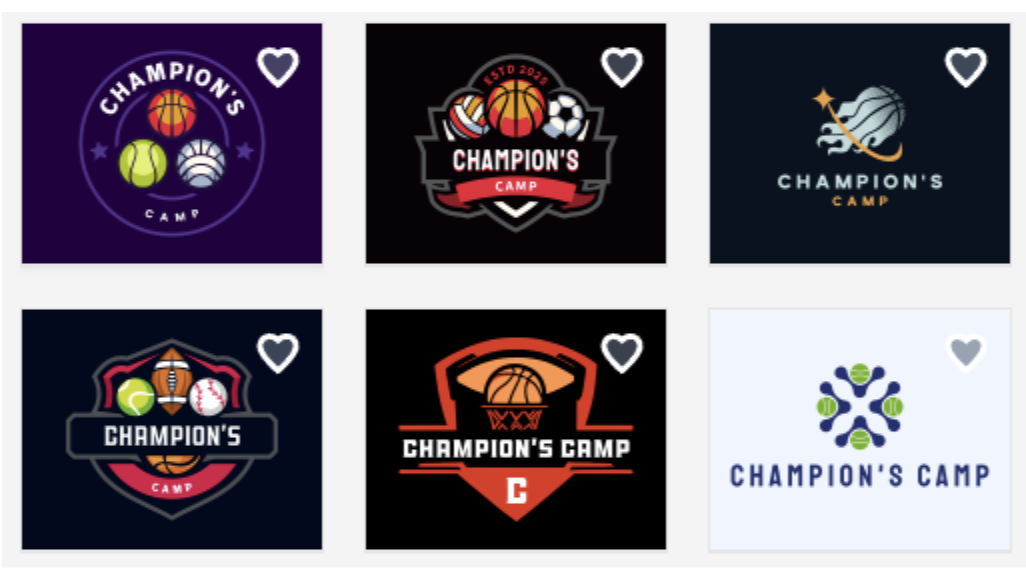
Once a template is selected, the AI assists in adjusting elements like layout balance, typography pairing, and color harmony to keep the design visually consistent while you customize it.
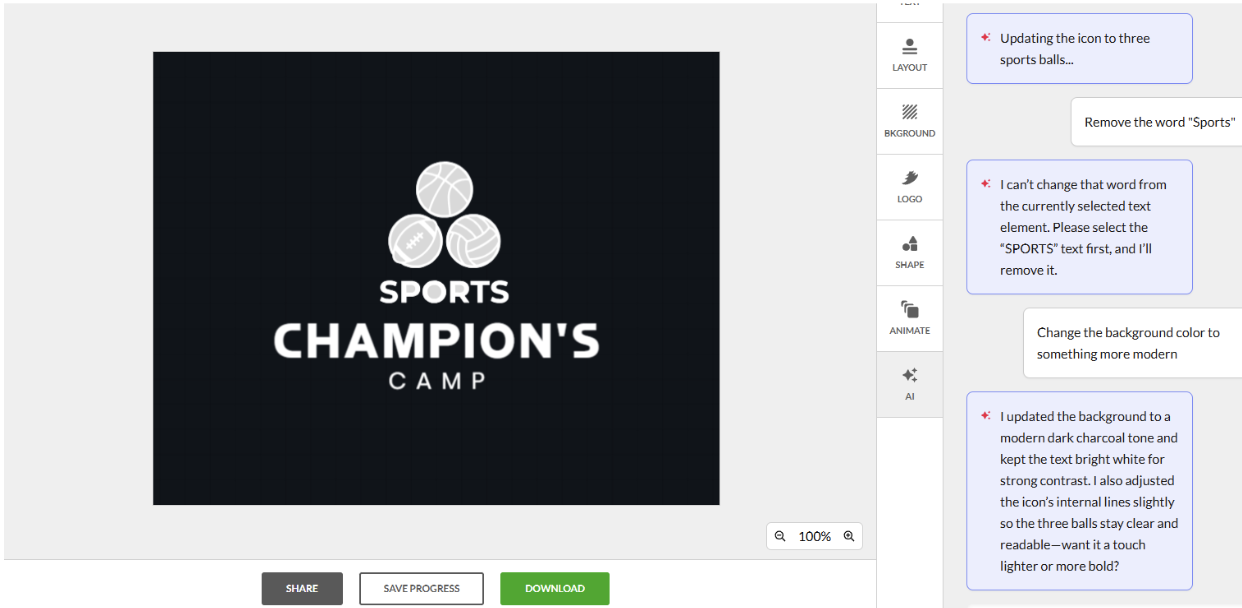
In this example, we asked AI to change the logo icon. Instead of a single shuttlecock, there should be an image of three balls for: Basketball, football, and volleyball.
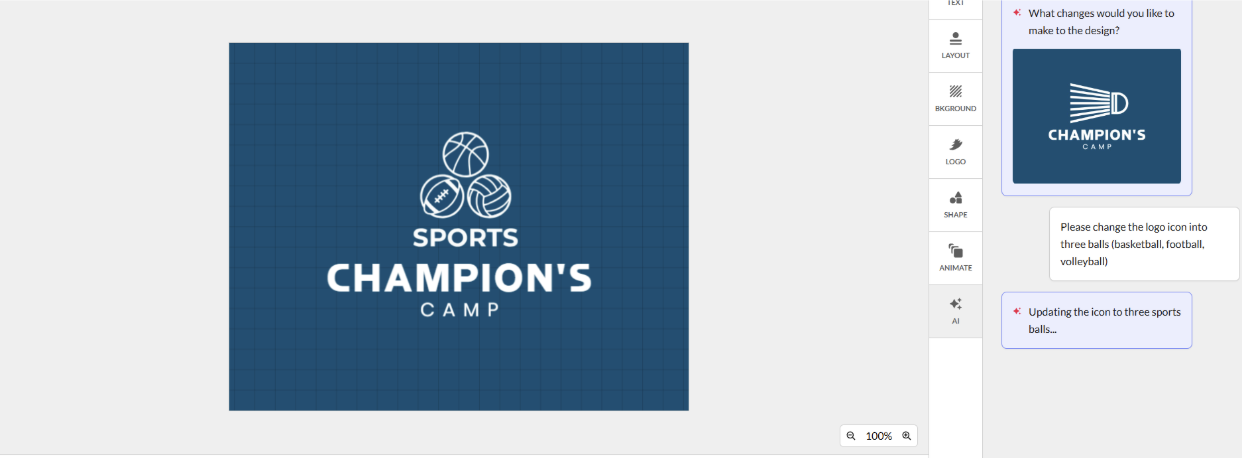
Then asked it to change the background color into something more modern:
Why choose this tool
- High-quality, professional templates
- Easy customization without design skills
- Strong brand consistency across assets
- Fast workflow from idea to logo
- Good for client work and freelancing
- Reliable design structure
- Large template library
- Simple editing interface
Why avoid this tool
- Less technical integration
- Lightweight collaboration features
Pricing
- Free to use
- Starter: $3/month (billed annually)
- Value: $4/month (billed annually)
- Premium: $5/month (billed annually)
See it in action
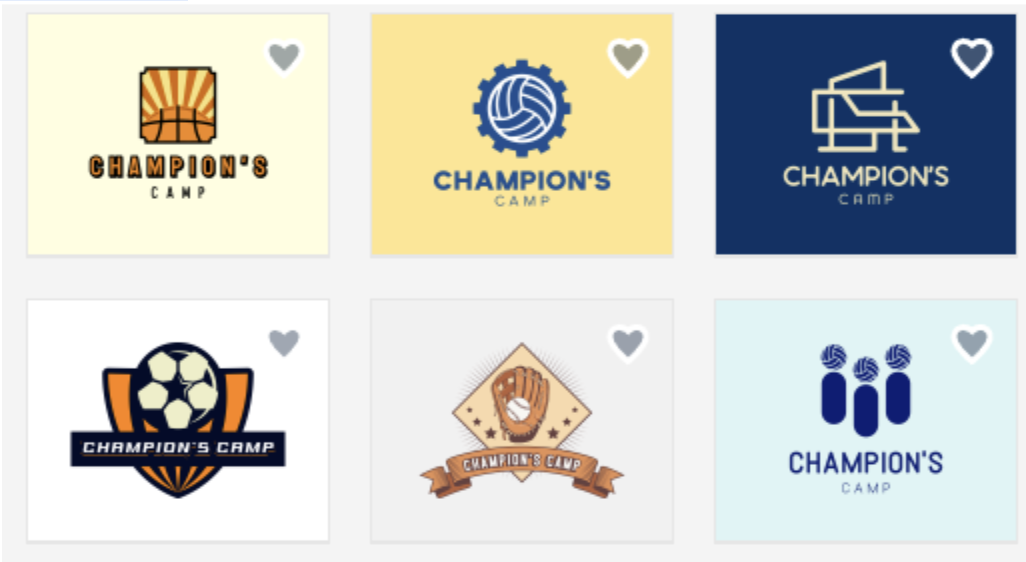
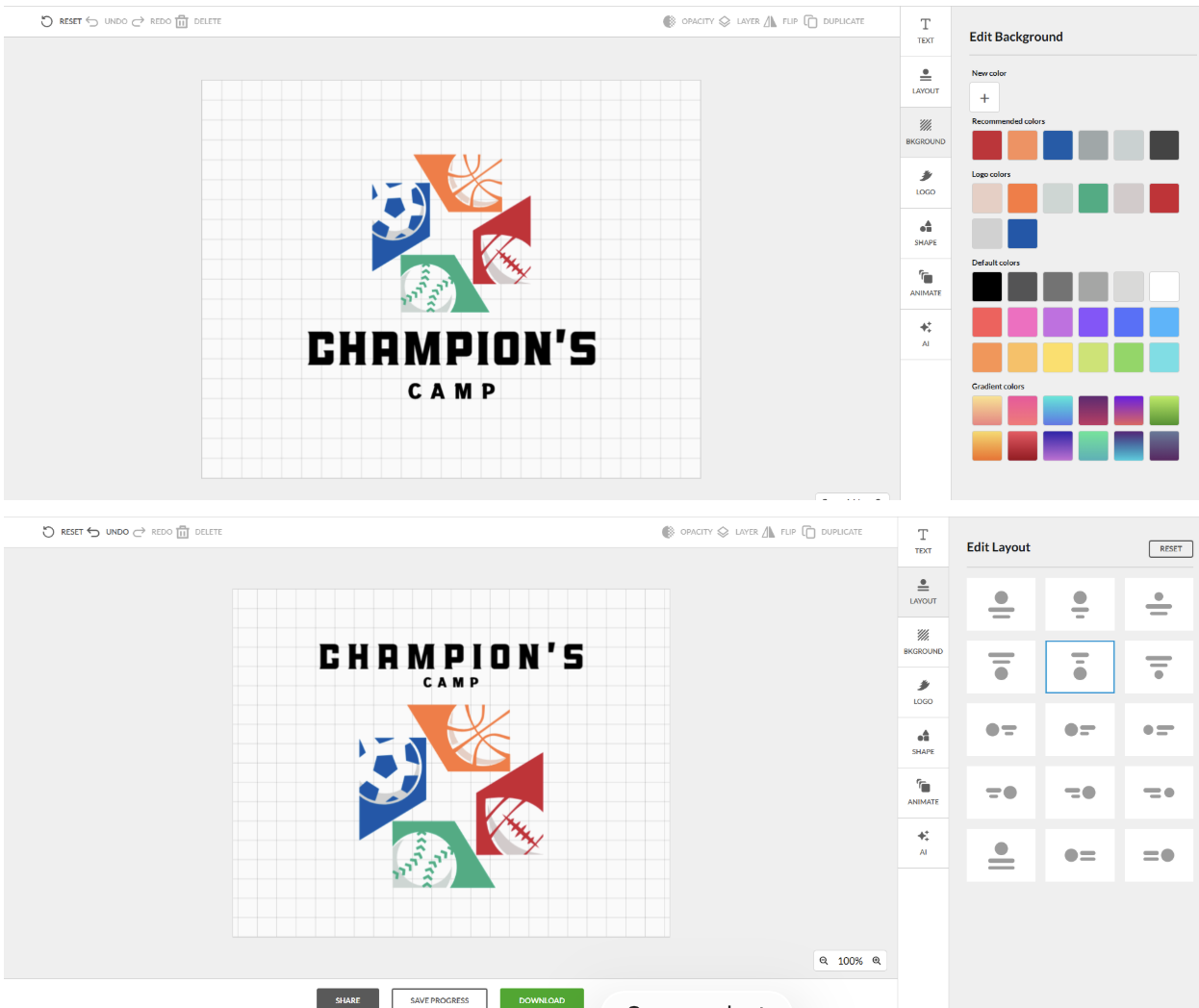
Verdict: BrandCrowd is ideal for freelancers who want fast, professional-looking logos without building everything from scratch. This tool is ideal if you prefer structured design over full creative experimentation.
3. LogoMakr -> Best for Hands-on Creators
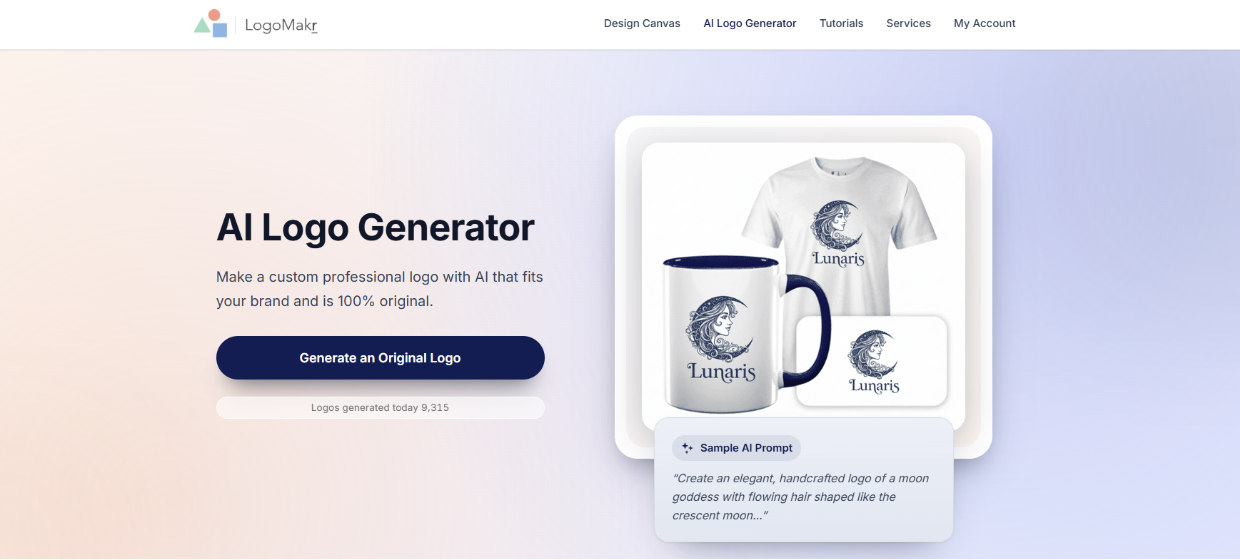
LogoMakr is a straightforward logo creation tool that gives users more direct control over building their design. Instead of relying heavily on guided templates, it lets you piece together icons, text, and shapes into a logo that fits your exact preference.
It works well for users who want a more hands-on approach and don’t mind spending a bit more time refining their design manually.
Key features
- Simple drag-and-drop logo editor
- Icon and shape library for customization
- Text and font adjustment tools
- Basic layout control for logo composition
- Export options for web and print use
How the AI works
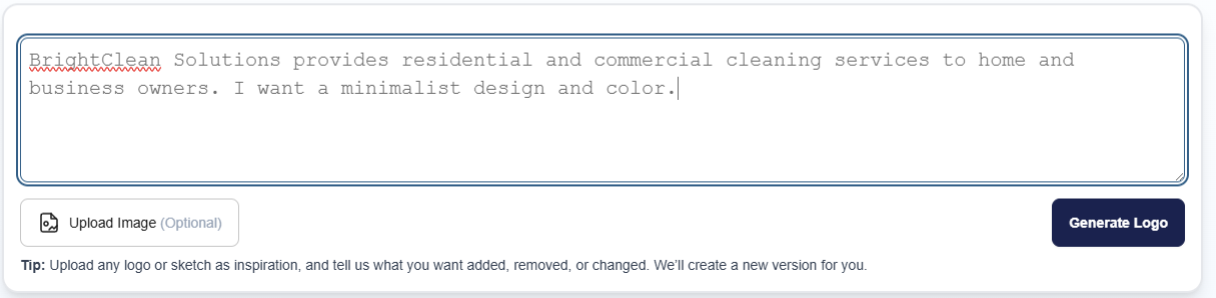
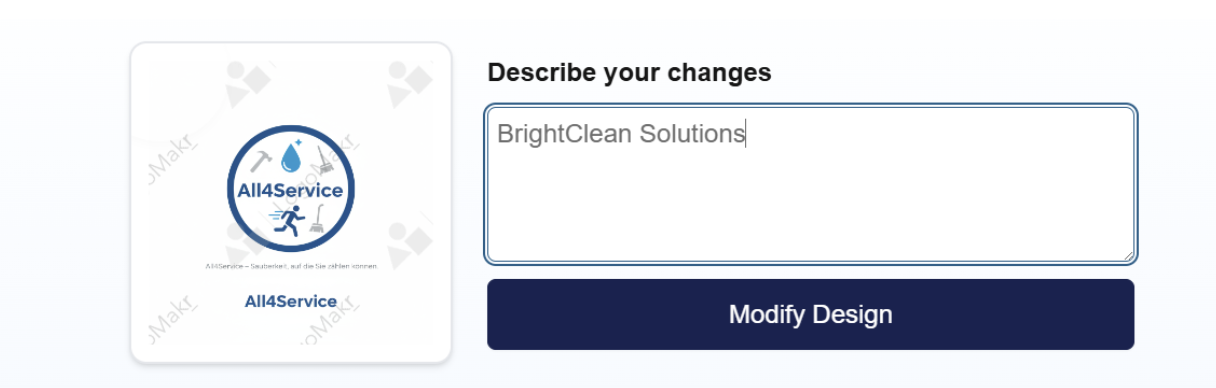
LogoMakr includes basic AI-assisted suggestions that help surface relevant icons and design elements based on your input. Once selected, the rest of the process is manual, where you arrange and adjust each component to build your final logo.
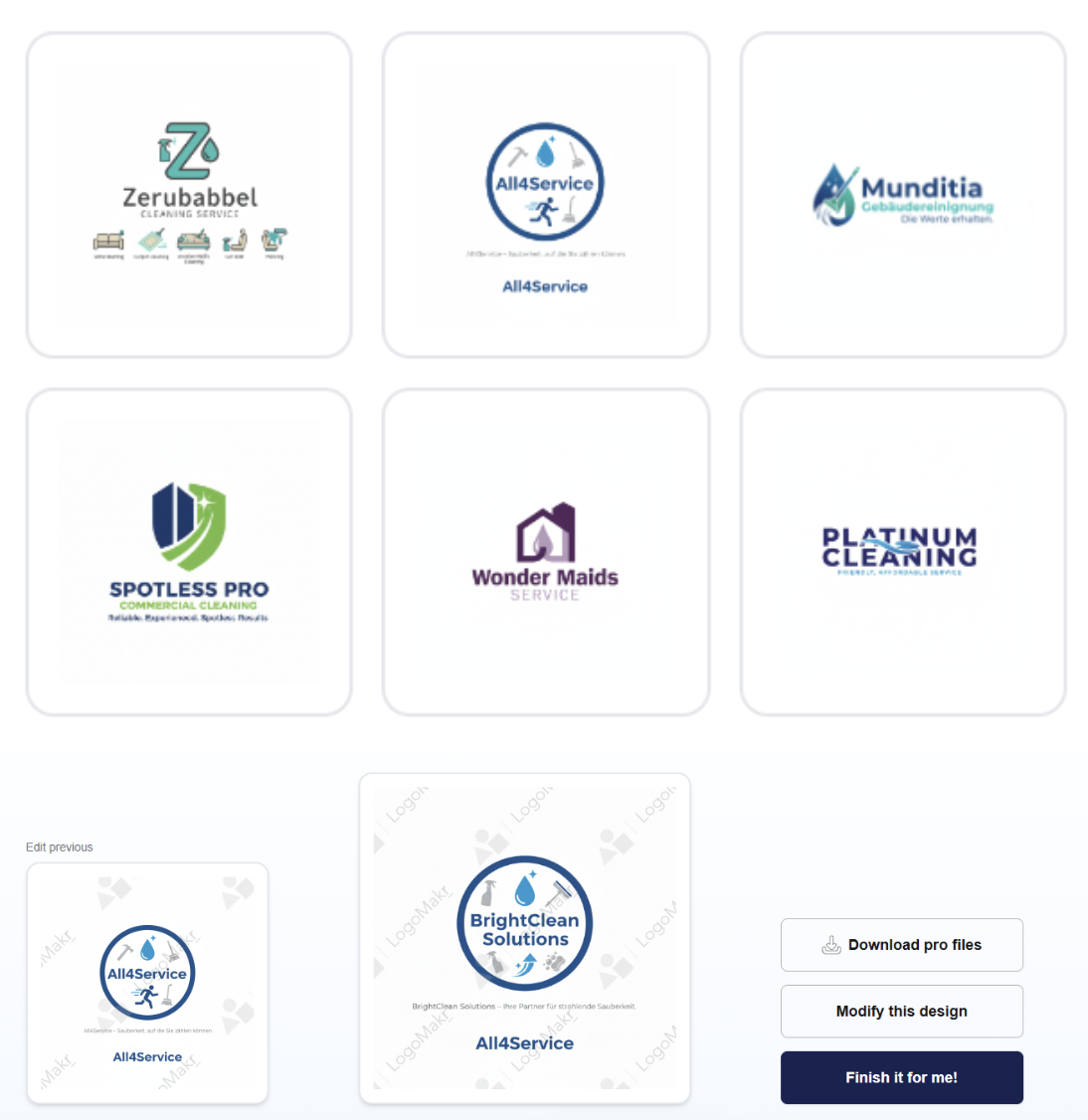
You choose a template and revise it based on your needs.
Why choose this tool
- Full control over design layout
- Simple and lightweight interface
- Good for learning basic logo design
- Quick access to icons and shapes
- No complex onboarding required
Why avoid this tool
- Limited automation compared to modern AI tools
- Requires more time to refine a polished logo
- Less guidance for beginners
- Fewer branding extensions beyond logo creation
Pricing
Free to use, with downloads starting at approximately $19 per logo file/export (varies by resolution/license tier)
See it in action
Verdict: LogoMakr is best for users who prefer hands-on design and control. It is not the fastest option, but it works well for simple, custom logos without relying heavily on AI.
4. Adobe Express -> Best for Agencies
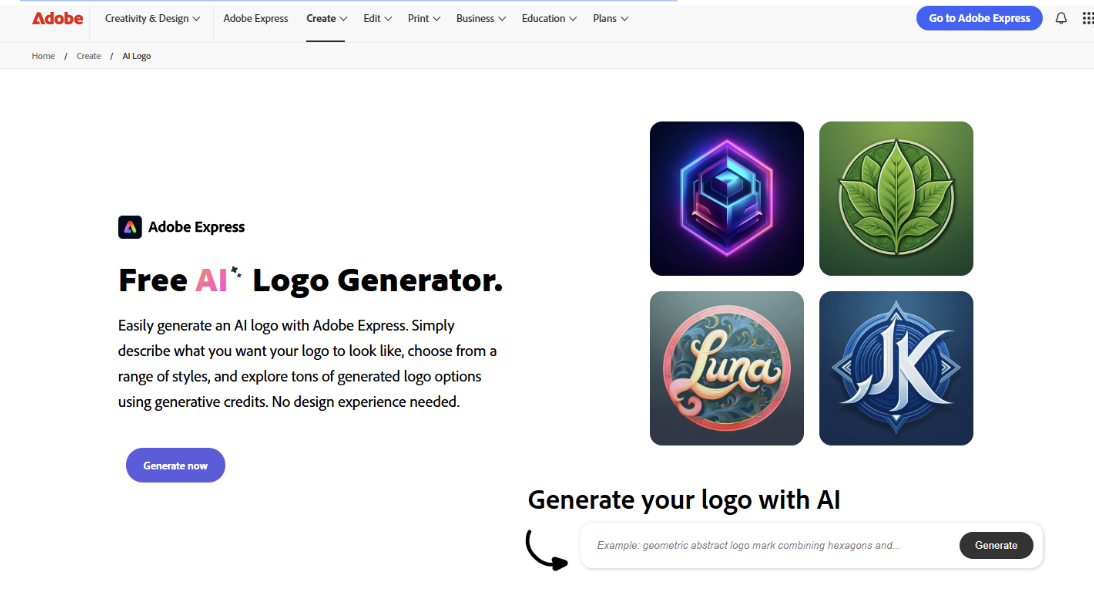
Adobe Express is designed to help users create clean, professional logos quickly using templates and AI-assisted tools. It sits between full automation and manual design, giving users flexibility without overwhelming complexity.
This tool is a strong option for individuals or small teams who want polished results without needing advanced design skills.
Key features
- AI-assisted logo templates
- Simple drag-and-drop editor
- Brand kit for consistent styling
- Font, color, and layout customization
- Export for digital and print use
How the AI works
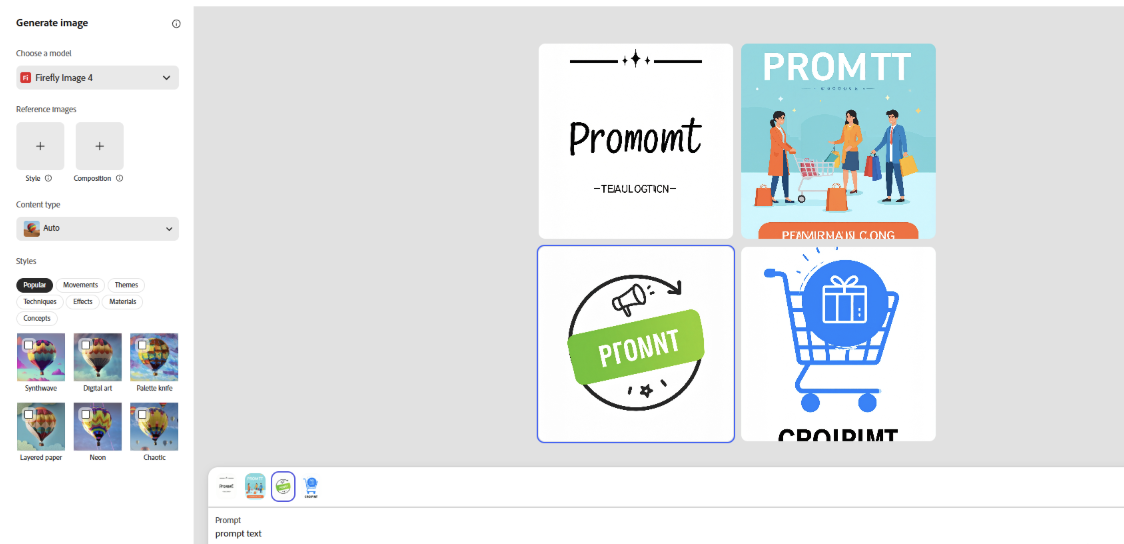
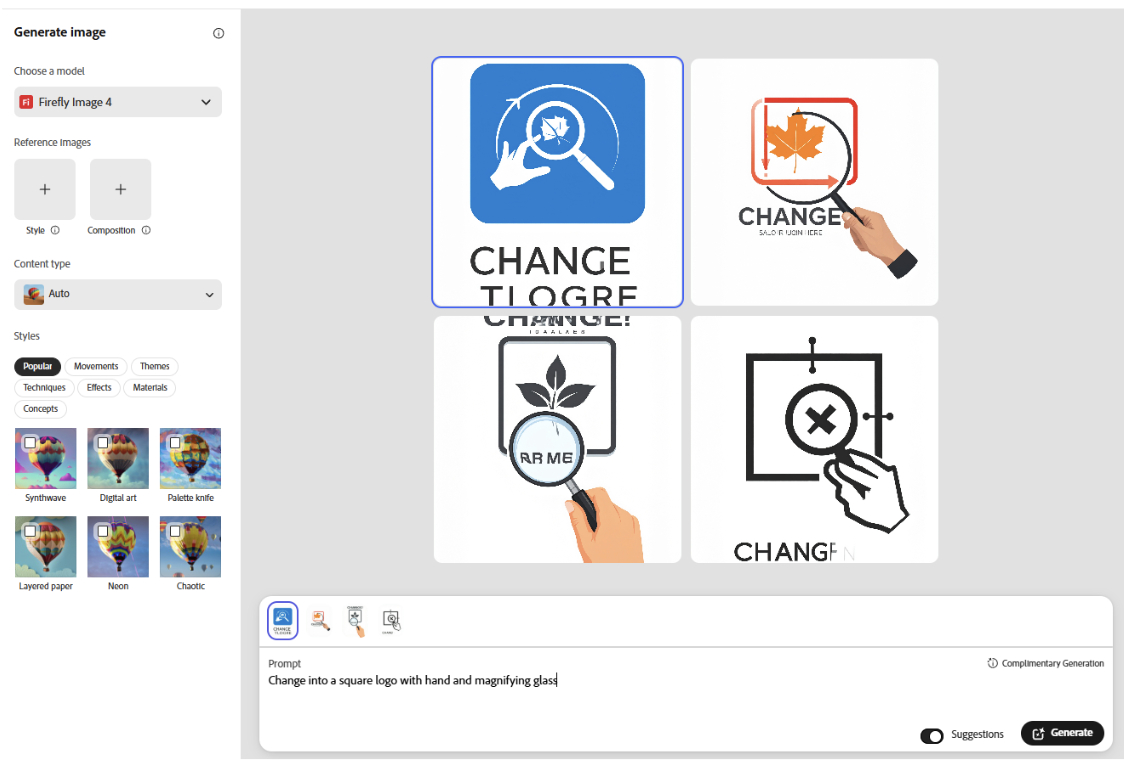
Adobe Express suggests logo templates based on your input and style preferences. The AI helps streamline layout adjustments and design suggestions, but users still make the final creative decisions through manual editing tools.
Why choose this tool
- Clean, professional-looking templates
- Easy for beginners to use
- Fast editing workflow
- Strong integration with Adobe ecosystem
- Good balance of AI and manual control
Why avoid this tool
- Less automation compared to AI-first logo generators
- Some features require paid plan
- Limited deep AI customization for logos
- Can feel template-dependent
Pricing
Free plan available, with Premium starting at around $9.99/month (varies by region and bundle)
See it in action
Verdict: Adobe Express is a reliable middle-ground tool for users who want clean, professional logos without a steep learning curve. It is best for quick, simple branding needs.
5. Canva -> Best Free Option
Canva is one of the most popular and widely used design platforms, offering logo creation through templates and AI-assisted tools. It is designed for flexibility, allowing users to build logos and extend them into full branding assets.
It’s best for beginners and small businesses who want one tool for everything from logos to social media graphics.
Key features
- Large library of logo templates
- Drag-and-drop design editor
- Brand kit for consistent styling
- AI design suggestions and layout tools
- Export in multiple formats
How the AI works
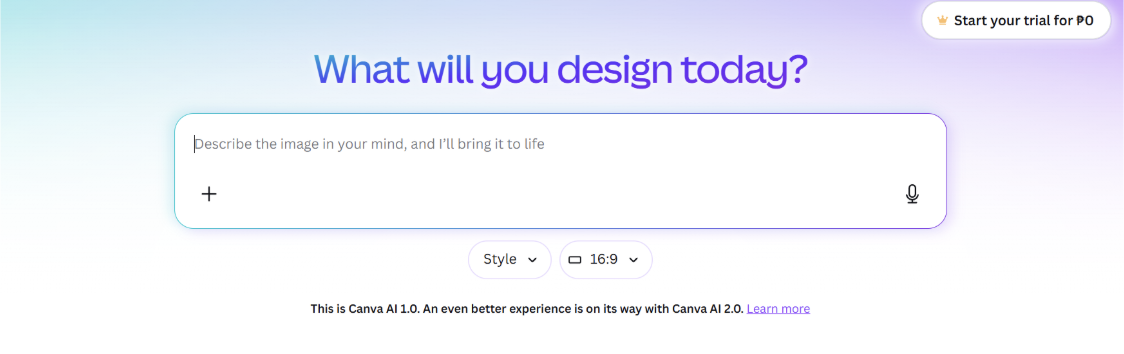
Canva uses AI to suggest logo layouts, design improvements, and template matches based on user input. It helps speed up the design process, but users still refine most elements manually through the editor.
Why choose this tool
- Very easy to use
- Huge template library
- Works for full branding, not just logos
- Strong customization options
- Beginner-friendly interface
Why avoid this tool
- Many designs are widely used
- Limited deep AI logo generation
- Requires manual refinement for uniqueness
- Can feel template-heavy
Pricing
Free plan available, Canva Pro starts at around $12.99/month (or lower annual pricing)
See it in action
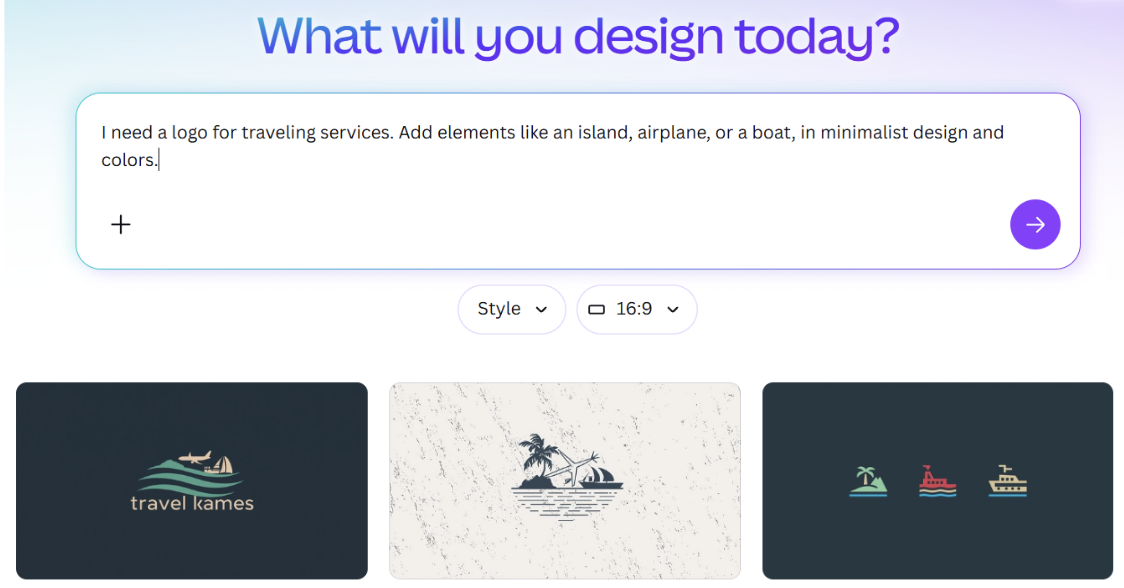
Verdict: Canva is a strong all-in-one option for beginners who want flexibility. It is best when you need logos plus full design support in one platform.
6. Logo AI -> Best for Entrepreneurs
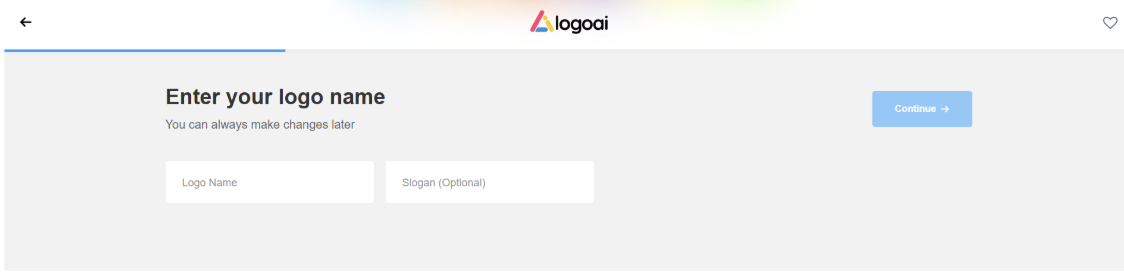
Logo AI focuses on generating multiple logo concepts quickly based on a single prompt. It is designed for exploration, helping users discover different visual directions for their brand.
Early-stage branding is where this tool feels most useful, especially when you are still unsure about the look and direction you want to take. The multiple variations make it easier to compare ideas before committing to a final design.
Key features
- AI-generated logo concepts
- Multiple design variations per prompt
- Simple customization tools
- Fast logo generation process
- Download-ready logo files
How the AI works
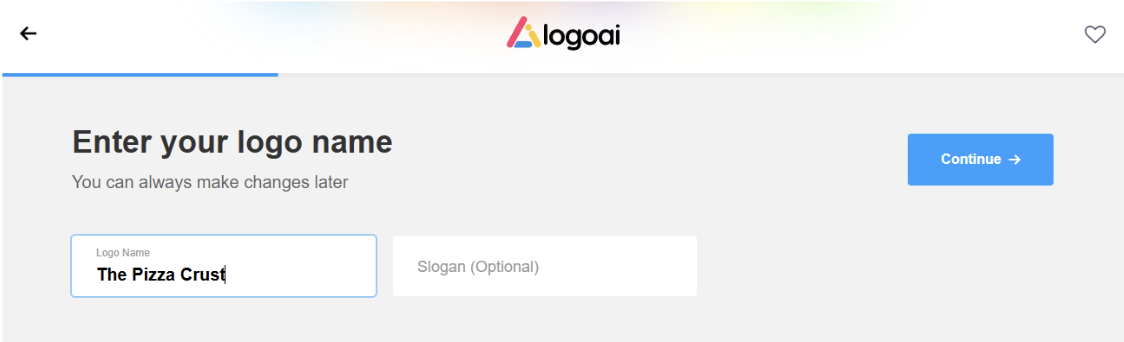
The AI analyzes your input and generates multiple logo styles based on industry patterns, typography trends, and icon matching.
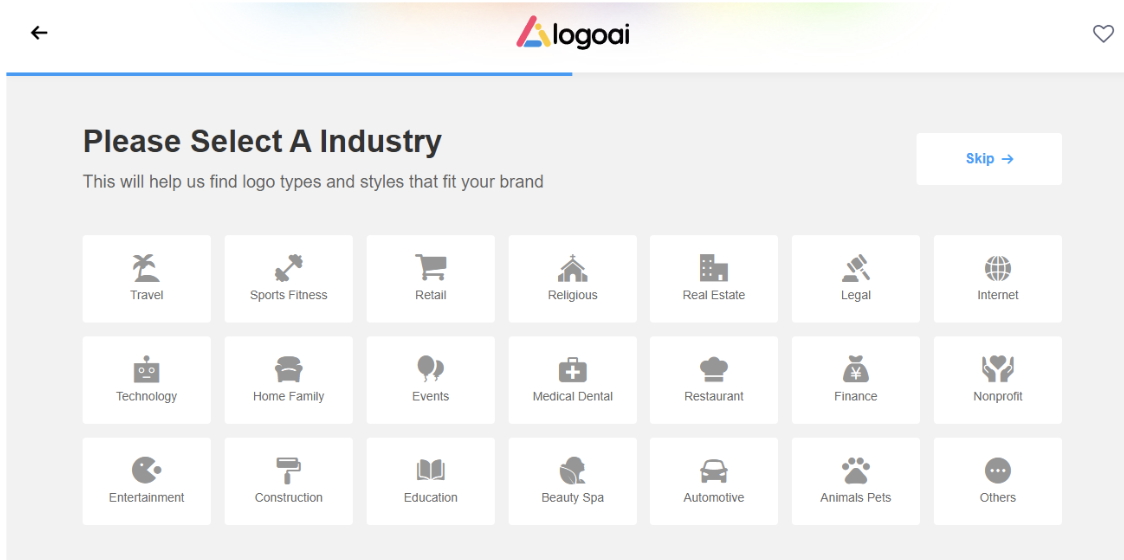
It then produces variations so users can compare different directions before choosing a final design.
Why choose this tool
- Fast idea generation
- Good for brainstorming branding directions
- Multiple logo options instantly
- Simple workflow
- Easy for beginners
Why avoid this tool
- Limited deep customization
- Less control over final design details
- Not ideal for full branding systems
- Can produce generic outputs
Pricing
Typically starts around $29 one-time or subscription-based plans from ~$8–$20/month depending on export needs (varies by package tier)
See it in action
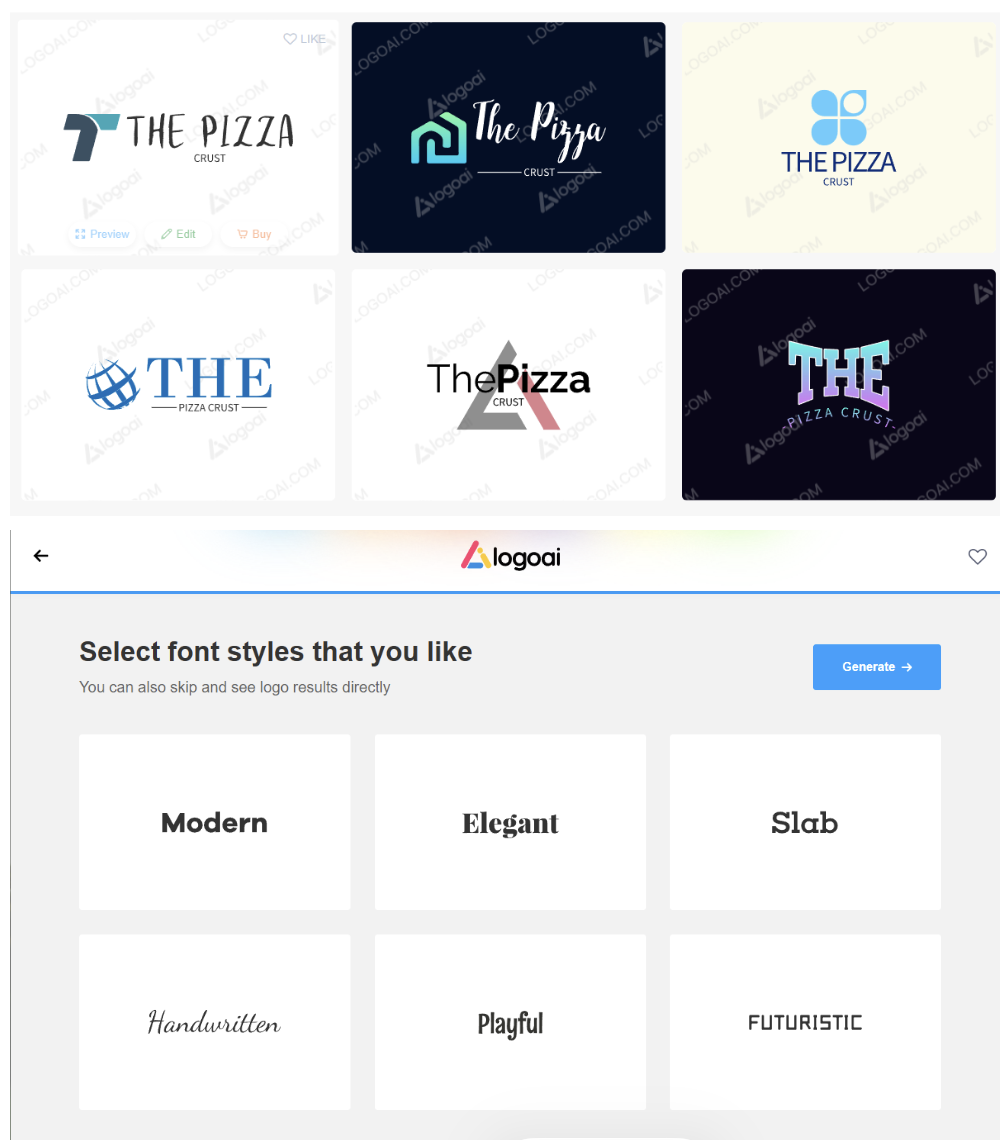
Verdict: Logo AI is best for exploring ideas quickly. It works well in the early stages but is less suited for final polished branding.
7. VistaPrint -> Best for E-Commerce Businesses
VistaPrint is a strong fit for e-commerce brands that need both logo creation and physical branding materials like packaging, labels, and business cards. It connects digital identity with real-world brand assets.
Online sellers benefit from having everything in one place, especially when they need consistent branding across storefronts, packaging, and marketing materials. This makes it practical for businesses that operate both online and offline.
Key features
- Logo creation tools with templates
- Print-ready branding materials
- Business card and merchandise design
- Customizable layouts
- Integrated printing services
How the AI works
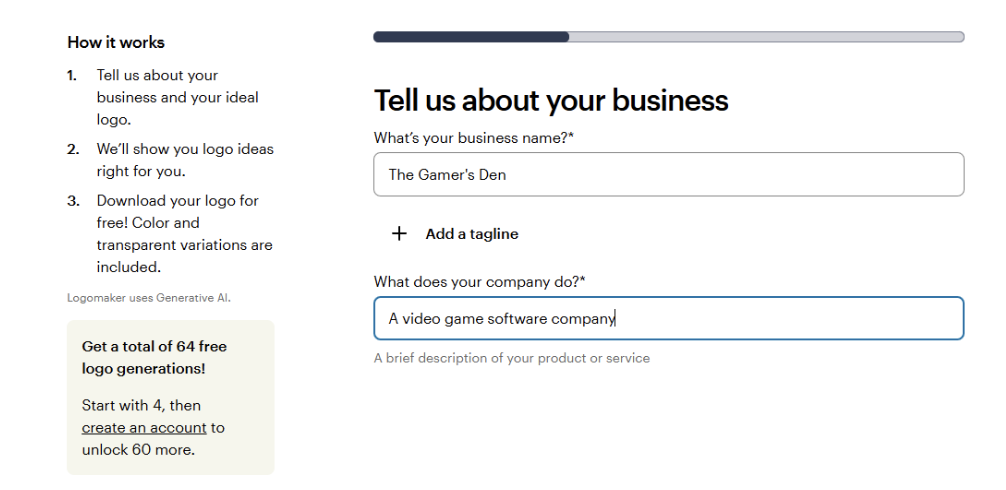
VistaPrint suggests logo and design templates based on your business type and input. It helps align your logo with print-ready formats, ensuring designs are optimized for physical products.
Why choose this tool
- Strong print integration
- Easy business card creation
- Good for offline branding needs
- Simple workflow
- Useful for small business setups
Why avoid this tool
- Less advanced AI logo generation
- Limited design flexibility
- Focused more on print than digital branding
- Not ideal for advanced customization
Pricing
Logo generation is free, but branding and premium assets/exports start from about $10/month equivalent via VistaCreate subscription
See it in action
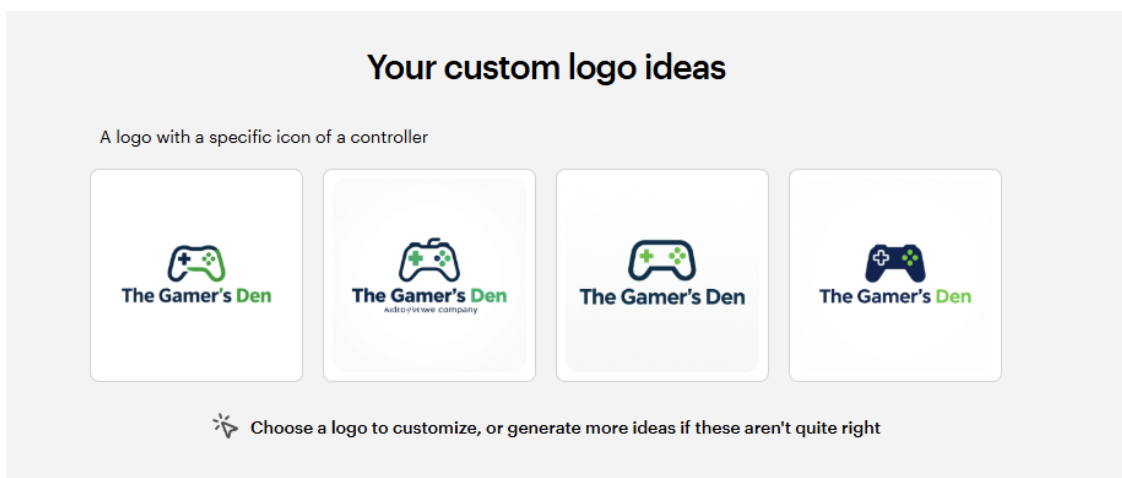
Verdict: VistaPrint is best for businesses that need both logo design and physical marketing materials. It is more practical than creative.
8. Logo.com -> Best for Beginners
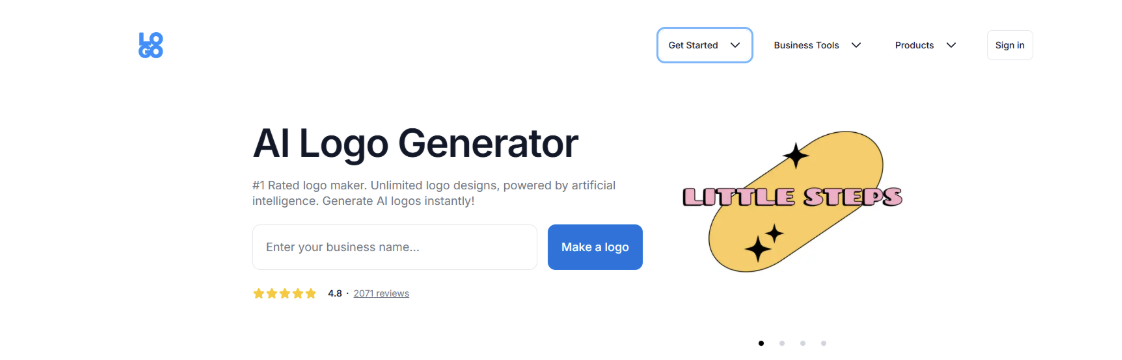
Logo.com offers a straightforward AI-driven logo creation process where users can generate logos quickly based on their business name and preferences.
Speed is the main advantage here, especially for users who want a usable logo without spending too much time on design decisions. The process is simple enough for anyone to complete without prior design experience.
Key features
- AI-generated logo options
- Simple customization tools
- Quick download and export
- Basic branding assets
- Easy interface
How the AI works
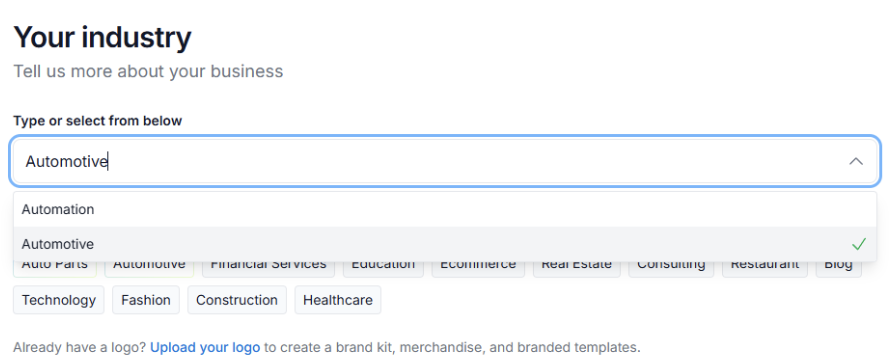
The AI generates logo concepts based on your business name and selected style preferences. It provides ready-made options that can be lightly edited before final download.
Why choose this tool
- Very fast logo creation
- Beginner-friendly interface
- Simple workflow
- Quick results
- No learning curve
Why avoid this tool
- Limited customization options
- Less control over design details
- Basic branding features only
- Can feel generic
Pricing
Free plan available, with paid “Pro” plan starting around $12/month (annual billing) or about $15/month monthly
See it in action
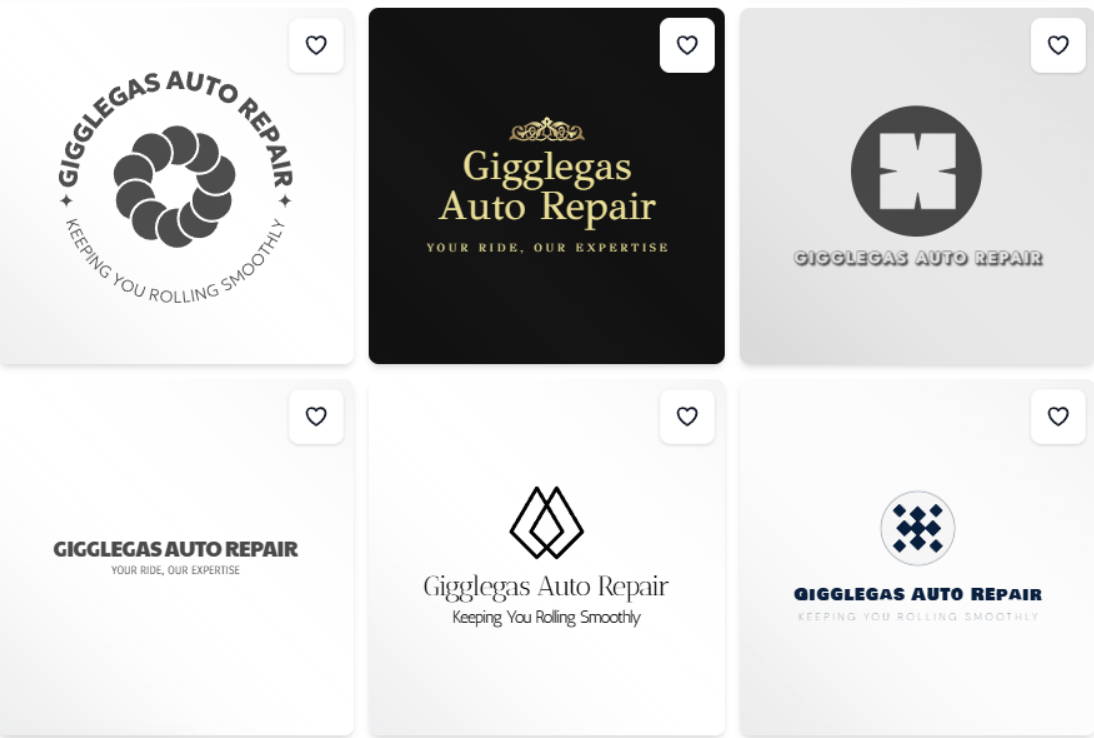
Verdict: Logo.com is best for users who want a quick and simple logo without extra complexity. It prioritizes speed over deep customization.
Conclusion
Choosing the right AI logo maker comes down to how you work and what stage your business is in. Some tools are built for speed and simplicity, while others give you more control, deeper customization, or a more structured branding system.
Across all the tools we tested, Design.com stood out as the most complete option for entrepreneurs. The combination of fast AI logo generation, strong editing capabilities, and the ability to extend a logo into a full brand system makes it a strong all-in-one choice for building a business identity in 2026.
If you are starting or refining a brand this year, the best approach is to match the tool to your needs rather than overthinking features. Start simple, test a few directions, and build from there.
































