




In This Article
Every social media manager has hit the same wall. A client asks for the Reel you posted eight months ago, the original file is gone, and Instagram will not just hand it back to you.
Or a customer tags you in a genuinely brilliant video of your product, and you want it on your grid by Friday.
Both problems have the same fix, which is a decent downloader. The part most listicles skip is that the tool is the easy bit, and the permission is the part that gets brands into trouble.
Key Takeaways
- Downloading a video and having the right to republish it are two completely different things. The second one needs written permission from the creator.
- Instagram’s own tools handle your own content for free, so try those before you reach for anything third party.
- Only ever use tools that work on public content. Anything advertising private account access is a red flag, not a feature.
- Browser-based tools suit occasional saves. Desktop apps suit bulk archiving, though the main one is no longer actively supported.
- Watch for lookalike domains. Popular downloaders attract copycat sites trading on the same name.
First, the boring but important bit
Instagram’s Terms of Use prohibit collecting content or information from the platform using automated means without permission. That is worth knowing before you build a workflow around any third-party tool.
Separately, copyright in a video sits with whoever made it. Saving a customer’s Reel to your desktop is one thing. Reposting it on your brand account, cutting it into an ad or putting it on your website is another, and none of those are covered by a download button.
For a marketing team, the practical rule is simple. Ask, get it in writing, keep the reply, and credit the creator.
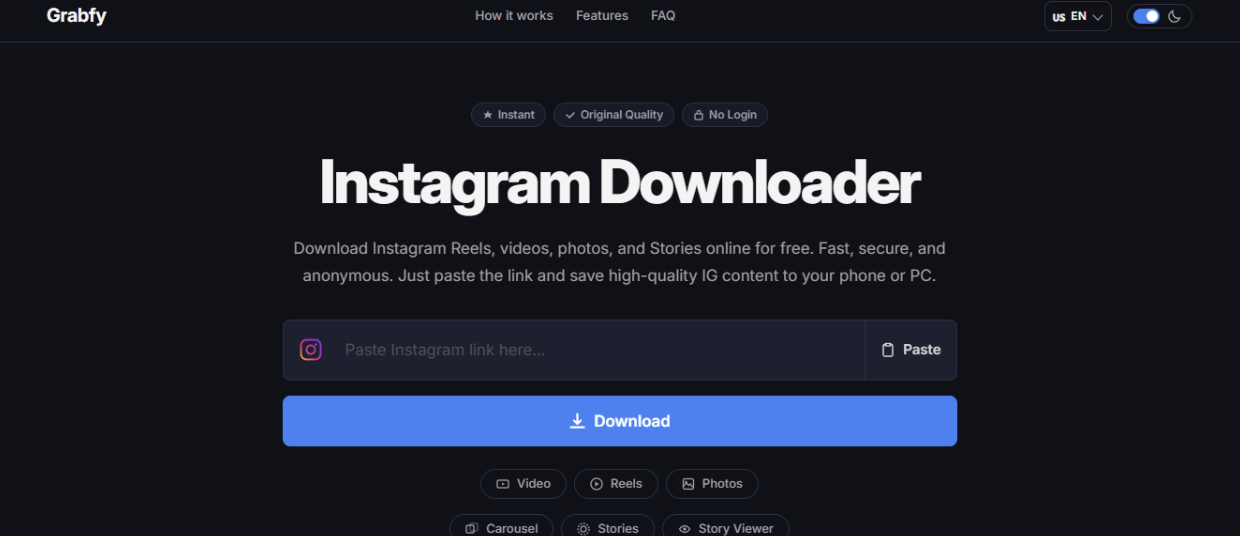
1. Grabfy
If you want one tool that covers every Instagram format without an account, this is the most straightforward option going. Grabfy handles videos, Reels, photos, carousels and Stories from public posts, all through the browser with nothing to install.
The workflow is what you would expect. Copy the post link from Instagram’s share menu, paste it in, and save the file as MP4 or JPG at the quality available from the original post.
Two things set it apart for professional use. There is no login or registration, so you never hand over Instagram credentials to a third party, and the site states it runs without ads, which matters if you are doing this on a work machine.
It also breaks out separate tools per format rather than making you guess. There is a dedicated carousel downloader built for multi-slide posts, which saves a lot of clicking when a client wants the whole set.
On the privacy side, the company says it does not log requested URLs, retain media or track activity, and it explicitly does not support downloading from private accounts. That last point is the one to look for in any tool you shortlist.
Worth noting that Grabfy also offers an anonymous Story viewer. For brand work that feature is largely irrelevant, and we would keep your usage to content you have a legitimate reason to save.
2. Instagram’s own tools
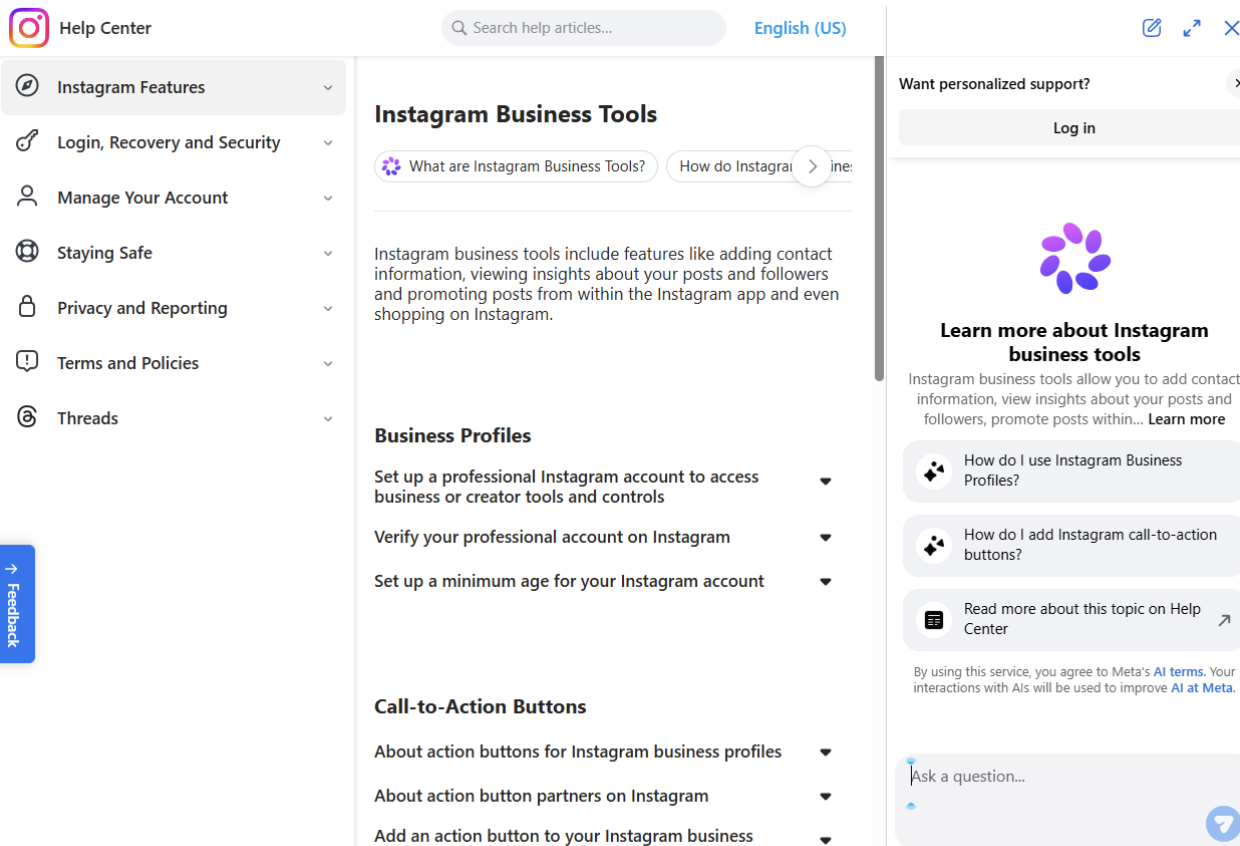
Before you install or bookmark anything, check whether the native option does the job. For your own content it usually does, and it is the only route that involves no terms-of-use grey area at all.
Instagram lets you save your own Reels straight to your device from the post’s own menu, and gives you a download option on some other post types. If you shot it and you posted it, that is the fastest and cleanest way to get the file back.
For a full archive, Meta’s Accounts Centre includes a Download your information tool that exports everything you have uploaded. It is slow and it arrives as a zip rather than a tidy media library, but it is comprehensive and it is free.
The obvious limitation is that none of this helps with other people’s content. That is exactly where the third-party tools earn their place.
There is a second gap worth planning around. Once a Story expires it is gone from the app unless you saved it to Highlights or had auto-archive switched on beforehand.
If Stories are a real part of your output, turn archiving on now rather than trying to recover something after the fact. It is a setting, not a rescue tool.
When you actually need someone else’s video
There are three legitimate reasons a marketing team downloads a video it did not make. Reposting user-generated content with permission, keeping a reference file for competitor or trend analysis, and archiving a collaboration you paid for.
The first one is where the money and the risk both sit. A customer video that performs well on your grid is worth more than most branded content, and it is also the one most likely to generate an angry DM if you skipped the permission step.
Keep a simple record. The request, the reply, the date, and the agreed credit. It takes two minutes and it is the difference between a nice repost and an awkward conversation.
If you are building out a wider approach to short-form video rather than just collecting clips, this guide to Instagram Reels strategy covers the content planning side properly.
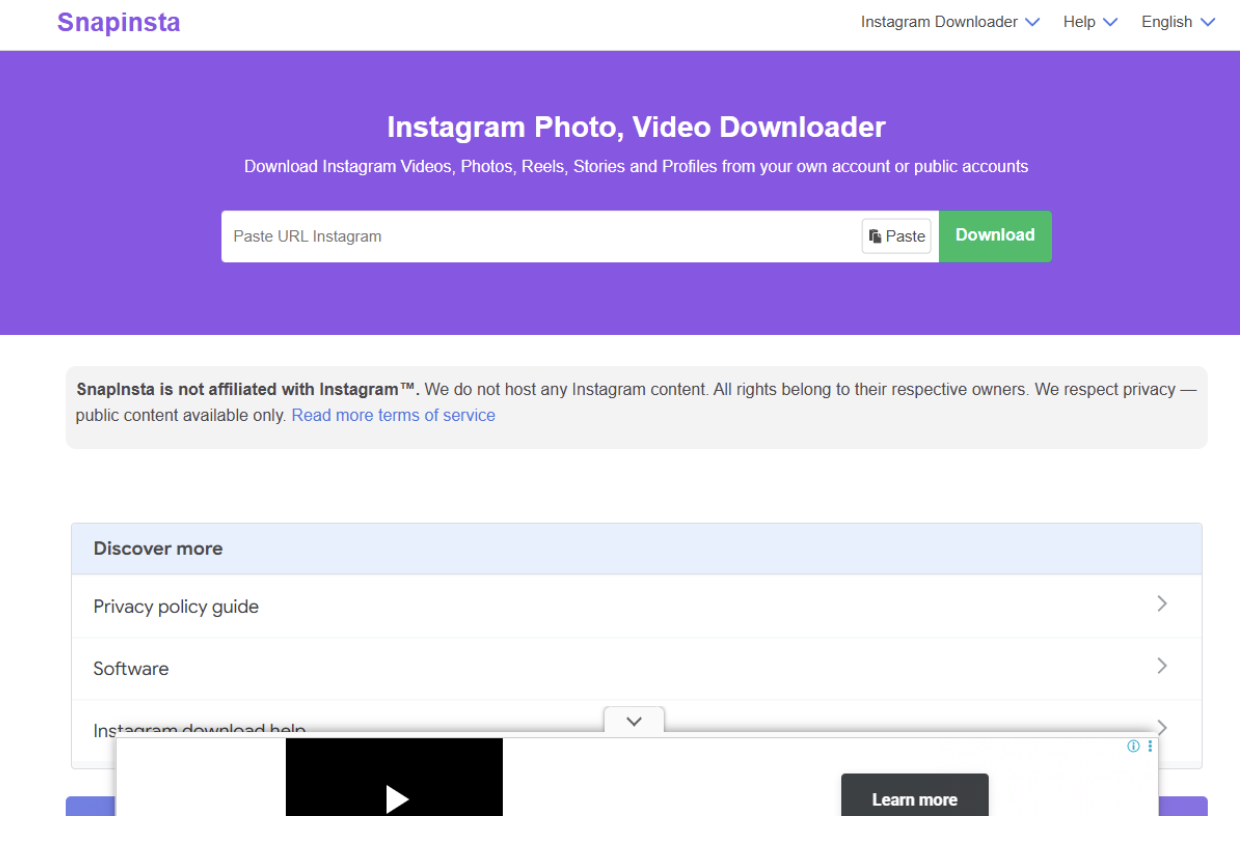
3. SnapInsta
The best-known free browser downloader, and a reasonable fallback if a link will not process elsewhere. You paste the Instagram URL, it analyses the post, and you pick from the quality options the original upload supports.
It works across posts, Reels and Stories, supports desktop and mobile browsers, and requires no software installation. The site says it works with public Instagram profiles and does not store download history.
The trade-off is advertising. The service is funded by ads on the page, which is fine at home and less fine when you are screen sharing on a client call.
There is also a naming issue. Several sites operate under variations of the SnapInsta name across different domains, so check where you have actually landed before you paste anything.
4. 4K Stogram
The desktop option, and the right shape of tool if you are archiving in bulk rather than grabbing the odd clip. Rather than working link by link, you enter a username, hashtag or location and it pulls the available content down in one go.
It runs on Windows, macOS and Linux, saves posts with their original captions, and files Highlights into separate subfolders. For anyone maintaining a proper content archive, that structure beats a folder full of numbered MP4s.
Two significant caveats. The developer has stated that the app is still available but no longer receives user support or bug fixes, which is a real consideration for a tool that depends on keeping up with platform changes.
Second, it is paid, with tiered licences rather than a free download. Check the current pricing on the developer’s own site, because third-party listings for this one are inconsistent.
One more warning. There is at least one unrelated website operating under a similar name to the official product, so go via the developer’s own domain rather than a search result.
Red flags to avoid
Anything asking for your Instagram username and password. No legitimate downloader needs them, and handing them over is how accounts get compromised.
Anything advertising access to private accounts. That is not a clever feature, it is a privacy violation, and using it on a client’s behalf would be a serious problem.
Anything that will not tell you what it does with the URLs you paste. Agencies handling client accounts should treat these tools like any other third party in the workflow.
The bottom line
Pick the tool that matches the job. Native tools for your own content, a clean browser tool for occasional saves, a desktop app if you are genuinely archiving at volume.
Then spend your remaining effort on the part that actually carries risk. Get permission in writing, credit the creator, and never touch private content.
FAQ
Is it legal to download Instagram videos?
Saving a public video for personal offline viewing sits in a grey area, since Instagram’s terms restrict automated collection of content. Republishing someone else’s video without permission is a clearer problem, because copyright stays with the creator.
Can I repost a customer’s Reel on my brand account?
Only with their permission. Ask directly, get the agreement in writing, and credit them clearly in the caption.
Do Instagram downloaders notify the person who posted the video?
Downloading a public post does not notify the account owner, which is precisely why the permission step matters. Story viewing is a separate matter and depends on how the Story is accessed.
Can I download videos from private accounts?
You should not, and reputable tools do not offer it. Private content is private regardless of whether a workaround exists.
What is the safest option for a work laptop?
A browser-based tool that requires no installation, no login and no browser extension. Extensions in particular deserve scrutiny, since they often request broad permissions.
How do I get my own old Reels back?
Save them from the post menu inside Instagram, or use Meta’s Download your information export if you need everything at once. Neither involves a third-party tool.
Share This Article
About the Author: Penelope Klein































