



Keep reading
Rather we just did it for you?
Let's get your business seen.
Social media, websites, SEO and ads from a team you can actually meet.
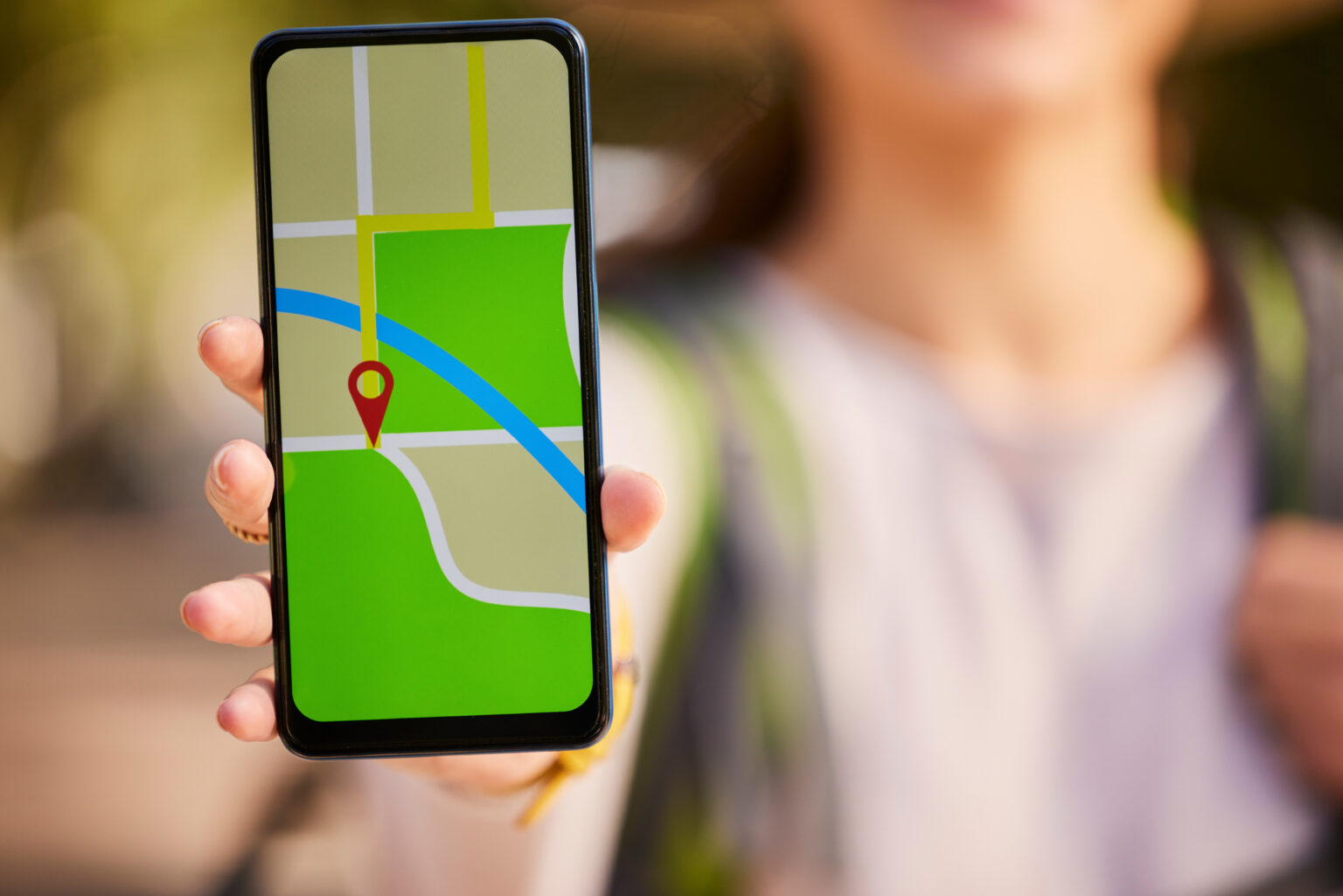
When someone in your area needs what you sell, there is a good chance they will open Google Maps before they open a website. They search, scan the pins, read a few reviews, look at the photos and tap “Directions” or “Call”. If your business is not there, or your listing looks neglected, that customer goes to someone else.
This guide explains Google Maps marketing for small businesses: what it is, how to get your business showing on the map, the listing mistakes we fix most often, and how to tell whether Maps is actually bringing you customers.
What is Google Maps marketing?
Google Maps marketing means making your business easy to find, and easy to choose, when people search on Google Maps or see the map in Google’s search results. It covers:
- Your Google Business Profile, which is the listing that appears on the map.
- How visible that listing is for the searches your customers make.
- How appealing it is once someone finds it: photos, reviews, posts and up-to-date information.
- Optional paid placements, through Google Ads, if you want extra visibility.
It is closely tied to local SEO. The difference is that Maps marketing focuses on the listing itself and what people do with it, rather than only on rankings.
Why Google Maps matters for local businesses
- People searching on Maps are ready to act. They want a place to go or someone to call, often today.
- The map appears in normal Google searches too. For many local searches, the map and three listings sit above the regular results.
- Your listing is often the first impression. Many customers decide from your photos, rating and reviews without ever visiting your website.
- It is free. A Google Business Profile costs nothing, and the work is mostly time and consistency.
How to get your business on Google Maps
- Search for your business on Google Maps. If a listing already exists, claim it. If not, add your business through Google Business Profile.
- Verify it. Google will ask you to verify by video, phone, email or post, depending on your business.
- Set your address or service area. Shops and offices show their address; businesses that visit customers can hide the address and show a service area instead.
- Drop the pin in the right place. Check the pin sits exactly on your entrance, not on the next street.
- Choose your categories. Pick the most specific primary category for your main service, then add secondary categories that genuinely apply.
What we do on Google Maps for our clients
At Delivered Social, once a client’s listing is set up properly, two things make the biggest ongoing difference.
Regular photos and Google posts
We add fresh, real photos every month: the premises, the team, finished work and products. We also publish Google posts for offers, news, events and seasonal services. An active listing looks open and busy to customers, and it gives Google more reasons to show it.
Tracking calls and directions
Your Business Profile shows how many people called, asked for directions, visited your website or messaged you from the listing. We track these every month so clients can see whether Google Maps is actually bringing them customers, not just views. If directions requests rise after new photos or a category change, we know it worked.
Google Maps listing mistakes we see most often
When we audit a new client’s listing, the same problems come up again and again:
- The wrong pin or an old address. The pin sits in the wrong spot, or the address is from a previous premises. Customers end up at the wrong door, or give up.
- Out-of-date opening hours. Especially bank holidays and Christmas. Nothing loses a customer faster than turning up to a closed shop that Google said was open.
- Few or poor photos. A listing with three blurry photos from 2019 looks closed, even if the business is thriving.
- Duplicate listings. Two or more profiles for the same business split your reviews and confuse Google. These need merging or removing.
Fixing these is often the quickest win in the whole of Google Maps marketing.
How to rank higher on Google Maps
Google decides which businesses to show based on relevance, distance and prominence. In practice, that means:
- Complete every section of your profile: services, description, hours, attributes and products.
- Get a steady stream of reviews and reply to every one. Our guide on how to get more Google reviews has a simple system.
- Keep your business details consistent across your website and directories. See our guide to UK citation sites.
- Back it up with your website, with clear service pages and your location mentioned naturally.
We cover this step by step in our guide on how to rank in Google’s local pack.
Paid options on Google Maps
If you want extra visibility while your organic listing builds up, Google Ads can show your business on Maps:
- Location assets link your Business Profile to your Google Ads account, so your ads can show your address and appear in Maps results.
- Promoted pins can appear on the map itself for relevant searches.
- Local Services Ads are available for some trades and services, and appear above other results with a Google badge.
Paid placement works best when your listing is already strong, because people still check your reviews and photos before they act.
Using Google Maps beyond your own listing
- Add a map to your website contact page so visitors can get directions in one tap.
- Share your Maps link in emails, booking confirmations and social profiles.
- Use a review link or QR code at the till, on receipts or on your van.
- Check Apple Maps and Bing Places too. iPhone users often search Apple Maps first, and the same accuracy rules apply.
How to measure Google Maps marketing
In your Business Profile performance report, track each month:
- Calls from the listing.
- Direction requests.
- Website clicks.
- Messages and bookings, if you use them.
- Searches that found your listing, to see which words people use.
Look at the trend over several months rather than week to week. Seasonal businesses should compare with the same month last year.
Frequently asked questions about Google Maps marketing
Is it free to be on Google Maps?
Yes. A Google Business Profile is free. You only pay if you choose to run Google Ads.
How do I change my business location on Google Maps?
Edit the address in your Business Profile and check the pin. Google may ask you to verify again after a move.
Why is my business not showing on Google Maps?
It may not be verified, it may be suspended, or it may rank too low for the search you tried. Check the profile status first, then work on categories, reviews and completeness.
Do I need a Google Maps agency?
Many businesses can manage their own listing with a little time each month. An agency helps when you have several locations, a competitive market or no time to keep it updated.
How often should I update my listing?
Add photos and a post at least monthly, and check your hours before every bank holiday.
Put your business on the map, properly
Google Maps marketing is not complicated, but it rewards businesses that keep at it. Get the pin, hours and categories right, add fresh photos and posts every month, keep reviews coming in and track the calls and directions your listing brings.
If you would like help, our local SEO team can audit and manage your listing. Our guide to Google Business Profile optimisation is a good next read. Get in touch, or find more practical guides on the Delivered Social website.
































