




Keep reading
Rather we just did it for you?
Let's get your business seen.
Social media, websites, SEO and ads from a team you can actually meet.
Your analytics tell you how many people visit a page and how many leave. They don’t tell you why. Heatmaps do. They show where people click, how far they scroll and what they ignore, so you can see your website through your visitors’ eyes. This guide explains the types of heatmap, the free and paid tools worth using, how to read them, and how to use what you find to improve your website’s user experience, enquiries and SEO.
What is a heatmap?
A heatmap is a visual overlay on your web page. Warm colours (red and orange) show where lots of people click, scroll or move their mouse; cool colours (blue) show where few do. Most heatmap tools also record anonymised sessions, so you can watch how real visitors use your site.
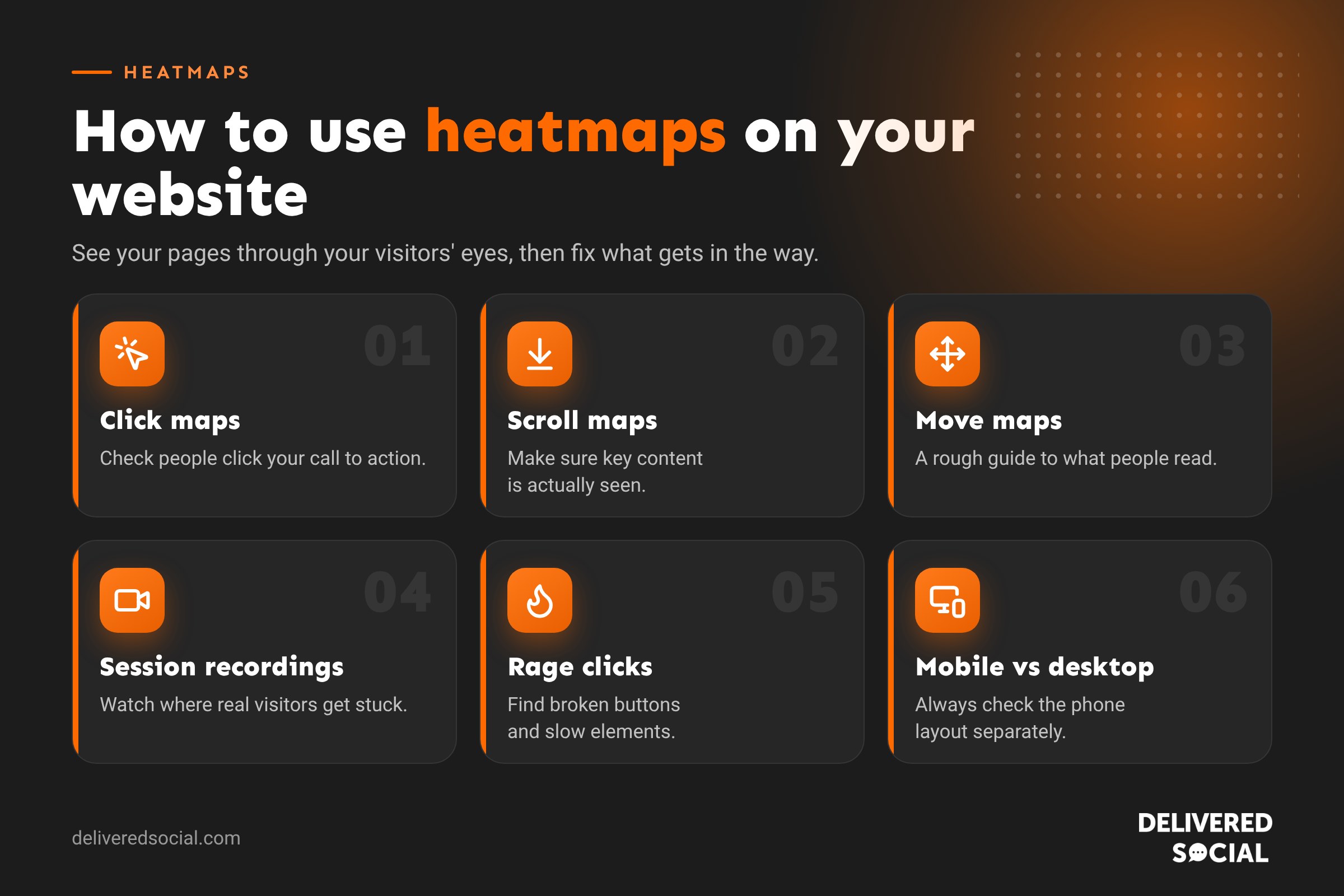
Types of heatmap
| Type | What it shows | Use it to |
|---|---|---|
| Click map | Where people click or tap | See if people click your buttons, or things that aren’t links |
| Scroll map | How far down the page people get | Make sure key messages and calls to action are seen |
| Move map | Where the mouse moves on desktop | Get a rough idea of what people read |
| Session recordings | Replays of real visits | Spot confusion, hesitation and errors |
| Rage and dead clicks | Repeated or useless clicks | Find broken buttons and frustrating elements |
The best heatmap tools
| Tool | Cost | Good for |
|---|---|---|
| Microsoft Clarity | Free | Heatmaps, recordings, rage clicks and a link to Google Analytics |
| Hotjar | Free plan, paid plans | Heatmaps, recordings, surveys and feedback widgets |
| Crazy Egg | Paid | Heatmaps, recordings and A/B testing |
| Mouseflow | Free trial, paid | Recordings, funnels and form analytics |
For most small businesses, Microsoft Clarity is the easiest place to start because it’s free and quick to install.
How to use heatmaps to improve your website
1. Check your calls to action get clicked
If your “Get a quote” button barely registers on a click map, it may be too low, the wrong colour, or worded poorly. Move it higher, make it stand out and make the text clear.
2. Find out how far people scroll
If most visitors leave before your reviews or prices, move the important content up. Put a short summary and a call to action in the first screen.
3. Spot clicks on things that aren’t links
Lots of clicks on an image or a heading means people expect it to do something. Make it a link, or change the design so it doesn’t look clickable.
4. Look for rage clicks and errors
Repeated clicks usually mean something is broken or slow, such as a button, menu or form field. Fixing these can lift enquiries quickly.
5. Compare mobile and desktop
Most visitors are on phones. A layout that works on desktop can push buttons and phone numbers off screen on mobile. Always check the mobile heatmap separately.
6. Watch session recordings on key pages
Watch 10 to 20 recordings of your contact, booking or checkout pages. You’ll quickly spot where people hesitate or give up.
Do heatmaps help SEO?
Not directly: Google doesn’t use your heatmaps. But they help indirectly by making pages easier to use. When visitors find what they need, they’re more likely to stay, explore and get in touch, and pages that genuinely satisfy searchers tend to perform better over time. Heatmaps also show which content people actually read, which helps you improve the pages that matter.
Heatmaps and privacy: the UK rules
- Heatmap and recording tools use cookies or similar technology, so under PECR you should get consent through your cookie banner before they run.
- Make sure the tool masks personal information, such as form fields and email addresses. Most do by default.
- Mention the tool in your privacy and cookie policy.
Common heatmap mistakes
- Drawing conclusions from too few visits. Wait for a few hundred views on a page.
- Only looking at desktop.
- Changing several things at once, so you can’t tell what worked.
- Collecting data and never acting on it.
Frequently asked questions
What is a website heatmap?
A visual report showing where visitors click, scroll and move on a page, using colour to show the most and least popular areas.
Are heatmap tools free?
Some are. Microsoft Clarity is free, and Hotjar has a free plan. Others such as Crazy Egg are paid.
How many visitors do I need?
A few hundred visits to a page gives a reliable picture. For quieter pages, collect data over a longer period.
Do heatmaps slow down my website?
Modern tools load in the background and have very little impact, but it’s worth checking your page speed after installing one.
For more ways to turn visitors into enquiries, see our guide to conversion rate optimisation.
Want a website that turns visitors into customers?
We design, build and improve WordPress websites for small businesses across Surrey, Hampshire and the UK, using real visitor data to guide every change. See our website design services or call us on 01483 608 303 for a friendly chat.































