



Keep reading
Rather we just did it for you?
Let's get your business seen.
Social media, websites, SEO and ads from a team you can actually meet.
For years, the answer to “can you message someone on YouTube?” was simply no. YouTube removed its private messaging feature in 2019, leaving people to share videos through WhatsApp, Instagram and text instead. That changed in 2026, when YouTube brought direct messages back after testing them with selected users. This guide explains YouTube messages and DMs: what you can do now, how to share videos and chat inside YouTube, how to contact creators and businesses, and what it means for brands on the platform.
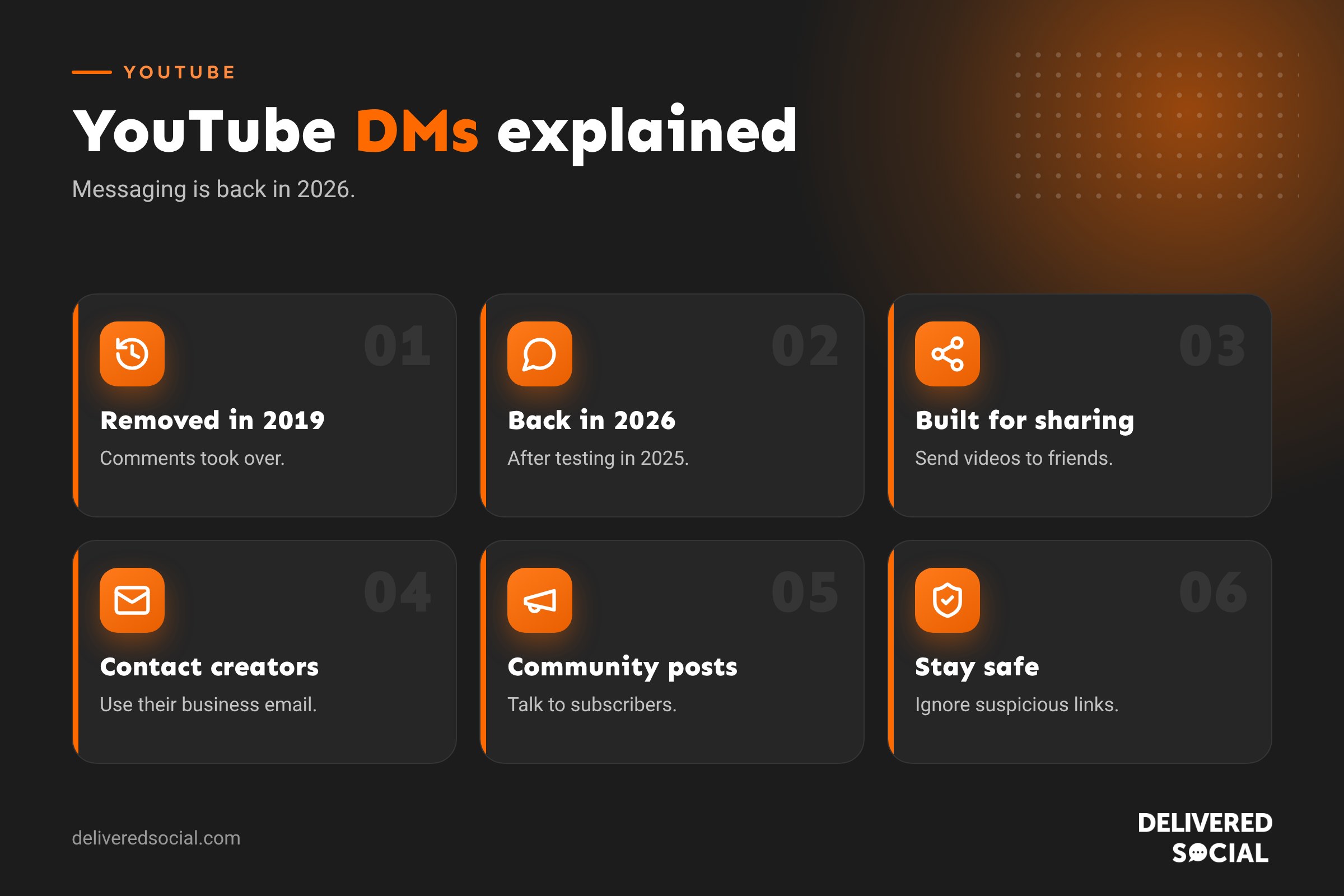
A short history of YouTube messages
- Early years: YouTube had a private messaging inbox for users and channels.
- 2017: YouTube launched in app messaging focused on sharing videos with friends.
- 2019: YouTube removed messaging, encouraging people to use comments, community posts and other apps instead.
- 2025: YouTube began testing direct messages again with selected users, responding to one of its most requested features.
- 2026: YouTube relaunched DMs more widely, built around sharing videos and chatting about them inside the app.
How YouTube DMs work now
The new messaging feature is designed around sharing. When you find a video, Short or live stream you like, you can send it to someone inside YouTube and talk about it in a private conversation. Messages sit in a dedicated area of the app rather than in comments. Availability and features vary by country, age and account, and YouTube is still adding to the feature, so the options in your app may differ slightly.
How to share a video in YouTube messages
- Open the video you want to share.
- Tap Share.
- Choose the in app messaging option and select the person to send it to, if messaging is available on your account.
- Add a message if you like and send.
If you do not see the option, update the app and check again later, as YouTube rolls features out gradually. You can always use the Share button to send a link through another app.
Who can you message on YouTube?
YouTube’s messaging is aimed at people you know, such as friends and family you have connected with, rather than open messaging to any channel. Expect privacy settings and invitations that control who can contact you, and stricter protections for younger users. This means DMs are not a reliable way to cold message a creator or business you do not know.
How to contact a YouTube creator or business
Check the channel’s About section
Many channels list a business email or website in the channel description. Click the channel name, then the “more” link in the description, and look for contact details or links.
Comment on a video
Comments are public, so they work for questions and feedback but not for anything private. Creators often reply to comments, especially early ones.
Use their other social channels
Most creators link to Instagram, TikTok, LinkedIn or a website, where you can send a direct message or fill in a contact form.
Join a membership or community
Some channels offer memberships with access to members only posts, chats or Discord communities.
How to manage your own YouTube comments and messages
If you run a business channel, YouTube Studio is where you manage engagement. Use the Comments section to reply, heart and pin comments, and to hold or remove inappropriate ones. Set up filters for blocked words and links. Our guide to finding and managing YouTube comment history explains the tools, and if needed our guide to blocking someone on YouTube covers safety.
Community posts
Channels can share text, images, polls and quizzes with subscribers through community posts (now part of the Posts feature). They are not private messages, but they are a direct way to talk to your audience between videos. Use them to ask questions, tease new videos and share behind the scenes.
What YouTube DMs mean for businesses
More sharing inside YouTube
If people can share videos without leaving the app, sharing becomes easier. Make videos people want to send to a friend or colleague: useful how to guides, entertaining Shorts and honest product demos.
Word of mouth you cannot see
Private sharing, sometimes called dark social, is hard to track, but it builds trust. A video recommended by a friend is far more persuasive than one served by an algorithm.
Not a sales inbox
Because DMs are designed for people who know each other, do not plan to use them for outreach or customer service. Keep your website, email and other social channels as the main ways for customers to contact you, and make those details easy to find on your channel.
Make your channel easy to contact
- Add a business email and website link in your channel description.
- Put links to your website and social profiles on your channel banner.
- Include a clear call to action and contact link in every video description.
- Reply to comments promptly and pin answers to common questions.
- Mention in videos how people can get in touch.
Our guide to managing YouTube channels covers channel set up and permissions for teams.
Staying safe in YouTube messages
- Only accept messages from people you know.
- Be wary of links promising giveaways, crypto or free subscribers.
- Never share passwords or verification codes.
- Report and block suspicious accounts.
- Parents should review messaging settings on supervised and teen accounts.
YouTube compared with other platforms
Instagram, TikTok and Facebook all have mature messaging features that businesses use for customer service and sales. YouTube’s messaging is newer and more focused on sharing between friends. For most businesses, YouTube remains a discovery and trust building platform, with conversations continuing on other channels. Our guide asking is YouTube social media? explores how it differs.
Using YouTube Shorts to spark sharing
Short, punchy videos are the content most likely to be shared in private messages. A quick tip, a surprising before and after or a funny moment from your workplace is easy to send to a friend with “you need to see this”. If messaging inside YouTube catches on, Shorts that make people want to share could gain extra reach. Our YouTube Shorts tips explain how to make them work for a business.
How businesses can encourage sharing
Whether people share through YouTube’s own messages or through WhatsApp, more shares mean more reach. Make videos that solve a specific problem, so viewers think of a friend who needs it. End videos with a simple prompt, such as “Send this to someone planning a kitchen renovation”. Create series that groups of friends or colleagues will follow together, and keep Shorts punchy enough to share in a second. Watch the shares metric in YouTube Studio to see which videos travel furthest.
Responding to comments like DMs
Until YouTube messaging is widely used for business, comments remain your main conversation channel. Reply to as many as you can, especially early ones, pin helpful answers and turn common questions into new videos.
What to watch for next
YouTube is still developing its messaging features, and new options for creators and businesses may follow. Keep an eye on YouTube’s official blog and Creator Insider channel for updates, and test new features on your channel as they appear. Early adopters often benefit most when platforms add new ways to connect.
In the meantime, the businesses that win on YouTube are those that publish helpful videos consistently and reply to every comment.
Key takeaways
- YouTube removed private messaging in 2019 and brought DMs back in 2026 after testing.
- The new messaging is built around sharing videos and chatting with people you know.
- Availability varies by account and country, so check your app.
- To contact creators, use their channel details, comments or other social channels.
- Businesses should make videos worth sharing and keep contact details easy to find.
Frequently asked questions
Can you DM on YouTube?
Yes. YouTube relaunched direct messages in 2026, focused on sharing videos with people you know.
Why can I not see YouTube messages?
Availability depends on your country, age and account, and features roll out gradually.
How do I message a YouTuber?
Check their channel description for a business email or website, or contact them on other social channels.
Are YouTube comments private?
No. Comments are public.
Why did YouTube remove messages in 2019?
YouTube said it wanted to focus on public conversations such as comments and community posts.
Can businesses use YouTube DMs for customer service?
Not reliably. Use your website, email and other social channels for customer contact.
Can I message a YouTube channel I subscribe to?
Not usually; use their listed business email or other social channels.
Is YouTube messaging available on desktop?
Features vary; check the YouTube app and website for availability.
Can I turn off YouTube messages?
Check your YouTube settings for messaging and privacy controls.
Are YouTube messages safe for children?
YouTube applies extra protections to younger users, and parents should review supervised account settings.
Want YouTube working for your business?
We plan, film and edit video content for businesses across Surrey, Hampshire and the UK. Find out more about our video production services. Call us on 01483 608 303.
































