



Keep reading
Rather we just did it for you?
Let's get your business seen.
Social media, websites, SEO and ads from a team you can actually meet.
Who unfollowed you? Are your followers growing? Which posts bring new people in? Thousands of people search for an Instagram follower tracker every month, and there are plenty of apps promising answers. Many are useless, and some are risky. This guide explains how to track your Instagram followers safely using Instagram’s own tools, which third-party tools are worth considering, and which to avoid.
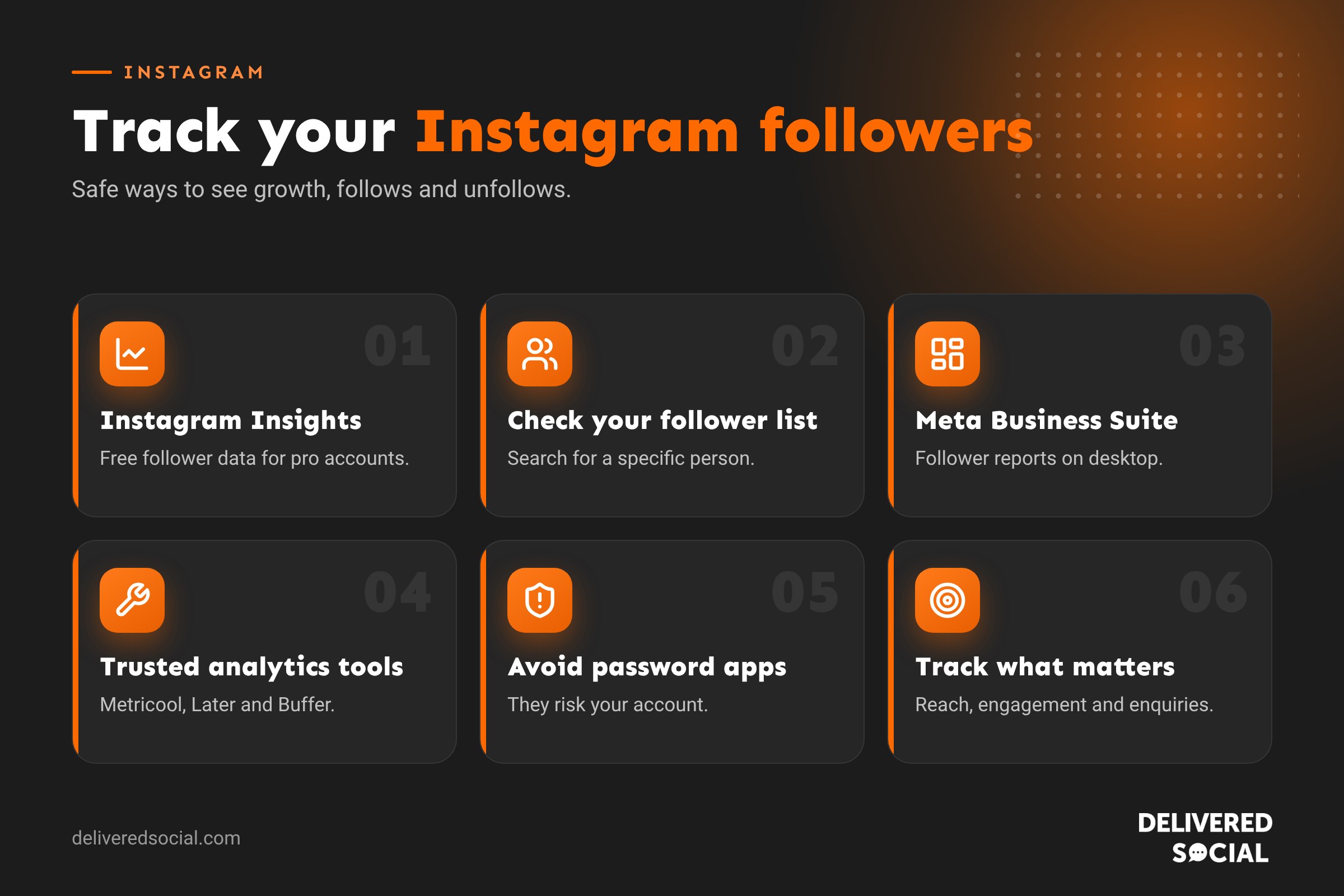
The safest follower tracker: Instagram Insights
If you have a professional (business or creator) account, Instagram shows your follower data for free. To see it:
- Go to your profile and tap Professional dashboard or Insights.
- Tap Total followers.
- You’ll see your follower growth, follows and unfollows over the selected period, plus top locations, age ranges, gender and the times your followers are most active.
You can change the period to the last 7, 14, 30 or 90 days, or a custom range. Insights only appear once your account has enough followers.
How to see who unfollowed you on Instagram
Instagram doesn’t send notifications when someone unfollows you, and it doesn’t give a list of unfollowers. You can:
- Check a specific person: go to your profile, tap Followers and search for their name. If they don’t appear, they don’t follow you.
- Use the “Least interacted with” list: under Following, Instagram shows accounts you rarely engage with, which helps tidy your own following.
- Compare totals in Insights: see how many people unfollowed on each day and match it to what you posted.
Meta Business Suite for business accounts
Meta Business Suite shows Instagram and Facebook follower growth side by side on a computer, with reports you can export. It’s free and the best option for most small businesses. Read our guide to using Instagram on desktop.
Third-party Instagram follower tracker tools
Social media management tools connect to Instagram through Meta’s official systems, so they’re safe to use. They offer longer history, competitor tracking and reports.
| Tool | Good for |
|---|---|
| Metricool | Follower growth history, competitor comparison and scheduling |
| Later | Planning content with follower and engagement analytics |
| Buffer | Simple analytics and scheduling for small teams |
| Sprout Social and Hootsuite | Detailed reporting for larger teams and agencies |
| Social Blade | Free public follower history for any public account |
Follower tracker apps to avoid
Be wary of apps that promise to show exactly who unfollowed you, who views your profile or who “stalks” you. Many:
- Ask for your Instagram password, which breaks Instagram’s rules and puts your account at risk.
- Show made-up data, because Instagram doesn’t share profile viewers with anyone.
- Get accounts restricted or locked for suspicious activity.
- Charge subscriptions that are hard to cancel.
Rule of thumb: if an app asks you to type your Instagram password into it rather than logging in through Instagram’s own screen, don’t use it.
Can you see who views your Instagram profile?
No. Instagram doesn’t show who views your profile or posts. You can only see who viewed your Stories (for 48 hours) and, with a professional account, overall numbers for reach and profile visits.
What to track instead of just follower numbers
- Reach: how many people saw your content, including non-followers.
- Engagement: likes, comments, saves and shares.
- Profile visits and link taps: how many people went on to check you out or visit your website.
- Follows per post: which posts attract new followers.
- Enquiries and sales: the number that matters most for a business.
A few hundred engaged local followers are worth more than thousands who never interact. Never buy followers: it damages your reach and credibility.
Why do people unfollow?
- Posting too often, or too rarely.
- Too many sales posts and not enough useful or fun content.
- Content that doesn’t match why they followed in the first place.
- Instagram removing fake or inactive accounts, which can cause sudden drops.
Frequently asked questions
Is there a free Instagram follower tracker?
Yes. Instagram Insights and Meta Business Suite are free for professional accounts. Social Blade shows public follower history for free.
Why did my followers suddenly drop?
Instagram regularly removes spam and inactive accounts. A sudden drop is often a clean-up rather than real people leaving.
Do I need a business account to track followers?
To see Insights, yes, a business or creator account. Switching is free and quick.
Want more of the right followers?
We help small businesses across Surrey, Hampshire and the UK grow engaged Instagram audiences that turn into customers. See our social media services or call us on 01483 608 303 for a friendly chat.































