



Keep reading
Rather we just did it for you?
Let's get your business seen.
Social media, websites, SEO and ads from a team you can actually meet.
Is Google Business Profile free? It is one of the most common questions we hear from small business owners, often after a cold call from someone claiming they need to pay to “stay on Google”. The short answer is yes: a Google Business Profile is completely free to create, verify and manage. But there are costs around it you might choose to pay for, and some costs you should never pay. This guide explains exactly what is free, what is optional, what Google Business Profile cost really means, and how to spot scams.
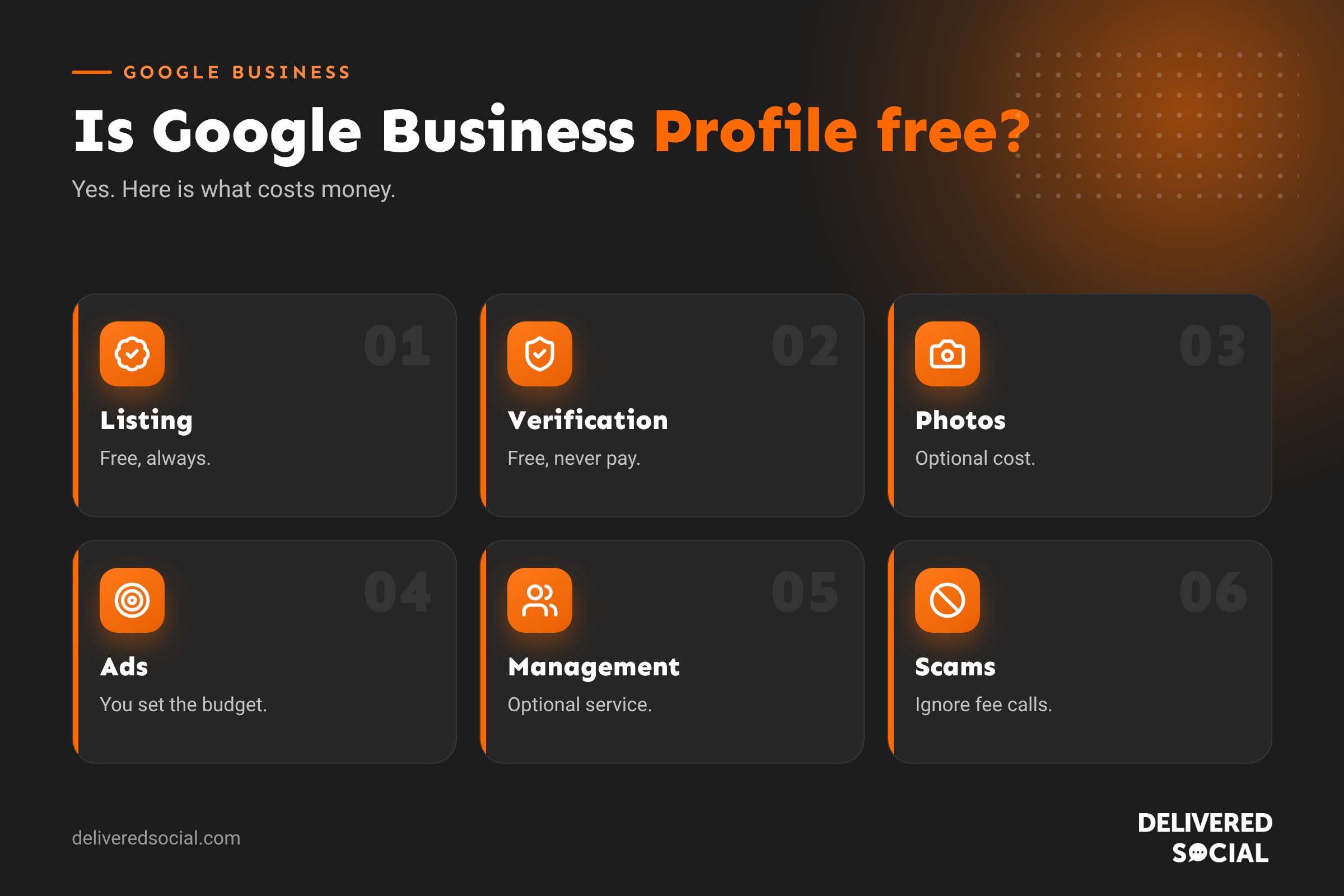
Is Google Business Profile free?
Yes. Google does not charge to:
- Create a Business Profile.
- Verify your business.
- Appear in Google Search and Google Maps.
- Add photos, posts, products and services.
- Collect and reply to reviews.
- Use messaging, bookings links and the Performance report.
There is no monthly fee, no setup fee and no charge for being listed. Google makes its money from advertising, not from businesses appearing in local results.
Why do people think it costs money?
A few reasons:
- Scam calls. Businesses regularly receive calls claiming their listing will be removed unless they pay, or that they can be “guaranteed first place” for a fee.
- Confusion with Google Ads. Ads appearing above or within the map results are paid, and look similar to free listings.
- Agency management fees. Some businesses pay an agency to manage their profile, which is a service cost, not a Google fee.
- Old Google products. Over the years Google has had various paid local products, which can blur the picture.
Free versus paid: at a glance
| Item | Free or paid? | Notes |
|---|---|---|
| Business Profile listing | Free | No fee from Google, ever |
| Verification | Free | Never pay anyone claiming to “verify” for Google |
| Reviews | Free | Never pay for fake reviews |
| Posts and photos | Free | You may pay a photographer or agency to create them |
| Google Ads (local campaigns) | Paid | You set your own budget |
| Local Services Ads | Paid | Available for certain service categories; you pay per lead |
| Agency management | Paid | Optional; covers time and expertise |
| Professional photography | Paid | Optional, but good photos help |
Optional costs that can be worth it
Professional photos
Photos are one of the most influential parts of a profile. A professional shoot of your premises, team and work can make you stand out, especially for restaurants, hotels, salons and trades. Many businesses pay a few hundred pounds for a shoot and use the images across their profile, website and social media.
Management and optimisation
If you do not have time to post regularly, ask for reviews, reply to them and keep your details accurate, you can pay an agency or freelancer to do it. Costs vary widely depending on how much work is involved, from a one off setup and optimisation to ongoing monthly management. Ask exactly what is included: posts per month, review replies, photo updates and reporting.
Google Ads
If you want to appear at the top of results immediately, or in areas where your free listing struggles, Google Ads can help. You control the budget and pay when people click or call. It sits alongside your free profile rather than replacing it.
Review management tools
Some businesses use software to send review requests automatically after a sale or appointment. These tools charge monthly fees, but you can also ask for reviews for free with a simple link.
Costs you should never pay
- “Google listing fees” or “renewal fees”. They do not exist.
- Guaranteed number one rankings. Nobody can guarantee a position in free local results.
- Fake reviews. Buying reviews breaks Google’s policies and can lead to removed reviews or restrictions on your profile.
- Payments to “Google” by phone. Google does not cold call asking for payment to keep your listing live.
How to spot a Google Business Profile scam
Be wary if a caller or email:
- Claims your listing will be removed or “suspended” unless you pay.
- Says they are calling “from Google” or “on behalf of Google” about your free listing.
- Promises guaranteed first place.
- Asks for access to your Google account or verification codes.
- Pressures you to pay immediately.
If in doubt, hang up and check your profile yourself by signing in. Never share verification codes with anyone.
What does it cost in time?
The profile is free in money, but it does take time to run well. A realistic estimate for a small business:
| Task | Time |
|---|---|
| Initial setup and verification | 1 to 3 hours |
| Weekly post | 15 to 30 minutes |
| Replying to reviews | 10 to 20 minutes a week |
| Adding photos | 15 minutes a month |
| Checking insights | 20 minutes a month |
For many businesses, that is an hour or two a month: a small investment for something that drives calls and visits every day.
Is it worth paying someone to manage it?
It depends on your time, confidence and competition. If you are in a competitive local market, such as trades, dental, legal or hospitality in a busy town, expert management and a steady stream of posts and reviews can make a real difference. If you are in a quieter niche and happy to post weekly, you can manage it yourself.
If you are getting started, our guides to verifying your profile, posting updates and optimising your profile cover everything you need.
Getting the most from a free profile
Because it is free, there is no reason not to make your profile as strong as possible. The businesses that get the most from Google Business Profile treat it like a shop window: they keep it tidy, change the display regularly and make it easy for people to step inside. Concentrate on five things. First, complete every field, including services, attributes and opening hours. Second, add real photos of your premises, team and work, and keep adding them. Third, ask every happy customer for a review and reply to each one. Fourth, post an update every week. Fifth, keep your details accurate, especially holiday hours.
Do those consistently and your free profile will often outperform paid advertising for local searches. Many of the local businesses we work with get more calls from their profile than from any other source, without spending a penny with Google.
Free alternatives and extras
Alongside Google, make sure your business is listed on other free platforms customers use, such as Apple Business Connect for Apple Maps, Bing Places for Business, and relevant local and industry directories. They are also free, help customers on other devices find you, and support consistent business information across the web.
A worked example: what a small business really spends
Take a two person landscaping business in Surrey. Their Google Business Profile costs nothing from Google. In their first year they choose to spend money in three places: a half day photo shoot of finished gardens, which they also use on their website and Instagram; a simple review request card they hand to customers with a QR code; and a modest Google Ads budget during their busiest spring months. They post updates themselves every Monday morning and reply to reviews on their phone.
By the end of the year, most of their enquiries come from the free profile, with the ads filling quieter weeks. The lesson is that the profile itself is free, and the spending that makes the biggest difference is on good photos and on making it easy for happy customers to leave reviews, not on anyone promising to “get you on Google”.
What to do if you have already paid a scammer
If you have paid someone who claimed to be from Google, contact your bank straight away to ask about stopping or reclaiming the payment. Change the password on your Google account, check who has access to your Business Profile and remove anyone you do not recognise. You can report scams to Action Fraud in the UK. Then check your profile is still accurate and verified.
Key takeaways
- Google Business Profile is completely free to create, verify and manage.
- Optional costs include photos, ads and agency management.
- Never pay “listing fees”, guaranteed rankings or for fake reviews.
- Treat cold calls claiming to be from Google with suspicion.
- The real cost is time: an hour or two a month for most businesses.
Frequently asked questions
Does Google charge for a business listing?
No. Business Profiles are free.
Is there a fee to verify my business on Google?
No. Verification is free.
Why am I being charged by “Google”?
If it is not Google Ads you set up yourself, it may be a third party or a scam. Check your bank statement and the company name.
Do Google Maps listings cost money?
Standard listings in Maps are free. Ads that appear in Maps are paid.
Can I pay Google to rank higher in the map results?
Not in the free results. You can pay for ads, which are labelled as sponsored.
Is Apple Business Connect free too?
Yes, it is free to list your business on Apple Maps.
What does an agency charge to manage a profile?
It varies with the amount of work. Ask for a clear list of what is included.
Want your free profile working harder?
We help businesses across Surrey, Hampshire and the UK get more calls and visits from Google Business Profile. Call us on 01483 608 303.
































