



Keep reading
Rather we just did it for you?
Let's get your business seen.
Social media, websites, SEO and ads from a team you can actually meet.
Building a brand identity starts with having visuals that attract viewers.
One of the key aspects in this matter is the brand logo and whether it will stay memorable. This, in turn, defines how customers will perceive your brand.
With the help of diverse AI tools, building high-quality logos no longer requires a huge amount of time and money. They provide professional and unique designs and many customisation options that help to build logos that make your brand stand out.
Keep reading this article to get acquainted with the best logo makers along with the advantages they offer.
Quick Comparison Chart
| Logo Maker | Best For | Does the Logo Maker Have a Free Tier? | Trustpilot Reviews |
| Design.com | Startups, people who look for quick and high-quality logo design | Yes, no watermark | ⭐4.7/5 |
| BrandCrowd.com | Beginners, people who need a fast and budget-friendly logo | Yes | ⭐4.8/5 |
| Logo.com | Small business owners | Yes | ⭐4.6/5 |
| LogoDesign.net | Startups, growing businesses | Free preview | ⭐3.8/5 |
| Logomakerr.ai | Beginners, small businesses | No | ⭐4.0 /5 |
| LogoMakr.com | Non-designers | Yes (non-commercial) | ⭐4.0 /5 |
| DesignEvo | People who look for AI-driven logos | Yes | ⭐4.8/5 |
| Logobean | Beginners wanting quick results | Limited | Not listed |
8 Best Logo Makers Reviewed
#1 Design.com
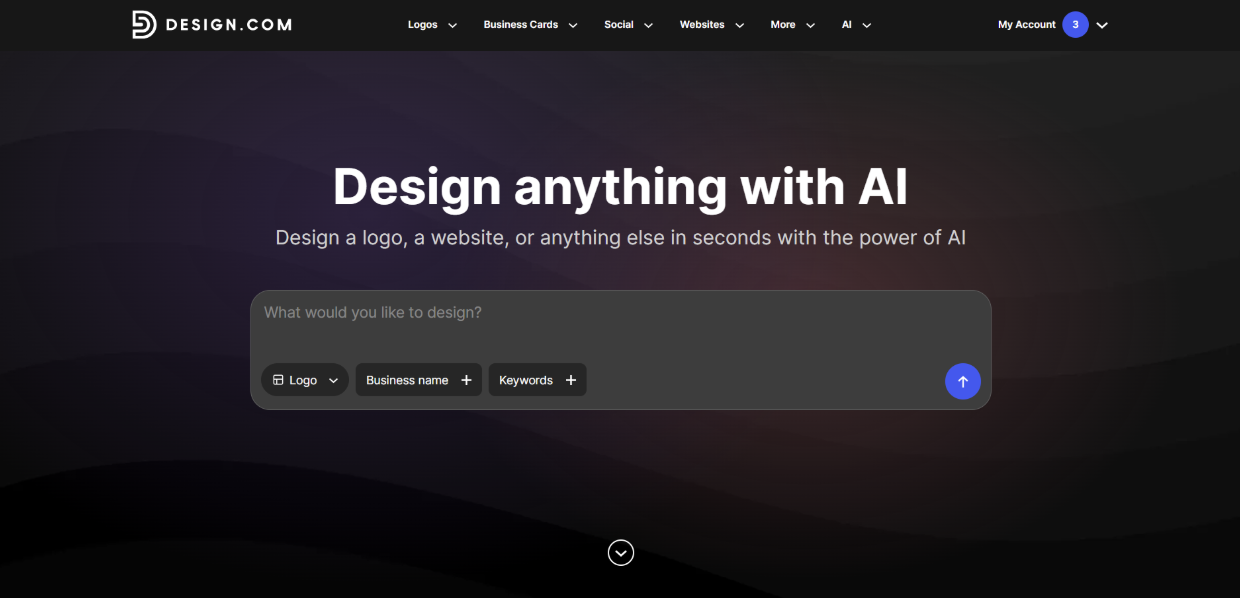
Design.com is the top choice for logo creation for its advanced AI integration, high-quality logo designs, and easy-to-use platform. Its customisation options help to alter the logo design based on your business needs and achieve the best possible results.
What do you get?
-
- 500K+ logo templates available in the logo maker for every industry and style.
- 100% ownership over your logo design. The logo maker provides extended licensing and exclusive use of the logos.
- You can download your logos in various web- or print-ready types, including PNG, JPG, SVG, EPS, and PDF vector files, animated ones (like GIF and MP4), and files with a transparent background.
- Over 750 fonts and 525+ exclusive fonts to make your design original and unique.
- Apart from logos, you can also create diverse designs using Design.com’s AI generation, like an AI website builder, AI business cards, AI flyers, AI posters, AI presentations, an AI business name generator, an AI background remover, etc.
- Free logos are available that come with high-resolution files and no usage limitations.
Speed and Customisation Review
Let’s try Design.com’s logo maker to understand its creation speed and customisation capabilities.
For creating a logo, you need to add your business name and any additional keywords that might help to make results more personalized.
We will create a logo for an educational center called “LingoLab,” and as keywords, let’s add “foreign language learning.”
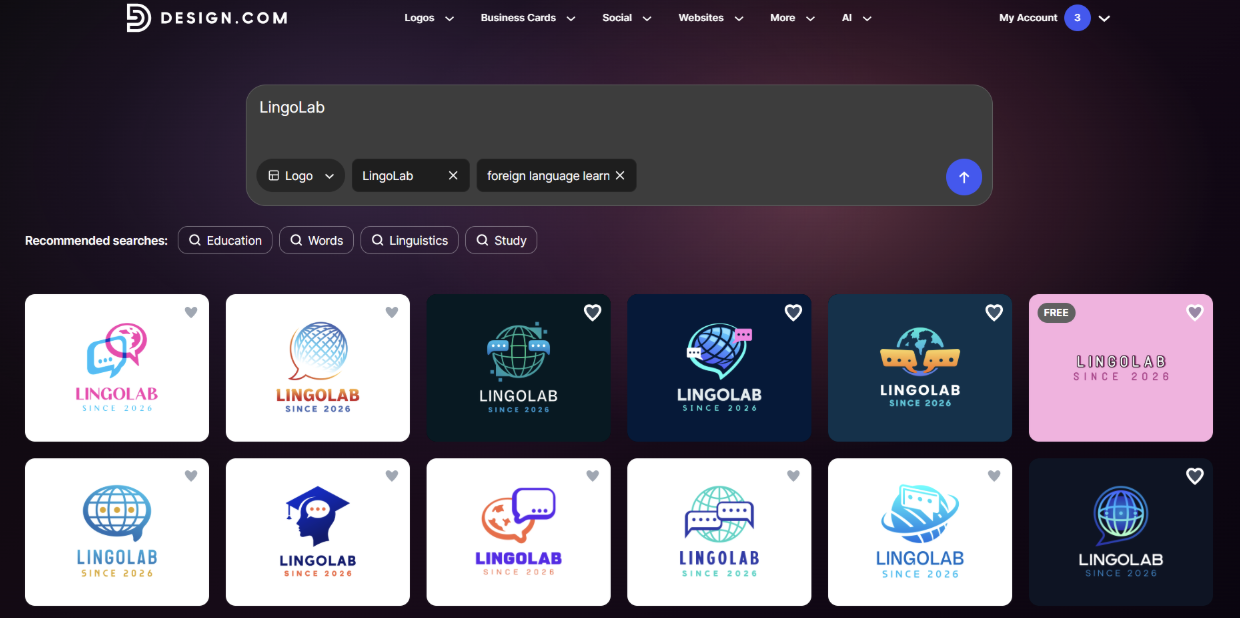
The results appear immediately. What’s more interesting is that there are many design templates to choose from, each with unique elements that remind us of the field, and diverse color choices.
Now let’s choose the design that we like and move to customisation.
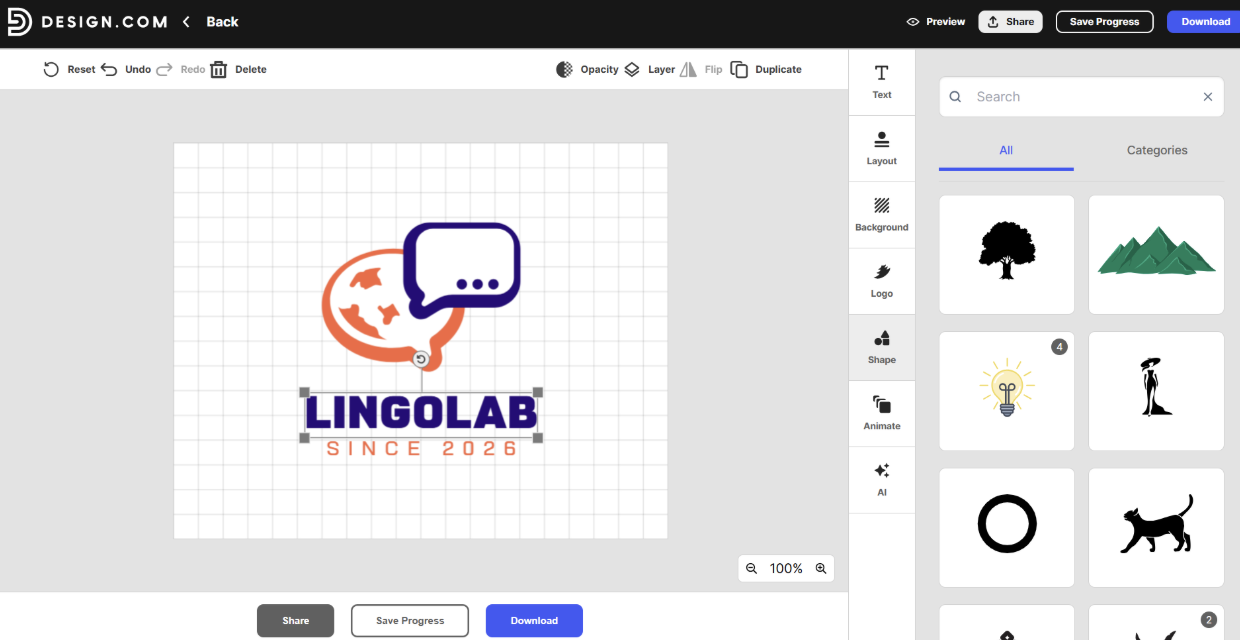
There are numerous customisation options, including changing the text, layout, background color, logo colors, adding shapes, and using AI to edit the logo. You can even make your logos animated with Design.com’s customisation option to play around with the impression you make on viewers.
From experience, customisation is super simple; you simply choose the elements you like and see them immediately change on the canvas.
Now all we need to do is download the logo and use it to make our brand stand out.
Checking the Quality
Apart from the ease of creation, we also need to understand the logo quality.
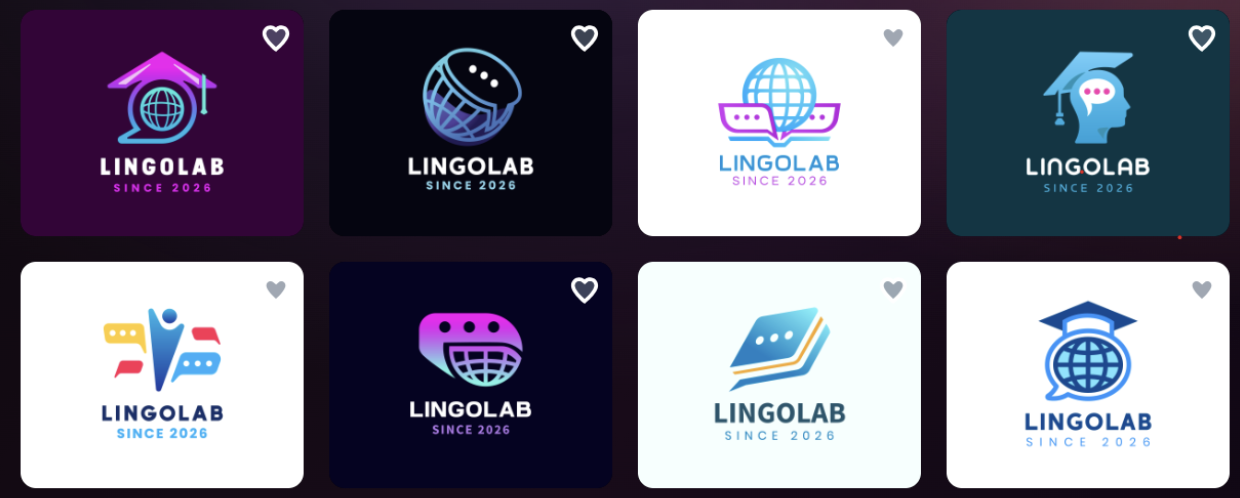
All the logos include professional quality elements and ones that make the logo stand out, which is a sign that the logos are not only AI-created but also that professional designers are integrated in the creation process.
The variety of logo choices, color tones, and gradients that can be noticed will ensure that your logo is the one that will gain the attention and trust of the customers.
Therefore, Design.com is a top logo generator offering logos that stand out, are easy to create, and offer many customisation choices to experiment with the design.
#2 BrandCrowd
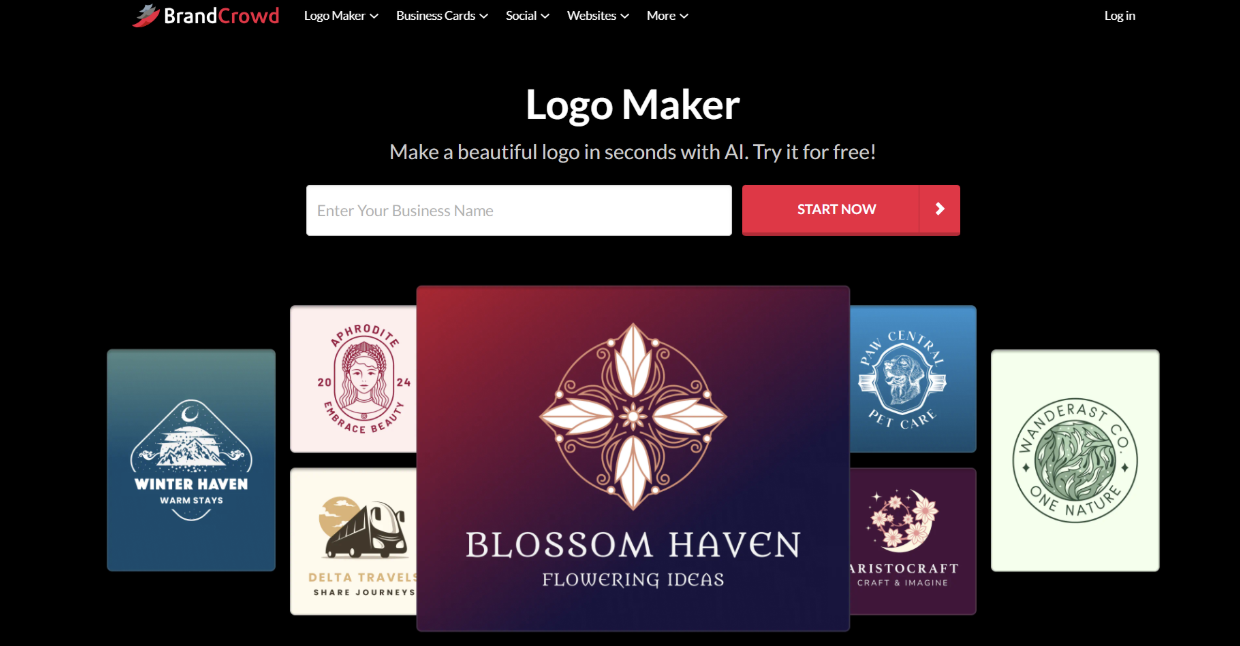
BrandCrowd is an online design tool that uses AI to create logos using a huge logo library and provides professional results. The tool is beginner-friendly; therefore, everyone, even with no design background, can use the tool.
What do you get?
- AI integration helps to create professional logos in a matter of seconds.
- A drag-and-drop editor makes it easy to customise and change all types of design elements you need (i.e, colors, shapes, or layouts).
- 380K+ templates for logo creation that offer design elements for diverse fields and cases.
- You can download the logo in diverse high-resolution files, including PNG, JPG, SVG, EPS, PDF, files with transparent backgrounds, and animated ones like GIF and MP4.
- You can complete your company branding in BrandCrowd since you can not only create logos but also presentations, websites, social media posts, QR codes, business cards, and so on.
Speed and Customisation Review
To understand whether a logo maker is worth using or not, it is essential to view its creation speed and results.
How the tool works is pretty similar to the previous one. All we need to do is open it, enter the business name and any keywords that can help.
The results appear immediately, and there are plenty of variations to choose from.
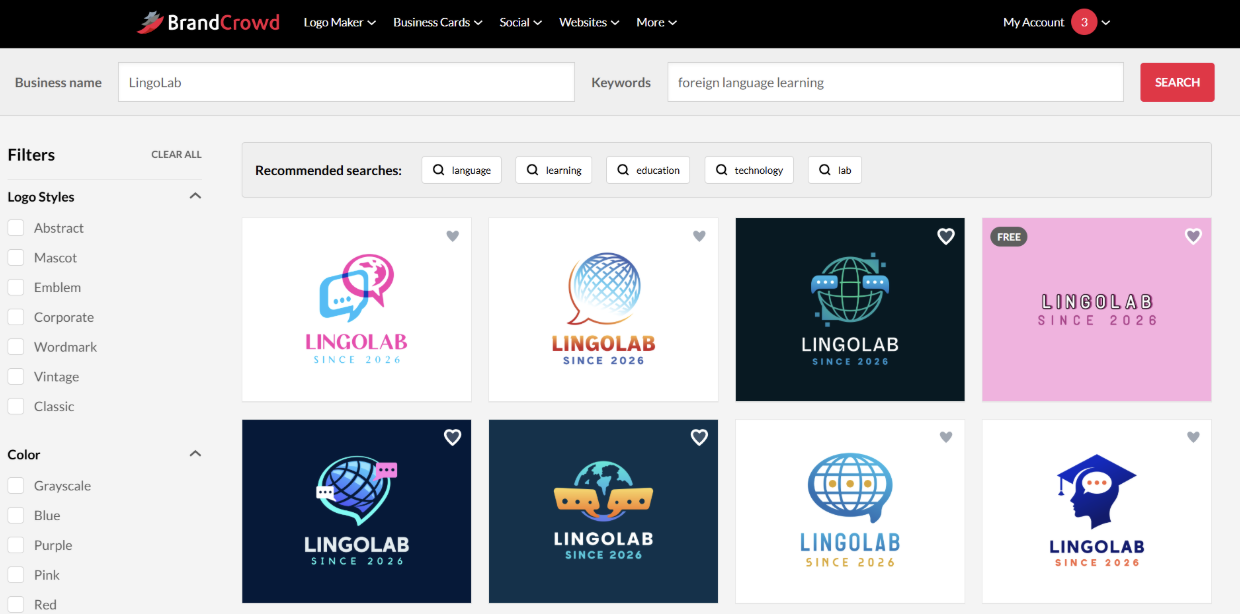
Now we need to simply choose the result we like and move to the creative part.
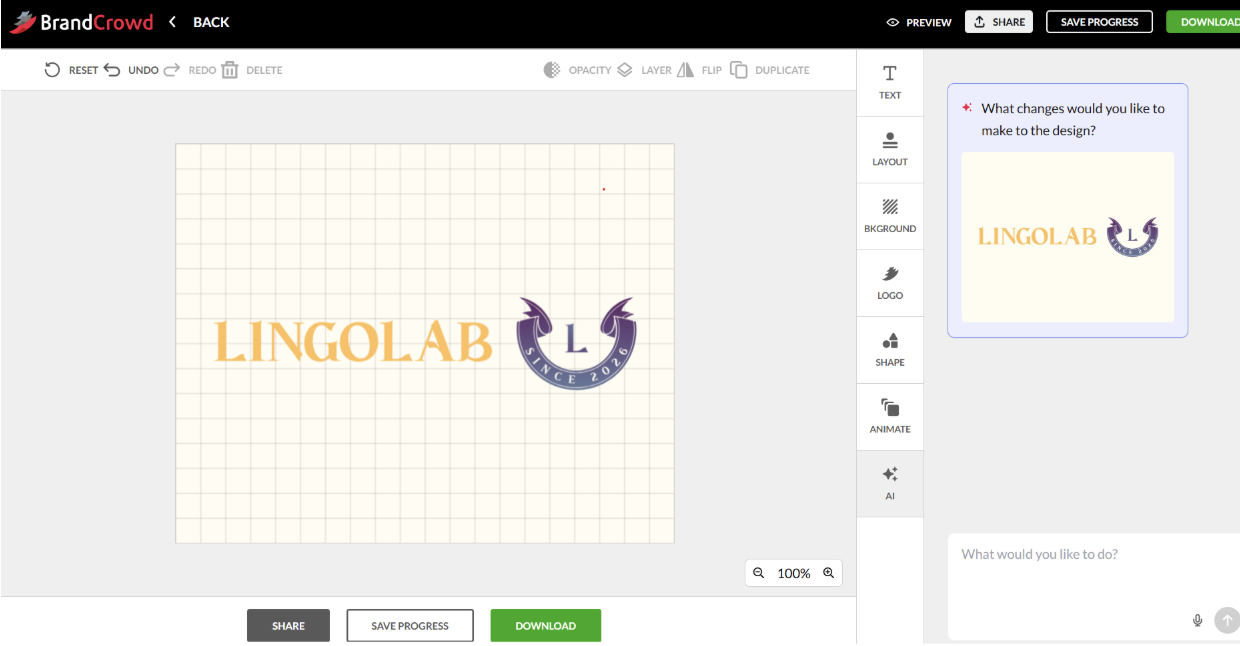
The first thing we need to mention about customisation is that it is quick. We just need to choose the color or shape we like, and it immediately appears on our logo.
We can make anything that comes to our mind from the logo. We can change the layout, background, colors, shapes, add animation, or alter the text of our logos.
Quality Check
The quality of the logos is professional; they are clear, easily understandable, and look professional.
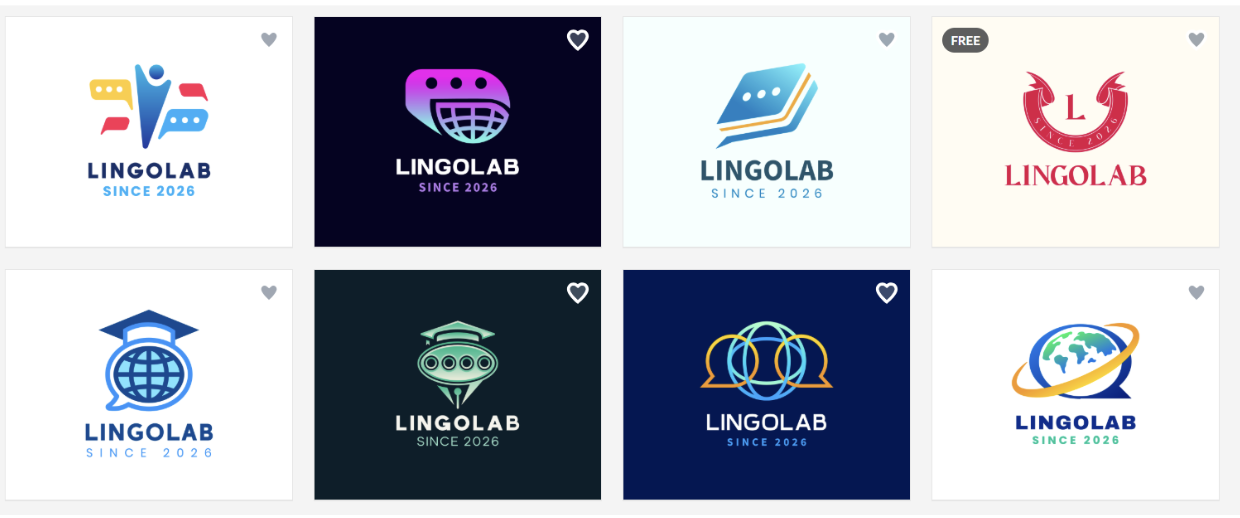
We can see that certain elements remind us of the field we are creating for, which is education. It is essential to include unique elements in the logos since they help the logo stay easily memorable for the customers.
Overall, BrandCrowd is a professional design tool and logo maker that offers users numerous design templates, advanced AI integration, and is easy to use.
#3 Logo.com
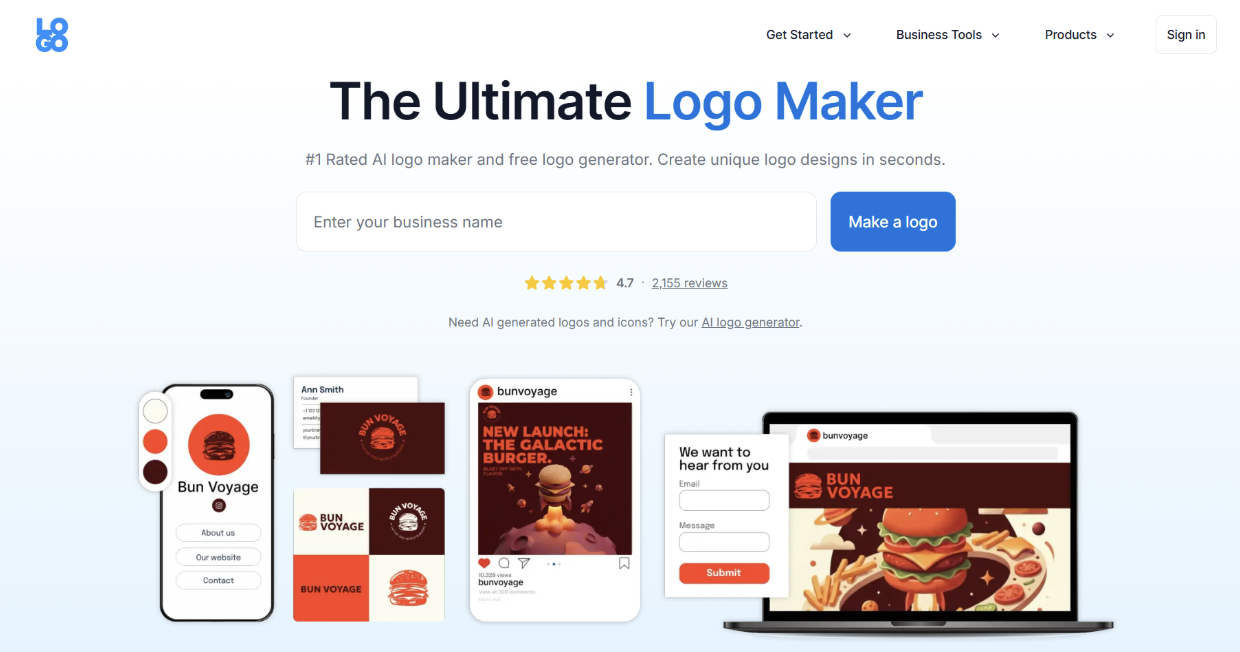
Logo.com is another logo tool that helps to create logo designs easily and in a short amount of time. Its AI integration helps to make designs interesting and creative.
What do you get?
- Hundreds of templates available on the platform that can create logos of any concept.
- You can describe any subject or detail and add custom logo icons to your design.
- You can create a professional brand kit with AI-powered tools that Logo.com offers and start your business in the shortest time possible.
- Number of premium points available to add to your logo design.
Speed and Customisation Review
Now we can start creating our logo to evaluate its speed.
Here, the logo-making starts with the following: you add your business name, choose an industry, add a slogan, any relevant symbols, choose color palettes, add your goal and business stage. This can take slightly longer than in the case of previous ones but is good if you want to get the most personalised result.
The results do not take too long to wait.
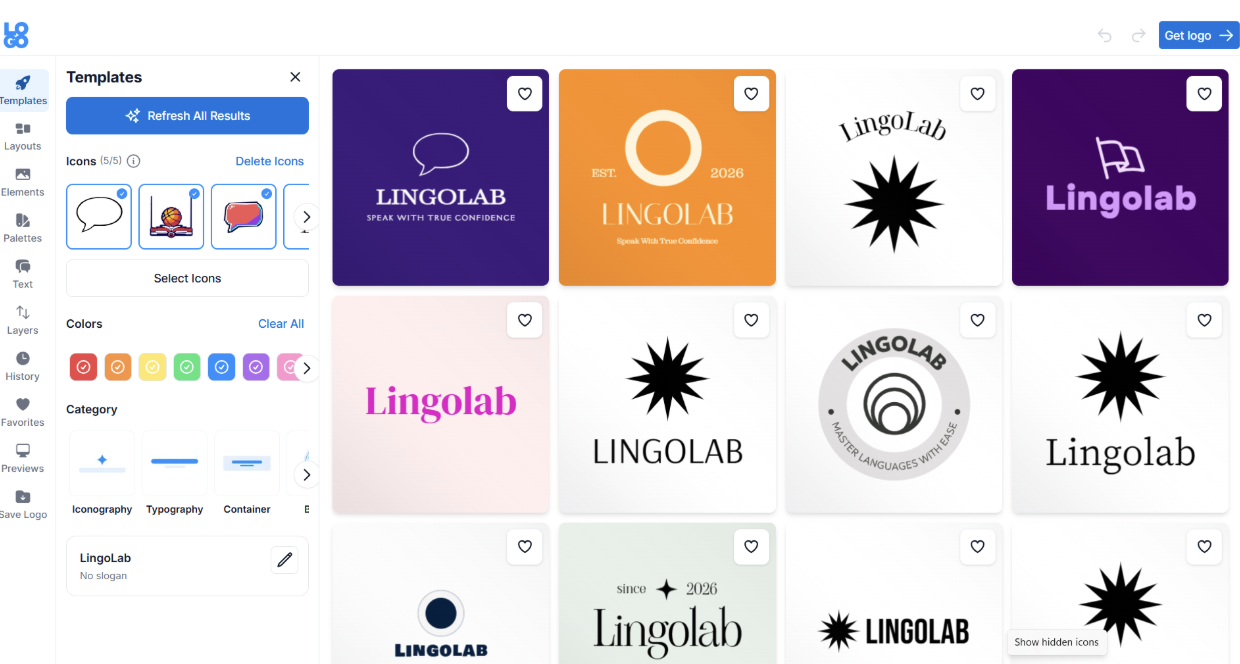
Now we can choose the design we like and move to customisation.
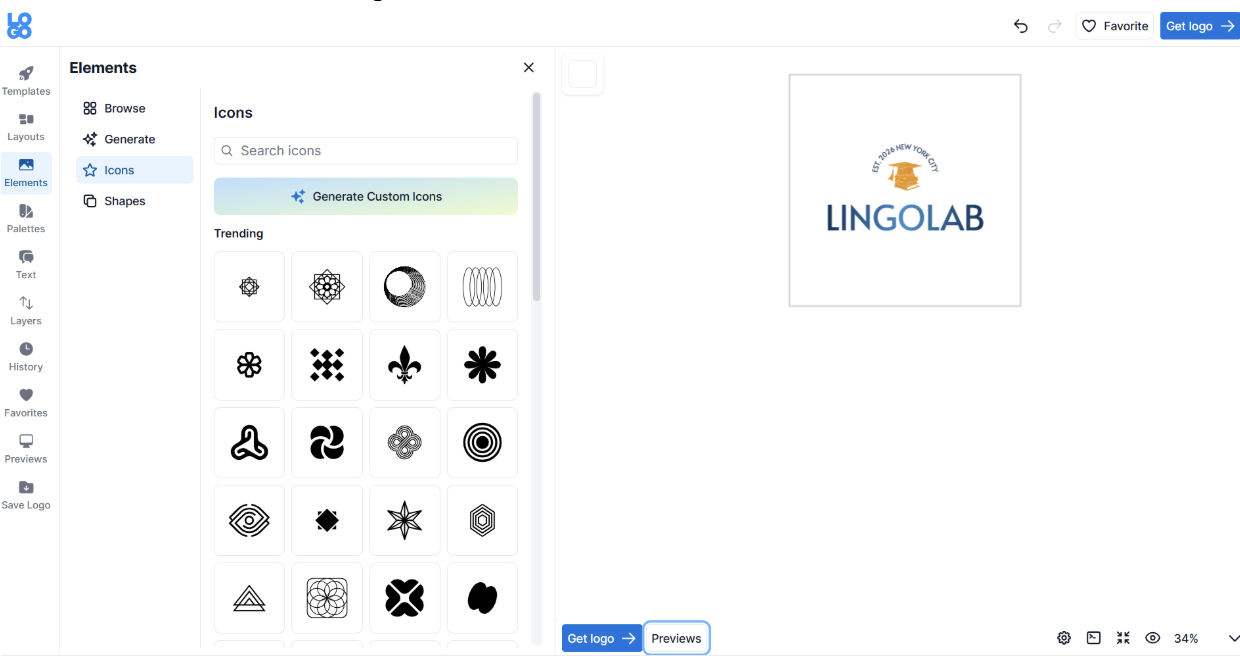
Customising the logo is simple but does not have many options. We can change the colors, icons, shapes, or generate any design parts we like.
Checking the Quality
The quality of the logos is high, but they have a simple design.
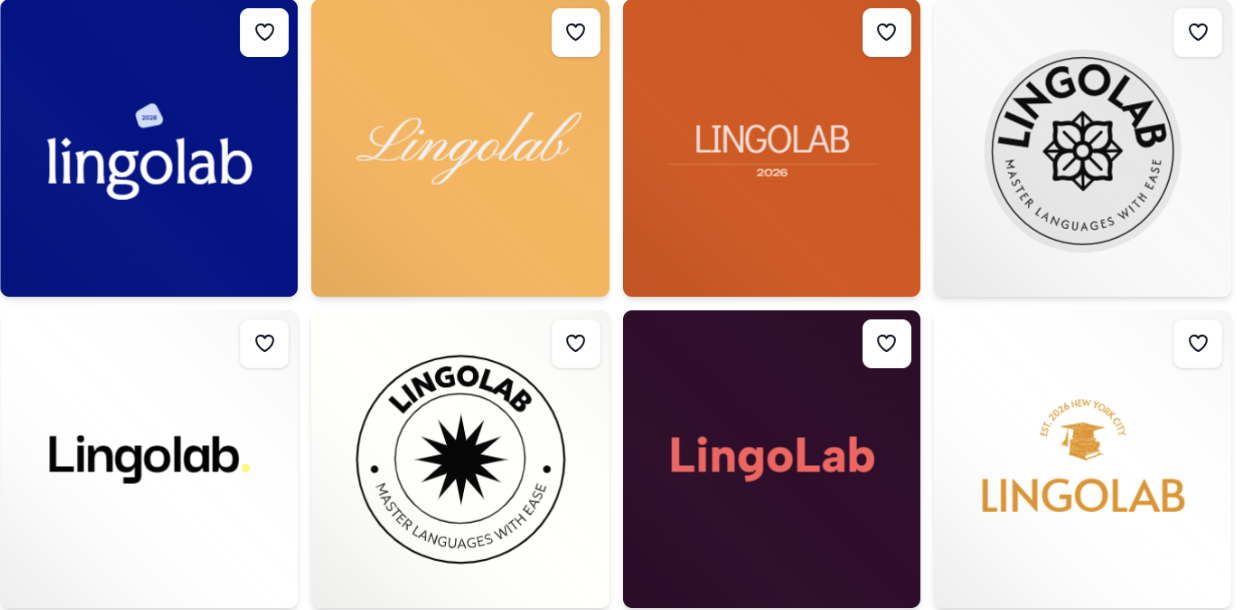
Compared to the previous logo makers, we can see that here we do not have many details or elements that remind us of the field we are creating for. Instead, they have a minimal design and are not easy to remember.
#4 LogoDesign.net
LogoDesign.net is a design platform that helps to create custom or DIY designs. It offers quick and easy access, customisation options, and advanced support to customers.
What do you get?
- There are 10K+ logo designs to choose from.
- You can download the logo in PDF, PNG, and JPG files.
- Apart from logo making, the tool also has a website builder, business card maker, product maker, QR code generator, postcard designs creator, etc.
Speed and Customisation Review
It is worth understanding how the tool works and what editing options it suggests.
Creating a logo starts with inputting the brand title, and we can also add the field. Results appear immediately, and there are different options that we can choose from.
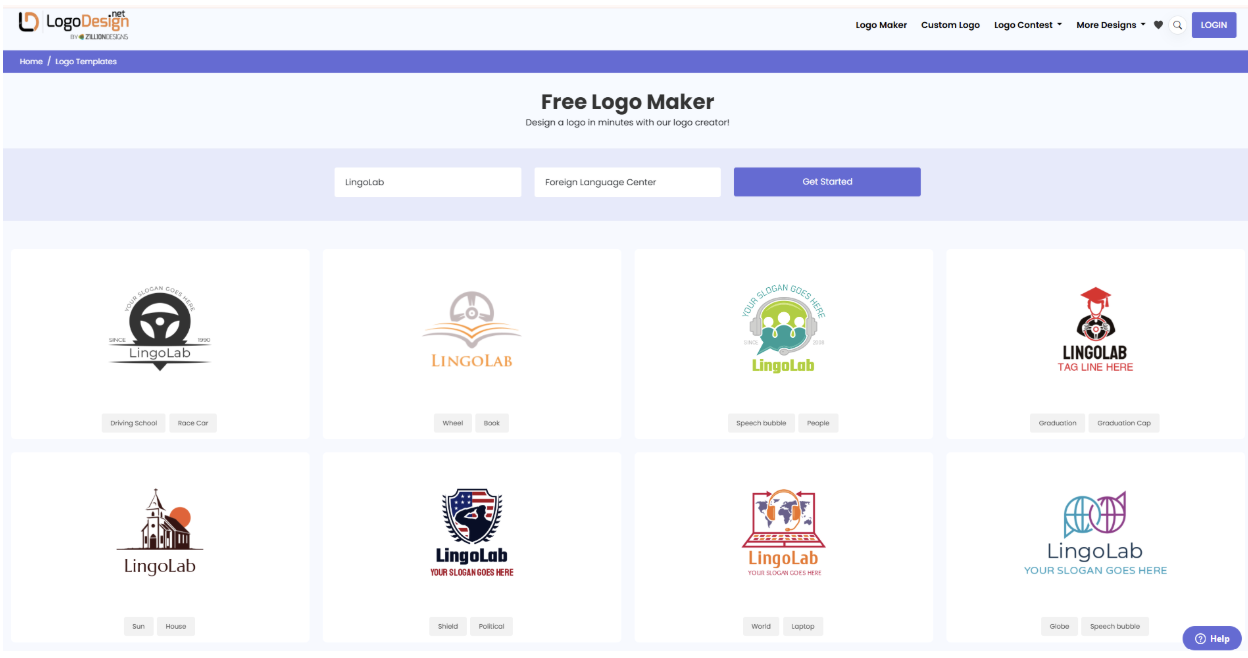
Now we need to choose the logo we like and click Edit.
Editing is easy; we can change the color, font, text, and add shapes to our logo.
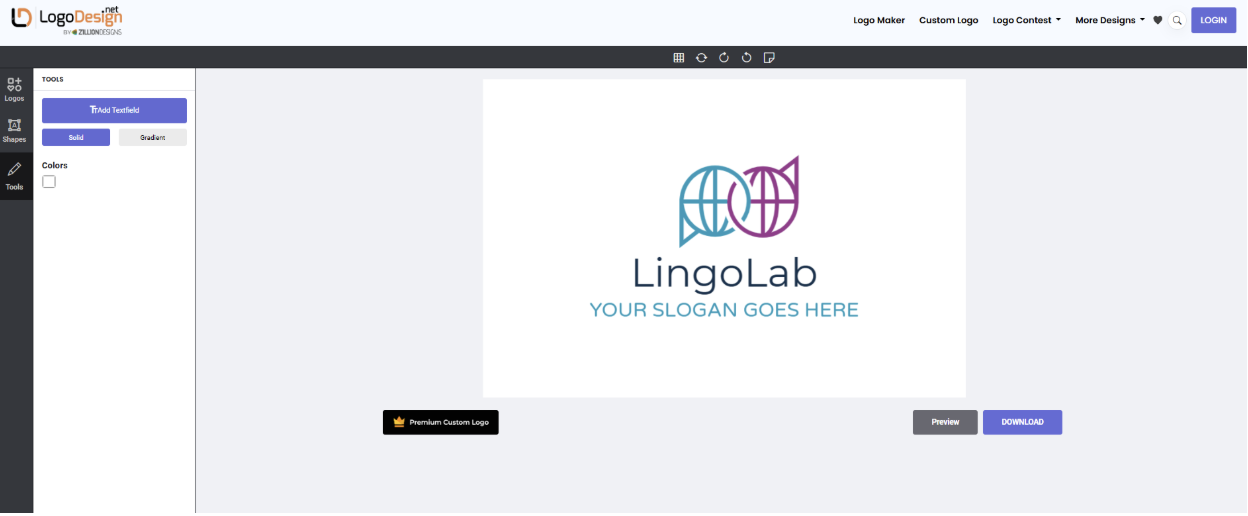
Changes appear immediately, so they do not slow down the creation process.
Checking the Quality
The quality of the logos is good, but different from the previous tools.
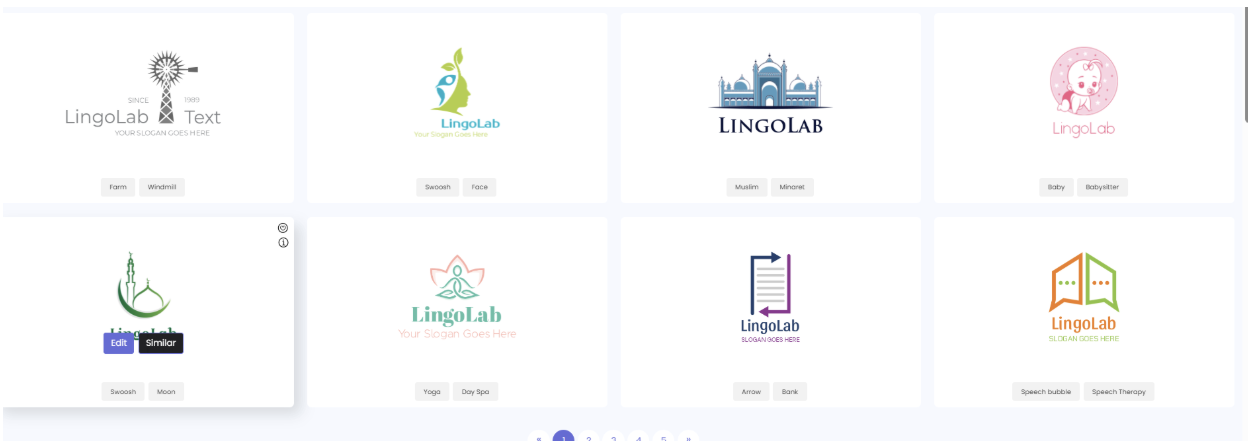
The colors of the logos are pale and limited, so it is one of the tool’s drawbacks. There are different details on the logos, but they do not always remind us of the field the logo is created for, although it was mentioned at the beginning of the logo creation.
#5 Logomakerr.ai
Logomakerr.ai is another AI-powered logo maker that helps to create logos that you can use for building a unique brand identity.
What do you get?
- Has an in-house “designer fix”, which can help if you have any issues with the design process.
- Get access to high-resolution PNG, JPG, SVG, and PDF files for web and print.
- Availability of matching brand kits with diverse industry templates for social media posts and business cards.
Speed and Customisation Review
For creating logos, as in the case of previous logo makers, you need to add the logo name and have an opportunity to add an optional slogan. After you choose the industry, color schemes, font style, and wait till the tool generates your logos.
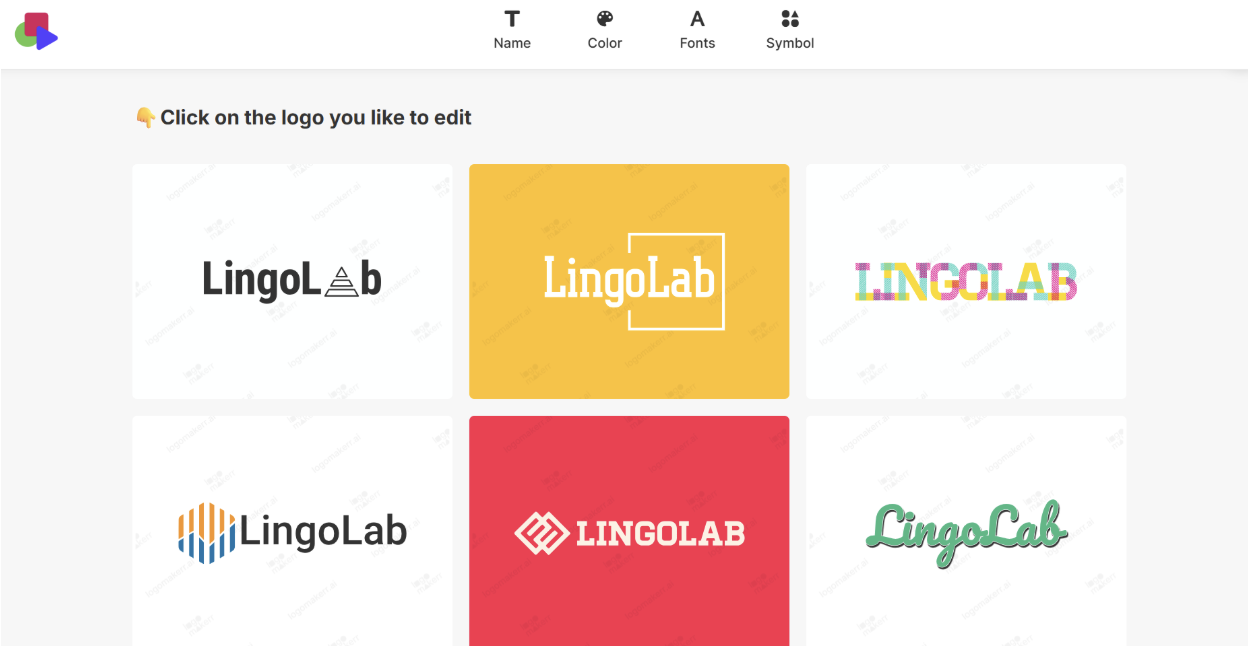
Logo generation takes a while, but you have access to limited logos to choose from. However, you can click on “see more logos,” and the tool will generate more in a few seconds.
Afterward, you can choose the logo you like and click “Edit.”
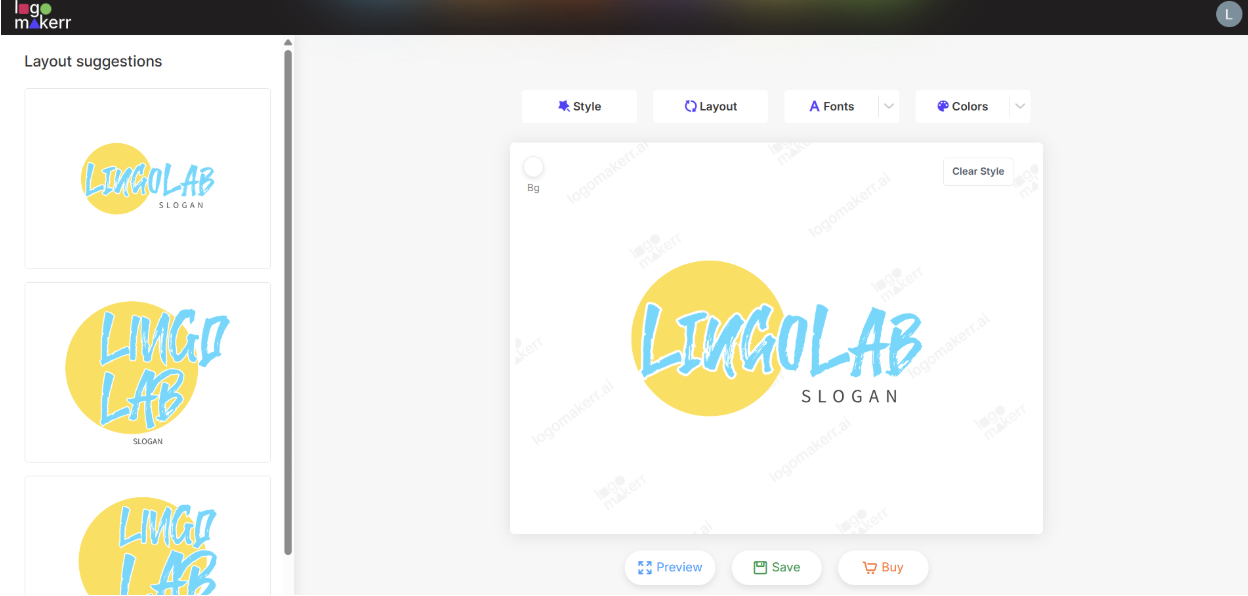
We can change the style, layout, fonts, and colors of the logo, preview and save them. Changing the style is easy enough, and we see the results immediately on the canvas.
Checking the Quality
The quality of the logos is good; colors depend on the logo; sometimes they can be really bright, and in some cases are pale.
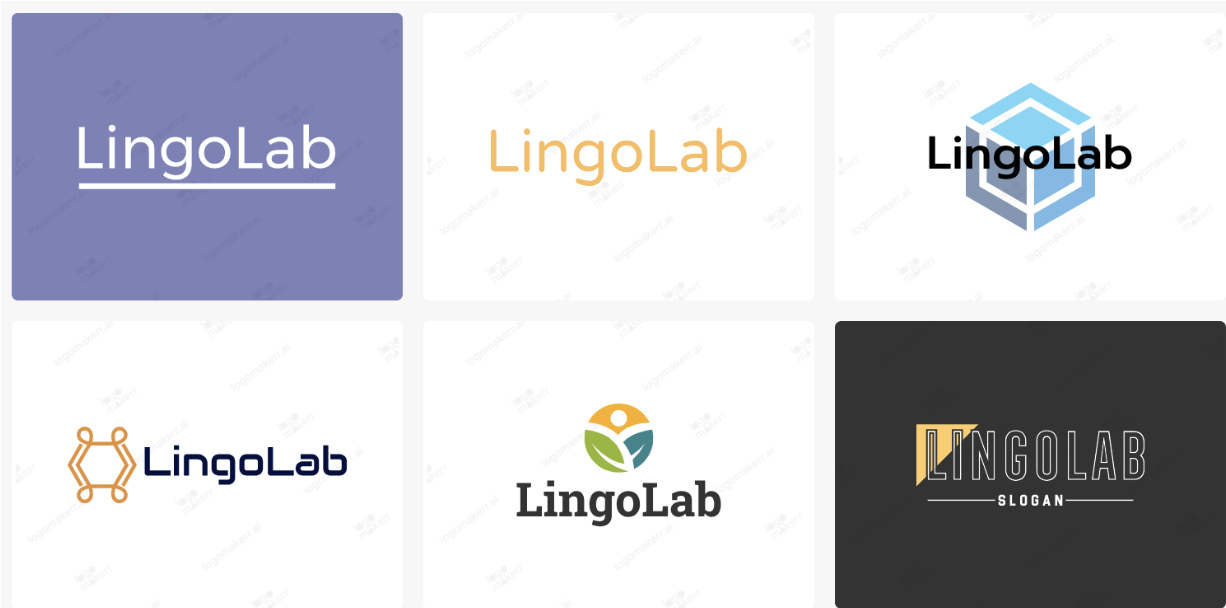
In terms of variety of design, this logomaker was not the best option. Templates were limited, and elements that reminded about the field were not many either.
#6 LogoMakr.com
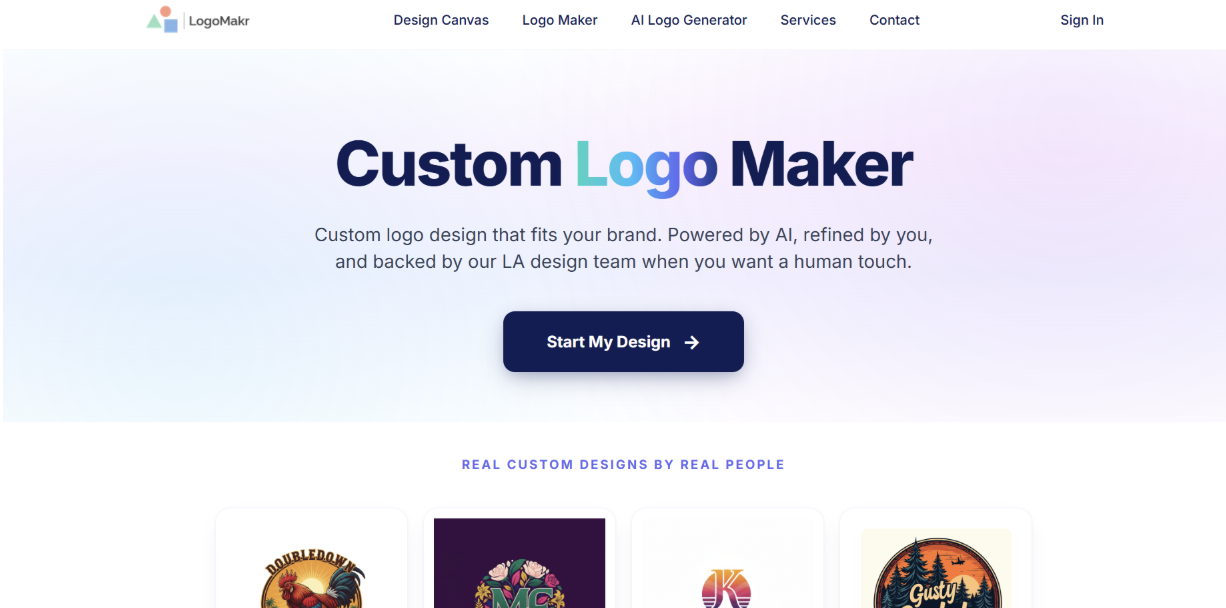
LogoMakr is another interesting design tool that helps to create and edit logos with the help of AI integration.
What do you get?
- Availability of templates that you can easily edit to fit your brand needs.
- Full design canvas where you can freely change every element you need on your logos.
- Download your logo in scalable and high-resolution SVG, PNG, and PDF files.
Speed and Customisation Review
Logo creation is interesting enough on LogoMakr. You can create on a blank canvas with ai logo generator or with templates. We chose to create with AI mode as it is the primary function we are looking for.
Then you need to choose the colors, write the brand name, choose a font, and add information about the business for a detailed result.
Then you need to wait a bit until your logos are generated.
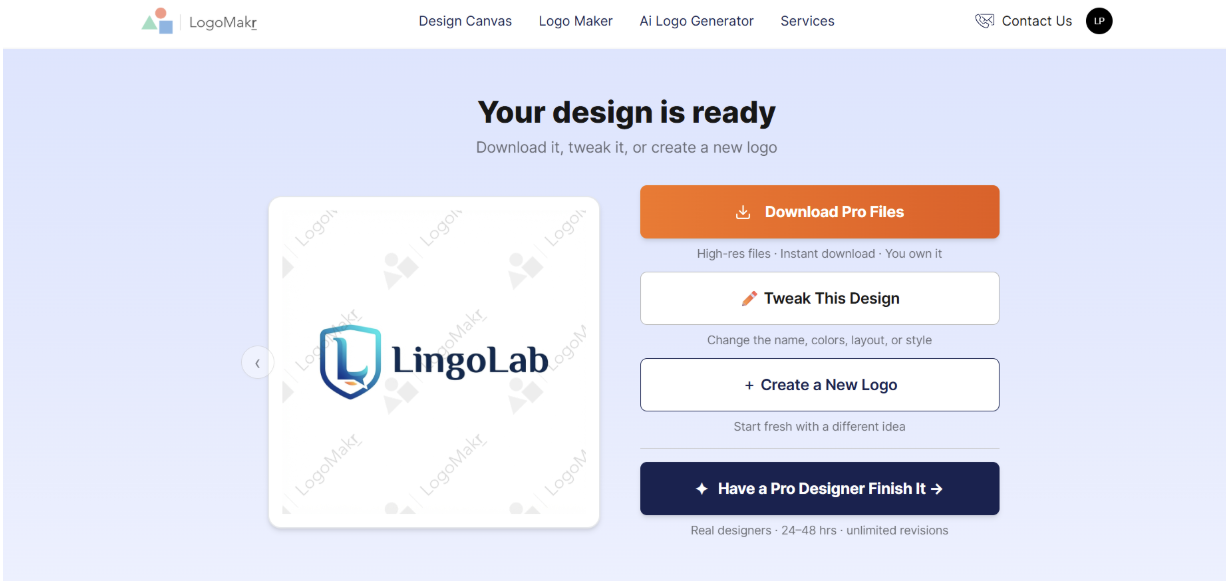
Here, unfortunately, we have access only to one logo, which was generated based on the chosen categories and comments. And for editing, we again need to describe the change we want to make in the logo and wait for AI to create that.
Checking the Quality
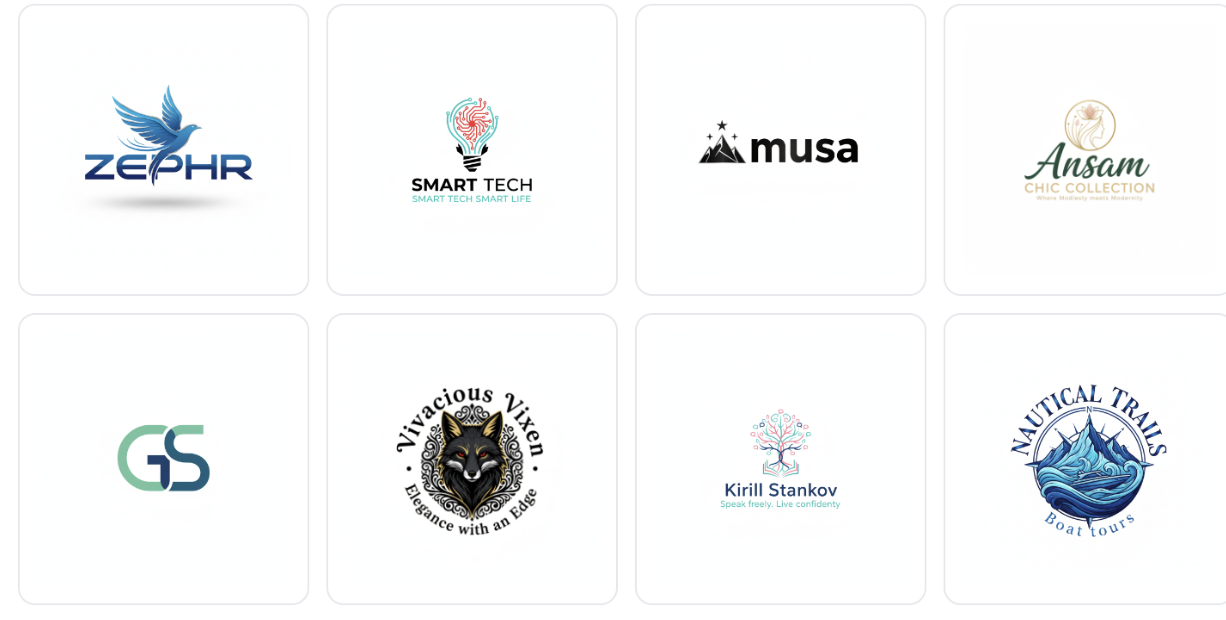
The quality of the logo is good; it includes a variety of colors, a professional look, and is easy to remember. The details that remind us about the chosen field and the access to diverse logos are limited.
#7 DesignEvo
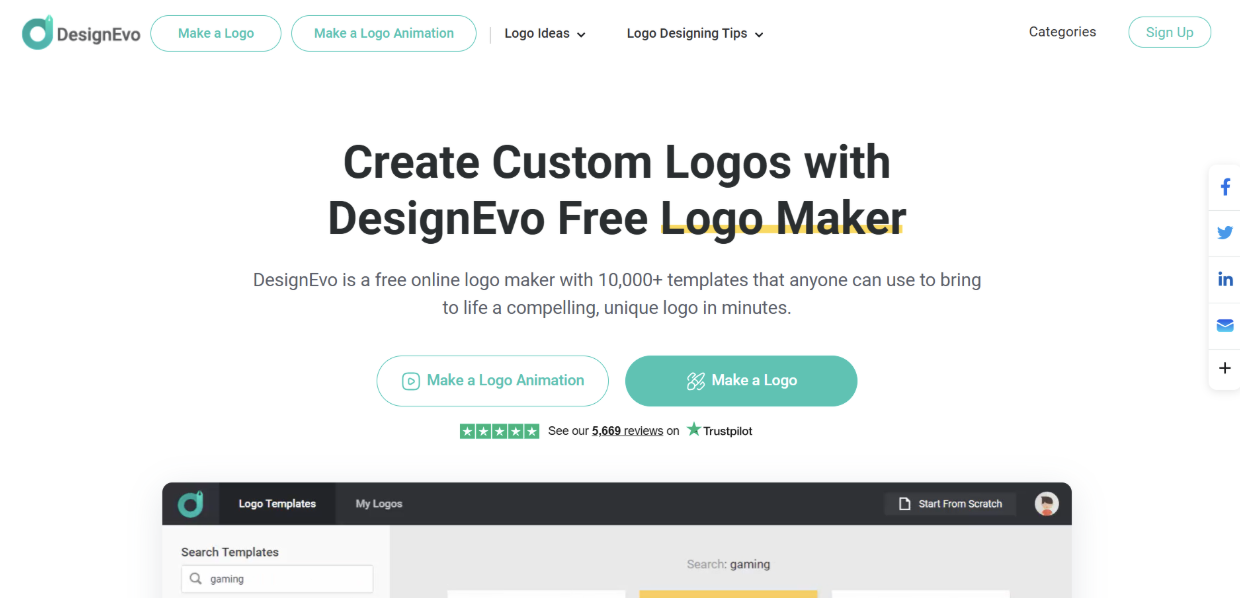
DesignEvo is an online logo maker perfect for people without any design experience since it is easy to customise and create.
What do you get?
- Over 10K pre-made logo templates for numerous fields and industries.
- Easy editing availability with the help of the drag-and-drop editor.
- Create on your web without mandatory registration.
Speed and Customisation Review
Here we cannot write the company name. We just see different templates and can choose the field. Logos, however, are limited to certain fields.
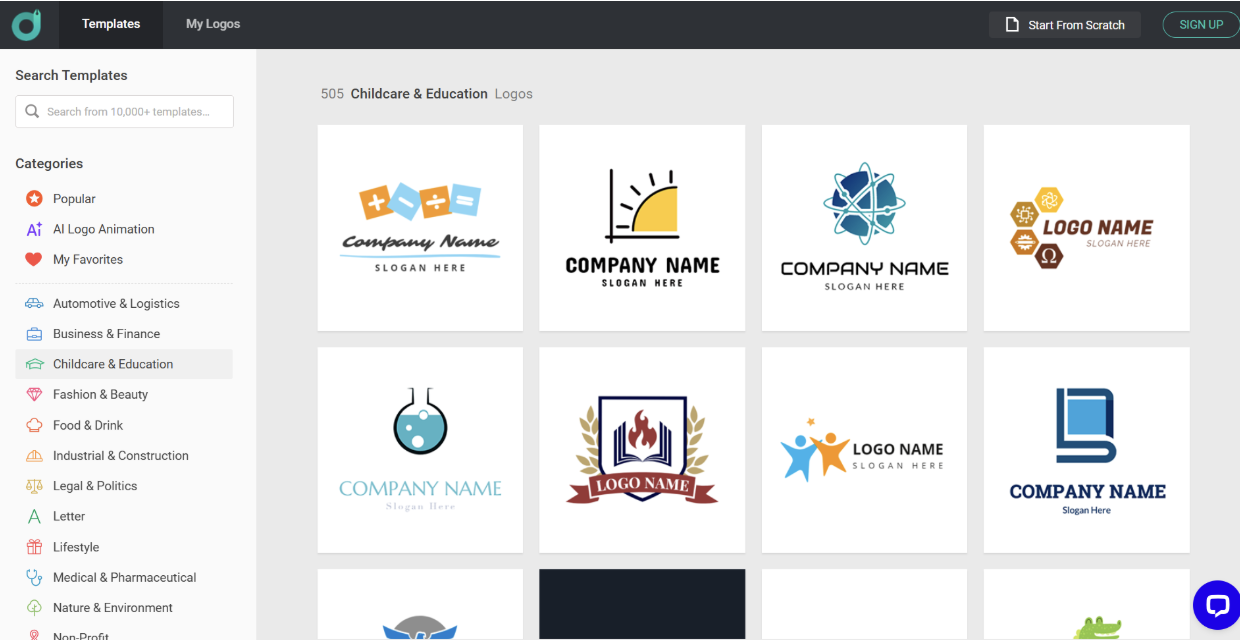
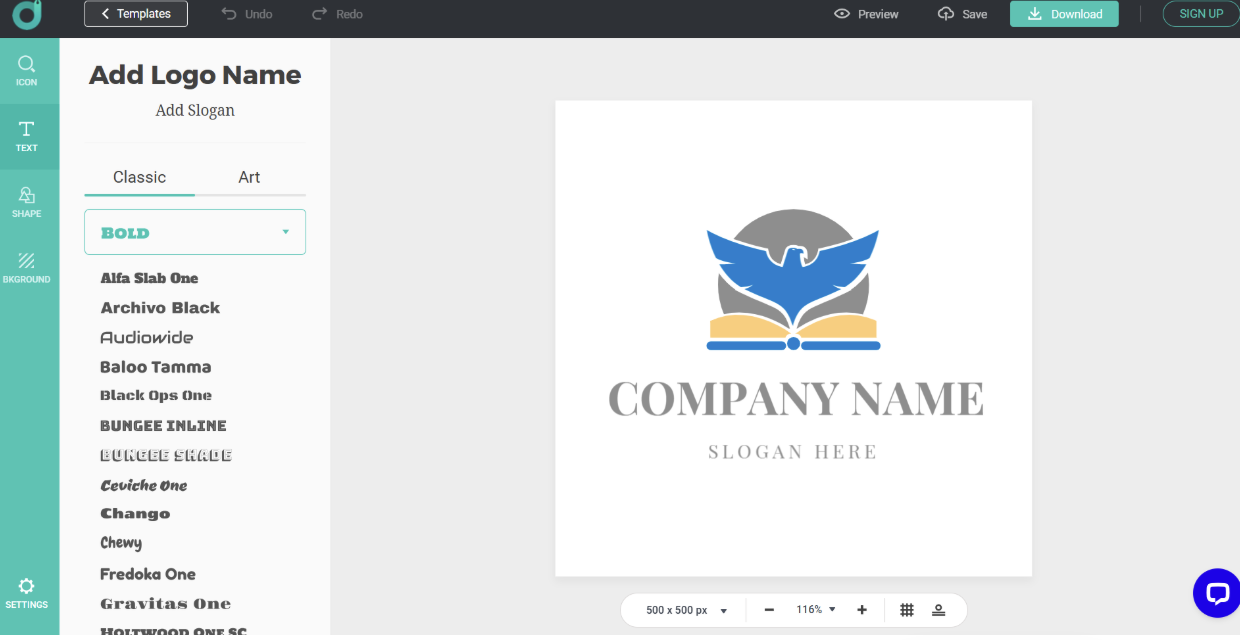
Editing the logos is quite simple; we can change the fonts, shape, background, and add icons to our logos. It is easy to edit even for non-designers, and the changes are immediately visible on the canvas.
Checking the Quality
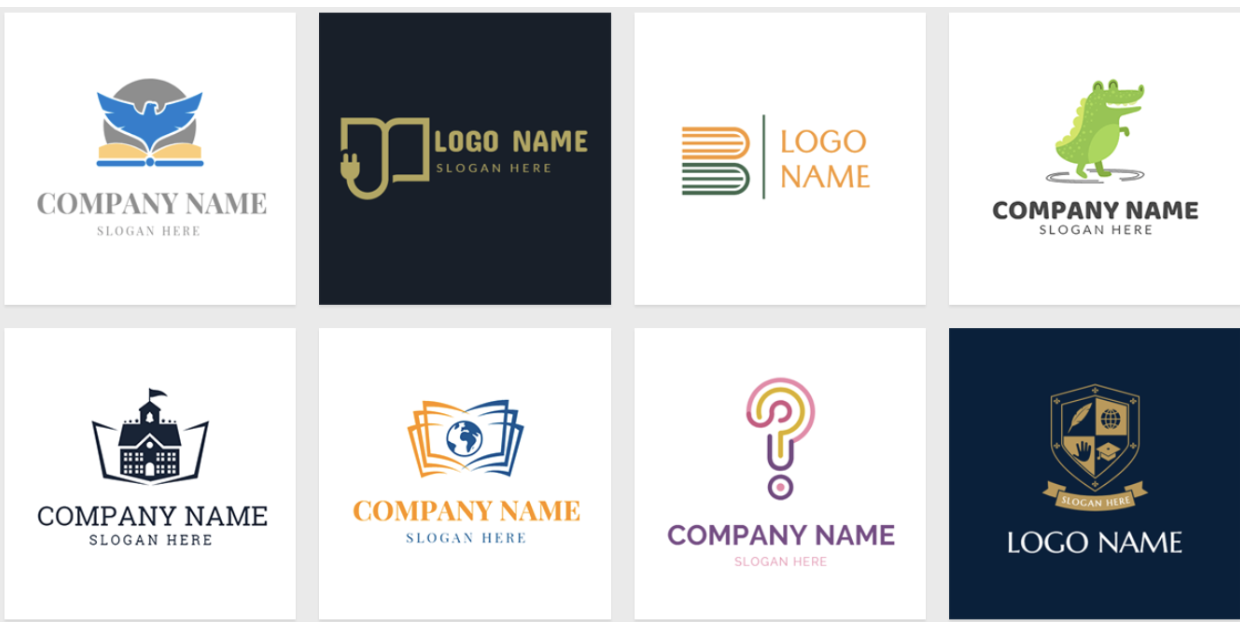
Logos come in average quality. They have different elements that make the design unique, but the limitation of templates and varieties becomes a challenge for experimentation. Colors are sometimes pale, which makes the logos look less professional and more old-fashioned.
#8 Logobean
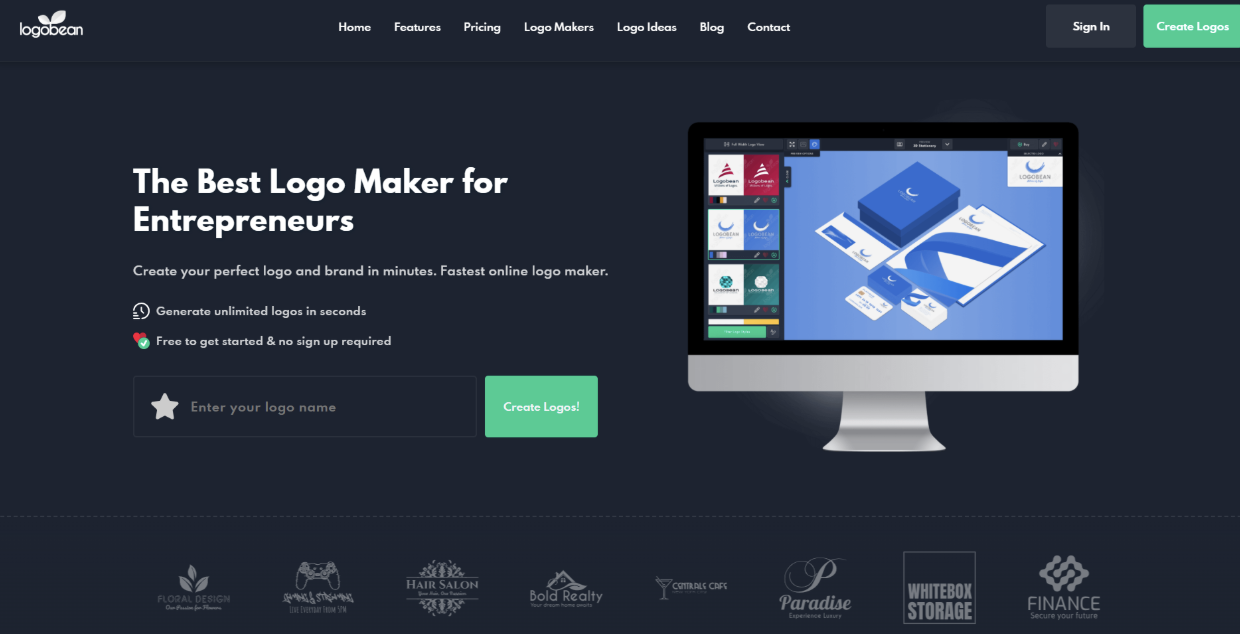
LogoBean is an AI-driven brand platform perfect for small businesses or those who are looking for interesting design elements and easy creation.
What do you get?
- The intuitive design allows users to edit the logos, refine layouts, and alter the colors to achieve the desired result.
- Integrated AI tools to help you create logos for specific styles, using unique fonts and colors.
- You can preview designs in real-world contexts to understand how they will look on this or that item.
Speed and Customisation Review
To create a logo, we need to add the business name and field.
Logos appear quickly, and there are different designs to choose from.
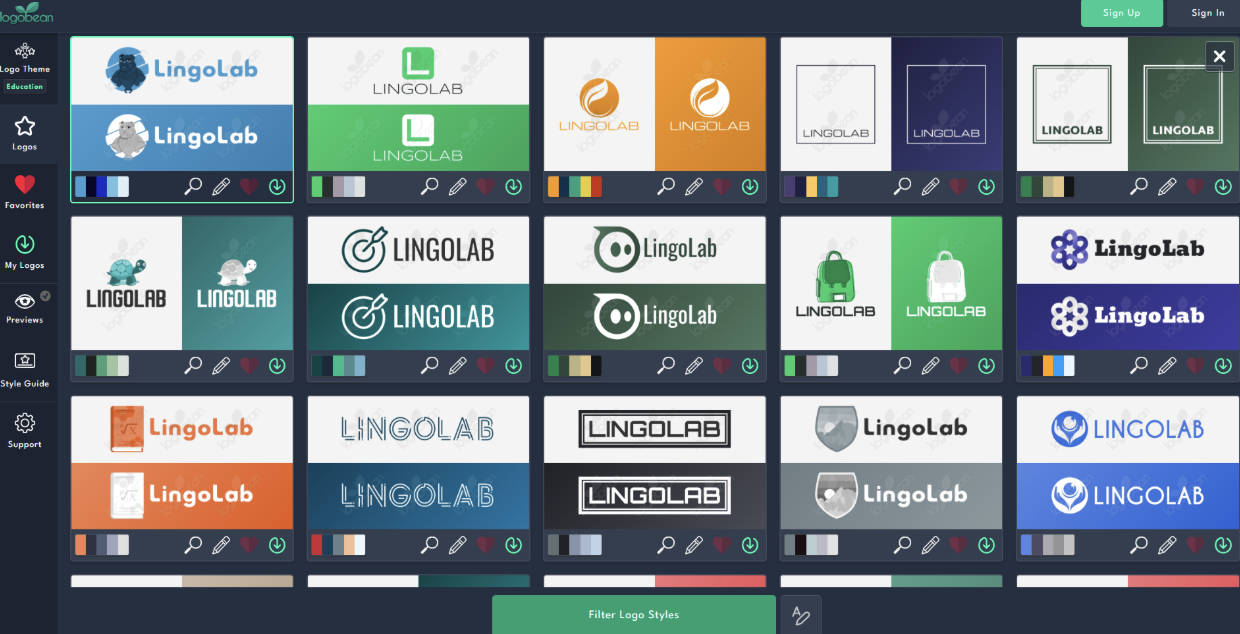
Editing is easy; you can change colors, icons, layouts, fonts, and size.
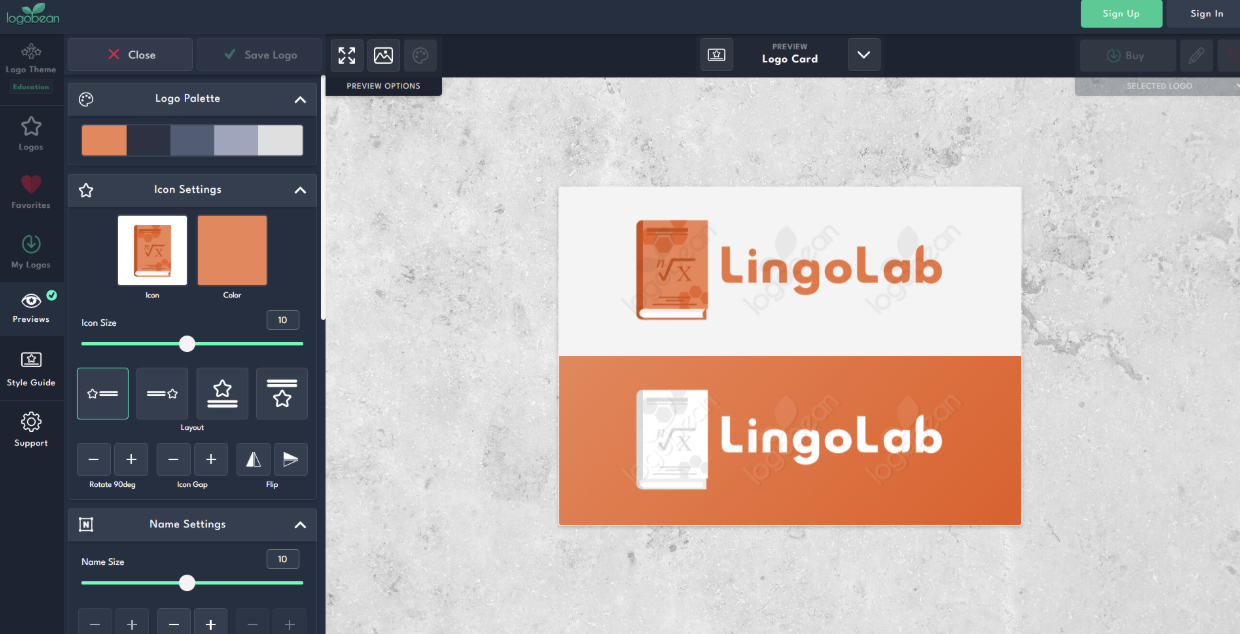
In addition to logos, the tool has a style guide where you can view the logo on different items, see the color use, and save it as a brandbook.
Checking the Quality
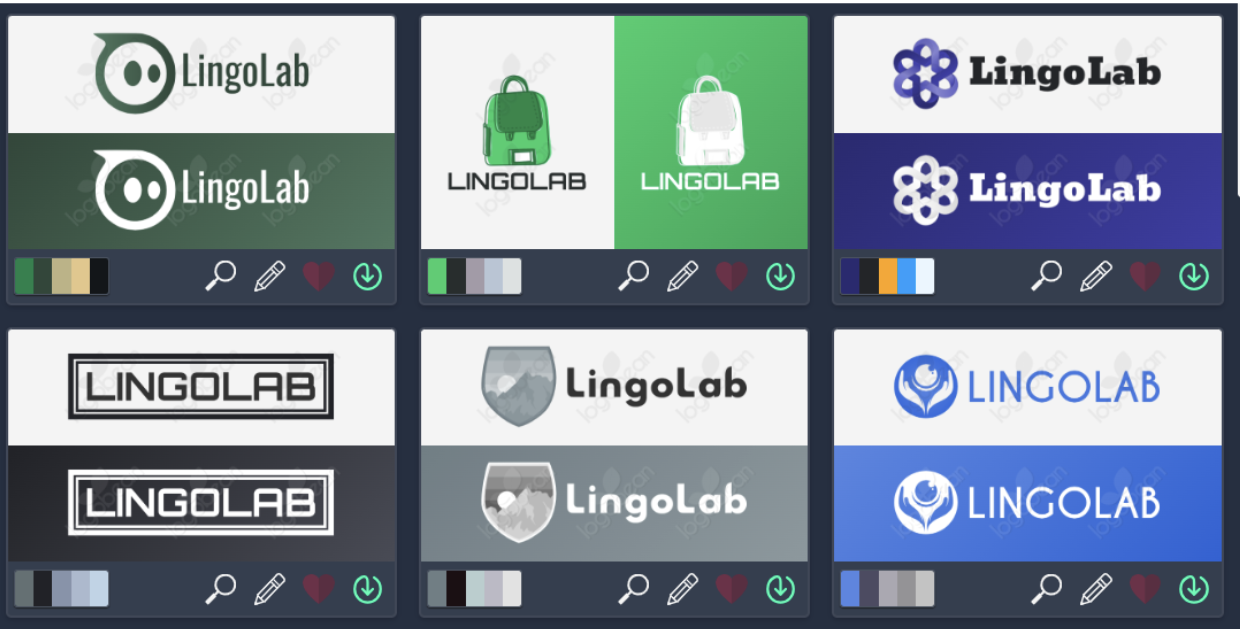
Logo colors are rich; they have deep coloring and gradients. The elements are unique, and details make it memorable for the viewers. But the quality of the logos is not as high as in the case of Design.com.
The Bottomline
After reviewing and testing the 8 best logo makers, we can come to the conclusion that all of them are interesting options for their own case, depending on what quality and design elements you are searching for.
With the help of the advanced AI integration and templates that many of the tools suggest, you can experiment with the design, change the elements, and achieve the most personalised result.
Choose your preferred logo generator and get high-quality and unique logos to stand out in front of your customers.































