



Keep reading
Rather we just did it for you?
Let's get your business seen.
Social media, websites, SEO and ads from a team you can actually meet.
YouTube is the world’s biggest video platform and the second most visited website after Google. For businesses, it is a search engine, a TV channel and a trust builder rolled into one. Starting can feel daunting, with cameras, editing, thumbnails and algorithms to think about, but you do not need a studio or a big budget. This YouTube tutorial for beginners explains how to set up a channel, plan and film your first videos, upload them properly, use Shorts and grow an audience step by step.
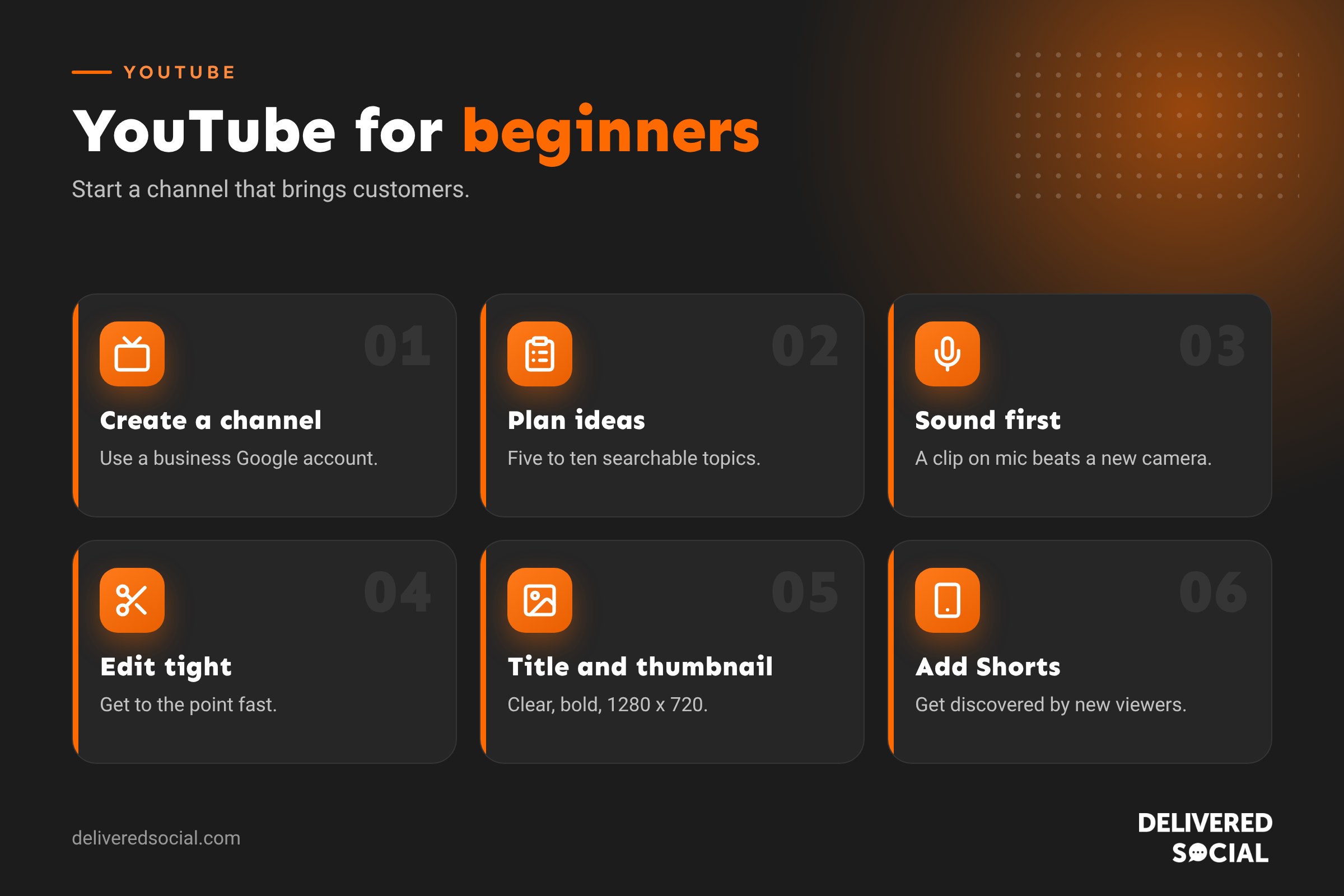
Step 1: create your YouTube channel
- Sign in to YouTube with a Google account. For a business, use a Google account that belongs to the business, not a personal one.
- Click your profile picture and choose Create a channel.
- Enter your channel name and handle. Your handle starts with @ and becomes part of your channel’s web address.
- Add a profile picture, ideally your logo or a clear headshot.
If several people will help, add them as managers in channel permissions rather than sharing the password. Our guide to managing YouTube channels explains how.
Step 2: set up your channel properly
Open YouTube Studio from your profile menu, then go to Customisation.
- Banner image: 2560 by 1440 pixels, keeping text and logos within the central safe area of 1546 by 423 pixels so they show on every device.
- Description: explain what the channel is about, who it is for and how often you post. Include phrases people might search.
- Links: add your website and social profiles.
- Contact email: add a business email so people can get in touch.
- Channel trailer: once you have a few videos, add a short introduction for people who have not subscribed.
Also verify your channel with a phone number in YouTube Studio settings. This unlocks features such as custom thumbnails and longer videos.
Step 3: decide what your channel is for
The channels that grow have a clear focus. Ask yourself who you want to watch, what problems they have and what you know that can help. For a business, good channel themes include:
- How to guides and tutorials related to your products or services.
- Answers to the questions customers ask most often.
- Product demos, reviews and comparisons.
- Behind the scenes looks at your work, team and process.
- Case studies and customer stories.
A plumber might make “How to bleed a radiator”, a café “How we make our sourdough” and an accountant “Self assessment explained in ten minutes”.
Step 4: plan your first videos
Start with five to ten video ideas, so you are not stuck after the first upload. For each one, research what people search for. Type your topic into the YouTube search bar and note the suggestions that appear; these are real searches. Look at the top videos on the topic and think about how you could make yours clearer, more practical or more local.
Write a simple outline: a hook in the first few seconds, what the viewer will learn, the main steps or points, and a closing call to action. You do not need a word for word script, but bullet points keep you on track.
Step 5: film your video
What equipment do you need?
A modern smartphone is enough to start. The things that make the biggest difference are cheap:
- Sound: a clip on microphone costs little and makes videos far easier to watch. Poor sound loses viewers faster than poor picture.
- Light: film facing a window, or use a simple ring light or LED panel.
- Stability: a tripod or phone stand stops shaky footage.
Filming tips
- Film horizontally (landscape) for standard videos and vertically for Shorts.
- Keep the camera at eye level and look into the lens.
- Film in a quiet space and turn off noisy appliances.
- Record in short sections; it is easier to edit and less stressful.
- Get extra footage, such as close ups of your hands or products, to cut away to.
Step 6: edit your video
Editing turns raw footage into something people will watch to the end. Beginner friendly options include CapCut, iMovie, Clipchamp and DaVinci Resolve, which is free and powerful. Focus on:
- Cutting pauses, mistakes and repetition.
- Getting to the point quickly; strong videos start delivering value within the first 15 seconds.
- Adding simple text on screen for key points.
- Using royalty free music quietly in the background, such as tracks from the YouTube Audio Library.
- Adding captions, which help viewers watching without sound.
Export in 1080p or 4K at 16:9 for standard videos. Our YouTube video size guide has the details.
Step 7: upload and optimise
In YouTube Studio, click Create, then Upload videos. While it processes, fill in the details carefully, as they help people find your video.
- Title: clear and searchable, ideally under 60 to 70 characters. Put the main phrase near the start, for example “How to Bleed a Radiator: Simple Steps for Beginners”.
- Description: two or three sentences summarising the video with the main phrase, then links to your website, related videos and chapter timestamps.
- Thumbnail: a custom image of 1280 by 720 pixels with a clear face or object, bold short text and strong contrast. Thumbnails have a huge effect on clicks.
- Chapters: add timestamps starting at 0:00 in the description, so viewers can jump to sections.
- Playlist: add the video to a relevant playlist.
- Audience: say whether the video is made for children. Most business videos are not.
- End screen and cards: point viewers to another video or your channel at the end.
- Visibility: publish now, schedule for later, or set as unlisted to share privately.
Our guide to YouTube SEO goes deeper, and the YouTube thumbnail size guide covers thumbnails.
Step 8: use YouTube Shorts
Shorts are vertical videos of up to three minutes, shown in the Shorts feed. They are a great way for a new channel to be discovered, because YouTube shows them to people who do not subscribe yet. Cut quick tips and highlights from longer videos into Shorts, or film them separately on your phone. Link Shorts to a related long video to send viewers there. Our YouTube Shorts tips explain more.
Step 9: grow your audience
- Post consistently: one good video a week or a fortnight beats a burst of uploads followed by silence.
- Reply to comments: especially in the first day or two after publishing.
- Ask viewers to subscribe: naturally, after you have given them something useful.
- Share elsewhere: embed videos on your website, share them on social media and in emails.
- Make series: related videos and playlists keep people watching.
- Learn from analytics: watch time, audience retention and click through rate show what to improve.
Understanding YouTube analytics
In YouTube Studio, Analytics shows how your videos perform. The most useful numbers for beginners are:
- Impressions click through rate: how often people click when they see your thumbnail. Low numbers suggest the title or thumbnail needs work.
- Average view duration and retention: how long people watch. Big drops show where viewers lose interest.
- Traffic sources: whether views come from search, suggested videos, Shorts or external sites.
- Subscribers gained: which videos turn viewers into subscribers.
Can you make money on YouTube?
Creators can earn through the YouTube Partner Programme once they meet the eligibility requirements, which include subscriber and watch time thresholds. For most businesses, though, the real return comes from enquiries and sales: a helpful video that ranks for a common question can bring customers for years. Track website visits and enquiries from YouTube, not just views.
Common beginner mistakes
- Long introductions before getting to the point.
- Poor sound quality.
- Vague titles such as “Video 1” or “Our new video”.
- Auto generated thumbnails instead of custom ones.
- Giving up after a handful of videos; growth usually takes months.
- Covering too many unrelated topics, confusing viewers and YouTube.
Your first month on YouTube
Keep the first month simple. In week one, set up the channel, banner, description and links, and plan ten video ideas. In week two, film and edit your first two videos, focusing on the questions customers ask most. In week three, upload one with a strong title and thumbnail, and cut two Shorts from it. In week four, upload the second video, embed both on your website and share them on social media. Then check analytics, see what people watched and keep going at a pace you can sustain.
Remember that every successful channel started with zero subscribers, and the first videos are always the hardest.
Key takeaways
- Create your channel with a business Google account and complete every part of your profile.
- Pick a clear focus and plan five to ten searchable video ideas.
- Good sound, light and a steady camera matter more than expensive kit.
- Write clear titles and descriptions, and always use custom thumbnails.
- Use Shorts for discovery and post consistently to grow.
Frequently asked questions
Is it free to start a YouTube channel?
Yes, creating a channel and uploading videos is free.
How often should a beginner post on YouTube?
Once a week or once a fortnight is a sustainable start.
Do I need a camera to start YouTube?
No. A modern smartphone with a cheap microphone is enough.
How long should my first videos be?
As long as they need to be. Five to twelve minutes suits most how to videos.
What is the best free editing software?
CapCut, iMovie, Clipchamp and DaVinci Resolve are good free options.
How long does it take to grow a YouTube channel?
Most channels take several months of consistent posting to build momentum.
Should my business post Shorts or long videos?
Both. Shorts help people discover you; long videos build trust and search traffic.
Want help with YouTube?
We plan, film and edit YouTube videos and Shorts for businesses across Surrey, Hampshire and the UK. Find out more about our video production services. Call us on 01483 608 303.
































