



Keep reading
Rather we just did it for you?
Let's get your business seen.
Social media, websites, SEO and ads from a team you can actually meet.
You scheduled a post in Metricool, went about your day, and later discovered it never went out. Or you got an email saying “your scheduled post was not published”. It is frustrating, but the cause is usually one of a handful of common issues, most of which take minutes to fix. As an agency that schedules hundreds of posts a month in Metricool, we see these regularly. This guide explains why Metricool is not posting to Instagram, TikTok, Facebook or LinkedIn, and exactly how to fix each problem.
First, check the error message
When a post fails, Metricool usually shows an error in the planner (the post may be marked in red or with a warning) and sends an email notification. Open the failed post and read the message. It often tells you exactly what went wrong, for example an expired connection, an unsupported file or a permissions problem.
The most common causes
| Cause | Typical sign | Fix |
|---|---|---|
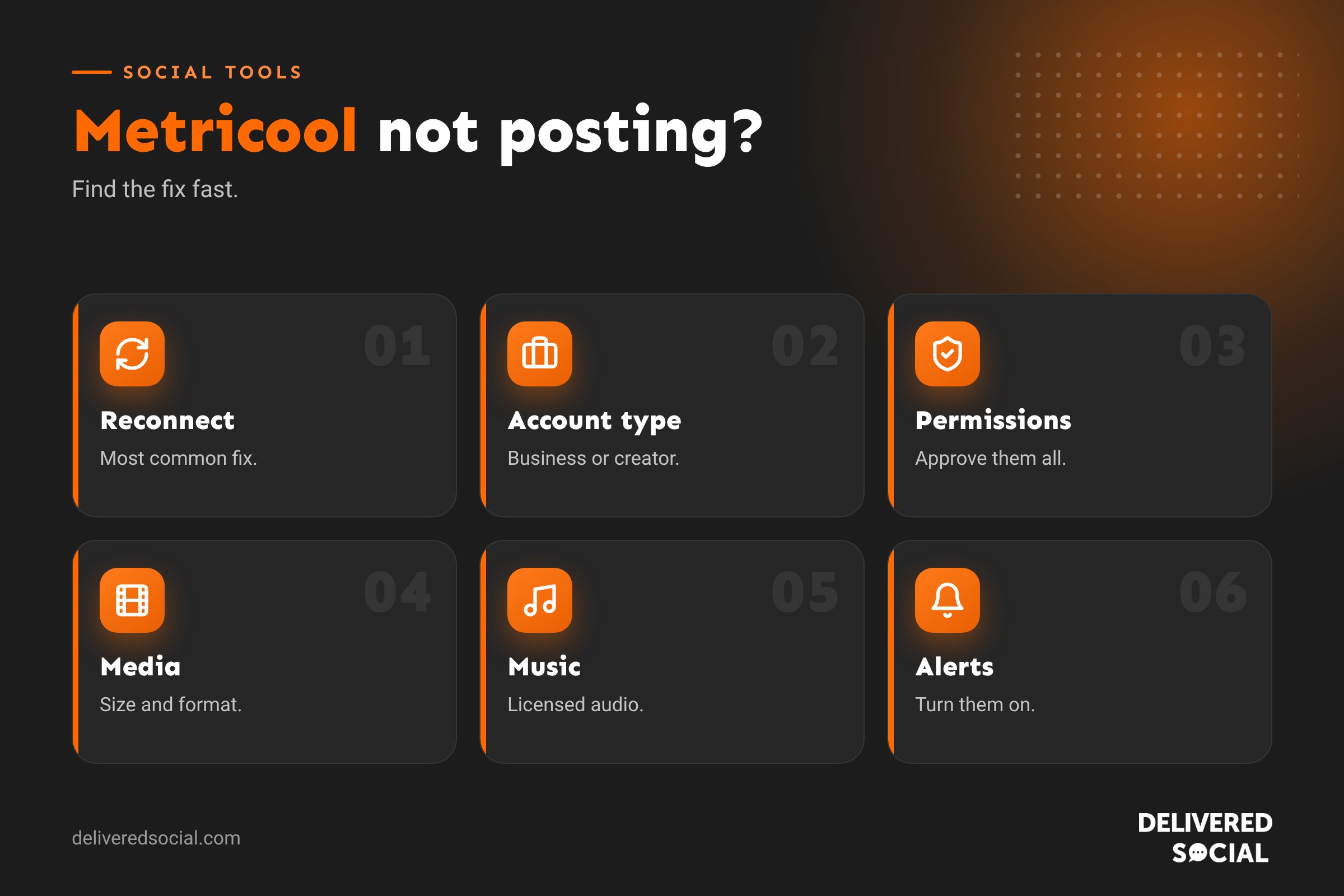
| Expired or broken connection | All posts to one network fail | Reconnect the account in Metricool |
| Wrong account type | Instagram posts need manual publishing or fail | Switch to a business or creator account |
| Missing permissions | Errors mentioning access or permissions | Reconnect and approve all permissions |
| Unsupported media | Only certain posts fail, often videos | Check size, ratio, length and format |
| Music or copyright issues | TikTok or Instagram video fails | Use licensed or original audio |
| Platform limits or outages | Several accounts fail at once | Wait and retry, check platform status |
| Changed password or security check | Sudden failure after a login change | Log in on the platform, then reconnect |
Fix 1: reconnect the account
This solves the majority of problems. Social networks expire access tokens from time to time, and changes such as a password reset, two factor authentication update or a new admin can break the link. To reconnect:
- Go to your brand’s connection settings in Metricool.
- Find the network with the problem.
- Disconnect and reconnect, or click the reconnect option if shown.
- Log in and approve every permission requested.
- Reschedule the failed post.
Reconnect using an account with full admin access, ideally a business account that will not lose access if a staff member leaves.
Fix 2: Metricool not posting to Instagram
Instagram is the most common source of problems. Check:
- Account type: it must be a business or creator account. Personal accounts cannot be auto published to. See our guide to Instagram business vs creator accounts.
- Facebook Page link: for many setups, Instagram needs to be linked to a Facebook Page, and the person connecting needs full control of that Page.
- Post type: make sure you chose the right type: feed post, Reel, carousel or Story.
- Media format: use supported ratios, such as 4:5 or 1:1 for feed images and 9:16 for Reels and Stories. Very long or very large videos can fail. Our Reels size guide explains the specs.
- Collaborators and tags: occasionally, tagging or collaborator invites to accounts that cannot be tagged cause errors. Try removing them.
- Account status: if Instagram has restricted your account, publishing can fail. Check Account Status in the Instagram app.
Fix 3: Metricool not posting to TikTok
- Reconnect TikTok if the connection has expired.
- Check privacy settings: some TikTok settings, such as who can view your videos, affect publishing through third party tools.
- Use supported formats: vertical MP4 or MOV video within TikTok’s length limits.
- Music: business accounts can only use sounds from TikTok’s Commercial Music Library. Videos with unlicensed music added in an editing app may be blocked or muted. See our guide to TikTok personal vs business accounts.
- Draft vs direct post: depending on your setup, TikTok posts may go to your drafts or inbox in the TikTok app for you to finish. Check the TikTok app notifications.
Fix 4: Metricool not posting to Facebook
- Make sure you connected the Facebook Page, not a personal profile.
- Check you still have admin or full control access to the Page in Meta Business Suite.
- Reconnect and approve all Page permissions.
- Check the Page is published and not restricted.
Fix 5: Metricool not posting to LinkedIn
- For company pages, check you are still a page admin.
- LinkedIn connections expire periodically; reconnect when prompted.
- Check document and video formats are supported.
Fix 6: Google Business Profile posts failing
- Check the profile is verified and not suspended.
- Avoid phone numbers in the post text, which Google can reject.
- Use a clear image of a supported size.
Fix 7: platform outages and limits
Occasionally the problem is not your account at all. Social networks have outages and limits on how much third party tools can post. If several accounts fail at the same time, check the network’s status and Metricool’s help centre or social channels, then reschedule once things are working again.
How to stop it happening again
- Check connections every week. A quick look at your brand settings catches expired connections before posts fail.
- Turn on email notifications for failed posts so you know straight away.
- Use a shared business login rather than a staff member’s personal account for connections.
- Keep media within platform specs.
- Use original or licensed audio for business videos.
- Schedule important posts early, so you have time to fix any problem.
- Preview every post before scheduling.
Troubleshooting checklist
When a post fails, work through these questions in order. Most problems are solved by the first three.
- Does the error message say what went wrong?
- Is the account still connected in Metricool, with no warning icon?
- Has anyone changed the password, two factor settings or admin access on the social account recently?
- Is the account the right type, such as an Instagram business or creator account?
- Is the post type correct for the network: feed, Reel, Story, carousel or document?
- Does the image or video meet the platform’s size, ratio, length and file size limits?
- Does the video use music you have the right to use for business?
- Are there tags, collaborators, links or phone numbers that the platform might reject?
- Is the social account itself restricted or under review?
- Are other users reporting problems with the same network today?
Keep this list handy. Working through it methodically is quicker than trying random fixes, and it helps you explain the problem clearly if you do need to contact support.
Building a reliable scheduling routine
The businesses that rarely see failed posts tend to follow the same habits. They schedule content at least a few days ahead, so a failure is spotted before it matters. They keep one shared business login for all connections and document who has admin access to each social account. They check the Metricool planner each morning for any red warnings, and they recheck connections whenever staff join or leave, or an agency relationship changes. Above all, they treat scheduled posts as something to verify, not something to forget. A quick glance at your profiles after a big post goes out confirms everything worked and gives you peace of mind.
What to do with time sensitive posts
For posts that must go out at a precise time, such as a product launch, an event announcement or a live offer, build in a backup. Schedule the post in Metricool as normal, but set a reminder on your phone for a few minutes after it is due, and check it has published. If it has failed, you can post it manually straight from the app. For very important announcements, some businesses prefer to publish manually and use Metricool only for planning and reporting. Either way, having a plan B means a technical hiccup never costs you a key moment.
When to contact Metricool support
If you have reconnected, checked your account type and media, and posts still fail, contact Metricool support through the help options in the app. Include the network, the time of the failed post, a screenshot of the error and what you have already tried. That helps them solve it faster.
A real world example
One of our clients suddenly had every Instagram post fail. Their Facebook Page had been moved into a new Meta Business portfolio by another supplier, and the person who originally connected Instagram to Metricool no longer had full control of the Page. We restored full control access in Meta Business Suite, reconnected Instagram in Metricool with the right account and rescheduled the week’s posts. Everything published normally from then on.
Key takeaways
- Read the error message first; it usually points to the cause.
- Reconnecting the account fixes most problems.
- Instagram needs a business or creator account, usually linked to a Facebook Page.
- Check media formats, music licensing and permissions.
- Check connections weekly and turn on failure notifications.
Frequently asked questions
Why is Metricool not posting to Instagram?
Usually an expired connection, a personal account, missing Facebook Page permissions or an unsupported file.
Why is Metricool not posting to TikTok?
Often an expired connection, music licensing on business accounts, unsupported video or privacy settings.
How do I reconnect an account in Metricool?
Go to your brand’s connections, disconnect and reconnect the network, and approve all permissions.
Will Metricool tell me if a post fails?
Yes, it shows the failure in the planner and can send email notifications.
Can I republish a failed post?
Yes. Fix the issue, then reschedule or publish the post again.
Does changing my Instagram password break Metricool?
It can. Reconnect the account after changing passwords or security settings.
Is it a Metricool problem or the platform?
If several accounts fail at once, it may be the platform. Check status pages and try again later.
Want your social media handled for you?
We manage social media scheduling and reporting for businesses across Surrey, Hampshire and the UK. Call us on 01483 608 303.
































